






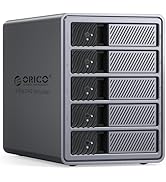
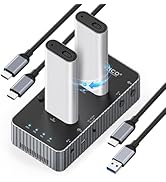
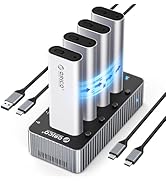
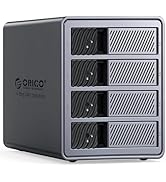
One bay doesn't have a clone function, dual bay has 2 versions with or without a clone function, please choose one that meets your needs.
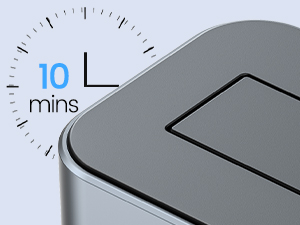
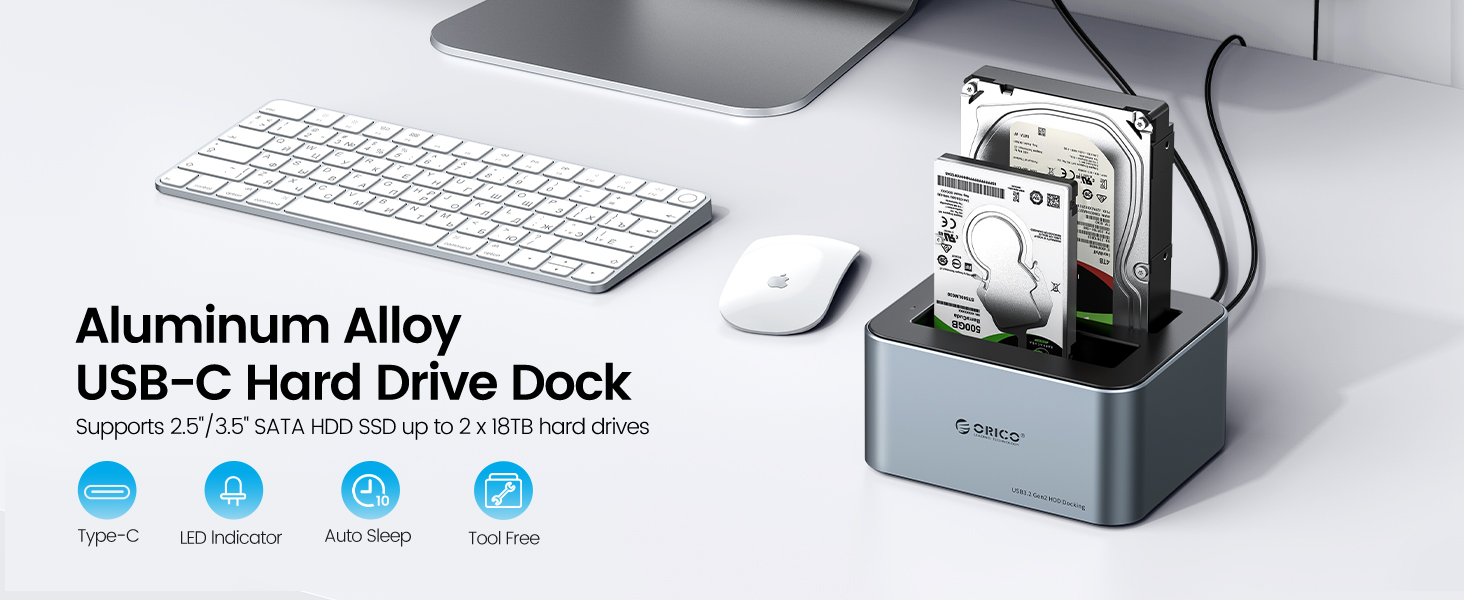
Auto Sleep Mode
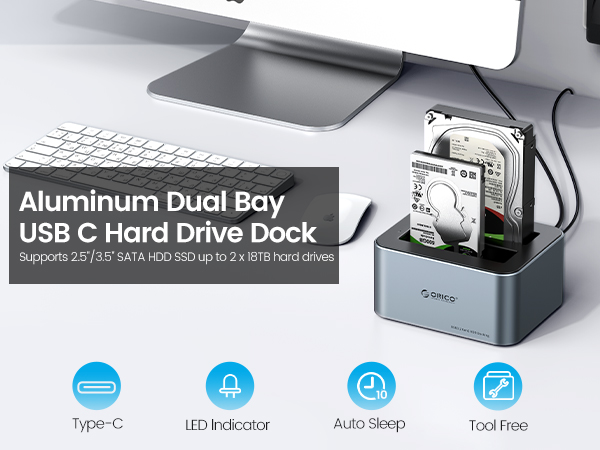
It will go into sleeping mode automatically if no data activity within 10 mins, but can be easily awakened by with data transmission.
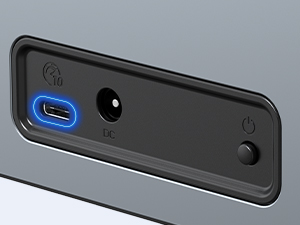
Type-C Port
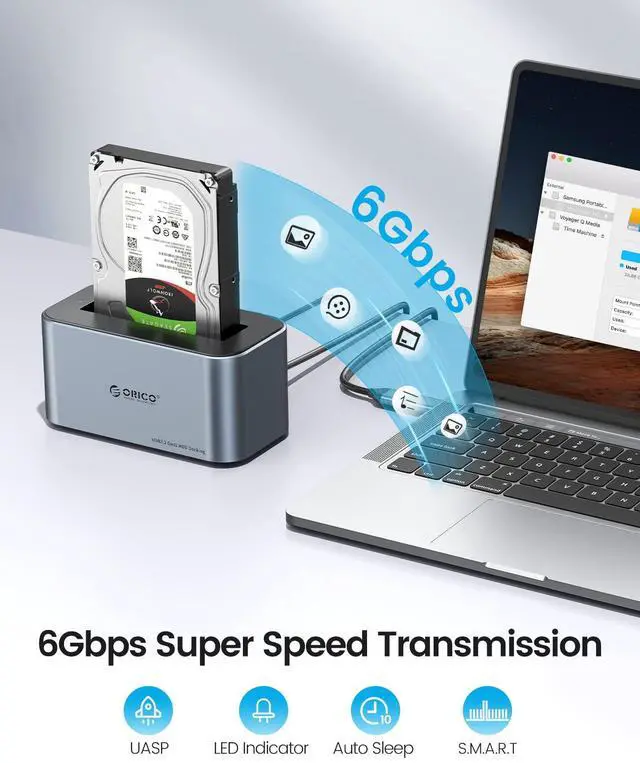
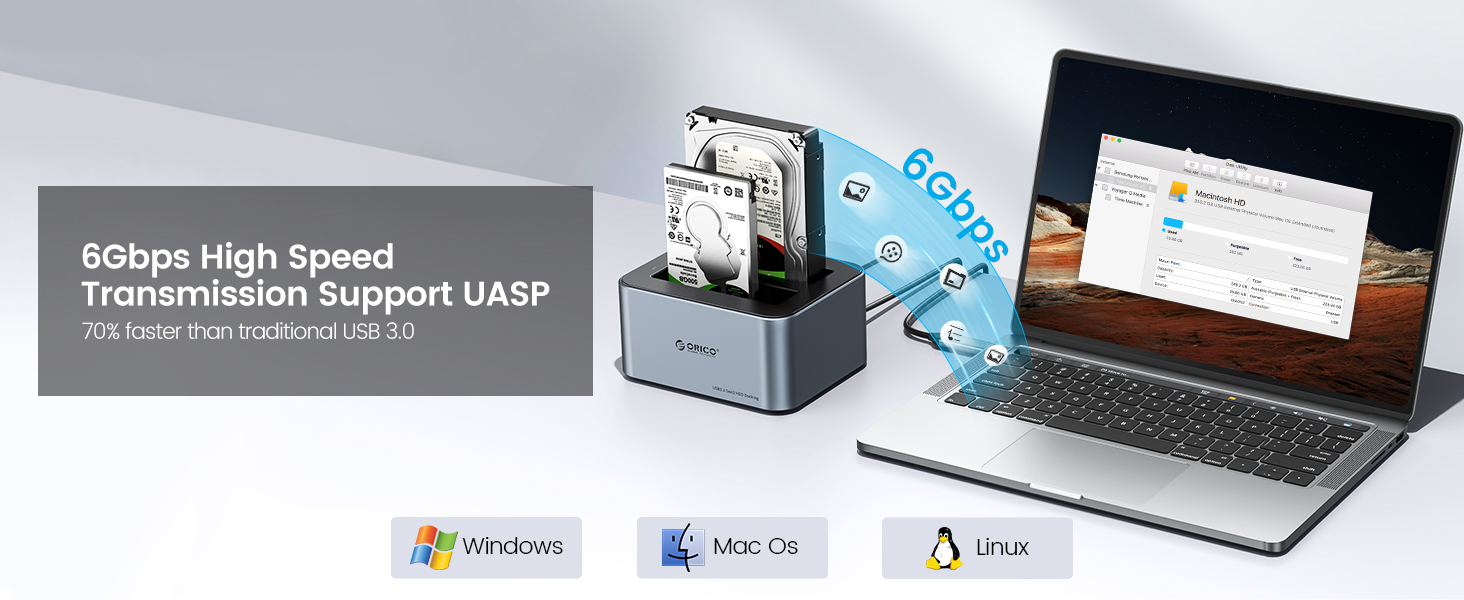
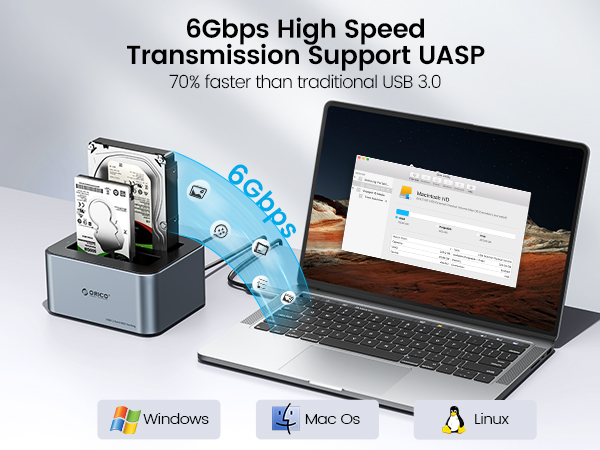
Built with USB 3.2 Gen 2 type C ports, which can offer 6Gbps high speed transmission, supports UASP/TRIM for even faster data transfers.
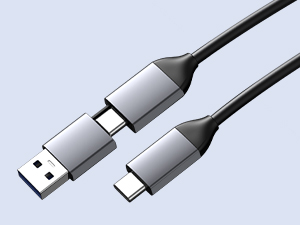
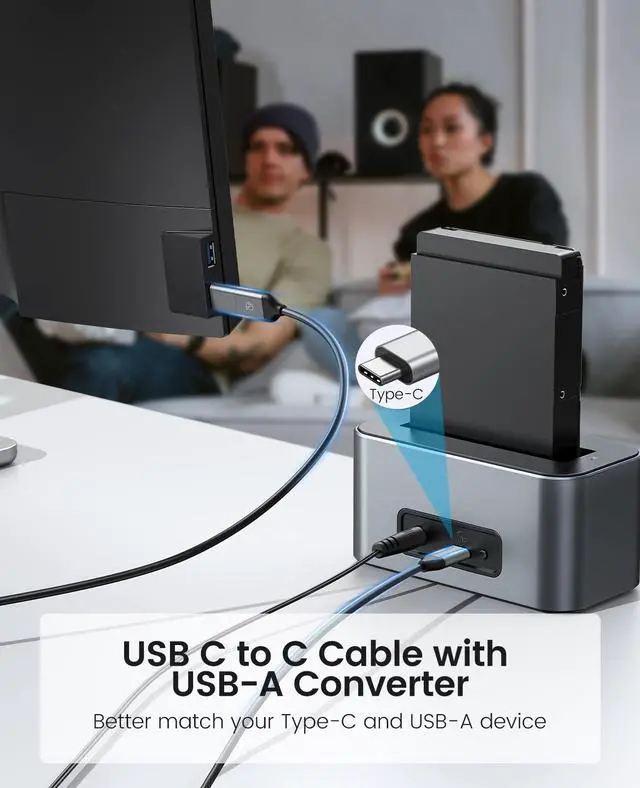
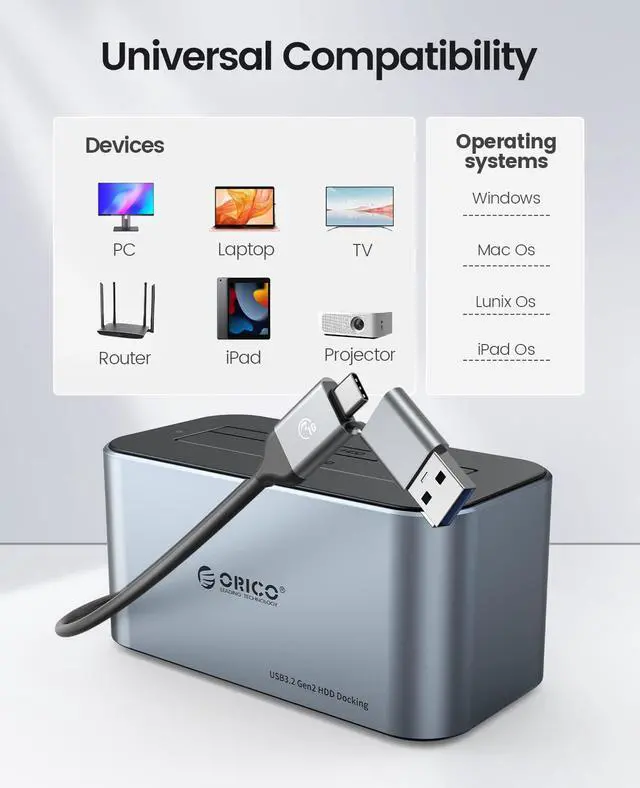
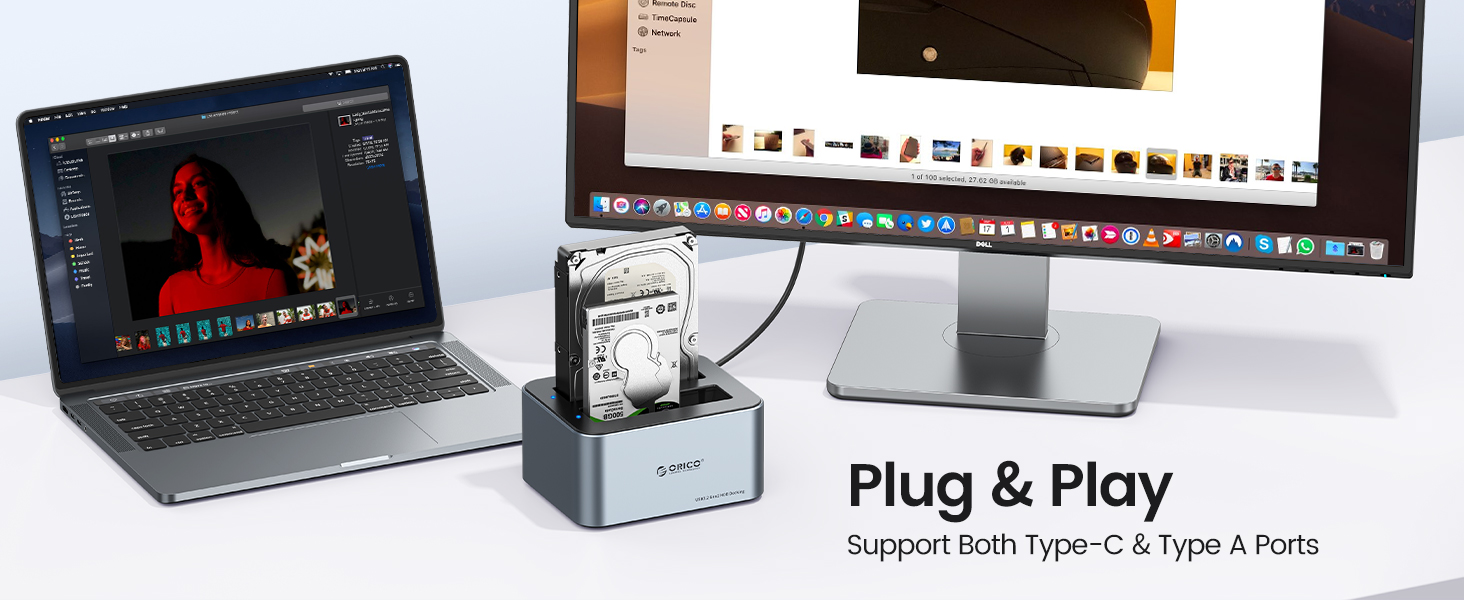
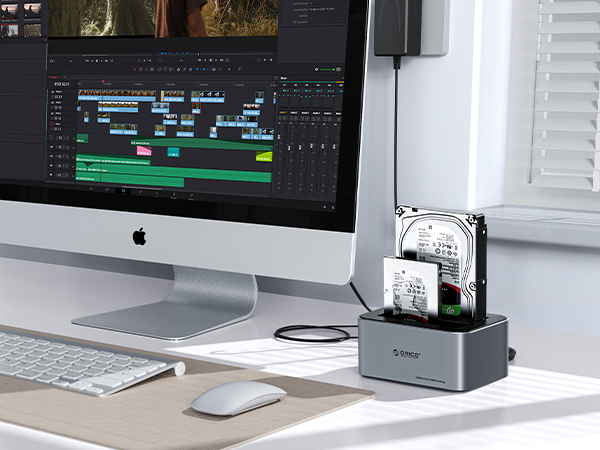
Support USB-C /USB-A Device
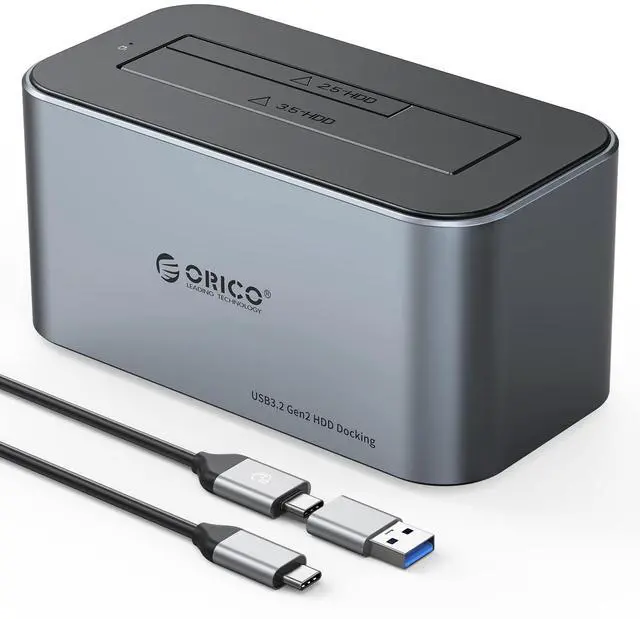
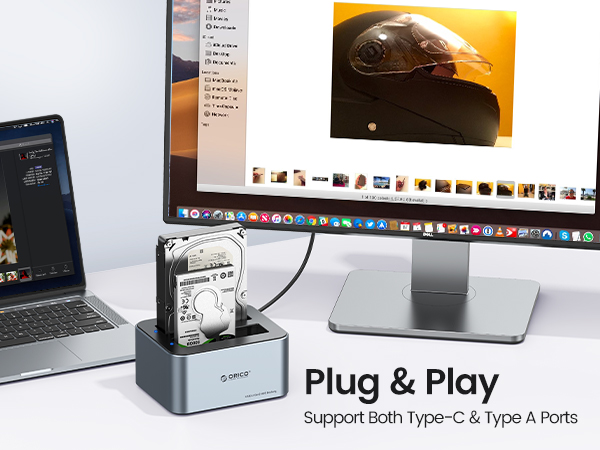
Advanced 10Gbps Type C-C cable with USB-A adapter,
easy to connect the docking station to your desktop or laptop directly without any converter.
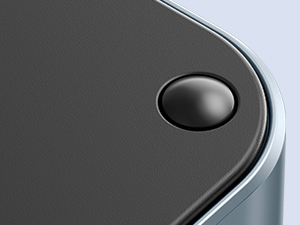
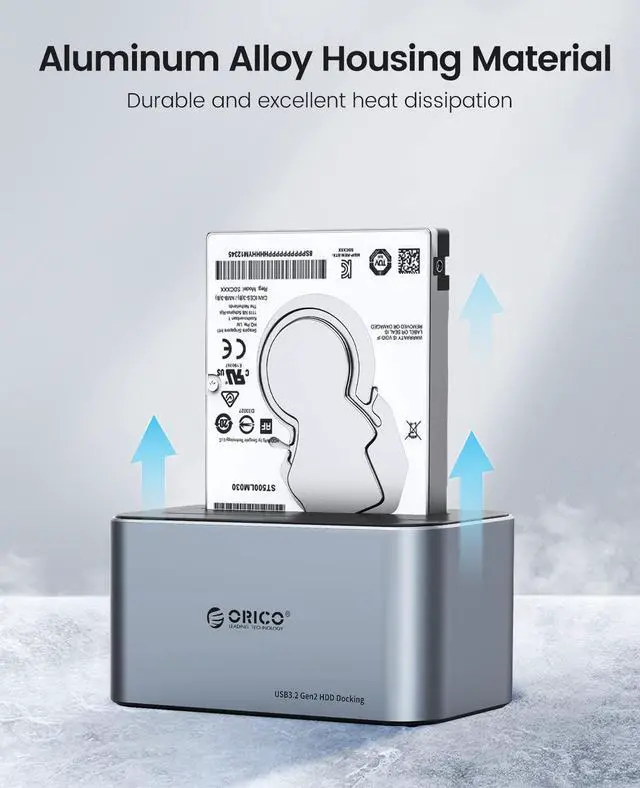
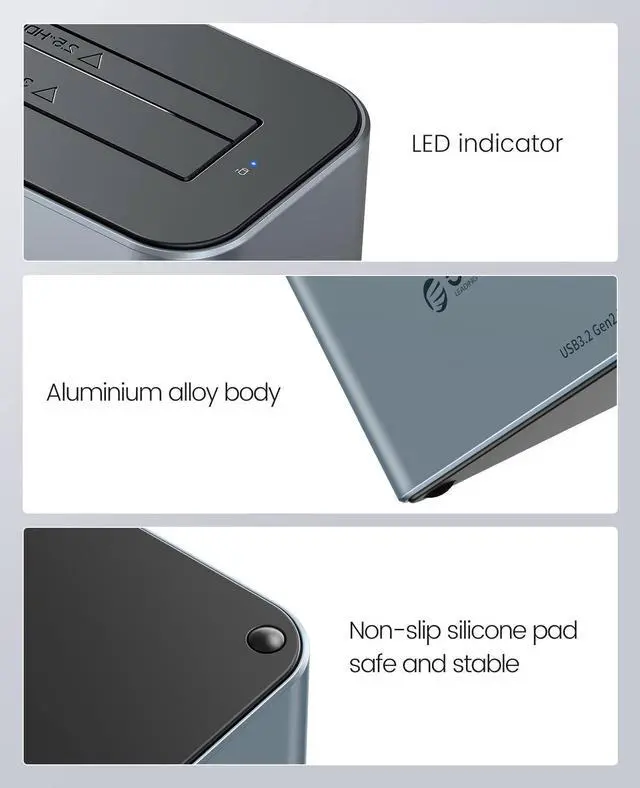
Shockproof Pads
Anti-slip silicone foot pads on all four corners of the bottom, provide shockproof & vibration-resistant functions.
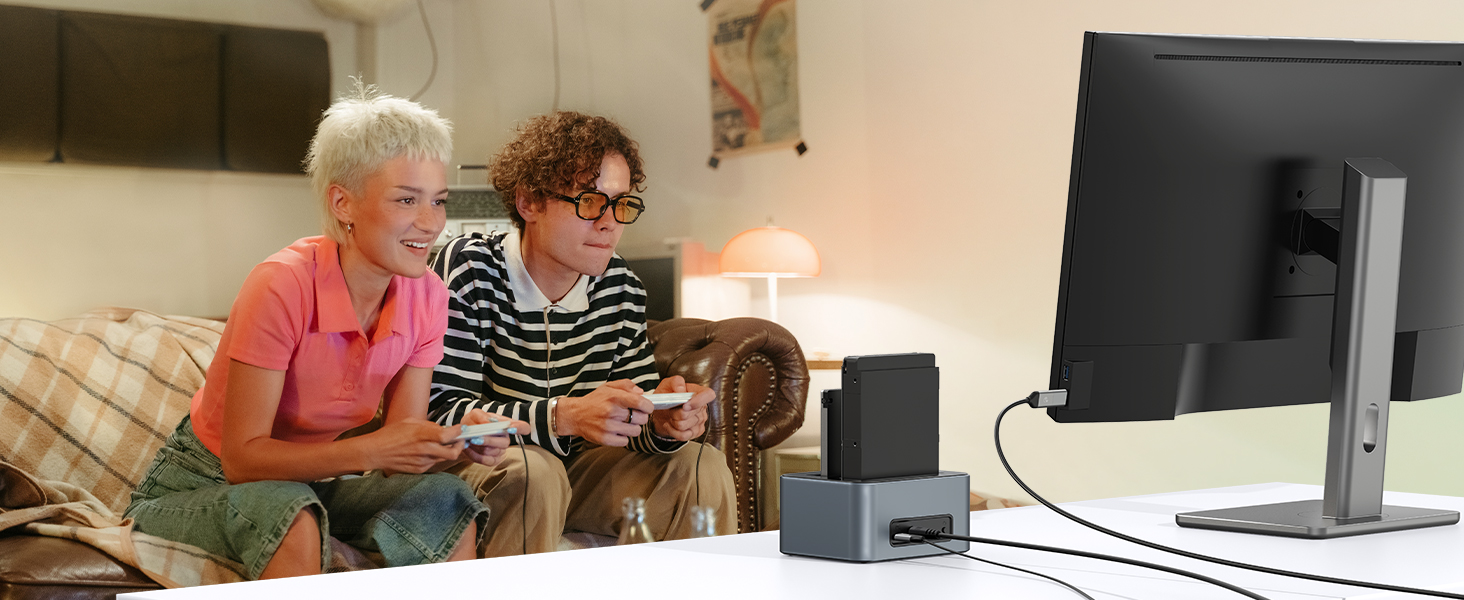
The Ultimate Gaming Experience
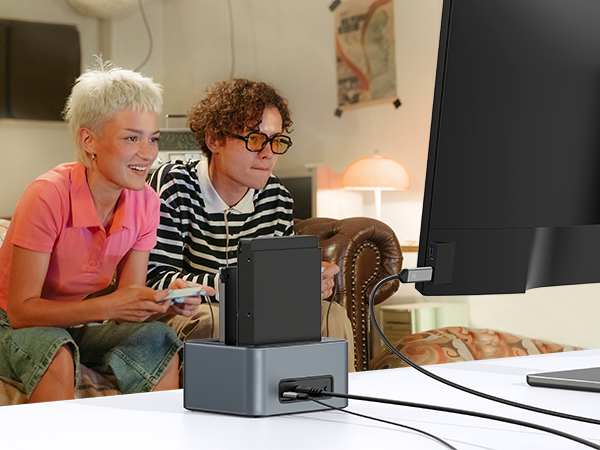
Up to 6 Gbps transmission speed with ridiculously short load times for the extreme gaming experience
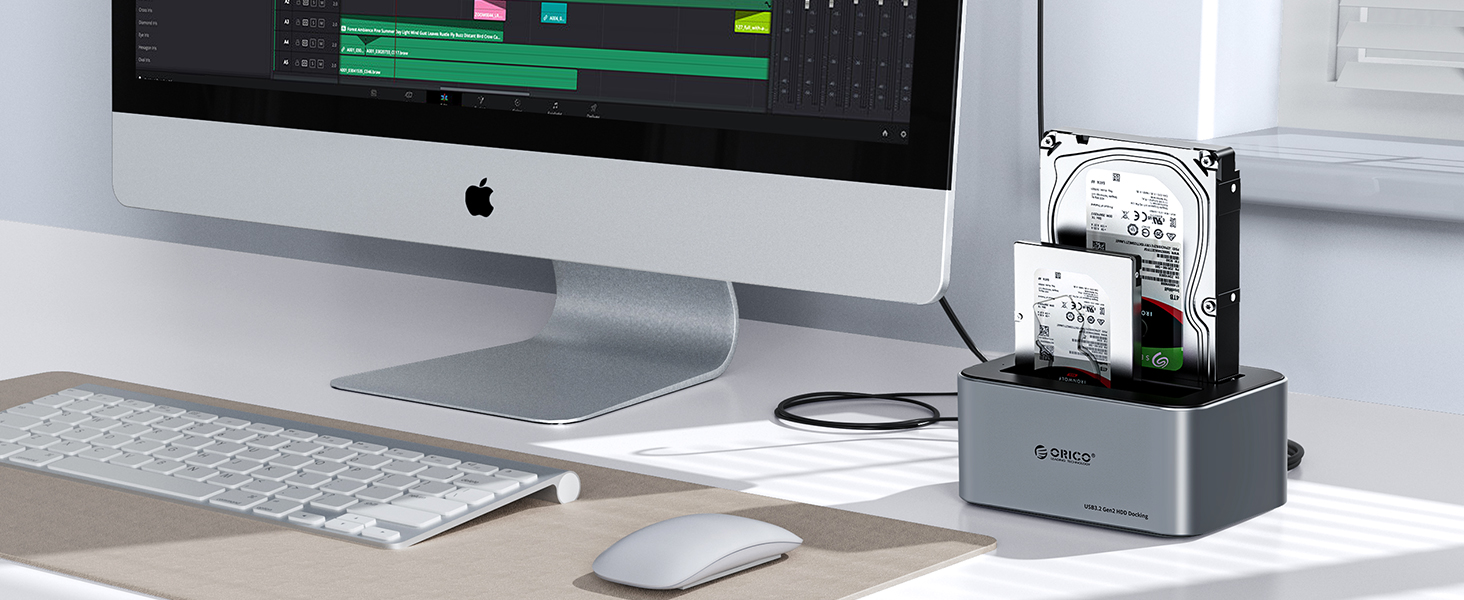
Simple Backup Files
Easily share files and back up in seconds, you can storage and retrieval data at any time.
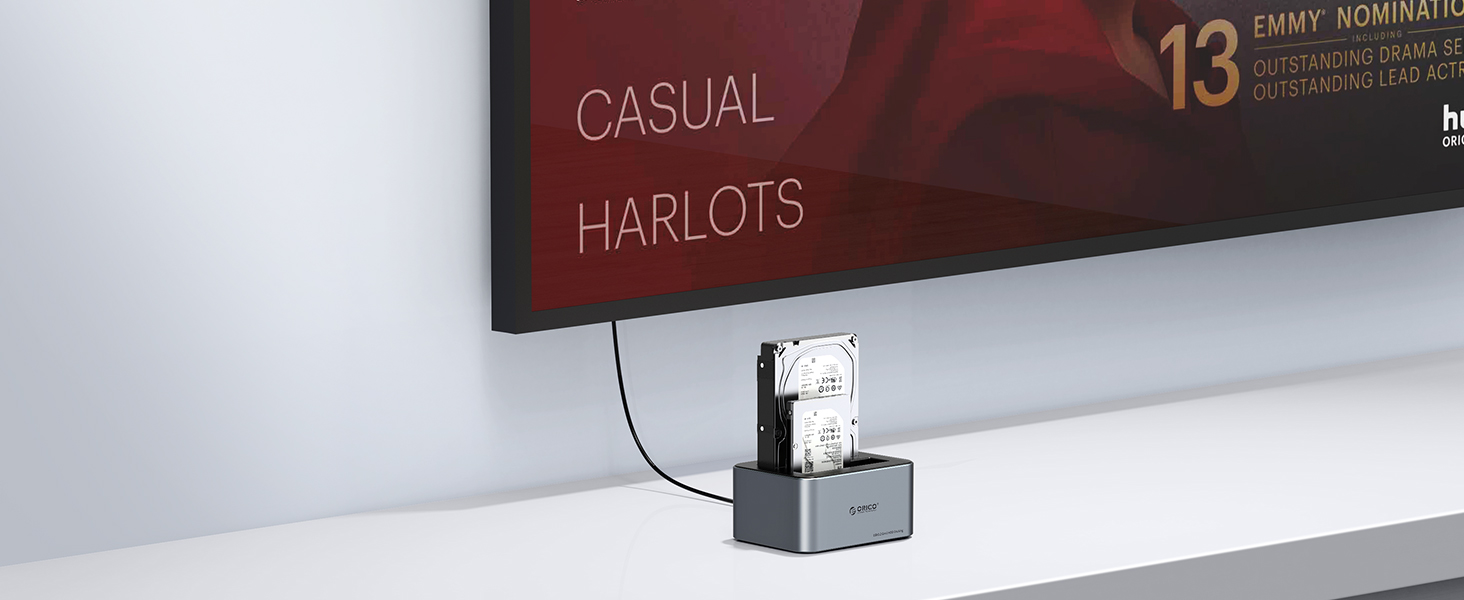
Enjoy High Definition Movies
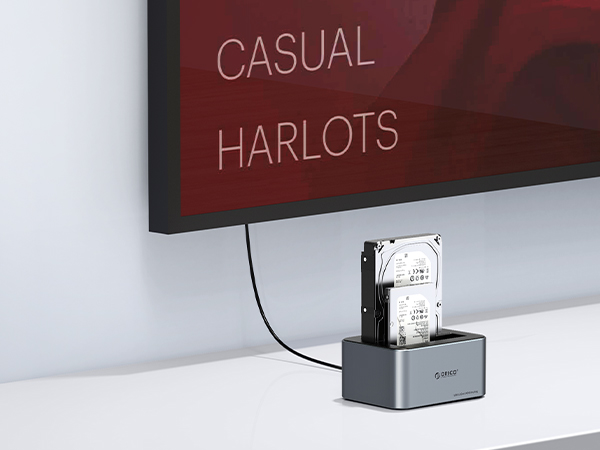
Can be connected to Smart TV, easy to play high definition quality movies music on your hard drive.
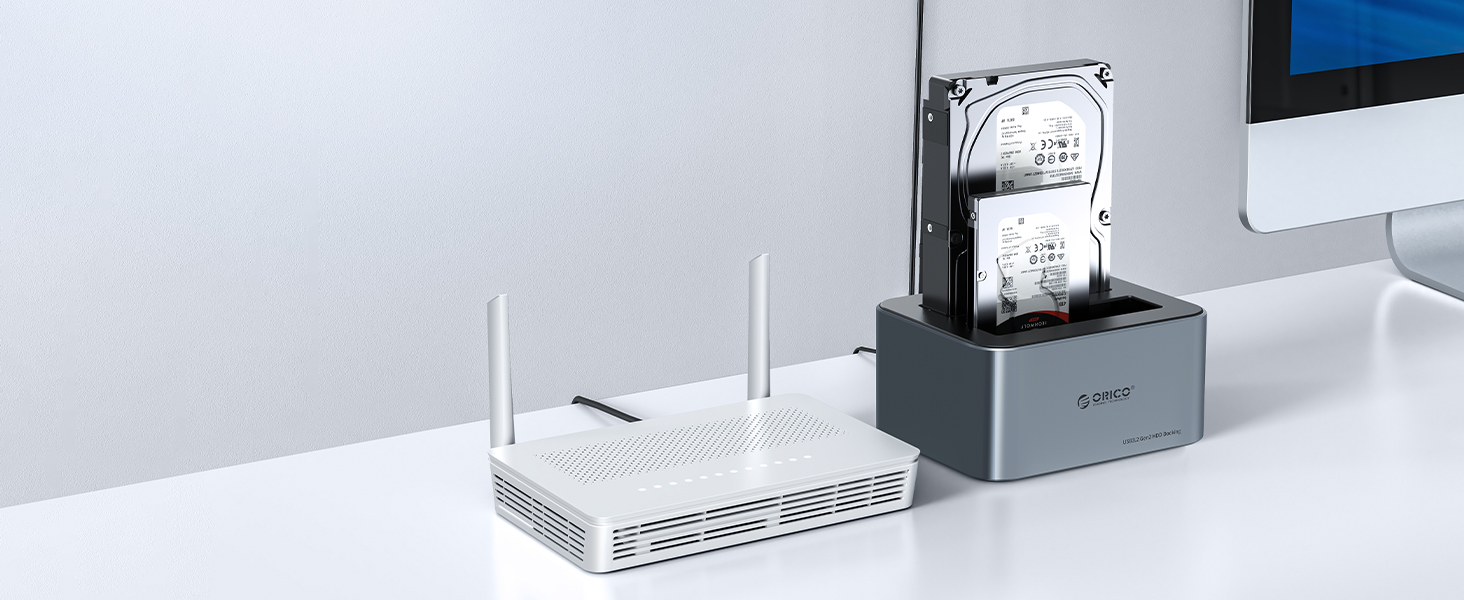
Build Private Cloud Storage
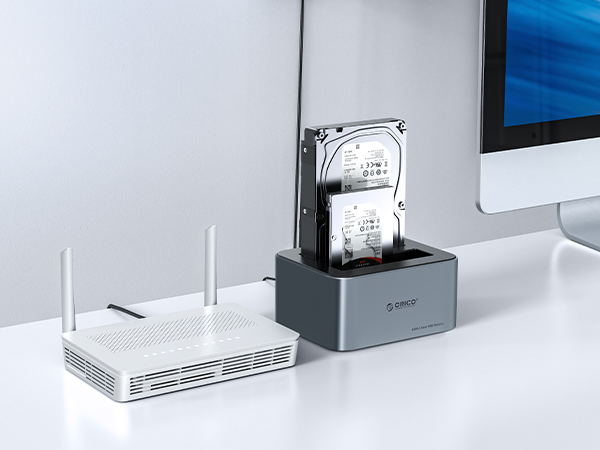
Access and share files from PC and Mac computer over your network. Plug and play, no driver needed.
How to Operate Offline Clone Function
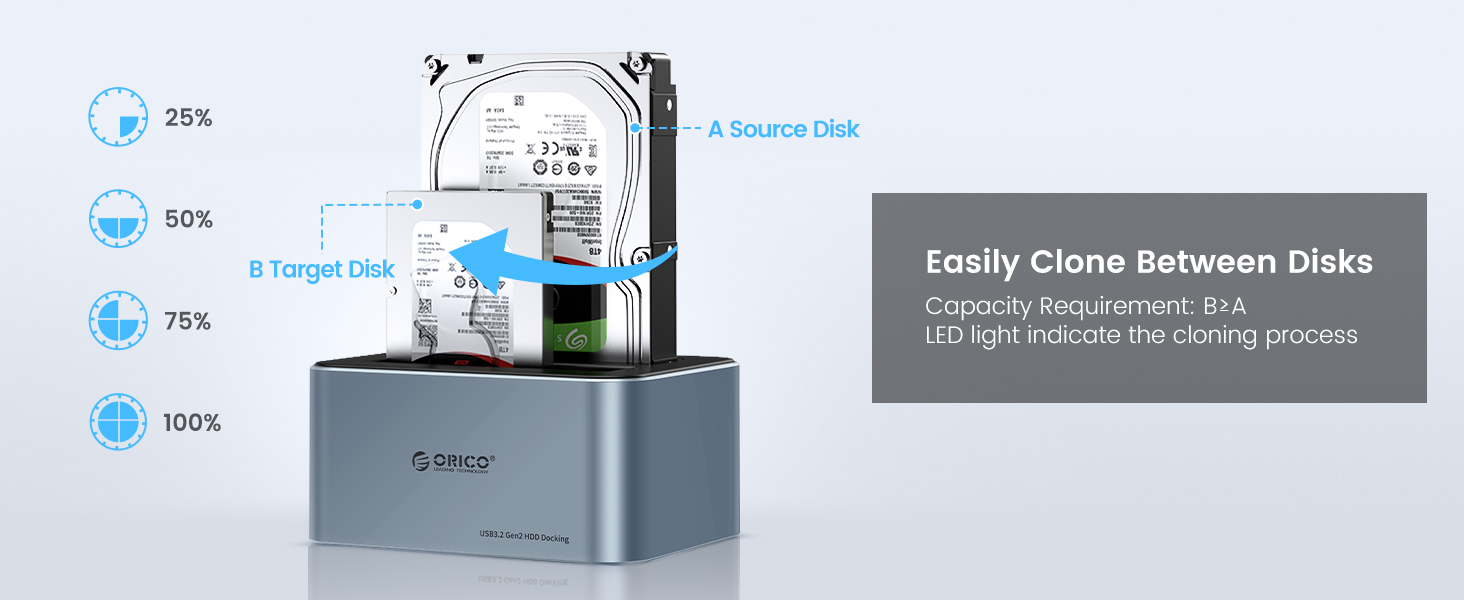
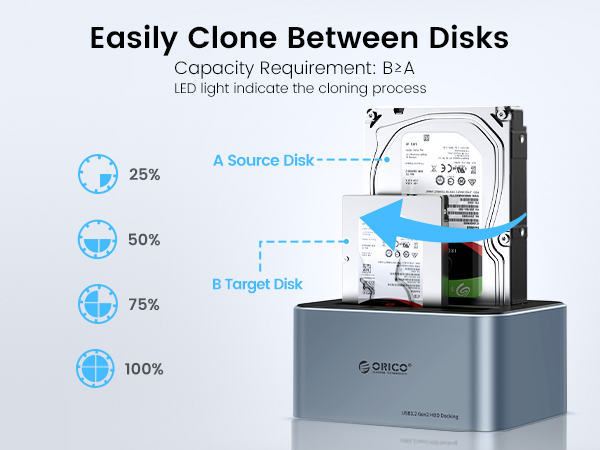
1. Insert Source Disk into hard drive Source bay(A), then insert Target Disk (B) into hard drive Target bay.
2. Make Sure the Target Disk Capacity is larger than the source hard disk (B>A)
3. Make sure that the USB cable is disconnected from your computer.
4. Connect the power supply and switch on the power.
5. Push the button to the Clone side then long press the start button for 3 seconds, when the clone lights are blinking, the clone progress starts.
6. 4 LED indicators will flash and be on one by one to mark 25%-50%-75%-100% cloning progress.
7. When the offline clone is 100% completed, 4 LED lights will stay on until the device is turned off.
8. Finally press the power switch to the OFF position and eject your drives.


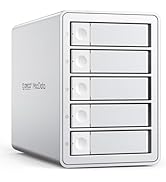
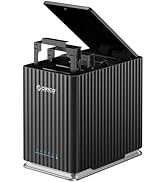
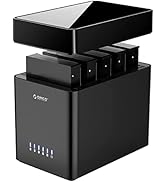
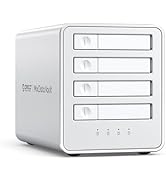
![[2Packs] ORICO 2.5 SSD SATA to 3.5 Hard Drive Adapter Internal Drive Bay Converter Mounting Brack...](http://c1.neweggimages.com/sellingpilot/modules/product/a-plus/e73cc368aef46a3cf7ecdb18e2b03a721f35065be69d1bc1777575327819951e.jpg)

One bay doesn't have a clone function, dual bay has 2 versions with or without a clone function, please choose one that meets your needs.
Auto Sleep Mode
It will go into sleeping mode automatically if no data activity within 10 mins, but can be easily awakened by with data transmission.
Type-C Port
Built with USB 3.2 Gen 2 type C ports, which can offer 6Gbps high speed transmission, supports UASP/TRIM for even faster data transfers.
Support USB-C /USB-A Device
Advanced 10Gbps Type C-C cable with USB-A adapter,
easy to connect the docking station to your desktop or laptop directly without any converter.
Shockproof Pads
Anti-slip silicone foot pads on all four corners of the bottom, provide shockproof & vibration-resistant functions.
The Ultimate Gaming Experience
Up to 6 Gbps transmission speed with ridiculously short load times for the extreme gaming experience
Simple Backup Files
Easily share files and back up in seconds, you can storage and retrieval data at any time.
Enjoy High Definition Movies
Can be connected to Smart TV, easy to play high definition quality movies music on your hard drive.
Build Private Cloud Storage
Access and share files from PC and Mac computer over your network. Plug and play, no driver needed.

How to Operate Offline Clone Function
1. Insert Source Disk into hard drive Source bay(A), then insert Target Disk (B) into hard drive Target bay.
2. Make Sure the Target Disk Capacity is larger than the source hard disk (B>A)
3. Make sure that the USB cable is disconnected from your computer.
4. Connect the power supply and switch on the power.
5. Push the button to the Clone side then long press the start button for 3 seconds, when the clone lights are blinking, the clone progress starts.
6. 4 LED indicators will flash and be on one by one to mark 25%-50%-75%-100% cloning progress.
7. When the offline clone is 100% completed, 4 LED lights will stay on until the device is turned off.
8. Finally press the power switch to the OFF position and eject your drives.
Classic Choice by ORICO
USB-C DaisyChain HDD Enclosure
40Gbps DAS NVME Enclosure
RAID Enclosure Either Bracket
![[2Packs] ORICO 2.5 SSD SATA to 3.5 Hard Drive Adapter Internal Drive Bay Converter Mounting Brack...](//c1.neweggimages.com/sellingpilot/modules/product/a-plus/e73cc368aef46a3cf7ecdb18e2b03a721f35065be69d1bc1777575327819951e.jpg)
3.5''/5.25'' Mounting Bracket
