







All Kinds of Audio Cable
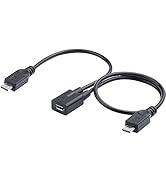
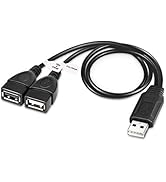
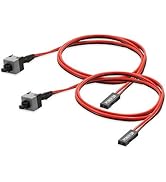
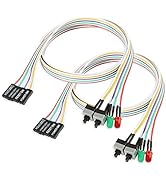
Audio Adapter & Audio Cable

USB Splitter Cable
What makes our products unique?
YES, Unique is what we pursue during the production of our products. Especial Safety Protection, Quality Targets,Long time Reachable Service and Reliable Product make all the aspects that unique goods need in our store.
The Goals of Our Brand?
We strive to offer our customers the best shopping experience by providing top-notch hassle-free support and best quality products with competitive choice.
Store Orientation
Electop store,Serves as a professional online retail company for large scope of high-quality products of different types.

Always be there for you!
Hassle-free Replace/Return
18-Month Reachable Service
Professional Customer Support Team

Electop store,serves as a professional online retail company for large scope of high-quality products of different types. We strive to offer our customers the best shopping experience by providing top-notch Before-After Sales Service and best quality products with competitive choice.
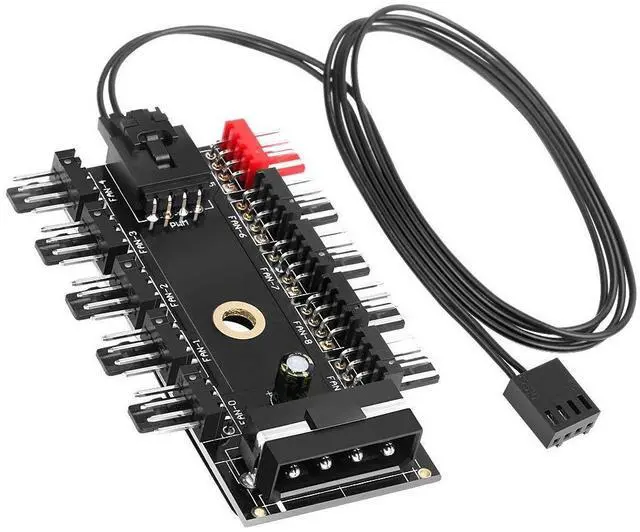
Electop Chassis Fan Hub CPU Cooling HUB 10 Port 12V 4 Pin Fan PWM Fan Hub Molex Controller
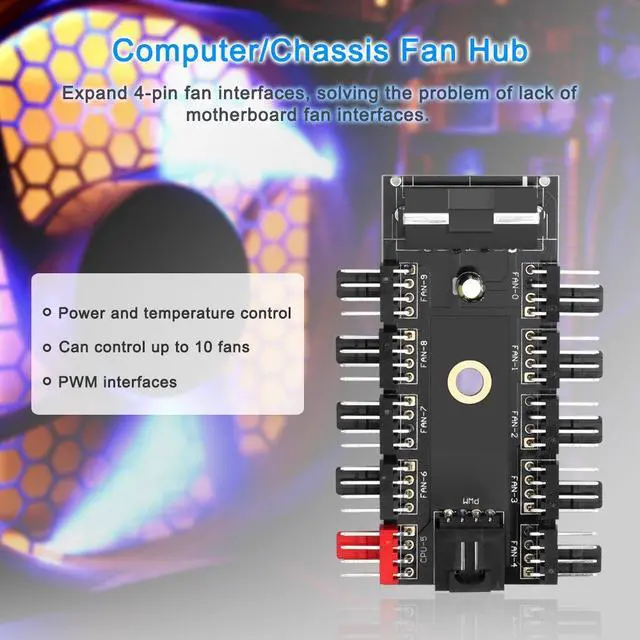
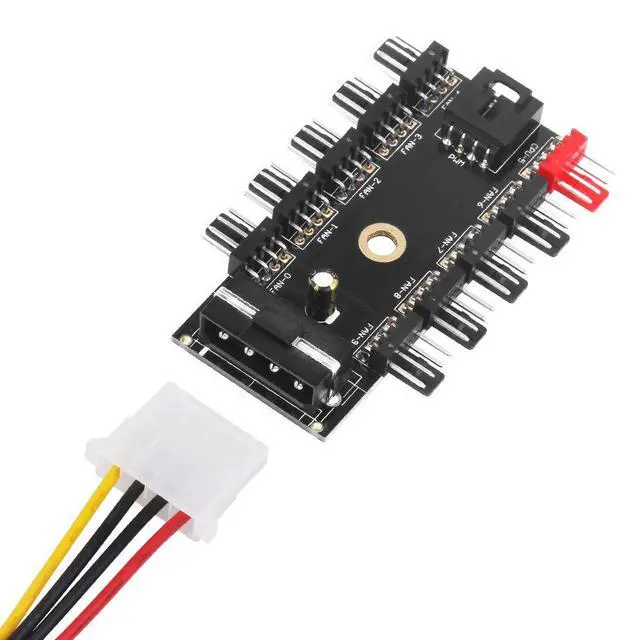
- Expand 4-pin fan interfaces, solving the problem of lack of motherboard fan interfaces. Designed for 12V 4-Pin 3-Pin fans, support simultaneous starting at most 10 channel fans.
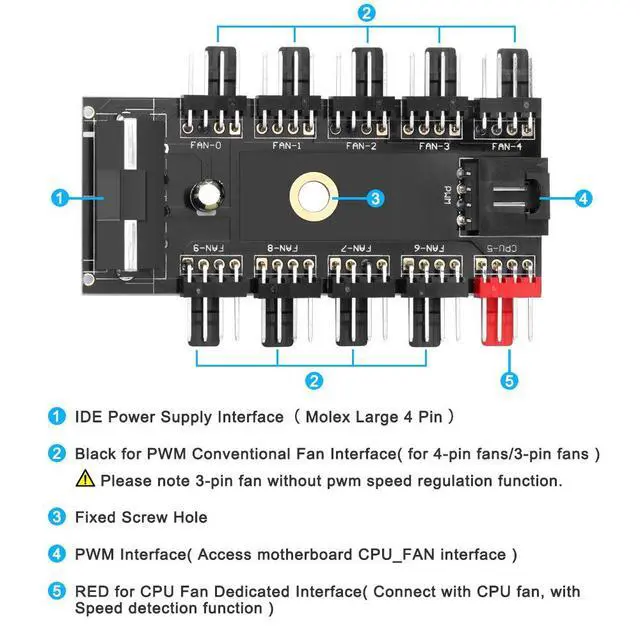
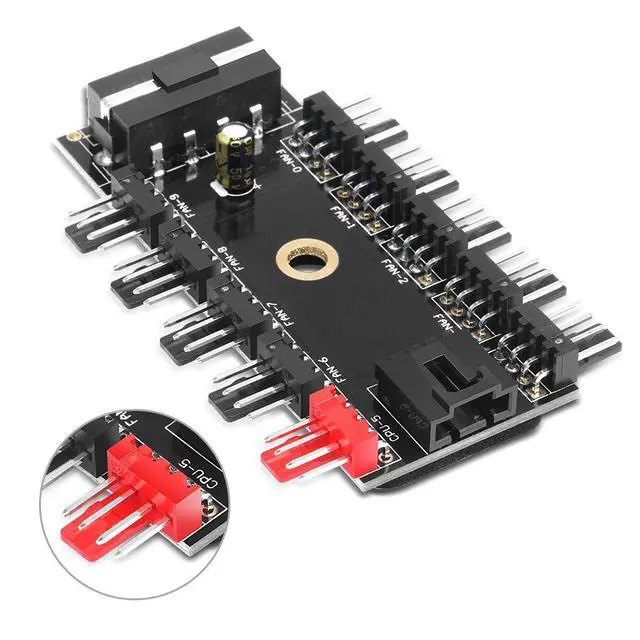
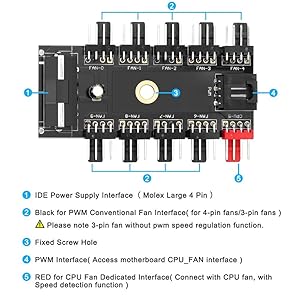
- In the hub interfaces, the RED CPU interface is the CPU fan dedicated interface (with speed detection function). Since the mainboard can only receive one rotation speed signal, the remaining nine conventional fan interfaces have the PWM function, but no speed signal.
- For both 4-Pin and 3-Pin fans. Please note 4Pin fan speed can be adjusted by temperature control. 3Pin fan can also be used, but because 3Pin has no PWM function, it is at fixed speed after inserting.
- There is EVA double-sided adhesive at the back of the hub, which can be easily affixed to a flat place. Also a fixing screw hole in the middle of the PCB to facilitate fixing to a part of the chassis.
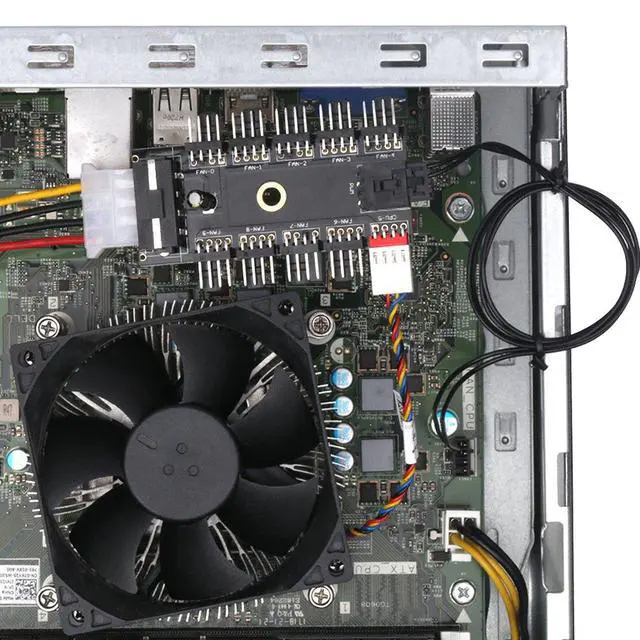
- RED is expected to be a pass through for the CPU fan. So, the hub has a power source fed from the computer power supply, then the speed is regulated by the speed for the "source" fan. You can connect to the CPU fan lead on the system board or the chassis fan lead. The ten fans will spin at the same speed, that designated by the system for that fan. If the chassis fan is configured in BIOS to run at 50%, you will have 10 fans at 50%.
- Operating system control is based on the system detects the temperature of the CPU and other heating devices, automatically adjust the CPU fan speed.
- Package Include: 1x HUB ,1x PWM connector
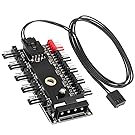
The speed of the fan connected to the red fan port on this board is controlled by the computer's operating system and NOT manually controlled.
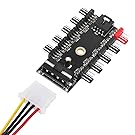
The other 9 black fan ports CAN NOT be adjusted in speed. Because one operating system can only control speed of one fan.(The red Port)
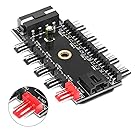
Theoretically system can control the fan speed connecting with the red port. The motherboard can read the RPMs of the fan that's plugged into the red port.
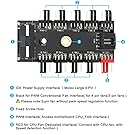
The CPU Port (the red port) would be the only one that could get controlled by the operating system and then the remaining black ports would just copy the power level of what the red port is at.

The Operation
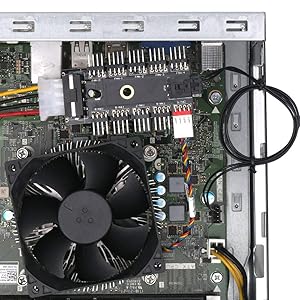
How it works
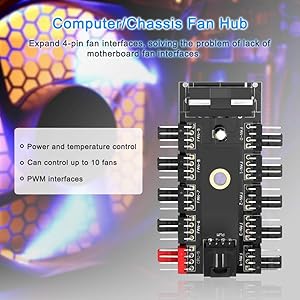
Computer&Chassis Fan Hub
All Kinds of Audio Cable
Audio Adapter & Audio Cable
USB Splitter Cable
What makes our products unique?
YES, Unique is what we pursue during the production of our products. Especial Safety Protection, Quality Targets,Long time Reachable Service and Reliable Product make all the aspects that unique goods need in our store.
The Goals of Our Brand?
We strive to offer our customers the best shopping experience by providing top-notch hassle-free support and best quality products with competitive choice.
Store Orientation
Electop store,Serves as a professional online retail company for large scope of high-quality products of different types.
Always be there for you!
Hassle-free Replace/Return
18-Month Reachable Service
Professional Customer Support Team
Electop store,serves as a professional online retail company for large scope of high-quality products of different types. We strive to offer our customers the best shopping experience by providing top-notch Before-After Sales Service and best quality products with competitive choice.
Electop Chassis Fan Hub CPU Cooling HUB 10 Port 12V 4 Pin Fan PWM Fan Hub Molex Controller
- Expand 4-pin fan interfaces, solving the problem of lack of motherboard fan interfaces. Designed for 12V 4-Pin 3-Pin fans, support simultaneous starting at most 10 channel fans.
- In the hub interfaces, the RED CPU interface is the CPU fan dedicated interface (with speed detection function). Since the mainboard can only receive one rotation speed signal, the remaining nine conventional fan interfaces have the PWM function, but no speed signal.
- For both 4-Pin and 3-Pin fans. Please note 4Pin fan speed can be adjusted by temperature control. 3Pin fan can also be used, but because 3Pin has no PWM function, it is at fixed speed after inserting.
- There is EVA double-sided adhesive at the back of the hub, which can be easily affixed to a flat place. Also a fixing screw hole in the middle of the PCB to facilitate fixing to a part of the chassis.
- RED is expected to be a pass through for the CPU fan. So, the hub has a power source fed from the computer power supply, then the speed is regulated by the speed for the "source" fan. You can connect to the CPU fan lead on the system board or the chassis fan lead. The ten fans will spin at the same speed, that designated by the system for that fan. If the chassis fan is configured in BIOS to run at 50%, you will have 10 fans at 50%.
- Operating system control is based on the system detects the temperature of the CPU and other heating devices, automatically adjust the CPU fan speed.
- Package Include: 1x HUB ,1x PWM connector
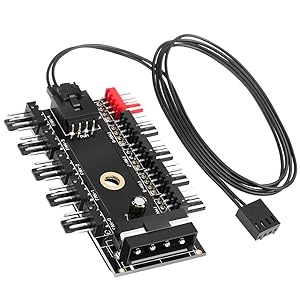
The speed of the fan connected to the red fan port on this board is controlled by the computer's operating system and NOT manually controlled.
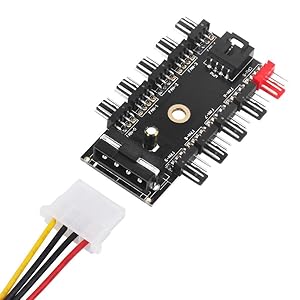
The other 9 black fan ports CAN NOT be adjusted in speed. Because one operating system can only control speed of one fan.(The red Port)
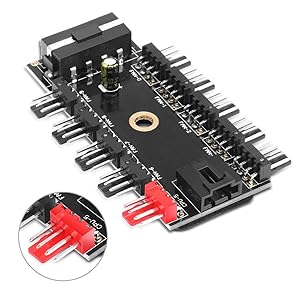
Theoretically system can control the fan speed connecting with the red port. The motherboard can read the RPMs of the fan that's plugged into the red port.
The CPU Port (the red port) would be the only one that could get controlled by the operating system and then the remaining black ports would just copy the power level of what the red port is at.
The Operation
How it works