




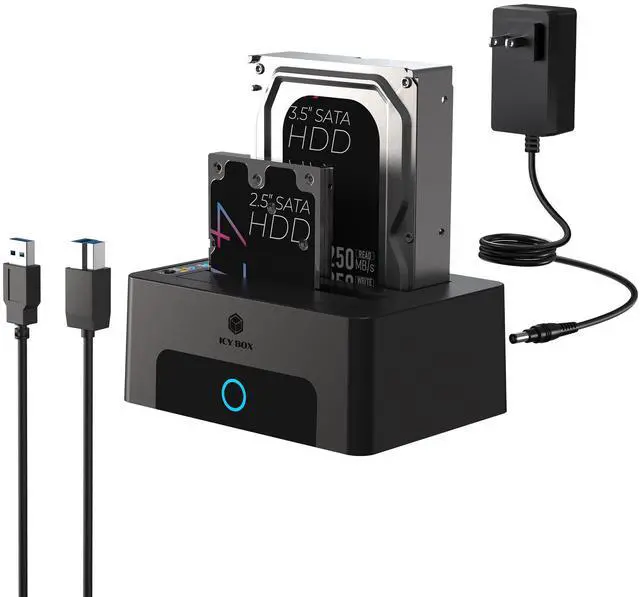


Package contents:
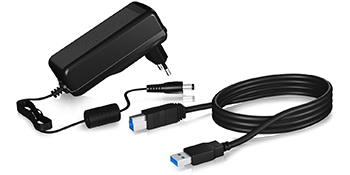
- 1x Dual Bay Hard Drive Docking Station&Cloner
- 1x USB 3.0 Type-B to Type-A cable
- 1x power adapter
- 1x manual
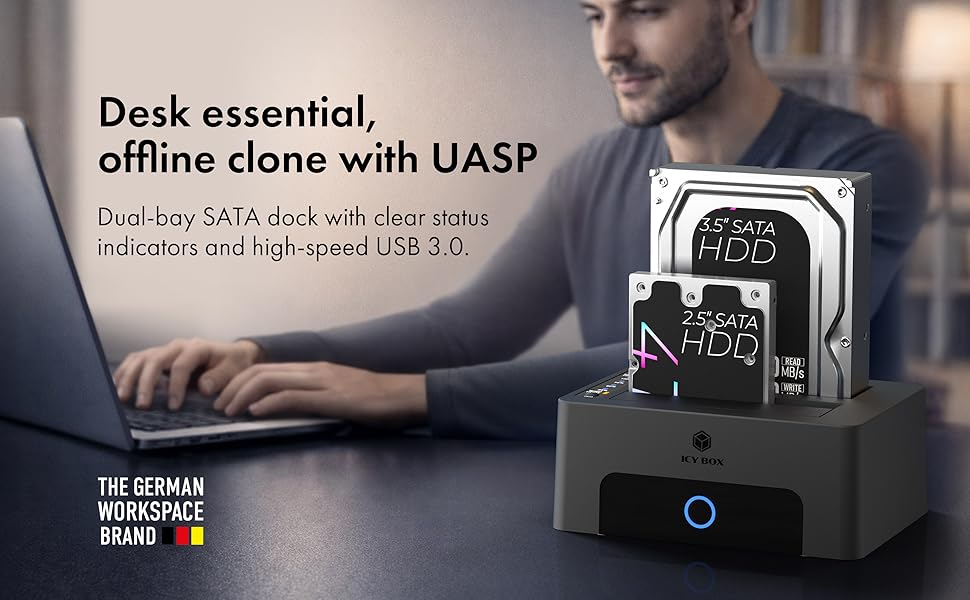
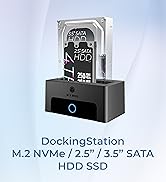
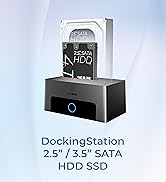
Dual Bay USB 3.0 Hard Drive Docking Station&Cloner
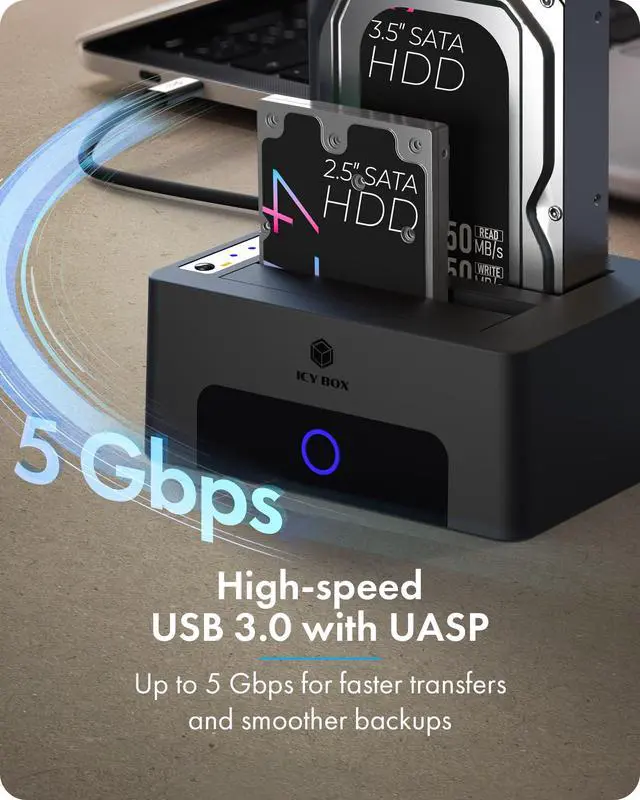
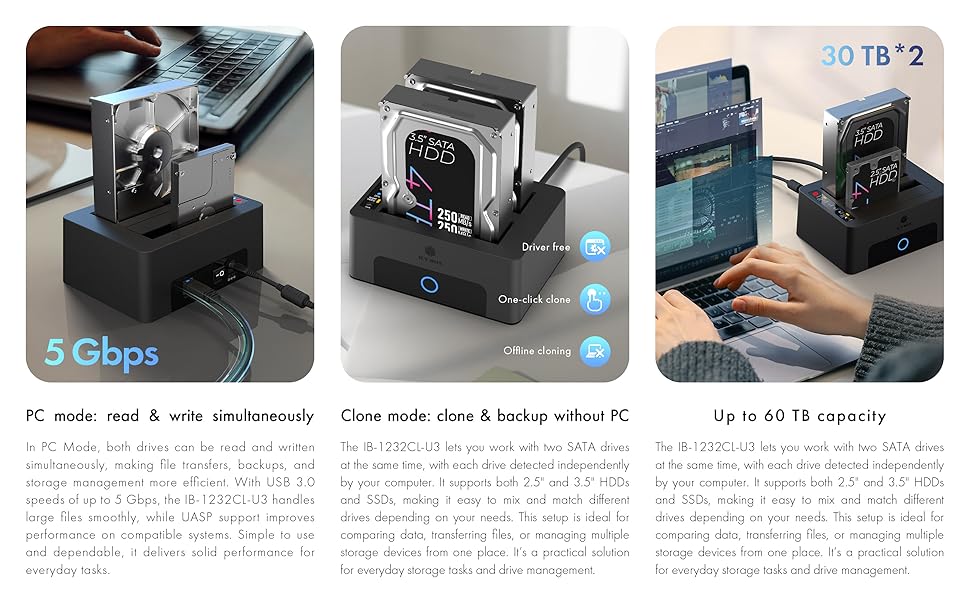
Working frequently with large amounts of data across multiple hard drives, retrieve archived data from the past, make 1-1 copies of existing drives - no problem with this dual docking station. Connected to a computer or laptop via a USB 3.0 connection, it can change hard drives and SSDs in no time at all and access external data.
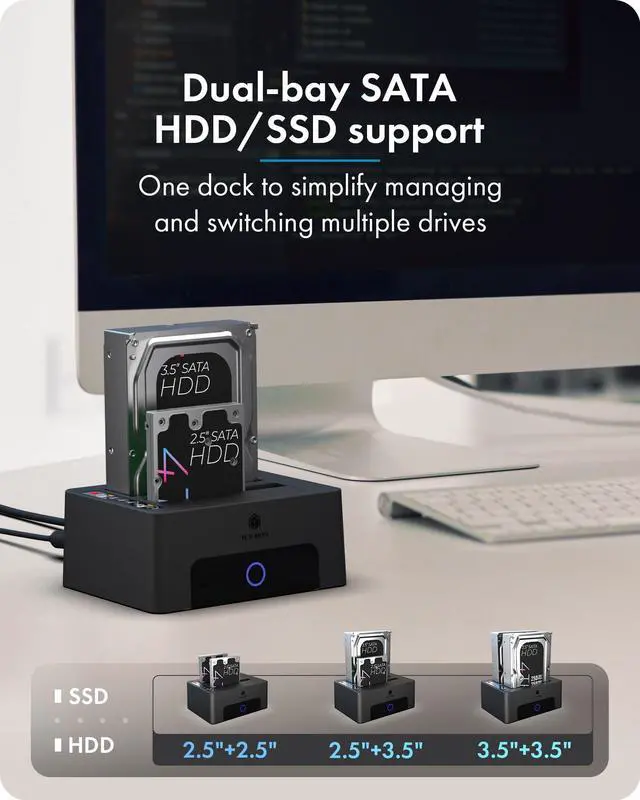
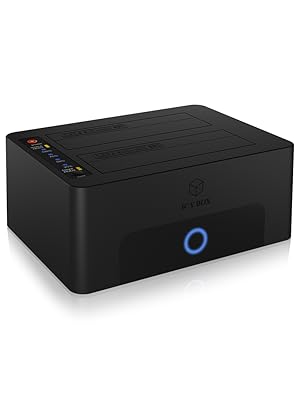
- 2 slots for 2.5 inches and 3.5 inches.
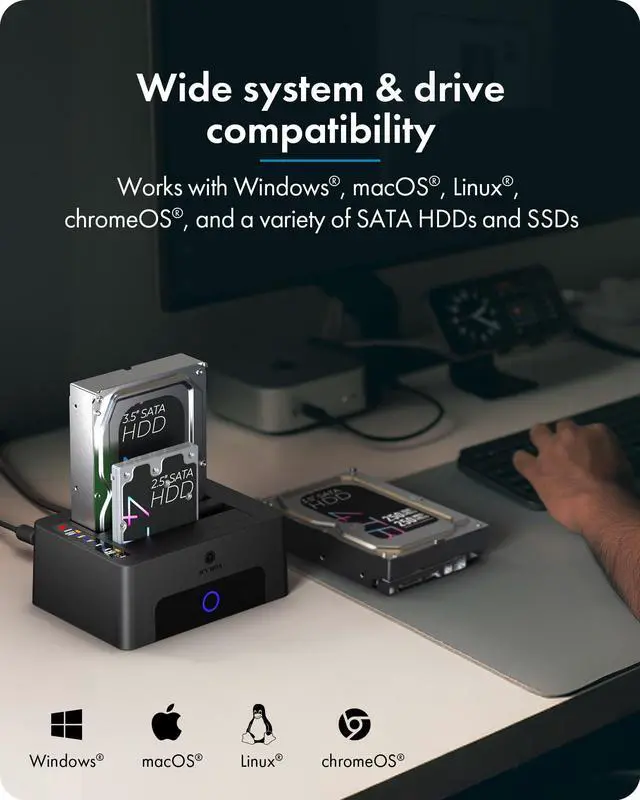
- Suitable for hard drives and SSDs
- Supports SATA III (6Gbps) standard
- USB 3.0 connection with up to 5 Gbps
- Both drives are detected and displayed individually.
- Compatible with all HDD storage capacities
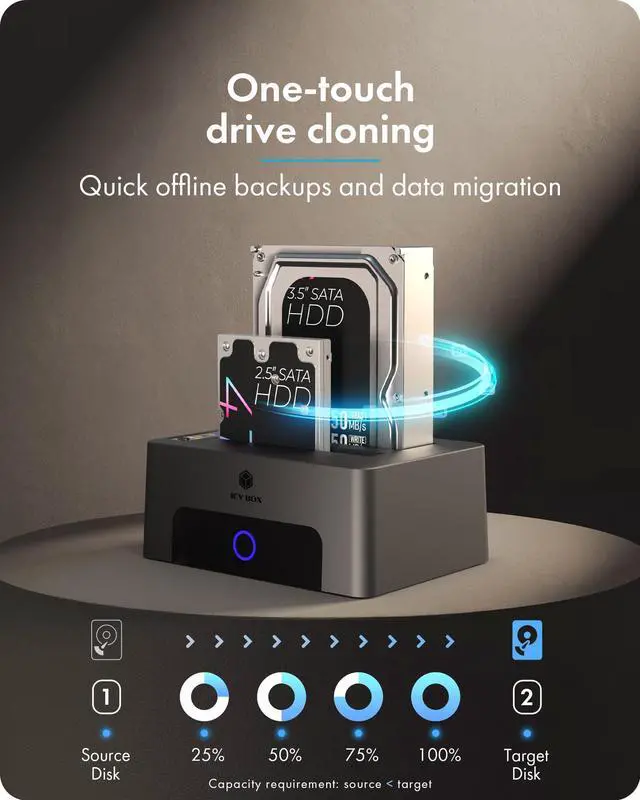
- Automatic clone function without additional software
 Dual Bay USB 3.0 to SATA Dock&Cloner |  SSD HDD 2.5 3.5 Inch SATA to USB Dock |  Dual Bay M.2 NVMe&SATA Dock&Cloner |  3 Bay M.2 NVMe & SATA SSD/HDD Dock&Cloner |  Bidirection M.2 NVMe & SATA SSD/HDD Docking Station&Cloner |  M.2 NVMe & SATA SSD/HDD Docking Station&Cloner | |
|---|---|---|---|---|---|---|
| Customer Reviews | — | — | — | — | — | — |
| Price | — | — | — | — | — | — |
| Supported Protocols | SATA | SATA | SATA I,II,III M.2 NVMe / SATA | SATA I,II,III M.2 NVMe / SATA | SATA I,II,III M.2 NVMe / SATA | SATA I,II,III M.2 NVMe / SATA |
| Supported Sizes | 2.5"/3.5" SSD/HDD | 2.5"/3.5" SSD/HDD | 2230/2242/2260/2280 2.5"/3.5" SATA SSD/HDD | 2230/2242/2260/2280 2.5"/3.5" SATA SSD/HDD | 2230/2242/2260/2280 2.5"/3.5" SATA SSD/HDD | 2230/2242/2260/2280 2.5"/3.5" SATA SSD/HDD |
| Direction | 2.5''/3.5'' --> 2.5''/3.5'' | / | Bidirection 2.5"/3.5" <--> M.2 NVMe | (M.2 NVMe -->M.2 NVMe) (2.5''/3.5'' --> M.2 NVMe) | Bidirection (M.2 SATA <--> M.2 NVMe) (2.5''/3.5'' <--> M.2 NVMe) | (M.2 NVMe/SATA-->M.2 NVMe) (2.5''/3.5'' --> M.2 NVMe) |
| Transmission Speed | 5Gbps | 5Gbps | 10Gbps | 10Gbps | 10Gbps | 10Gbps |
| Offline Clone | ? | / | ? | ? | ? | ? |
| Plug and play | ? | ? | ? | ? | ? | ? |
| Support UASP | ? | ? | ? | ? | ? | ? |
| Assembly | Tool Free | Tool Free | Tool Free | Tool Free | Tool Free | Tool Free |
| Support devices | PC/Phone/Game console | PC/Phone/Game console | PC/Phone/Game console | PC/Phone/Game console | PC/Phone/Game console | PC/Phone/Game console |
| Cable | USB Type-B to Type-A | USB Type-B to Type-A | C to C+A | C to C+A | C to C+A | C to C+A |
Why choose ICY BOX?
26 years of German-engineered storage mastery since 1999—where precision engineering meets relentless durability. Backed by lifetime dedicated service. Pure focus, zero compromises.
Q:Which drive types and sizes are supported?
? 2.5? / 3.5? SATA HDD and SSD (SATA I/II/III)
? Maximum storage capacity up to ~30?TB per bay (total 60TB)
Q:Can I use the docking station as a regular external HDD enclosure?
Yes — when connected to a PC via USB?3.0, each inserted drive is recognized individually as a normal external storage device.
Q:Can the target drive be smaller than the source drive?
No. The target drive must be equal to or larger in capacity than the source drive, otherwise cloning will fail.
Q:Do I need software or drivers to use it?
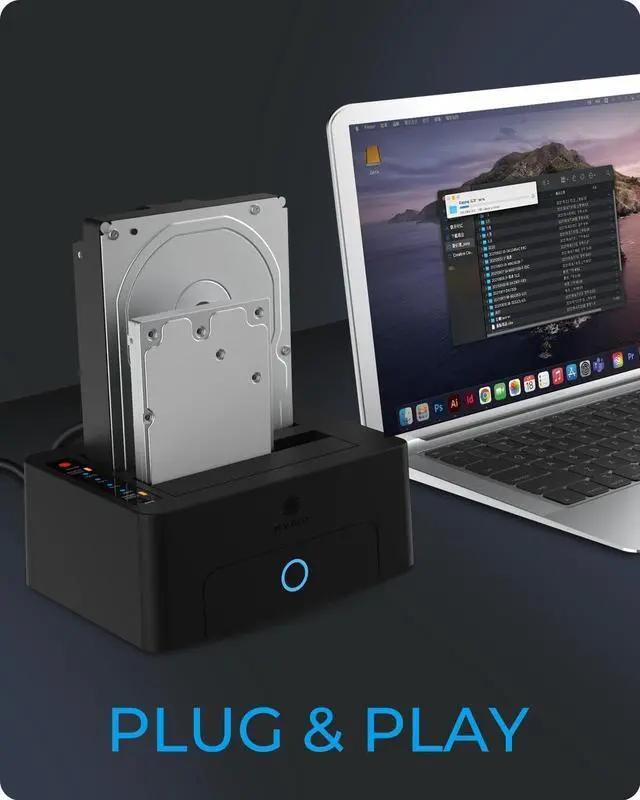
No — the docking station supports plug-and-play operation and does not require additional drivers for basic data transfer or cloning.
Q:Why is data transfer slow?
• Connected to a USB?2.0 port instead of USB?3.0.
• No UASP support from the host system or drivers.
• The HDD/SSD itself has low performance.
Q:How do I clone a drive without a computer?
-Turn the unit off.
-Insert the source drive into Bay?1 and the target drive into Bay?2.
-Disconnect the USB cable from the computer.
-Turn on the device.
-Press and hold the Clone button until LEDs flash, then press again to start.
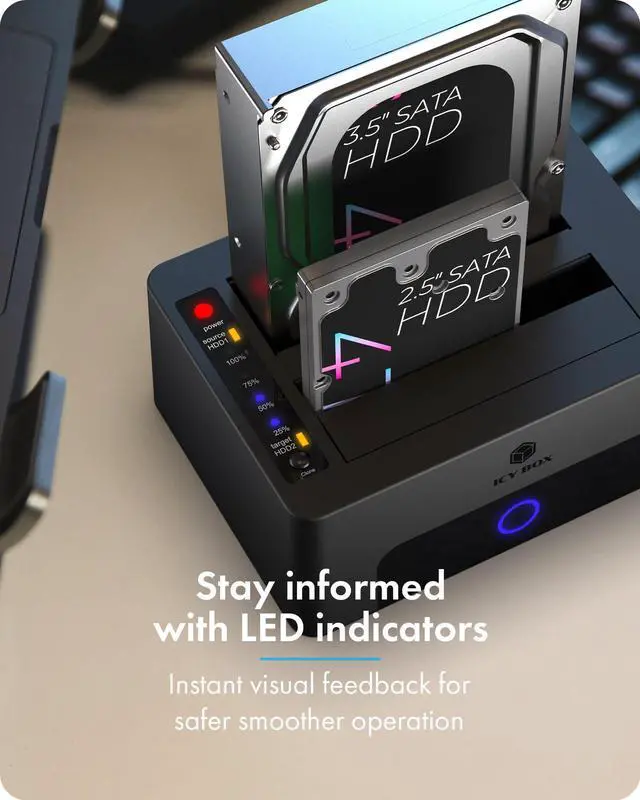
-Cloning progress is shown by LEDs (25%, 50%, 75%, 100%).
-When the 100% LED is solid, turn the unit off and remove drives.
Q:Why won’t cloning start, even when I press the button?
*USB cable still connected — must be unplugged during standalone cloning.
*Source and target drives are reversed (source should be in Bay?1).
*Target drive is smaller than the source.
*Drives or cloning button weren’t set/pressed correctly

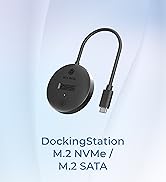
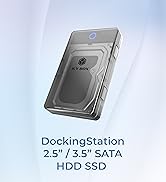
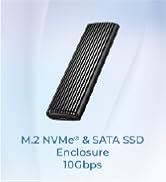
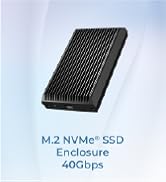
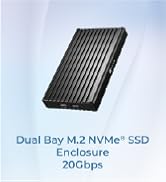
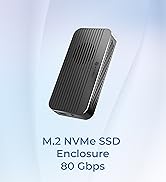
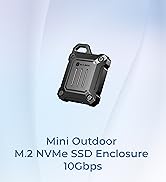
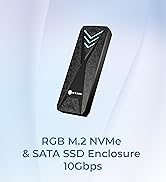
Dual Bay USB 3.0 Hard Drive Docking Station&Cloner
Package contents:
- 1x Dual Bay Hard Drive Docking Station&Cloner
- 1x USB 3.0 Type-B to Type-A cable
- 1x power adapter
- 1x manual
Working frequently with large amounts of data across multiple hard drives, retrieve archived data from the past, make 1-1 copies of existing drives - no problem with this dual docking station. Connected to a computer or laptop via a USB 3.0 connection, it can change hard drives and SSDs in no time at all and access external data.
- 2 slots for 2.5 inches and 3.5 inches.
- Suitable for hard drives and SSDs
- Supports SATA III (6Gbps) standard
- USB 3.0 connection with up to 5 Gbps
- Both drives are detected and displayed individually.
- Compatible with all HDD storage capacities
- Automatic clone function without additional software
| Hard drive size | 2.5 inches / 3.5 inches. |
| Hard drive installation height | Up to 20 mm. |
| Hard drive connection | SATA I/II/III (6Gbps) |
| Hard drive capacity | 60TB (30TB*2) |
| Connection to computer | USB 3.0 cable with USB Type-A connector |
| USB transfer rate | Up to 5Gbps |
| UASP support | Yes |
| HotSwap | Yes |
| On/off switch | Yes |
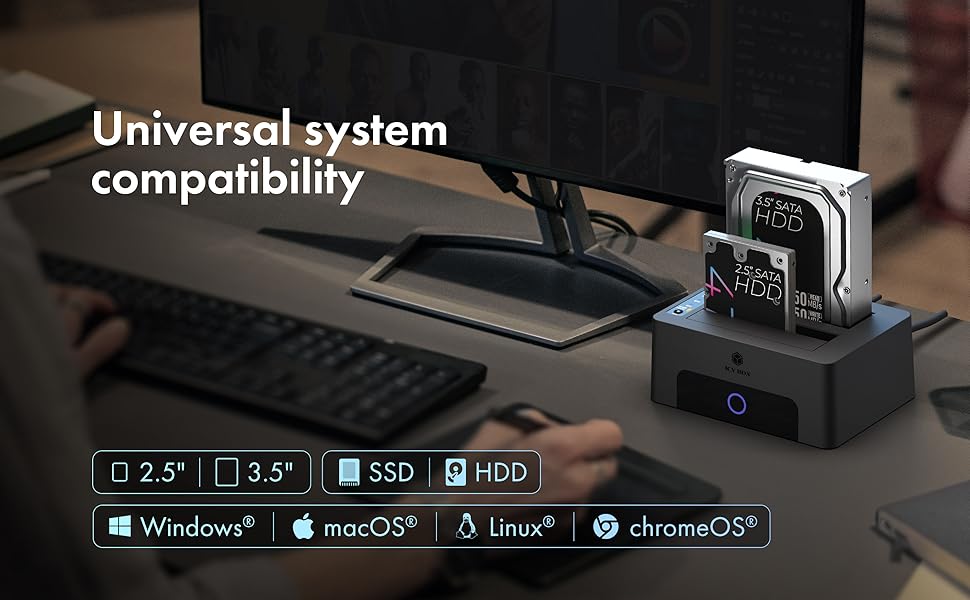
| Operating system | Windows and macOS |
Dual Bay USB 3.0 to SATA Dock&Cloner | SSD HDD 2.5 3.5 Inch SATA to USB Dock | Dual Bay M.2 NVMe&SATA Dock&Cloner | 3 Bay M.2 NVMe & SATA SSD/HDD Dock&Cloner | Bidirection M.2 NVMe & SATA SSD/HDD Docking Station&Cloner | M.2 NVMe & SATA SSD/HDD Docking Station&Cloner | |
|---|---|---|---|---|---|---|
| Customer Reviews | — | — | — | — | — | — |
| Price | — | — | — | — | — | — |
| Supported Protocols | SATA | SATA | SATA I,II,III M.2 NVMe / SATA | SATA I,II,III M.2 NVMe / SATA | SATA I,II,III M.2 NVMe / SATA | SATA I,II,III M.2 NVMe / SATA |
| Supported Sizes | 2.5"/3.5" SSD/HDD | 2.5"/3.5" SSD/HDD | 2230/2242/2260/2280 2.5"/3.5" SATA SSD/HDD | 2230/2242/2260/2280 2.5"/3.5" SATA SSD/HDD | 2230/2242/2260/2280 2.5"/3.5" SATA SSD/HDD | 2230/2242/2260/2280 2.5"/3.5" SATA SSD/HDD |
| Direction | 2.5''/3.5'' --> 2.5''/3.5'' | / | Bidirection 2.5"/3.5" <--> M.2 NVMe | (M.2 NVMe -->M.2 NVMe) (2.5''/3.5'' --> M.2 NVMe) | Bidirection (M.2 SATA <--> M.2 NVMe) (2.5''/3.5'' <--> M.2 NVMe) | (M.2 NVMe/SATA-->M.2 NVMe) (2.5''/3.5'' --> M.2 NVMe) |
| Transmission Speed | 5Gbps | 5Gbps | 10Gbps | 10Gbps | 10Gbps | 10Gbps |
| Offline Clone | ? | / | ? | ? | ? | ? |
| Plug and play | ? | ? | ? | ? | ? | ? |
| Support UASP | ? | ? | ? | ? | ? | ? |
| Assembly | Tool Free | Tool Free | Tool Free | Tool Free | Tool Free | Tool Free |
| Support devices | PC/Phone/Game console | PC/Phone/Game console | PC/Phone/Game console | PC/Phone/Game console | PC/Phone/Game console | PC/Phone/Game console |
| Cable | USB Type-B to Type-A | USB Type-B to Type-A | C to C+A | C to C+A | C to C+A | C to C+A |
Why choose ICY BOX?
26 years of German-engineered storage mastery since 1999—where precision engineering meets relentless durability. Backed by lifetime dedicated service. Pure focus, zero compromises.
Q:Which drive types and sizes are supported?
? 2.5? / 3.5? SATA HDD and SSD (SATA I/II/III)
? Maximum storage capacity up to ~30?TB per bay (total 60TB)
Q:Can I use the docking station as a regular external HDD enclosure?
Yes — when connected to a PC via USB?3.0, each inserted drive is recognized individually as a normal external storage device.
Q:Can the target drive be smaller than the source drive?
No. The target drive must be equal to or larger in capacity than the source drive, otherwise cloning will fail.
Q:Do I need software or drivers to use it?
No — the docking station supports plug-and-play operation and does not require additional drivers for basic data transfer or cloning.
Q:Why is data transfer slow?
• Connected to a USB?2.0 port instead of USB?3.0.
• No UASP support from the host system or drivers.
• The HDD/SSD itself has low performance.
Q:How do I clone a drive without a computer?
-Turn the unit off.
-Insert the source drive into Bay?1 and the target drive into Bay?2.
-Disconnect the USB cable from the computer.
-Turn on the device.
-Press and hold the Clone button until LEDs flash, then press again to start.
-Cloning progress is shown by LEDs (25%, 50%, 75%, 100%).
-When the 100% LED is solid, turn the unit off and remove drives.
Q:Why won’t cloning start, even when I press the button?
*USB cable still connected — must be unplugged during standalone cloning.
*Source and target drives are reversed (source should be in Bay?1).
*Target drive is smaller than the source.
*Drives or cloning button weren’t set/pressed correctly
M.2 NVMe / SATA Clone Station
M.2 NVMe/SATA Dock
10-80Gbps M.2 NVMe Enclosure
10GB M2 NVMe enclosure
