












Feature
10G Speed Support
10Gigabit Ethernet applications.(Cable length limited to 35m-55m)
1000Mbps Ethernet applications.(Cable length can up to 100m)
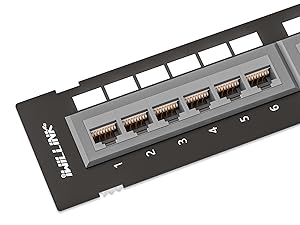
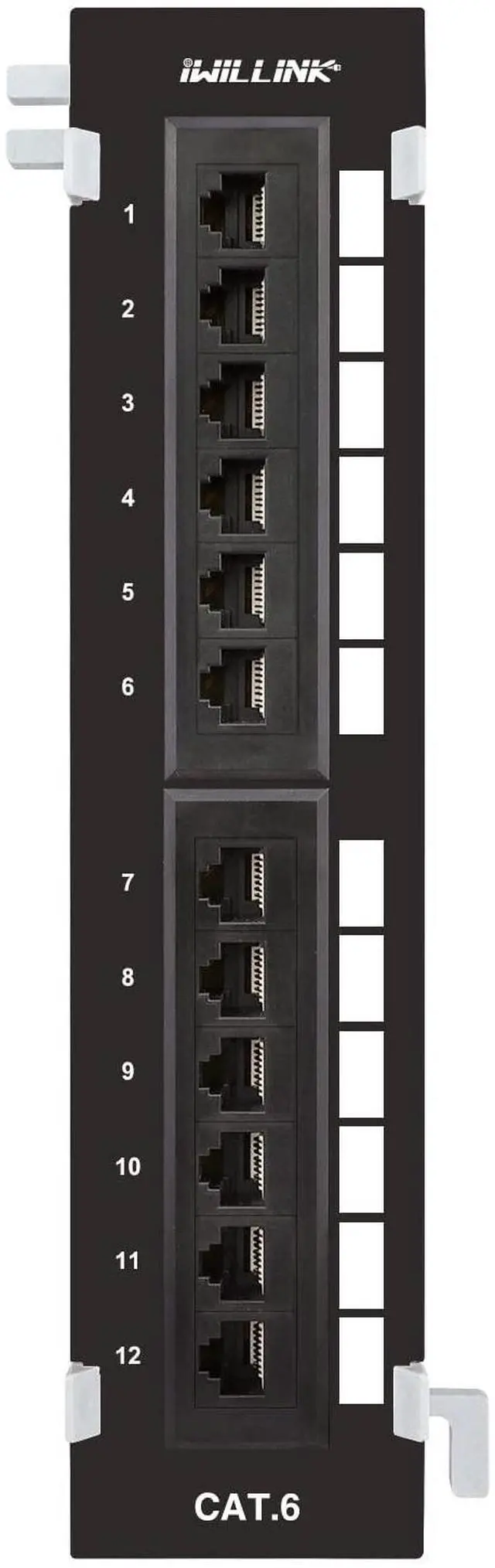
Label Spaces
Label spaces for hand-written or machine-printed labels.
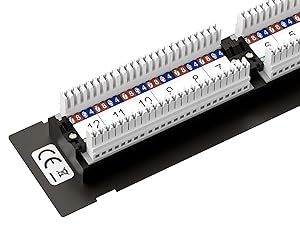
Widely Compatiable
Made for Cat 6 cabling, but backwards compatible with Cat 5e and Cat 5 cabling.
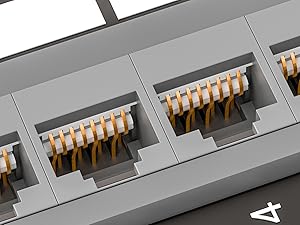
Gold plated pins
Gold-plated contacts ensure corrosion-free connections and improve connector durability.
Installation Instructions
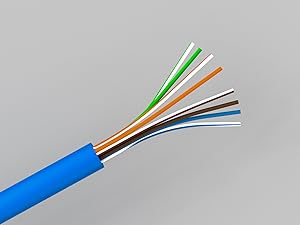
Step 1
Arrange the wires.
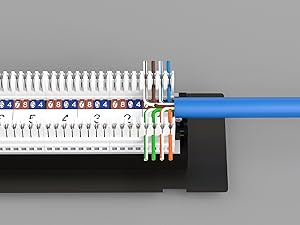
Step 2
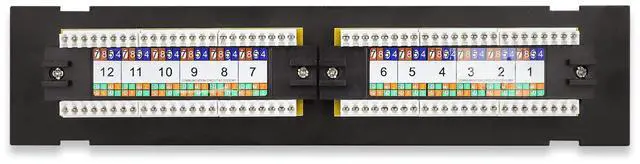
Push the wires into the IDC according to T568A/T568B color code.
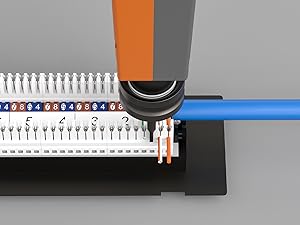
Step 3
Impact and fix the wires, cut off the excess wires.
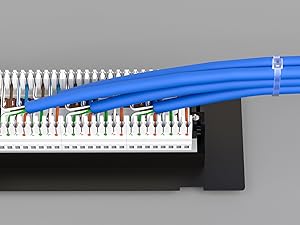
Step 4
Use cable ties to secure the wire, the installation is complete.
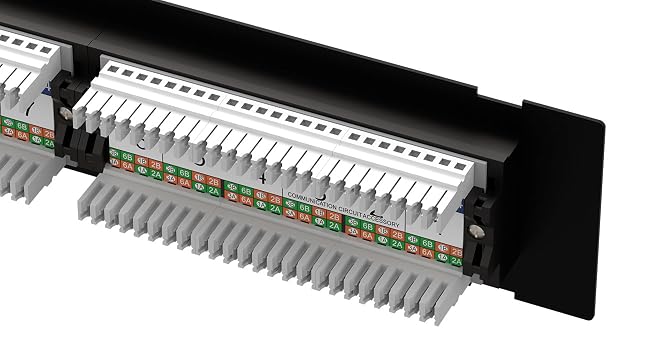
568B Labling
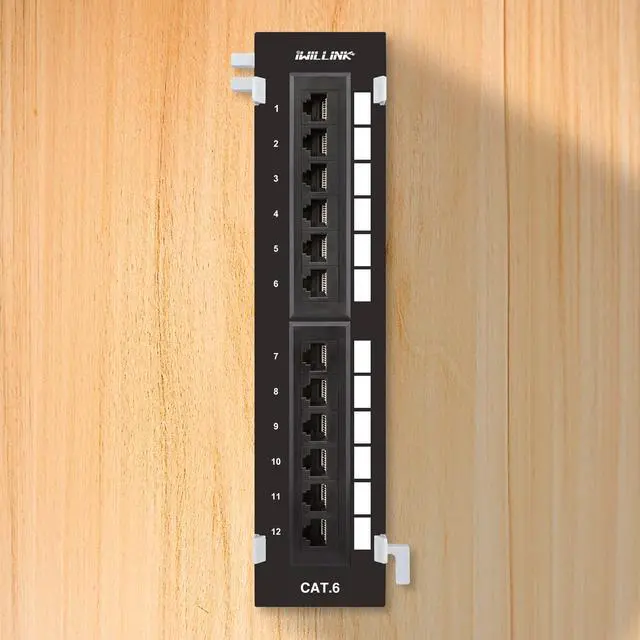
Numbered ports and color-coded T568A and T568B wiring diagram give quick reference.
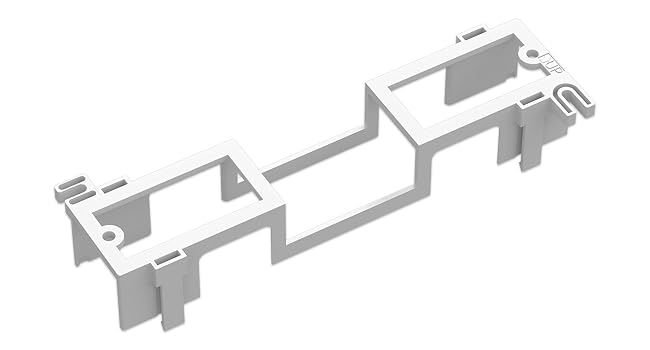
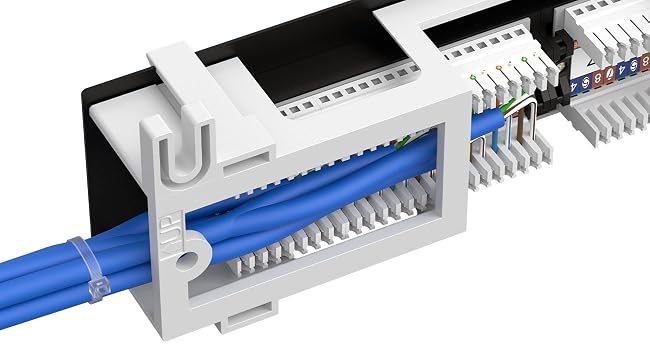
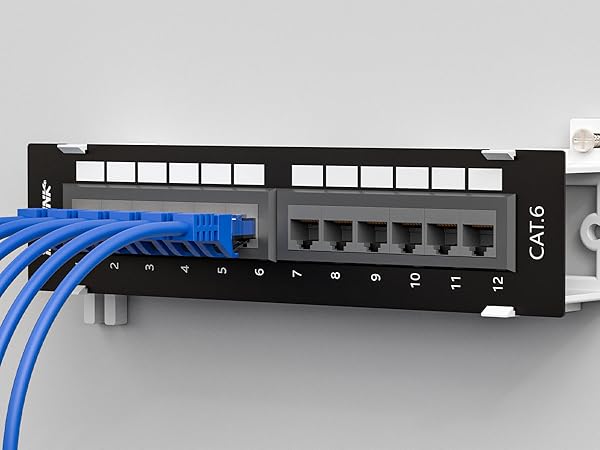
89D Wall Mount Bracket
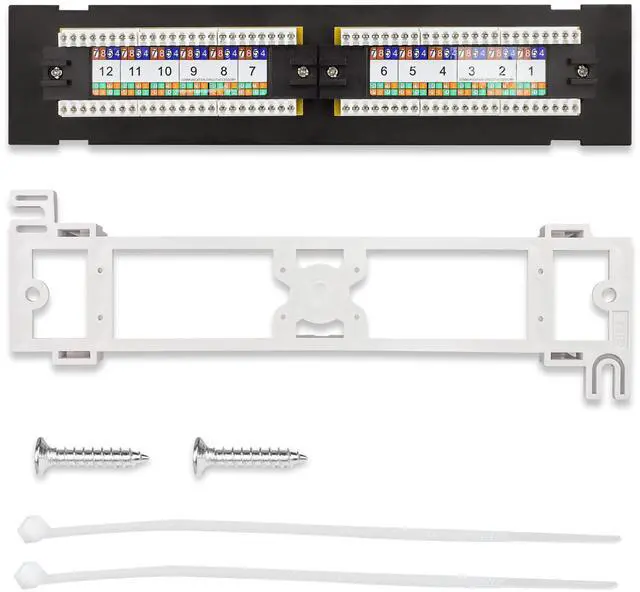
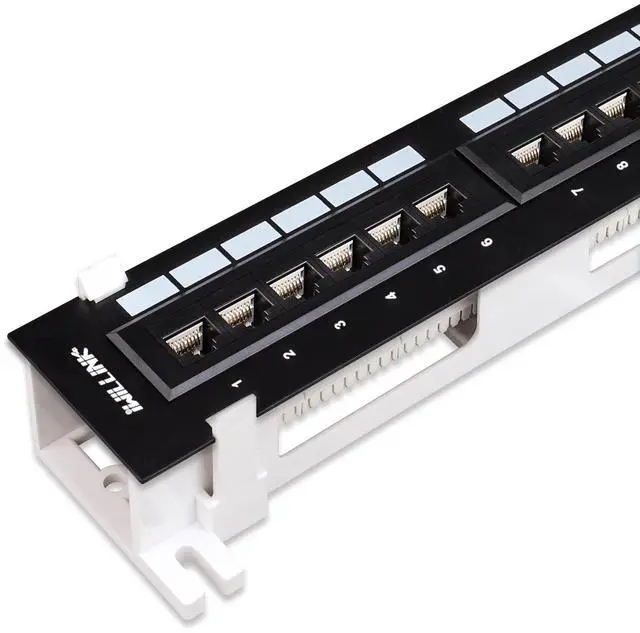
The snap-in style wall mount bracket design provides quick and easy access to cable connections when needed for installation or troubleshooting
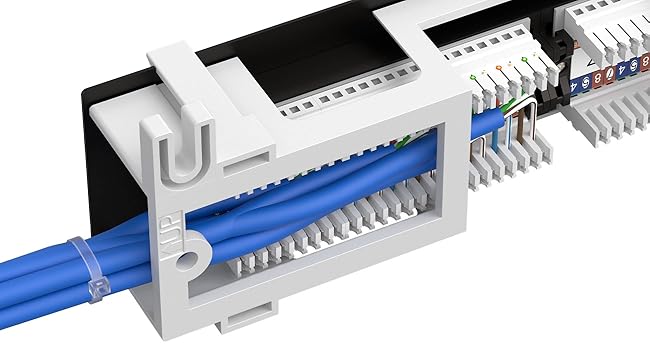
Strong and Durable
180-degree patch panel constructed with SPCC 1.5mm steel.
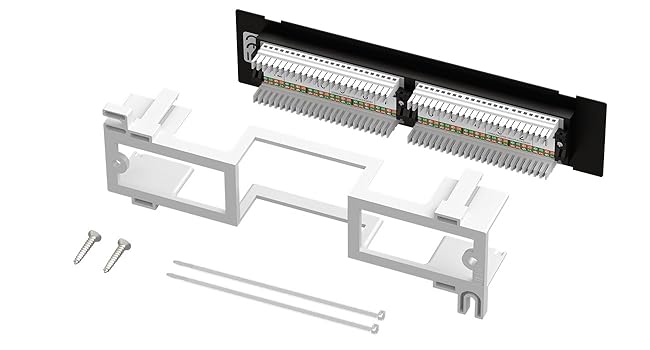
Products Include
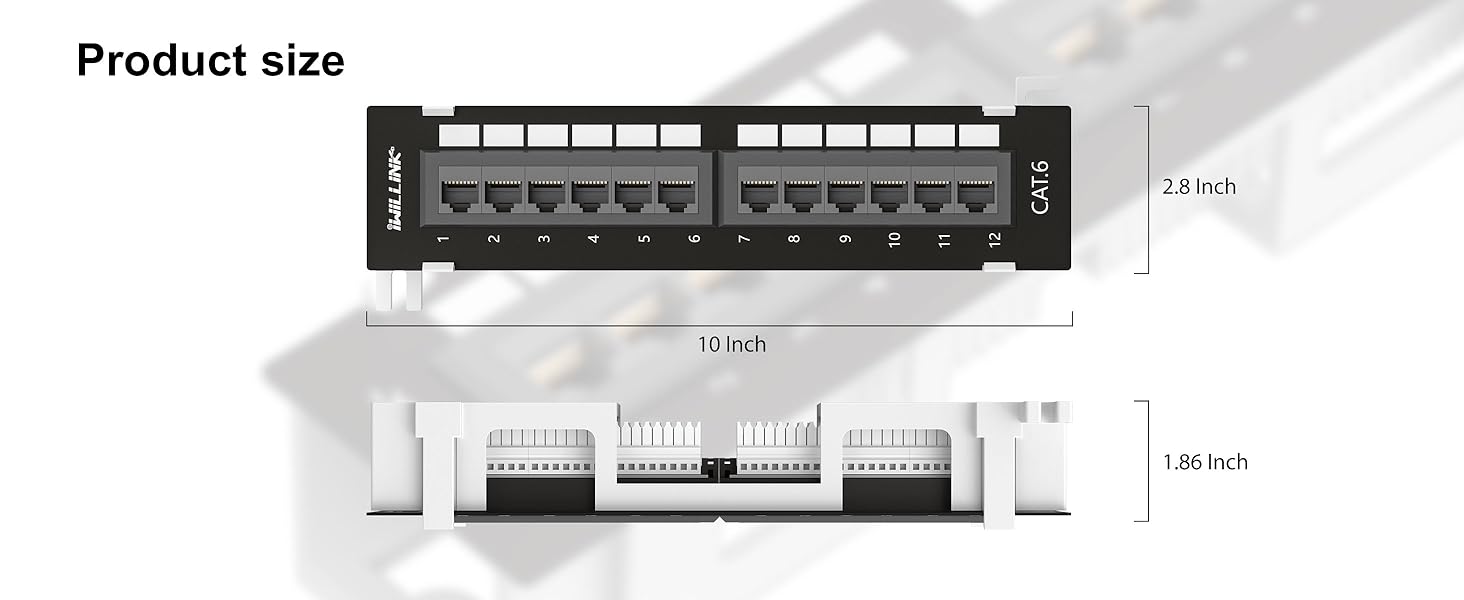
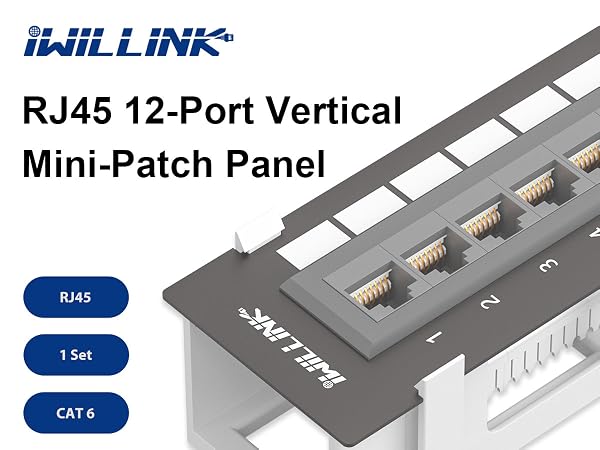
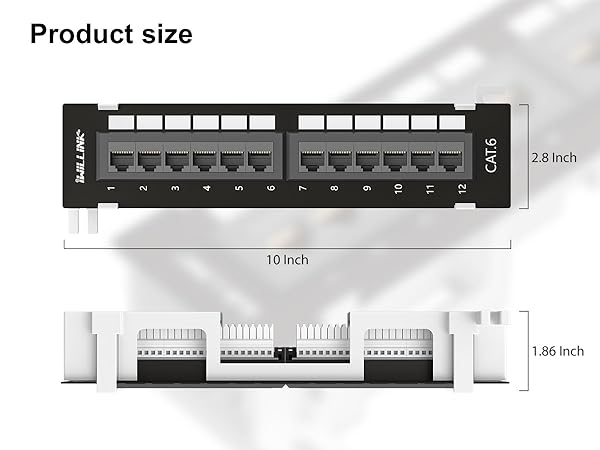
1 X 12 Port Cat6 Patch Panel
1 X 89D Wall Mount Bracket
2 x Screws 2 X Cable ties
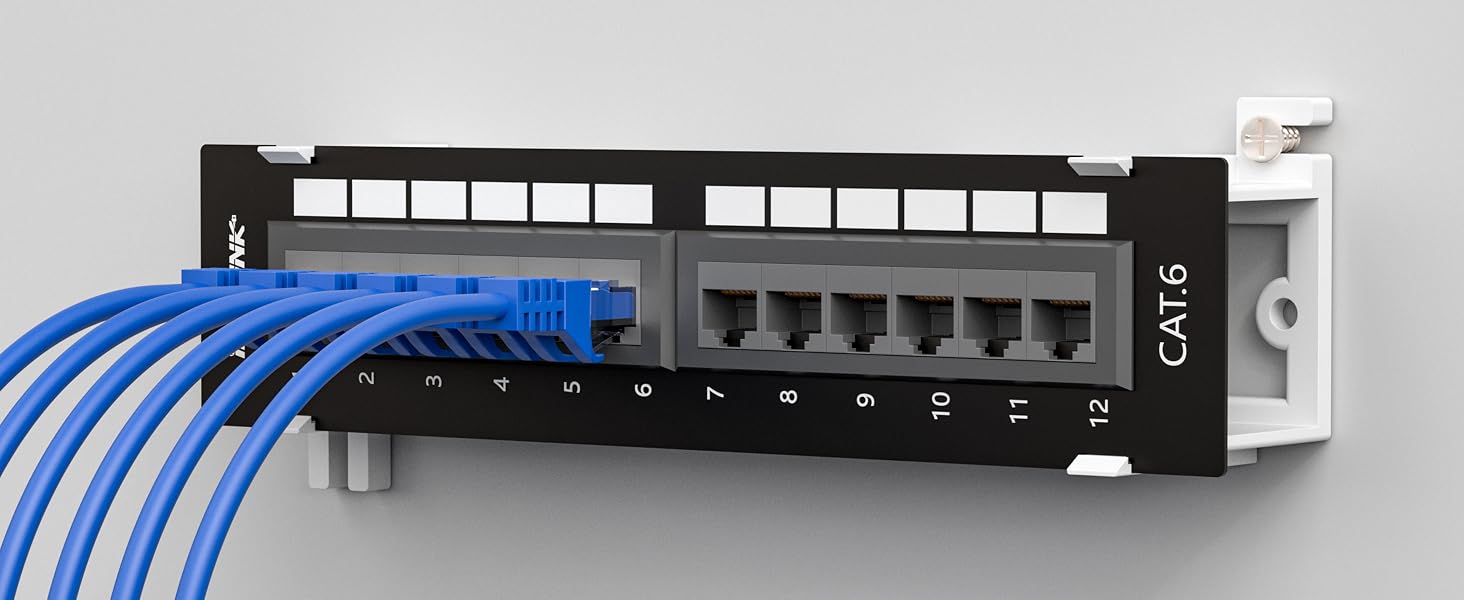
Snap-in style wall mount bracket design
Compare with items
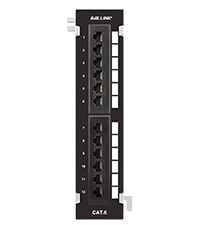 12-Port Cat6 Patch Panel | 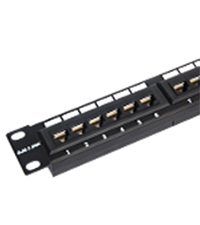 24-Port Cat6 Patch Panel | 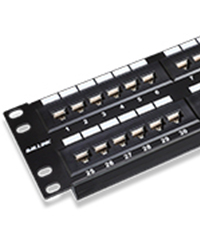 48-Port Cat6 Patch Panel |  24-Port UTP Patch Panel | 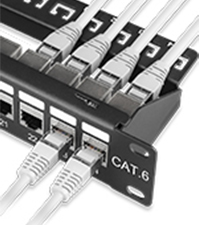 24-Port STP Patch Panel |  Blank Patch Panel | 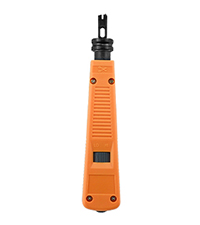 Punch Down Tool | |
|---|---|---|---|---|---|---|---|
Customer Reviews | — | — | — | — | — | — | — |
Price | — | — | — | — | — | — | — |
Compatibility | Cat6/Cat5e | Cat6/Cat5e | Cat6/Cat5e | Cat6/Cat5e | Cat6/Cat5e | ? | ? |
Material | Gold-plated contacts | Gold-plated contacts | Gold-plated contacts | Gold-plated contacts | Gold-plated contacts | Stainless steel | Plastic |
Package Content | 1 Pack | 1 Pack | 1 Pack | 1 Pack | 1 Pack | 1 Pack | 1 Pack |
Color | Black | Black | Black | Black | Black | Black | Orange |
Size | Standard | Standard | Standard | Standard | Standard | Standard | Standard |
Feature
10G Speed Support
10Gigabit Ethernet applications.(Cable length limited to 35m-55m)
1000Mbps Ethernet applications.(Cable length can up to 100m)
Label Spaces
Label spaces for hand-written or machine-printed labels.
Widely Compatiable
Made for Cat 6 cabling, but backwards compatible with Cat 5e and Cat 5 cabling.
Gold plated pins
Gold-plated contacts ensure corrosion-free connections and improve connector durability.
Installation Instructions
Step 1
Arrange the wires.
Step 2
Push the wires into the IDC according to T568A/T568B color code.
Step 3
Impact and fix the wires, cut off the excess wires.
Step 4
Use cable ties to secure the wire, the installation is complete.
568B Labling
Numbered ports and color-coded T568A and T568B wiring diagram give quick reference.
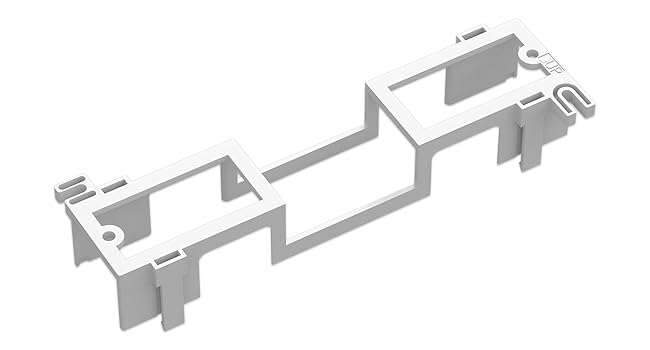
89D Wall Mount Bracket
The snap-in style wall mount bracket design provides quick and easy access to cable connections when needed for installation or troubleshooting
Strong and Durable
180-degree patch panel constructed with SPCC 1.5mm steel.
Products Include
1 X 12 Port Cat6 Patch Panel
1 X 89D Wall Mount Bracket
2 x Screws 2 X Cable ties
Snap-in style wall mount bracket design
Compare with items
12-Port Cat6 Patch Panel | 24-Port Cat6 Patch Panel | 48-Port Cat6 Patch Panel | 24-Port UTP Patch Panel | 24-Port STP Patch Panel | Blank Patch Panel | Punch Down Tool |
|---|---|---|---|---|---|---|
| Customer Reviews | ||||||
| — | — | — | — | — | — | — |
| Price | ||||||
| — | — | — | — | — | — | — |
| Compatibility | ||||||
| Cat6/Cat5e | Cat6/Cat5e | Cat6/Cat5e | Cat6/Cat5e | Cat6/Cat5e | ? | ? |
| Material | ||||||
| Gold-plated contacts | Gold-plated contacts | Gold-plated contacts | Gold-plated contacts | Gold-plated contacts | Stainless steel | Plastic |
| Package Content | ||||||
| 1 Pack | 1 Pack | 1 Pack | 1 Pack | 1 Pack | 1 Pack | 1 Pack |
| Color | ||||||
| Black | Black | Black | Black | Black | Black | Orange |
| Size | ||||||
| Standard | Standard | Standard | Standard | Standard | Standard | Standard |

Iwillink, is the professional manufacturer of cabling, network and communication equipment and accessories system. There is a professional mold design team, product design, development ability is strong. OEM ODM products have a wealth of manufacturing experience.
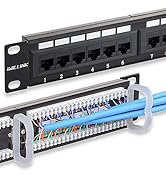
Patch Panel
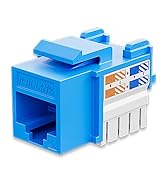
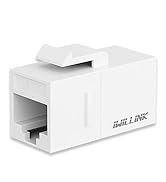
Keystone Jack
