





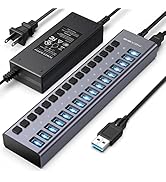
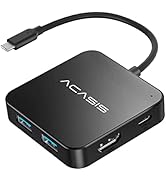
USB HUB
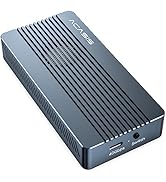
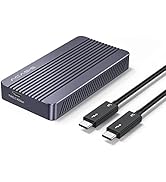
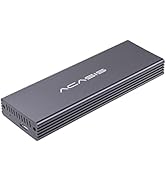
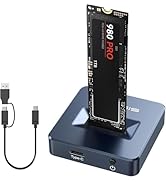
SSD Enclosure
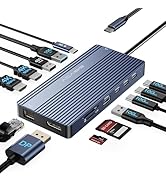
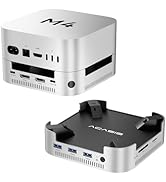
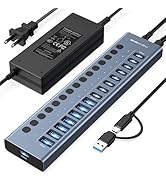
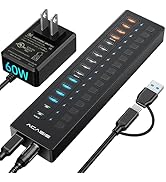
NEW PRODUCTS
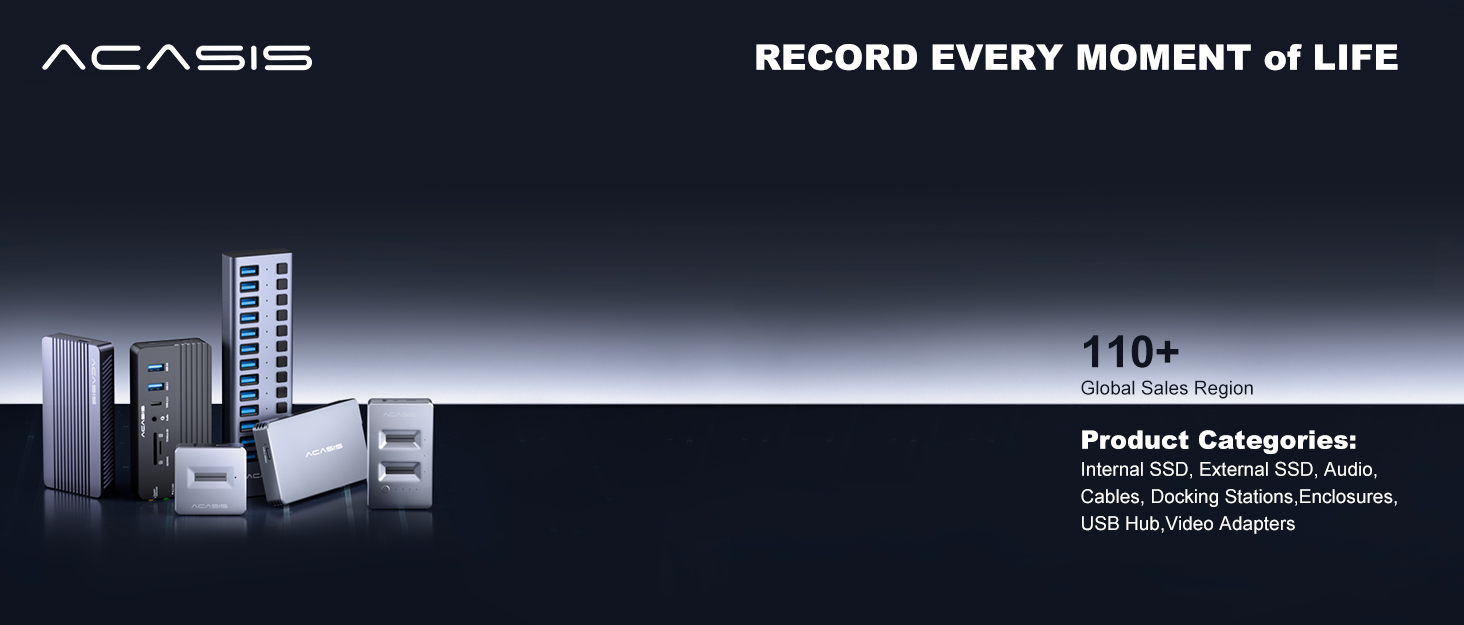
ACASIS develop and market a wide range of computer accessories & peripherals, including SSD Enclosues, USB Hubs, USB Docking Station, Capture Card and more. To make top products, we have established a professional team including top designer, top engineer and professional after-sales team.
Our vision is to bring a better using experience for digital products users. Keep working to supply a wide range of well-designed, superior quality products.
Just Released
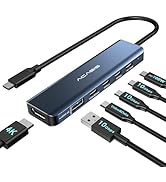
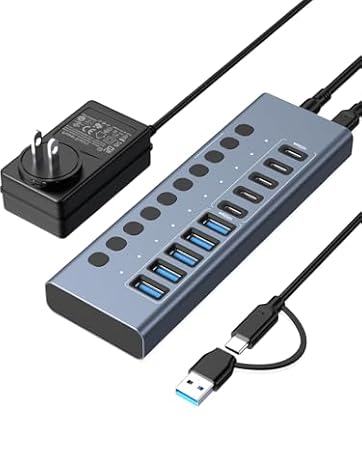
Features 10 ports (5 USB-A 3.2 Ports+5 USB-C 3.2 Ports) with 10Gbps transfer speed, which Is For High-Power USB Devices.
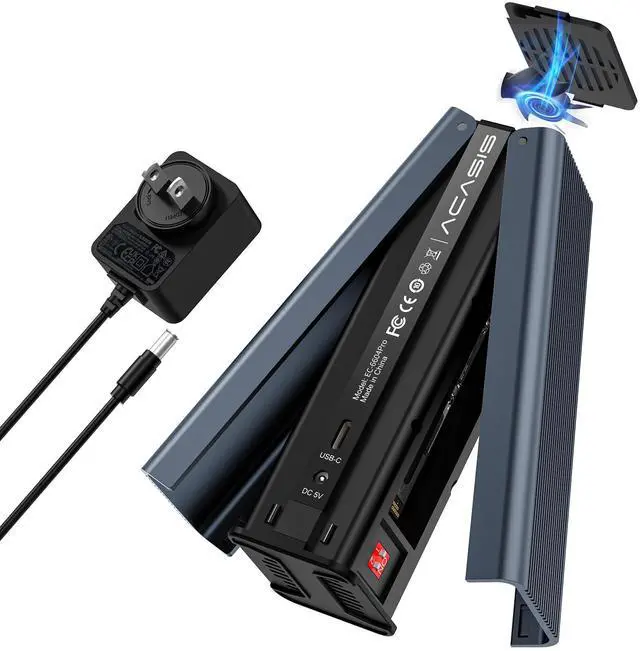
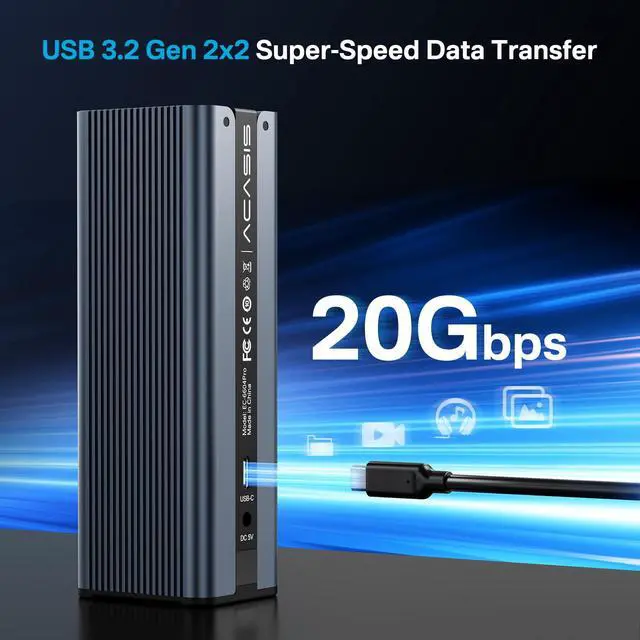
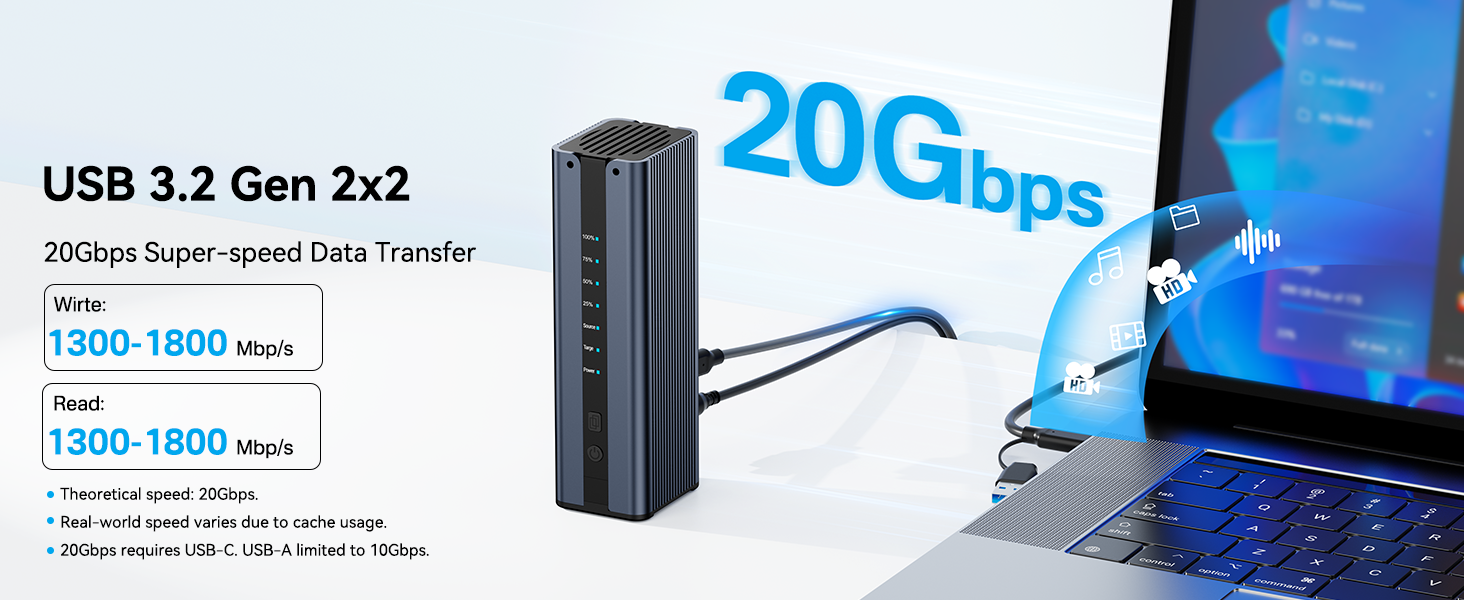
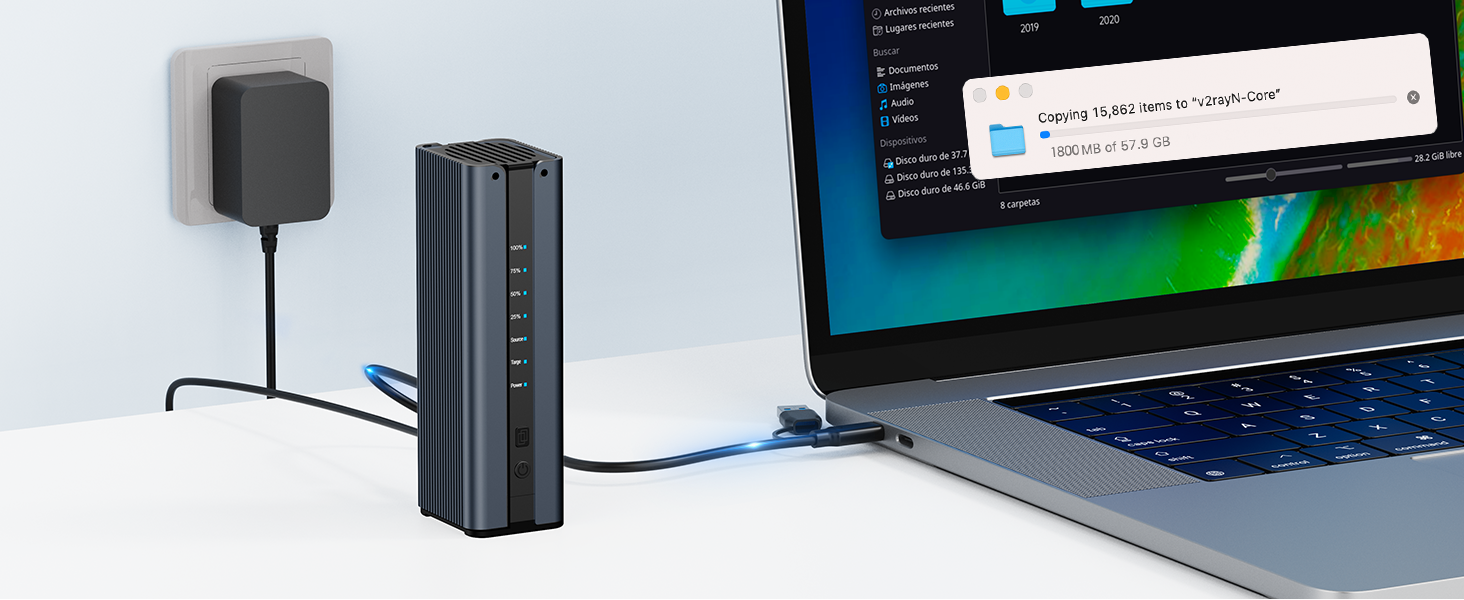
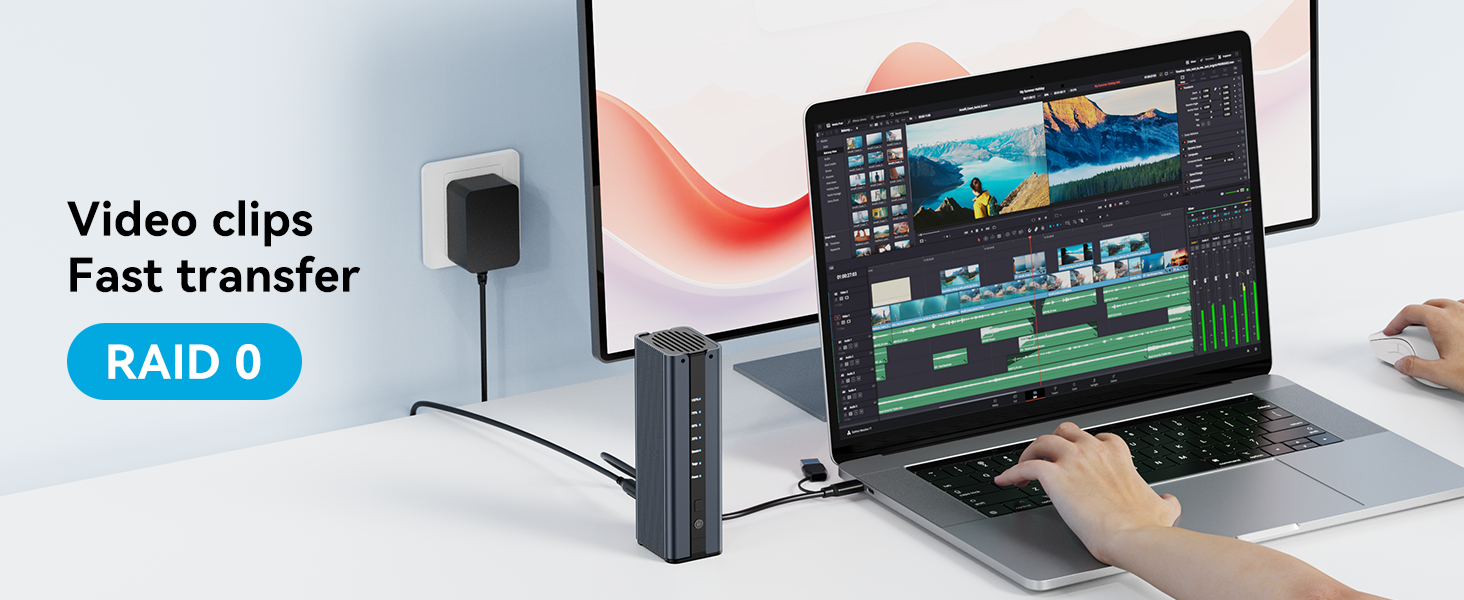
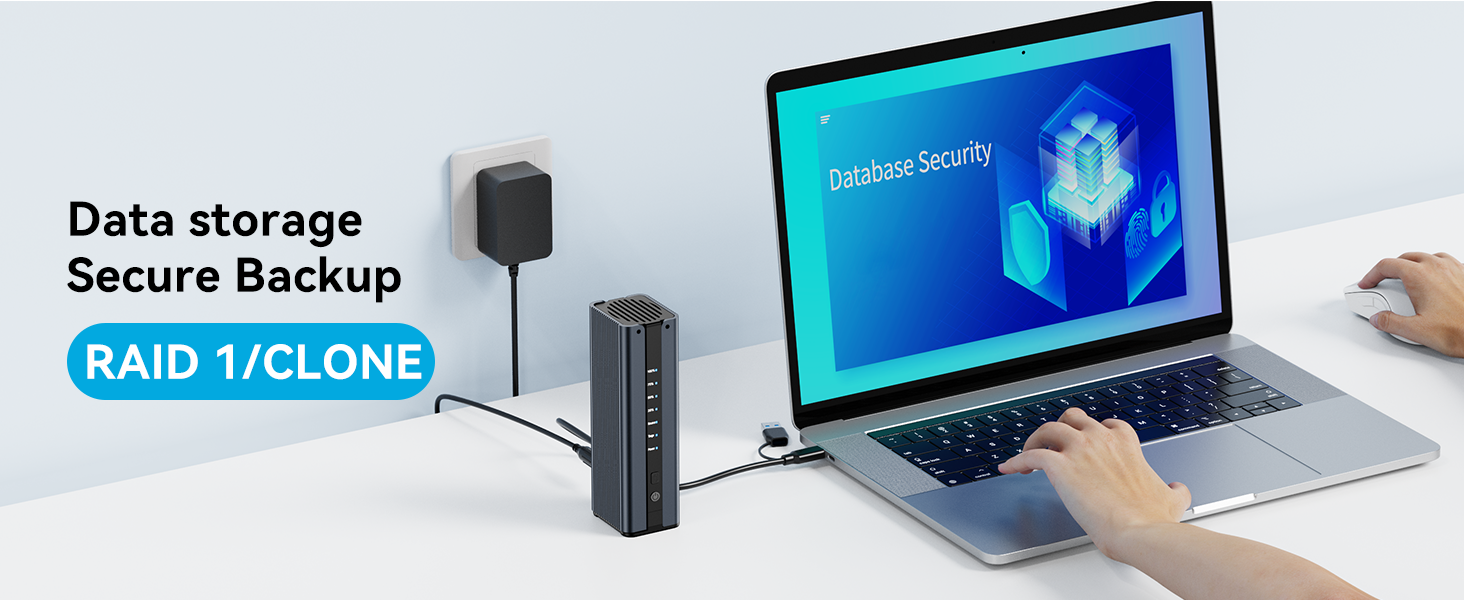
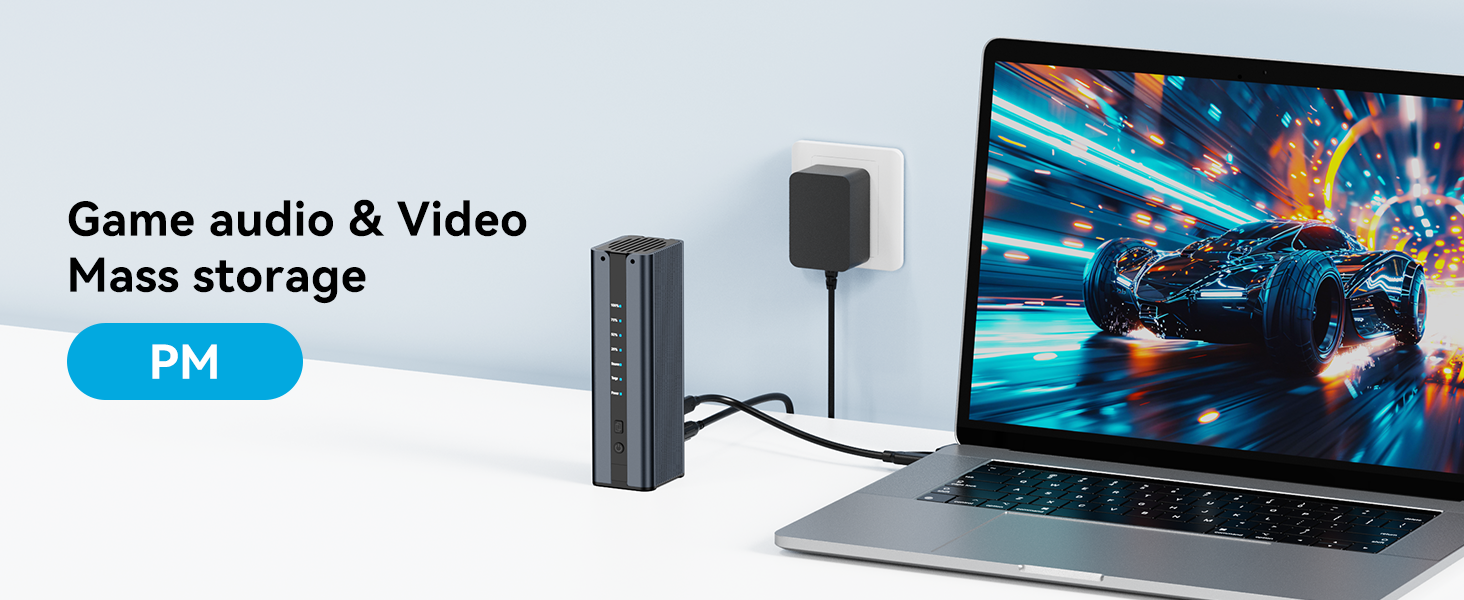
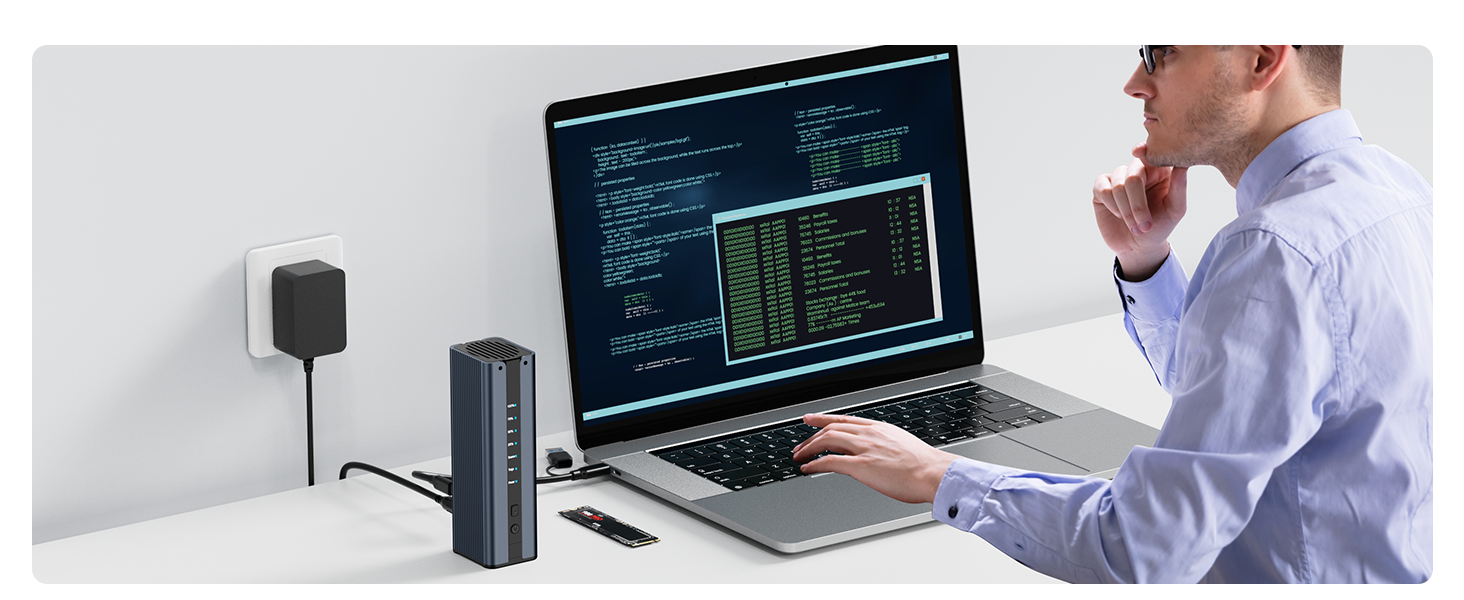
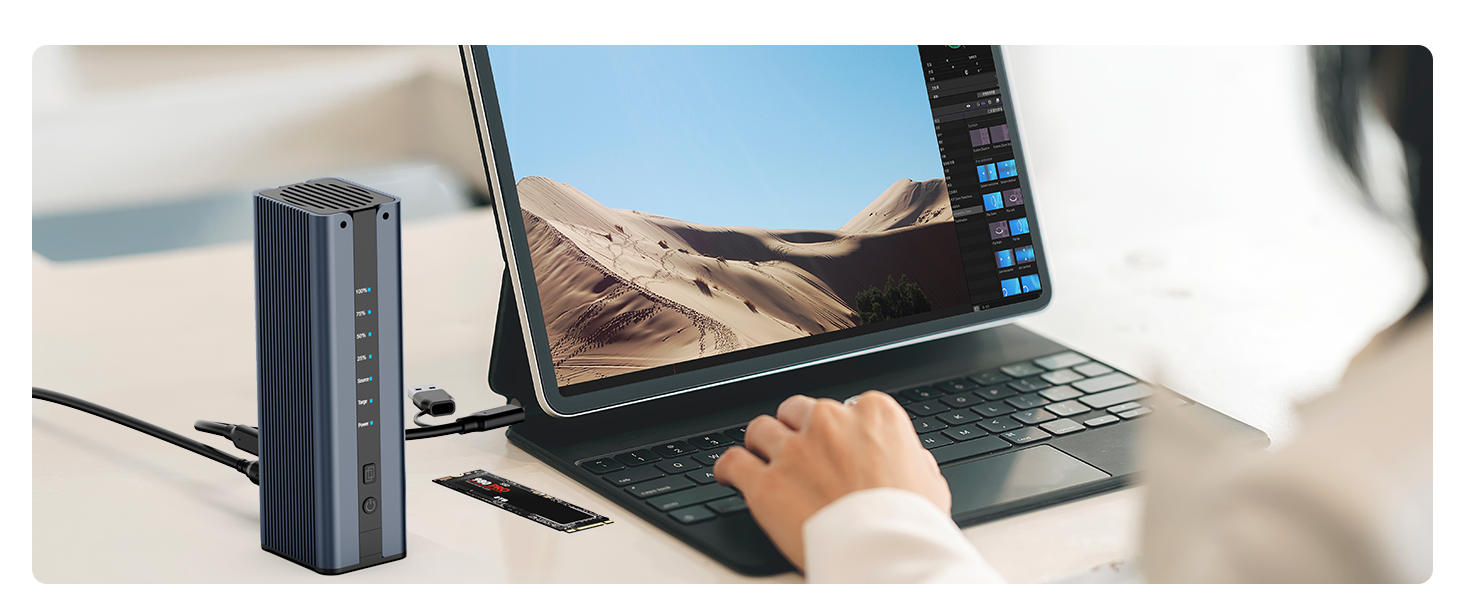
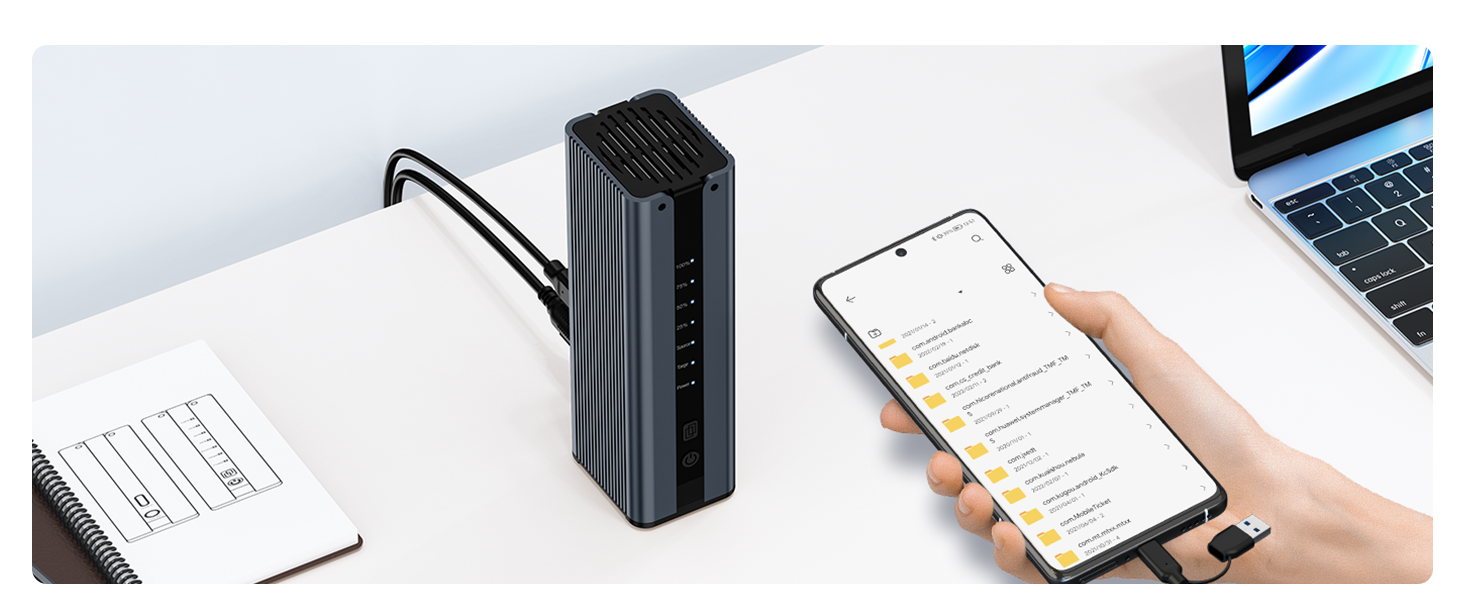
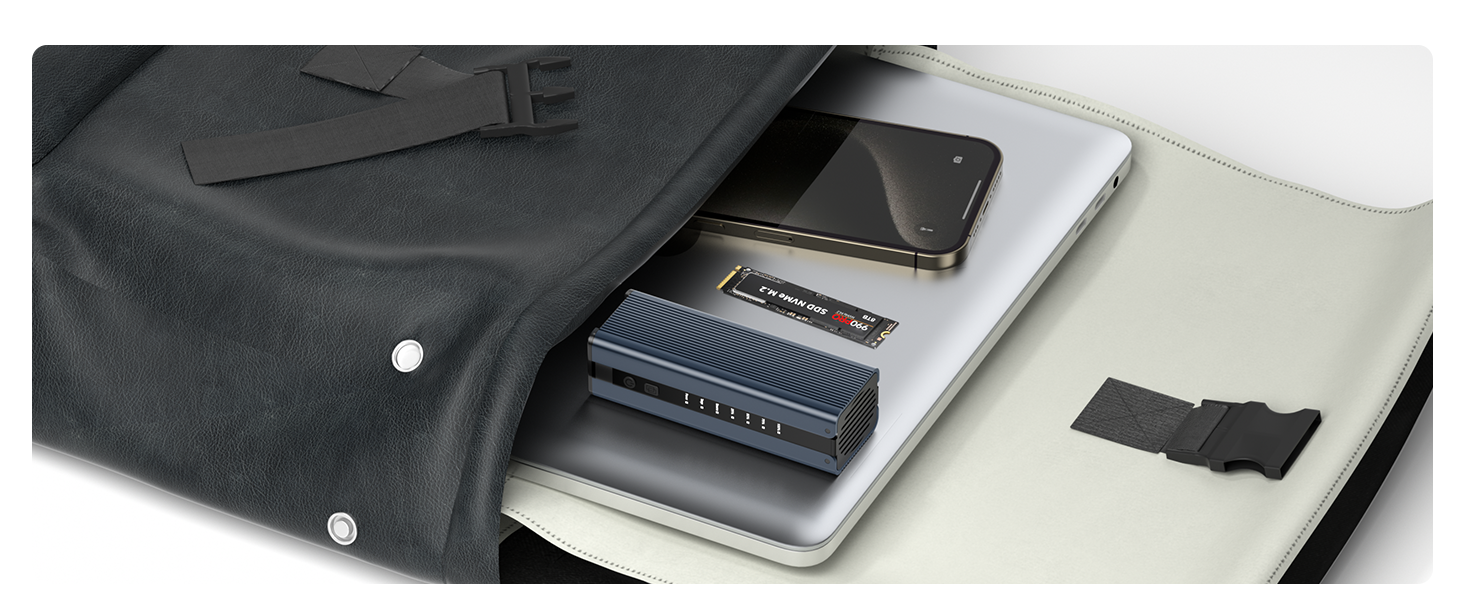
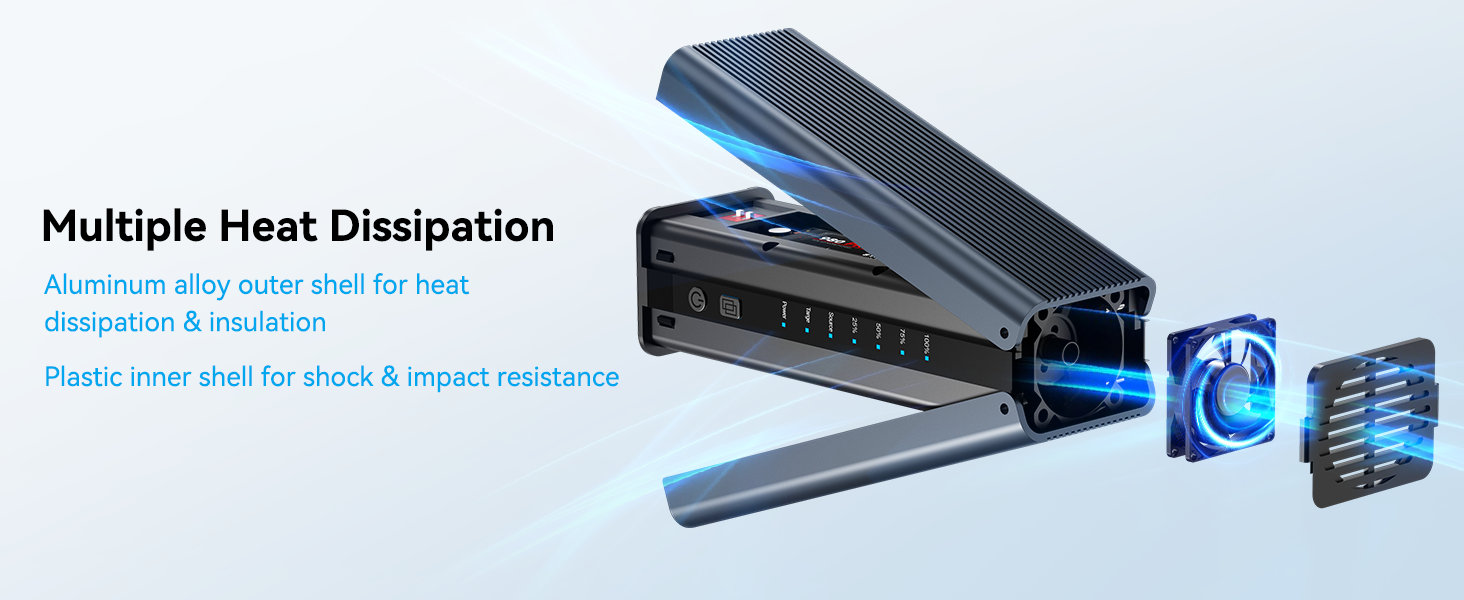
m.2 nvme ssd cloner
m.2 nvme ssd cloner
Can't offline clone?
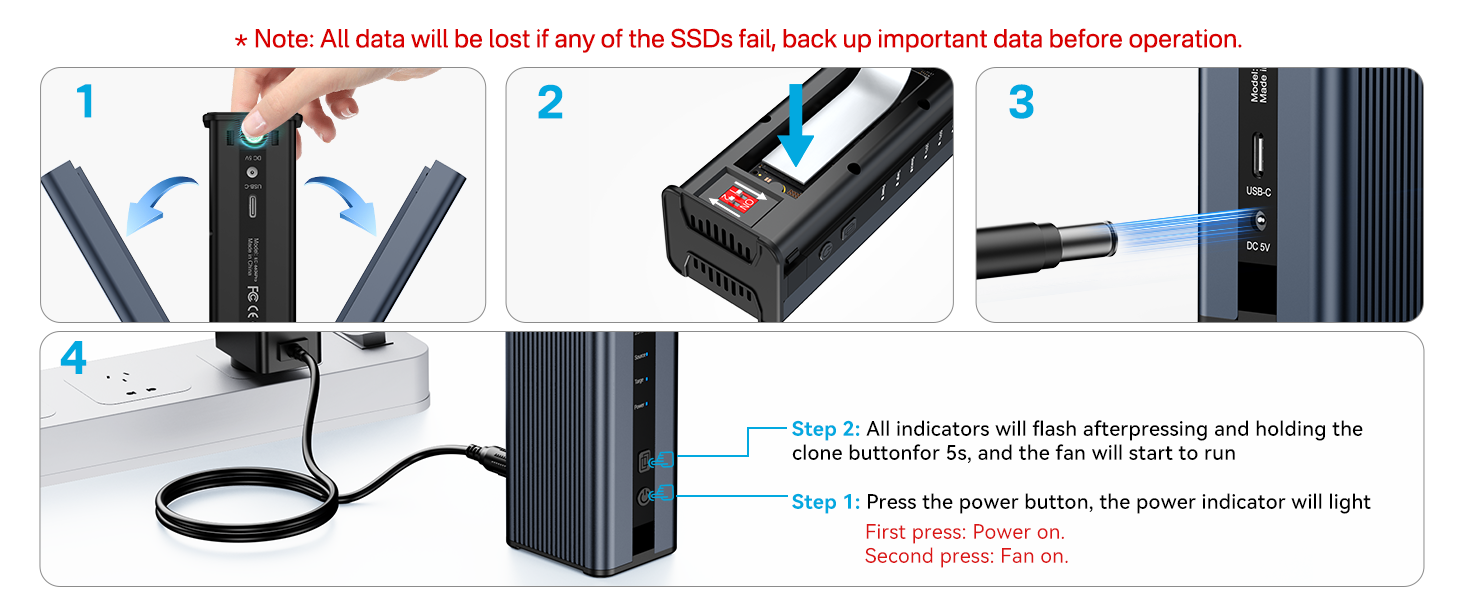
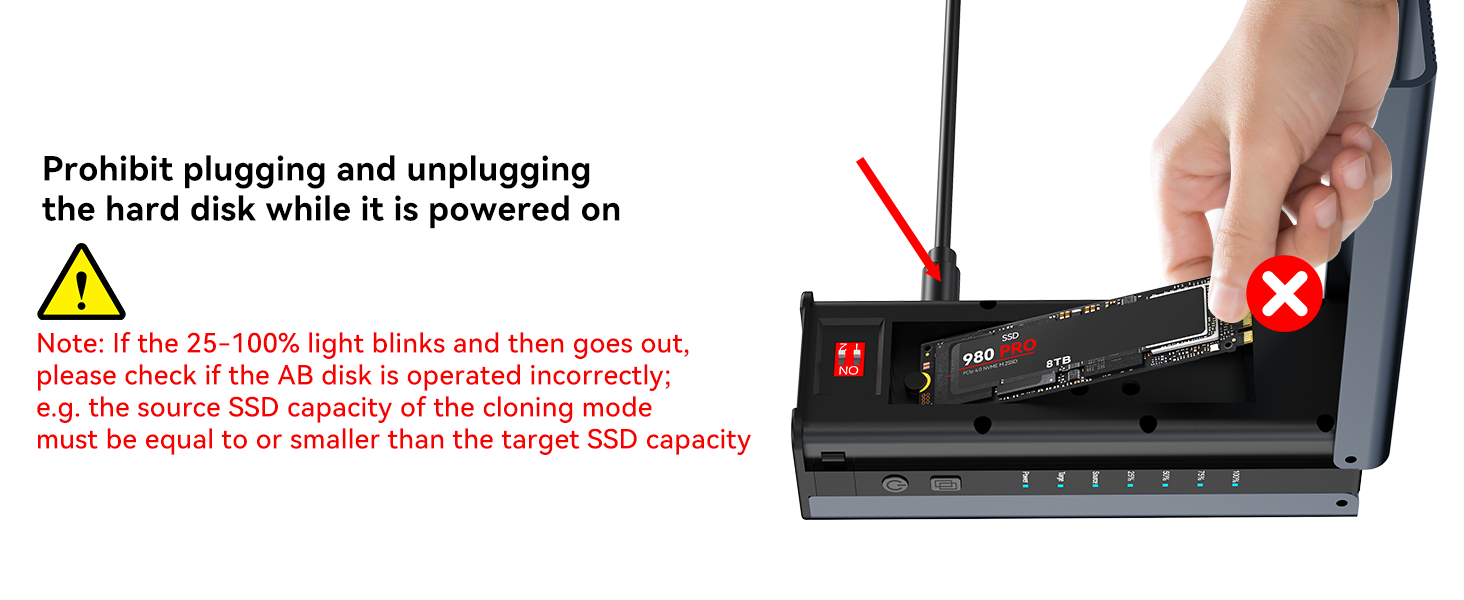
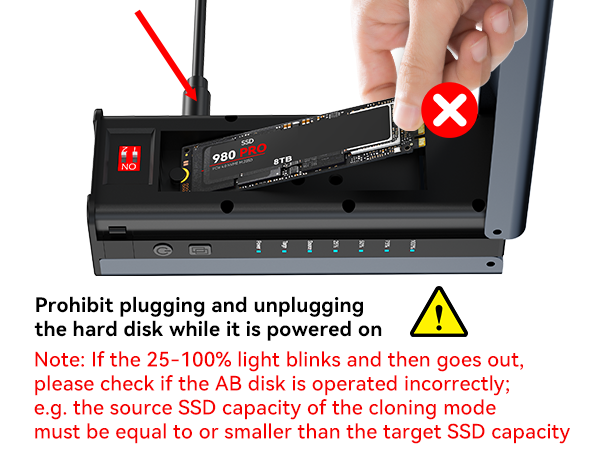
(1) Do not connect to the computer during clone.
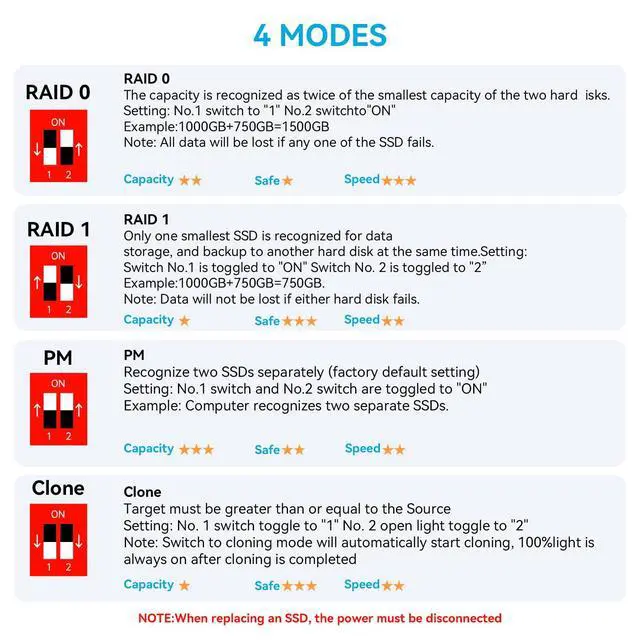
(2) Ensure the capacity of the target drive is bigger than the source drive. Target>Source.
(3) If it still can not work, please tell us for free, we will help you solve the problem.
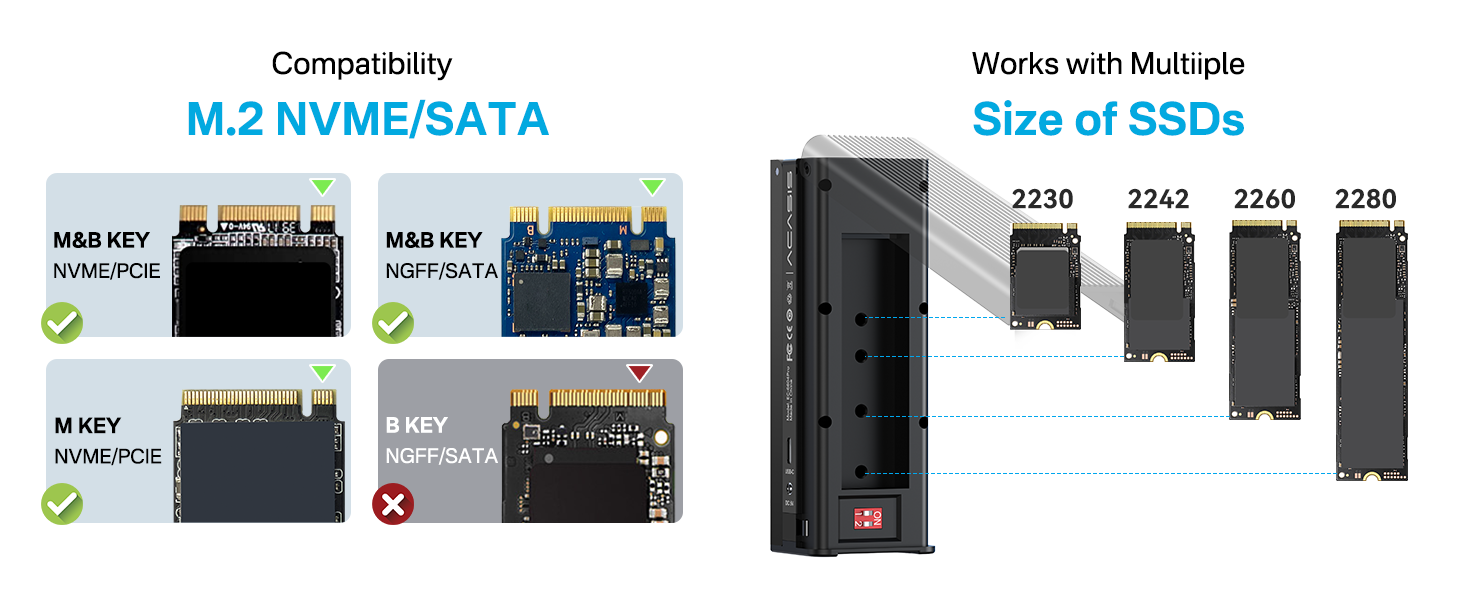
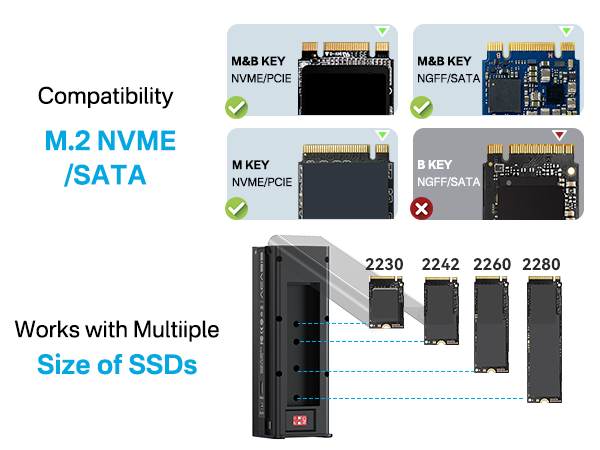
Does not support SATA M.2, only supports NVMe.
Our tests confirm SATA M.2 is supported. The issue may be with the older B+M Key SSD or its usage, and will be handled by after-sales.
The target drive doesn't show up. (For Windows 7 or higher)?
(1) Right-click [ This PC ] -> Click [ Management ] -> Click [ Disk Management].
(2) Right-click the offline drive to open the context menu, then click [ Online ].
(3) The target drive will come back online, and both drives share the same name.
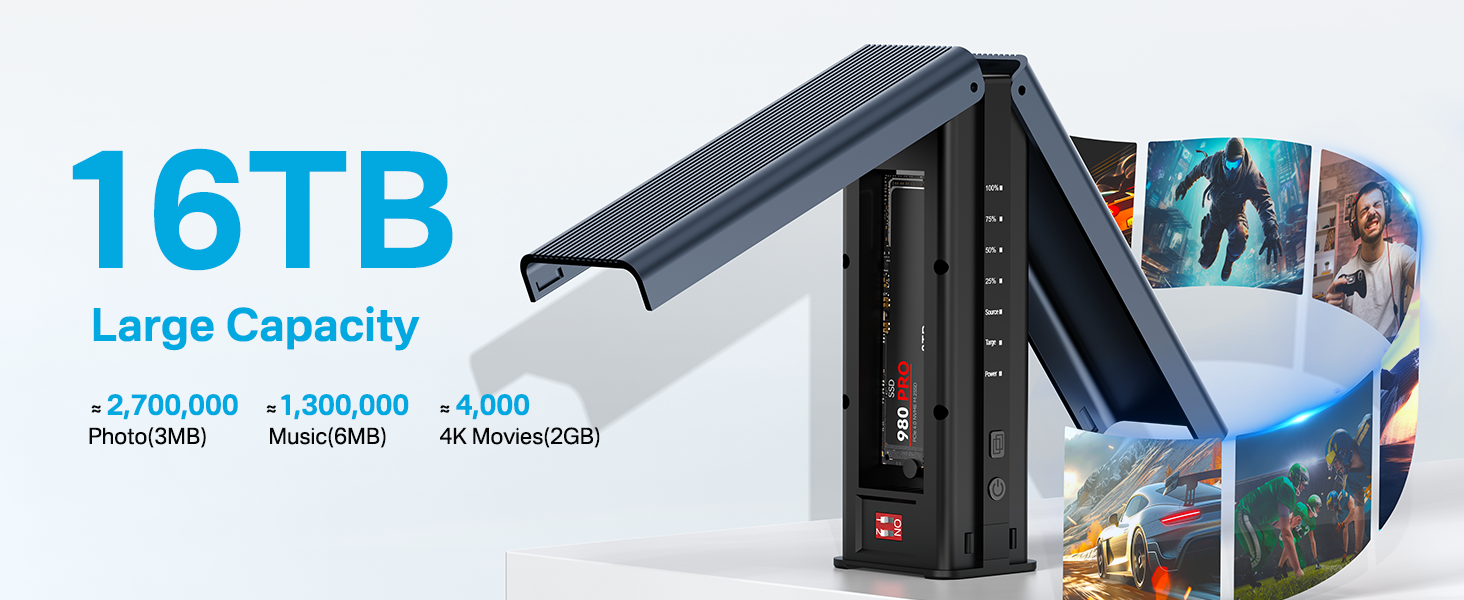
Can I use with only a slot of this enclosure?
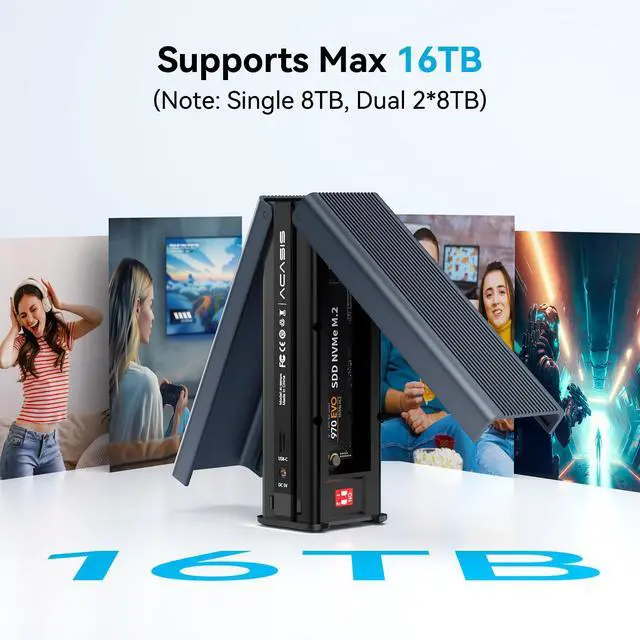
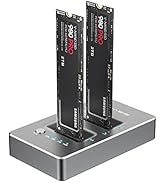
Yes, you can use a single slot for data transfer and storage of an NVMe SSD. Of course, you can also use 2 slots for this function on 2 NVMe SSDs.
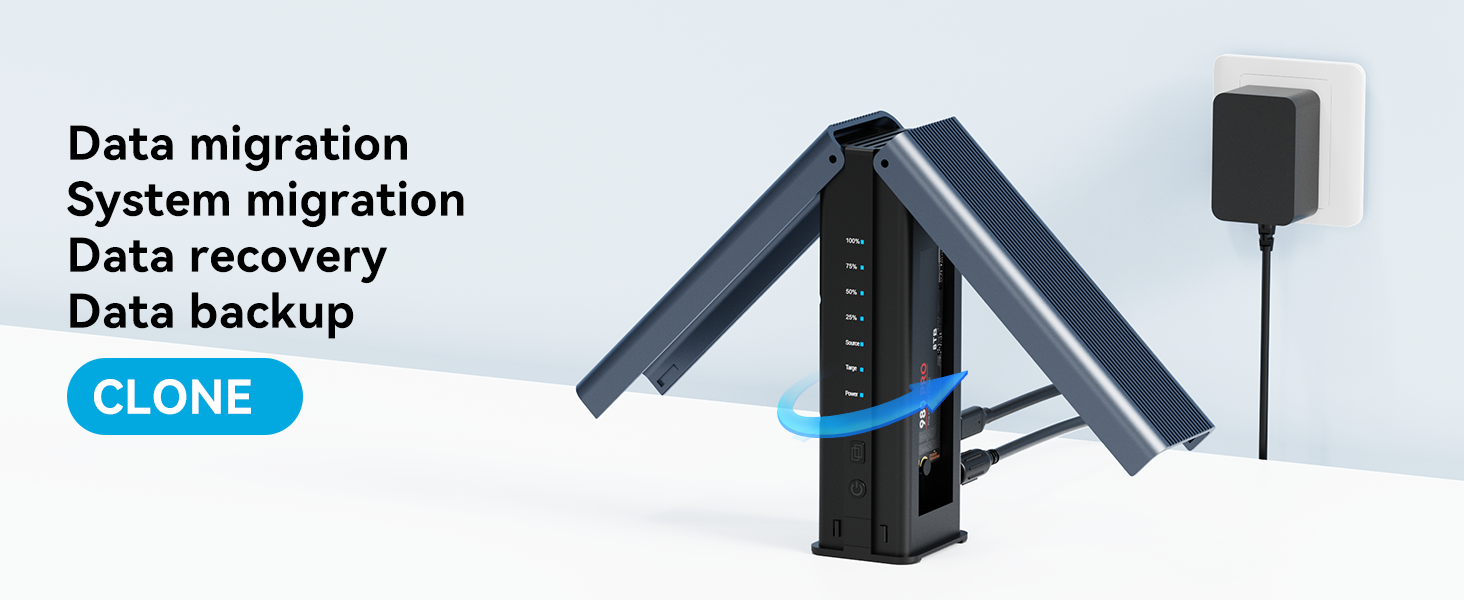
What conditions mean that cloning is complete?
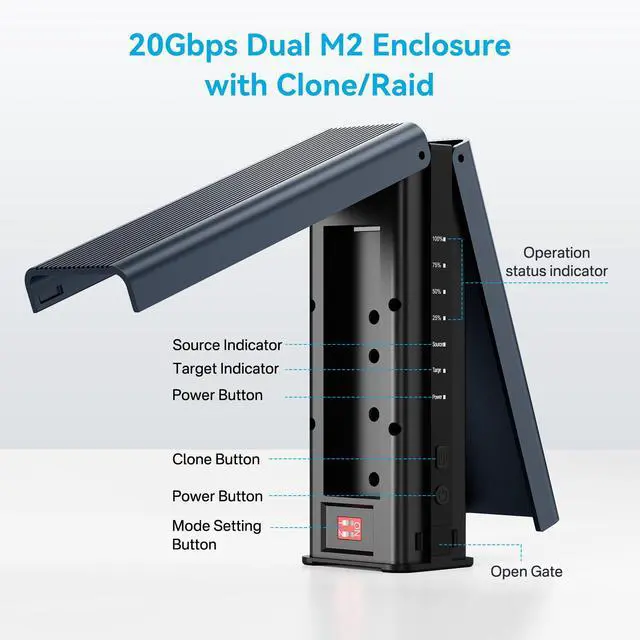
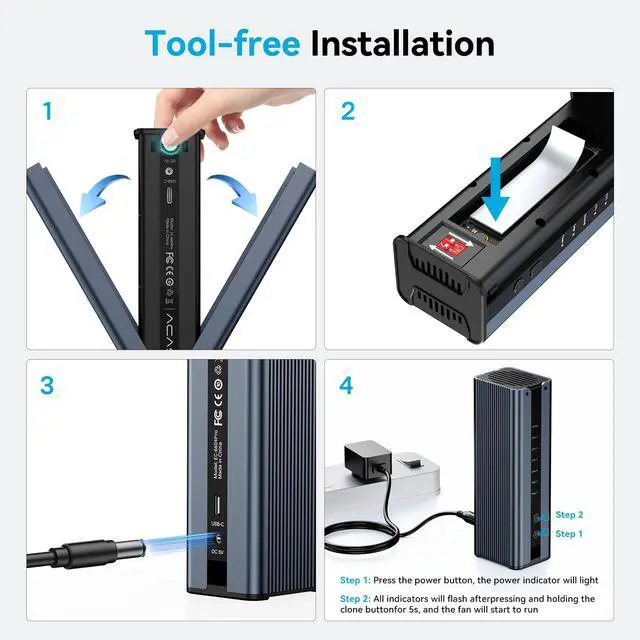
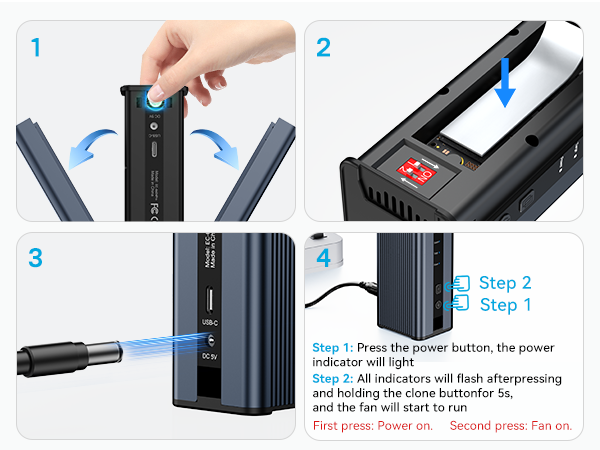
The indicator flashes continuously in the sequence of 25/50/75/100 and stays at 100, indicating that cloning is complete.
m.2 nvme ssd cloner
m.2 nvme ssd cloner
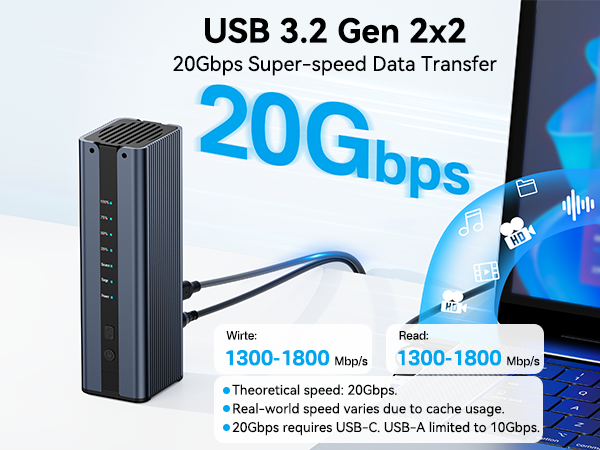
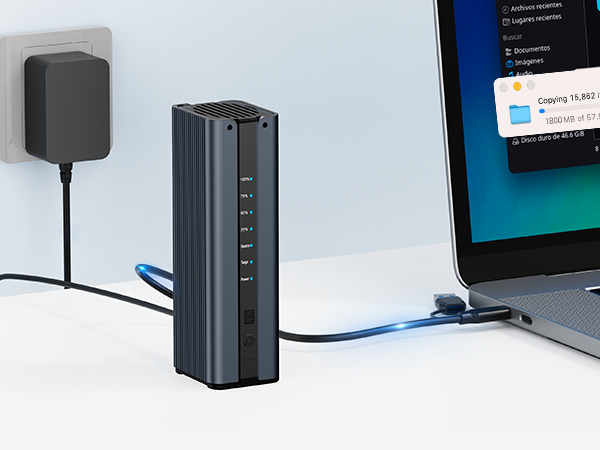
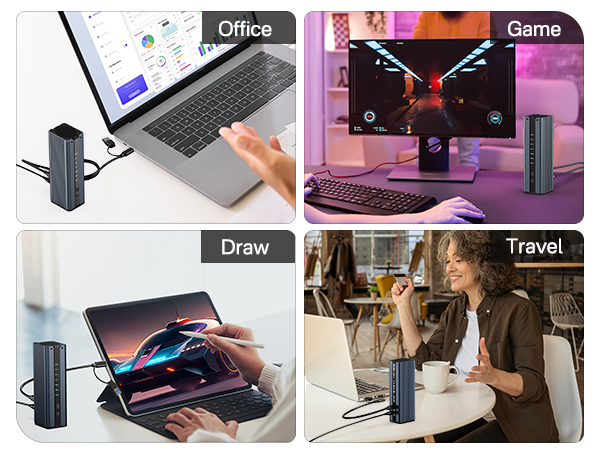
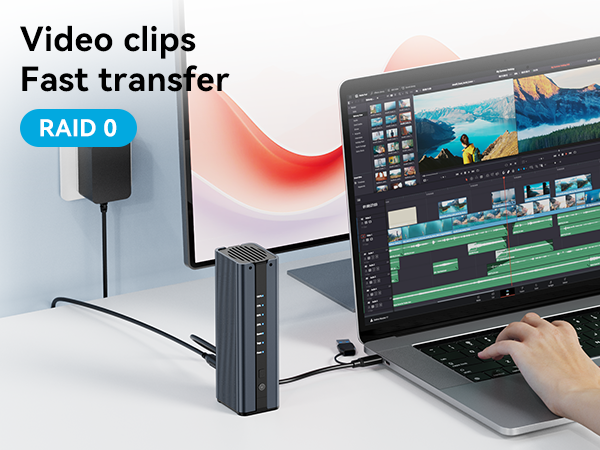
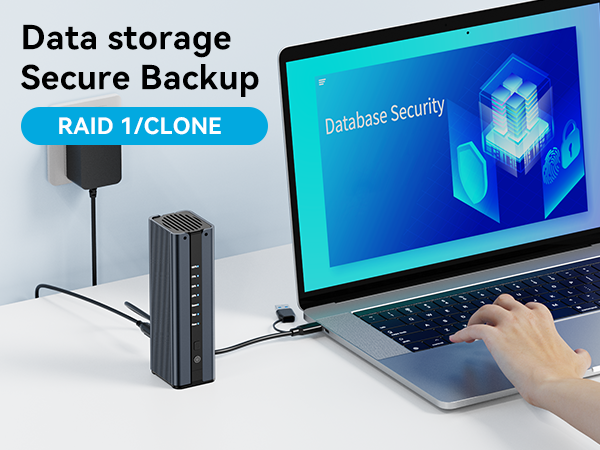
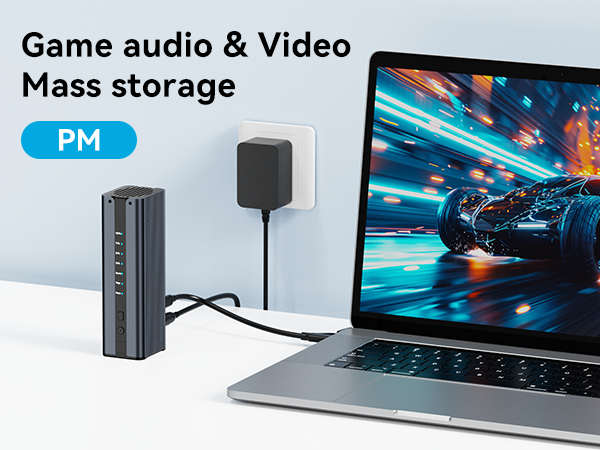
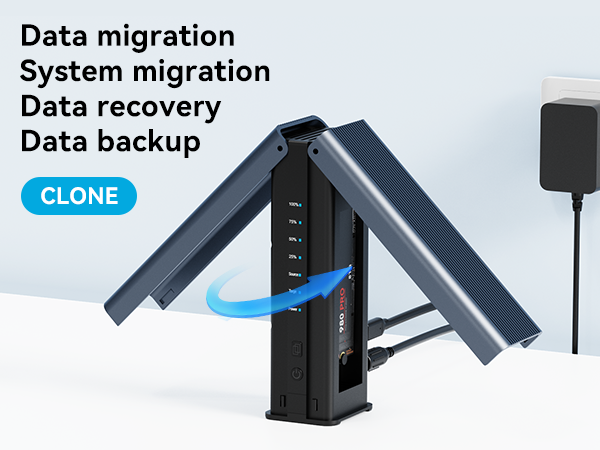
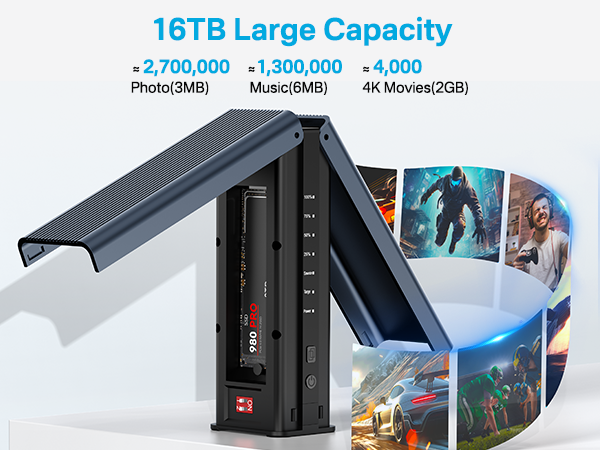
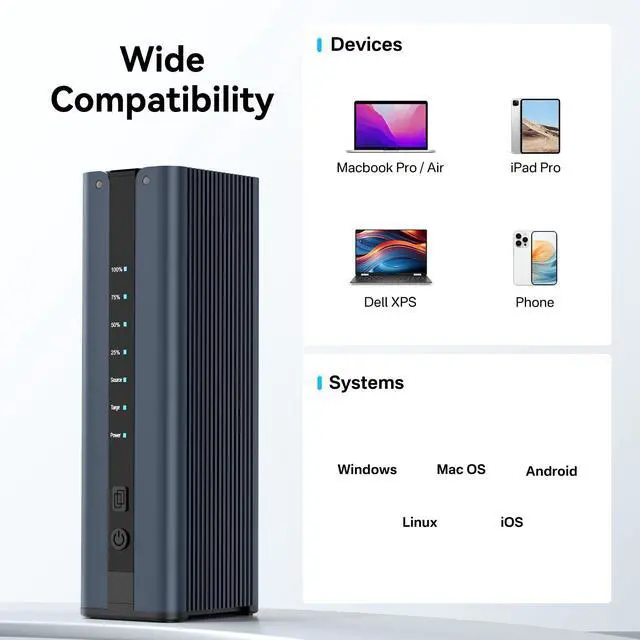
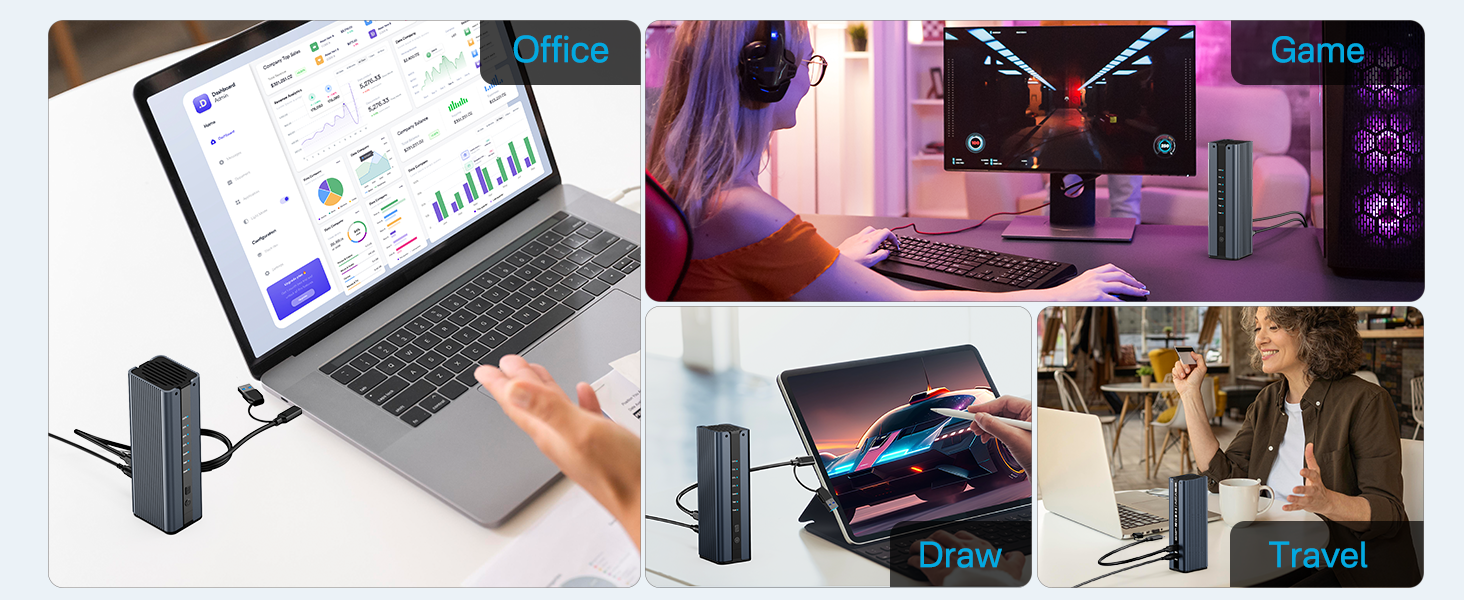
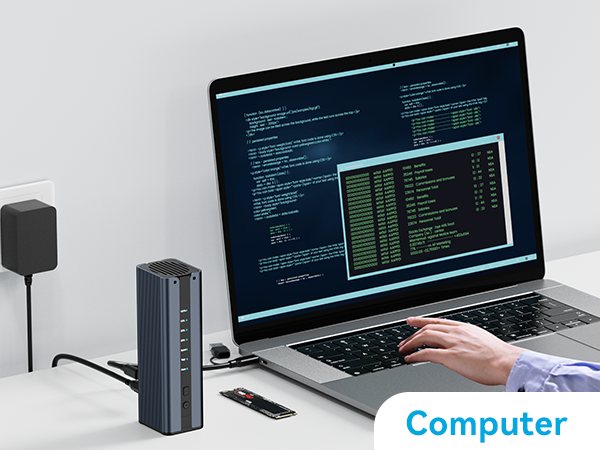
COMPUTER
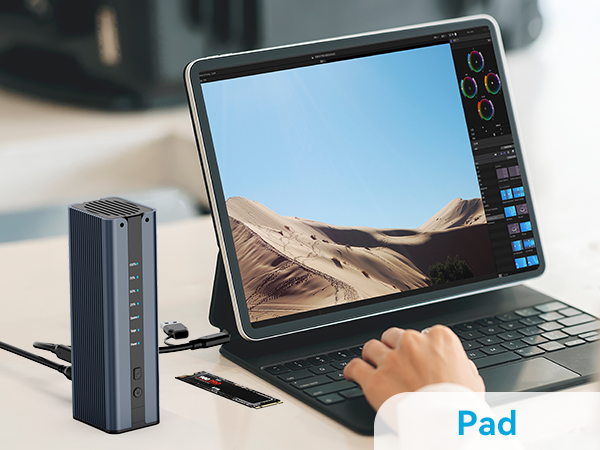
PAD
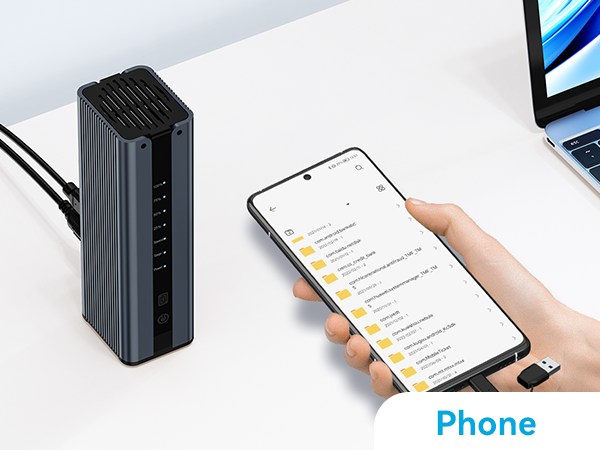
PHONE
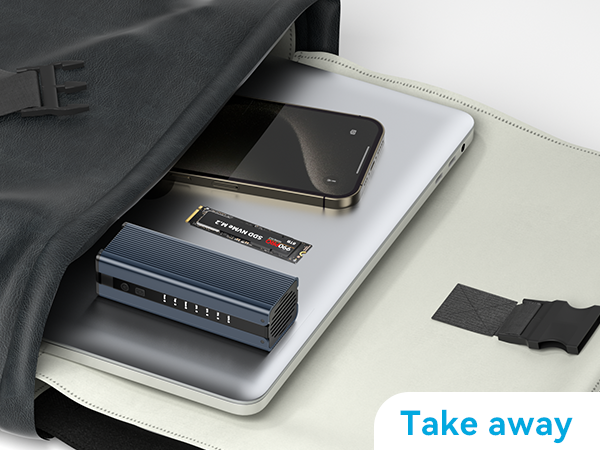
TAKE AWAY
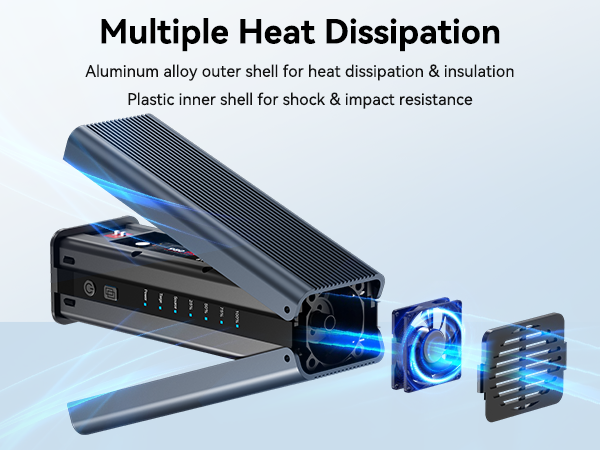
BODY DESIGN
Can't offline clone?
(1) Do not connect to the computer during clone.
(2) Ensure the capacity of the target drive is bigger than the source drive. Target>Source.
(3) If it still can not work, please tell us for free, we will help you solve the problem.
Does not support SATA M.2, only supports NVMe.
Our tests confirm SATA M.2 is supported. The issue may be with the older B+M Key SSD or its usage, and will be handled by after-sales.
The target drive doesn't show up. (For Windows 7 or higher)?
(1) Right-click [ This PC ] -> Click [ Management ] -> Click [ Disk Management].
(2) Right-click the offline drive to open the context menu, then click [ Online ].
(3) The target drive will come back online, and both drives share the same name.
Can I use with only a slot of this enclosure?
Yes, you can use a single slot for data transfer and storage of an NVMe SSD. Of course, you can also use 2 slots for this function on 2 NVMe SSDs.
What conditions mean that cloning is complete?
The indicator flashes continuously in the sequence of 25/50/75/100 and stays at 100, indicating that cloning is complete.
USB HUB
SSD Enclosure
NEW PRODUCTS
ACASIS develop and market a wide range of computer accessories & peripherals, including SSD Enclosues, USB Hubs, USB Docking Station, Capture Card and more. To make top products, we have established a professional team including top designer, top engineer and professional after-sales team.
Our vision is to bring a better using experience for digital products users. Keep working to supply a wide range of well-designed, superior quality products.
Just Released
Features 10 ports (5 USB-A 3.2 Ports+5 USB-C 3.2 Ports) with 10Gbps transfer speed, which Is For High-Power USB Devices.