



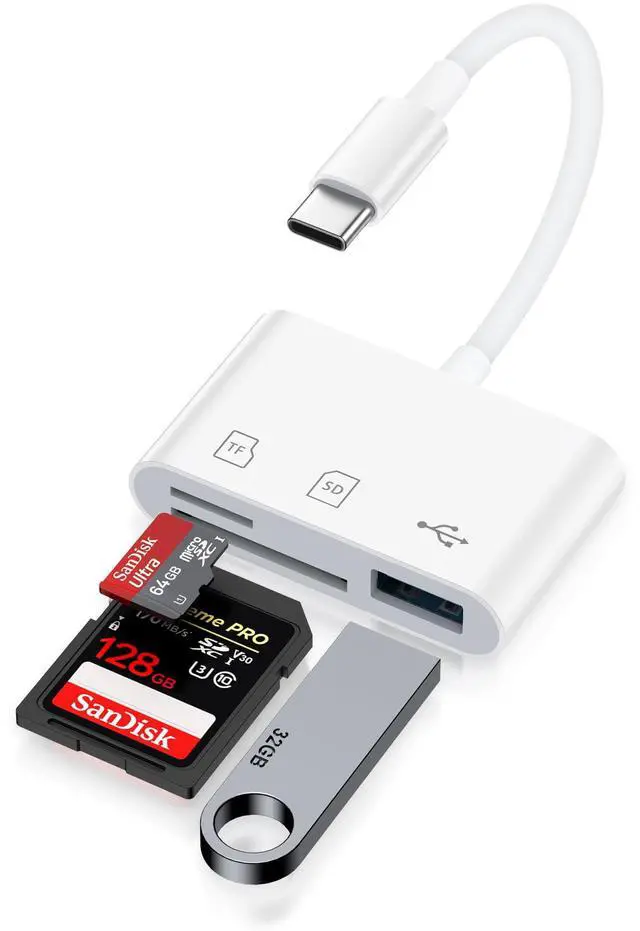
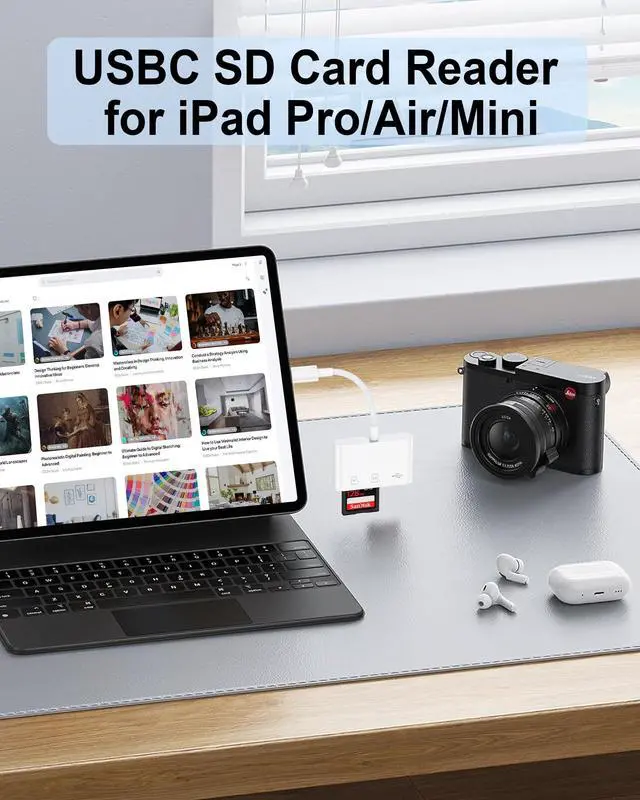
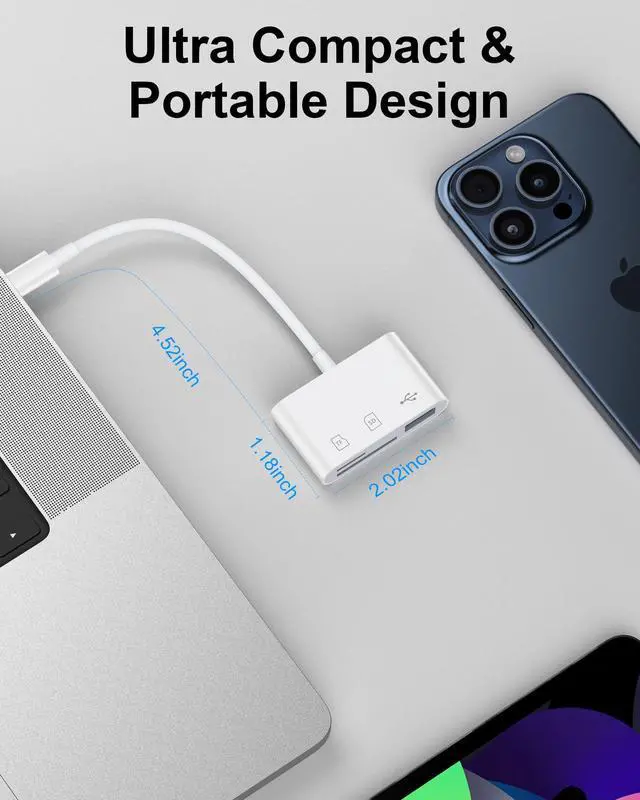
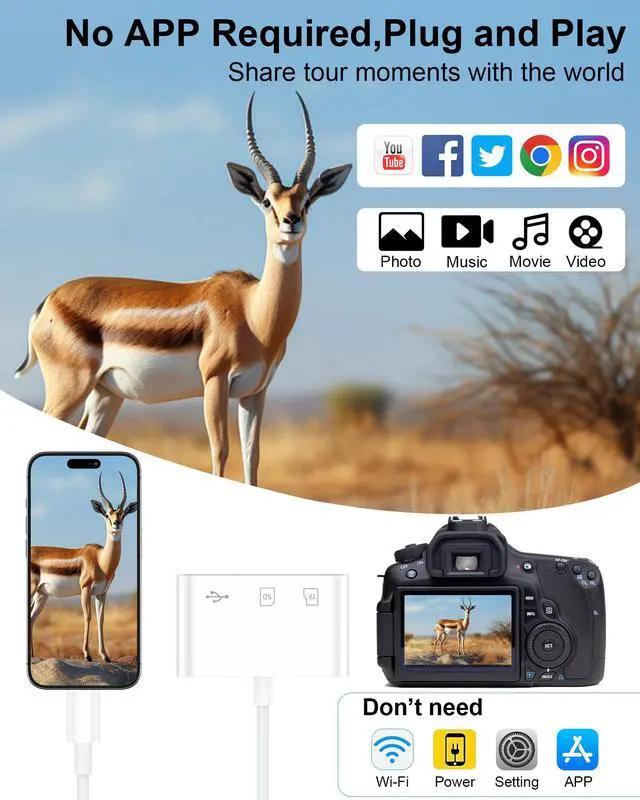
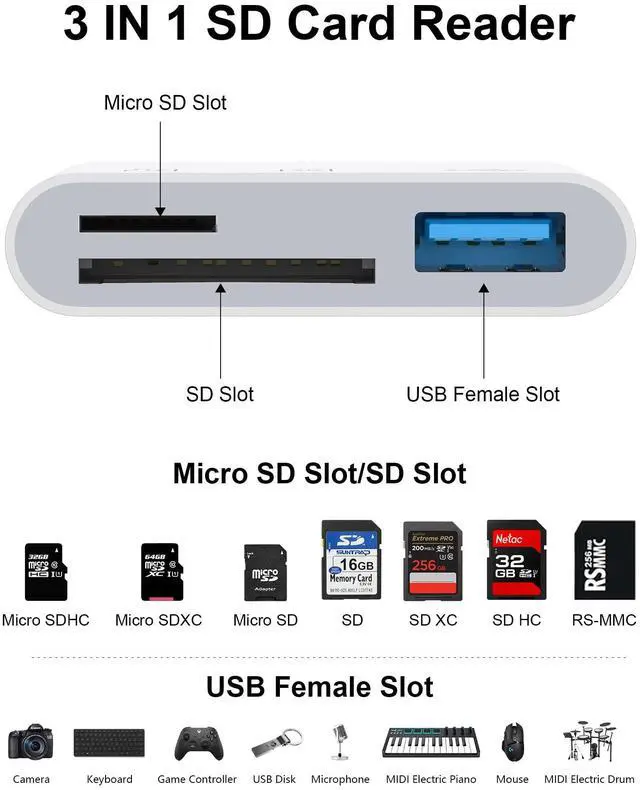


AILKIN 3 IN 1 USB 3.0 Type C SD/ Micro SD with USB-A Adapter Card Slots


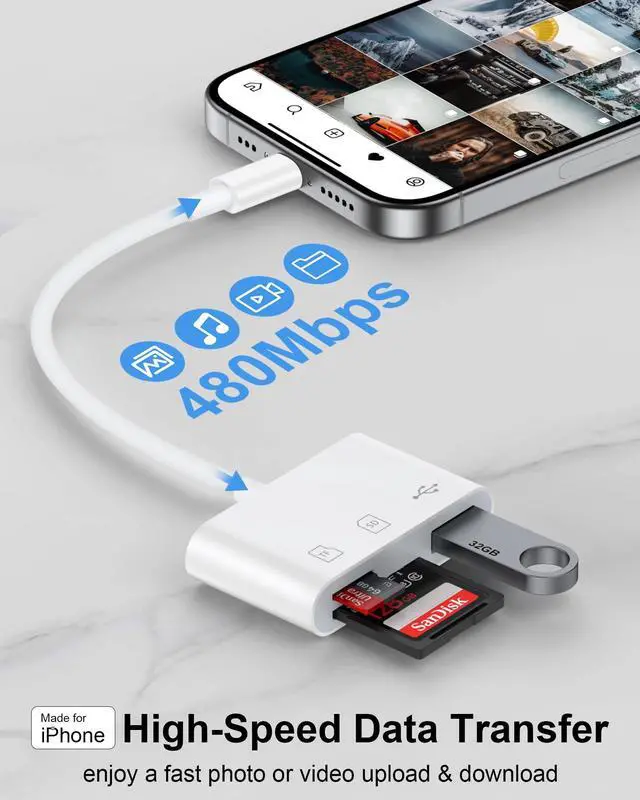
High Speed Data Transfer USB 3.0 - The reading and writing speed can reach to 90M/S, which is 5 times faster speed than that of USB 2.0 card reader


How to Use?
- Simply insert a memory card into the reader. Turn on the iPhone and iPad, and connect the reader to the USB-C port.
- Open the "Files" app on your iPhone 17 16 15/ iPad. When you access the “ABC” folder, you will find three options at the bottom of the screen: “Recents,” “Shared,” and “Browse.” Please ensure that you select “Browse.” The other two options do not pertain to the contents of your memory card.
- Please select "NO NAME" or "Untitled" (the default name of most memory cards). If your memory card were named “ABC”, you will see “ABC” there, plz just tap “ABC”. Then you will be able to read a variety of files such as jpg, MP3, word, excel, PDF, etc. You can transfer data from a memory card to an iPhone 17 16/15.
- You can remove, copy, and paste files from your memory card into your iPhone or iPad. Alternatively, copy files from your iPhone or iPad to a memory card.
- The “Files” app, which is incorporated into iOS, usually you don’t have to download, allows you to transfer data from a memory card to your iPhone easily. If there is no “Files” App, please download it from the App Store.
- If you can see the files but fail to open them, you may need to download a third-party app to read and open them.


Compatible List(NOT Full):
USB Type C Smartphone:
--iPhone 17/Air/17 Pro Max/17 Pro/16 Pro Max /16 Pro /16 Plus /16, iPhone 15 Pro Max /15 Pro /15 Plus /15
--Samsung Galaxy S25/S25+/S25 Ultra/S24 FE/S24 Ultra/S24+/24; S23/S22/S20/S10/S9...
--Samsung Galaxy A06/A16 5G/A13s/A03/A55...
--Moto Edge/Razr/Razr+/G Power/G Pure/G Stylus/G Play...
--Google Pixel 10/10 Pro Fold/10 Pro XL/10 Pro/9a/9 Pro XL/9 Pro Fold/9/8a/8 Pro/8/7a/7 Pro...
USB Type C Tablet:
--iPad Air 11”/13”(2024), iPad Pro 11”/13”(2024), iPad mini(2024) (2021), iPad Pro 12.9(2022) (2021)(2020)(2018), iPad Pro 11 (2022)(2021)(2020)(2018), iPad Air (2022)(2020)
USB Type C Laptop:
--Mac Pro (2019-2024)/Mac Mini (2018-2024)/Mac Studio (2022-2024), MacBook(2015-2017)/MacBook Air (2018-2024)/MacBook Pro (2016-2024), Dell, HP, Microsoft, Lenovo, and more...




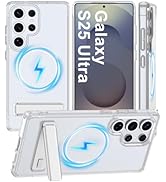
![For Samsung Galaxy S25 Case with Stand [Compatible with MagSafe] Crystal Clear Magnetic Protectiv...](http://c1.neweggimages.com/sellingpilot/modules/product/a-plus/5089c8f9d3165802b5cca8549b51ff768049c1e470da92c88b77bfcf09ff2b61.jpg)



AILKIN 3 IN 1 USB 3.0 Type C SD/ Micro SD with USB-A Adapter Card Slots


High Speed Data Transfer USB 3.0 - The reading and writing speed can reach to 90M/S, which is 5 times faster speed than that of USB 2.0 card reader


How to Use?
- Simply insert a memory card into the reader. Turn on the iPhone and iPad, and connect the reader to the USB-C port.
- Open the "Files" app on your iPhone 17 16 15/ iPad. When you access the “ABC” folder, you will find three options at the bottom of the screen: “Recents,” “Shared,” and “Browse.” Please ensure that you select “Browse.” The other two options do not pertain to the contents of your memory card.
- Please select "NO NAME" or "Untitled" (the default name of most memory cards). If your memory card were named “ABC”, you will see “ABC” there, plz just tap “ABC”. Then you will be able to read a variety of files such as jpg, MP3, word, excel, PDF, etc. You can transfer data from a memory card to an iPhone 17 16/15.
- You can remove, copy, and paste files from your memory card into your iPhone or iPad. Alternatively, copy files from your iPhone or iPad to a memory card.
- The “Files” app, which is incorporated into iOS, usually you don’t have to download, allows you to transfer data from a memory card to your iPhone easily. If there is no “Files” App, please download it from the App Store.
- If you can see the files but fail to open them, you may need to download a third-party app to read and open them.


Compatible List(NOT Full):
USB Type C Smartphone:
--iPhone 17/Air/17 Pro Max/17 Pro/16 Pro Max /16 Pro /16 Plus /16, iPhone 15 Pro Max /15 Pro /15 Plus /15
--Samsung Galaxy S25/S25+/S25 Ultra/S24 FE/S24 Ultra/S24+/24; S23/S22/S20/S10/S9...
--Samsung Galaxy A06/A16 5G/A13s/A03/A55...
--Moto Edge/Razr/Razr+/G Power/G Pure/G Stylus/G Play...
--Google Pixel 10/10 Pro Fold/10 Pro XL/10 Pro/9a/9 Pro XL/9 Pro Fold/9/8a/8 Pro/8/7a/7 Pro...
USB Type C Tablet:
--iPad Air 11”/13”(2024), iPad Pro 11”/13”(2024), iPad mini(2024) (2021), iPad Pro 12.9(2022) (2021)(2020)(2018), iPad Pro 11 (2022)(2021)(2020)(2018), iPad Air (2022)(2020)
USB Type C Laptop:
--Mac Pro (2019-2024)/Mac Mini (2018-2024)/Mac Studio (2022-2024), MacBook(2015-2017)/MacBook Air (2018-2024)/MacBook Pro (2016-2024), Dell, HP, Microsoft, Lenovo, and more...
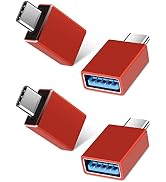
Adapter
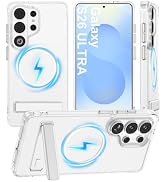
![For Samsung Galaxy S25 Case with Stand [Compatible with MagSafe] Crystal Clear Magnetic Protectiv...](//c1.neweggimages.com/sellingpilot/modules/product/a-plus/5089c8f9d3165802b5cca8549b51ff768049c1e470da92c88b77bfcf09ff2b61.jpg)
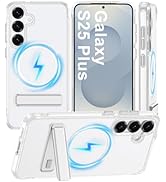
Phone Case for Samsung
Enjoy music~
