


• $17.99
  • Free 30-day Returns
  • Price alert
    Shop it at NeweggBusiness.

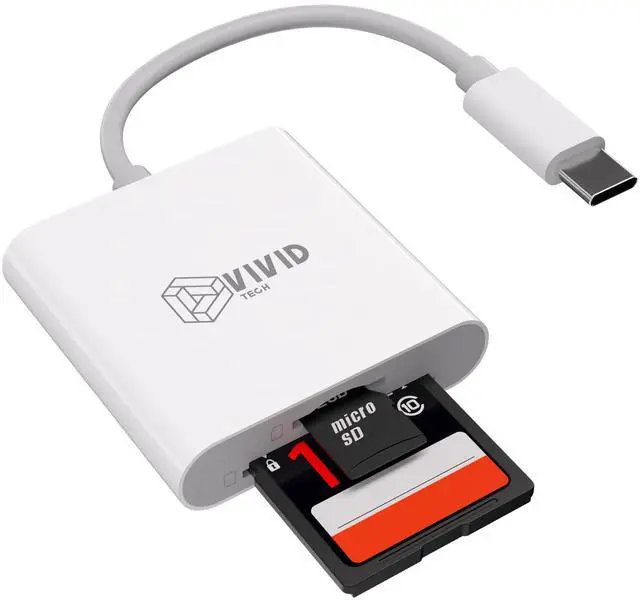
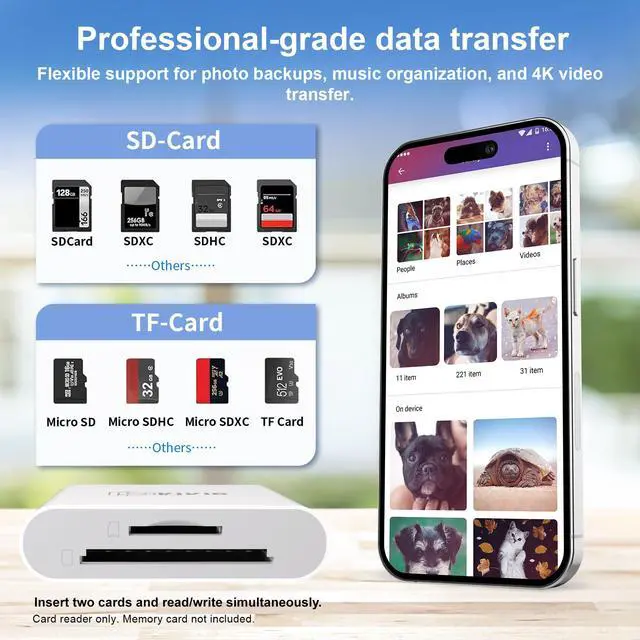
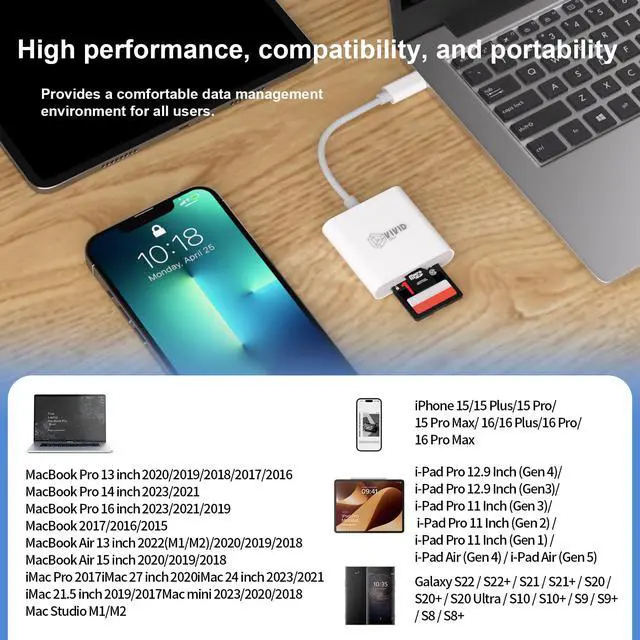
    SD Card Reader, SD Card Reader for iPhone 17/16/15 Pro Max/iPad/MacBook, USB C SD Cards Reader for Camera Viewer, Support SD, Micro SD & TF Card, Plug and Play, No App Driver Required

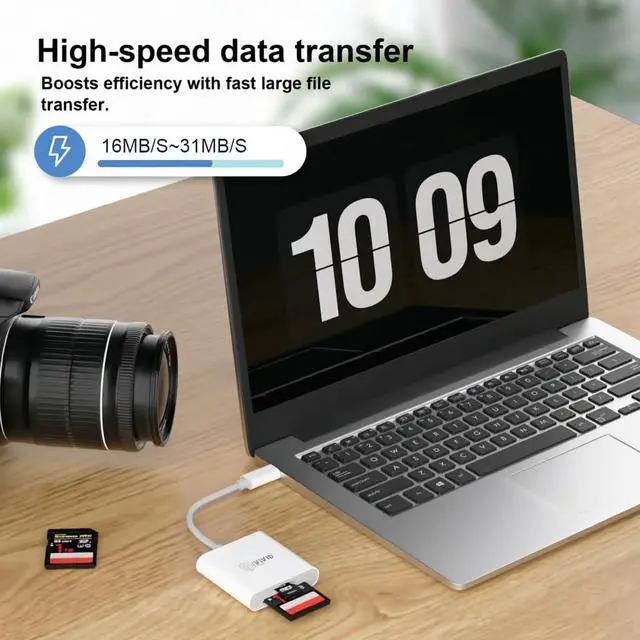
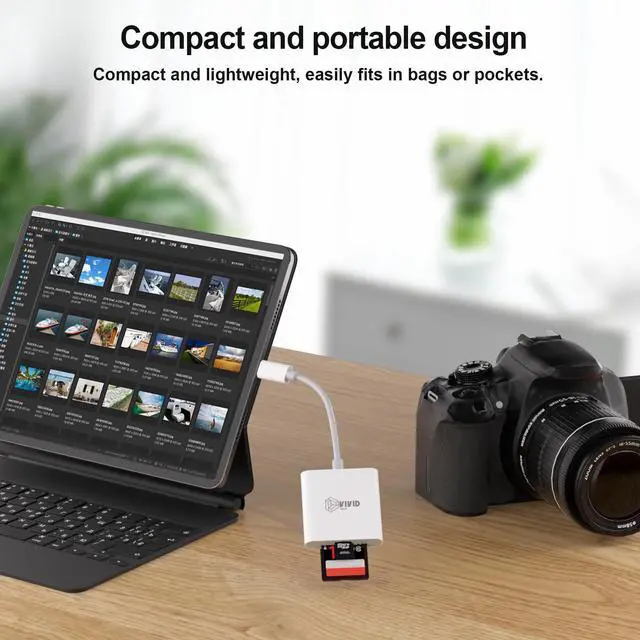
    • 2-in-1 USB-C SD Card Reader: One Tool for All Your CardsTired of carrying multiple adapters? This sd card reader handles both SD and microSD cards, making it perfect for photographers, travelers, and students. Whether youre transferring photos from your cameras SD card to your iPhone or backing up files from a microSD to your laptop, this sd card reader for iphone and USB-C devices simplifies data management. Compact and lightweight, it slips into your pocket or bagideal for on-the-go use. No more fumbling with multiple tools; this all-in-one sd card reader is your new daily companion.
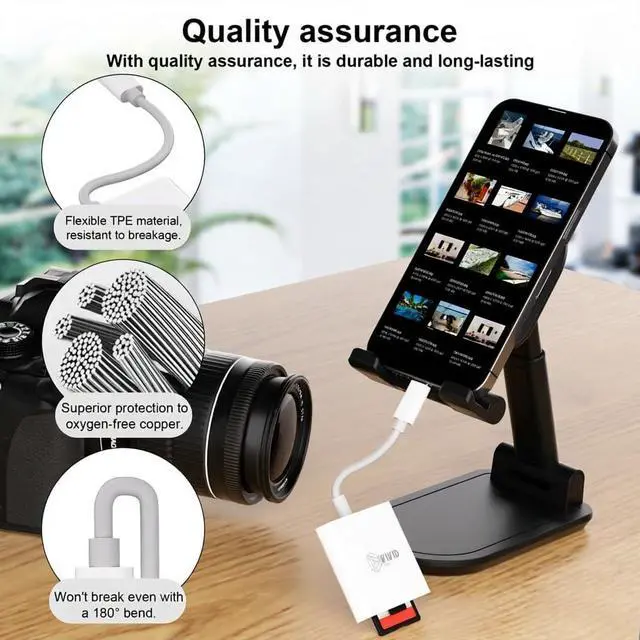
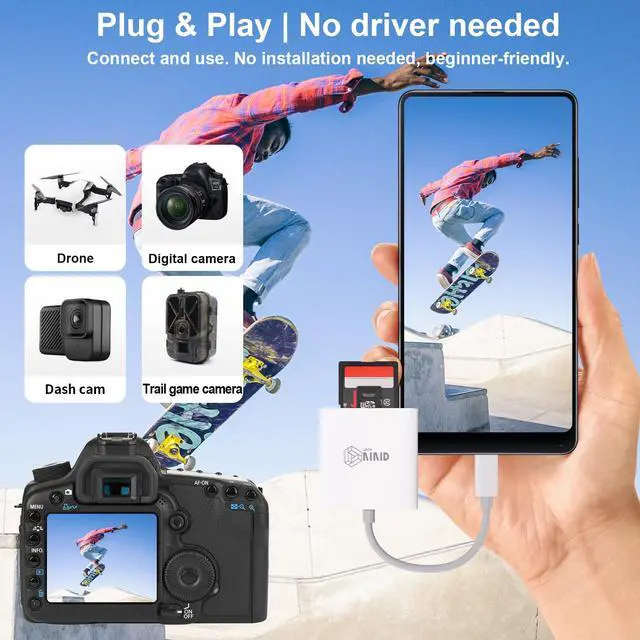
    • Plug & Play Convenience: No Apps, No HassleSkip the complicated setup with this sd card reader! Just plug it into your USB-C device (including iPhone 15, iPad Pro, and Android phones) and start transferring files instantlyno drivers or third-party apps needed. Whether youre editing vacation photos on your tablet or sharing videos with friends, this sd card reader for iphone lets you access your data in seconds. It supports OTG mode, so you can manage files anytime, anywhereeven without a computer. Perfect for busy professionals and anyone who values simplicity.
    +
    +
    Overview
    Specs
    Reviews
    avatar

    Any questions? Our AI beta will help you find out quickly.

    1
    1
    1
    1
    1
    1

    Q: What should I do if the card reader fails to read the memory card?

    If the card reader fails to recognize or read your SD card, please complete the following four steps one by one:

    1. Check the SD Card Lock Ensure the write-protection switch on the side of the SD card is set to "Unlock". The card will not be readable when switched to the "Lock" position.
    2. Enable OTG Function (Android Only) Some Android phones require manual activation of "OTG Connection" in Settings to detect external storage. Search "OTG" in your device settings and toggle the feature on.
    3. Test the SD Card on Another Device Insert your SD card into a PC or other device to verify its functionality. This helps confirm if the fault originates from the memory card itself.
    4. Restart Your Smartphone Unplug the card reader, reboot your phone, then reconnect the reader and check if the card is detected normally.

    1
    1
    1
    1
    1
    1

    Q: What should I do if the card reader fails to read the memory card?

    If the card reader fails to recognize or read your SD card, please complete the following four steps one by one:

    1. Check the SD Card Lock Ensure the write-protection switch on the side of the SD card is set to "Unlock". The card will not be readable when switched to the "Lock" position.
    2. Enable OTG Function (Android Only) Some Android phones require manual activation of "OTG Connection" in Settings to detect external storage. Search "OTG" in your device settings and toggle the feature on.
    3. Test the SD Card on Another Device Insert your SD card into a PC or other device to verify its functionality. This helps confirm if the fault originates from the memory card itself.
    4. Restart Your Smartphone Unplug the card reader, reboot your phone, then reconnect the reader and check if the card is detected normally.

    SD Card Reader, SD Card Reader for iPhone 17/16/15 Pro Max/iPad/MacBook, USB C SD Cards Reader for Camera Viewer, Support SD, Micro SD & TF Card, Plug and Play, No App Driver Required

    Warranty & Returns

    Warranty, Returns, And Additional Information

    Warranty

    • Please contact the Seller directly for warranty information. Warranty information may also be found on the Manufacturer's website.
    • CONTACT

    Return Policies

    Manufacturer Contact Info

    LOADING...