





About not connected to console:
- Make sure the controller has enought power. If this is your first time using this controller, please try connecting the included type-c cable once.
- Clear the connected devices on the consle.
- If not work, pls open the Wired Connection on the console, and use the cable to connect.
- If still not work, pls connect the controller to PC with the cable.
- If the above steps still do not solve your problem, pls apply for a replacement.
About controller disconnect:
- Maybe the controller is out of power, you can try to charge it.
- Clear the handle information in the N-switch console;
- Chang to wired connection;
- The bluetooth signal may be blocked or interfered with by abstacles. You can try again elsewhere or at other times.
If the controller drifts, you can try to use the switch console's built-in system menu to calibrate the joystick,
- Operation Steps:
- Disconnect and try reconnect first
- Turn on your N-SWITCH console
- Go to System Settings, pls click "Controllers and Sensors"> "Calibtate Control Sticks"
If the button is stuck, you can try moving the joystick to the center and pressing it down.
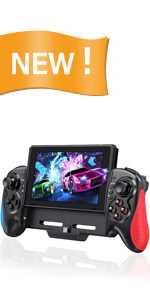 One-Piece Switch Controller | 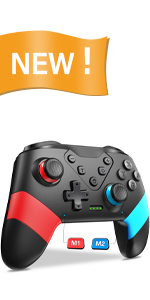 Programmable Wireless Switch Controller | 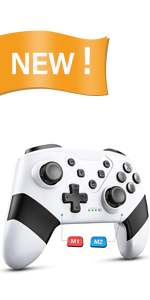 Wireless Switch Pro Controller | |
|---|---|---|---|
| Customer Reviews | — | — | — |
| Price | — | — | — |
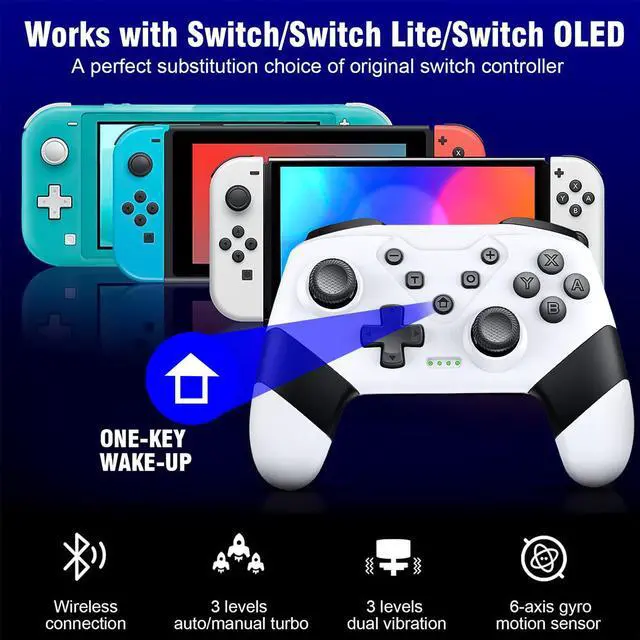
| Compatibility | For Switch/OLED Consoles | For Switch/Lite/OLED Consoles | For Switch/Lite/OLED Consoles |
| Connection Ways | Wired, Rechargeable | Wireless, Bluetooth,,Wired | Wireless, Bluetooth,,Wired |
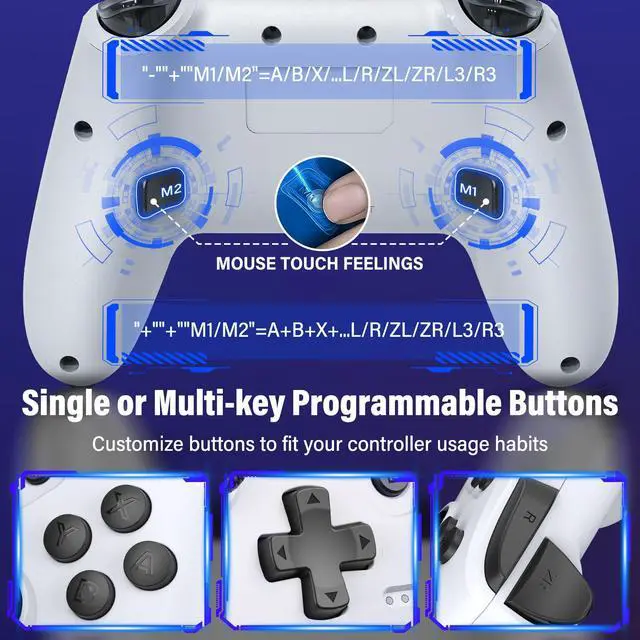
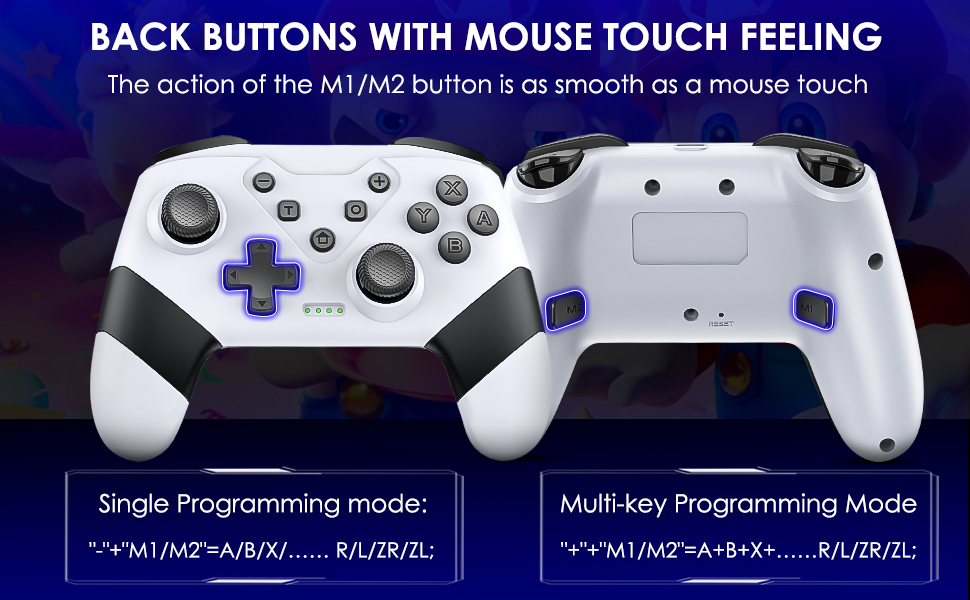
| Programming Function | no back buttons | M1/M2 with mouse click feelings | M1/M2 with mouse click feelings |
| RGB lights | ? | ? | ? |
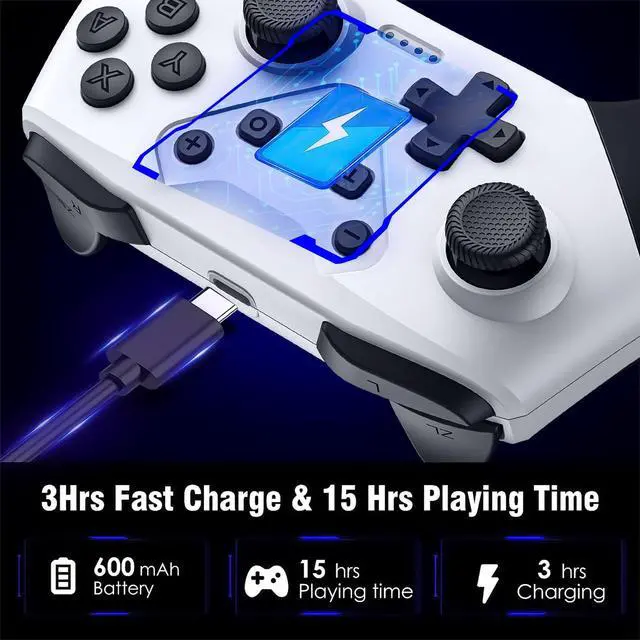
| Battery Capacity | no battery | 600 mAh | 600 mAh |


About not connected to console:
- Make sure the controller has enought power. If this is your first time using this controller, please try connecting the included type-c cable once.
- Clear the connected devices on the consle.
- If not work, pls open the Wired Connection on the console, and use the cable to connect.
- If still not work, pls connect the controller to PC with the cable.
- If the above steps still do not solve your problem, pls apply for a replacement.
About controller disconnect:
- Maybe the controller is out of power, you can try to charge it.
- Clear the handle information in the N-switch console;
- Chang to wired connection;
- The bluetooth signal may be blocked or interfered with by abstacles. You can try again elsewhere or at other times.
If the controller drifts, you can try to use the switch console's built-in system menu to calibrate the joystick,
- Operation Steps:
- Disconnect and try reconnect first
- Turn on your N-SWITCH console
- Go to System Settings, pls click "Controllers and Sensors"> "Calibtate Control Sticks"
If the button is stuck, you can try moving the joystick to the center and pressing it down.
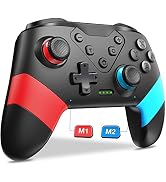
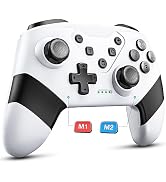
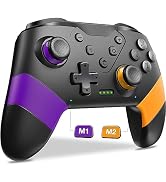
One-Piece Switch Controller | Programmable Wireless Switch Controller | Wireless Switch Pro Controller | |
|---|---|---|---|
| Customer Reviews | — | — | — |
| Price | — | — | — |
| Compatibility | For Switch/OLED Consoles | For Switch/Lite/OLED Consoles | For Switch/Lite/OLED Consoles |
| Connection Ways | Wired, Rechargeable | Wireless, Bluetooth,,Wired | Wireless, Bluetooth,,Wired |
| Programming Function | no back buttons | M1/M2 with mouse click feelings | M1/M2 with mouse click feelings |
| RGB lights | ? | ? | ? |
| Battery Capacity | no battery | 600 mAh | 600 mAh |
We are committed to video game accessories, to provide customers with good quality and nice accessories, customers can get the ultimate experience in the process of playing games with our accessories!
Classic Switch Controllers
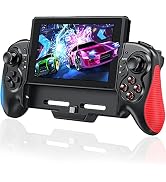
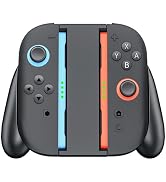
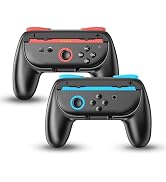
Classic Switch 2 Joycon Grip