





  • $64.99
  • Free 30-day Returns
  • Price alert
    Shop it at NeweggBusiness.

    Meet Your Seller

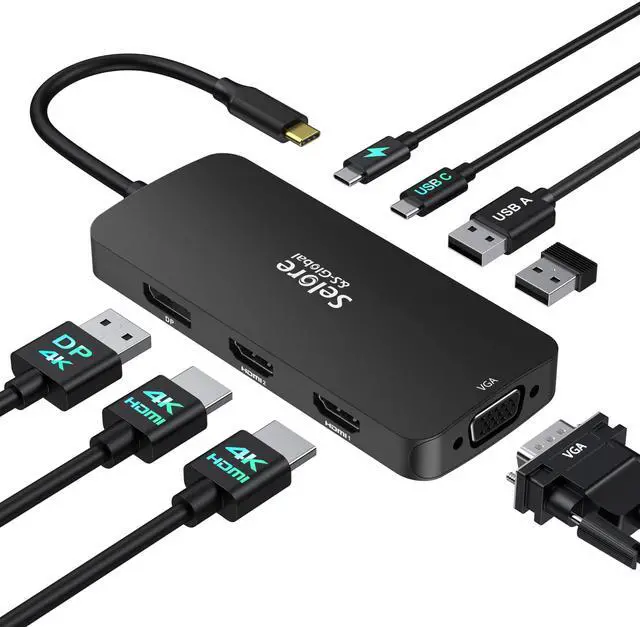
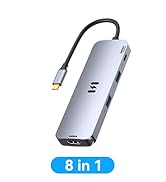
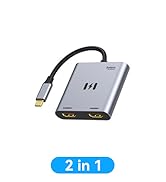
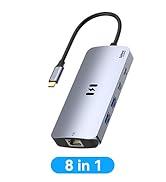
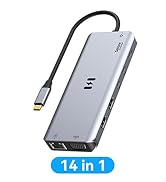
    USB C Docking Station Dual HDMI Monitor Adapter, Selore USB C Hub 3 Monitors with Dual HDMI, Displayport, VGA, 100W PD Charging, 3USB 2.0 Ports Adapter for Dell XPS,HP, Lenovo,etc(Black)

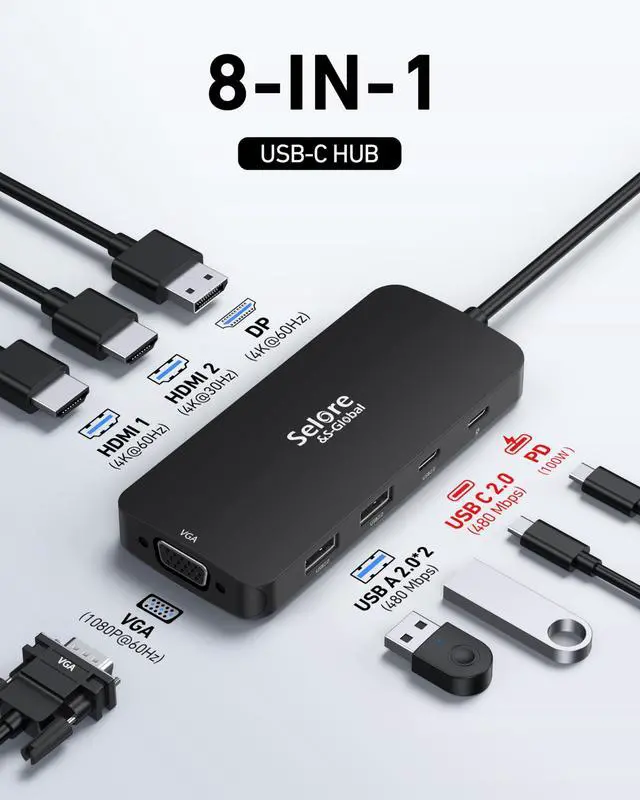
    • Docking Station 3 Monitors: USB C to dual HDMI Adapter 4K (1*60Hz & 1*30Hz), 1*4K@60Hz DP, 1*1080P VGA, PD Port (max 100W), 2 USB 2.0 ports, USB C 2.0 port. USB C Dual HDMI Splitter Monitor Adapter Laptop Docking Station for Windows. Please Note: MacBooks can use this device for mirroring screens mode, extended screens will show the same content
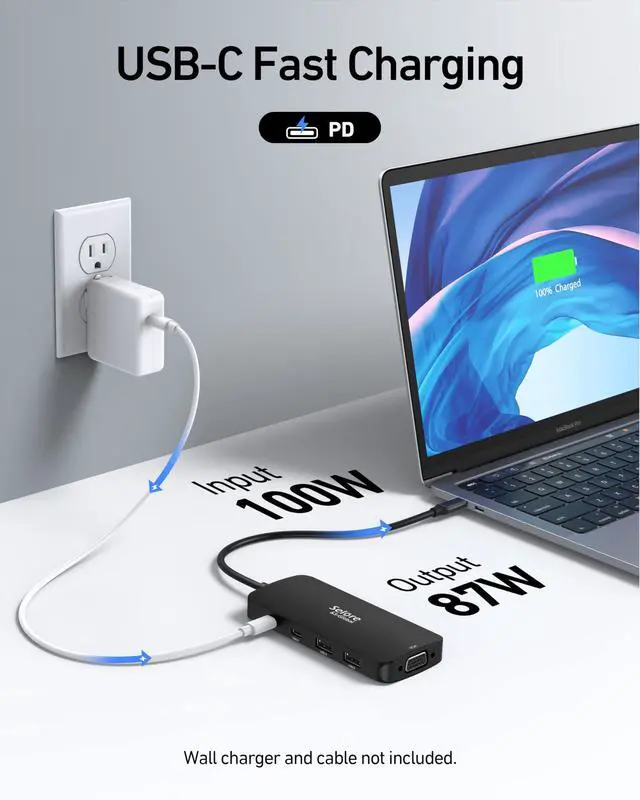
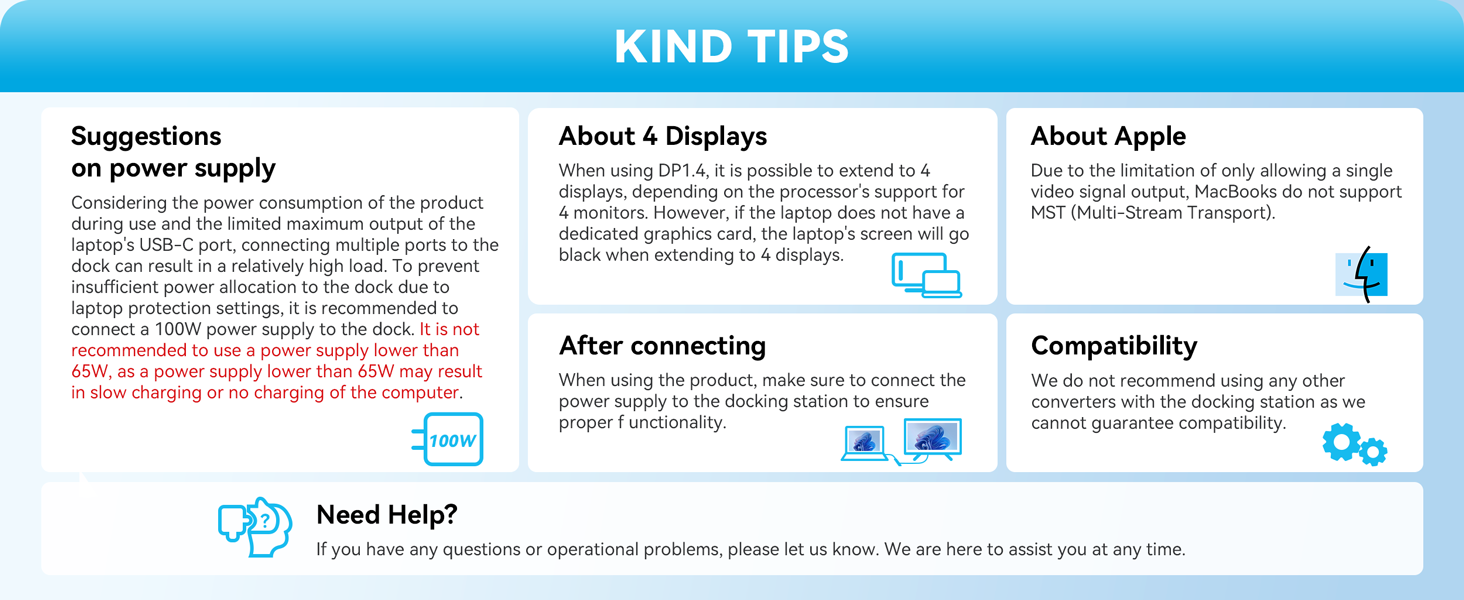
    • USB C Port Fast 100W PD Charging: Laptop docking station dual monitor adapter features a powerful 100W PD USB C Power Charging Port, allowing you to charge your device quickly (up to 100W). Please note: Please ensure that your laptop's USB C port supports Power Delivery protocol and use the same power as the original charger when charging, using a low-power charger may cause a system warning
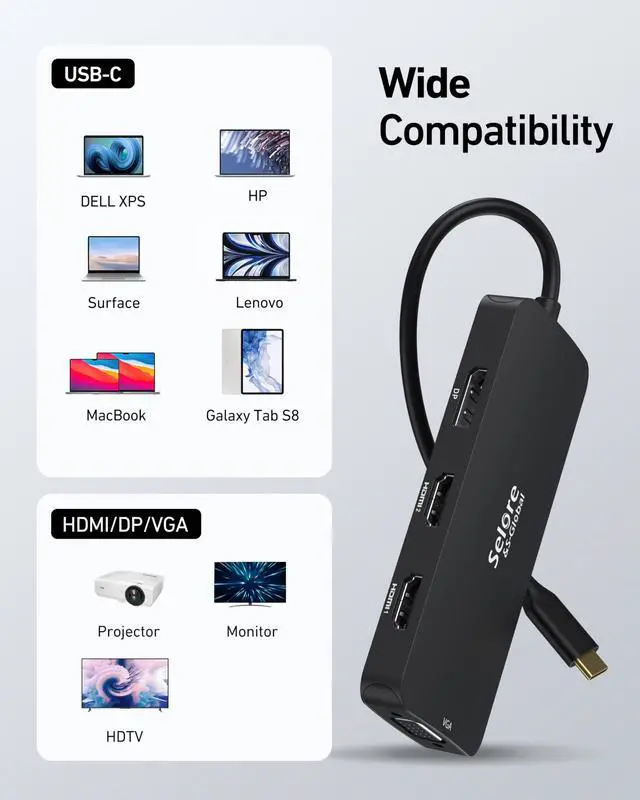
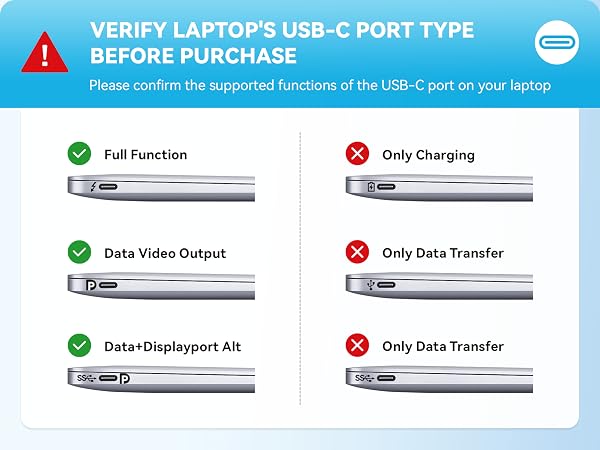
    • Dual HDMI Docking Station 4K Display Adapter: The usb c hdmi hub for multiple monitors adapter with Dual HDMI Ports and 1 DisplayPort outputs Triple Display up to 4K video. Connects the laptop with a USB-C or Thunderbolt 3/4 port to a monitor (Please make sure that the USB-C port on your laptop supports video transmission. Connecting a VGA display to a Mac may limit all connected screens to 1080P@60Hz resolution. This is caused by macOS driver behavior
    +
    +
    Overview
    Specs
    Reviews
    avatar

    Any questions? Our AI beta will help you find out quickly.

    Only compatible with Thunderbolt ports or full-featured USB-C ports.

    Docking station

    Please note before purchasing:

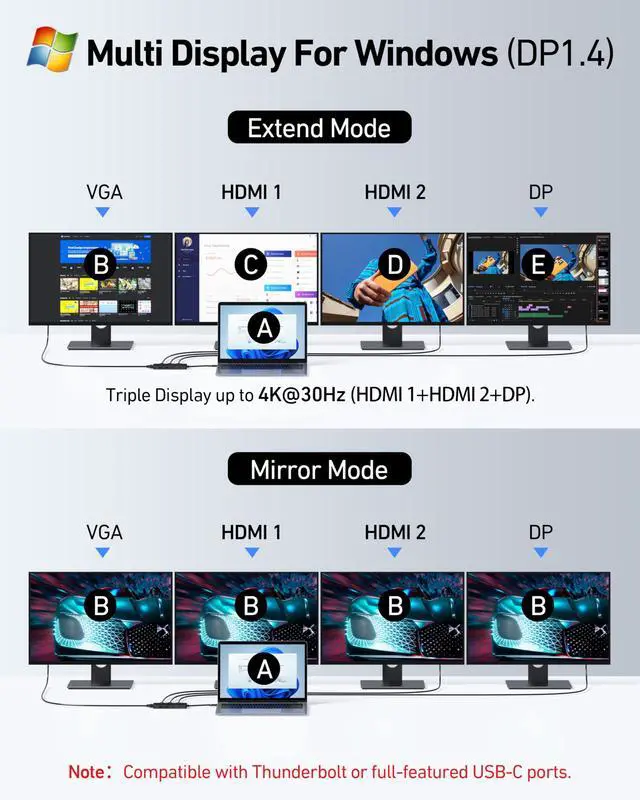
    1.Docking stations require a Thunderbolt or full-featured USB-C port

    2.Full dual monitor extended mode (MST) requires Windows DP1.4. You can ask us for help with confirming compatibility
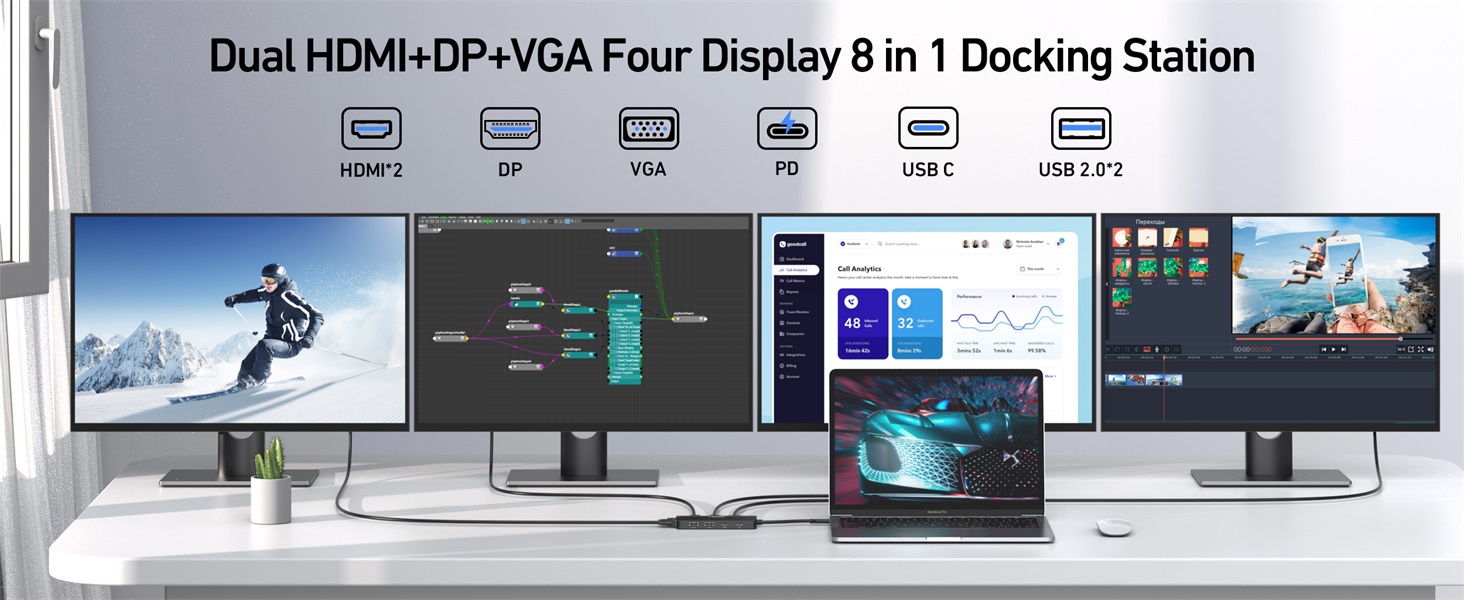
    Docking Station

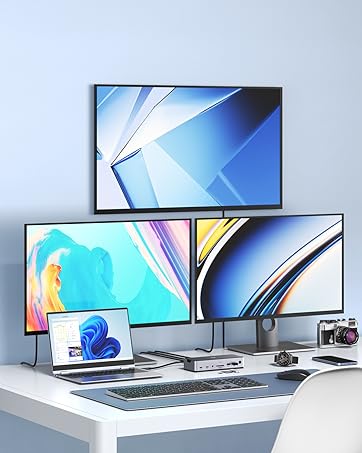
    Four Displays ( HDMI 1+HDMI 2+ DP + VGA ).
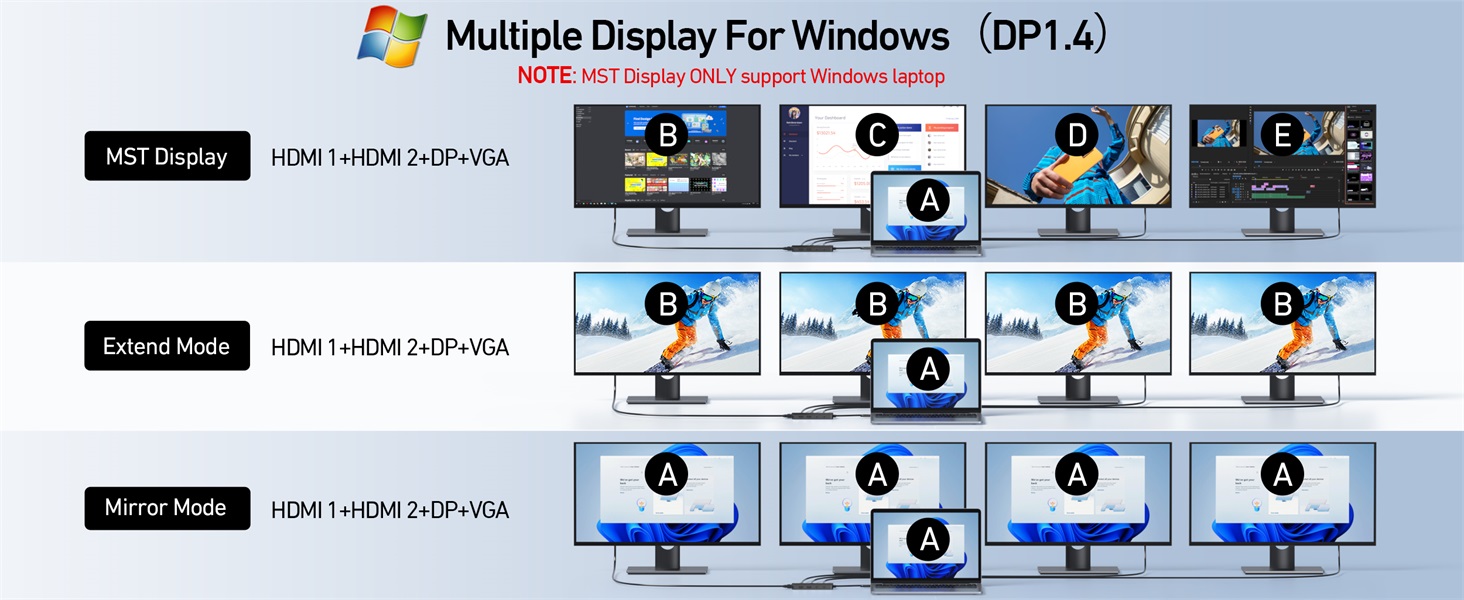
    Docking station

    Supports the expansion of up to 4 monitors (5 screens lit at the same time requires a computer with a separate graphics card and the source is DP1.4)
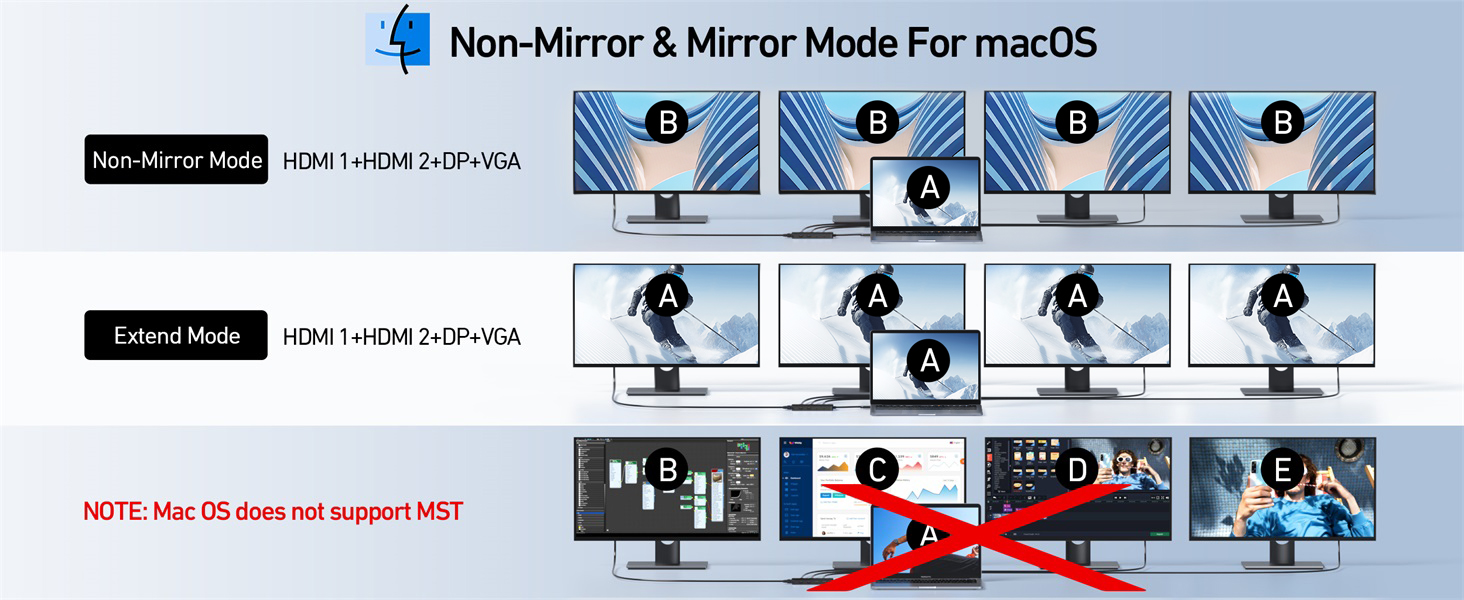
    Docking station

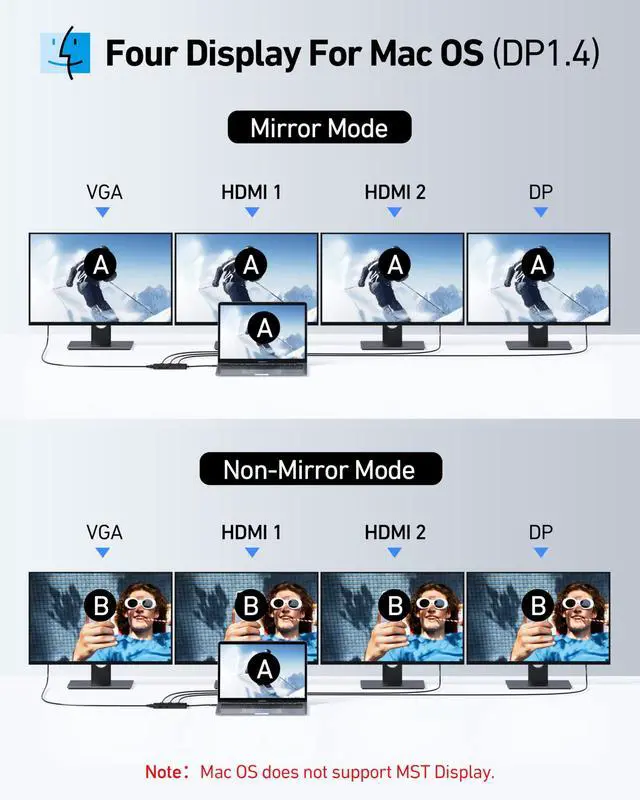
    For Mac OS users, support non-mirrored mode and expanded. Other expanded monitors can only mirror each other. It is the Mac OS system restriction.

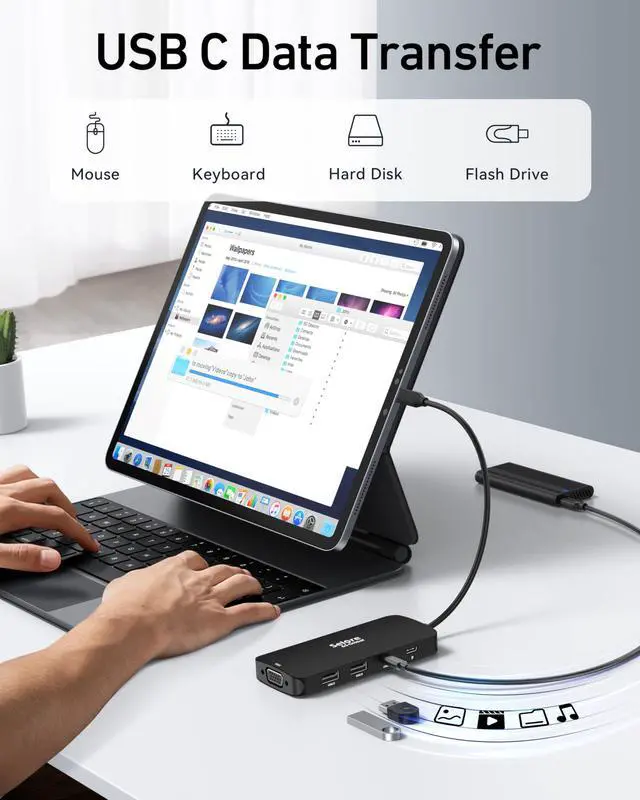
    USB C Charging and Data Port
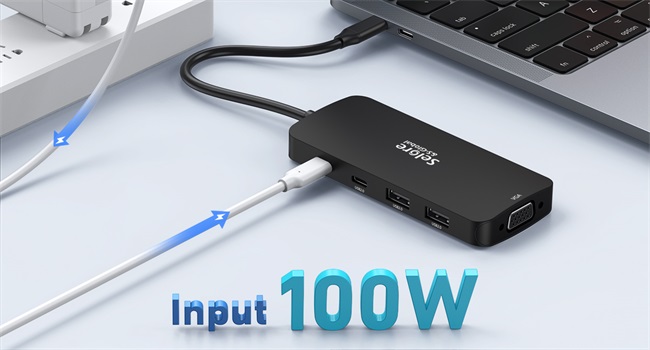
    docking station

    USB C Port Charging

    Charge your laptop with ease using the 100W USB-C PD charging port.
    Full-Featured USB Ports

    Full-Featured USB Ports

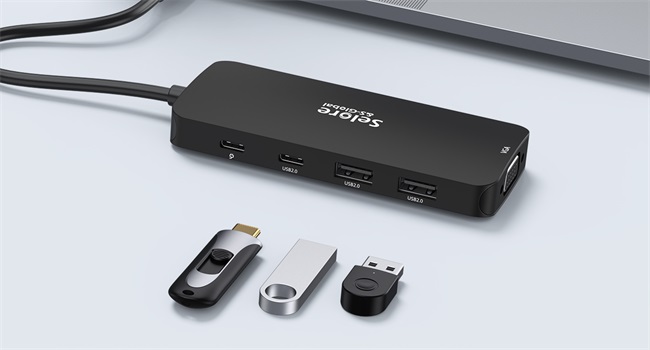
    Selore docking station is equipped with USB C port and 2*USB ports for better compatibility with multiple devices.
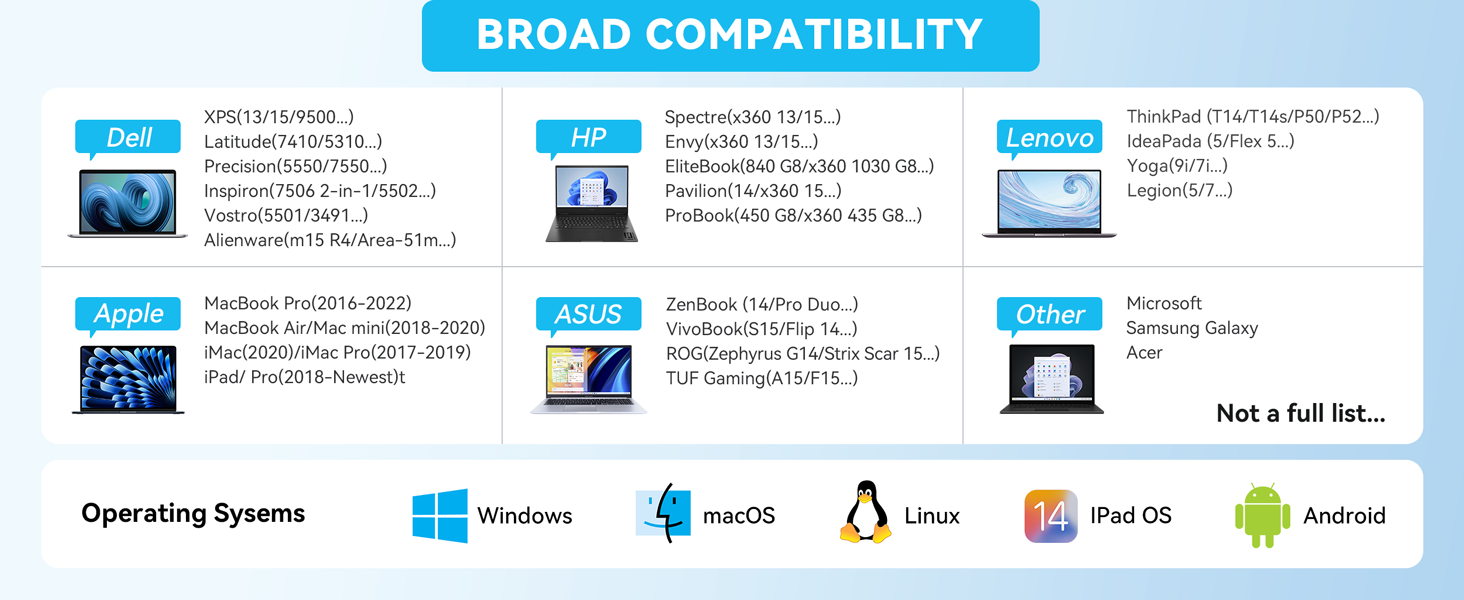
    Only compatible with Thunderbolt ports or full-featured USB-C ports.
    1

    Please note before purchasing:

    1.Docking stations require a Thunderbolt or full-featured USB-C port

    2.Full dual monitor extended mode (MST) requires Windows DP1.4. You can ask us for help with confirming compatibility
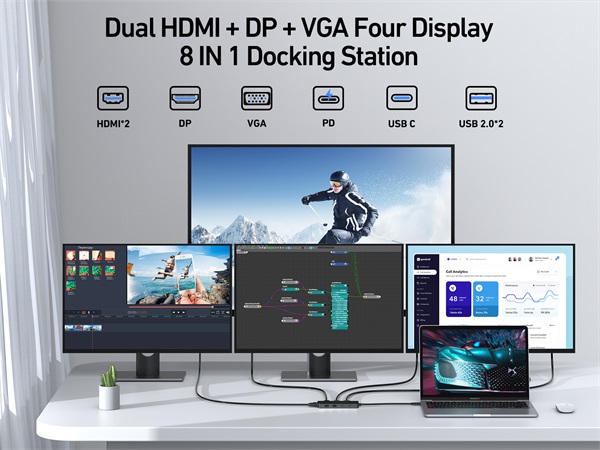
    Docking Station

    Four Displays ( HDMI 1+HDMI 2+ DP + VGA ).
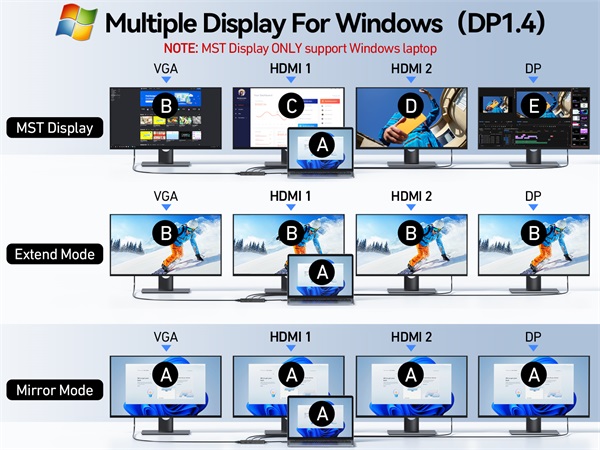
    Docking station

    Supports the expansion of up to 4 monitors (5 screens lit at the same time requires a computer with a separate graphics card and the source is DP1.4)
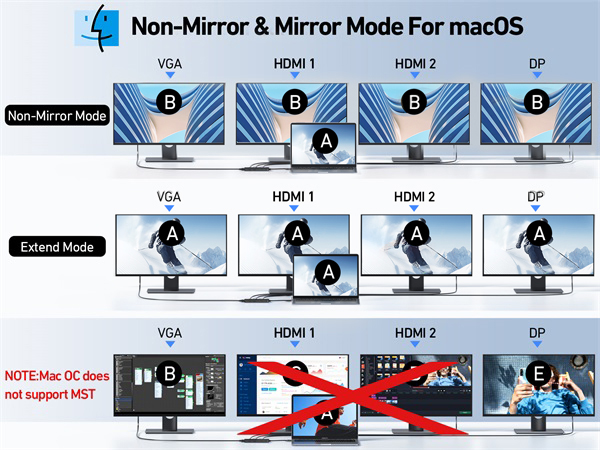
    Docking station

    For Mac OS users, support non-mirrored mode and expanded. Other expanded monitors can only mirror each other. It is the Mac OS system restriction.

    USB C Charging and Data Port

    docking station

    USB C Port Charging

    Charge your laptop with ease using the 100W USB-C PD charging port.

    Full-Featured USB Ports

    Full-Featured USB Ports

    Selore docking station is equipped with USB C port and 2*USB ports for better compatibility with multiple devices.
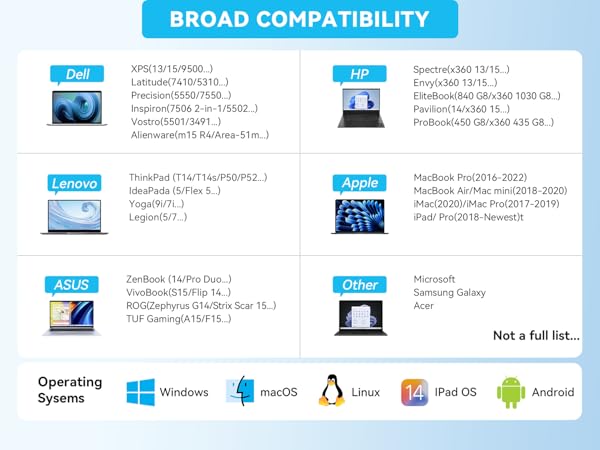
    USB C Docking Station Dual HDMI Monitor Adapter, Selore USB C Hub 3 Monitors with Dual HDMI, Displayport, VGA, 100W PD Charging, 3USB 2.0 Ports Adapter for Dell XPS, HP, Lenovo, etc (Black)

    Warranty & Returns

    Warranty, Returns, And Additional Information

    Warranty

    • Please contact the Seller directly for warranty information. Warranty information may also be found on the Manufacturer's website.
    • CONTACT

    Return Policies

    Manufacturer Contact Info

    LOADING...