








Can I leave the drive connected to my console/PC at all times?
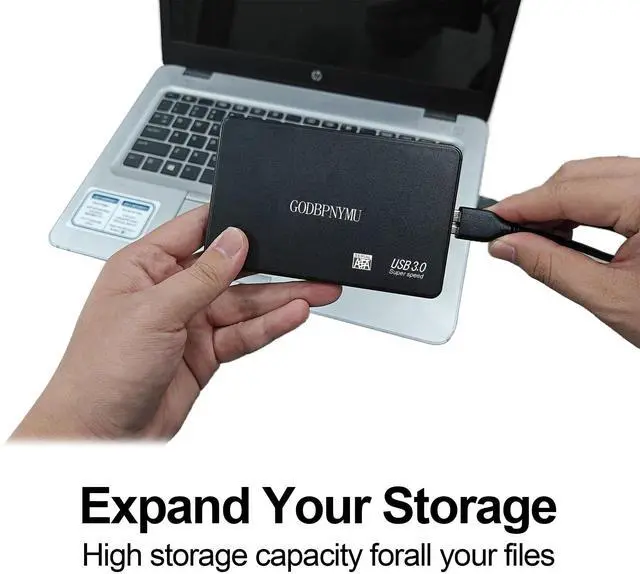
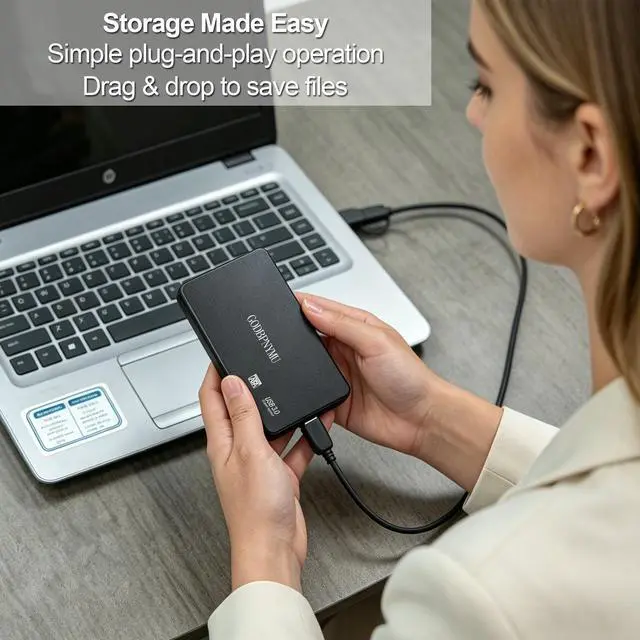
Yes, you can keep it connected. Always use "Safely Remove" or "Eject" before unplugging to prevent data corruption. For consoles, avoid turning off power while the drive is actively reading/writing.
Can I connect this drive to my smartphone?
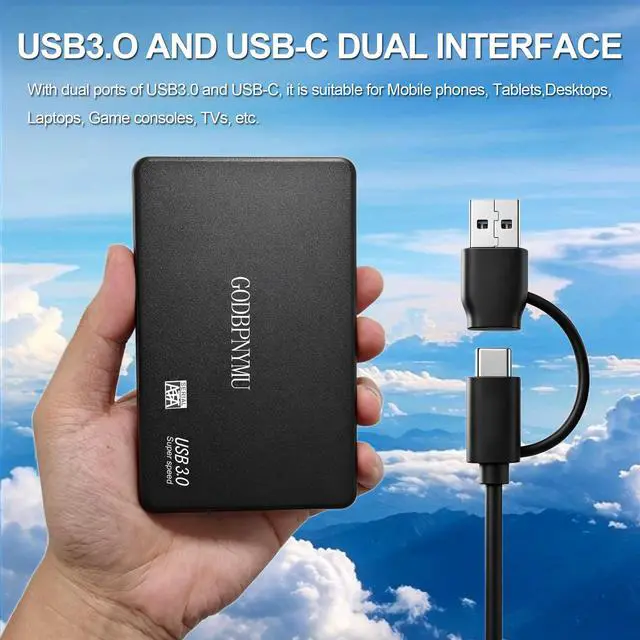
Yes, if your Android phone/tablet has a USB-C port and supports OTG. Use the included USB-C cable to access and back up photos, videos, and documents. For iPhones, you'll need a Lightning to USB adapter (not included).
Does it come with both USB-A and USB-C cables?
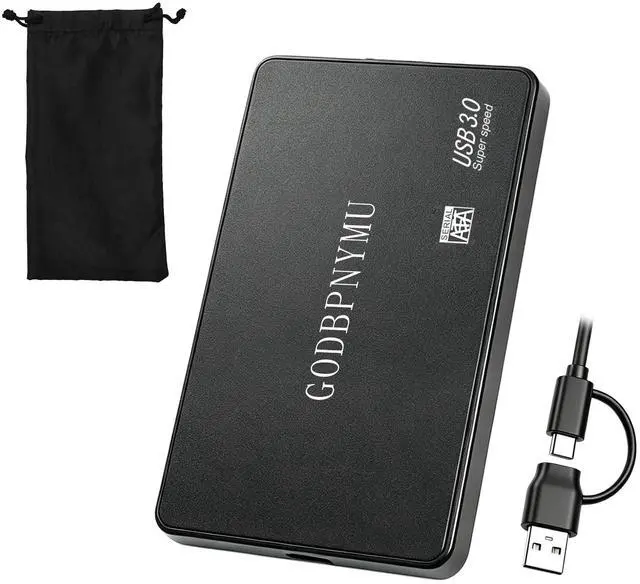
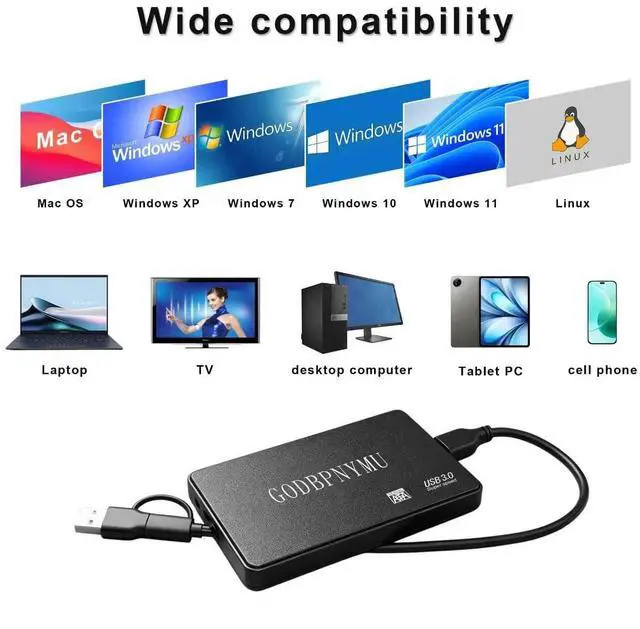
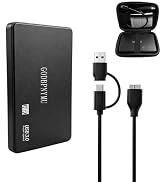
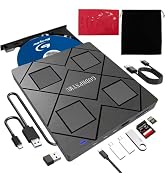
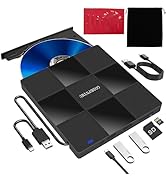
Yes, the package includes a USB 3.0 to USB-A cable and a USB-C cable, so it works with older PCs, modern laptops, MacBooks, and even smartphones/tablets with USB-C ports.
What is the actual usable capacity for the 500GB version?
After formatting, your computer will show approximately 450–475GB, because manufacturers use 1GB=1000MB while systems use 1GB=1024MB.
What format is the drive pre-formatted in? Do I need to reformat for Mac?
It typically comes pre-formatted in exFAT, which works on both Windows and macOS out of the box. If you plan to use it exclusively with Mac for Time Machine, you may want to reformat to APFS or Mac OS Extended.


Can I leave the drive connected to my console/PC at all times?
Yes, you can keep it connected. Always use "Safely Remove" or "Eject" before unplugging to prevent data corruption. For consoles, avoid turning off power while the drive is actively reading/writing.
Can I connect this drive to my smartphone?
Yes, if your Android phone/tablet has a USB-C port and supports OTG. Use the included USB-C cable to access and back up photos, videos, and documents. For iPhones, you'll need a Lightning to USB adapter (not included).
Does it come with both USB-A and USB-C cables?
Yes, the package includes a USB 3.0 to USB-A cable and a USB-C cable, so it works with older PCs, modern laptops, MacBooks, and even smartphones/tablets with USB-C ports.
What is the actual usable capacity for the 500GB version?
After formatting, your computer will show approximately 450–475GB, because manufacturers use 1GB=1000MB while systems use 1GB=1024MB.
What format is the drive pre-formatted in? Do I need to reformat for Mac?
It typically comes pre-formatted in exFAT, which works on both Windows and macOS out of the box. If you plan to use it exclusively with Mac for Time Machine, you may want to reformat to APFS or Mac OS Extended.
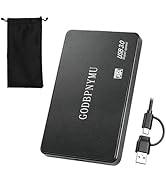
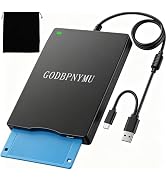
external hdd/ usb floppy drive
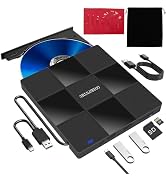
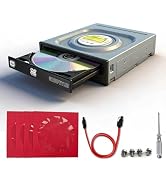
External/Internal CD/DVD Drive
