



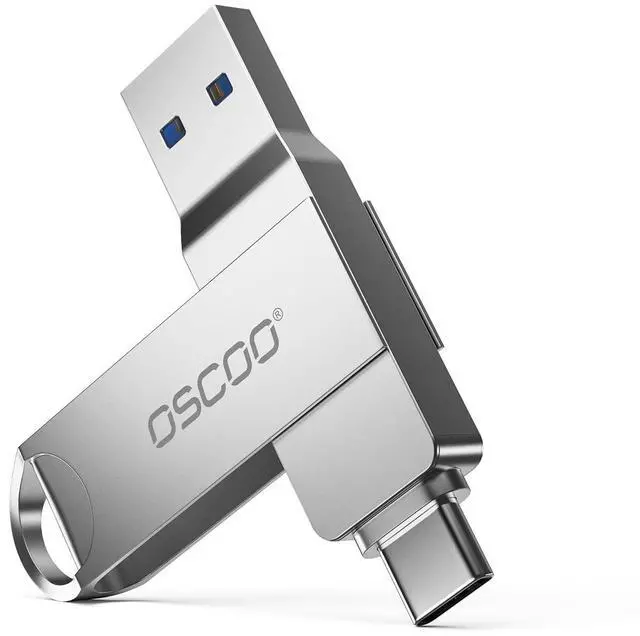
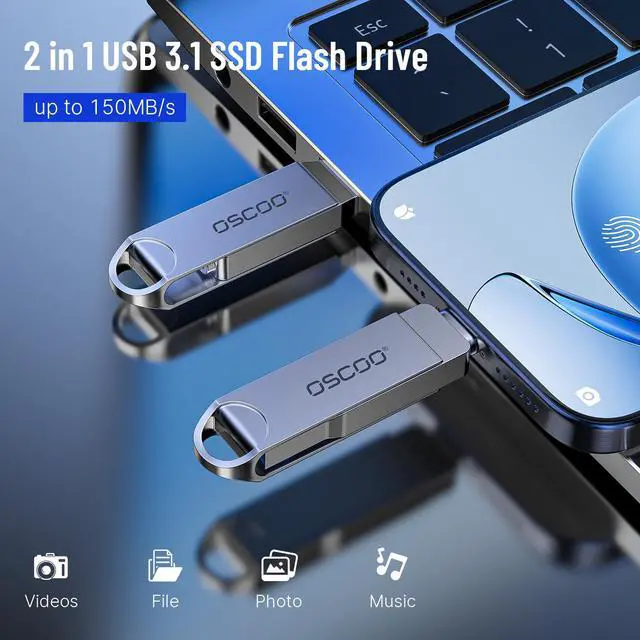
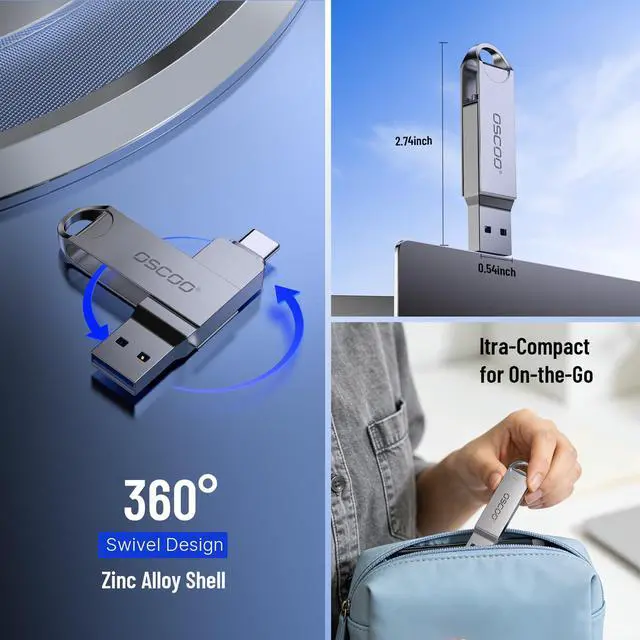






How to Use USB Flash Drive: Watch the video below for step-by-step instructions
USB Flash Drive Setup Guide: Watch the Video


Is this USB flash drive compatible with my device?
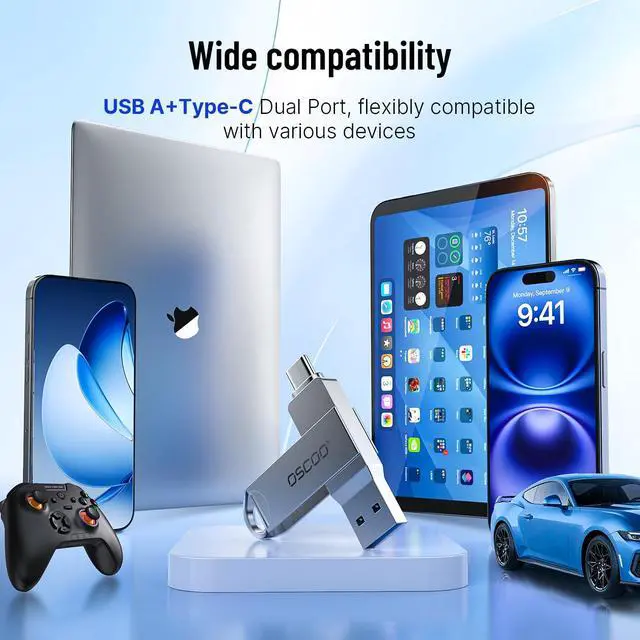
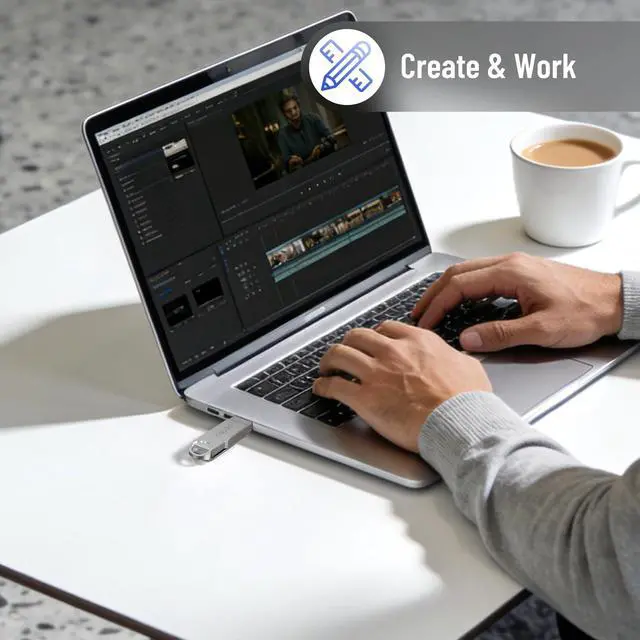
Yes. It works with Windows PCs, MacBooks, laptops, and most devices with a USB port. Phones require USB OTG or USB-C support.
Why does the usable storage show less than the advertised capacity?
This is normal. Operating systems calculate storage differently, and some space is used for formatting.
What speed can I expect from this USB drive?
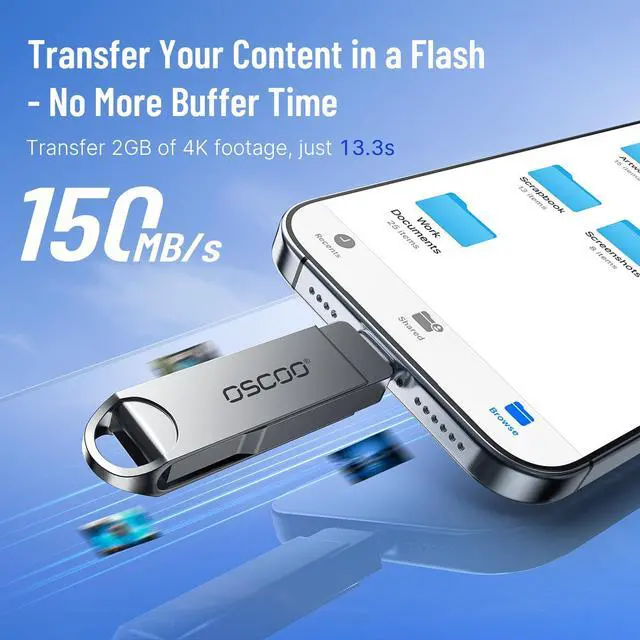
Speed depends on your device and USB port. USB 3.0/3.2 ports provide faster transfers than USB 2.0.
Can I use it with Android or iPhone?
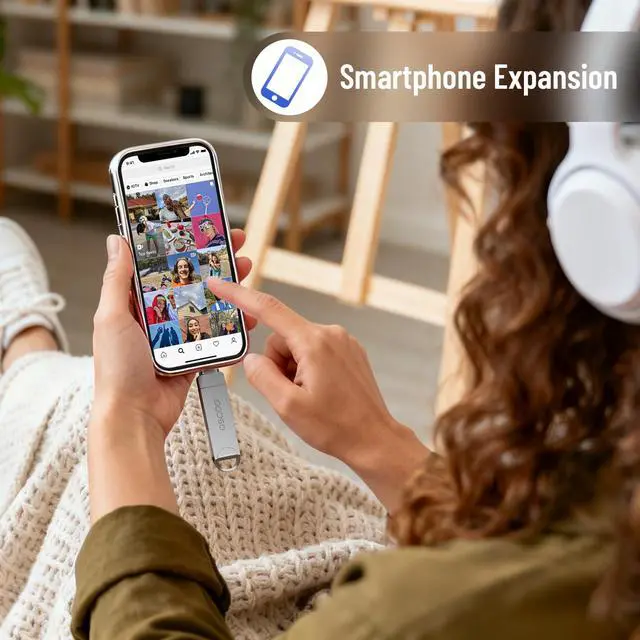
Android: Yes, with OTG support. Use a file manager app for transfers.
iPhone: Requires a compatible Lightning or USB-C adapter.
Is it plug and play? Do I need an app?
Yes. It’s plug and play—no drivers, apps, or internet connection required.
How to Use USB Flash Drive: Watch the video below for step-by-step instructions
USB Flash Drive Setup Guide: Watch the Video


Is this USB flash drive compatible with my device?
Yes. It works with Windows PCs, MacBooks, laptops, and most devices with a USB port. Phones require USB OTG or USB-C support.
Why does the usable storage show less than the advertised capacity?
This is normal. Operating systems calculate storage differently, and some space is used for formatting.
What speed can I expect from this USB drive?
Speed depends on your device and USB port. USB 3.0/3.2 ports provide faster transfers than USB 2.0.
Can I use it with Android or iPhone?
Android: Yes, with OTG support. Use a file manager app for transfers.
iPhone: Requires a compatible Lightning or USB-C adapter.
Is it plug and play? Do I need an app?
Yes. It’s plug and play—no drivers, apps, or internet connection required.
OSCOO