

Your Browsing History

Meet Your Seller

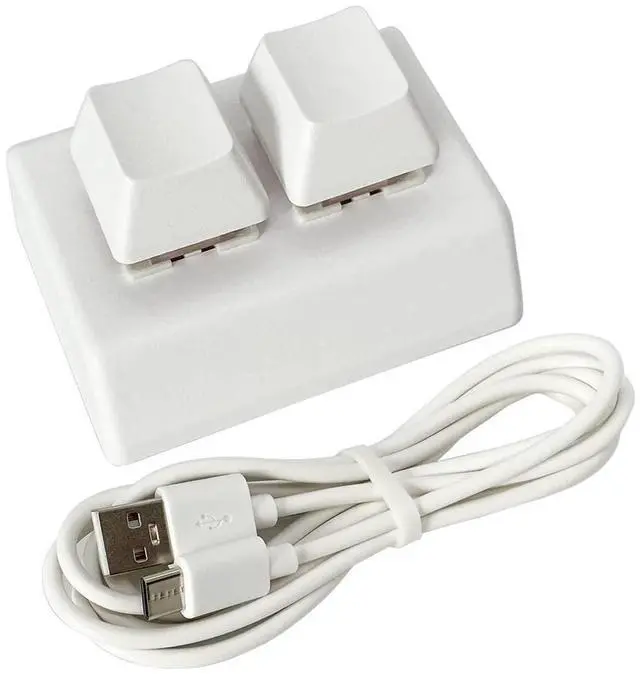
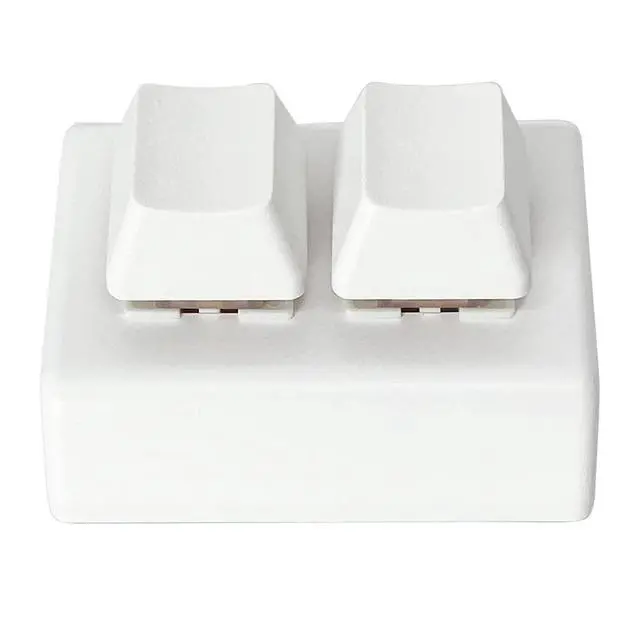
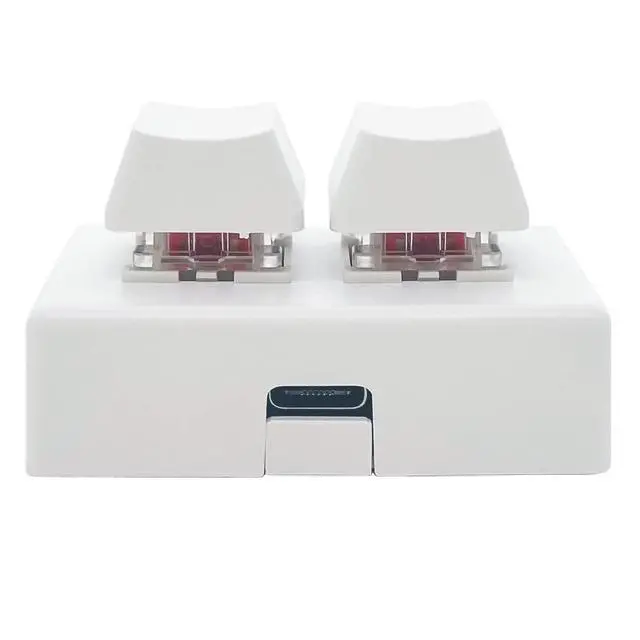
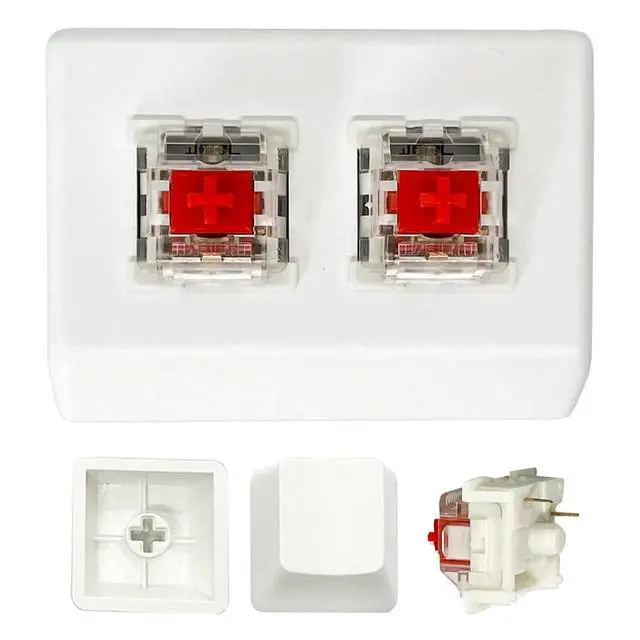
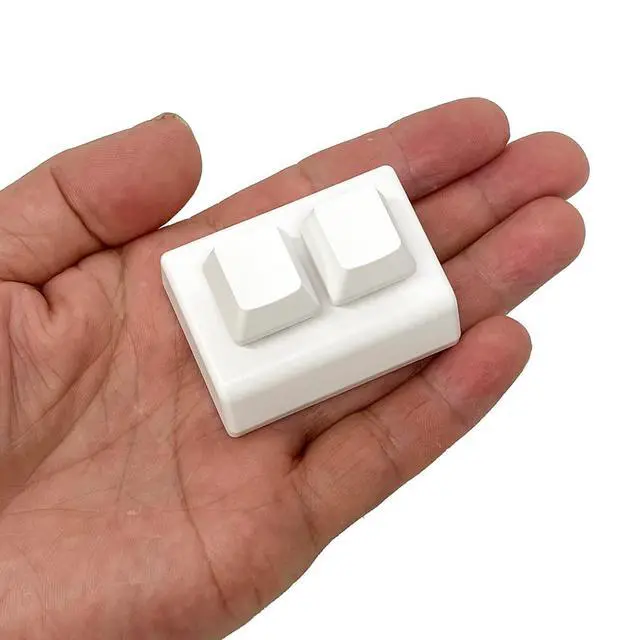


USB 2-Key Mini Keypad One-Handed Mechanical Gaming Keyboard, USB-C | Programmable Macro Pad, Programming Keys, Keypad for Windows Mac OSU HID Standard, RGB LED Backlit, Hot Swappable Red Switch
- Operation steps 1. Connect the USB cable to this plug & play keyboard to your PC; 2. Basically all computer systems will recognize the executable file ".exe" as a virus, in fact it is not, no viruses. Please close the PC protection software; 3. Download the product manual (on the product details page), or download the configuration software in the eighth picture. After extracting the file, open the ". exe" file to start configuring. 4. If you need to set it in MAC, please set it in Windows before you can use it on Mac.
- Programmable Keypad: Use Type-C USB interface, HID is driver-free. After setting on Windows, it can be plug and play on Linux, Mac OS, Windows, Pi, etc. With memory function, there is no need to set it again next time. After setting, it can also be used by other computers. One computer can be plugged into multiple Keyboard, can be used normally.
- Custom Configurations: The mini keyboard supports multiple function modes, each button can be set to a different function mode without affecting each other. Four modes: keyboard, mouse, multimedia, multi-key mode. You can replace the keycaps and cross shaft base by yourself, suitable for the keycaps of the cherry keyboard. (Product update on August 20) NOW the key shaft body is updated to the Outemu Red Switch.
+
+
Overview
Specs
Reviews

Any questions? Our AI mode will help you find out quickly.
Try me now
Shaft type: Hot Swap
Shaft body: Red switches
Suitable groups: Office or Game players
Mechanical touch: Linear shaft body, there is no sense of paragraph when hitting, and the rebound is soft.
Removable Data line
With Type-C USB port 1.5M long data cable, The date line could be removed.
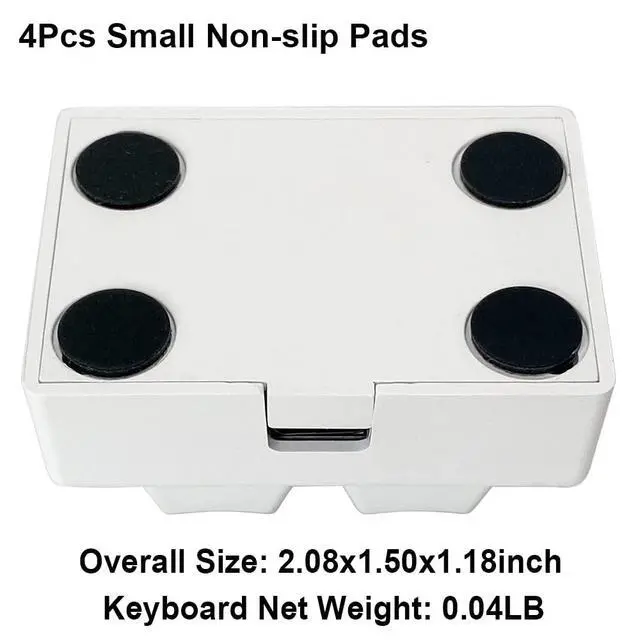
Non-slip Mat
Comes with 4x 8mm small paste non-slip pads, which can be attached to the four corners of the keyboard to prevent the keyboard from sliding back and forth when in use.
keyboard Mode: you can set the key combination/general key on the keyboard; you also can set as Game Controller buttons, used as shortcut keys for OSU games with complex operations (Need the game to support "game controller").
Mouse Mode: you can manipulate cursor movement, mouse click, etc.(start with the current position of the mouse)
Mouse buttons: Operate the mouse buttons, left button, right button and middle button.
X axis: the horizontal axis of the cursor, Value range: 1-128 move to the right,128-255 move to the left.
Y axis: the longitudinal axis of the cursor, Value range: 1-128 move to the up, 128-255 move to the down.
Scroll wheel: Value range: 1-128 go up, 128-255 go down.
Multimedia Mode: you can control playback, pause, cut song, adjust volume, etc. You can also open my computer, player, calculator, browser, email, etc. with one key.
Multi-key Mode: you can press a button to automatically enter the preset password (One-key Password).
The password supports ASCII characters such as letters, numbers, matches and spaces. Up to 15 keys are supported.
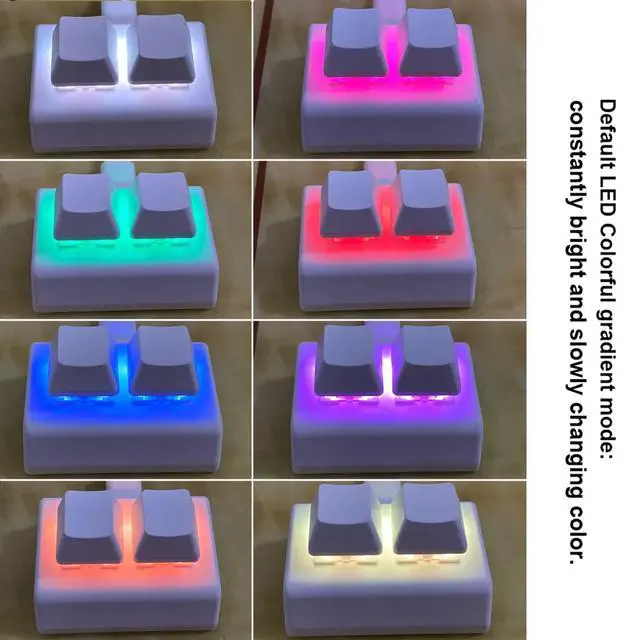
LED Control Mode: you can use to specify the on/off and press action display mode of the keyboard LED. eg. Colorful gradient mode, table lamp, press display color etc.
Warranty & Returns
Warranty, Returns, And Additional Information
Warranty
- Please contact the Seller directly for warranty information. Warranty information may also be found on the Manufacturer's website.
- CONTACT
Return Policies
- Return for refund within: 30 days
- Return for replacement within: 30 days
- This item is covered by Average-price store Return Policy
Manufacturer Contact Info
- For a directory of all our manufacturers, please click below.
- Manufacturers Directory
LOADING...