here!
here!
I’m your shopping assistant for PC builds, upgrades, and everything tech.
Got questions? Ask away!
Start a conversation
here!
I’m your shopping assistant for PC builds, upgrades, and everything tech.
Got questions? Ask away!
Start a conversation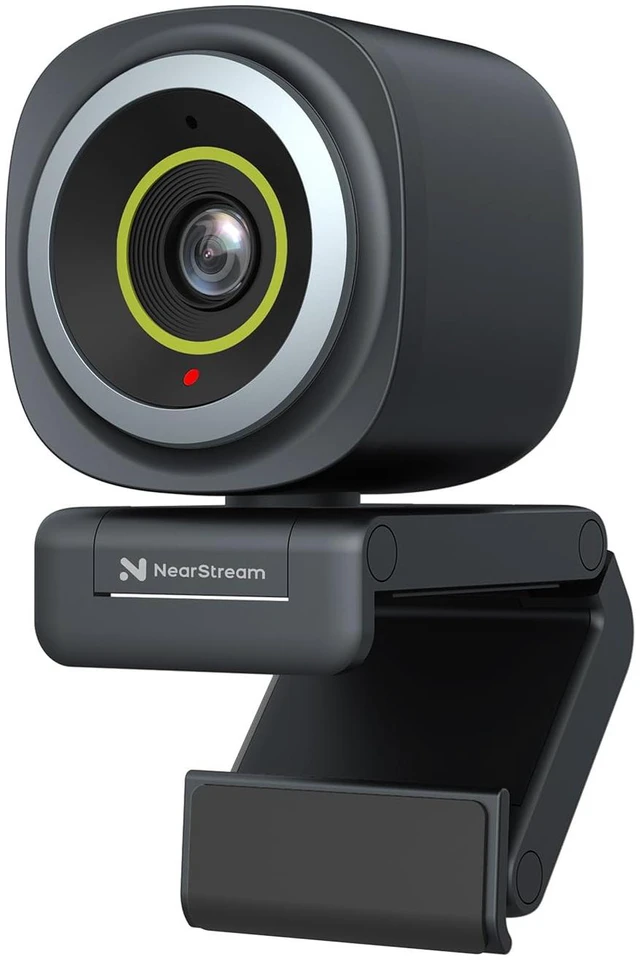



Any questions? Ask CelesteSM will help you find out quickly.
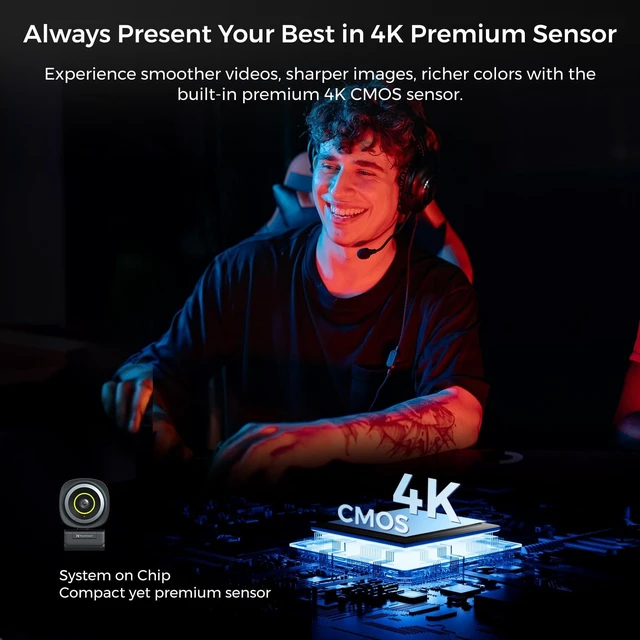
Enhance your video quality for crystal clear visuals, making every conversation feel face-to-face.
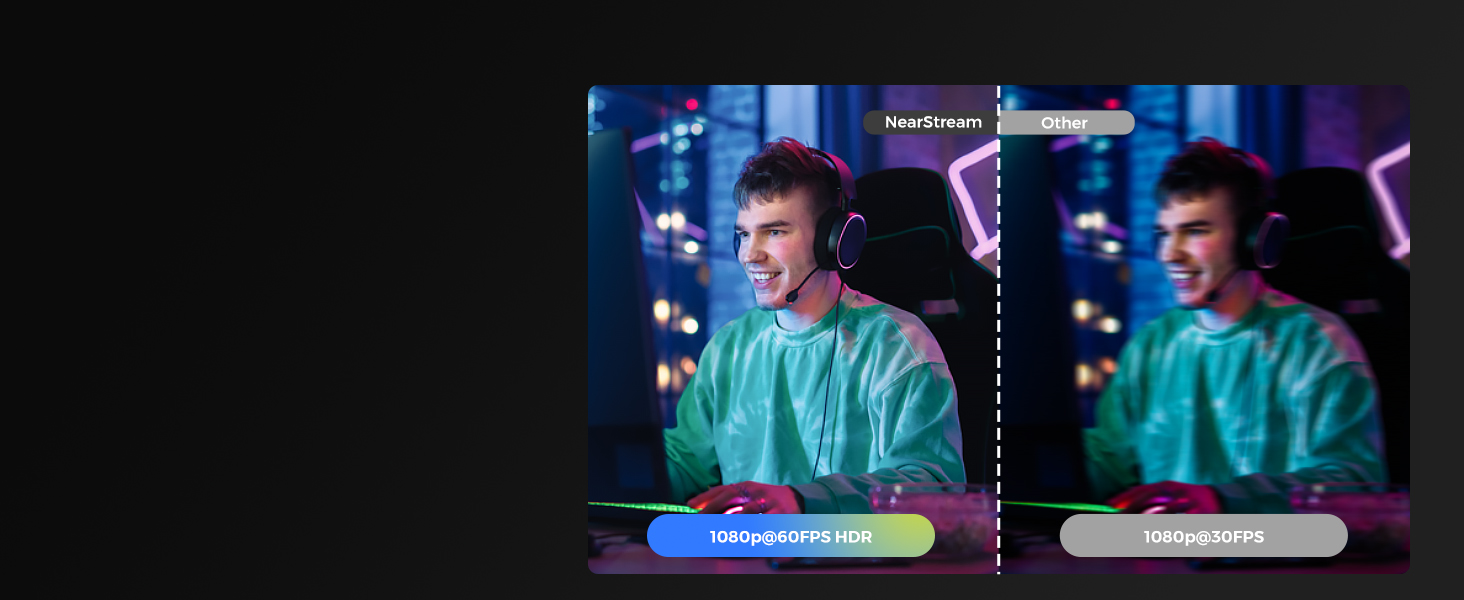
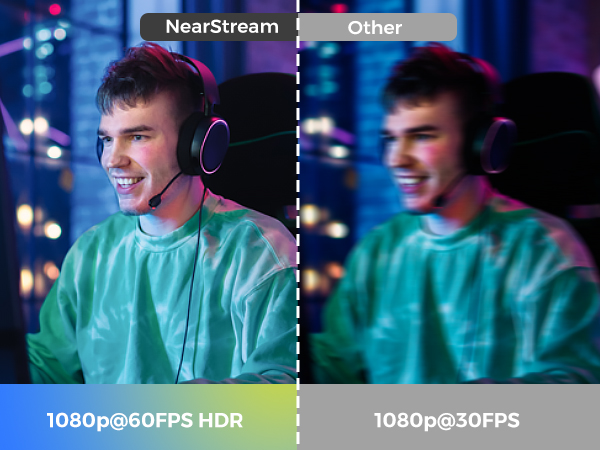
Display professional video quality that captures every detail with sharpness and lifelike clarity.
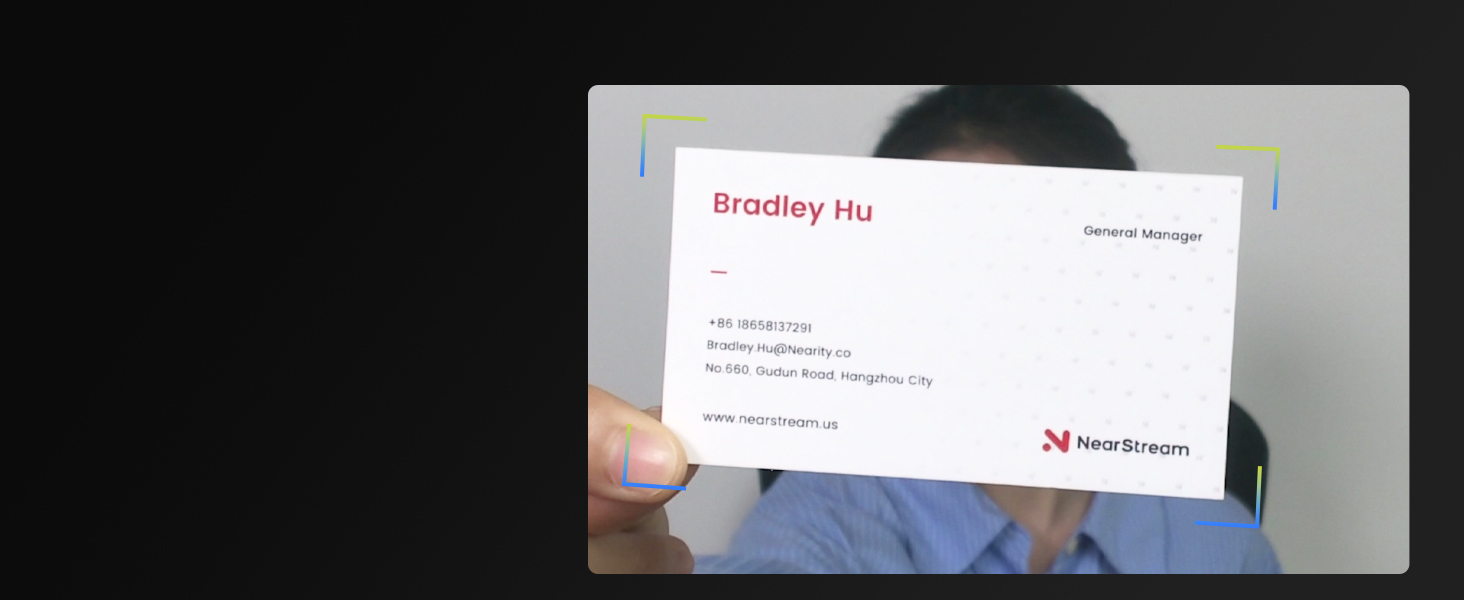
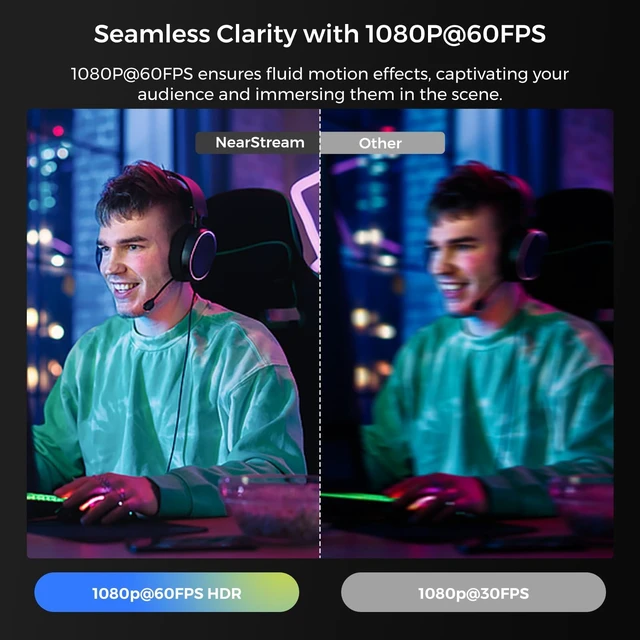
Your video calls or streaming always stays sharp & clear, even if you shift position frequently.
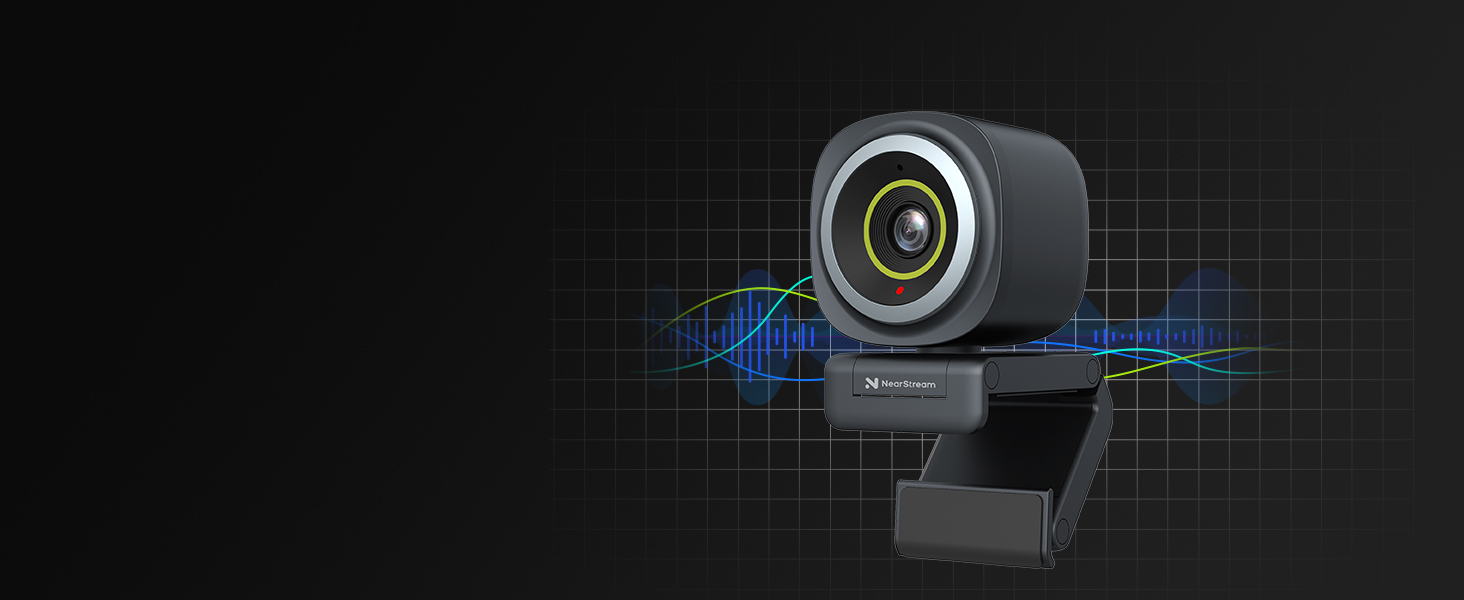
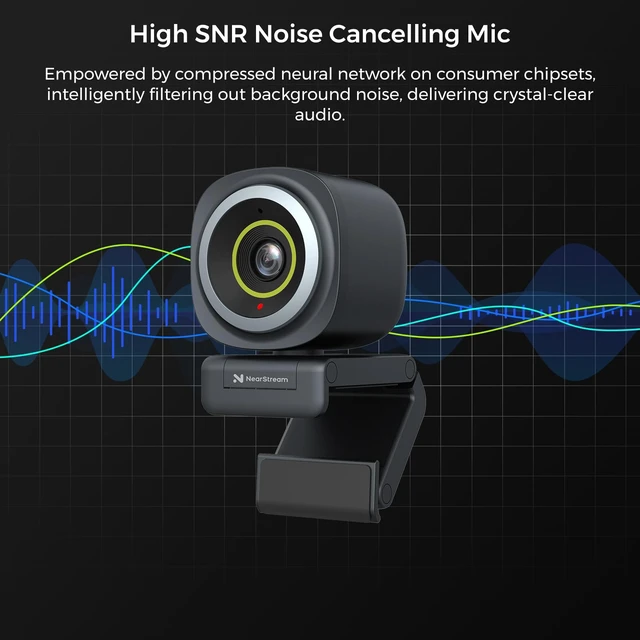
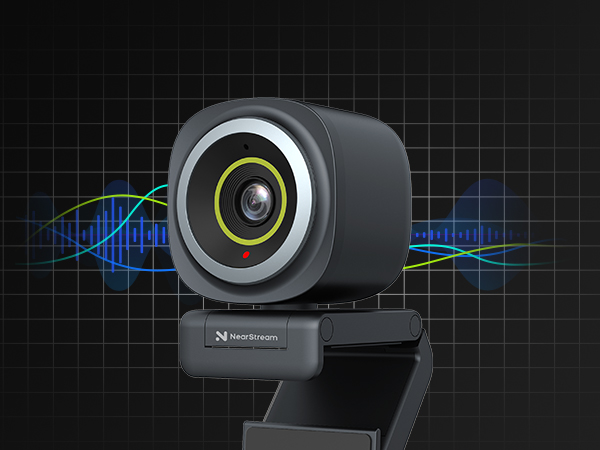
AI-powered mic picks up sound within a 10ft range and intelligently filters out environmental noise.
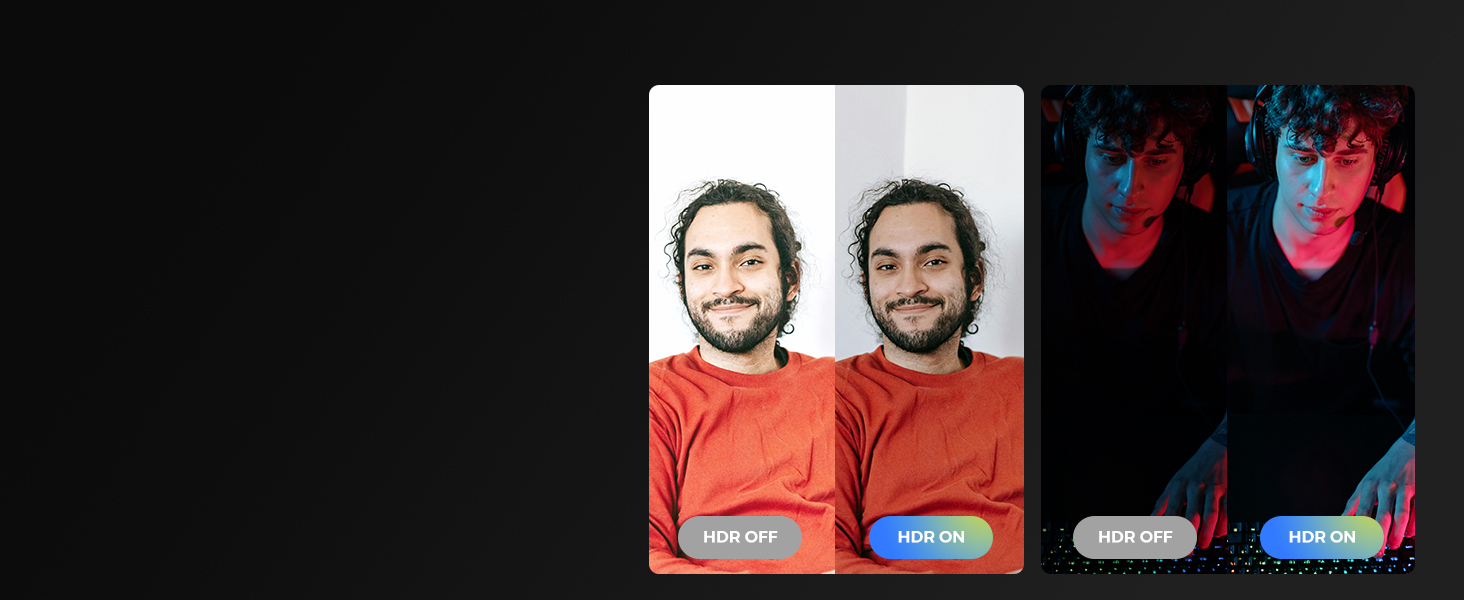
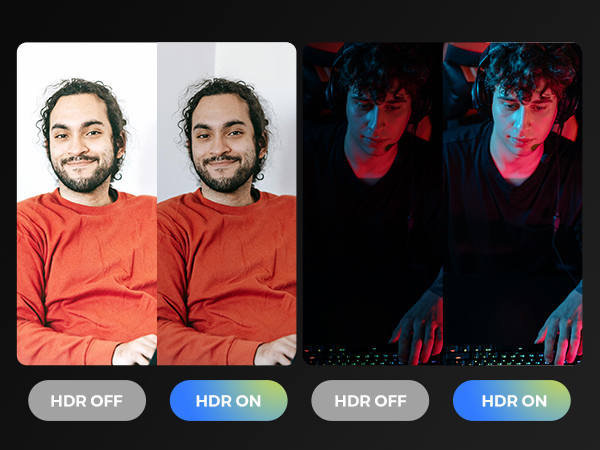
Adjusts to ambient light, balances brightness, reduces shadows to deliver realistic & vibrant images
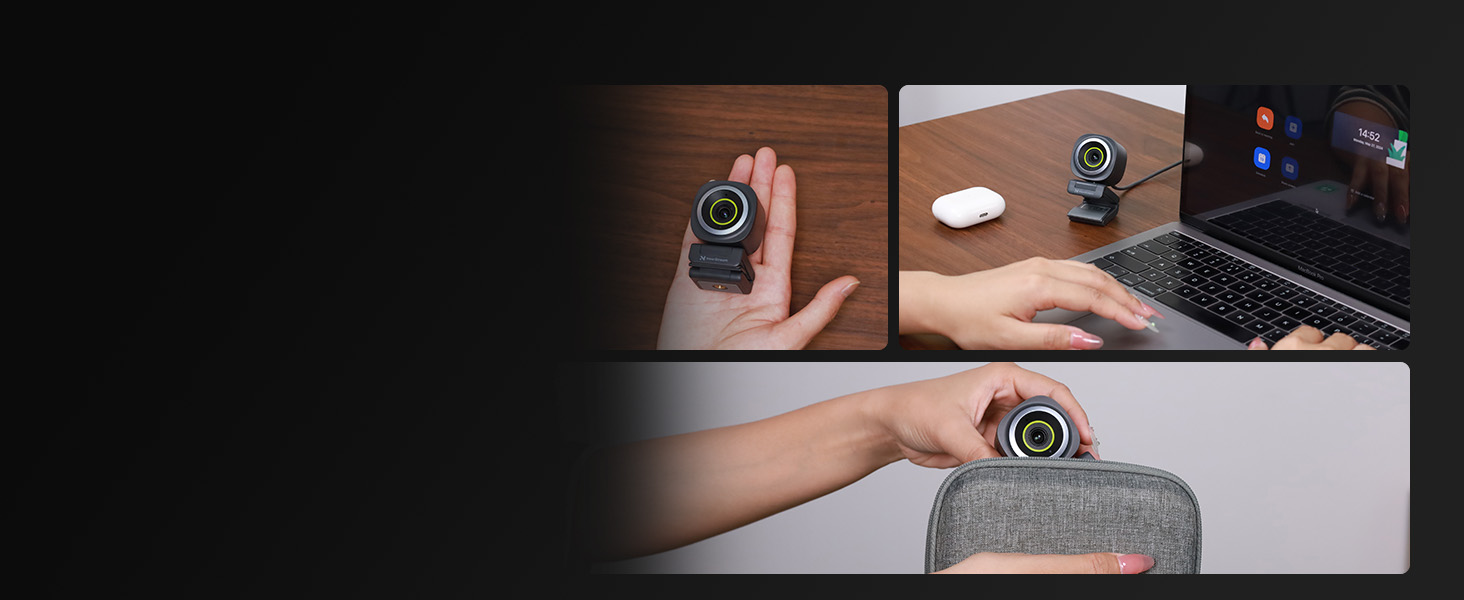
Take it anywhere for on-the-go use, anytime, anywhere. Always present your best in online meetings.
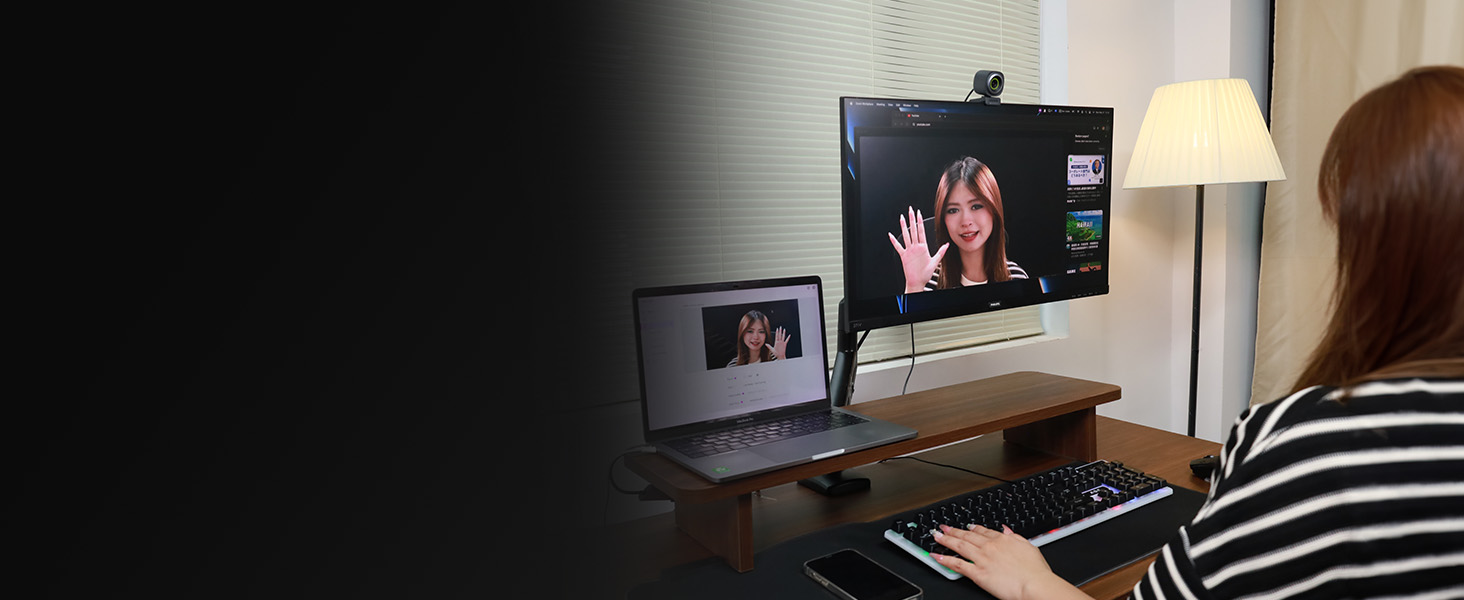
Deliver crisp video and clear audio, and always present your best self in every call.
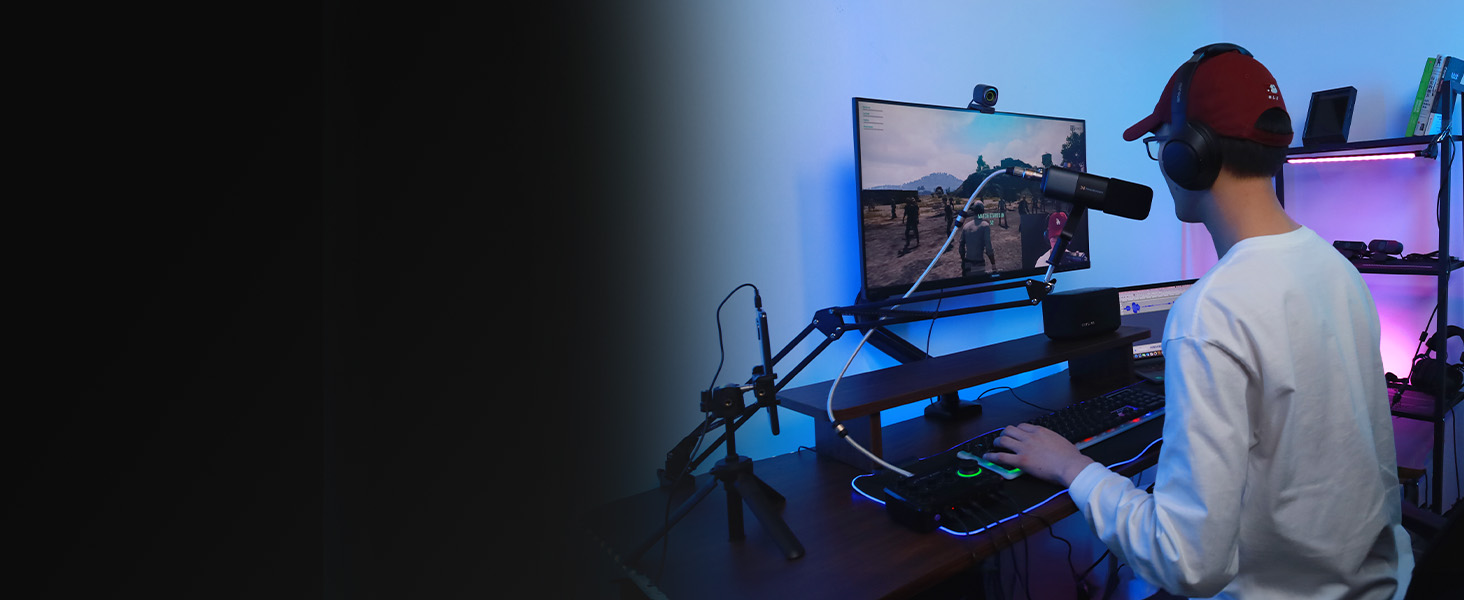
Deliver crisp, clear video and audio, and your audience will get the best watching experience.
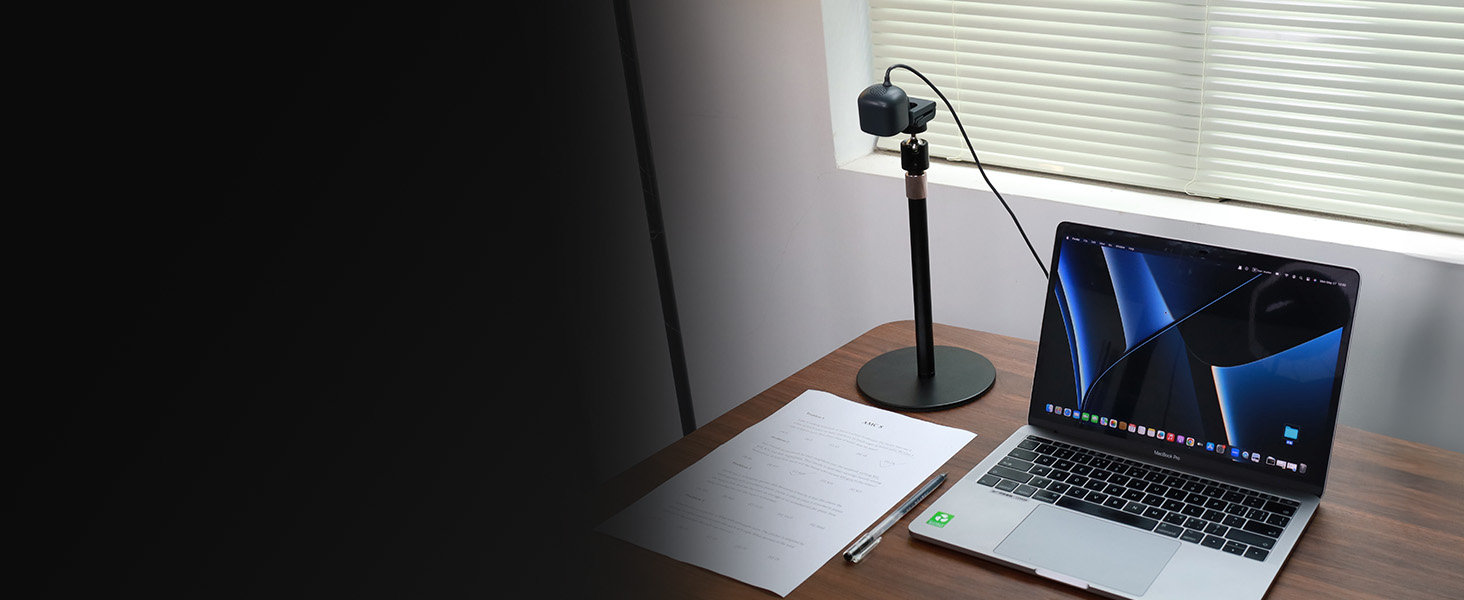
Ideal for presentations, online teaching, and sharing documents in crystal-clear detail.
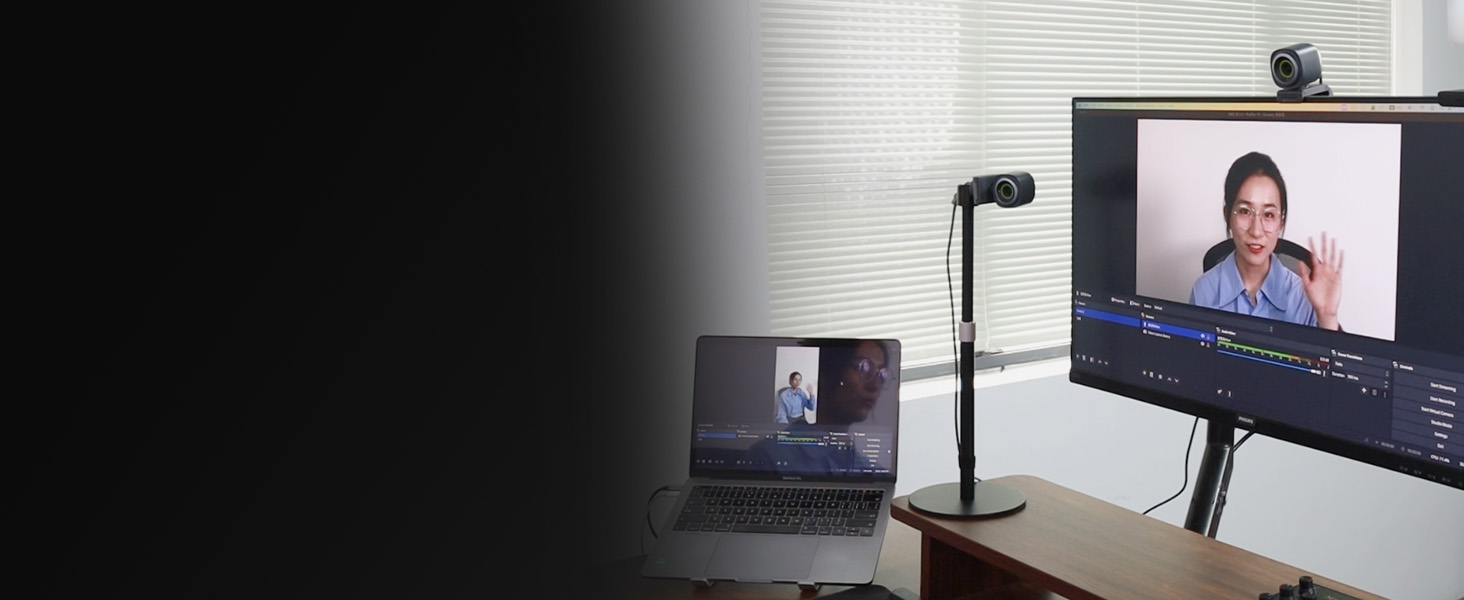
Double your perspective, capture multiple angles, and enhance your content with dynamic visuals.
 V08AF 4K Webcam |  V02AF 2K Webcam |  Webcam Stand |  AM10X USB/XLR Microphone |  AM35U USB Gaming Mic | 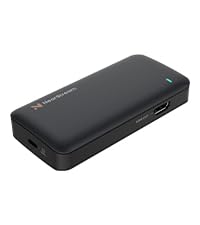 CCD10 Capture Card | 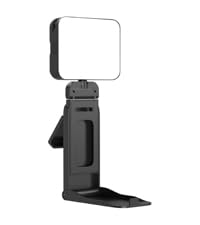 Webcam Light | |
|---|---|---|---|---|---|---|---|
Customer Reviews | — | — | — | — | — | — | — |
Price | — | — | — | — | — | — | — |
HD Video Quality | 4K@30FPS; 1080P@60FPS | 2K@30FPS; 1080P@60FPS | — | — | — | — | — |
Field of View | 45°, 60°, 75°, 95° | 60°, 75°, 95° | — | — | — | — | — |
Noise Canceling Mic(s) | ? | ? | ? | ? | ? | ? | ? |
1/4" Webcam Stand Mount Hole | ? | ? | ? | ? | ? | ? | ? |
Connection | USB-A | USB-A | — | XLR/USB | USB-C | USB/HDMI/3.5mm Audio Port | USB-C |
The auto framing feature on my webcam causes the image to constantly zoom in and out. How can I turn it off?
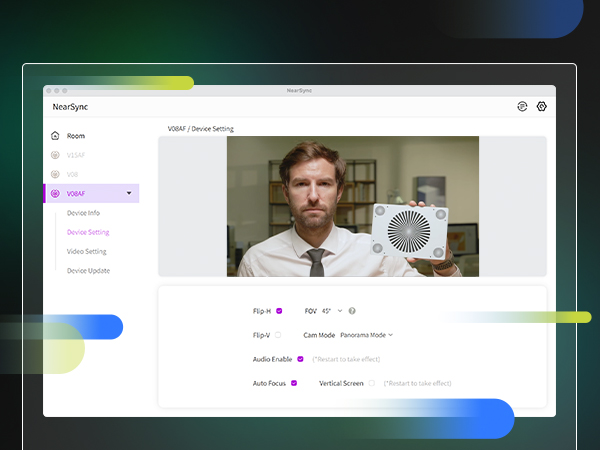
To disable the auto framing feature, open the NearSync software, navigate to the "Cam Mode" options, and select "Panorama Mode." This will turn off auto framing and provide a stable image.
How can I download the software to get the complete visual experience?
You can download the Mac or Windows version of the NearSync software from our official website. After installing it on your computer, locate the V08AF in NearSync and select Update. This will ensure you have the latest firmware version.
1. Why is the auto-framing function of my V08AF 4K webcam for PC not working? 2. Is there a privacy cover for webcam?
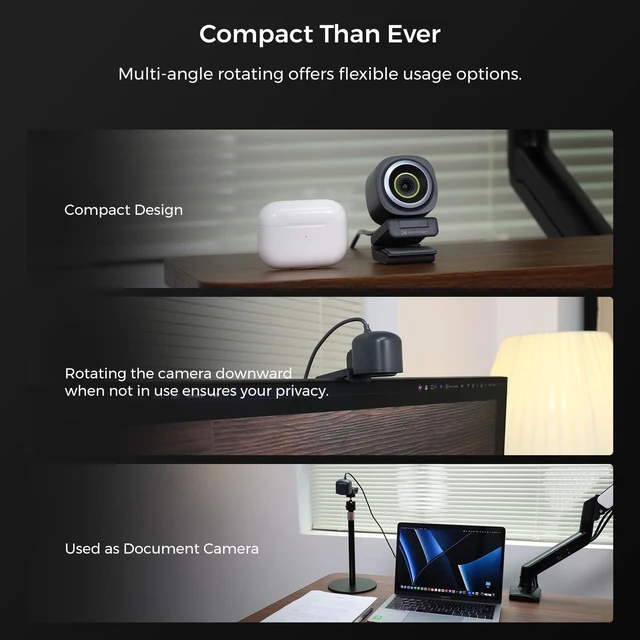
1. To activate the auto-framing function, please access NearSync and turn on the auto-framing button. 2. No, there is no privacy cover, but its head can be manually rotated and tilted down to protect your privacy.
Can the FOV (Field of View) be adjusted on the webcam?
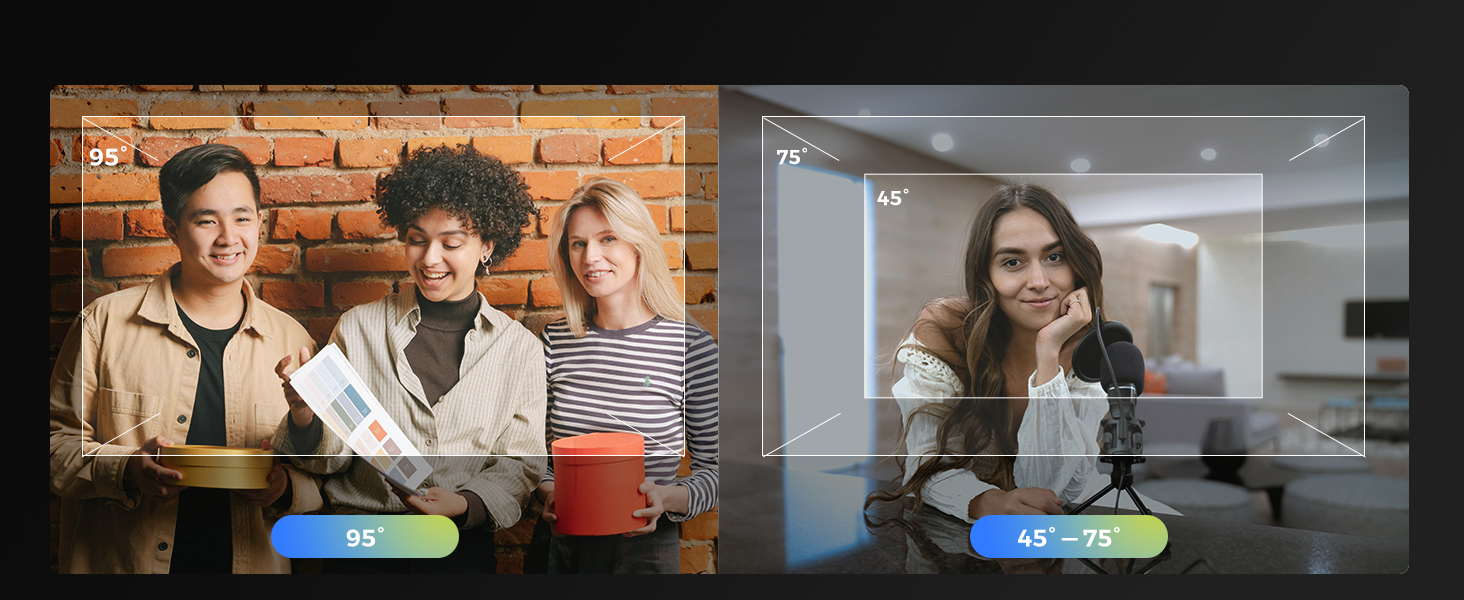
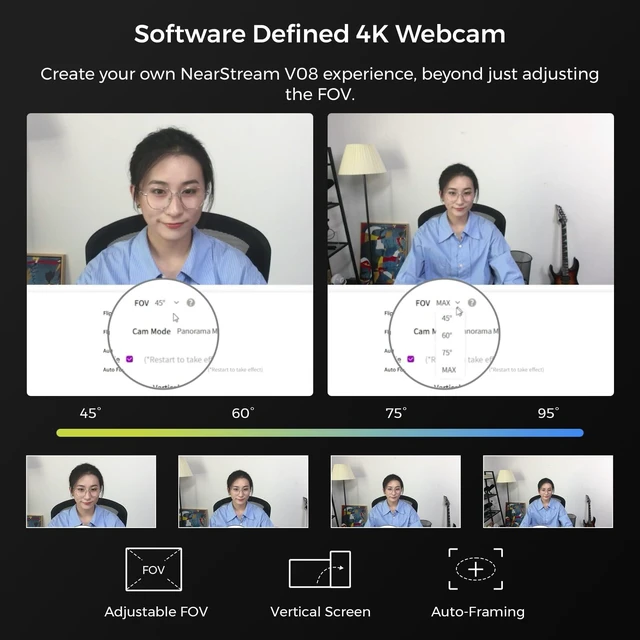
Yes, the FOV of the webcam can be adjusted in Panorama Mode using the NearSync software. You can choose from four different settings: 45°, 60°, 75°, and 95°. However, in Auto Framing Mode, the FOV cannot be adjusted.
Can I use it to show details? Just like a document camera?
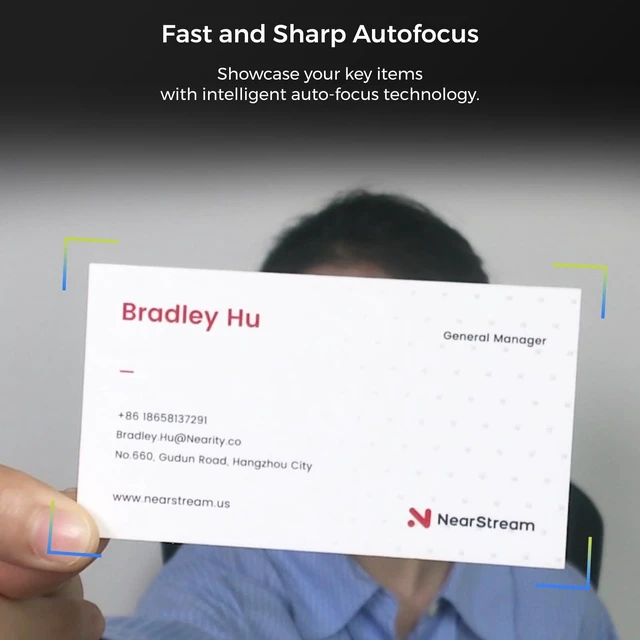
Yes, the 4K webcam features autofocus based on AI algorithms, allowing you to clearly display documents and other close-up details. For optimal clarity, we recommend adjusting the height at or below the level of your laptop.
Enhance your video quality for crystal clear visuals, making every conversation feel face-to-face.
Display professional video quality that captures every detail with sharpness and lifelike clarity.
Your video calls or streaming always stays sharp & clear, even if you shift position frequently.
AI-powered mic picks up sound within a 10ft range and intelligently filters out environmental noise.
Adjusts to ambient light, balances brightness, reduces shadows to deliver realistic & vibrant images


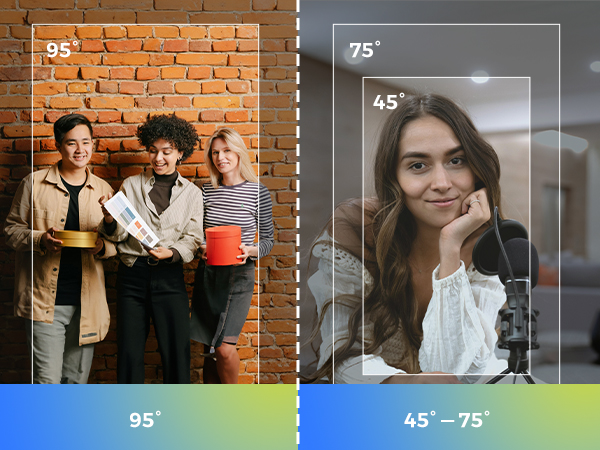

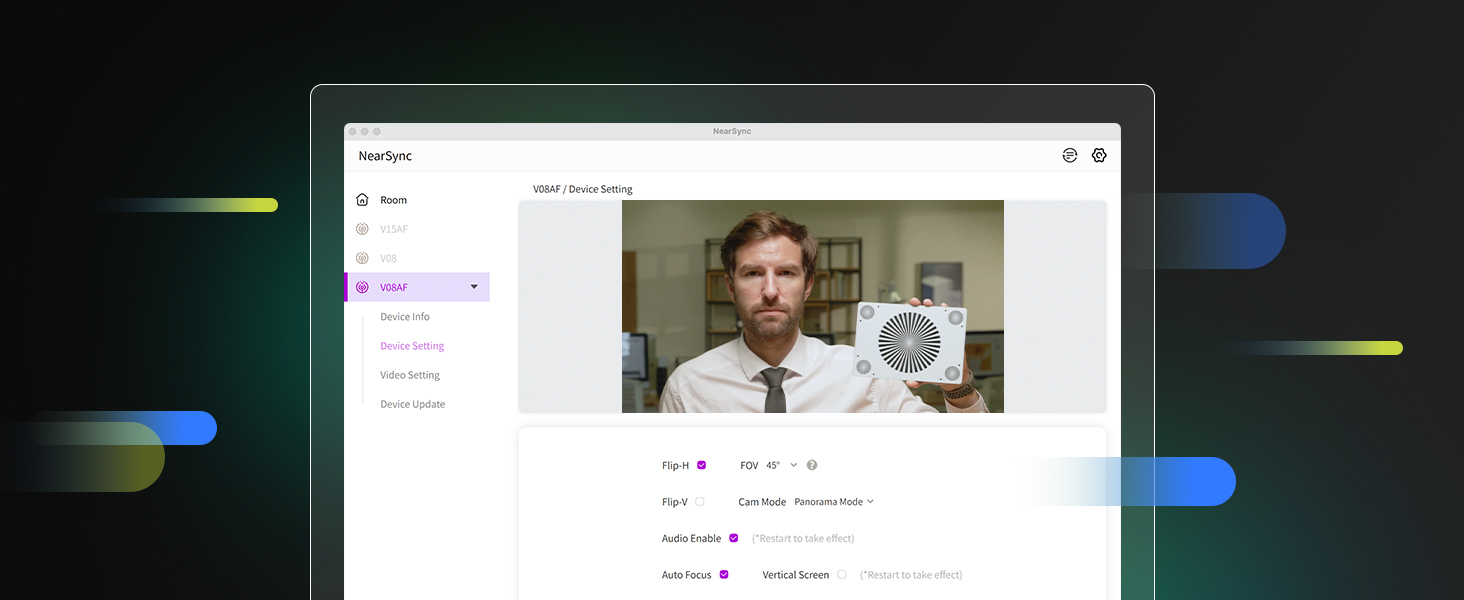
You can customize the FOV of the V08AF webcam to 45°, 60°, 75°, and up to max (95°) using the NearSync software. This flexibility allows you to capture the desired range of your surroundings, making it ideal for both team meetings and individual meetings.
Note: The FOV adjustment is available only in Panorama Mode.
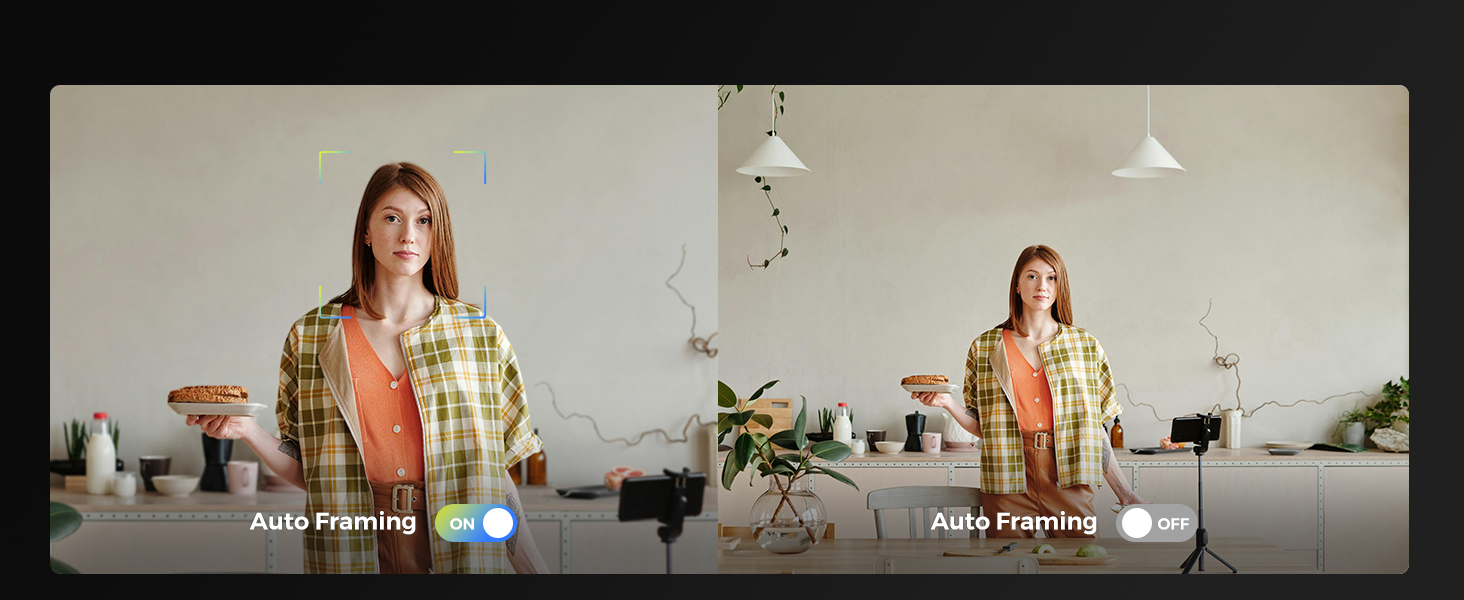
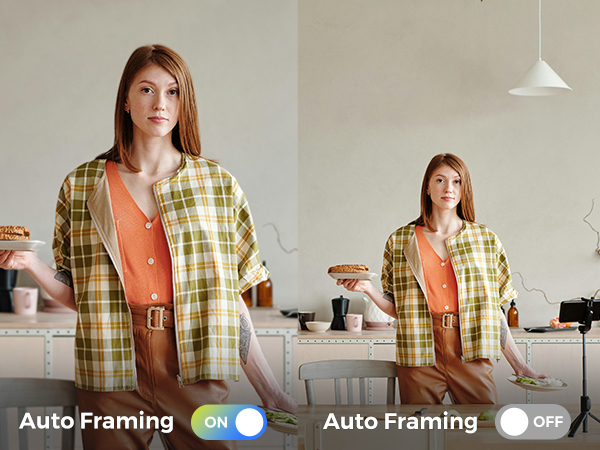
The advanced AI-powered auto-framing technology can automatically adjust the frame to keep the subject centered and properly positioned within the shot.
Note: Easily activate the auto-framing feature by enabling framing mode within the NearSync software.
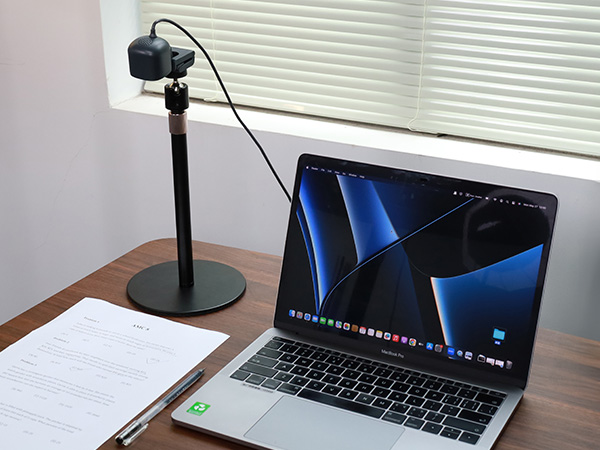
Transform your webcam into a document camera with ease. Ideal for presentations, online teaching, and sharing documents in crystal-clear detail. Capture every word and diagram with precision, making virtual learning and collaboration seamless.
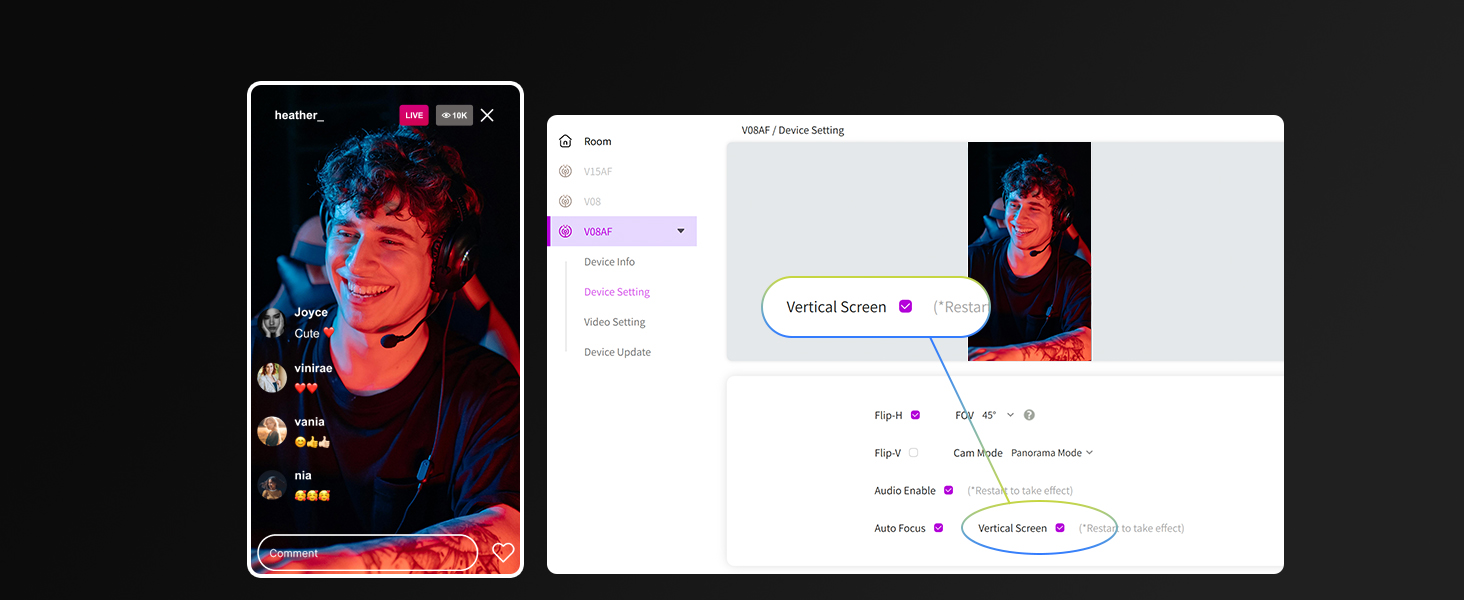
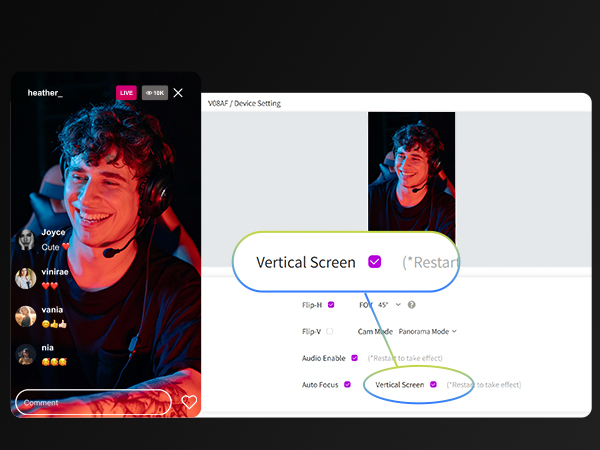
This webcam provides the convenience of effortless switching between vertical and horizontal orientations, ensuring flexibility tailored to your specific needs.
Note: Easily activate the Vertical/Horizontal Screen feature within the NearSync software.
Webcam has true autofocus capabilities, swiftly adjusting to focus on you or any moving object, enabling your video is always crystal clear, ideal for online meetings, presentations, and livestreaming.
Note: Autofocus can be turned off in NearSync software.
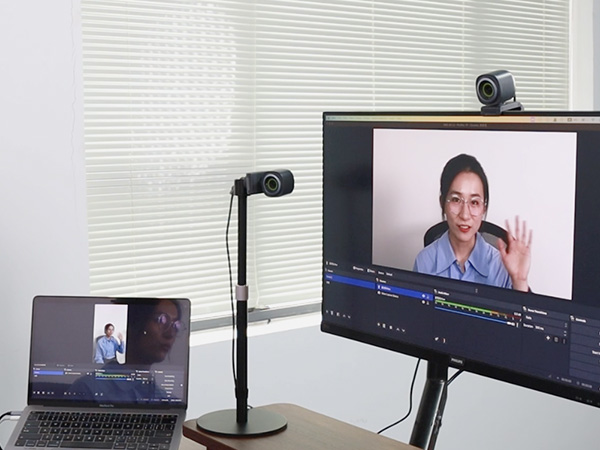
Dual webcam connectivity can expand creative possibilities. By connecting two webcams simultaneously, users can capture multiple angles, enhance their content with dynamic visuals, and elevate their video creation, useful for live streaming, interviews, tutorials, and other multimedia projects, enhancing the overall quality of their content.
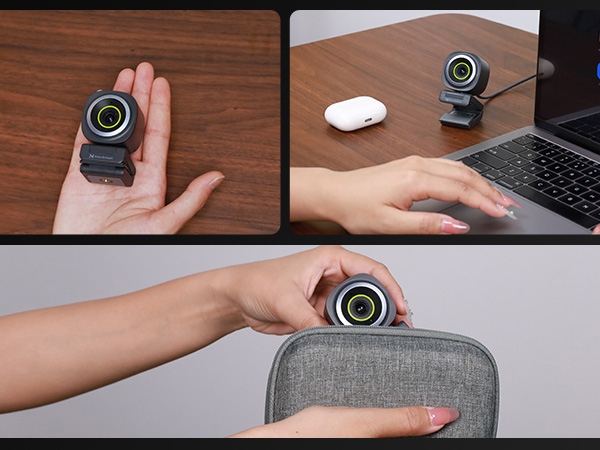
Take it anywhere for on-the-go use, anytime, anywhere. Always present your best in online meetings.
Deliver crisp video and clear audio, and always present your best self in every call.
Deliver crisp, clear video and audio, and your audience will get the best watching experience.
Ideal for presentations, online teaching, and sharing documents in crystal-clear detail.
Double your perspective, capture multiple angles, and enhance your content with dynamic visuals.


V08AF 4K Webcam | V02AF 2K Webcam | Webcam Stand | AM10X USB/XLR Microphone | AM35U USB Gaming Mic | CCD10 Capture Card | Webcam Light |
|---|---|---|---|---|---|---|
| Customer Reviews | ||||||
| — | — | — | — | — | — | — |
| Price | ||||||
| — | — | — | — | — | — | — |
| HD Video Quality | ||||||
| 4K@30FPS; 1080P@60FPS | 2K@30FPS; 1080P@60FPS | — | — | — | — | — |
| Field of View | ||||||
| 45°, 60°, 75°, 95° | 60°, 75°, 95° | — | — | — | — | — |
| Noise Canceling Mic(s) | ||||||
| ? | ? | ? | ? | ? | ? | ? |
| 1/4" Webcam Stand Mount Hole | ||||||
| ? | ? | ? | ? | ? | ? | ? |
| Connection | ||||||
| USB-A | USB-A | — | XLR/USB | USB-C | USB/HDMI/3.5mm Audio Port | USB-C |
The auto framing feature on my webcam causes the image to constantly zoom in and out. How can I turn it off?
To disable the auto framing feature, open the NearSync software, navigate to the "Cam Mode" options, and select "Panorama Mode." This will turn off auto framing and provide a stable image.
How can I download the software to get the complete visual experience?
You can download the Mac or Windows version of the NearSync software from our official website. After installing it on your computer, locate the V08AF in NearSync and select Update. This will ensure you have the latest firmware version.
1. Why is the auto-framing function of my V08AF 4K webcam for PC not working? 2. Is there a privacy cover for webcam?
1. To activate the auto-framing function, please access NearSync and turn on the auto-framing button. 2. No, there is no privacy cover, but its head can be manually rotated and tilted down to protect your privacy.
Can the FOV (Field of View) be adjusted on the webcam?
Yes, the FOV of the webcam can be adjusted in Panorama Mode using the NearSync software. You can choose from four different settings: 45°, 60°, 75°, and 95°. However, in Auto Framing Mode, the FOV cannot be adjusted.
Can I use it to show details? Just like a document camera?
Yes, the 4K webcam features autofocus based on AI algorithms, allowing you to clearly display documents and other close-up details. For optimal clarity, we recommend adjusting the height at or below the level of your laptop.
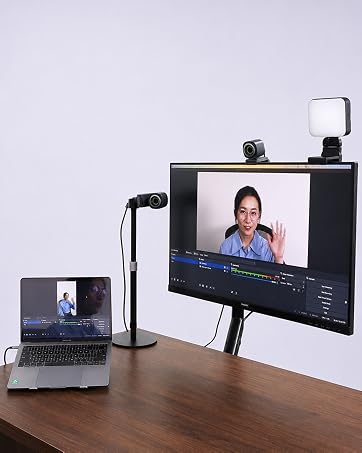
For video calls, live streaming, content creation, and more.
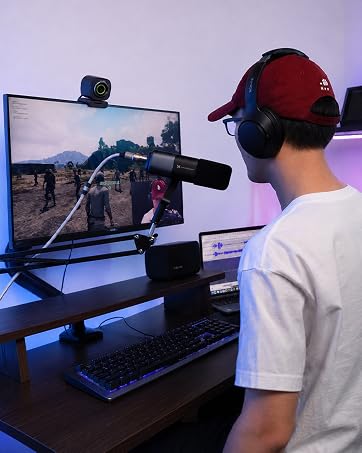
Designed for gaming, content creation, and live streaming.