• $85.99
  • Free 30-day Returns
  • Shipped by ExcelRise Store

    Price alert
    Shop it at NeweggBusiness.

    Meet Your Seller

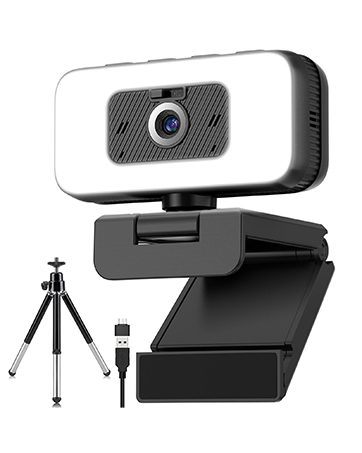
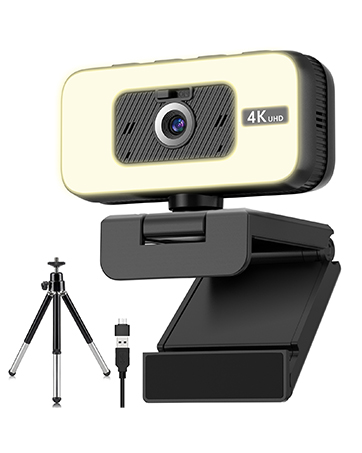
    Webcam for PC, 4K 30 FPS Streaming Camera with Light, for Desktop/Laptop | Computer Webcam with Microphone, Plug and Play USB Web Cam with Bracket, for Zoom Team Google Meet Webex OBS

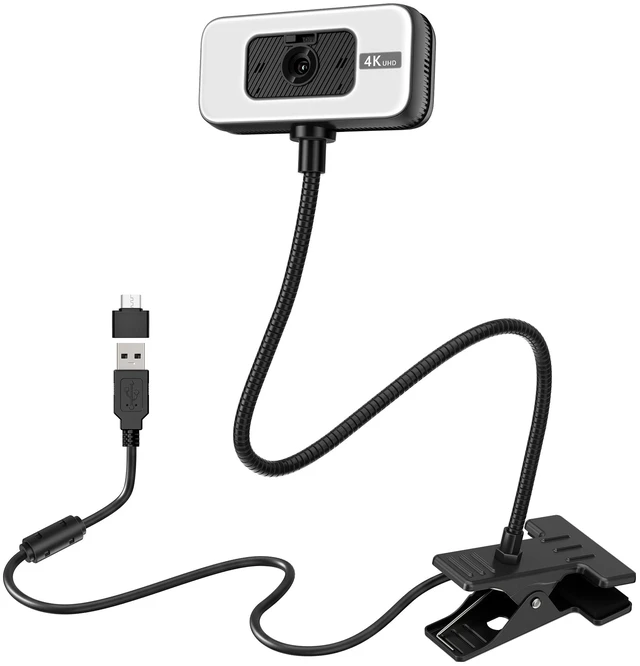
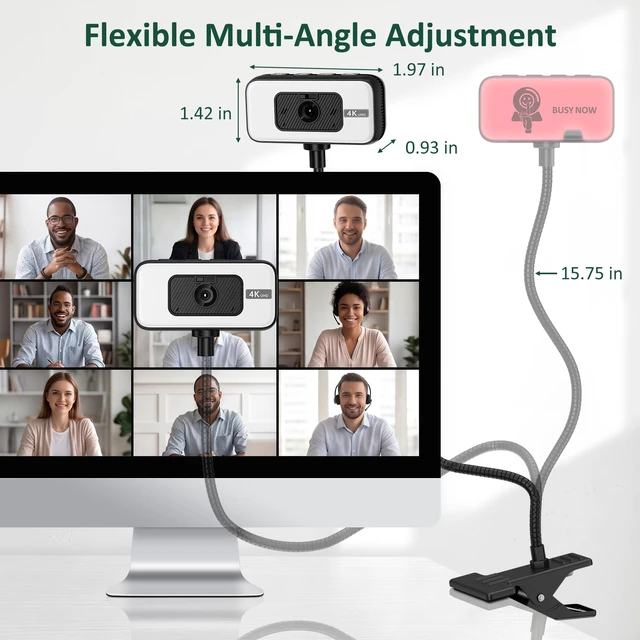
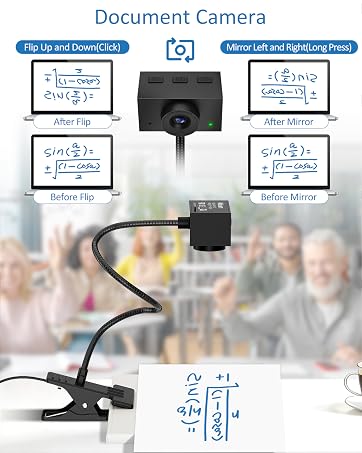
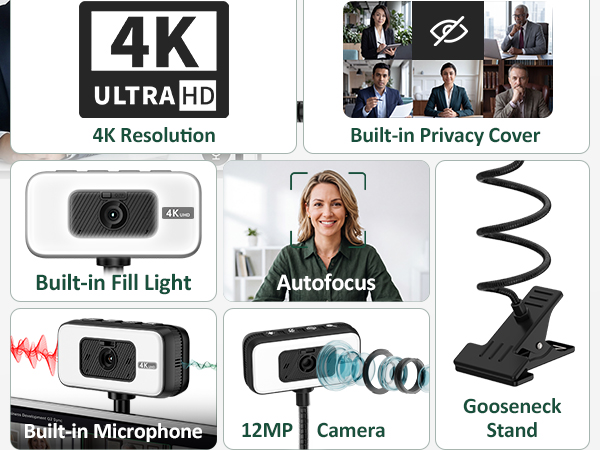
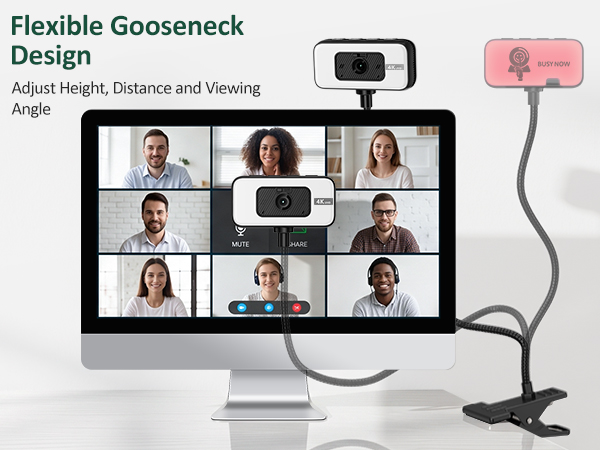
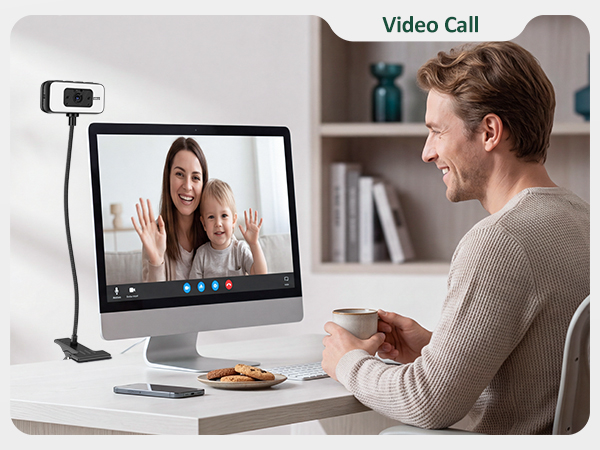
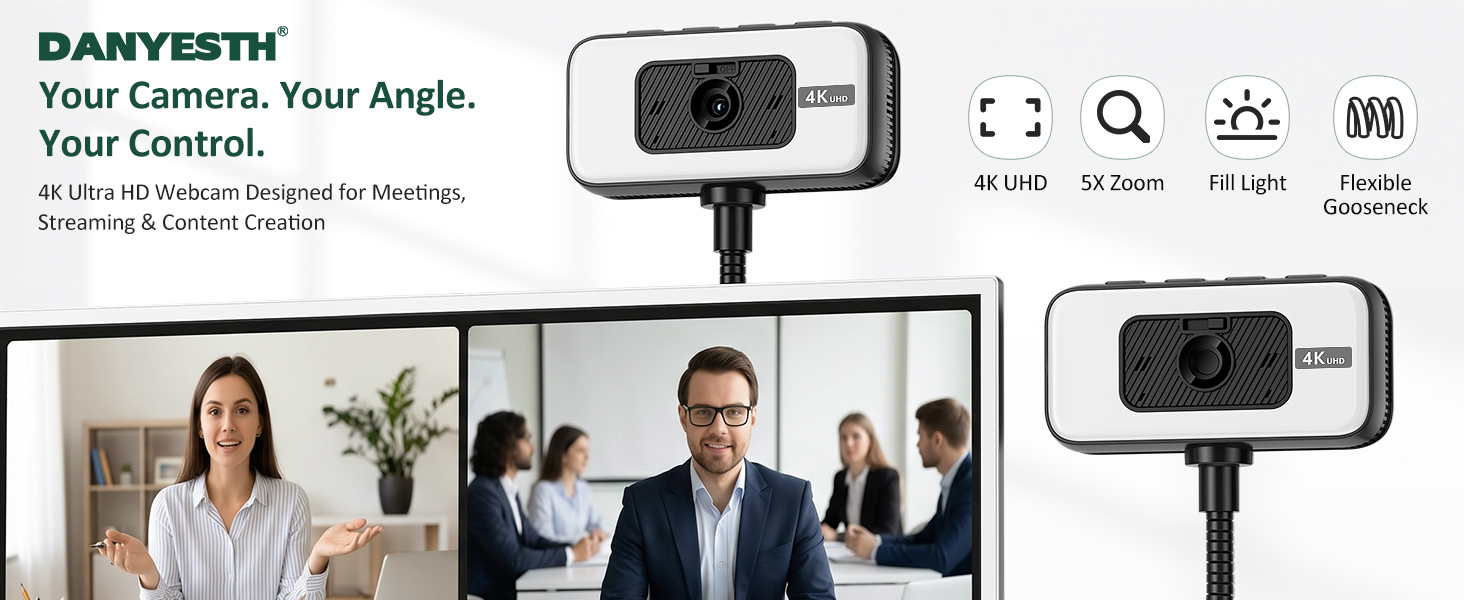
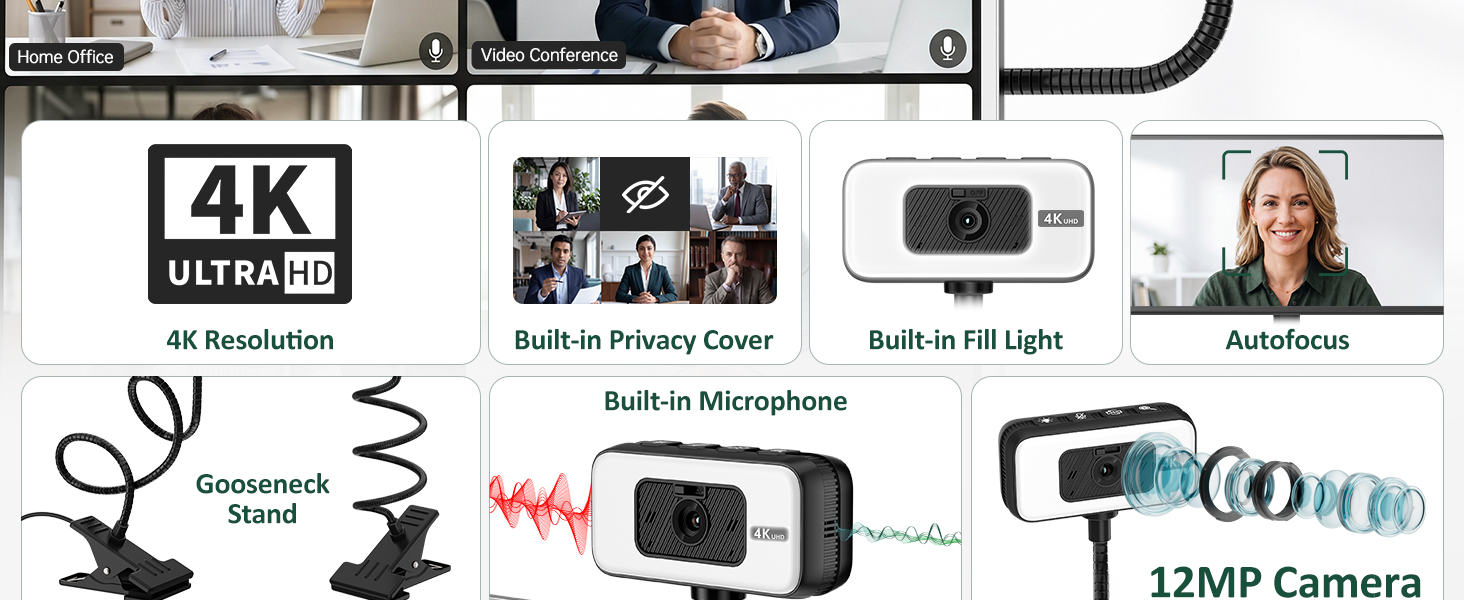
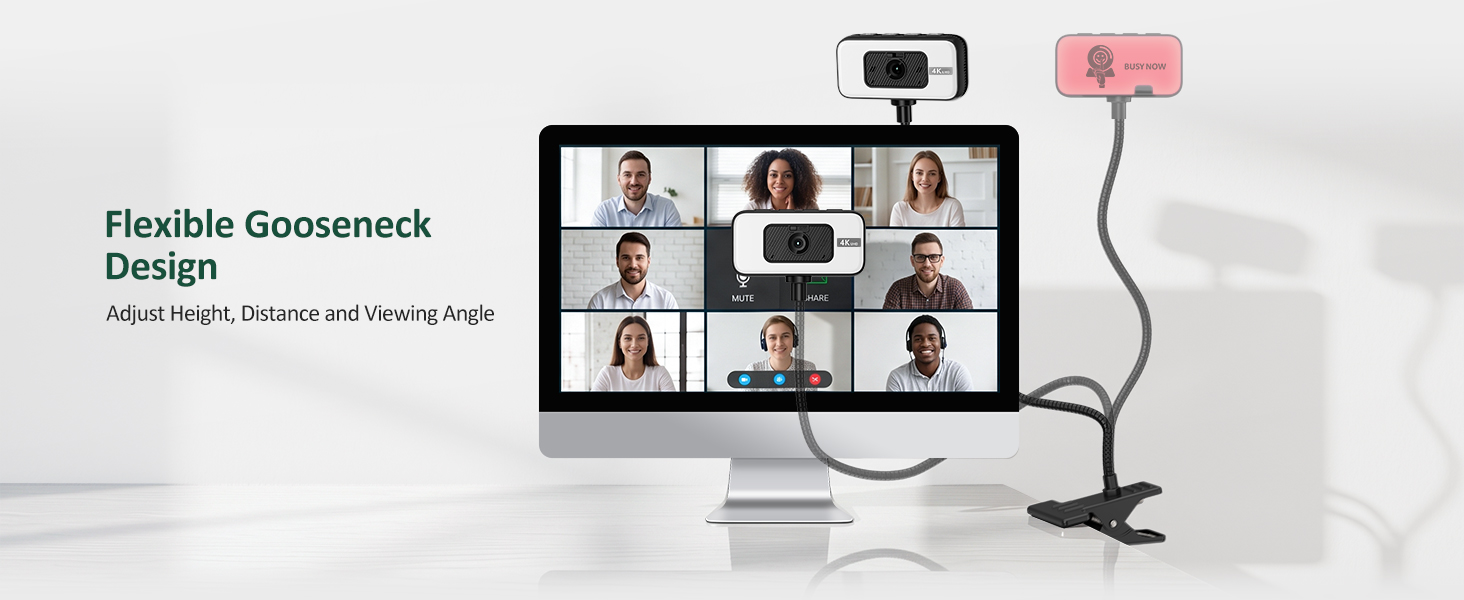
    • FLEXIBLE GOOSENECK DESIGN Danyesth WEBCAM features a flexible gooseneck with an integrated sturdy clamp for full-range positioning. It mounts easily on desks or shelvesor sits behind your monitor without blocking the screen. Before purchasing, please check the clamp thickness (1.38 inches) and gooseneck length (15.75 inches).
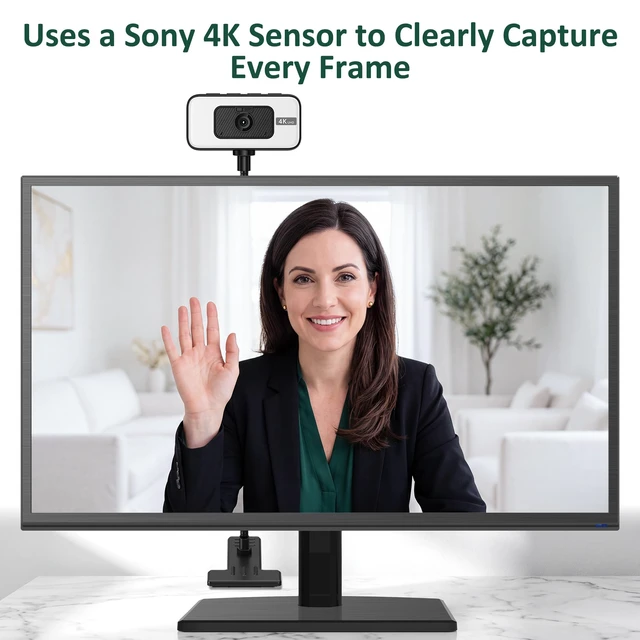
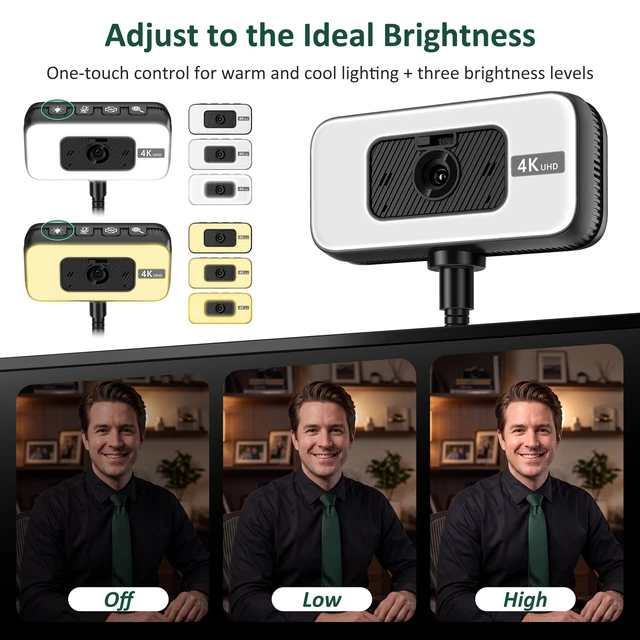
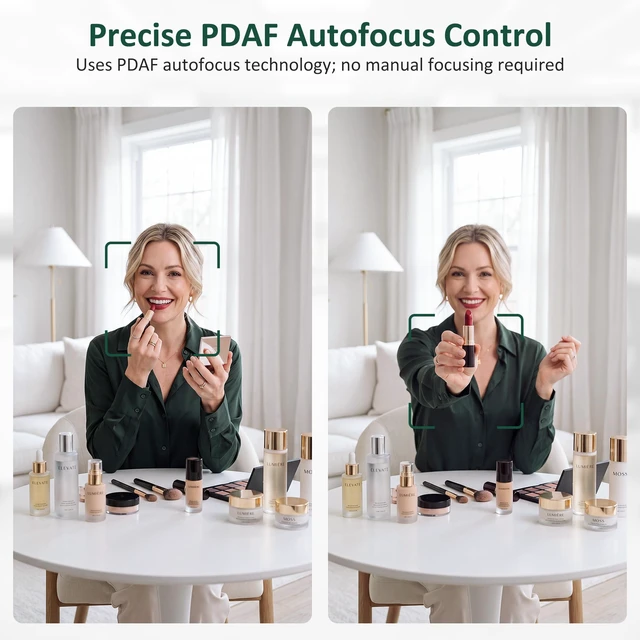
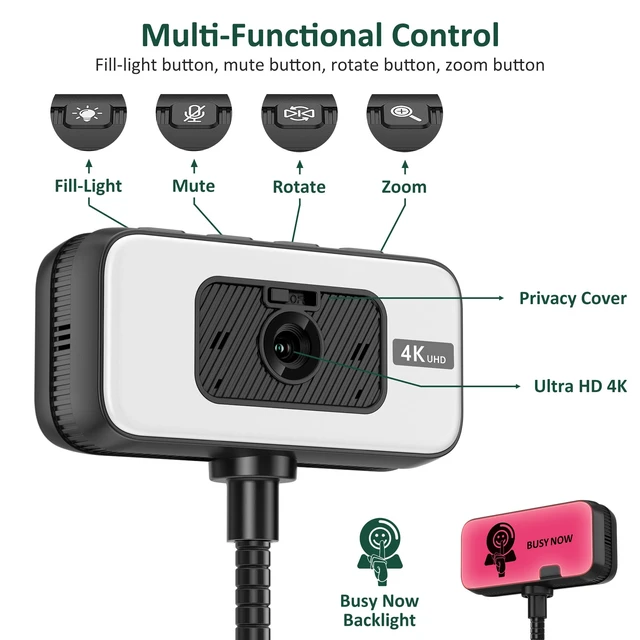
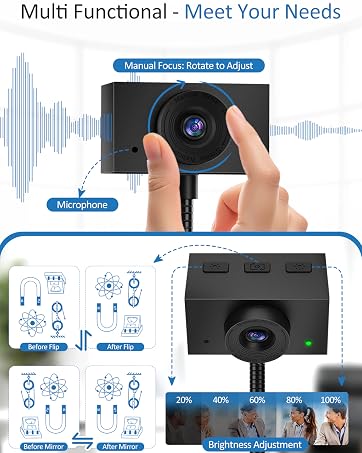
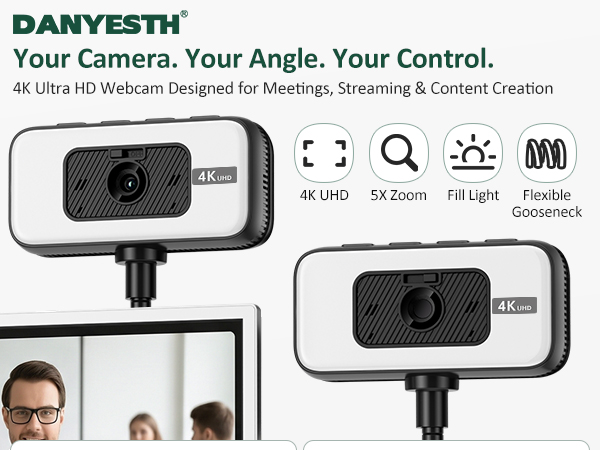
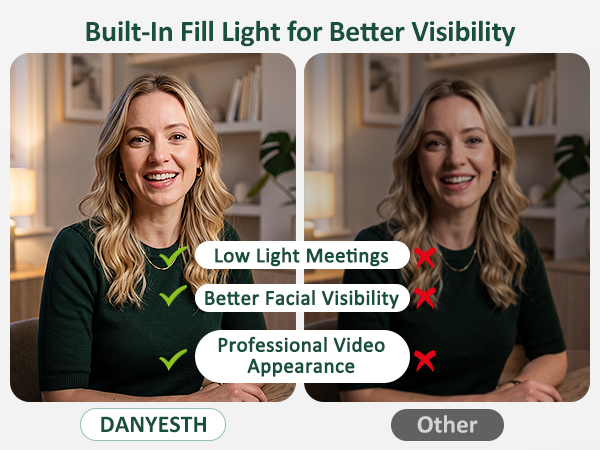
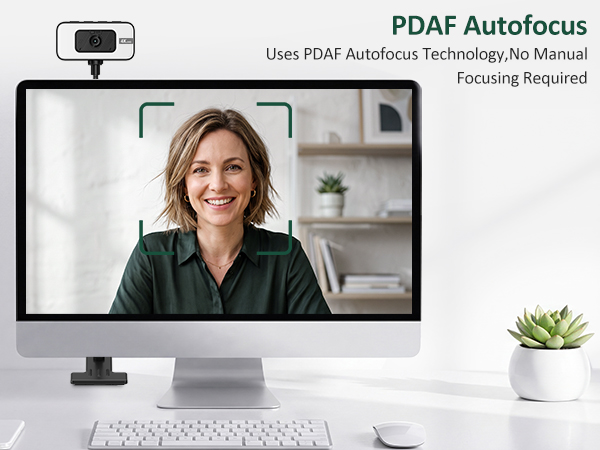
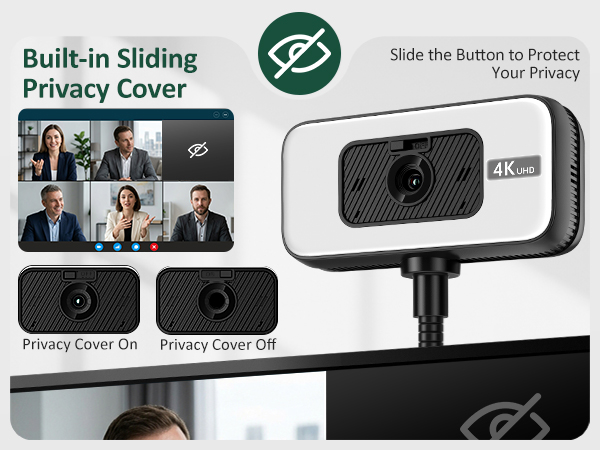
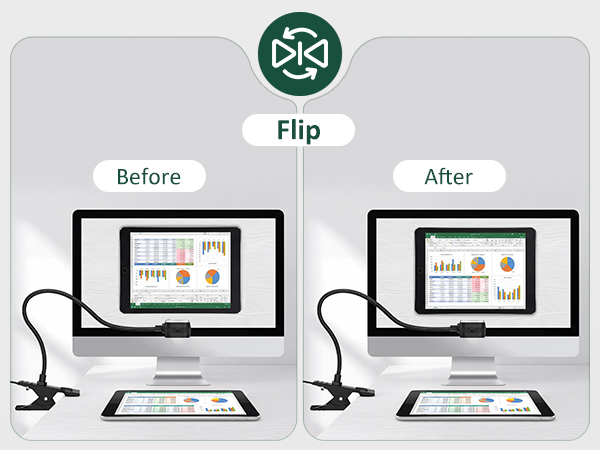
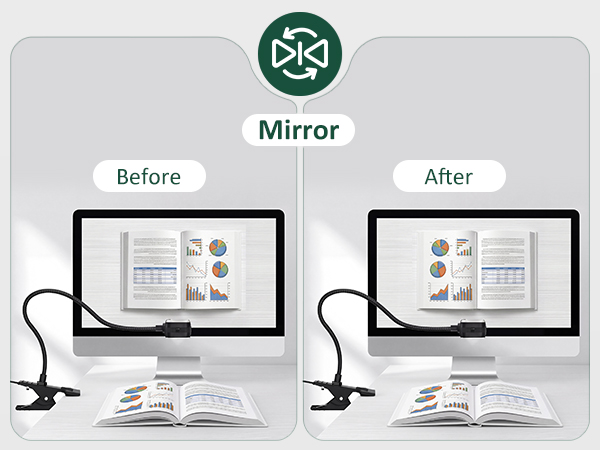
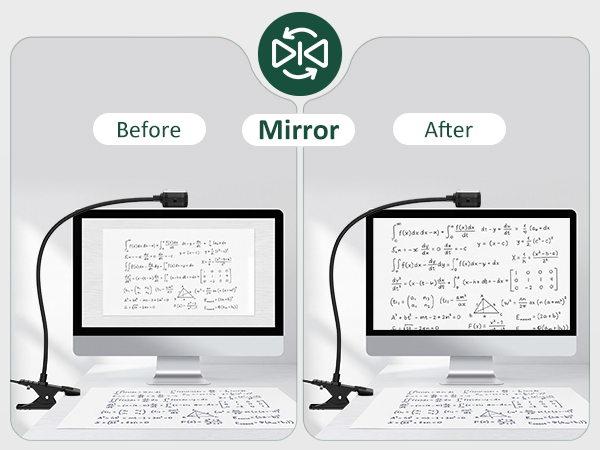
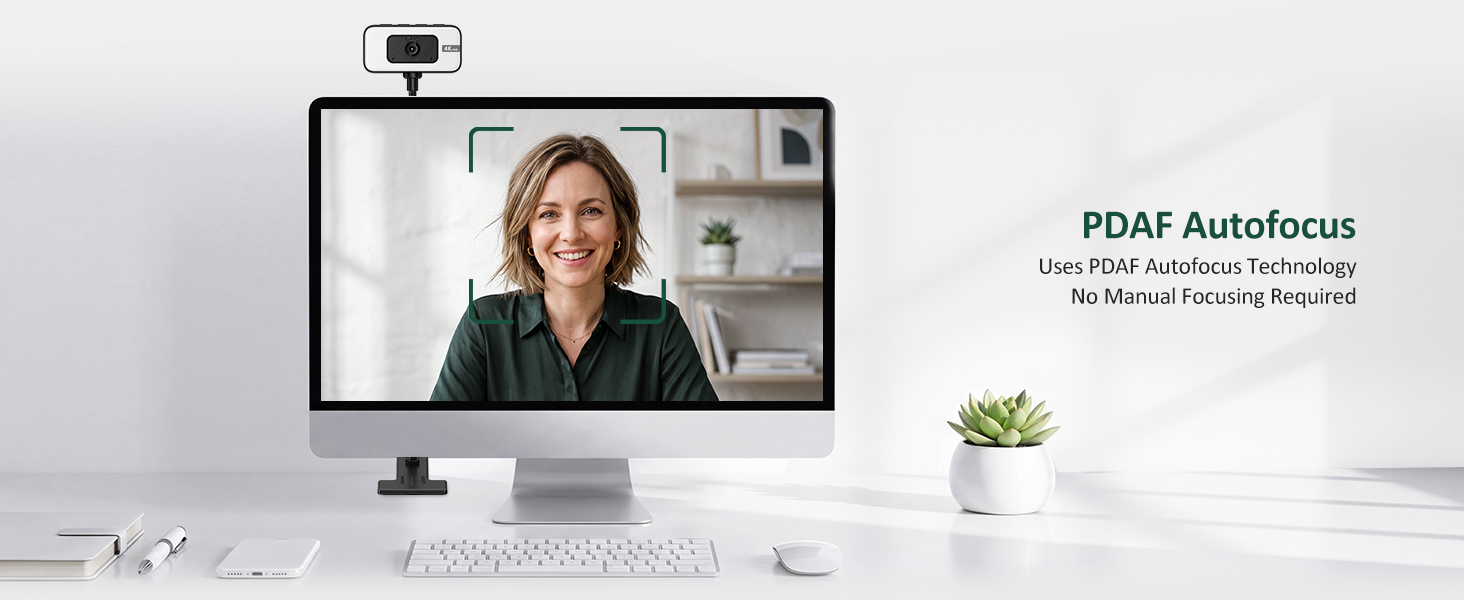
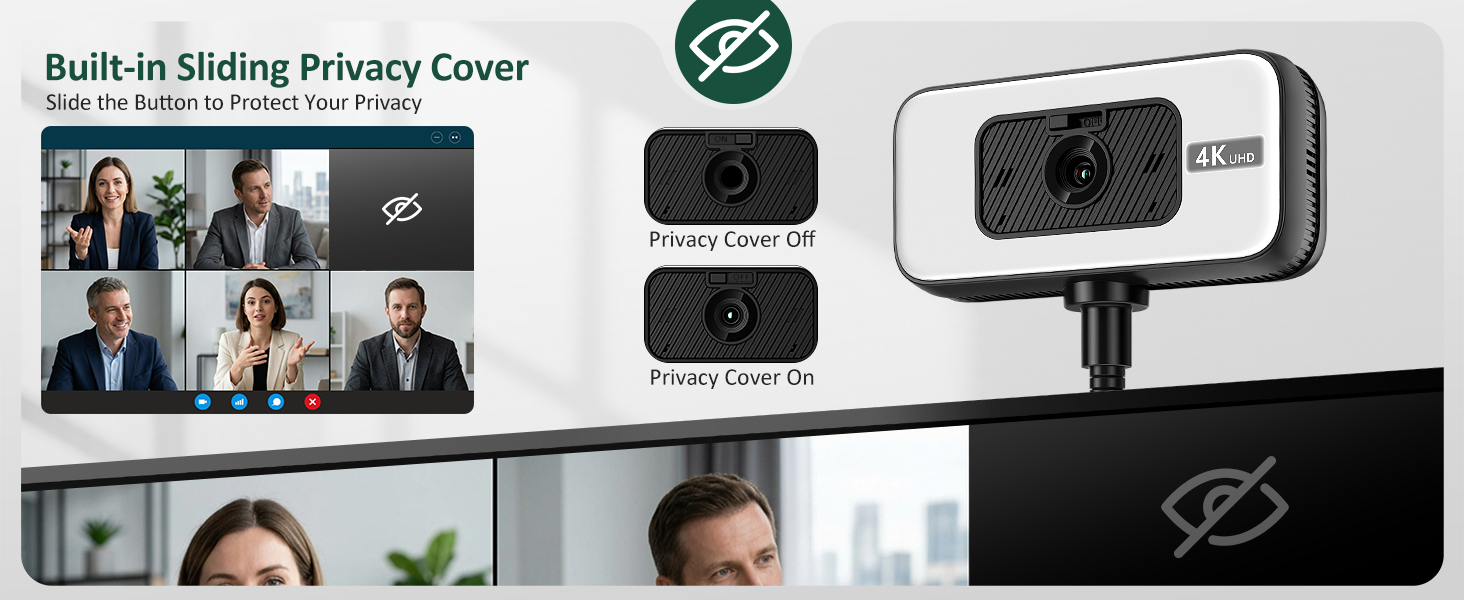
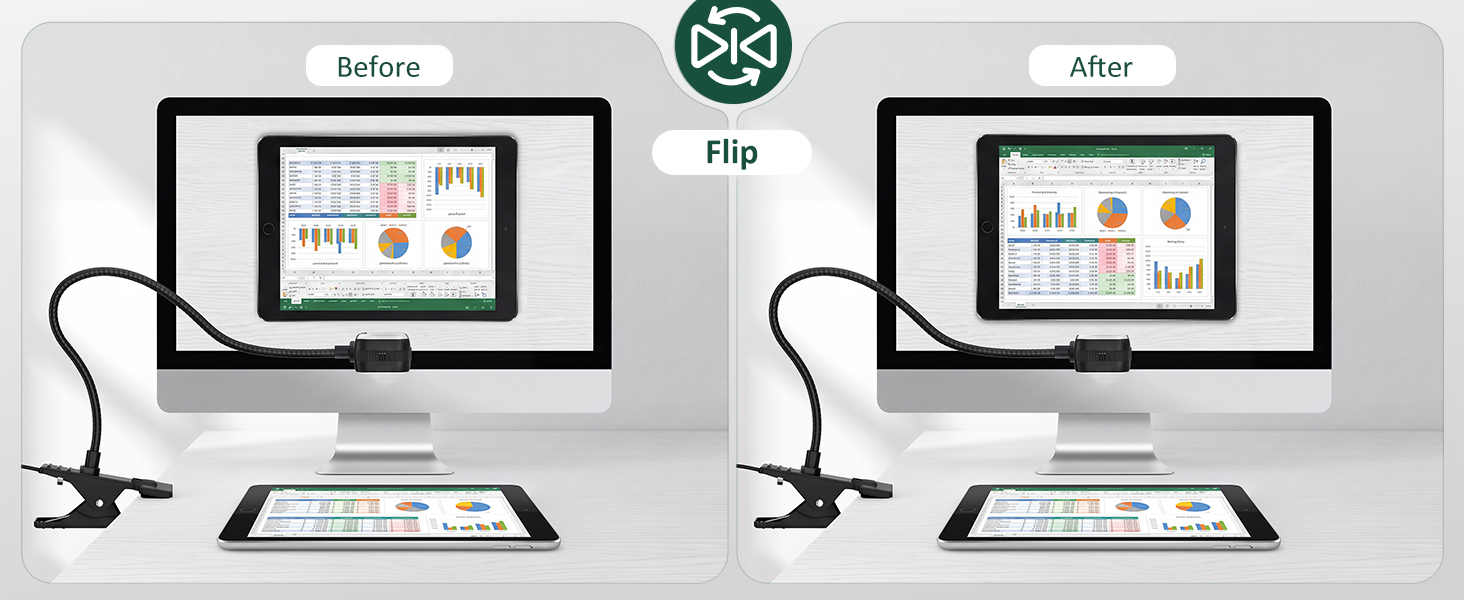
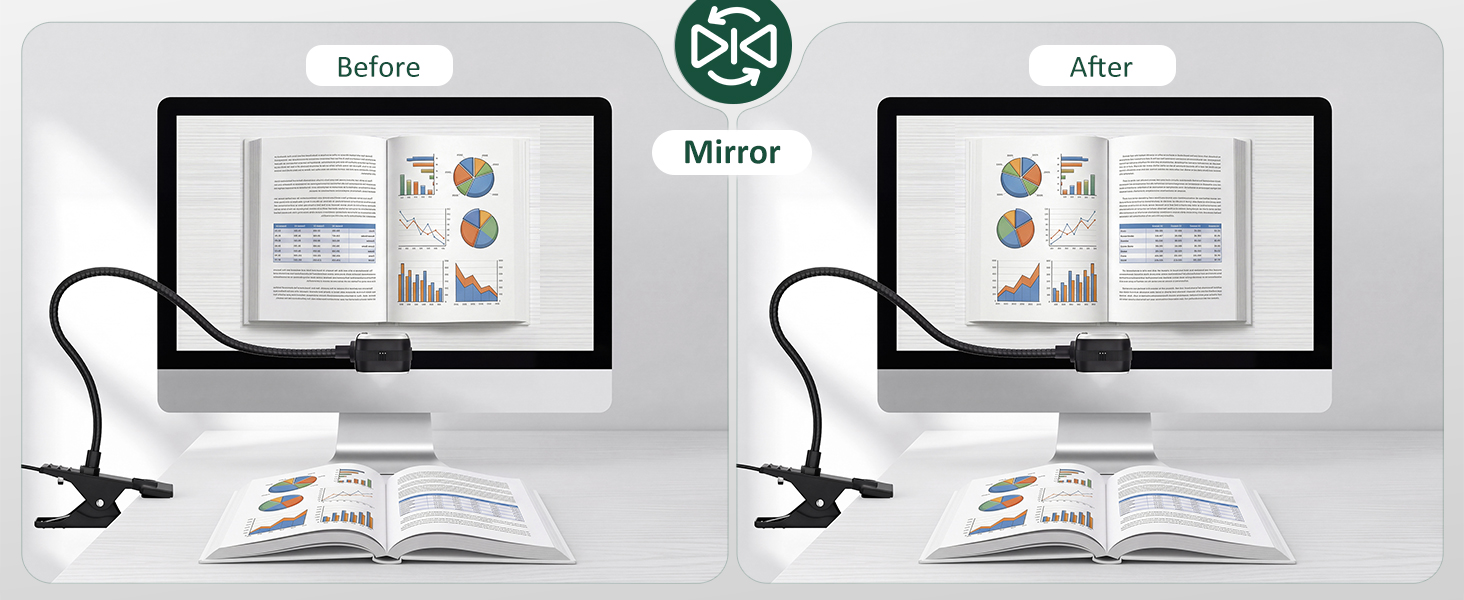
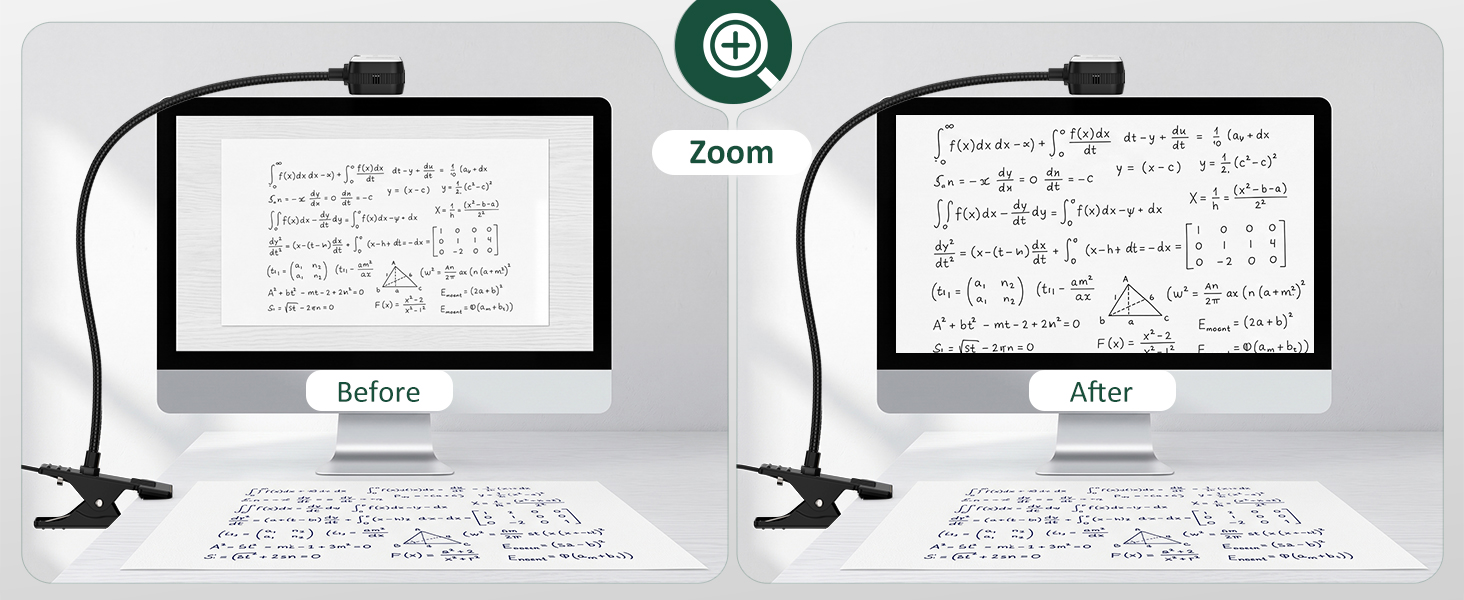
    • Upgrade 4K Webcam Danyesth 4K webcam gives you real control right at your fingertips. Four dedicated buttons give you instant control: (Light brightness adjustment for better skin tone) (One-touch mute with microphone for Privacy Protection) (Mirror & vertical flip for document sharing or demos) (Zoom to focus on faces, files or fine details). Combined with PDAF AutoFocus, this pc camera stays sharp even when you move. It's a smoother, more professional experience designed for professional conference.
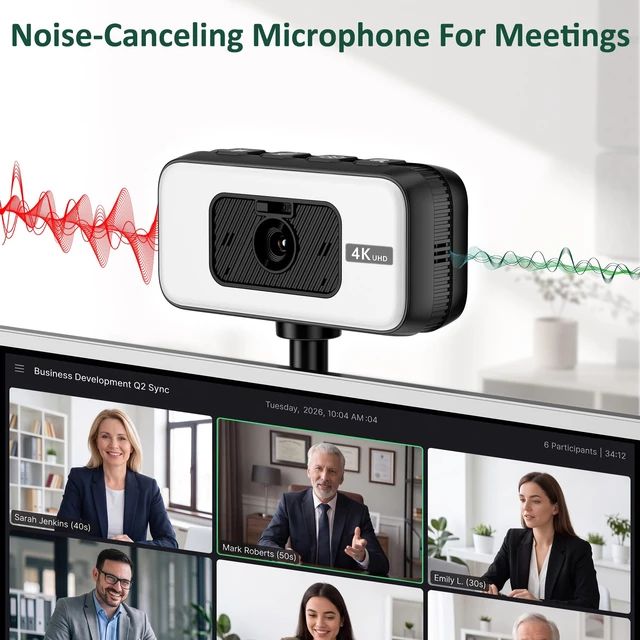
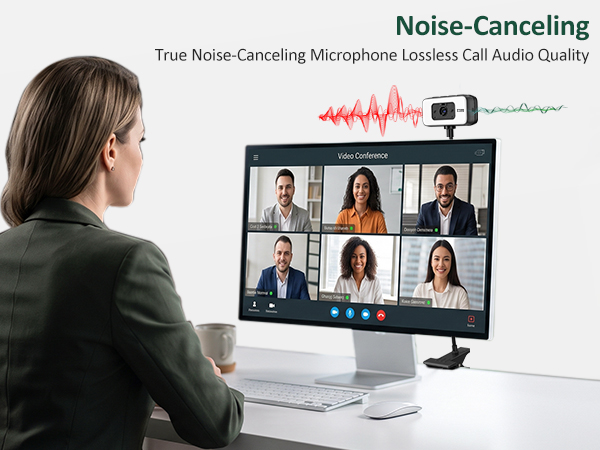
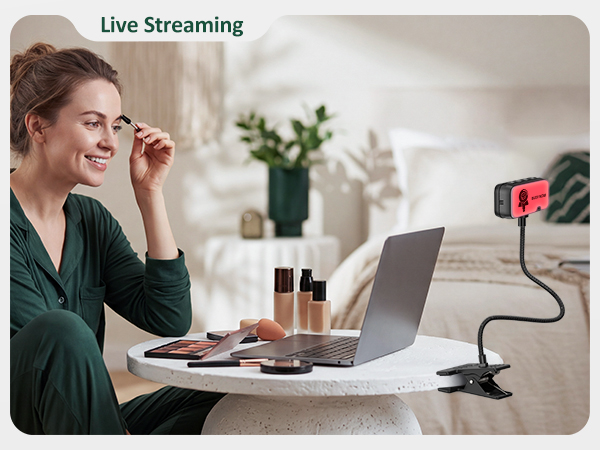
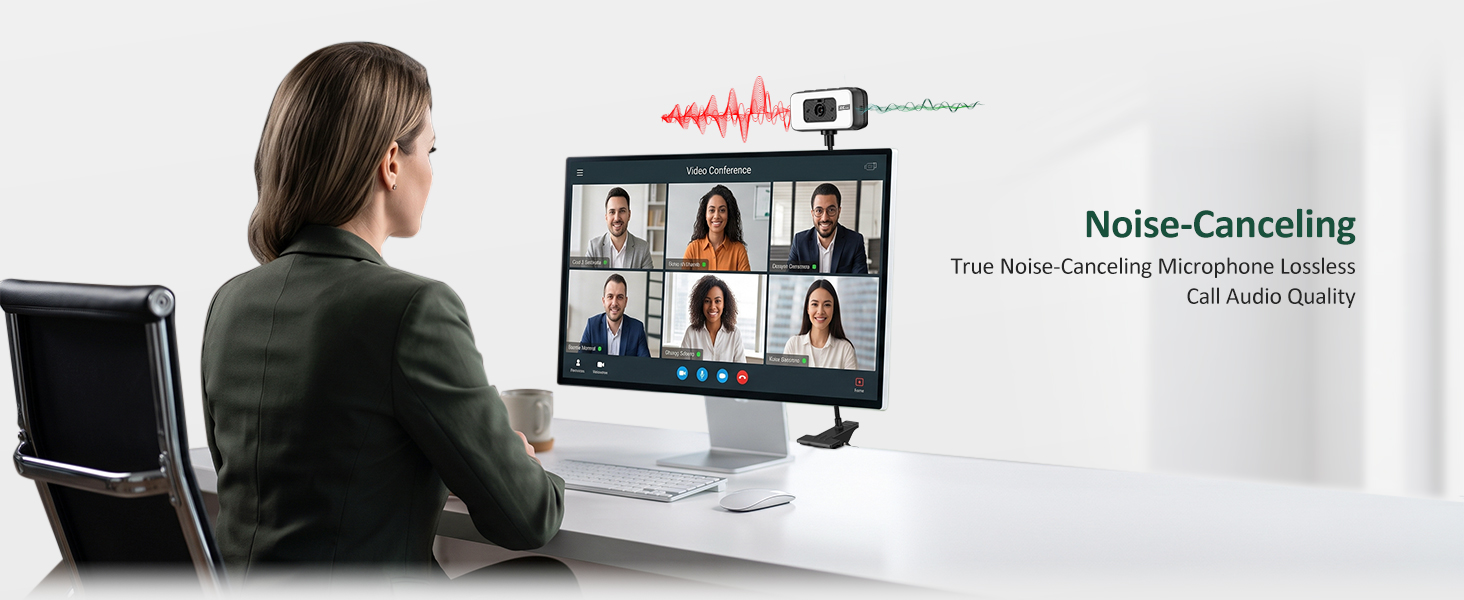
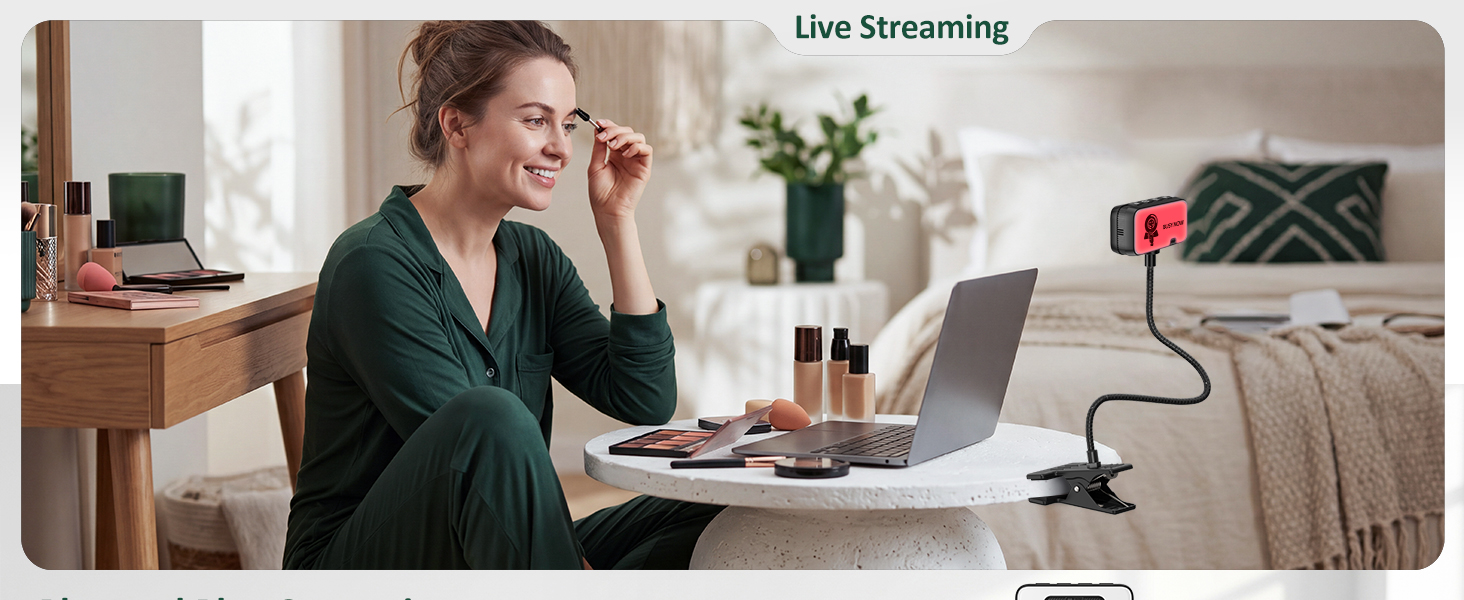
    • Built-in Noise-Canceling Mic Your voice, only clearer. The integrated noise-canceling microphone reduces background noise and echoes, delivering natural audio for meetings, classes, and streaming. This makes it a dependable usb webcam and computer camera with microphone for desktop.
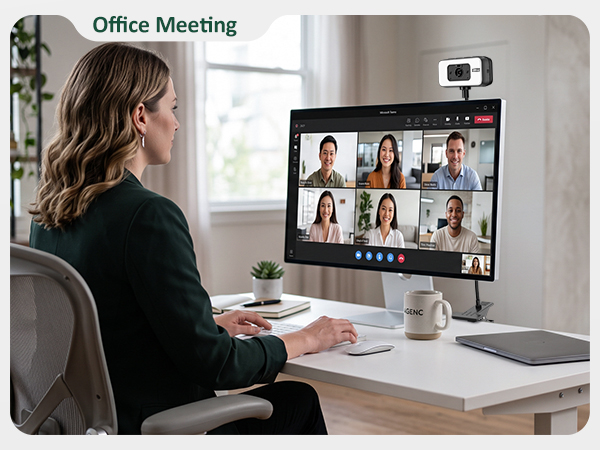
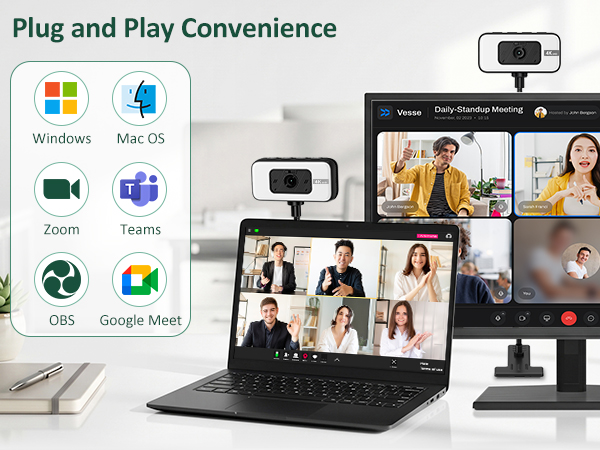
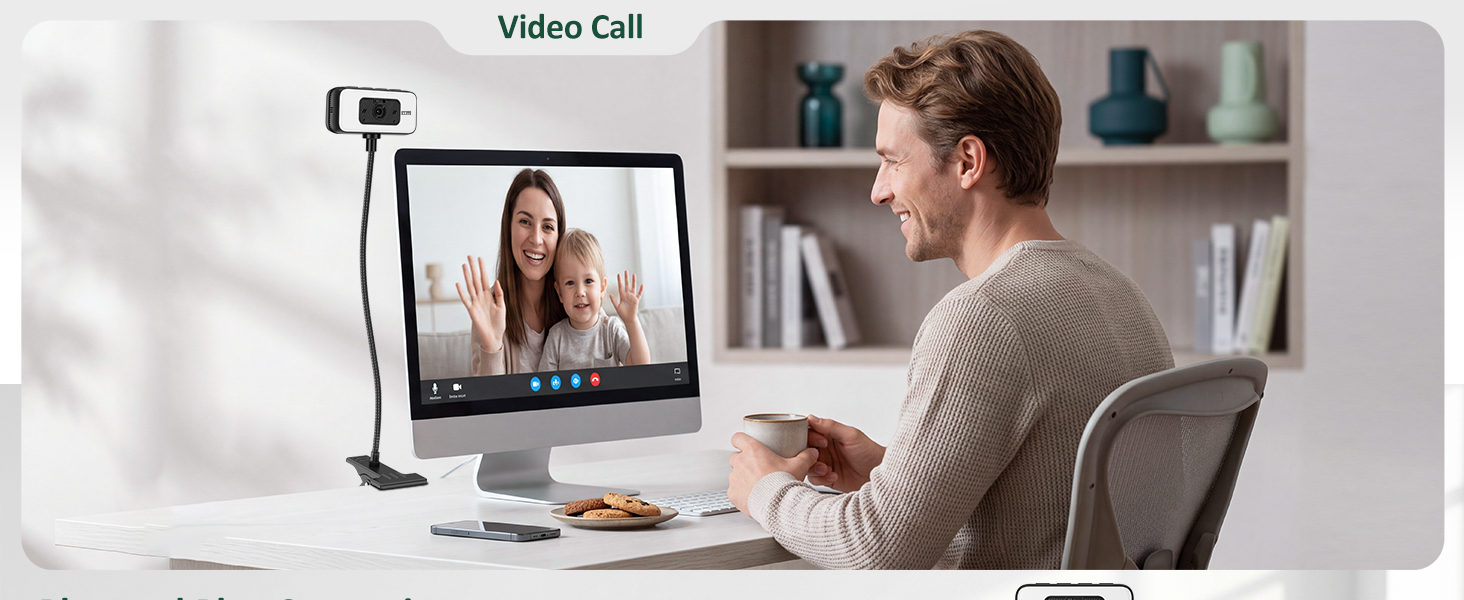
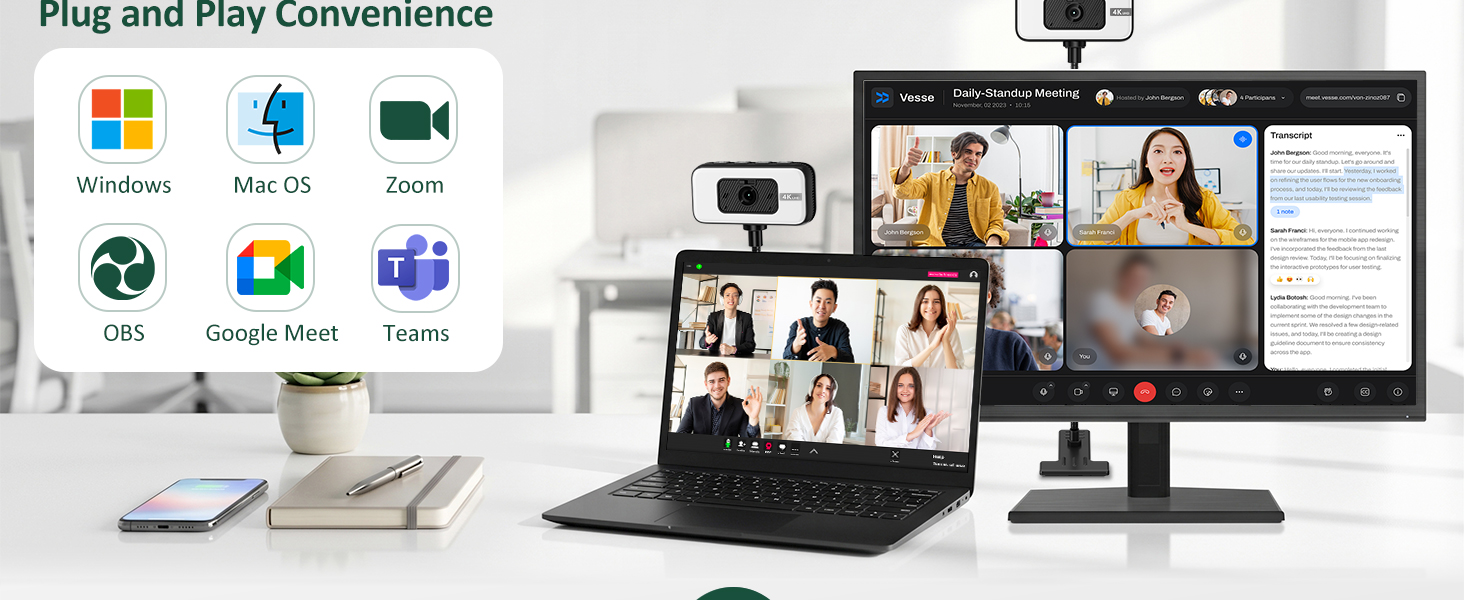
    • USB Plug-and-Play & Wide Compatibility No drivers neededjust plug in and go. This usb webcam supports Zoom, Skype, Teams, and more. it's also a thoughtful gift for remote workers, creators, and streamers.
    +
    +
    Overview
    Specs
    Reviews
    avatar

    Any questions? Our AI mode will help you find out quickly.

    Webcam
    Webcam for pc
    pc camera with light
    Webcam for PC, 4K 30 FPS Streaming Camera with Light, for Desktop/Laptop | Computer Webcam with Microphone, Plug and Play USB Web Cam with Bracket, for Zoom Team Google Meet Webex OBS

    Warranty & Returns

    Warranty, Returns, And Additional Information

    Warranty

    • Please contact the Seller directly for warranty information. Warranty information may also be found on the Manufacturer's website.
    • CONTACT

    Return Policies

    Manufacturer Contact Info

    LOADING...