



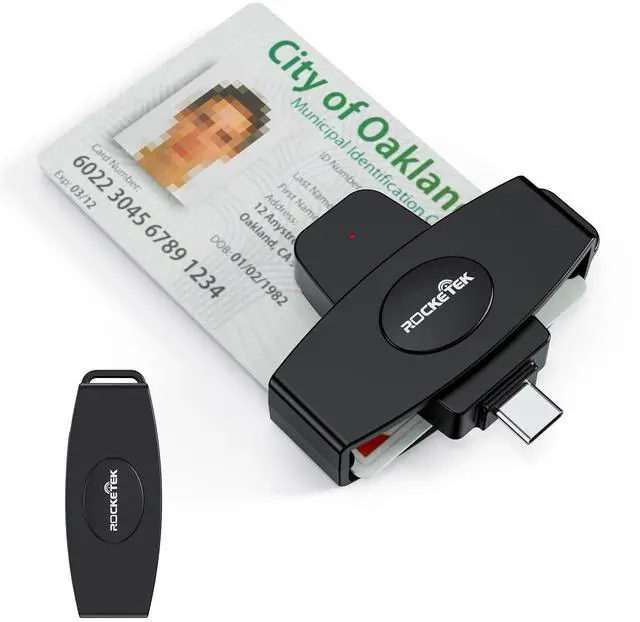
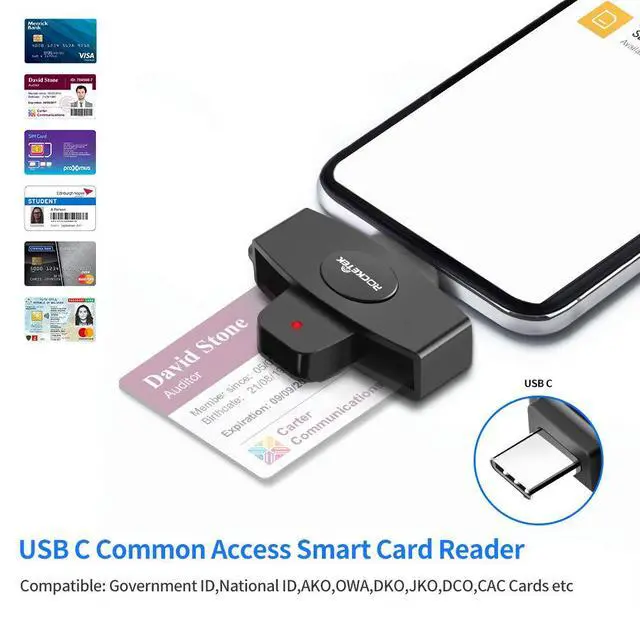
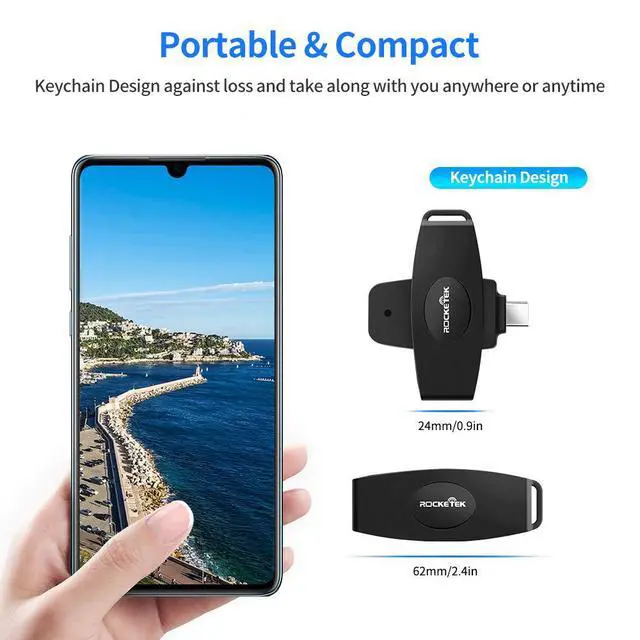
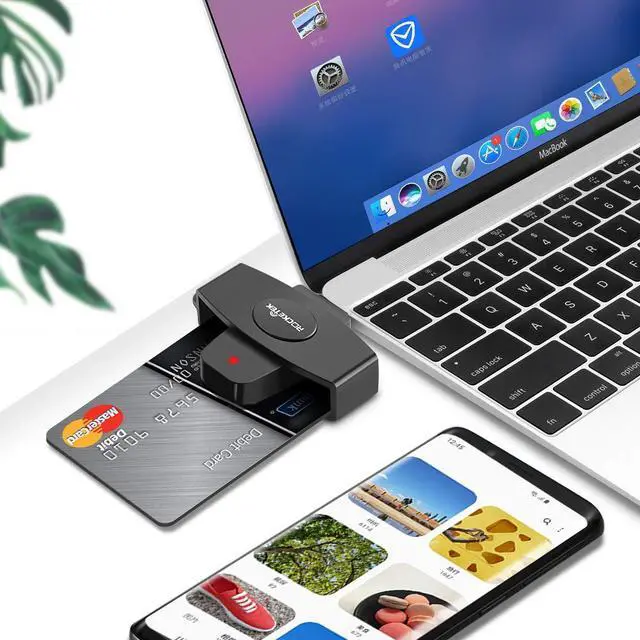


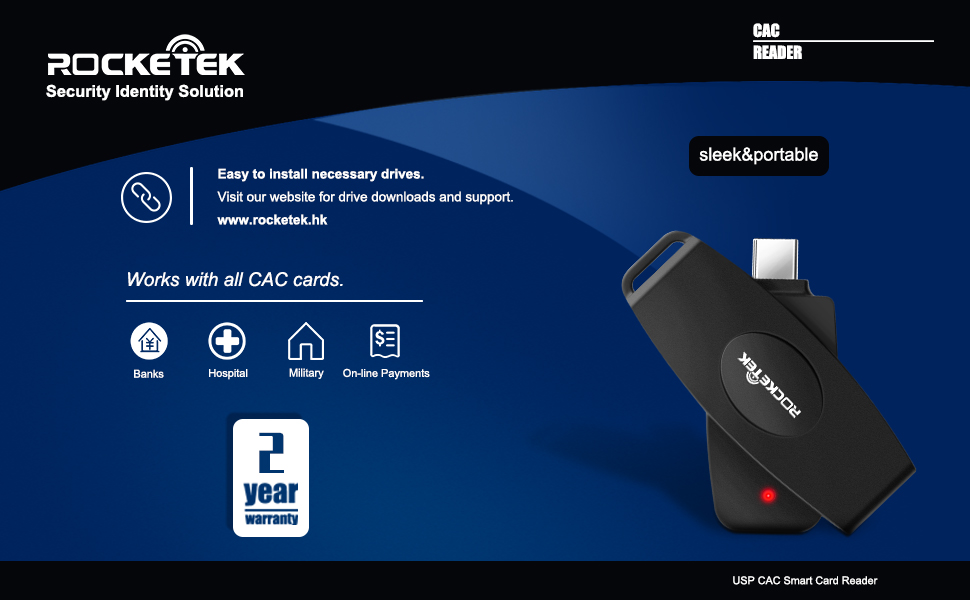
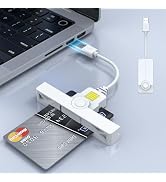
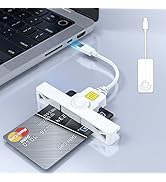
Rocketek USB C Multi-function Smart Card Reader is an easy-to-install USB device, compliant with virtually any contact smart card, operating system and a variety of applications including online-banking and digital signatures. Which is easily install and operate for type C computers.
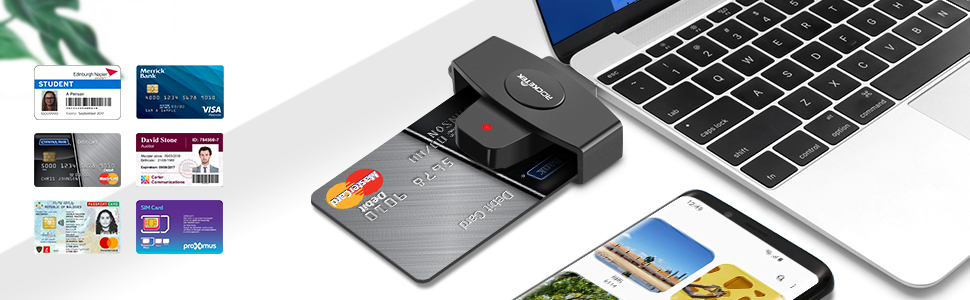
Card compatibility:
- - Support banks, post office, chip cards issued all over the country.
- - Can be used for CAC (Common Access Card), Government ID, National ID
- - For all contact smart card operations like online-banking or digital signature applications: ActivClient, AKO, OWA, DKO, JKO, NKO, BOL, GKO, Marinenet, AF Portal, Pure Edge Viewer, ApproveIt, DCO, DTS, LPS, Disa Enterprise Email etc.
- - Compatible with a wide variety of smart card operations for digital authentication and security, Network ATM transfer, payment, balance inquiries, Tax, water, electricity payment, Credit card bill payment, cash card payment.
- - SIM Card
System Compatibility:
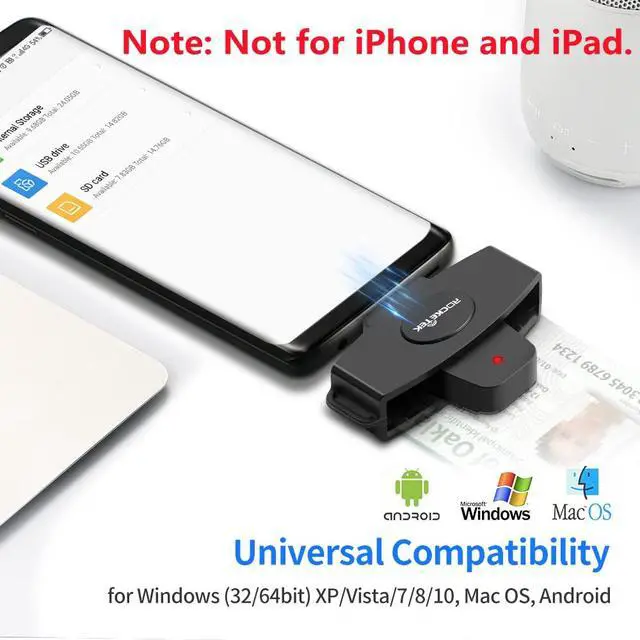
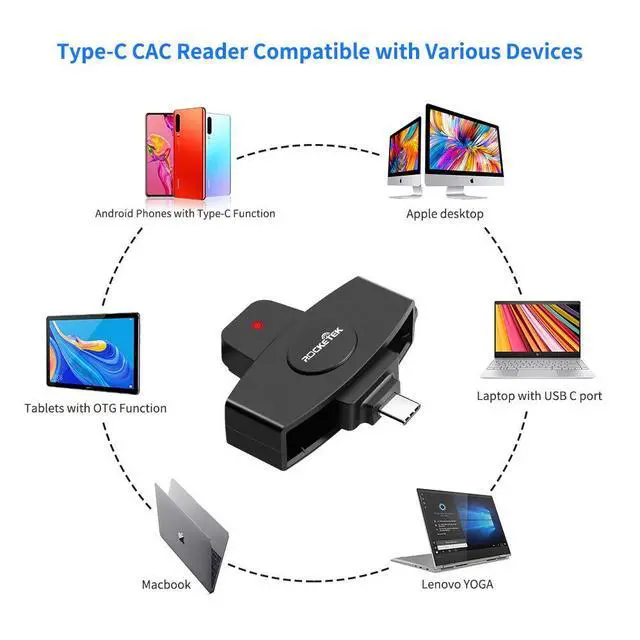
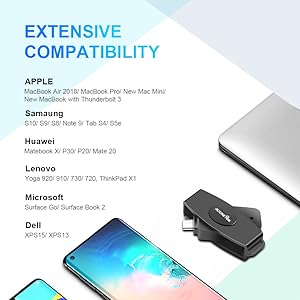
- Mac OS X(Insert a disk, close 'autorun' window firstly, then open file 'MAC installer' to install)
- Windows (32/64bit) XP/Vista/7/8/10
- Android OS
Specification:
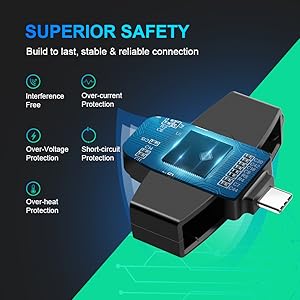
-Card types: 5V, 3V and 1.8V Smart Cards, ISO 7816 Class A, B and C
-Certifications Standards: ISO-7816 & EMV2 2000 Level 1, CE, FCC, VCCI, CCID, Microsoft WHQL.
FAQ
Q: Why is the SIM Card not recognized?
A: SIM Card is only compatible with window system, if you are using Mac OS system, it will not be able to read SIM Card. secondly, check if SIM Card is damaged.
Q: How to set MAC?
A:1. Find the System Settings, Find the Syetem Preferences
2. Click to enter, Find the Security and privacy
3. Click to enter, Unit will appear on this page, Also has a Lock Icon
4. Click the Lock Icon to enter, Appear:System Preferences is trying to unlock Preferences(Security and Privacy), Enter your password to allow the project.
Q: Why can't I use this smart card reader on my MacBook?
A: Mac users need to install Java first, and then go to our official website to download the driver to work properly.
Q: Why can't I use the card reader after upgrading my computer system?
A: Upgrading the computer system may cause incompatibility, and reinstalling the driver will solve it.

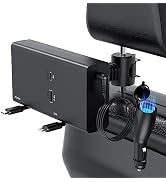
![[2 Pack] Retractable Car Charger 100W 4 in 1 Car Charger Adapter with Type-C & Ligning Retractabl...](http://c1.neweggimages.com/sellingpilot/modules/product/a-plus/b6859147e521d6ea54335e9f1be20d55598d9504cc4639eb8c4f3f73b6ae16da.jpg)
Rocketek USB C Multi-function Smart Card Reader is an easy-to-install USB device, compliant with virtually any contact smart card, operating system and a variety of applications including online-banking and digital signatures. Which is easily install and operate for type C computers.
Card compatibility:
- - Support banks, post office, chip cards issued all over the country.
- - Can be used for CAC (Common Access Card), Government ID, National ID
- - For all contact smart card operations like online-banking or digital signature applications: ActivClient, AKO, OWA, DKO, JKO, NKO, BOL, GKO, Marinenet, AF Portal, Pure Edge Viewer, ApproveIt, DCO, DTS, LPS, Disa Enterprise Email etc.
- - Compatible with a wide variety of smart card operations for digital authentication and security, Network ATM transfer, payment, balance inquiries, Tax, water, electricity payment, Credit card bill payment, cash card payment.
- - SIM Card
System Compatibility:
- Mac OS X(Insert a disk, close 'autorun' window firstly, then open file 'MAC installer' to install)
- Windows (32/64bit) XP/Vista/7/8/10
- Android OS
Specification:
-Card types: 5V, 3V and 1.8V Smart Cards, ISO 7816 Class A, B and C
-Certifications Standards: ISO-7816 & EMV2 2000 Level 1, CE, FCC, VCCI, CCID, Microsoft WHQL.
FAQ
Q: Why is the SIM Card not recognized?
A: SIM Card is only compatible with window system, if you are using Mac OS system, it will not be able to read SIM Card. secondly, check if SIM Card is damaged.
Q: How to set MAC?
A:1. Find the System Settings, Find the Syetem Preferences
2. Click to enter, Find the Security and privacy
3. Click to enter, Unit will appear on this page, Also has a Lock Icon
4. Click the Lock Icon to enter, Appear:System Preferences is trying to unlock Preferences(Security and Privacy), Enter your password to allow the project.
Q: Why can't I use this smart card reader on my MacBook?
A: Mac users need to install Java first, and then go to our official website to download the driver to work properly.
Q: Why can't I use the card reader after upgrading my computer system?
A: Upgrading the computer system may cause incompatibility, and reinstalling the driver will solve it.
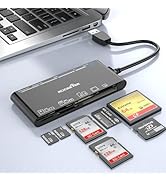
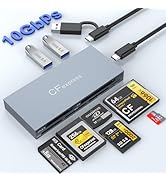
Memory Card Reader
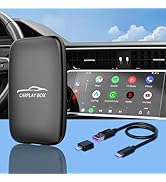
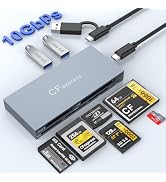
Multi Card Reader
![[2 Pack] Retractable Car Charger 100W 4 in 1 Car Charger Adapter with Type-C & Ligning Retractabl...](//c1.neweggimages.com/sellingpilot/modules/product/a-plus/5a7bb4dc22b2882bf55c6bdea79c11fff3537327fe5a4f314af6b71561c2782b.jpg)
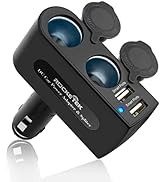
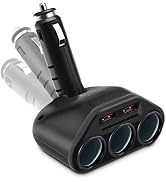
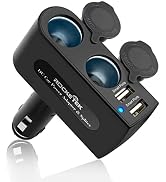
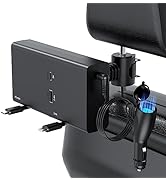
Car Charger Adapter
![[2 Pack] Retractable Car Charger 100W 4 in 1 Car Charger Adapter with Type-C & Ligning Retractabl...](http://c1.neweggimages.com/sellingpilot/modules/product/a-plus/5a7bb4dc22b2882bf55c6bdea79c11fff3537327fe5a4f314af6b71561c2782b.jpg)