






Jewelry Weighing
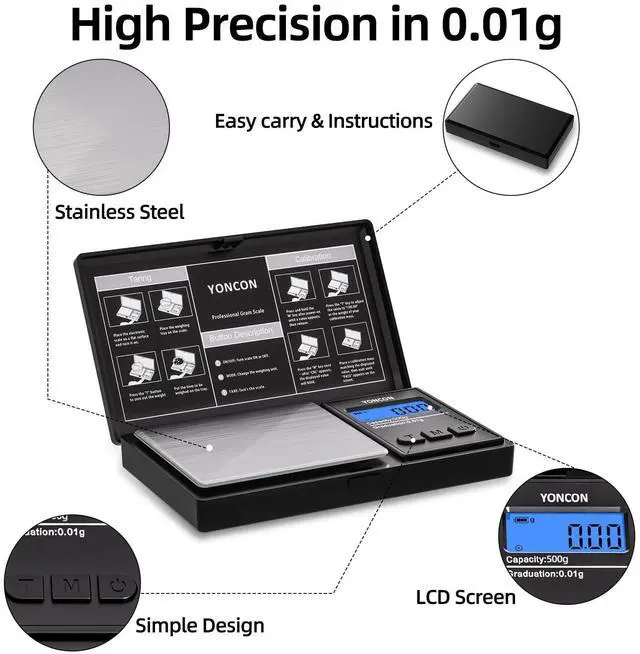
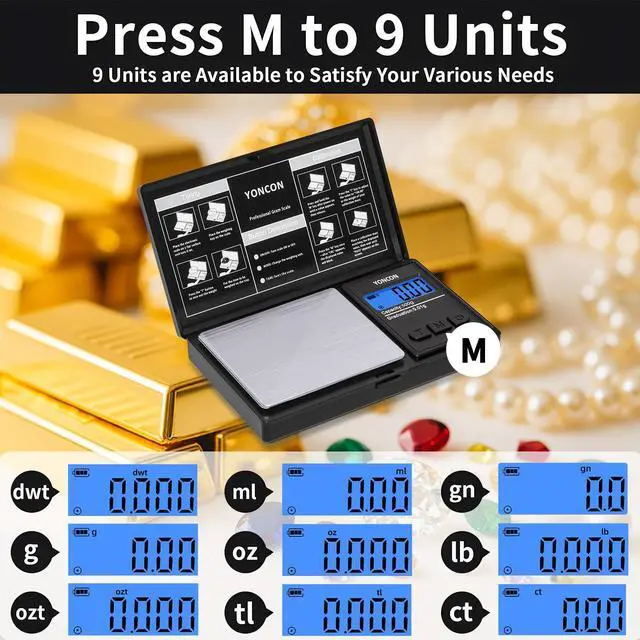
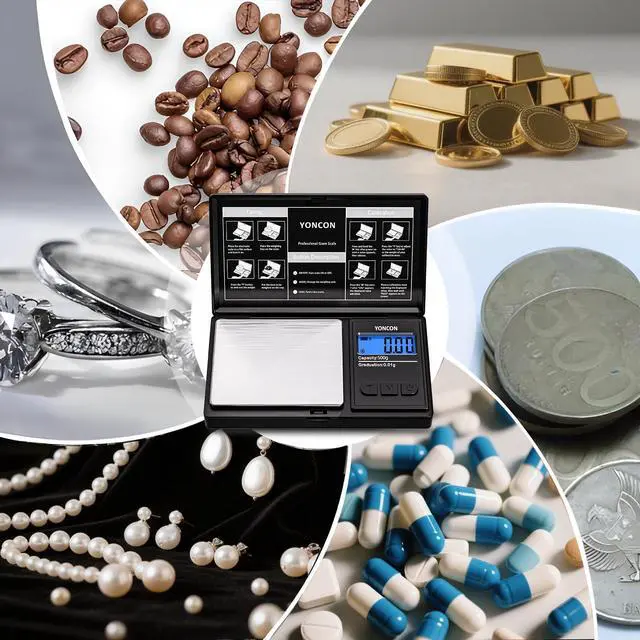
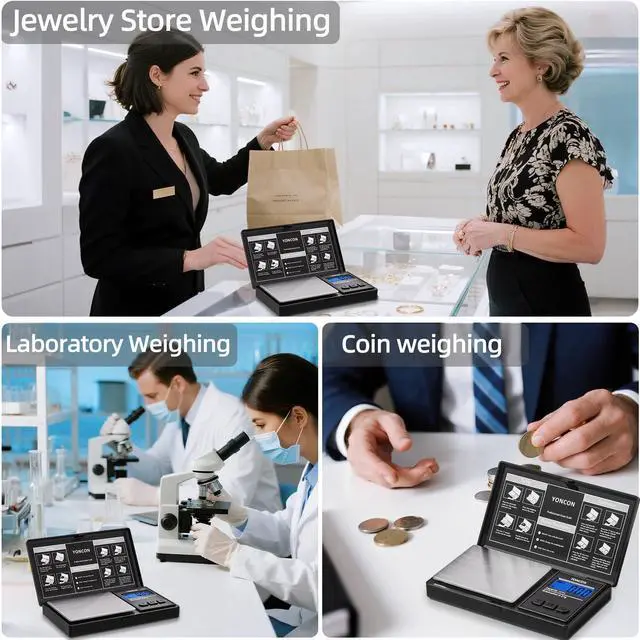
Equipped with high-precision sensor, the small scale can easily measure pearls, jade, agate, and other jewelry, ensuring accurate weight readings.

Gold Weighing
Designed specifically for K-gold, and gold bars, gold scale delivers 0.01g precision to ensure fair transactions, Stable and anti-interference.

Diamond Weighing
gram scale 0.01g accuracy with ultra-high resolution, optimized for diamonds and colored gemstones, iaccurately reflecting the value of every diamond.

Powder Weighing
Kitchen gram scale is suitable for weighing powders, whether it is medicine or brewed beverages, and can be used in pharmacies or at home.
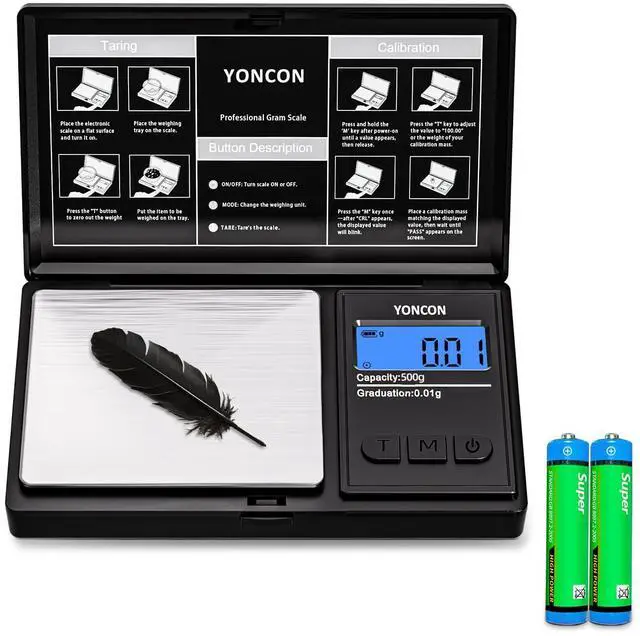
Calibration (This product requires standard weight; Otherwise, do not execute this program):
- While powered on, press and hold the [Unit] key until 'CAL' or a value appears on the display. (Note: This value is the correction weight value. If it does not match, press the [Tare] key to convert to the corresponding weight value.)
- Press the [Unit] key again. The display will show the correction value and it will be blinking.
- Place a weight equal to the correction value. The display will show "PASS" or restore to the normal weighing value, indicating the calibration is complete.


Jewelry Weighing
Equipped with high-precision sensor, the small scale can easily measure pearls, jade, agate, and other jewelry, ensuring accurate weight readings.
Gold Weighing
Designed specifically for K-gold, and gold bars, gold scale delivers 0.01g precision to ensure fair transactions, Stable and anti-interference.
Diamond Weighing
gram scale 0.01g accuracy with ultra-high resolution, optimized for diamonds and colored gemstones, iaccurately reflecting the value of every diamond.
Powder Weighing
Kitchen gram scale is suitable for weighing powders, whether it is medicine or brewed beverages, and can be used in pharmacies or at home.
Calibration (This product requires standard weight; Otherwise, do not execute this program):
- While powered on, press and hold the [Unit] key until 'CAL' or a value appears on the display. (Note: This value is the correction weight value. If it does not match, press the [Tare] key to convert to the corresponding weight value.)
- Press the [Unit] key again. The display will show the correction value and it will be blinking.
- Place a weight equal to the correction value. The display will show "PASS" or restore to the normal weighing value, indicating the calibration is complete.