here!
here!
I’m your shopping assistant for PC builds, upgrades, and everything tech.
Got questions? Ask away!
Start a conversation
here!
I’m your shopping assistant for PC builds, upgrades, and everything tech.
Got questions? Ask away!
Start a conversation



Any questions? Ask CelesteSM will help you find out quickly.


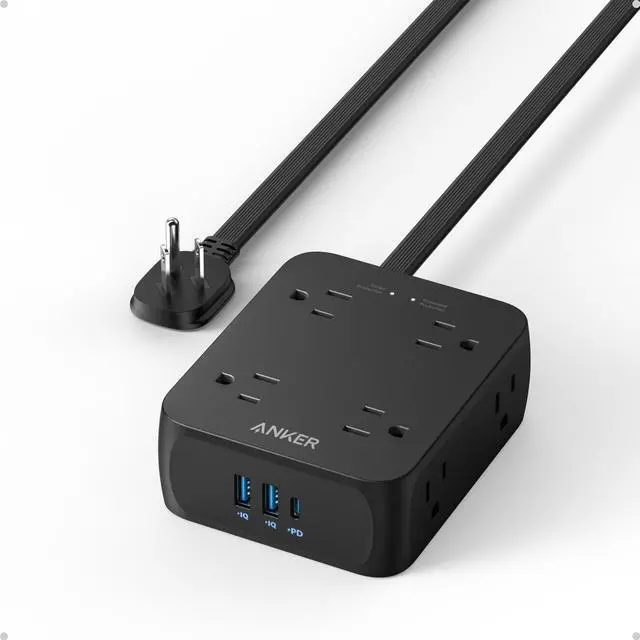
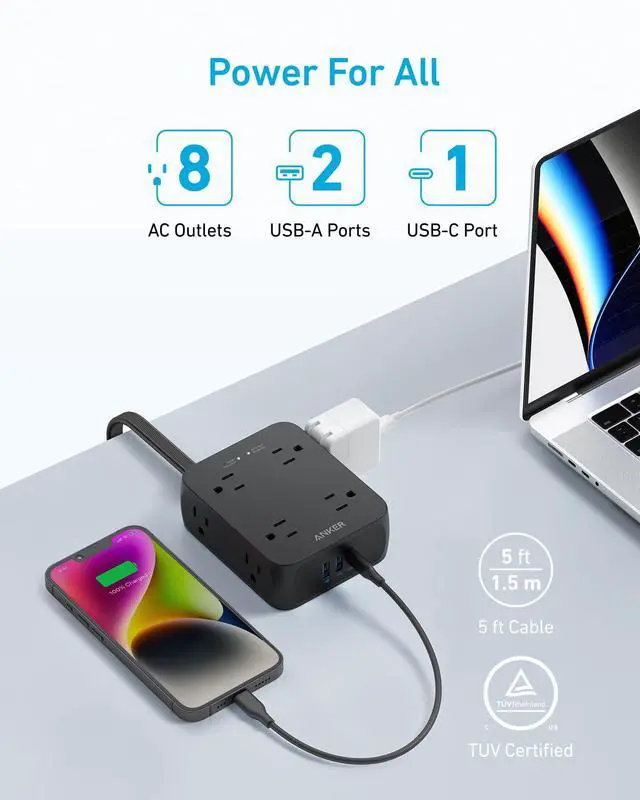
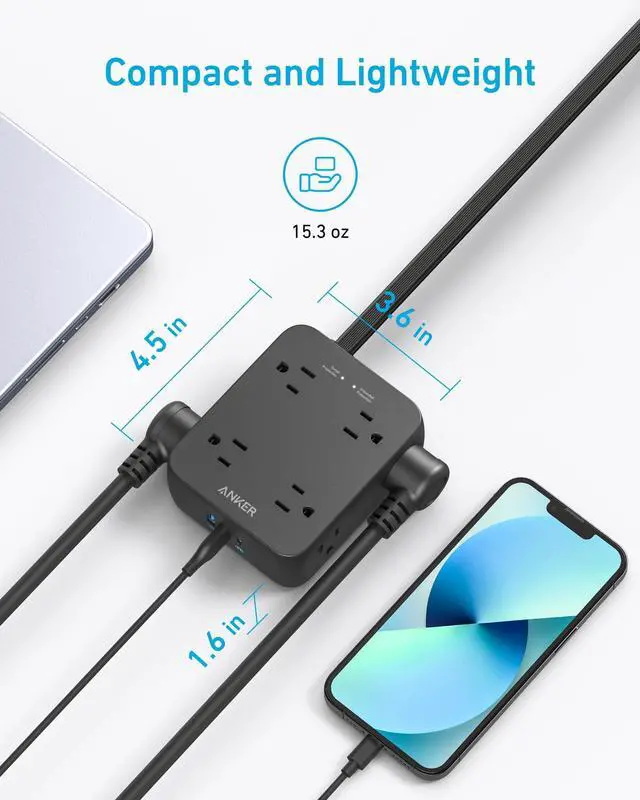
The 8 AC outlets are spaced out so you can use larger plugs without running out of space or blocking other outlets.

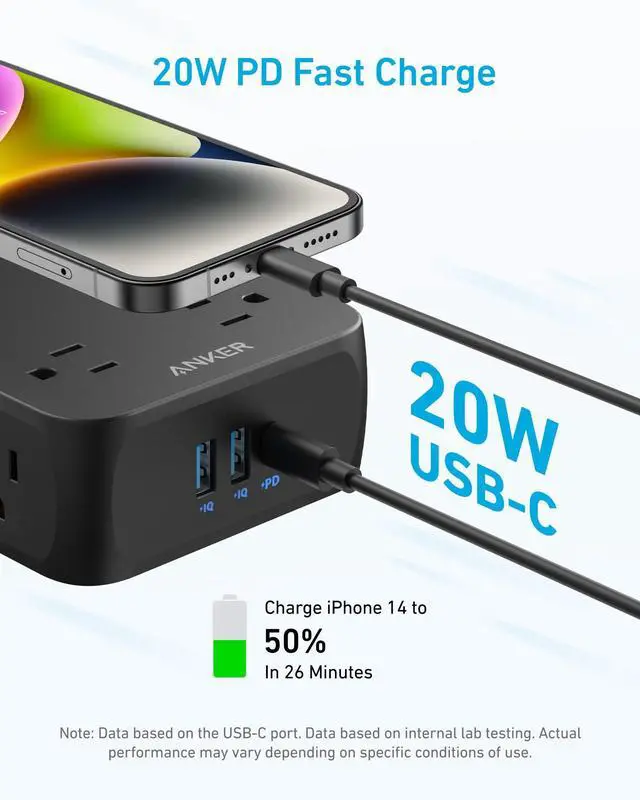
Charge an iPhone 14 to 50% in just 26 minutes via the Power Delivery USB-C port.

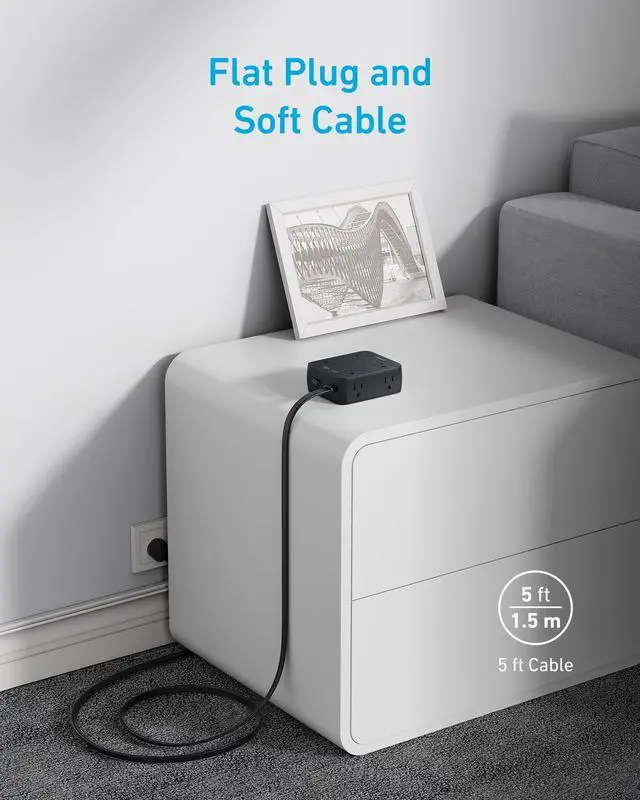
The 45° flat plug easily fits behind furniture to access hard-to-reach outlets.
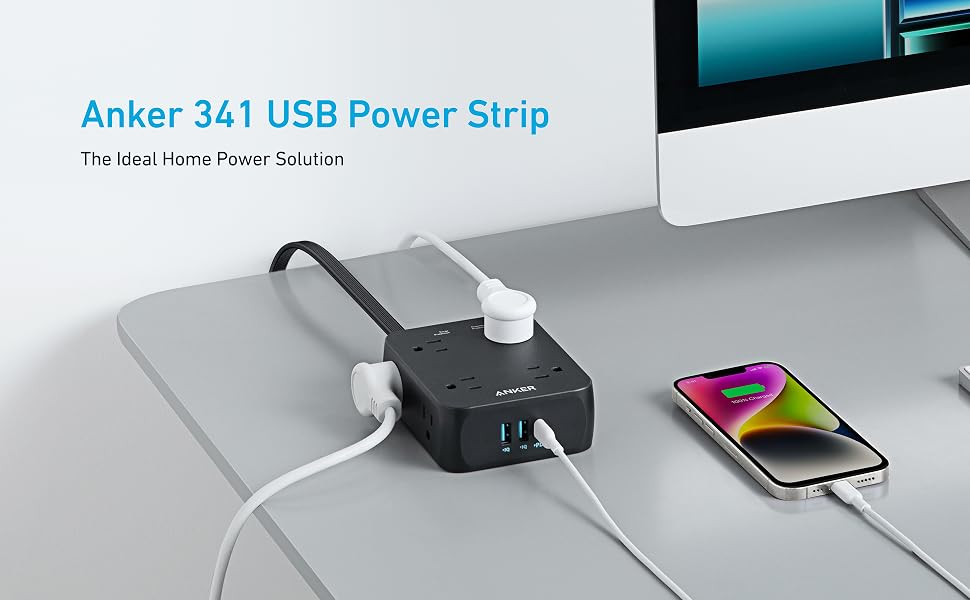
The 8 AC outlets are spaced out so you can use larger plugs without running out of space or blocking other outlets.
Charge an iPhone 14 to 50% in just 26 minutes via the Power Delivery USB-C port.
The 45° flat plug easily fits behind furniture to access hard-to-reach outlets.
| Model Number | A9183 |
| Note1 | If you have a USB-A to Lightning or USB-A to MagSafe cable connected to the USB-A port, please disconnect and then reconnect the cable before charging. |
| Note2 | When all USB ports are used at the same time, they share a maximum output of 15W, which may result in slower charging. We do not recommend connecting high-power devices, such as laptops, phones, or tablets, at the same time, as this may cause intermittent charging. |
| Note3 | The USB-A port does not support Quick Charge 3.0. Devices equipped with Quick Charge, such as the Galaxy series, will charge at regular speed. |











Model Number: A9183
| Brand | Anker |
| Color | Black |
| Total Power Outlets | 8 |
| Voltage | 240 volts |
| Special Feature | Usb Slot |
| Number of Outlets | 8 |
| Other Special Features of the Product | Usb Slot |
| Total Usb Ports | 3 |
| Power Plug Type | Type A - 2 pin (North American) |
| Surge Protection Rating | 2000 Joules |
| Plug Type | Type A |
| Number of Ports | 8 |
| Compatible Devices | Laptop, Smartphone, Tablet, Personal Computer |
| Item Dimensions L x W | 8.34"L x 1.97"W |
| Unit Count | 11 Count |
| UPC | 194644234331 |
| Manufacturer | Anker |
| Model Number | A9183 |
| Mfr Part Number | A9183 |
| Warranty Description | 18 |
| Enclosure Material | Copper, Plastic |