here!
here!
I’m your shopping assistant for PC builds, upgrades, and everything tech.
Got questions? Ask away!
Start a conversation
here!
I’m your shopping assistant for PC builds, upgrades, and everything tech.
Got questions? Ask away!
Start a conversation



Any questions? Ask CelesteSM will help you find out quickly.
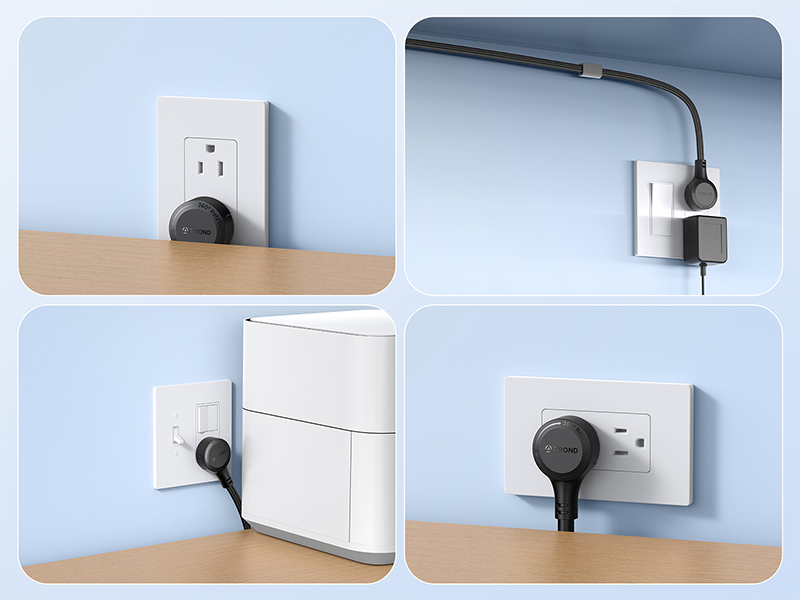
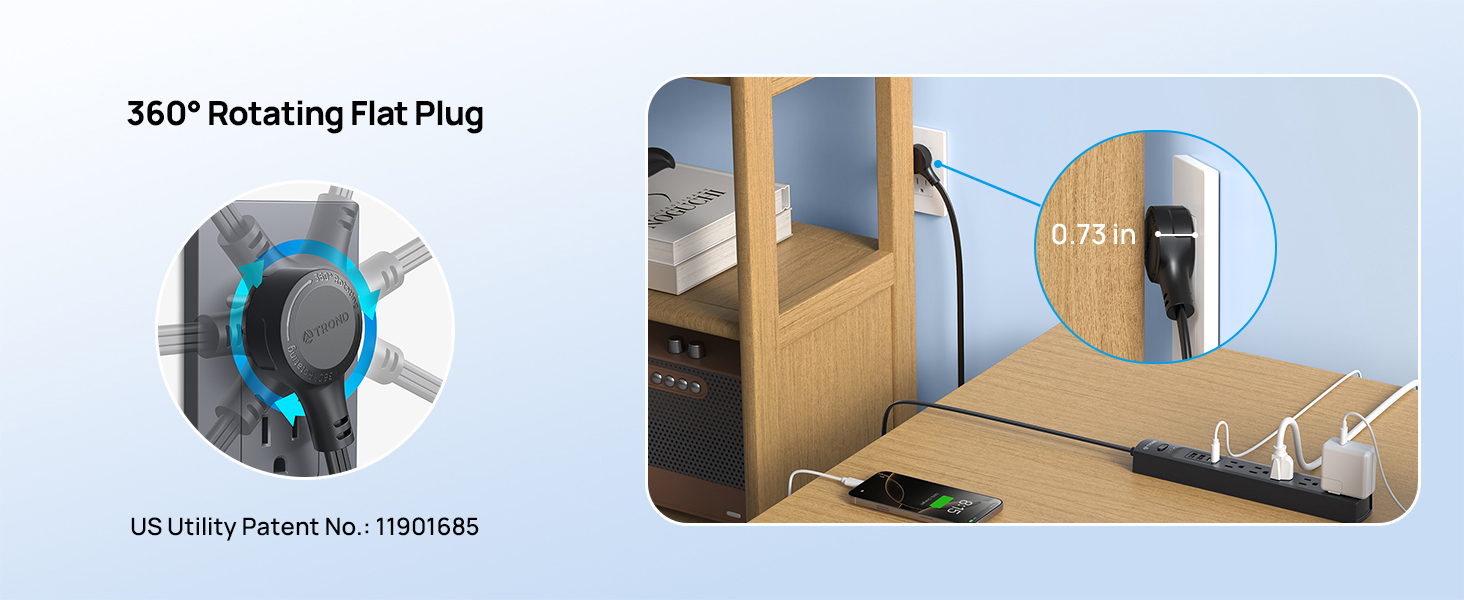
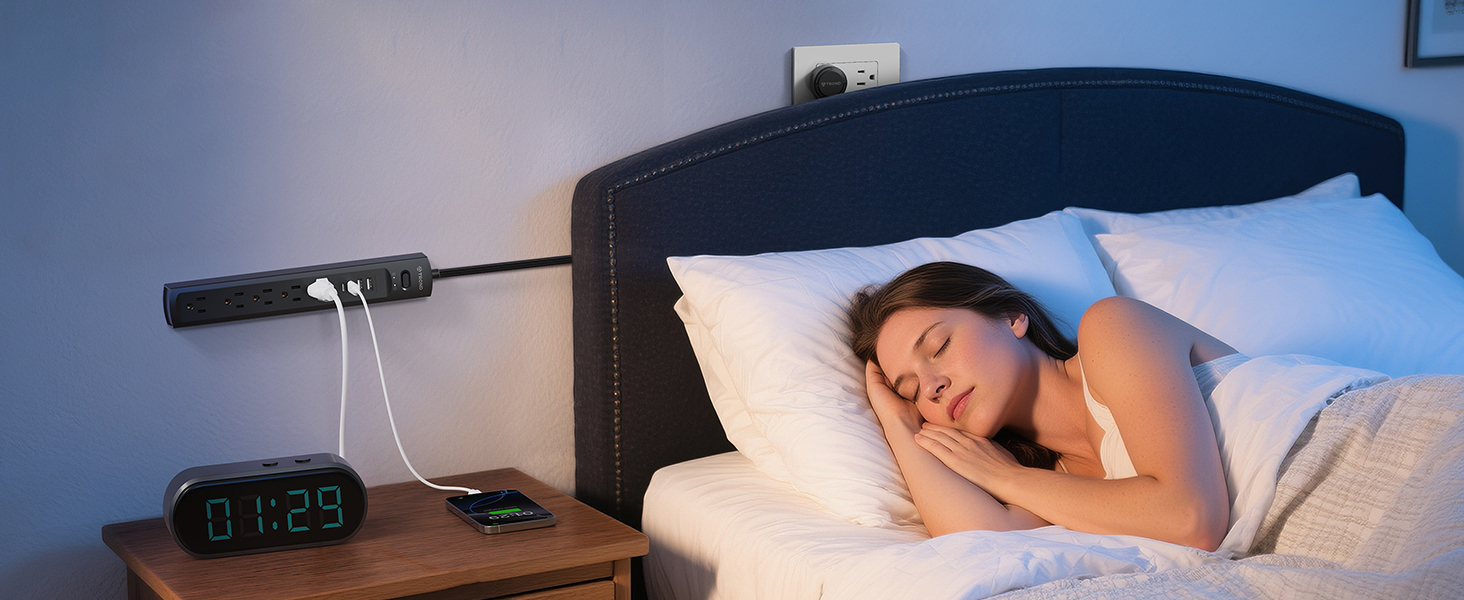
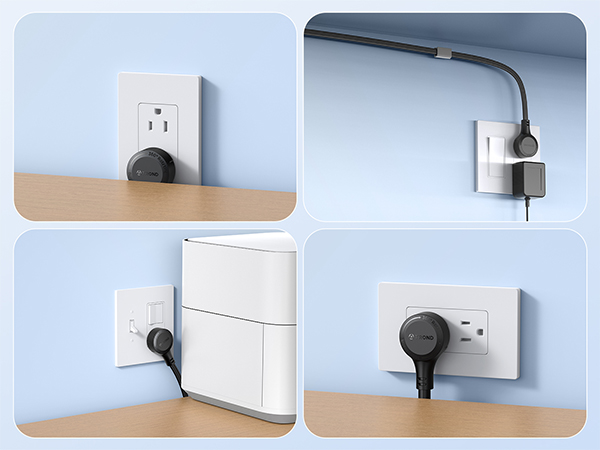
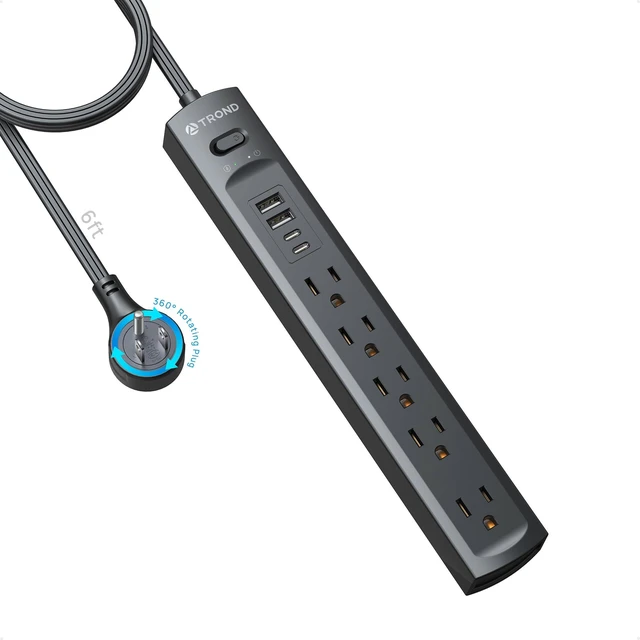
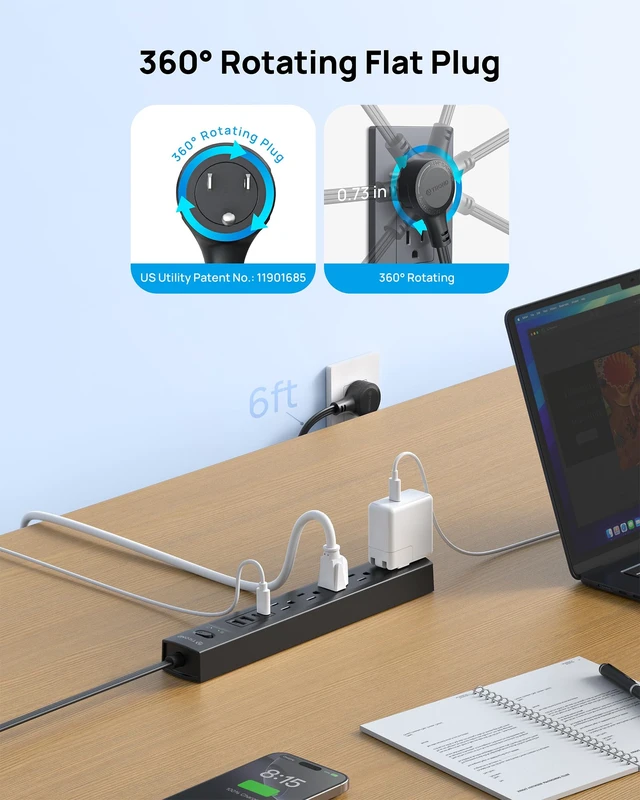
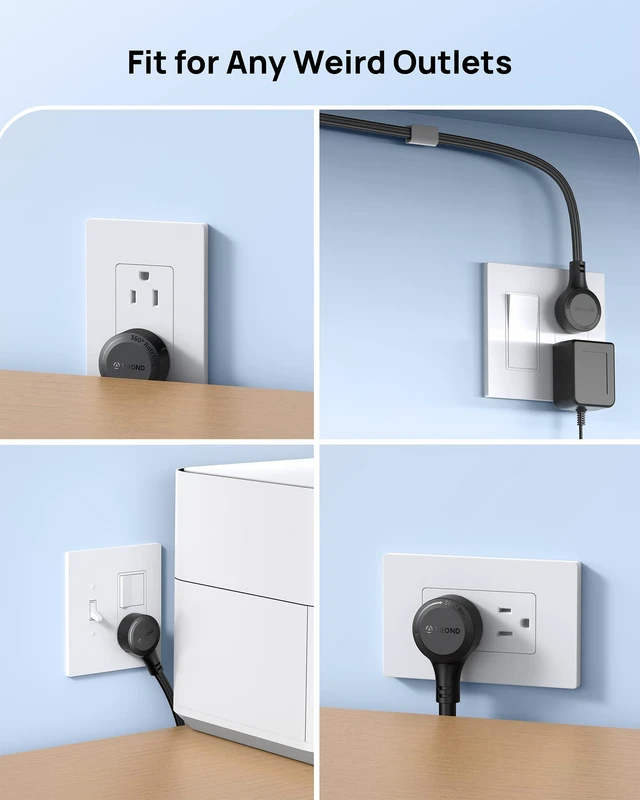
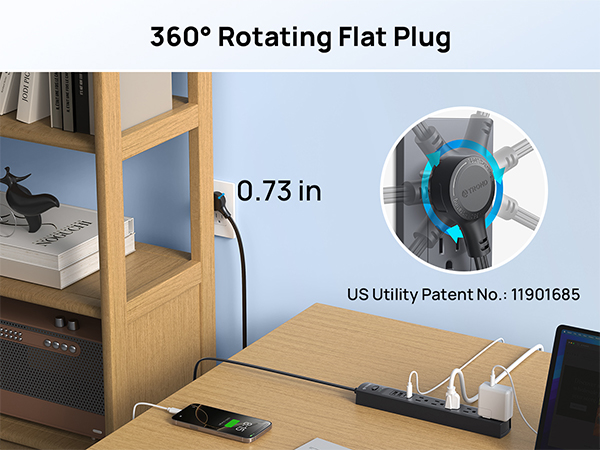
The innovative 360-degree rotating plug design overcomes the limitations of traditional plugs, seamlessly adapting to sockets at any angle. Even in small spaces, insertion is effortless, offering greater flexibility for compact spaces.
Plug Dimensions: 1.43 inches diameter × 0.73 inches thickness.
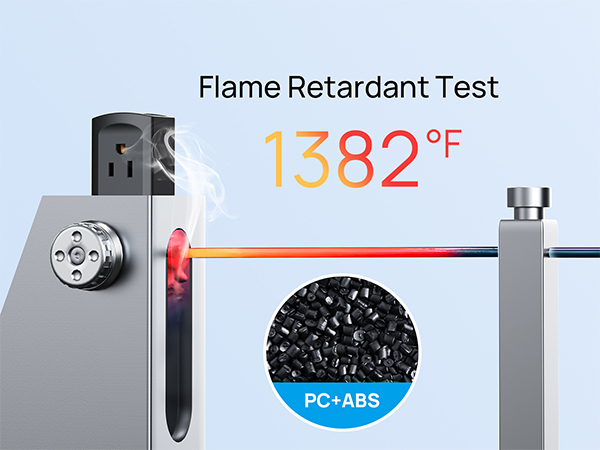
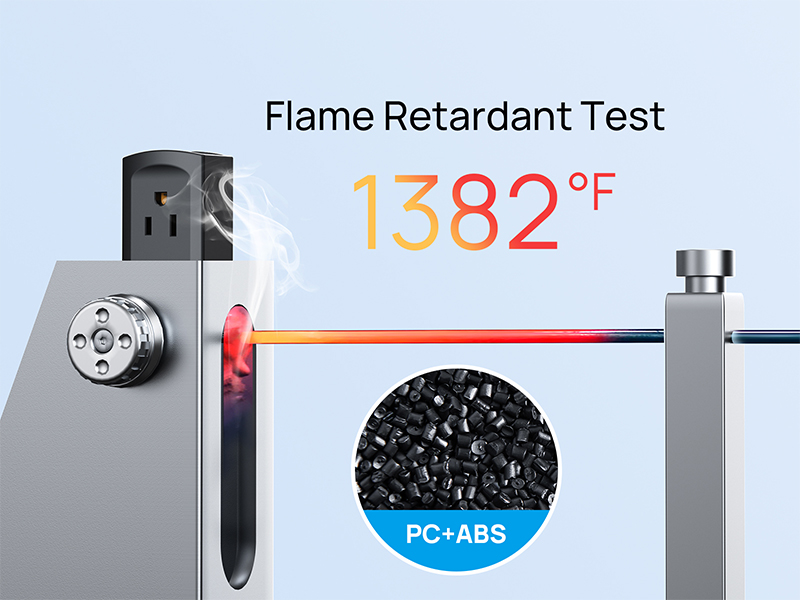
The flat cord power strip is made of Grade flame-retardant PC & ABS, so burning will stop within 10 seconds and NO flaming drips are allowed.
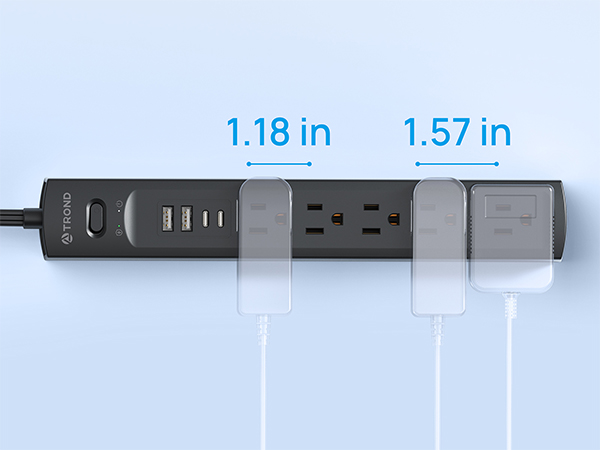
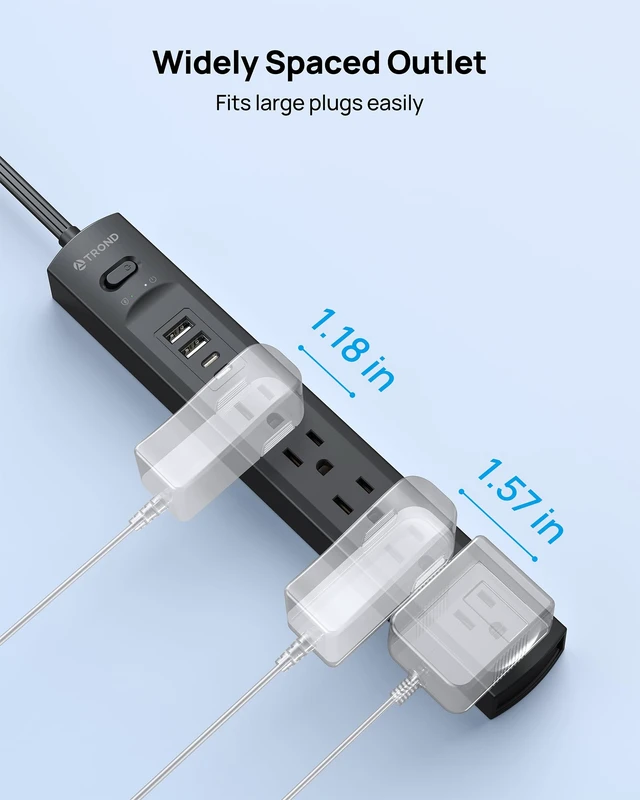
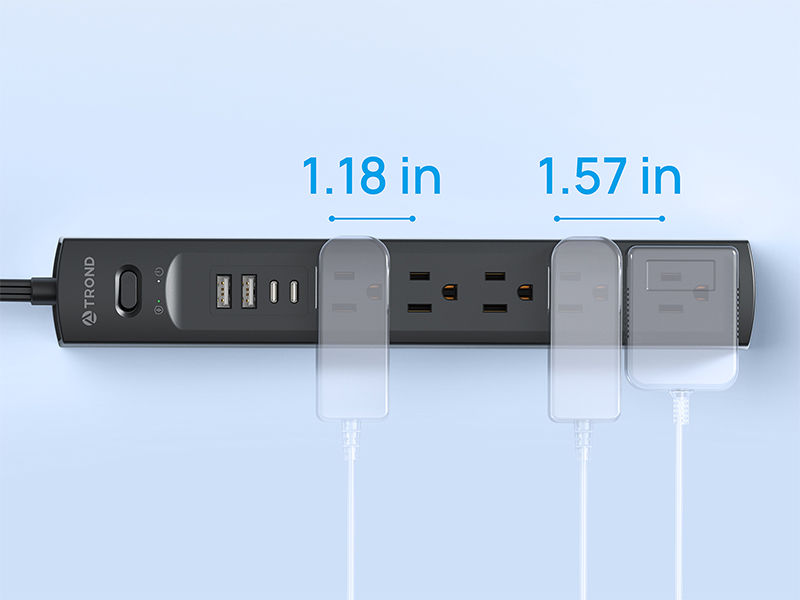
This multi outlet surge protector features a user-friendly outlet spacing design with 5 standard AC outlets. Four outlets are spaced at 1.18 inches for everyday use, while one specially designed 1.57-inch wide-spaced outlet accommodates bulky adapters. This differentiated layout optimizes space utilization while effortlessly meeting various plug size requirements, effectively solving the "outlet hogging" issue of traditional power strips.
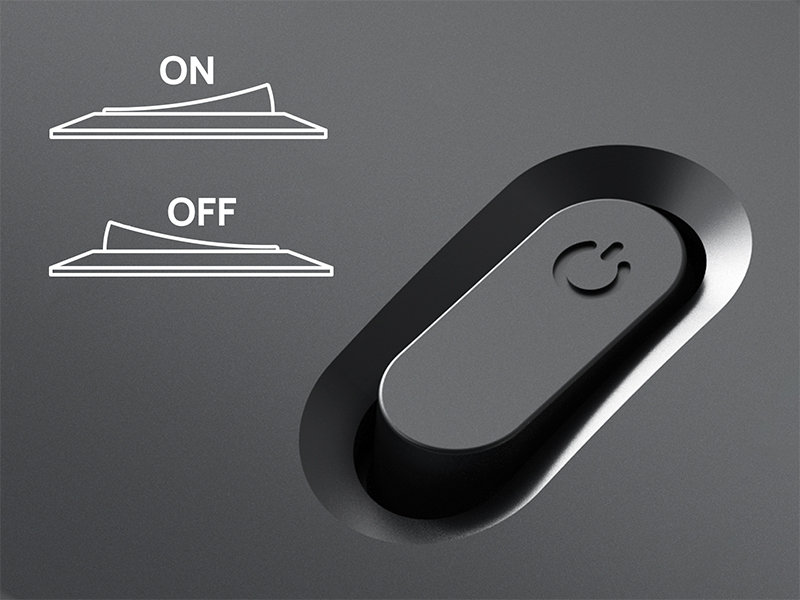
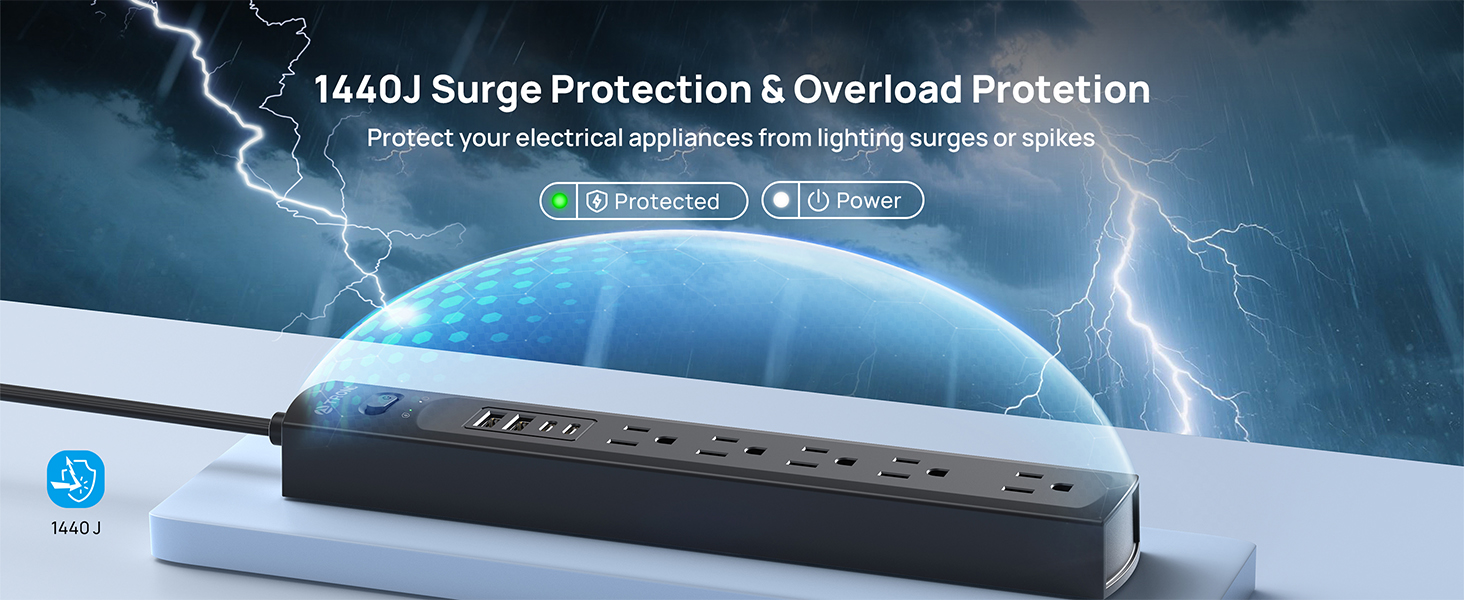
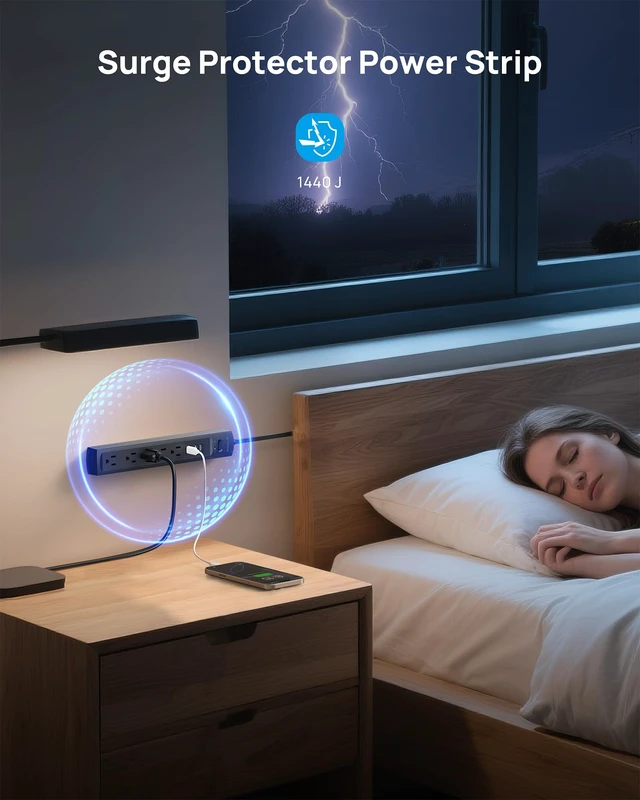
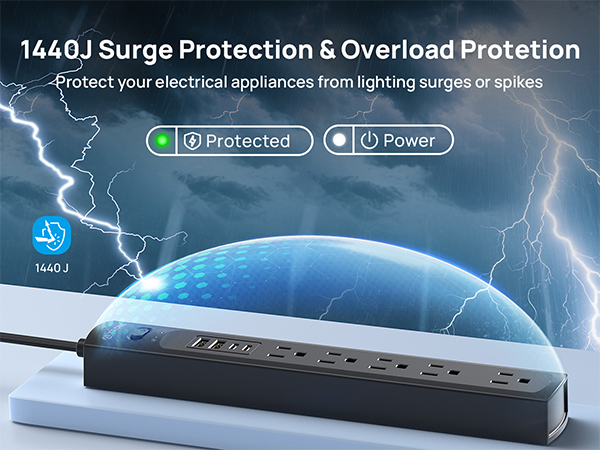
This extension cord flat wall plug has a built-in overload switch that will automatically trip to prevent potential risks such as overvoltage, overload, overcurrent and short circuit.
I've never used a rotating plug power strip before. What's the correct way to use it?
Insert the rotating plug power strip fully into the socket first, then rotate clockwise or counterclockwise to set the angle you need. Always rotate after insertion, not before.
What are the advantages of a 360° rotating plug compared to a traditional one?
360° swivel adjusts cord to any direction, regardless of outlet facing. Flat plug hides behind furniture, fits various panels, routes cables discreetly, won't block nearby outlets—keeping your space neat and flexible.
Is it easy to mount on a wall?
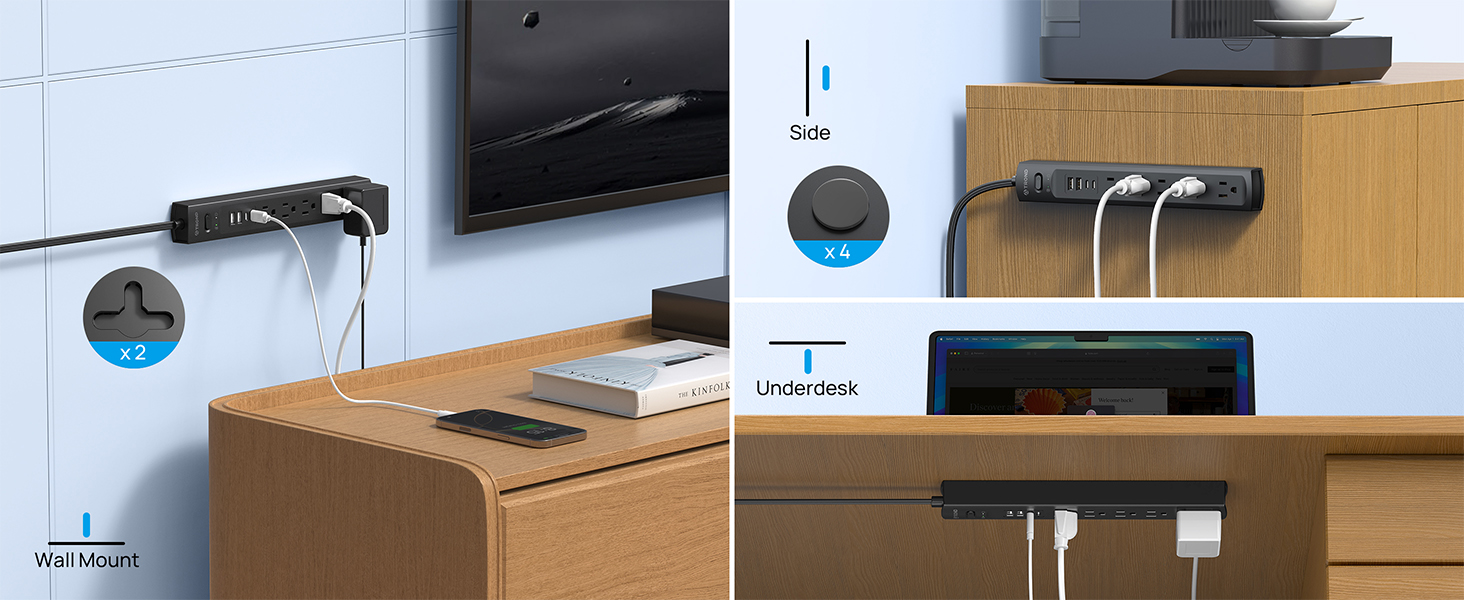
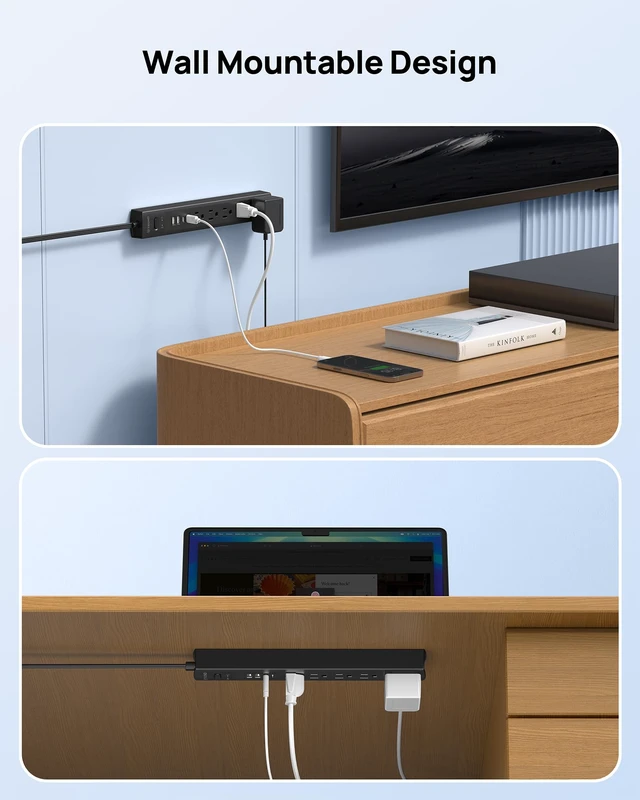
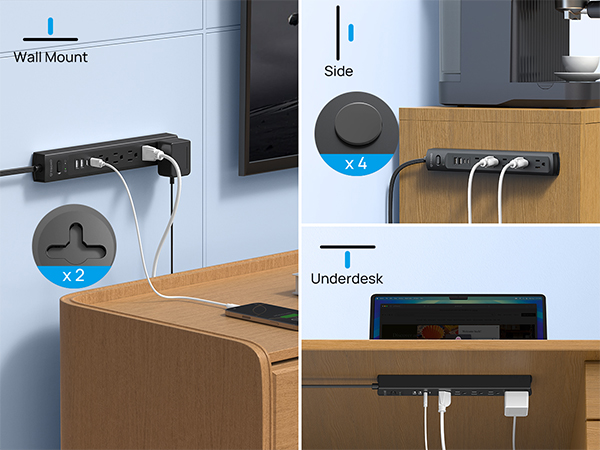
Yes. With screw fixation design on both end allow this mountable power strip securely installed in various applications.
Does it have a power switch?
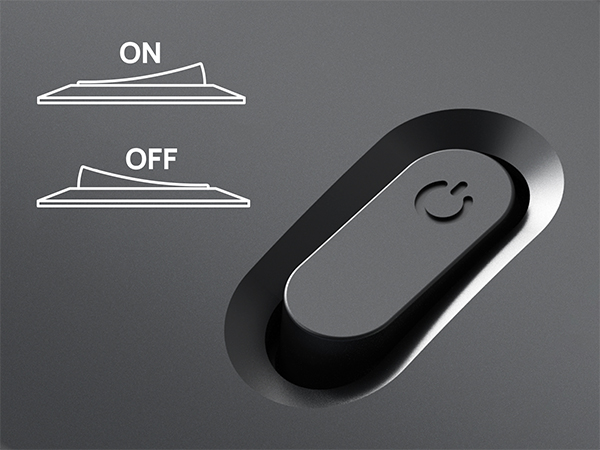
Yes. It comes with a power switch for easy on/off control, saving you the hassle of unplugging devices one by one.
Why does power cut off when I charge some devices?
This is not a malfunction. The power strip's overload protection has been activated to prevent damage or fire. Unplug the offending device to reset it. For high-power devices, please use a heavy-duty strip or connect directly to a wall socket.
The innovative 360-degree rotating plug design overcomes the limitations of traditional plugs, seamlessly adapting to sockets at any angle. Even in small spaces, insertion is effortless, offering greater flexibility for compact spaces.
Plug Dimensions: 1.43 inches diameter × 0.73 inches thickness.
The flat cord power strip is made of Grade flame-retardant PC & ABS, so burning will stop within 10 seconds and NO flaming drips are allowed.
This multi outlet surge protector features a user-friendly outlet spacing design with 5 standard AC outlets. Four outlets are spaced at 1.18 inches for everyday use, while one specially designed 1.57-inch wide-spaced outlet accommodates bulky adapters. This differentiated layout optimizes space utilization while effortlessly meeting various plug size requirements, effectively solving the "outlet hogging" issue of traditional power strips.
This extension cord flat wall plug has a built-in overload switch that will automatically trip to prevent potential risks such as overvoltage, overload, overcurrent and short circuit.

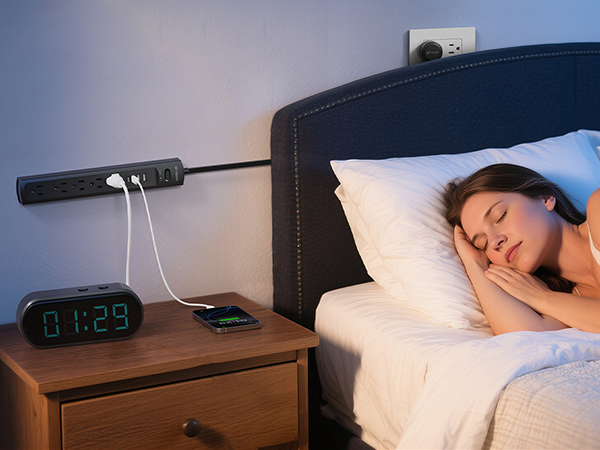

| Input Voltage | AC100-250V, 50/60Hz |
|---|---|
| Rated Power | 1250W (125V / 10A) |
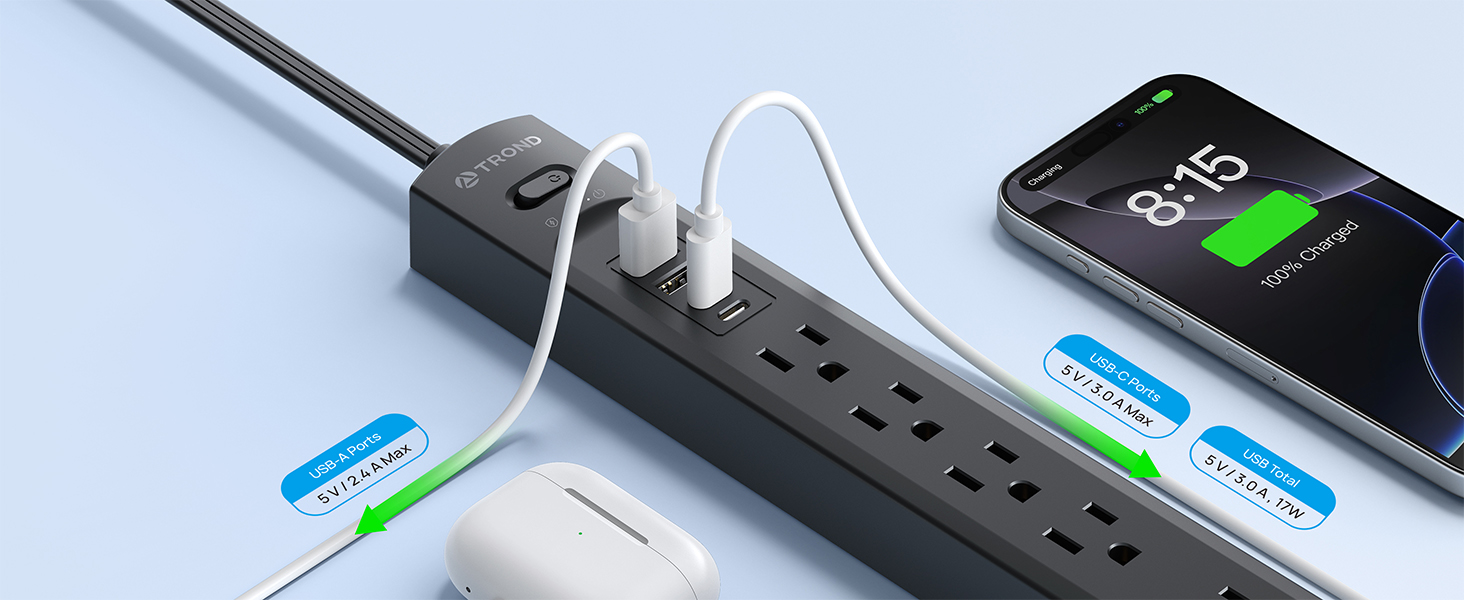
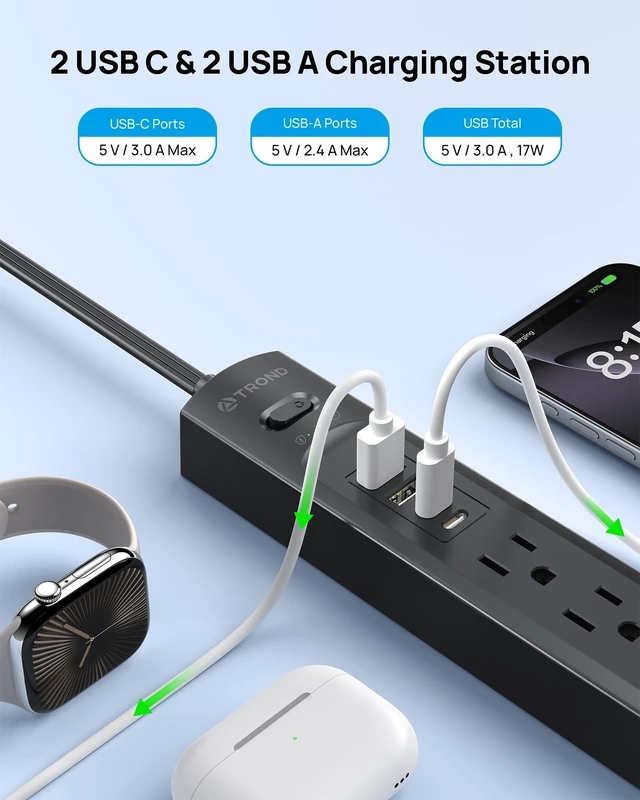
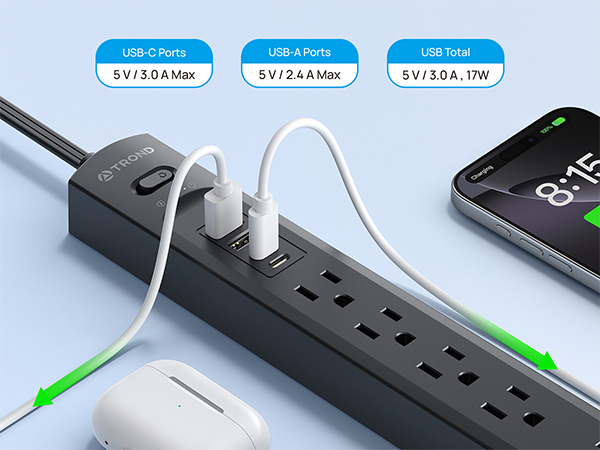
| USB-A Output | 5V/2.4A Max |
| USB-C Output | 5V/3.0A Max |
| USB Total Output | 5V/3.4A,17W |
| Surge Energy Rating | 1440 Joules |
| Dimensions | 11.02x1.73x1.14 in. |
| Net Weight | 14.54 oz/412 g |
| Cord Length | 6ft |
| Rotation Procedure | Insert the rotating plug extender fully into the socket first, then rotate clockwise or counterclockwise to set the angle you need. Always rotate after insertion, not before |
| Overload Warning | This power strip is rated at 1250W. Connecting a device with higher power could activate the overload protection on your power strip and shut off the power |
| Plug Dimensions | 1.43 inches diameter × 0.73 inches thickness. |
I've never used a rotating plug power strip before. What's the correct way to use it?
Insert the rotating plug power strip fully into the socket first, then rotate clockwise or counterclockwise to set the angle you need. Always rotate after insertion, not before.
What are the advantages of a 360° rotating plug compared to a traditional one?
360° swivel adjusts cord to any direction, regardless of outlet facing. Flat plug hides behind furniture, fits various panels, routes cables discreetly, won't block nearby outlets—keeping your space neat and flexible.
Is it easy to mount on a wall?
Yes. With screw fixation design on both end allow this mountable power strip securely installed in various applications.
Does it have a power switch?
Yes. It comes with a power switch for easy on/off control, saving you the hassle of unplugging devices one by one.
Why does power cut off when I charge some devices?
This is not a malfunction. The power strip's overload protection has been activated to prevent damage or fire. Unplug the offending device to reset it. For high-power devices, please use a heavy-duty strip or connect directly to a wall socket.