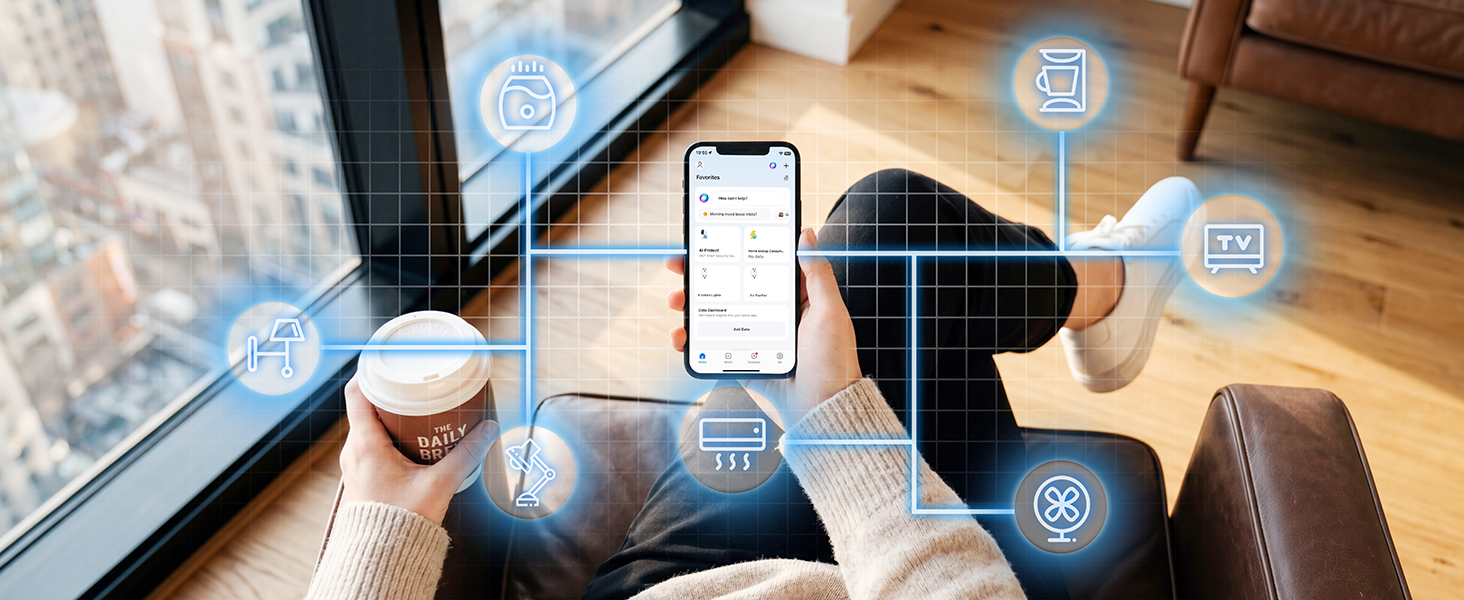
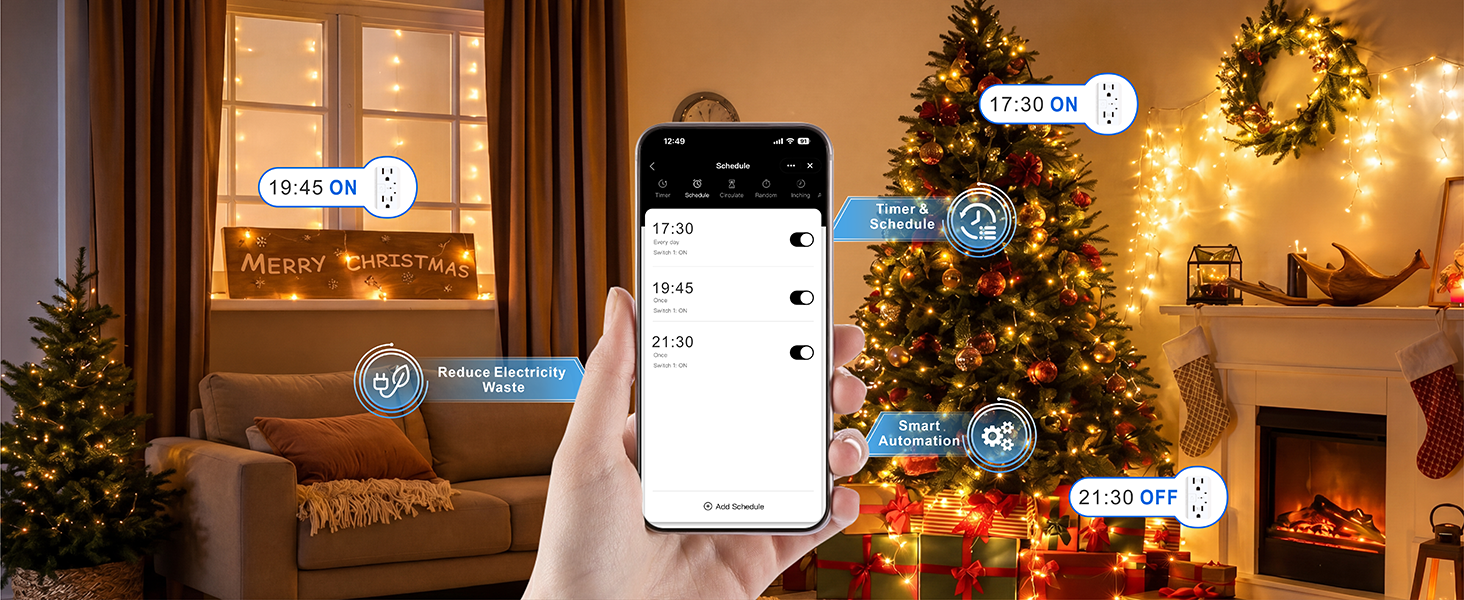
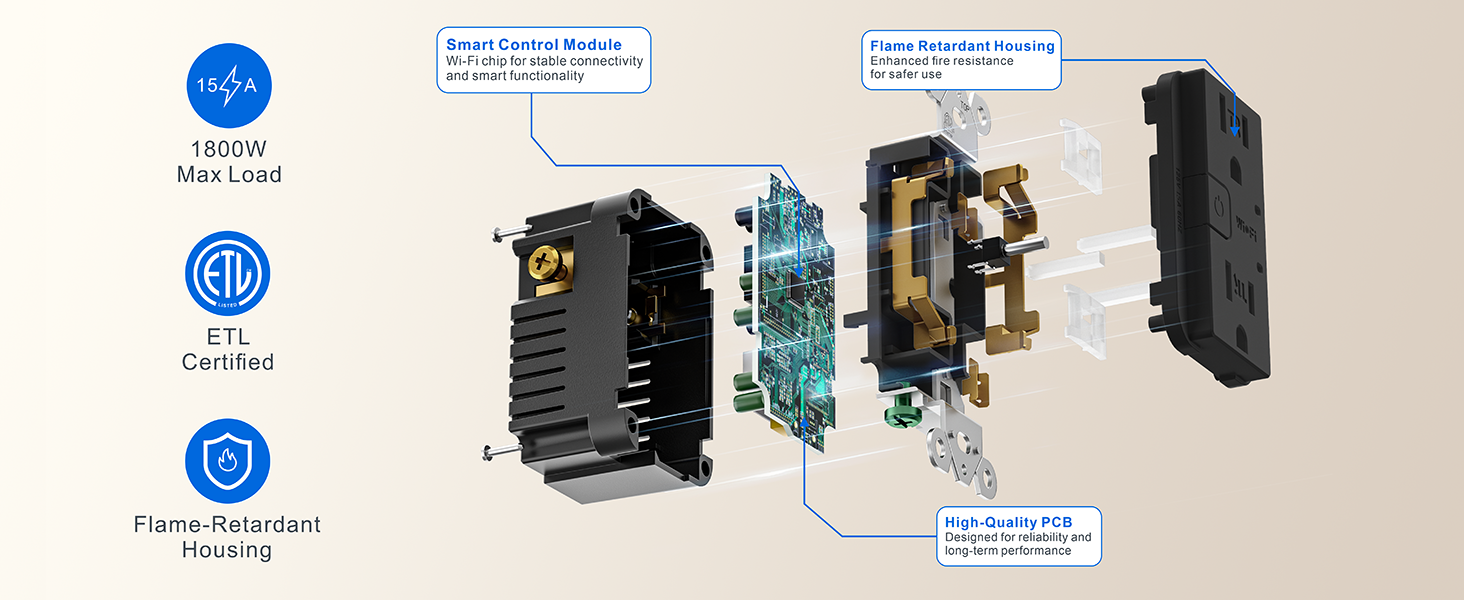
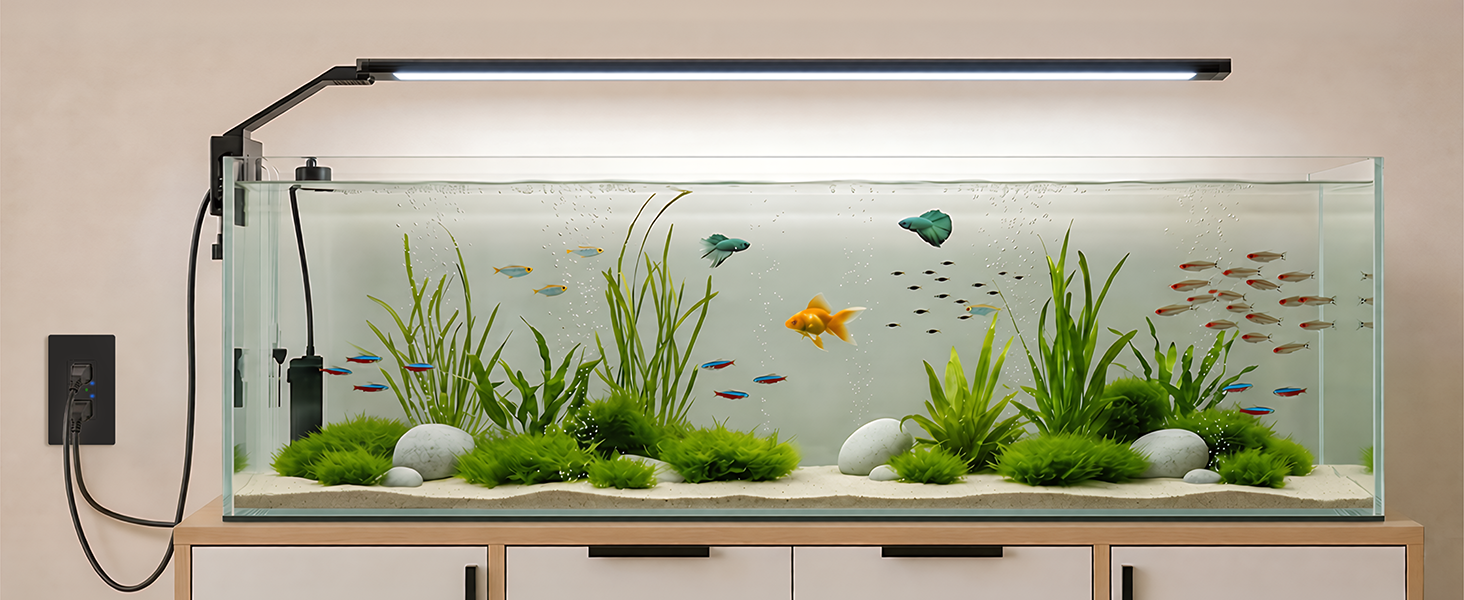
here!
here!
I’m your shopping assistant for PC builds, upgrades, and everything tech.
Got questions? Ask away!
Start a conversation
here!
I’m your shopping assistant for PC builds, upgrades, and everything tech.
Got questions? Ask away!
Start a conversation



Any questions? Ask CelesteSM will help you find out quickly.
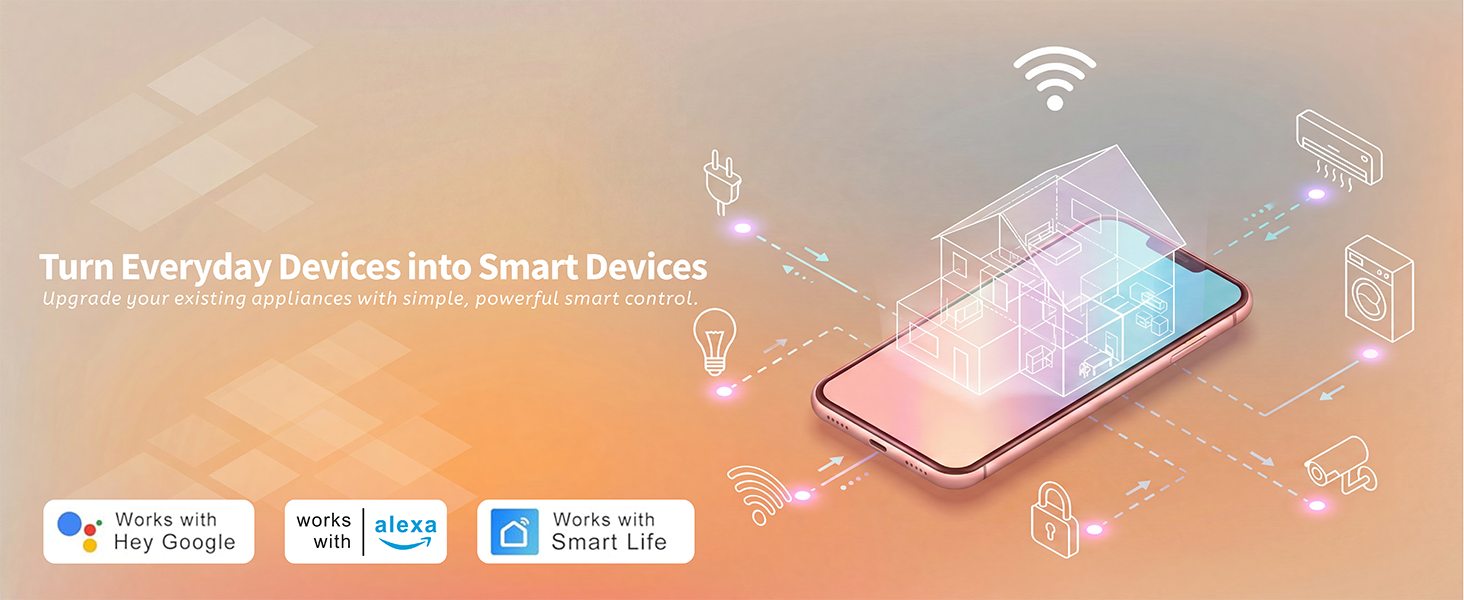
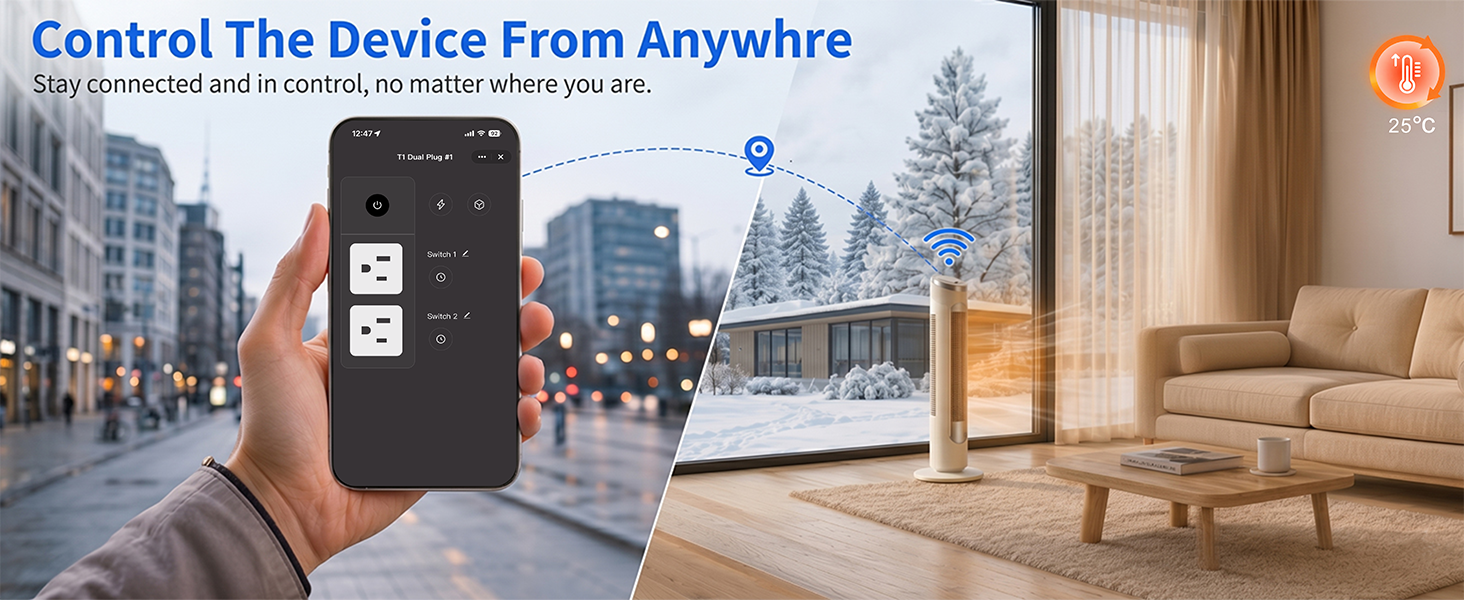
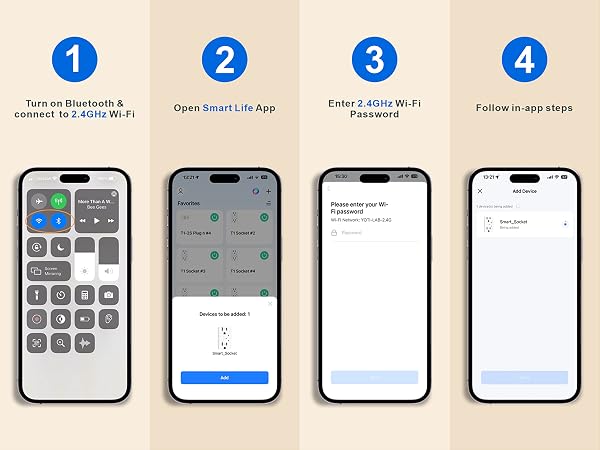
How to connect smart outlets?
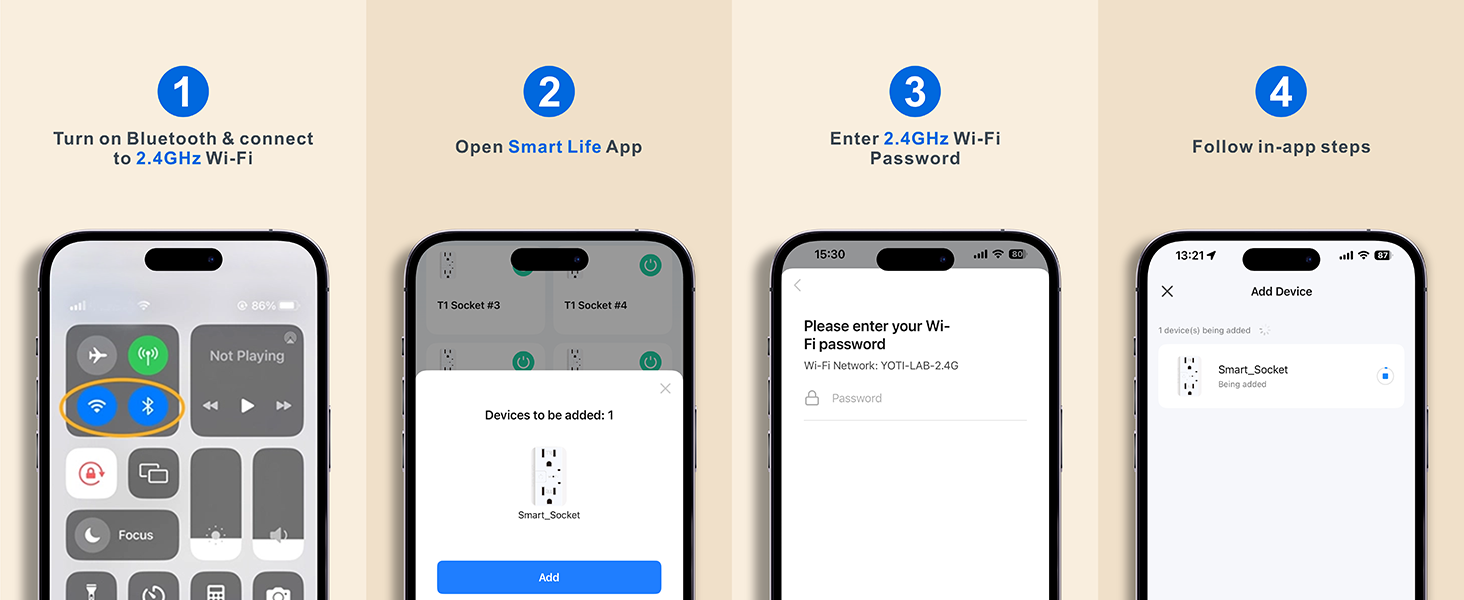
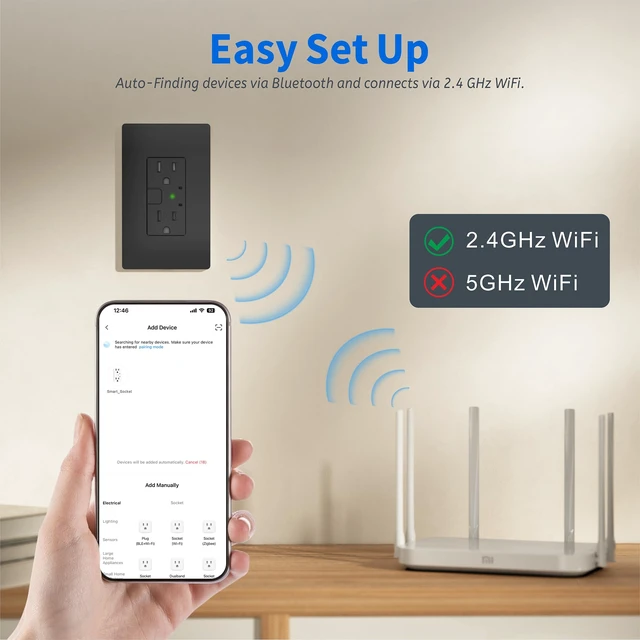
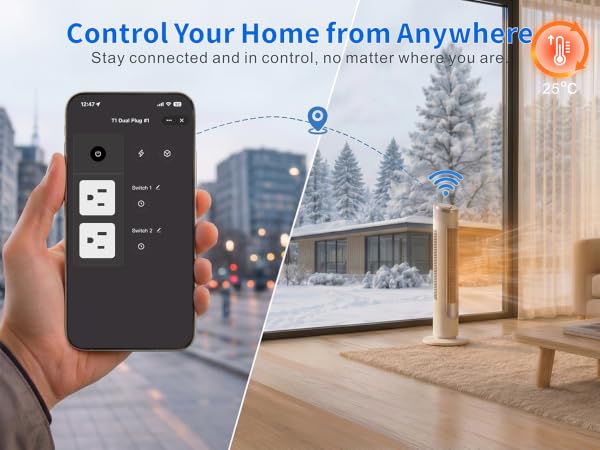
1. Download the Smart Life App and register for an account
2. After installation, power on the outlet and ensure the indicator light is blinking
3. The App will automatically detect it
4. Follow the in-app instructions to complete the pairing process
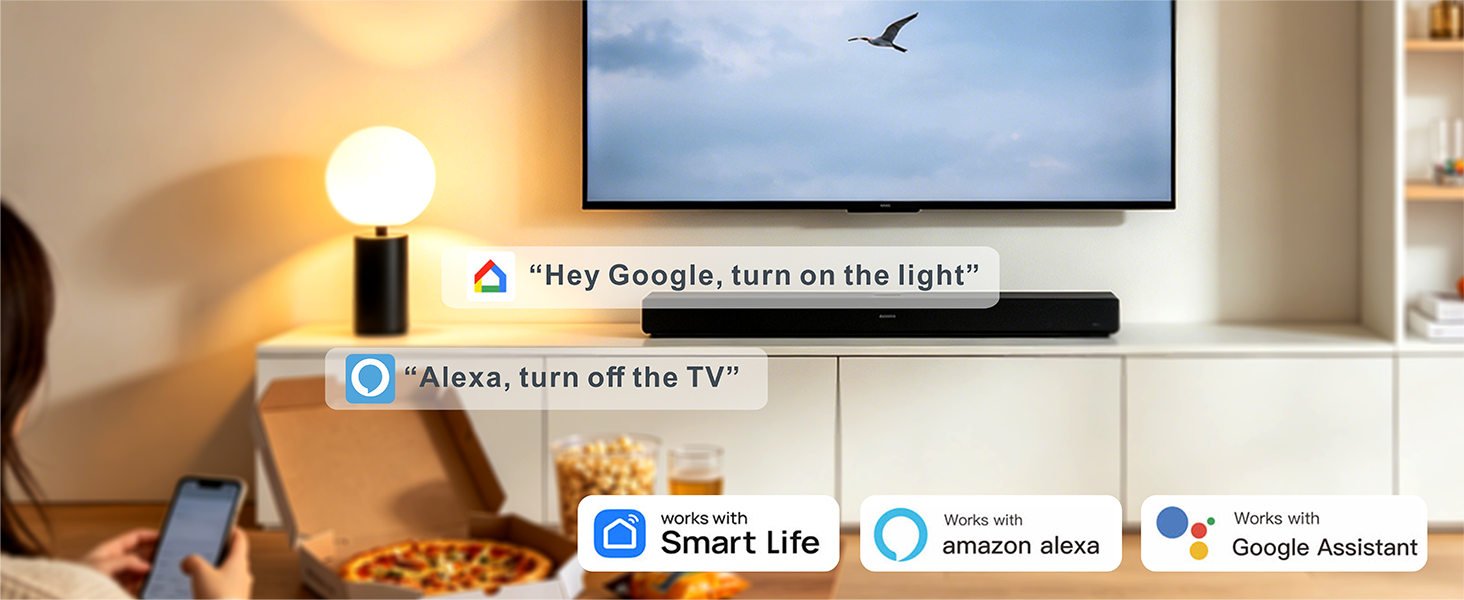
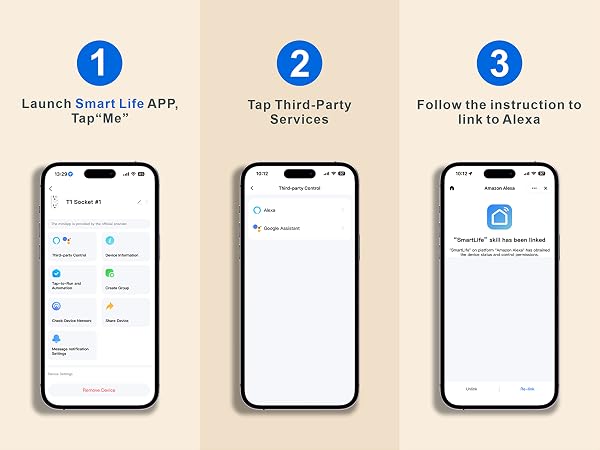
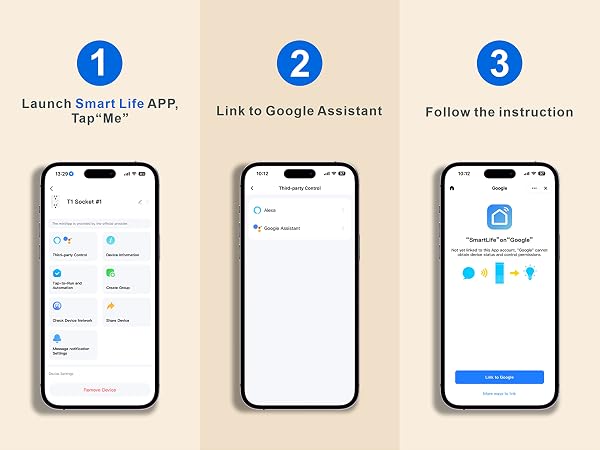
How do I connect the smart outlets to Alexa or Google Assistant?
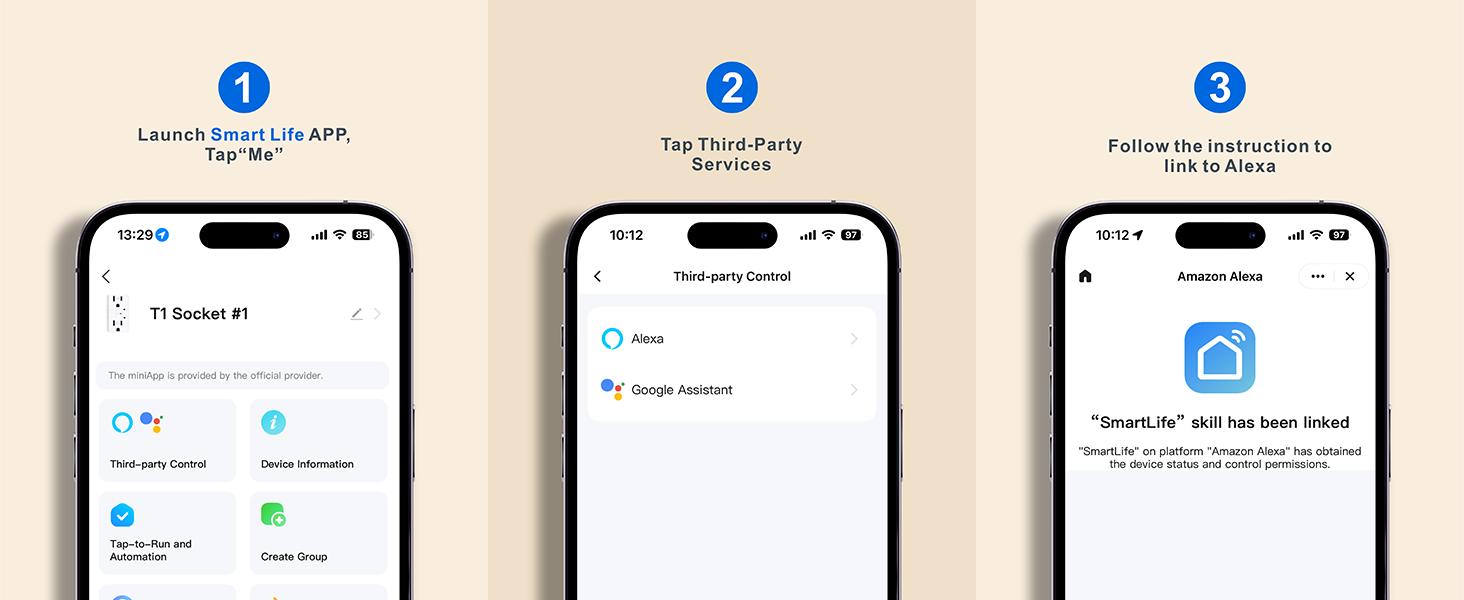
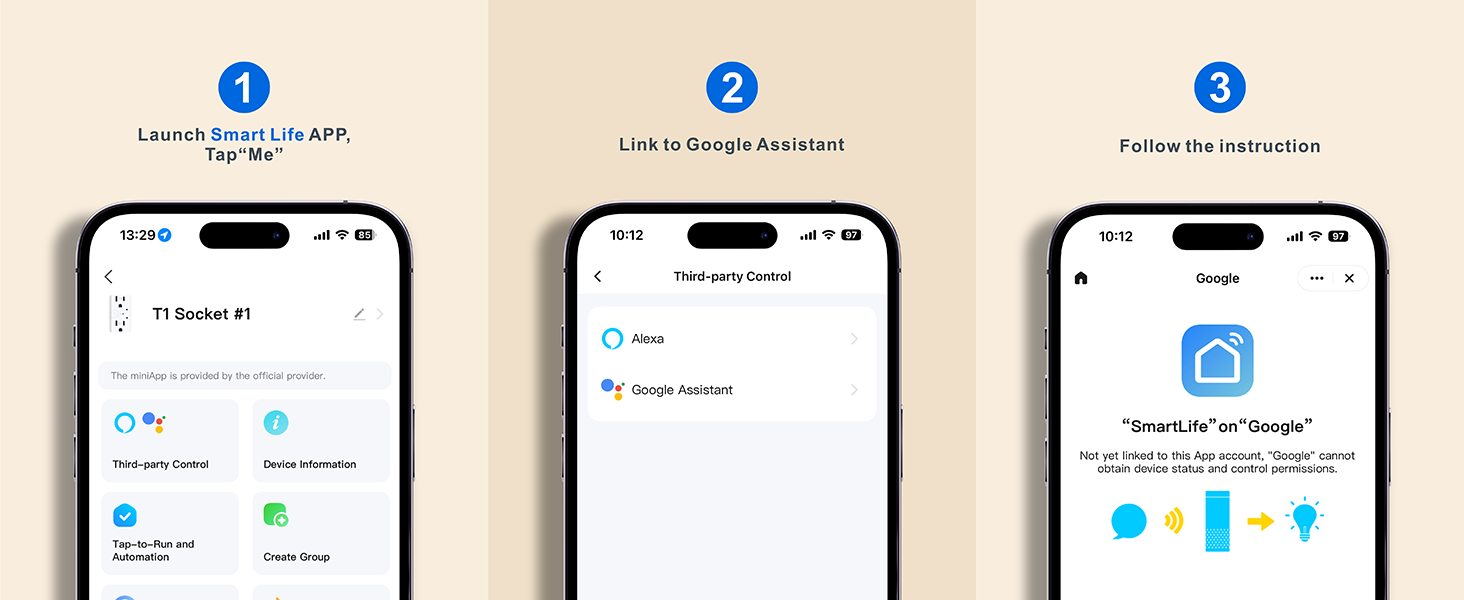
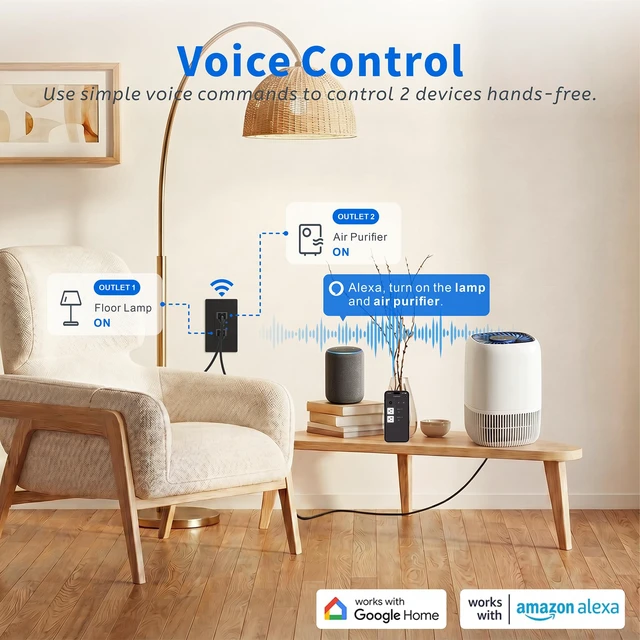
1. Open the "Smart Life" app
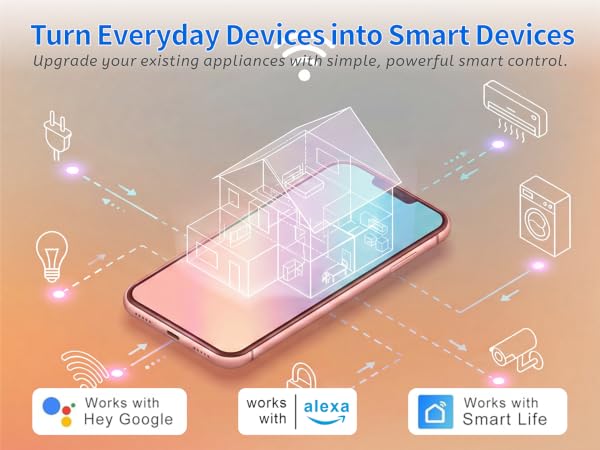
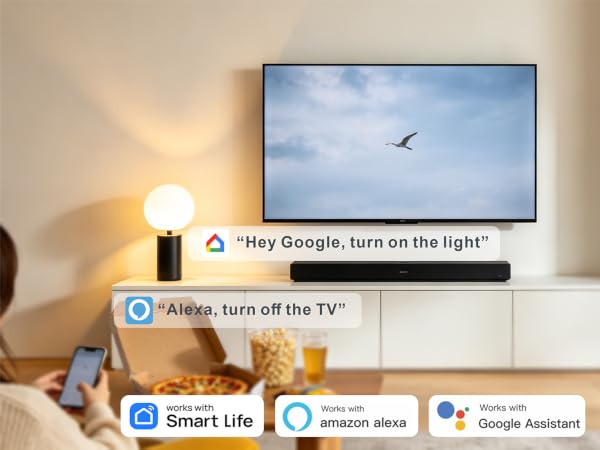
2. In the Smart Life app, tap "Me" > "Third-Party Services"> choose Alexa or Google Assistant.
3. Or, open the Alexa App, go to "Skills & Games", search for "Smart Life', and enable the skill.
How do I connect smart outlets to a dual-band Wi-Fi router?
Option 1: Temporarily disable the 5GHz Wi-Fi network during setup, then connect the smart plug to the 2.4GHz network.
Option 2: Create separate Wi-Fi names (SSIDs) for the 2.4GHz and 5GHz bands, then connect the smart plug to the 2.4GHz Wi-Fi only.
What to do when connection fails?
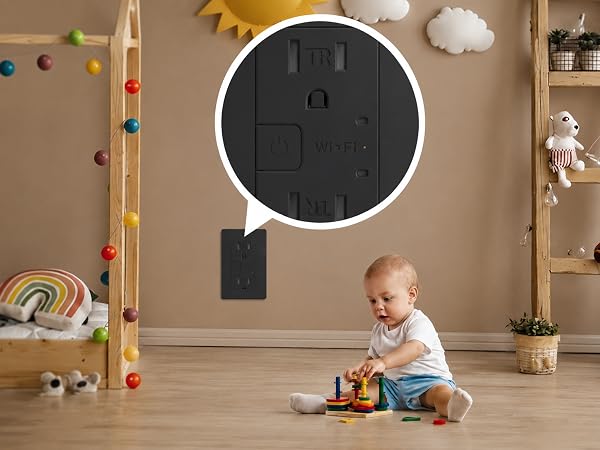
1. Hold the power button 5s to reset
2. Reconnect via AP mode (check the guide)
3. f not connecting, check for Smartlife-x' hotspotin AP- Mode. f not found, plase reach out to the support team for a new one. Iffound, check your routersettings
Tips:
1. Only support 2.4Ghz WiFi while connecting with APP.
2. Support Android 6.0 or iOS 13.0 or above.
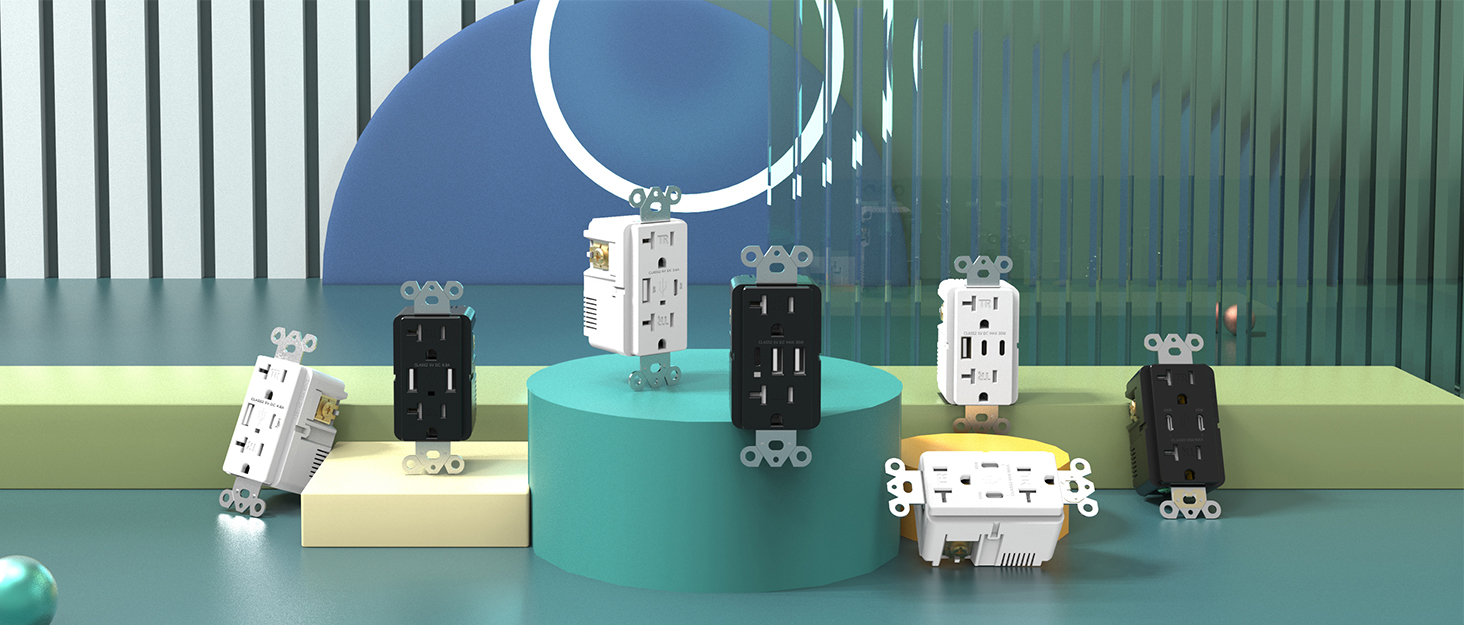
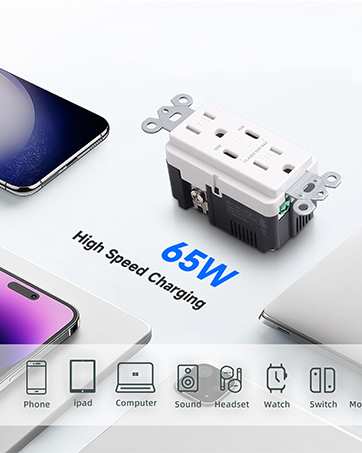
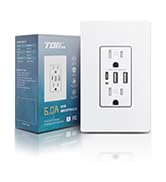

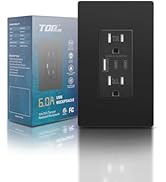
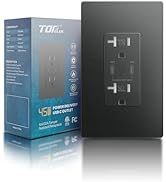
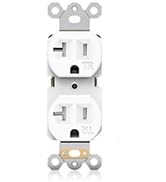
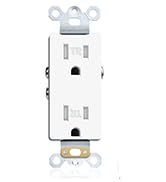

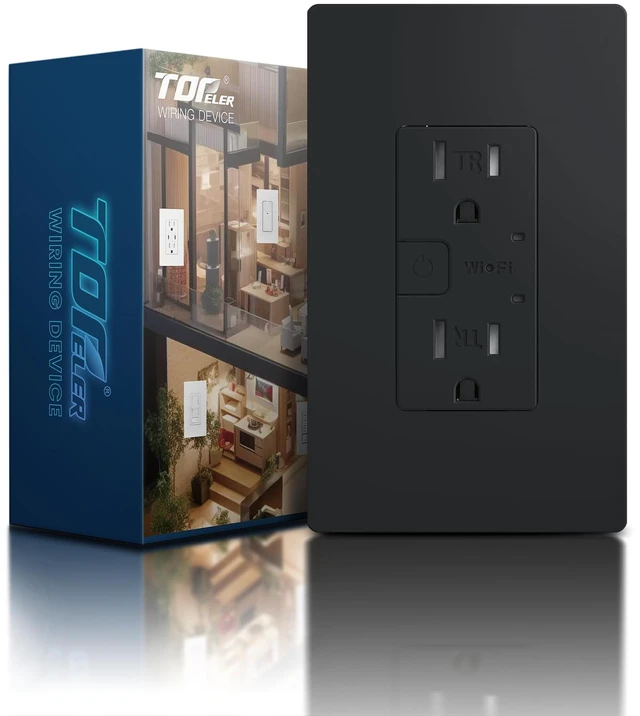
The purpose of the company is to offer a complete range of wiring device in the domestic, industrial and commercial premises under the brand name TOPELER.
At TOPELER, we hold steadfast to our brand value: "Refine Living & Limitless Convenience."
Our dedication to provid high-quality products at reasonable prices. We aspire to lead the way in electrical solutions that not only convenience for your life, but also enhance your quality of life.
How to connect smart outlets?
1. Download the Smart Life App and register for an account
2. After installation, power on the outlet and ensure the indicator light is blinking
3. The App will automatically detect it
4. Follow the in-app instructions to complete the pairing process
How do I connect the smart outlets to Alexa or Google Assistant?
1. Open the "Smart Life" app
2. In the Smart Life app, tap "Me" > "Third-Party Services"> choose Alexa or Google Assistant.
3. Or, open the Alexa App, go to "Skills & Games", search for "Smart Life', and enable the skill.
How do I connect smart outlets to a dual-band Wi-Fi router?
Option 1: Temporarily disable the 5GHz Wi-Fi network during setup, then connect the smart plug to the 2.4GHz network.
Option 2: Create separate Wi-Fi names (SSIDs) for the 2.4GHz and 5GHz bands, then connect the smart plug to the 2.4GHz Wi-Fi only.
What to do when connection fails?
1. Hold the power button 5s to reset
2. Reconnect via AP mode (check the guide)
3. f not connecting, check for Smartlife-x' hotspotin AP- Mode. f not found, plase reach out to the support team for a new one. Iffound, check your routersettings
Tips:
1. Only support 2.4Ghz WiFi while connecting with APP.
2. Support Android 6.0 or iOS 13.0 or above.
The purpose of the company is to offer a complete range of wiring device in the domestic, industrial and commercial premises under the brand name TOPELER.
At TOPELER, we hold steadfast to our brand value: "Refine Living & Limitless Convenience."
Our dedication to provid high-quality products at reasonable prices. We aspire to lead the way in electrical solutions that not only convenience for your life, but also enhance your quality of life.