




 here!
here!
I’m your shopping assistant for PC builds, upgrades, and everything tech.
Got questions? Ask away!
Start a conversation
here!
I’m your shopping assistant for PC builds, upgrades, and everything tech.
Got questions? Ask away!
Start a conversation
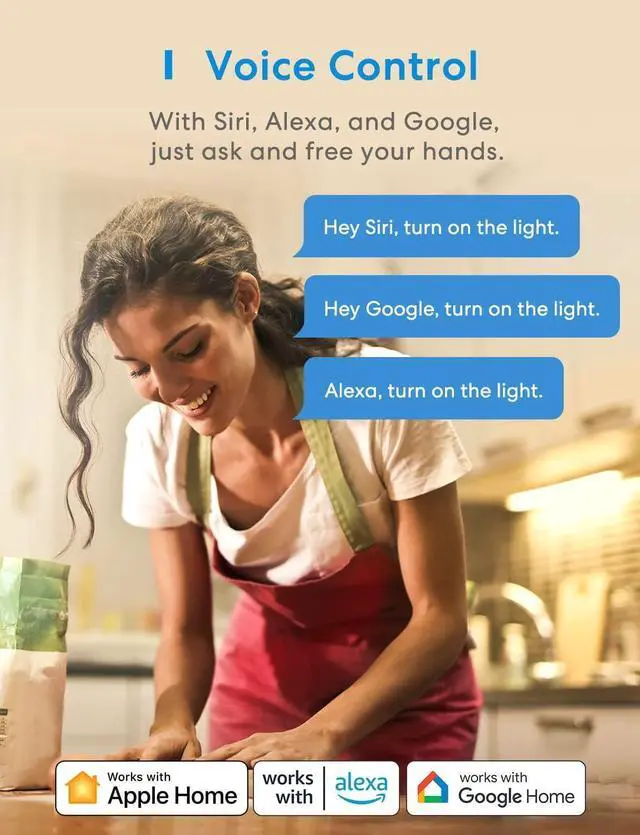



Any questions? Ask CelesteSM will help you find out quickly.


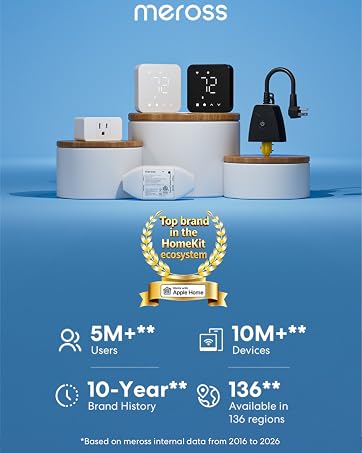
At Meross, we create products that empower people's lives. We believe in making homes smarter and people's lives easier. We believe everyone deserves a smart life, and it should be simple, smart, and stable.





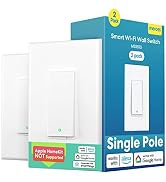





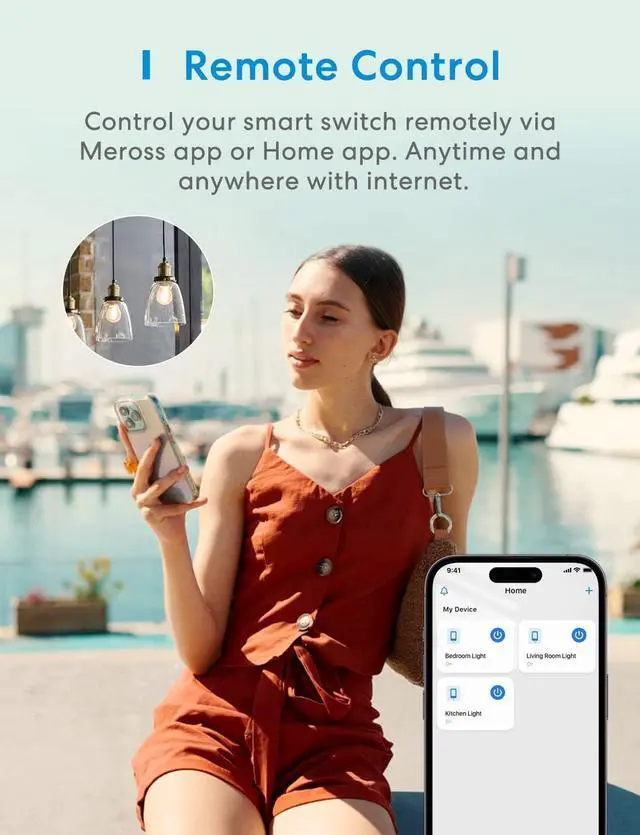
Know if your lights are on and adjust them, no matter if you're at home, at work, or vacationing
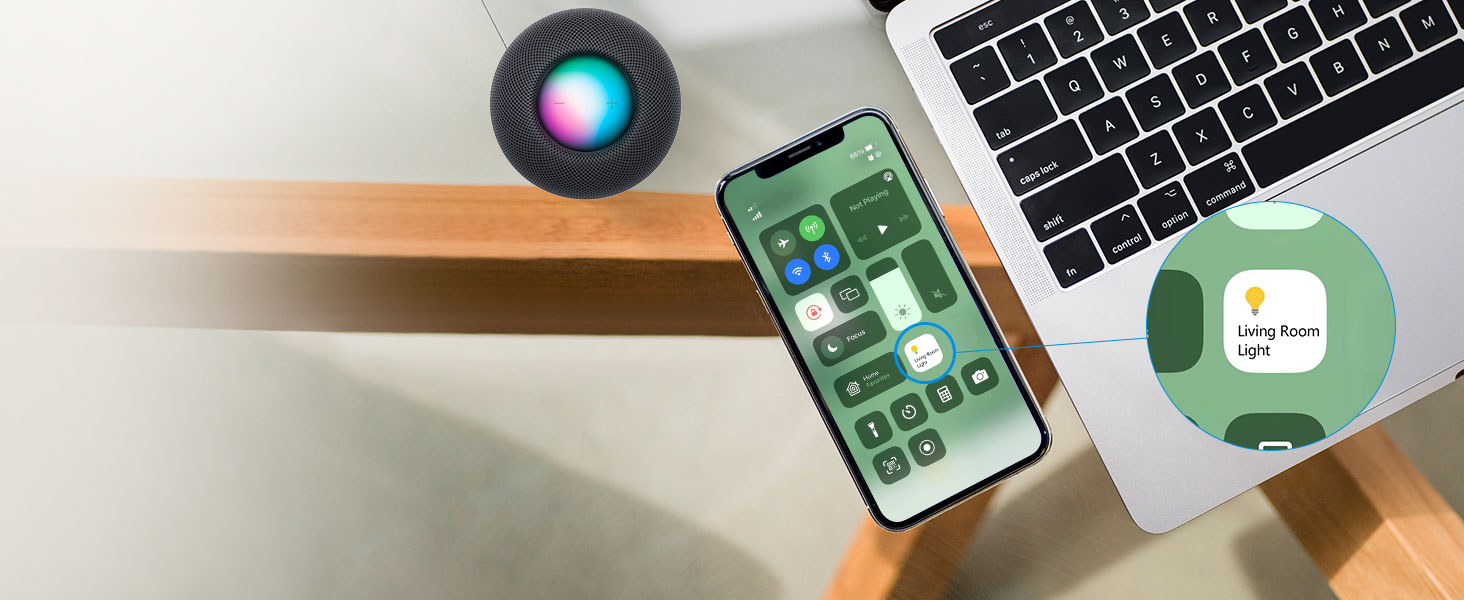
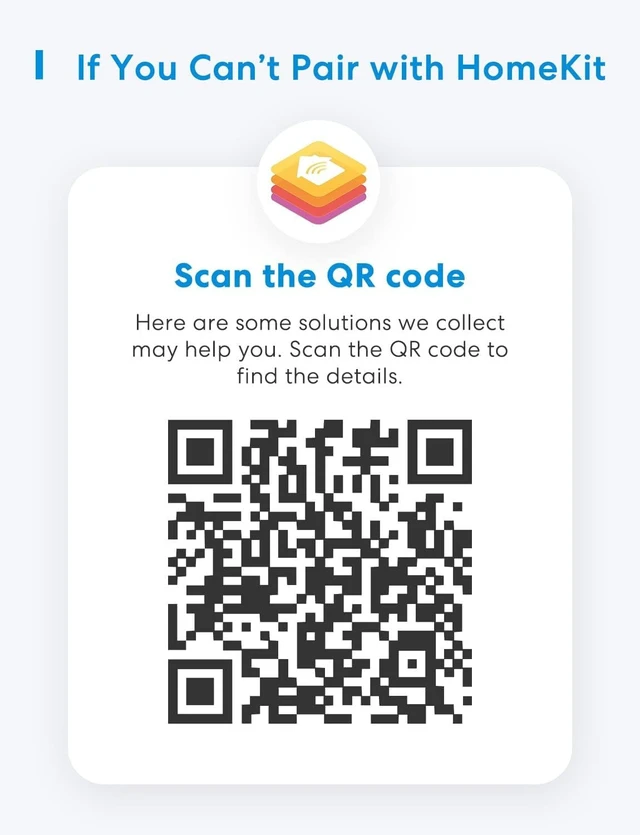
Integrate your device easily into your Apple ecosystem for more convenient ways to control it

When the Internet is down, you can still control smart switch in Home Wi-Fi network via meross APP.

Set up customized scenes to link your switch and other smart devices to match any occasion, such as saying good night to turn off all the devices.

Schedule your smart switch to auto on/off at specified times. Create a lived-in look when you're away by randomly turning on lights.

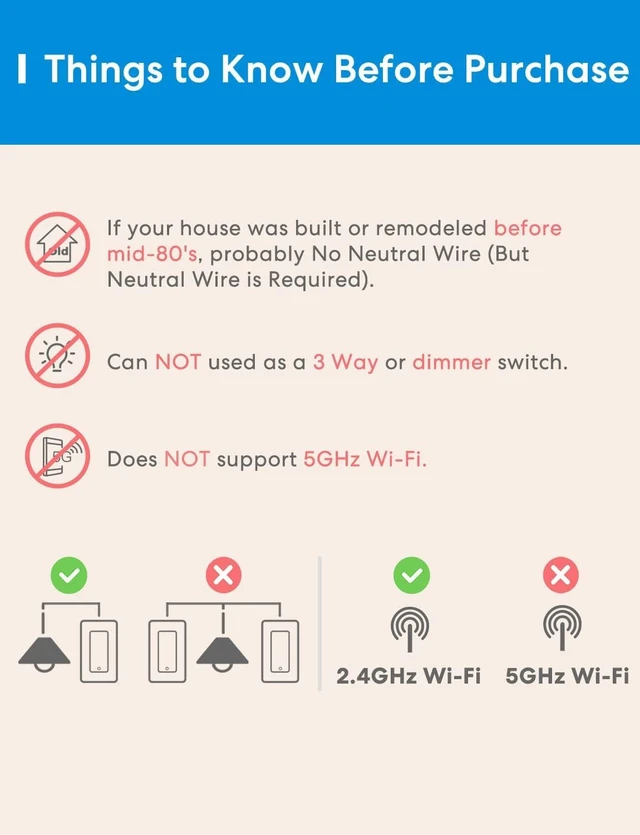
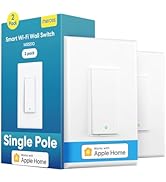
The Meross Smart switch for lights can be directly connected to your 2.4GHz WiFi network without a separate smart home hub.

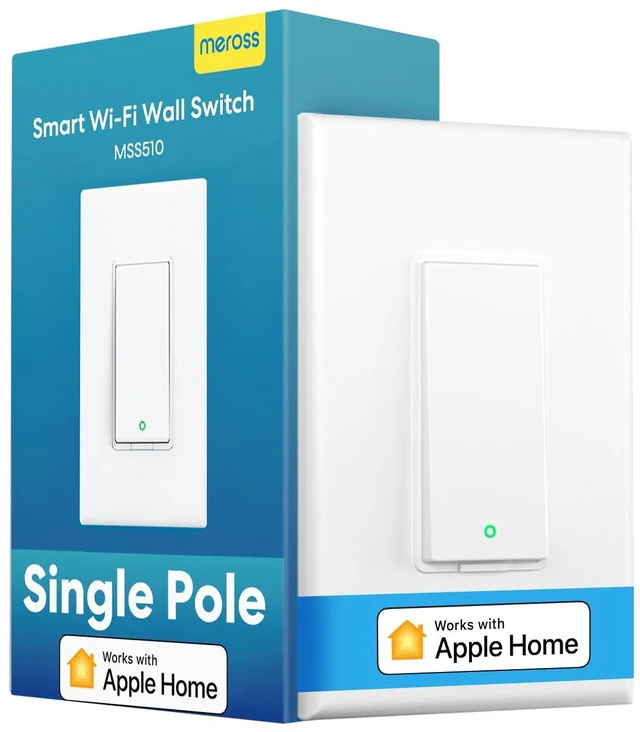
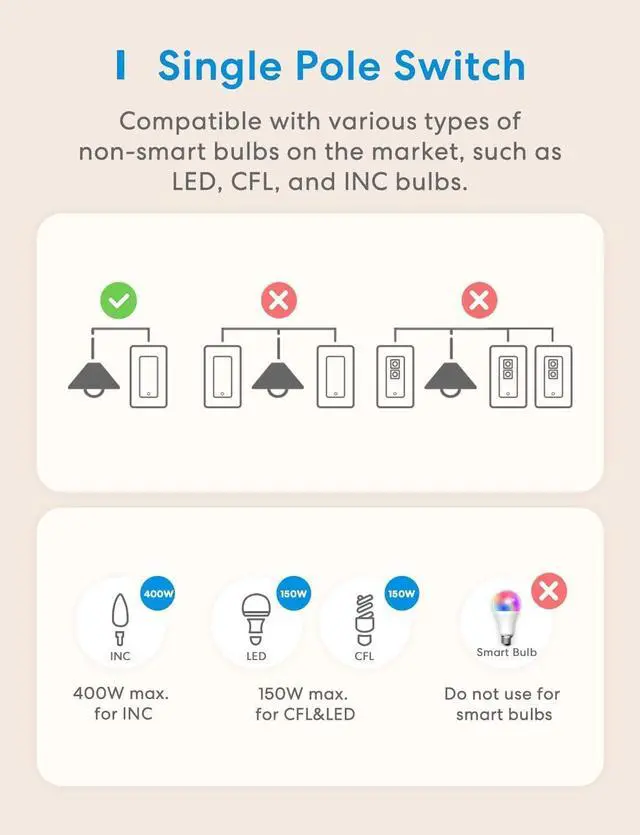
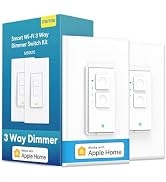
This smart switch is only used to replace a single pole switch rather than a 3 way switch.
Manually Control-Turn on /off with a simple tap

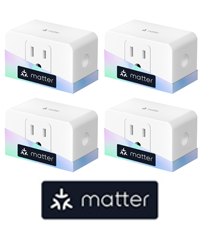 Energy Monitoring Plug |  HomeKit Light Switch |  HomeKit Light Switch |  Smart Light Bulbs |  Smart Light Bulbs |  Smart Fan Light Switch |  Smart Light Switch | |
|---|---|---|---|---|---|---|---|
Customer Reviews | — | — | — | — | — | — | — |
Price | — | — | — | — | — | — | — |
Works with Apple HomeKit | ? | ? | ? | ? | ? | ? | ? |
Works with Alexa | ? | ? | ? | ? | ? | ? | ? |
Works with Google Assistant | ? | ? | ? | ? | ? | ? | ? |
Offline Control | ? | ? | ? | ? | ? | ? | ? |
No Hub Required | ? | ? | ? | ? | ? | ? | ? |
Neutral Wire | / | Required | Required | / | / | Required | Required |
Need Hub | ? | ? | ? | ? | ? | ? | ? |
At Meross, we create products that empower people's lives. We believe in making homes smarter and people's lives easier. We believe everyone deserves a smart life, and it should be simple, smart, and stable.
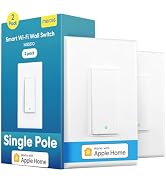






Know if your lights are on and adjust them, no matter if you're at home, at work, or vacationing
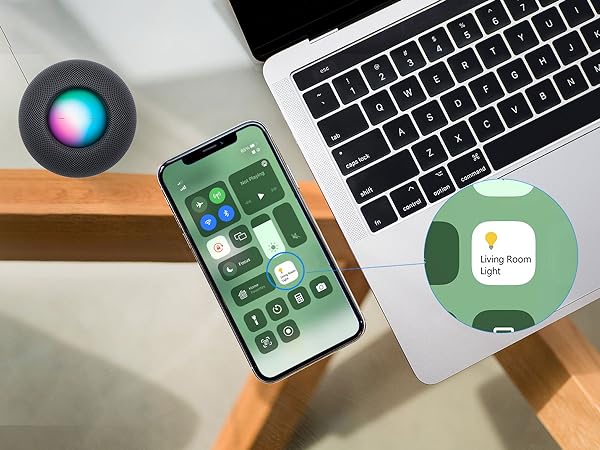
Integrate your device easily into your Apple ecosystem for more convenient ways to control it
When the Internet is down, you can still control smart switch in Home Wi-Fi network via meross APP.


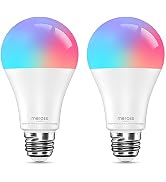
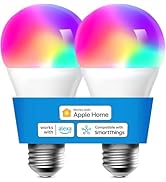
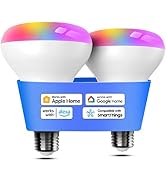
Transform regular bulbs into smart lights and control the lighting throughout your home with ease
Enjoy millisecond response and no drop-off with superfast local control when you're at home.
FCC/IC/ETL certified for safe use.


Set up customized scenes to link your switch and other smart devices to match any occasion, such as saying good night to turn off all the devices.
Schedule your smart switch to auto on/off at specified times. Create a lived-in look when you're away by randomly turning on lights.
The Meross Smart switch for lights can be directly connected to your 2.4GHz WiFi network without a separate smart home hub.
This smart switch is only used to replace a single pole switch rather than a 3 way switch.
Manually Control-Turn on /off with a simple tap

Energy Monitoring Plug | HomeKit Light Switch | HomeKit Light Switch | Smart Light Bulbs | Smart Light Bulbs | Smart Fan Light Switch | Smart Light Switch |
|---|---|---|---|---|---|---|
| Customer Reviews | ||||||
| — | — | — | — | — | — | — |
| Price | ||||||
| — | — | — | — | — | — | — |
| Works with Apple HomeKit | ||||||
| ? | ? | ? | ? | ? | ? | ? |
| Works with Alexa | ||||||
| ? | ? | ? | ? | ? | ? | ? |
| Works with Google Assistant | ||||||
| ? | ? | ? | ? | ? | ? | ? |
| Offline Control | ||||||
| ? | ? | ? | ? | ? | ? | ? |
| No Hub Required | ||||||
| ? | ? | ? | ? | ? | ? | ? |
| Neutral Wire | ||||||
| / | Required | Required | / | / | Required | Required |
| Need Hub | ||||||
| ? | ? | ? | ? | ? | ? | ? |
| Operation Mode | ON-OFF-ON |
| Current Rating | 4 A |
| Operating Voltage | 120 volts |
| Contact Type | Normally Open |
| Connector Type | Clamp |
| Brand | meross |
| Switch Type | Single Pole Light Switch |
| Terminal | Spst |
| Material | Plastic |
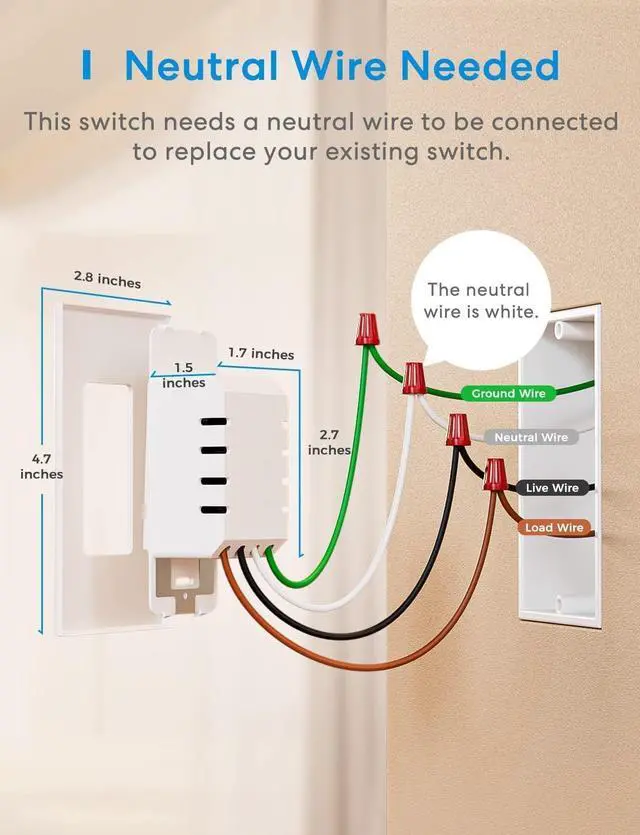
| Item dimensions L x W x H | 4.7 x 2.8 x 1.5 inches |
| Circuit Type | 1-way |
| Mounting Type | Wall Mount |
| Actuator Type | Push Button |
| Number of Positions | 1 |
| Upper Temperature Rating | 40 °C |
| Controller Type | Amazon Alexa,Google Assistant,SmartThings,Remote Control |
| Control Method | Voice |
| Connectivity Protocol | IEEE 802.11 b/g/n, 2.4GHz. |
| Wattage | 400 watts |
| Compatible Devices | Apple HomeKit, Amazon Alexa, Google Assistant, SmartThings |
| Color | White |
| Item Dimensions | 4.7 x 2.8 x 1.5 inches |
| Unit Count | 1 Count |
| Number of Items | 1 |
| Material Type | Plastic |
| Contact Material | Copper |
| International Protection Rating | IP00 |
| Specification Met | Fcc, Ic, Etl |
| Brand Name | meross |
| Model | MSS510 |
| Manufacturer | meross |
| Warranty Description | 2 Year Manufacturer |
| UPC | 600358067832 |
| Included Components | 1 x Quick Installation Guide |
| Item Weight | 83 g |
| Part Number | MSS510 |





