




 here!
here!
I’m your shopping assistant for PC builds, upgrades, and everything tech.
Got questions? Ask away!
Start a conversation
here!
I’m your shopping assistant for PC builds, upgrades, and everything tech.
Got questions? Ask away!
Start a conversation



Any questions? Ask CelesteSM will help you find out quickly.


Secured 2.4GHz WiFi Network
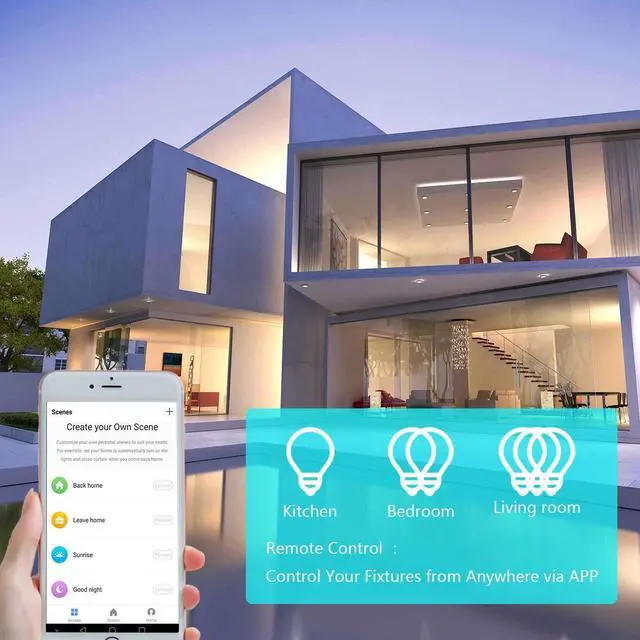
Please download the smart life APP.
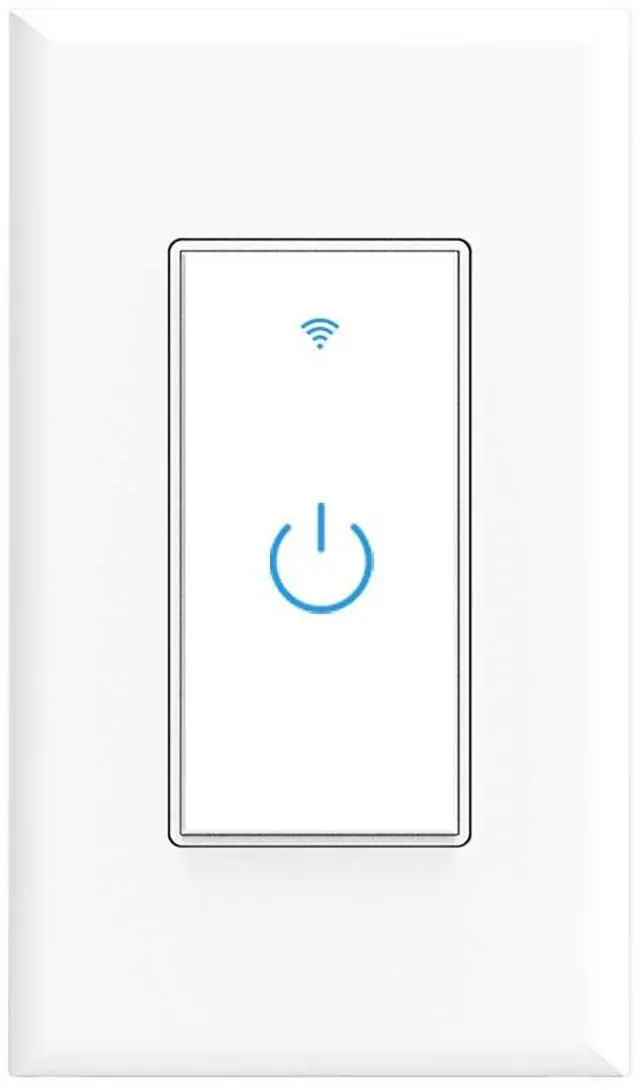
Press and hold the on/off button for 5 seconds until the indicator light blinks rapidly to connect the network
If the router is changed, please hold the on/off button for 5 seconds to reconnect to the network


1. My switch isn't working in my home circuit.
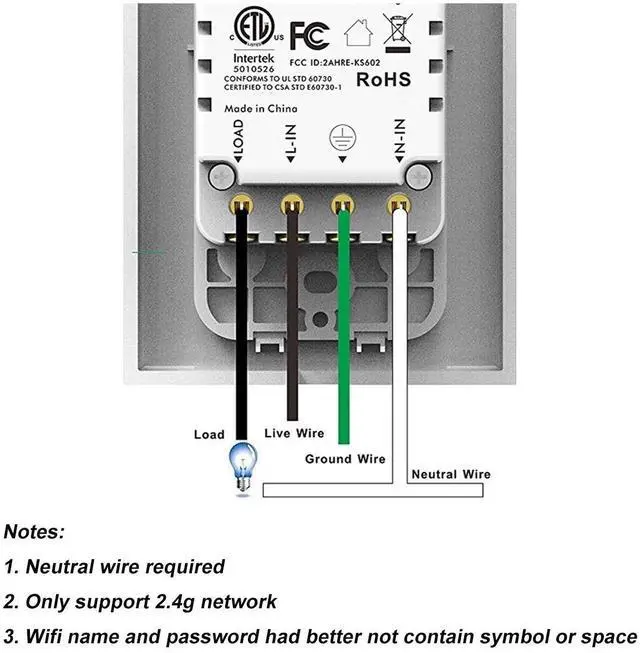
Please ensure that your home has a neutral wire. Our switch can't work without neutral wire.
2. I can't pair the switch with the App and WiFi.
Ensure pairing in the 2.4 GHz network , doesn't support the 5 GHz. The switch must connect to the network within the specified 3-minute pairing time to avoid connection failure.
3. How to reset the switch?
Turning off the breaker and back on to reset it or long press the power button.
Secured 2.4GHz WiFi Network
Please download the smart life APP.
Press and hold the on/off button for 5 seconds until the indicator light blinks rapidly to connect the network
If the router is changed, please hold the on/off button for 5 seconds to reconnect to the network
1. My switch isn't working in my home circuit.
Please ensure that your home has a neutral wire. Our switch can't work without neutral wire.
2. I can't pair the switch with the App and WiFi.
Ensure pairing in the 2.4 GHz network , doesn't support the 5 GHz. The switch must connect to the network within the specified 3-minute pairing time to avoid connection failure.
3. How to reset the switch?
Turning off the breaker and back on to reset it or long press the power button.


