




 here!
here!
I’m your shopping assistant for PC builds, upgrades, and everything tech.
Got questions? Ask away!
Start a conversation
here!
I’m your shopping assistant for PC builds, upgrades, and everything tech.
Got questions? Ask away!
Start a conversation



Any questions? Ask CelesteSM will help you find out quickly.
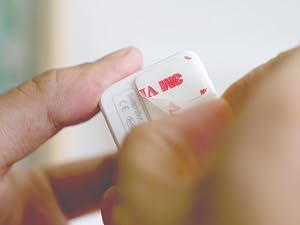
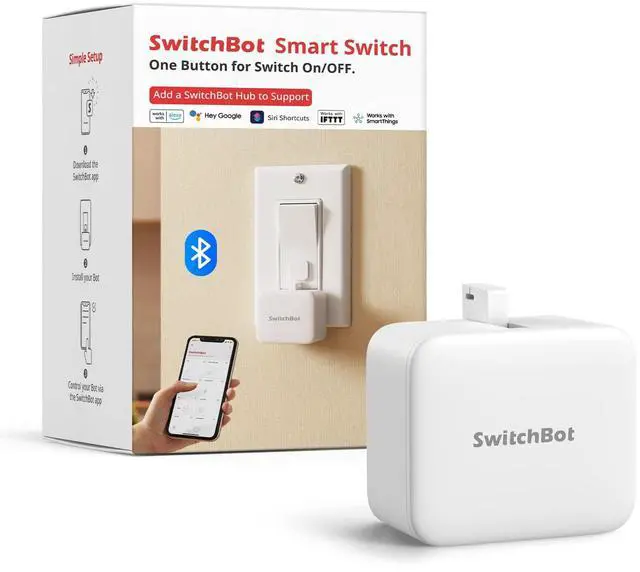
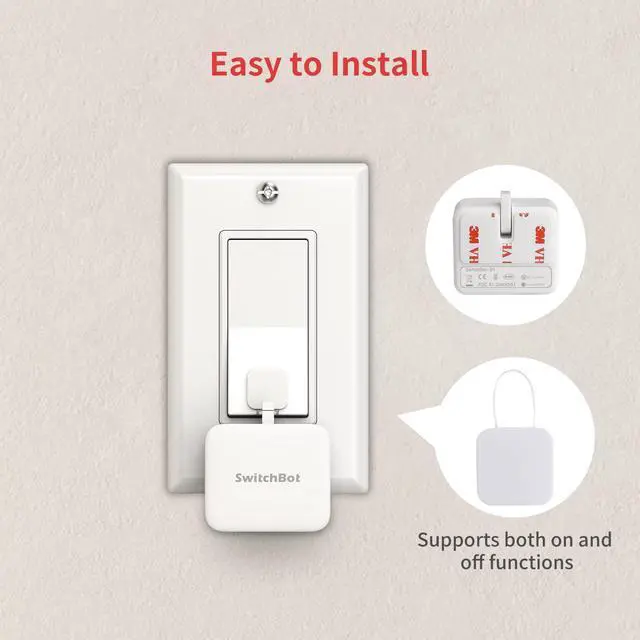
Install in 3 seconds. Note: Built-in CR2 battery. Before first use, remove the plastic battery isolation tab.
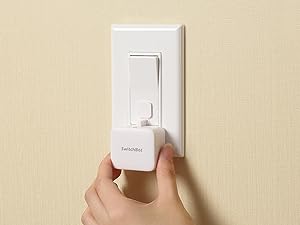
Just tape it next to a button or switch with no tools required.
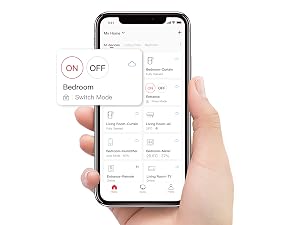
Turn the switch or button ON/OFF in the app.
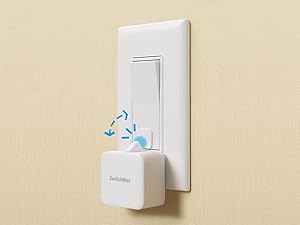
Push with the built-in arm and pull with the add-on. Use a regular-brand 3V CR2 battery.
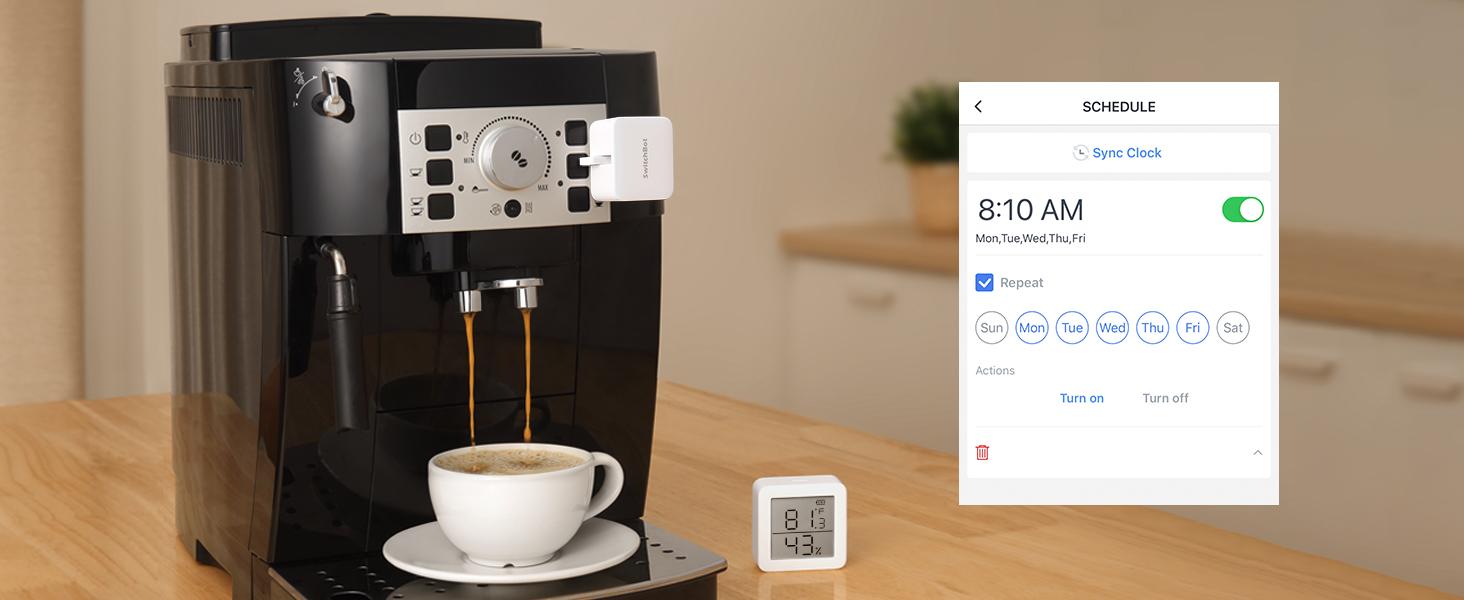
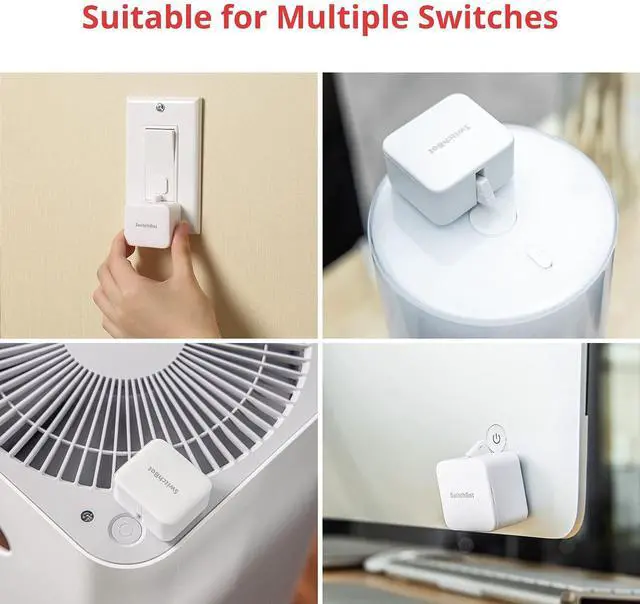
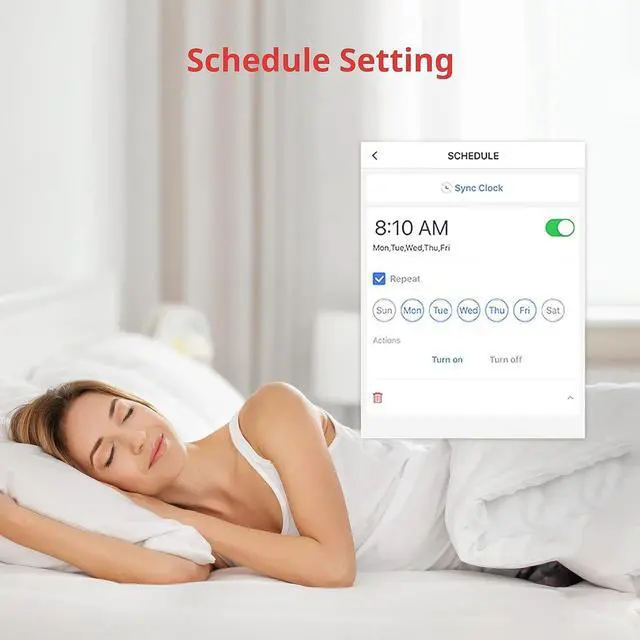
Place it on a coffee machine or light switch and set a schedule to automatically turn it on or off.
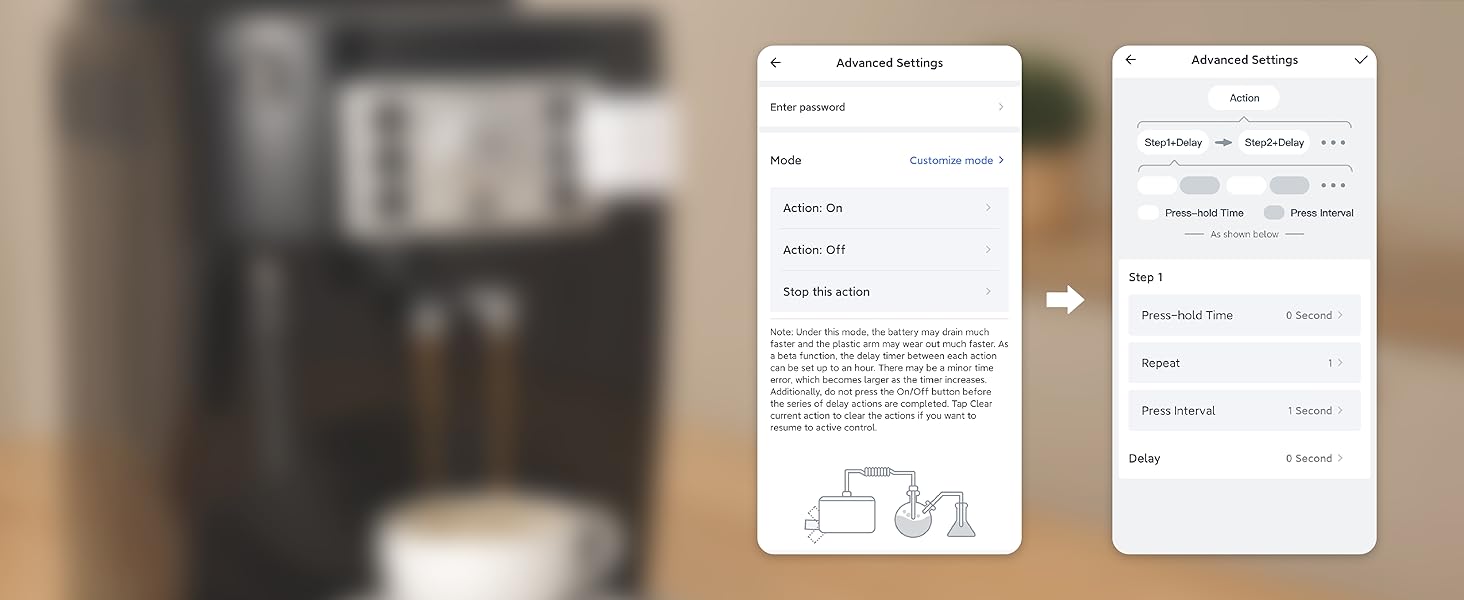
Set SwitchBot Bot to press the same button repeatedly for routines and continuous operation.

Upgrade button-operated appliances without replacing them.
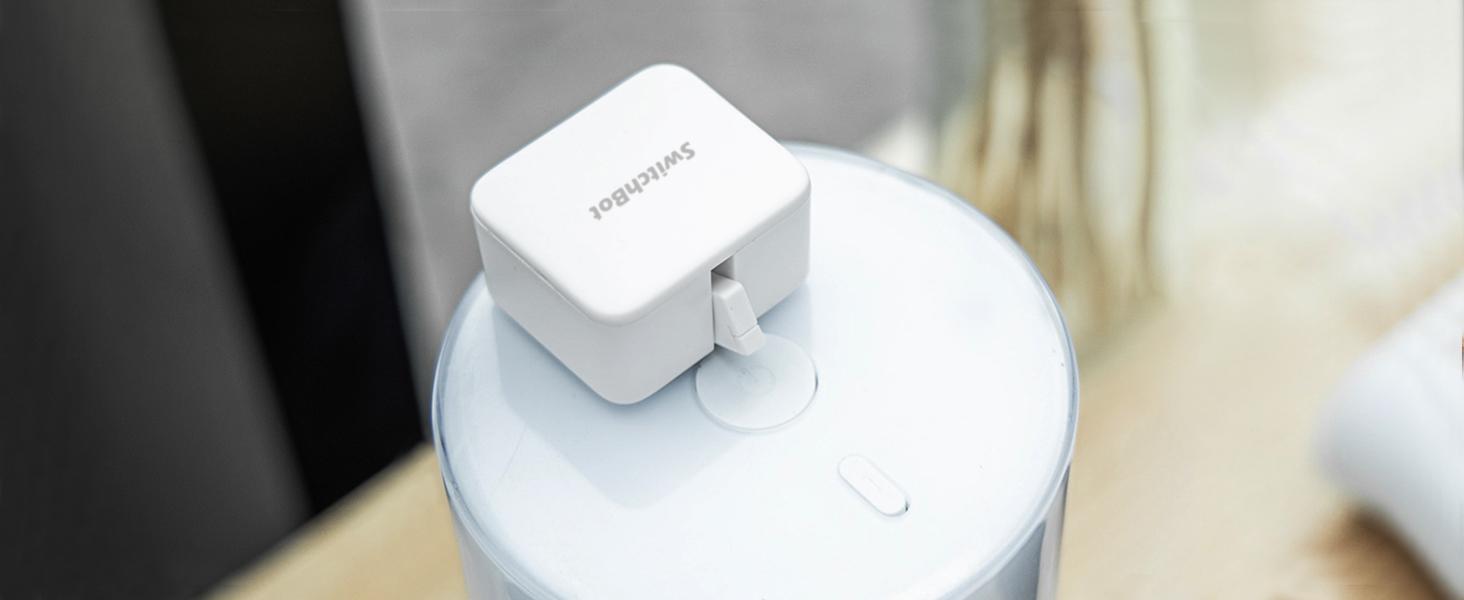
Automate a humidifier for a comfortable home routine.
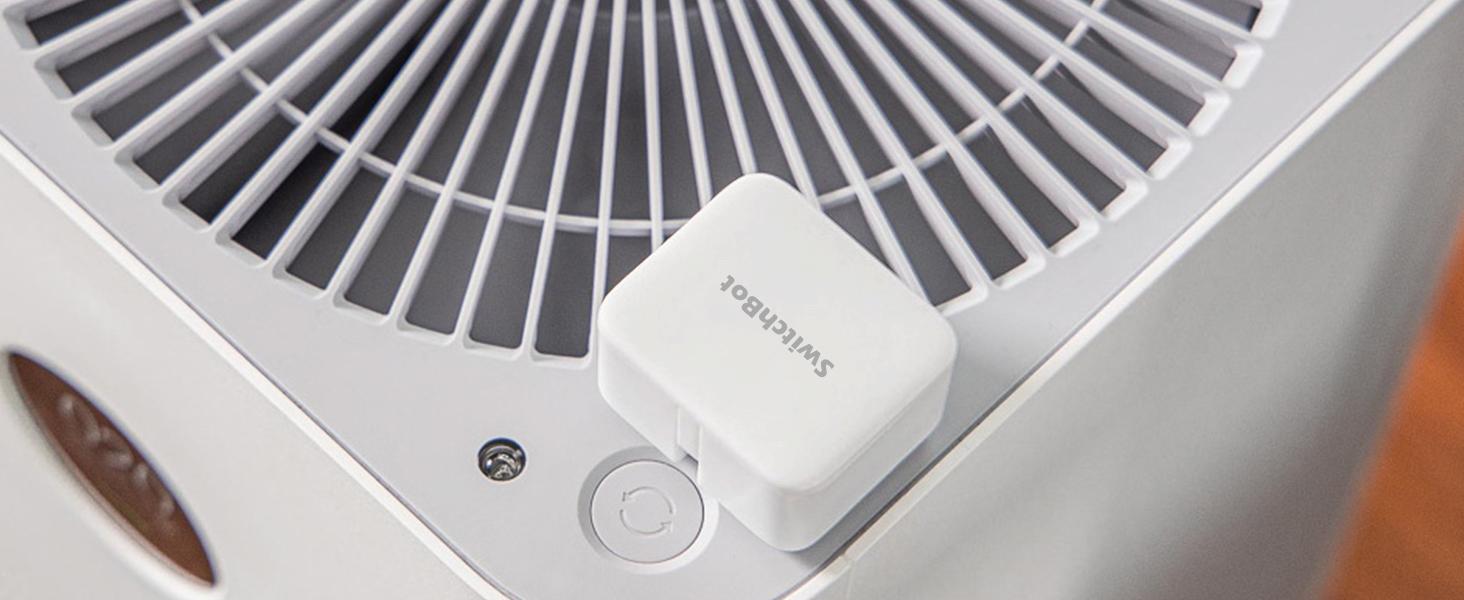
Schedule your fan to turn on or off automatically.
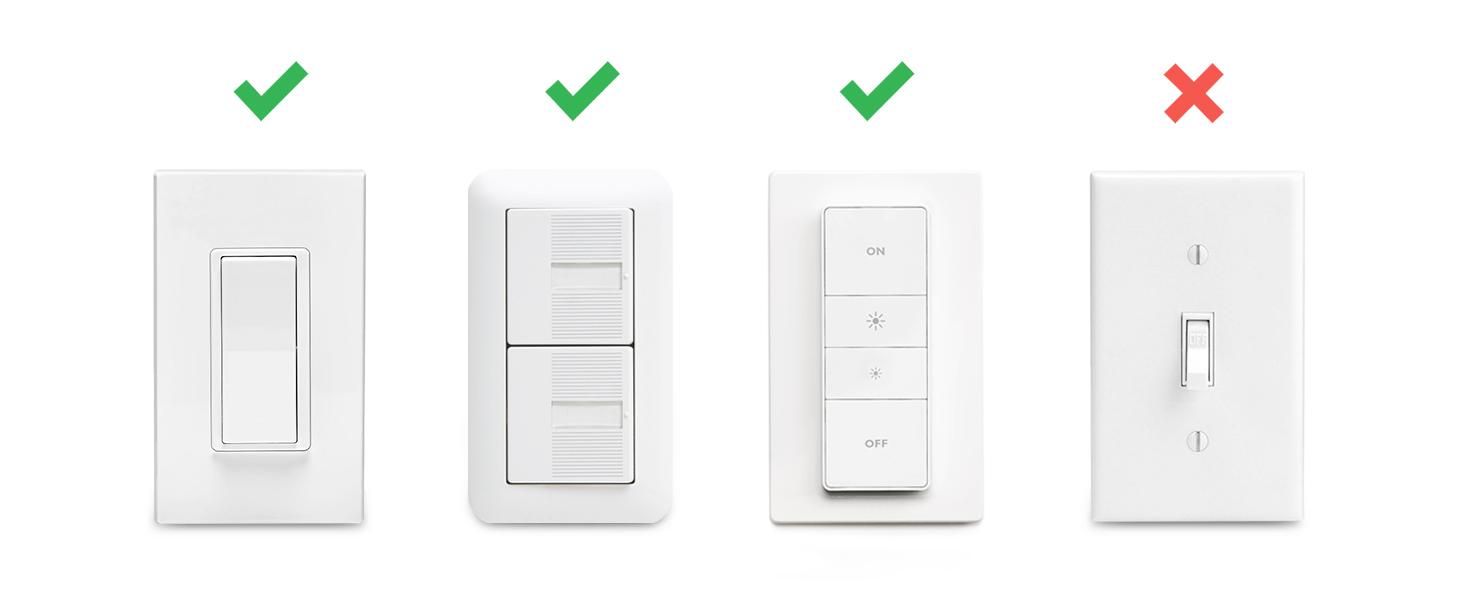
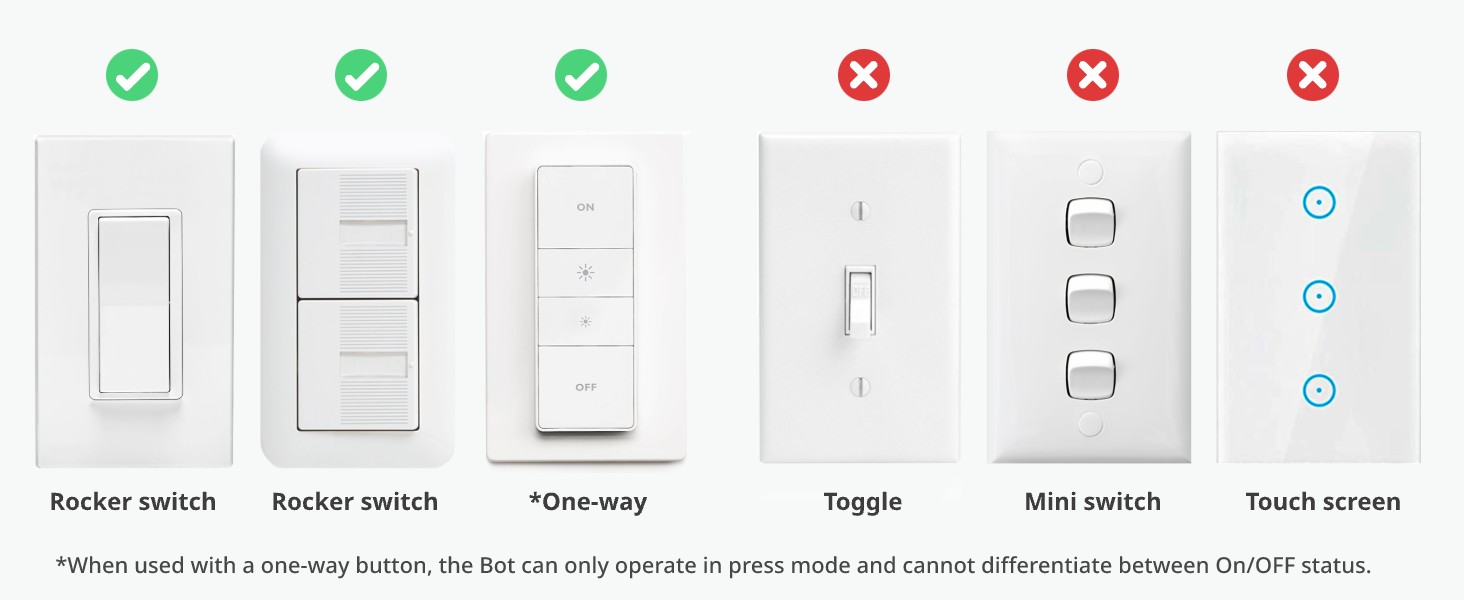
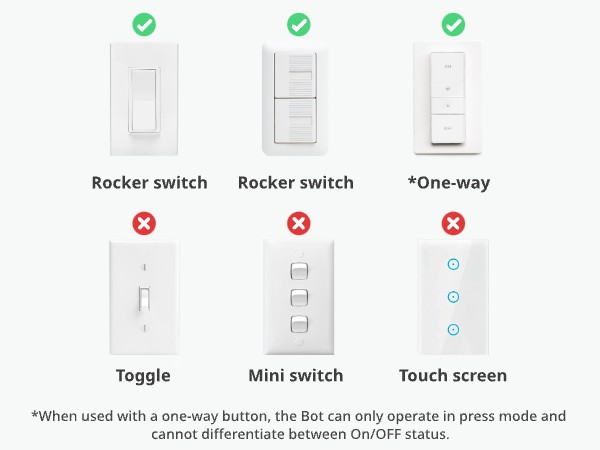
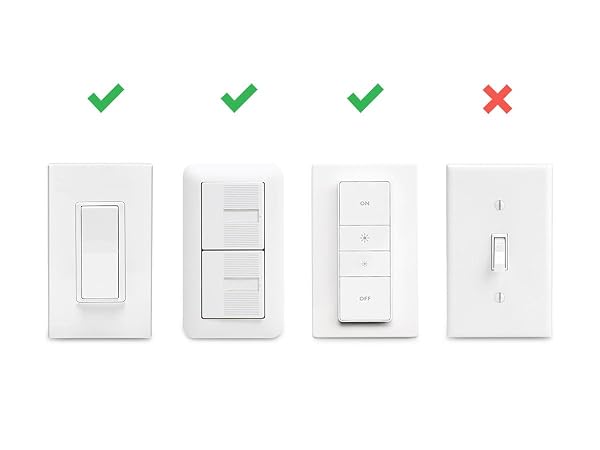
SwitchBot is compatible with most rocker buttons and one-way switches, but not toggle switches and touch screen buttons. Not support overly hard or aged buttons.
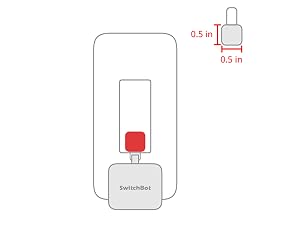
Sticker space requires more than 0.4 inches. Wait 24 hours after installation for best adhesion.
For a rocker switch, apply the add-on to a clean, flat surface with enough room.
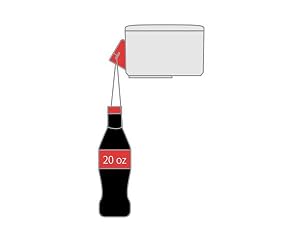
The Bot pushes with enough force for most switches while remaining gentle on devices.
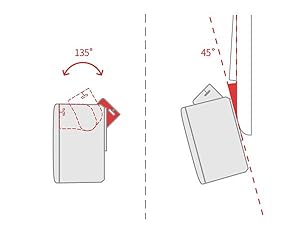
The maximum swing angle is 135°. Install where the arm can reach the switch or button.
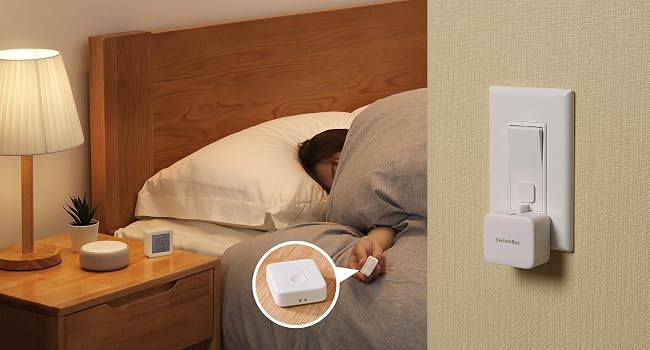
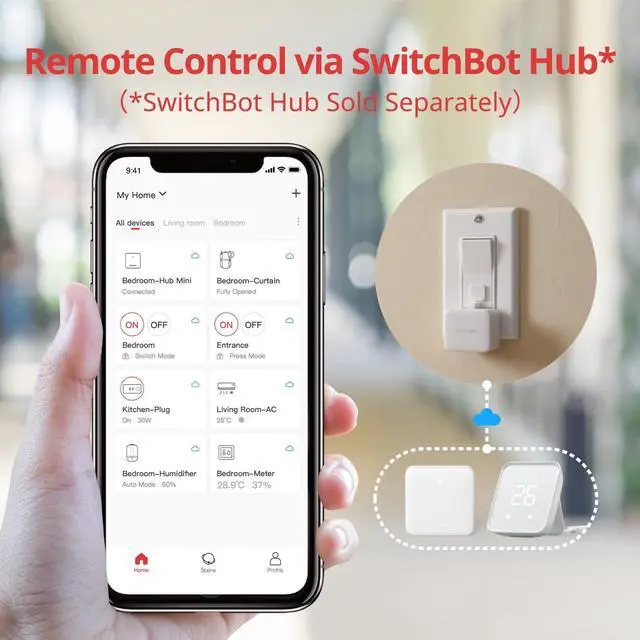
Add SwitchBot Hub Mini or Hub 2 (sold separately) to control Bot remotely from anywhere.
Press SwitchBot Remote (sold separately) to control lights without opening your phone.
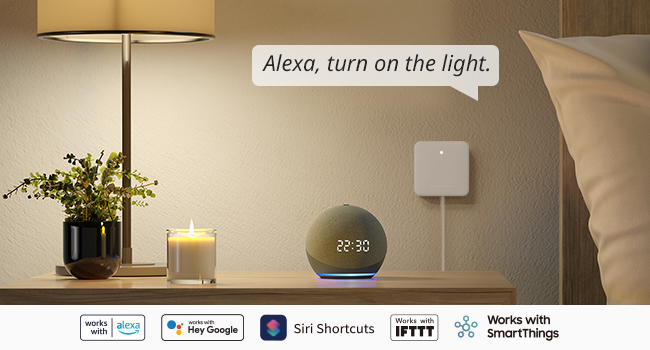
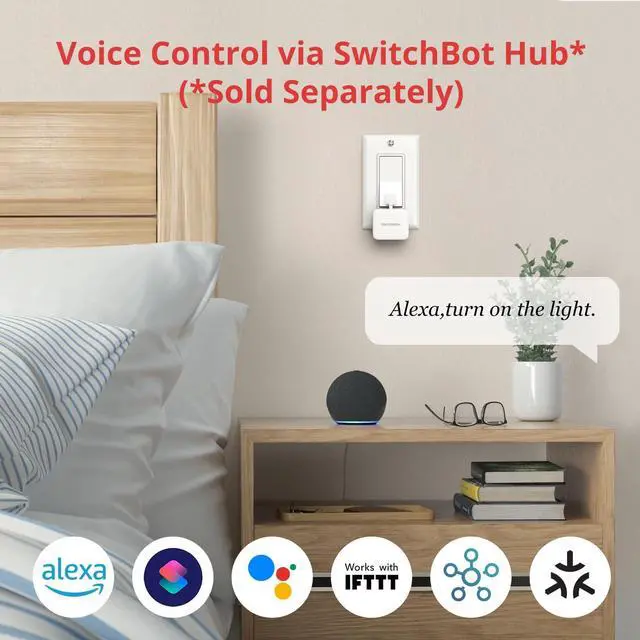
Just say the words. With a SwitchBot Hub(sold separately), the Bots can be voice-controlled by Alexa, Google Assistant, Siri, and SmartThings. Enjoy the hands-free experience by saying "Alexa, turn off the light", "Hey Google, a cup of coffee please", or "Hey Siri, open the garage door".
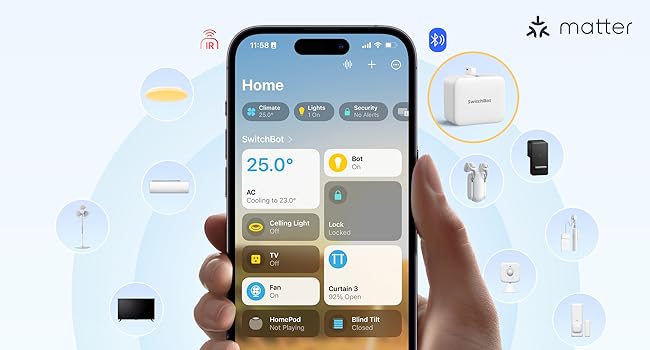
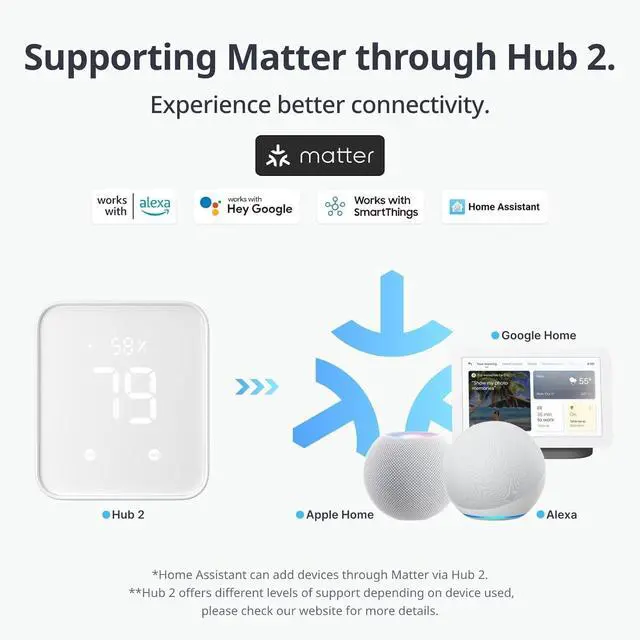
SwitchBot Bot is supported via Matter when using SwitchBot Hub2 (sold separately), which in turn helps make your device supported via HomeKit. Now add SwitchBot Bot to Apple Home for an even better smart home experience.
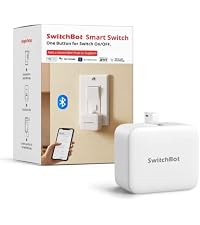 Bot White | 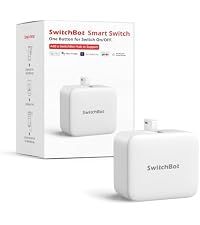 Rechargeable Bot | 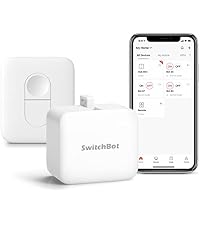 Bot + Remote | 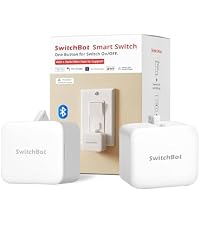 Bot 2-Pack | 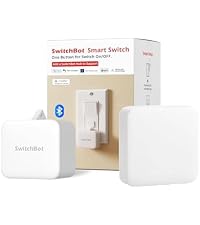 Bot + Hub Mini Matter | 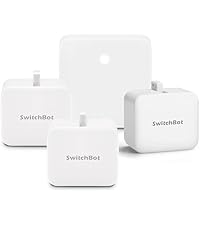 Hub Mini + 3 Bots | |
|---|---|---|---|---|---|---|
Customer Reviews | — | — | — | — | — | — |
Price | — | — | — | — | — | — |
Bots included | 1 | 1 | 1 | 2 | 1 | 3 |
Power | CR2 battery | CR2 battery | CR2 battery | CR2 battery | CR2 battery | CR2 battery |
Bluetooth app & schedules | Yes | Yes | Yes | Yes | Yes | Yes |
Remote included | No | No | Included | No | No | No |
Hub included | No | No | No | No | Yes | Yes |
Voice & remote access | No | No | No | No | Yes | Yes |
Matter / Apple Home | No | No | No | No | Yes | Yes |
Best for | One switch | Rechargeable setup | One-button remote | Two switches | Smart-home starter | Multi-room starter |
Install in 3 seconds. Note: Built-in CR2 battery. Before first use, remove the plastic battery isolation tab.
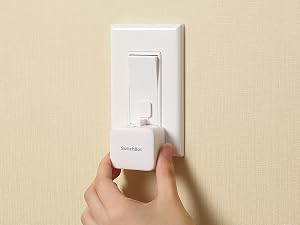
Just tape it next to a button or switch with no tools required.
Turn the switch or button ON/OFF in the app.
Push with the built-in arm and pull with the add-on. Use a regular-brand 3V CR2 battery.
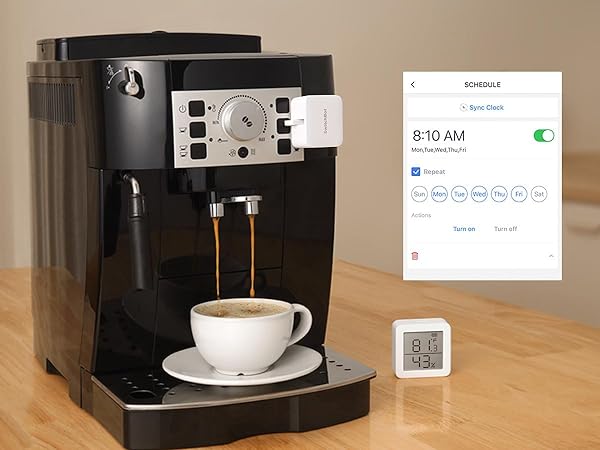
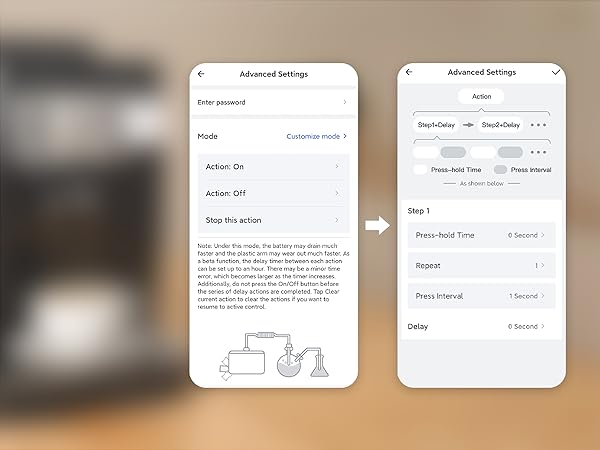
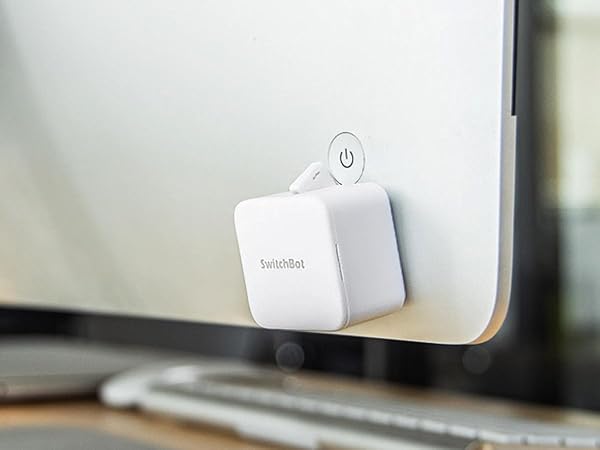
Place it on a coffee machine or light switch and set a schedule to automatically turn it on or off.
Set SwitchBot Bot to press the same button repeatedly for routines and continuous operation.
Upgrade button-operated appliances without replacing them.
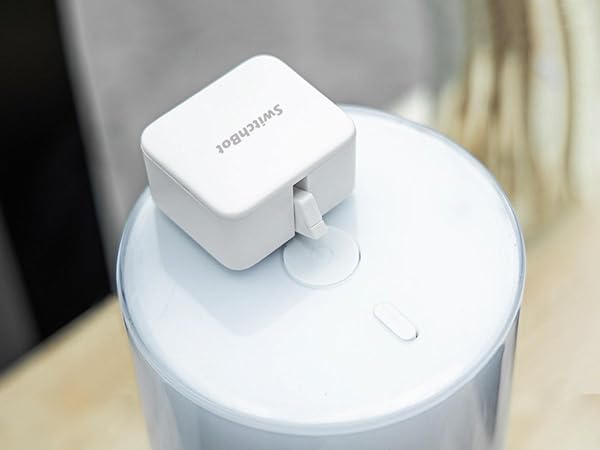
Automate a humidifier for a comfortable home routine.
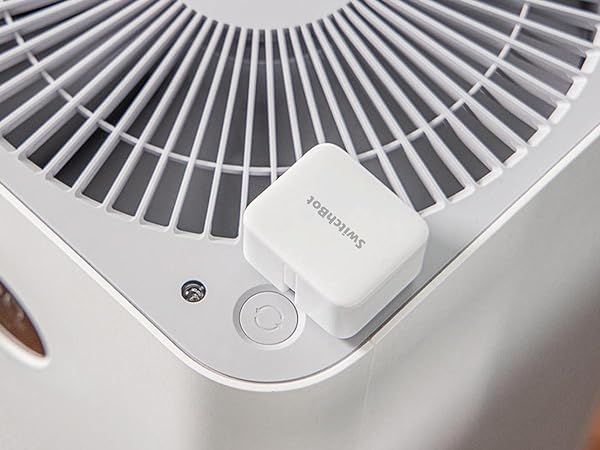
Schedule your fan to turn on or off automatically.
SwitchBot is compatible with most rocker buttons and one-way switches, but not toggle switches and touch screen buttons. Not support overly hard or aged buttons.
Sticker space requires more than 0.4 inches. Wait 24 hours after installation for best adhesion.
For a rocker switch, apply the add-on to a clean, flat surface with enough room.
The Bot pushes with enough force for most switches while remaining gentle on devices.
The maximum swing angle is 135°. Install where the arm can reach the switch or button.
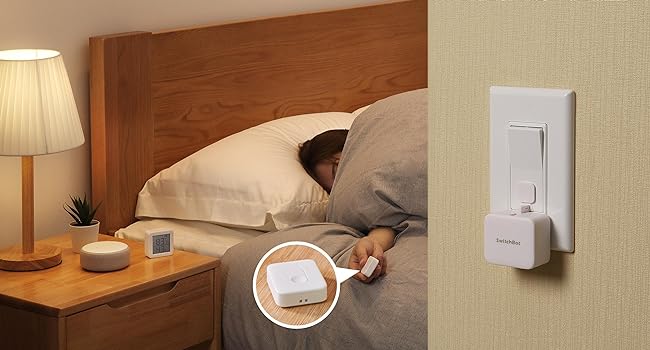
Add SwitchBot Hub Mini or Hub 2 (sold separately) to control Bot remotely from anywhere.
Press SwitchBot Remote (sold separately) to control lights without opening your phone.
Just say the words. With a SwitchBot Hub(sold separately), the Bots can be voice-controlled by Alexa, Google Assistant, Siri, and SmartThings. Enjoy the hands-free experience by saying "Alexa, turn off the light", "Hey Google, a cup of coffee please", or "Hey Siri, open the garage door".
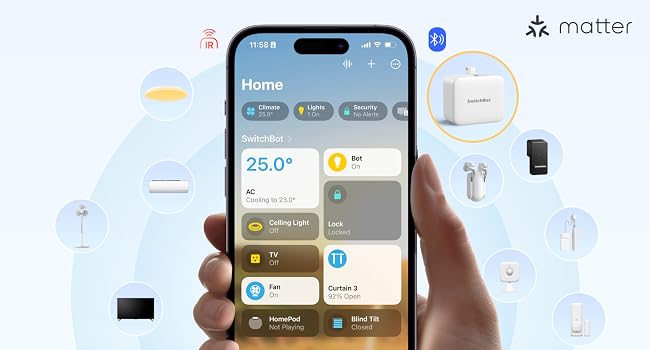
SwitchBot Bot is supported via Matter when using SwitchBot Hub2 (sold separately), which in turn helps make your device supported via HomeKit. Now add SwitchBot Bot to Apple Home for an even better smart home experience.
Bot White | Rechargeable Bot | Bot + Remote | Bot 2-Pack | Bot + Hub Mini Matter | Hub Mini + 3 Bots |
|---|---|---|---|---|---|
| Customer Reviews | |||||
| — | — | — | — | — | — |
| Price | |||||
| — | — | — | — | — | — |
| Bots included | |||||
| 1 | 1 | 1 | 2 | 1 | 3 |
| Power | |||||
| CR2 battery | CR2 battery | CR2 battery | CR2 battery | CR2 battery | CR2 battery |
| Bluetooth app & schedules | |||||
| Yes | Yes | Yes | Yes | Yes | Yes |
| Remote included | |||||
| No | No | Included | No | No | No |
| Hub included | |||||
| No | No | No | No | Yes | Yes |
| Voice & remote access | |||||
| No | No | No | No | Yes | Yes |
| Matter / Apple Home | |||||
| No | No | No | No | Yes | Yes |
| Best for | |||||
| One switch | Rechargeable setup | One-button remote | Two switches | Smart-home starter | Multi-room starter |
| Operation Mode | ON-OFF-ON |
| Current Rating | 50 milliamps |
| Operating Voltage | 3 volts |
| Contact Type | Physical |
| Connector Type | Crimp |
| Brand | SwitchBot |
| Switch Type | Rocker |
| Terminal | Screw |
| Material | Acrylonitrile Butadiene Styrene |
| Item dimensions L x W x H | 1.67 x 1.44 x 0.94 inches |
| Circuit Type | 1-way |
| Mounting Type | Surface Mount |
| Actuator Type | Push Button |
| Number of Positions | 2 |
| Upper Temperature Rating | 55 °C |
| Controller Type | Push Button |
| Control Method | Voice |
| Connectivity Protocol | Bluetooth |
| Wattage | 400 watts |
| Control Type | Full |
| Compatible Devices | Air Conditioner |
| Color | Pearl white |
| Item Dimensions | 1.67 x 1.44 x 0.94 inches |
| Unit Count | 1 Count |
| Number of Items | 1 |
| Material Type | Acrylonitrile Butadiene Styrene |
| Contact Material | Copper, Brass |
| International Protection Rating | Non-waterproof |
| Brand Name | SwitchBot |
| Model | Switchbot S1 |
| Global Trade Identification Number | 00860038001703 |
| Manufacturer | Wonderlabs |
| Warranty Description | 1 Year |
| UPC | 860038001703 |
| Included Components | Electrical Controls; electronic-component-pushbutton-switches |
| Item Weight | 39 g |
| Part Number | SWITCHBOT-S1 |


