Your Browsing History
- Free 30-day Returns
$29.28
Ships from Hong Kong.
Meet Your Seller
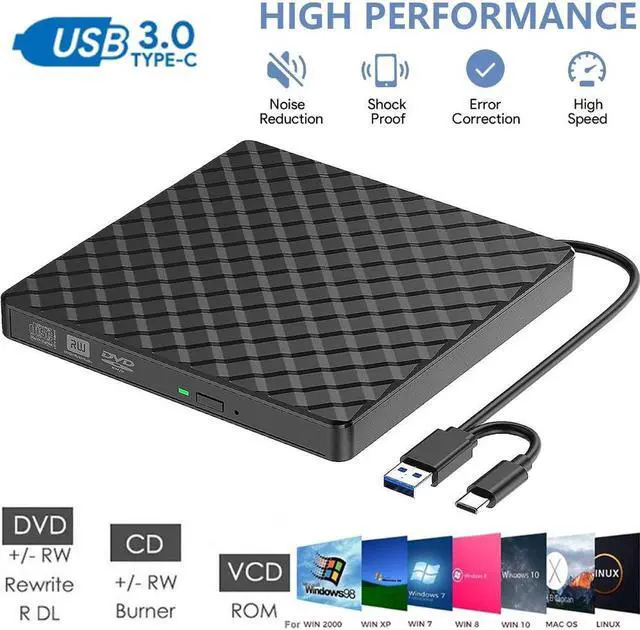
External CD DVD Drive, Type C USB 3.0 External CD/DVD +/-RW Drive/Portable CD DVD Burner, External CD ROM Reader Writer Optical Drive DVD Player for Laptop PC Windows Desktop Linux Mac OS
Limited time offer, ends 07/29 By E-tech
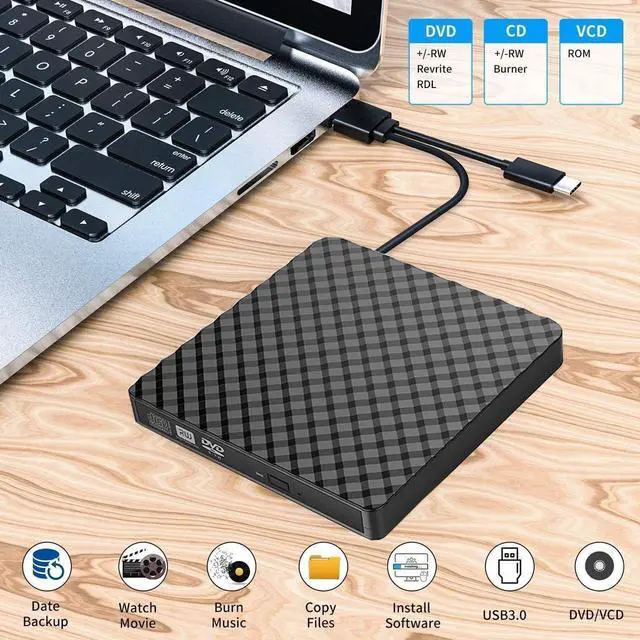
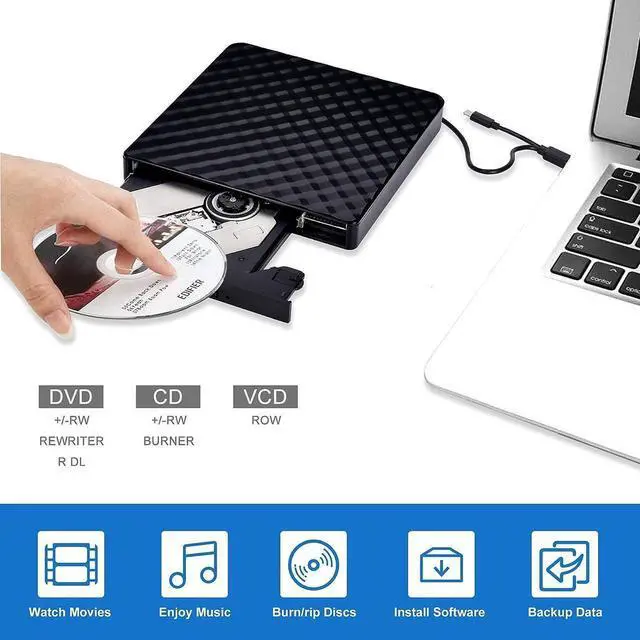
- [High Writing and Reading Speed] Max 8x DVD Write Speed and Max 24x CD Write Speed provide high writing and reading speed. External CD Drive supports playing music, movies or copying/burning movies and music to DVD or CD.
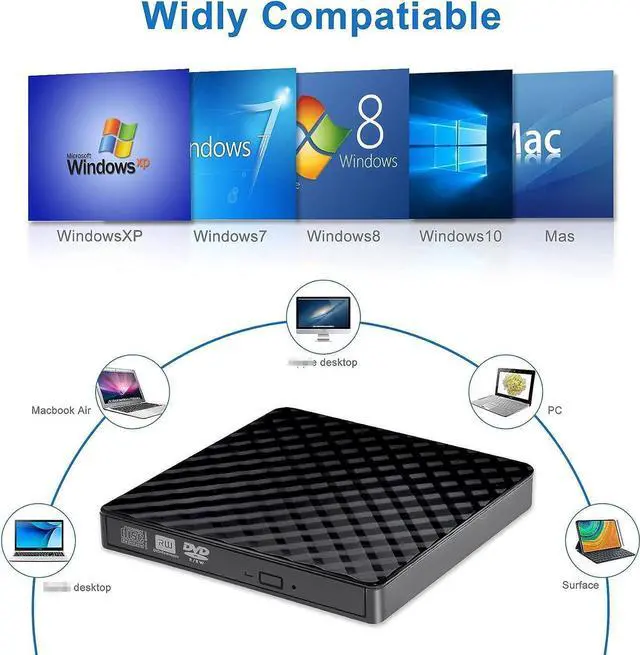
- [Great Compatibility] External DVD Drive ideals for various devices,Windows 11/10/8.1/7/XP/2003/Vista, Linux, all version Mac OS (8.6 to 10.14) system Laptop, Notebook, PC, Desktop Computer.
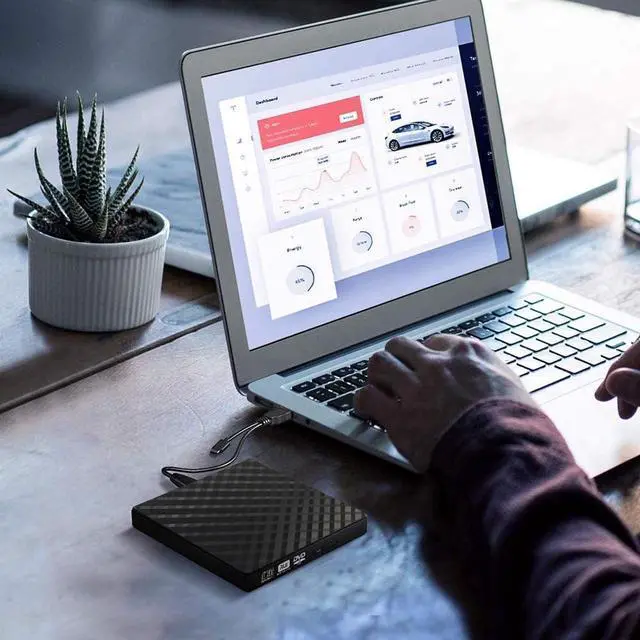
- [PLUG & PLAY] Easy to use.usb dvd drive external is powered by USB port. No external driver and power needed. Just plug it into your USB port and the DVD driver will be detected.
- [USB 3.0 & Type C] with USB 3.0 and Type-C dual interface. Backwards compatible with USB2.0 USB1.0, bringing you faster data transmission speed (up to a maximum of 5Gbps) and stable performance with strong fault tolerance.
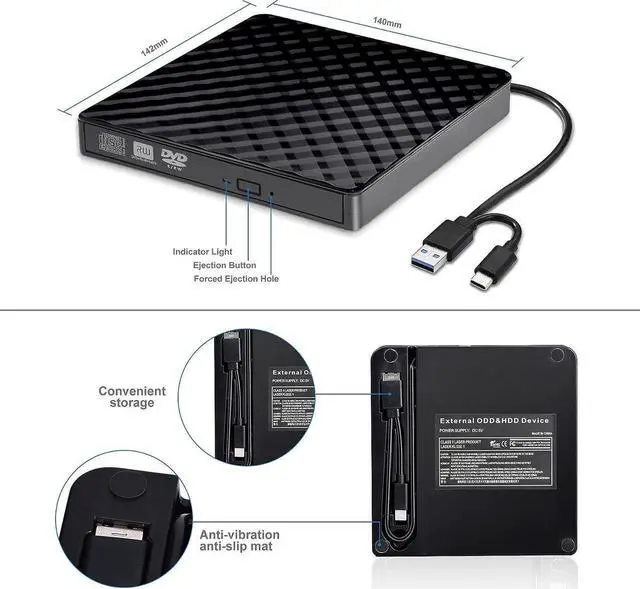
- [Trendy Design] with embedded cable design, worry- off cable missing any when and where.You can put this cd/dvd burner in your travel bag or on your desk.
+
+
Overview
Specs
Reviews
Any questions? Our AI beta will help you find out quickly.
Try me now
External CD DVD Drive
Reading Speed:
CD-ROM: 24x Max;
DVD-ROM: 8x Max; DVD-ROM (DL): 6x Max
Write speed: 24x CD-R, 8x CD-RW, DVD ±
R: 8X Max; DVD ±
R DL: 4X Max; DVD-R ± 9: 2. 4x Max
Rewrite Speed: DVD +
RW: 4X Max;
DVD-RW: 4x Max;
CD-RW: 10X Max; DVD-RAM: 3x Max
Product dimensions: 14 * 14.2 * 1.8 cm
High Writing and Reading Speed
Max 8x DVD Write Speed and Max 24x CD Write Speed provide high writing and reading speed.
supports to read CD, VCD, SVCD, CD-R/RW, DVD-R/RW and burn CD+/-RW, DVD+/-RW, etc.
Plug & Play
USB C and USB 3.0 dual ports have access to smarter devices. Plug and play, no additional drive required, easy to use.
Portable Compact Design
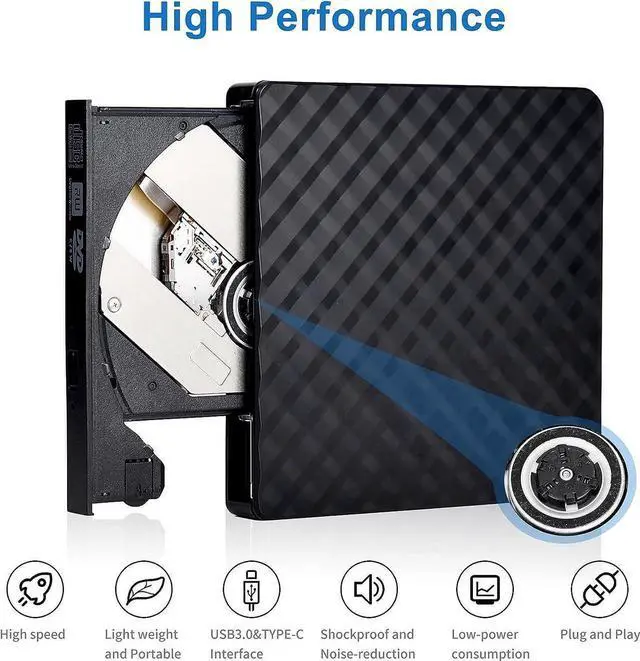
The external CD/DVD drive is slim, light, fault-tolerant, shockproof, embedded in a USB cable, and easily slips into your travel bag. It is the perfect companion for DVD lovers and can be used anywhere.
Things should be noted about this usb cd rom external drive
1. Once you plug this external dvd player for laptop into your computer, it will bring up your downloaded Media Player, select it, and from that point forward whatever disc you put in will automatically open through it.
2. Remember to set the DVD Region to United States on the player -Windows: This PC- dvd drive- Properties -Hardware Tab- Properties button -Choose Region (US is 1) -Apply.
Mac: Menu-System Preference-Language & Region - Region - Select Country -Apply Remember you can only reset the country 5 times.
3. Please directly connect it to the USB port of the computer. Connection through a USB hub or USB extension cord may affect the device's functioning. For desktops, please connect it to the back USB port of the motherboard because of potential power issue.
4. Mac OS computers do not display the device icon before placing a disc into disc tray & drive reads successfully the disc.
Playing and burning software
Computers does not natively support read or play the disc, so a third-party application, such as VLC, must be downloaded and installed in order to watch DVDs using this cd/dvd player. You could download any one of a plethora of burning software utilities available on the Internet.
Or try the following:
No fee playing software: Any Media Player, Any DVD
No fee burning software for Windows OS: InfraRecorder, Ones, Express Disc Burner
No fee burning software for mac OS: Burn for mac
No fee burning software for Linux OS/Unix OS: K3b (KDE Burn Baby Burn)

Specifications
:Reading Speed:
CD-ROM: 24x Max;
DVD-ROM: 8x Max; DVD-ROM (DL): 6x Max
Write speed: 24x CD-R, 8x CD-RW, DVD ±
R: 8X Max; DVD ±
R DL: 4X Max; DVD-R ± 9: 2. 4x Max
Rewrite Speed: DVD +
RW: 4X Max;
DVD-RW: 4x Max;
CD-RW: 10X Max; DVD-RAM: 3x Max
Product dimensions: 14 * 14.2 * 1.8 cm
High Writing and Reading Speed
Max 8x DVD Write Speed and Max 24x CD Write Speed provide high writing and reading speed.
supports to read CD, VCD, SVCD, CD-R/RW, DVD-R/RW and burn CD+/-RW, DVD+/-RW, etc.
Plug & Play
USB C and USB 3.0 dual ports have access to smarter devices. Plug and play, no additional drive required, easy to use.
Portable Compact Design
The external CD/DVD drive is slim, light, fault-tolerant, shockproof, embedded in a USB cable, and easily slips into your travel bag. It is the perfect companion for DVD lovers and can be used anywhere.
Things should be noted about this usb cd rom external drive
1. Once you plug this external dvd player for laptop into your computer, it will bring up your downloaded Media Player, select it, and from that point forward whatever disc you put in will automatically open through it.
2. Remember to set the DVD Region to United States on the player -Windows: This PC- dvd drive- Properties -Hardware Tab- Properties button -Choose Region (US is 1) -Apply.
Mac: Menu-System Preference-Language & Region - Region - Select Country -Apply Remember you can only reset the country 5 times.
3. Please directly connect it to the USB port of the computer. Connection through a USB hub or USB extension cord may affect the device's functioning. For desktops, please connect it to the back USB port of the motherboard because of potential power issue.
4. Mac OS computers do not display the device icon before placing a disc into disc tray & drive reads successfully the disc.
Playing and burning software
Computers does not natively support read or play the disc, so a third-party application, such as VLC, must be downloaded and installed in order to watch DVDs using this cd/dvd player. You could download any one of a plethora of burning software utilities available on the Internet.
Or try the following:
No fee playing software: Any Media Player, Any DVD
No fee burning software for Windows OS: InfraRecorder, Ones, Express Disc Burner
No fee burning software for mac OS: Burn for mac
No fee burning software for Linux OS/Unix OS: K3b (KDE Burn Baby Burn)
Warranty & Returns
Warranty, Returns, And Additional Information
Warranty
- Please contact the Seller directly for warranty information. Warranty information may also be found on the Manufacturer's website.
- CONTACT
Return Policies
- Return for refund within: 30 days
- Return for replacement within: non-replaceable
- This item is covered by E-tech Return Policy
Manufacturer Contact Info
- For a directory of all our manufacturers, please click below.
- Manufacturers Directory
LOADING...