






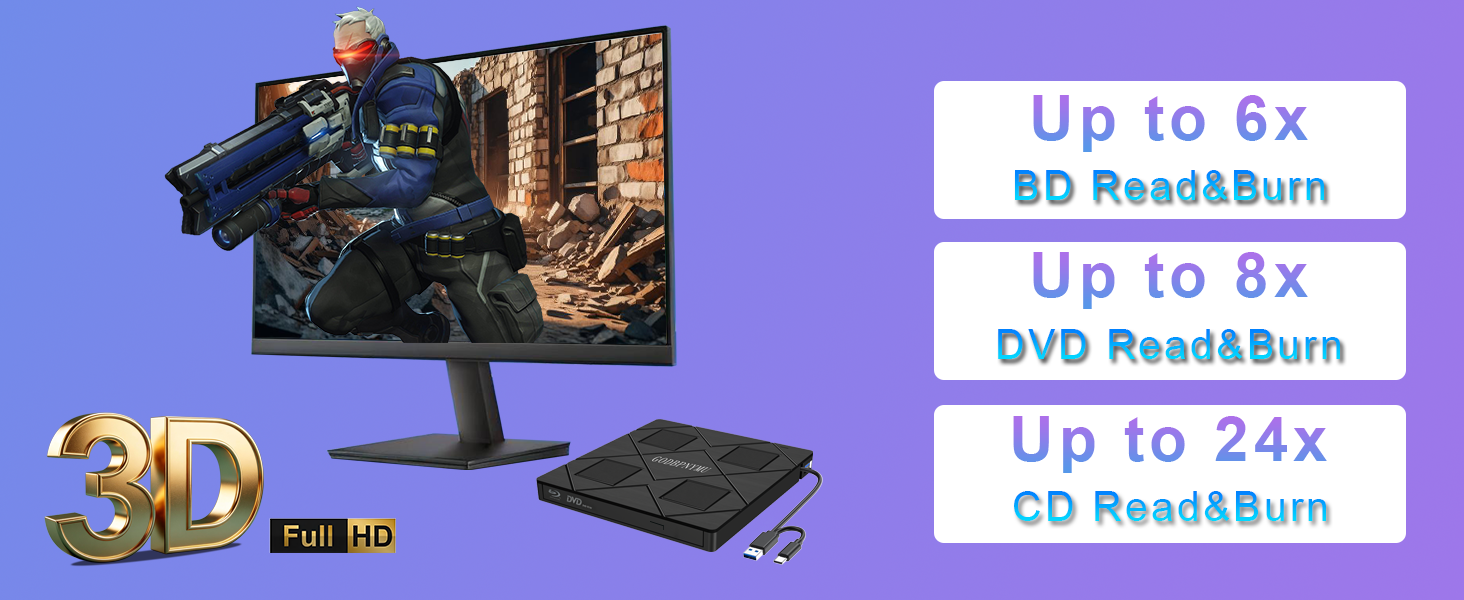
Can this drive play 3D Blu-ray movies?
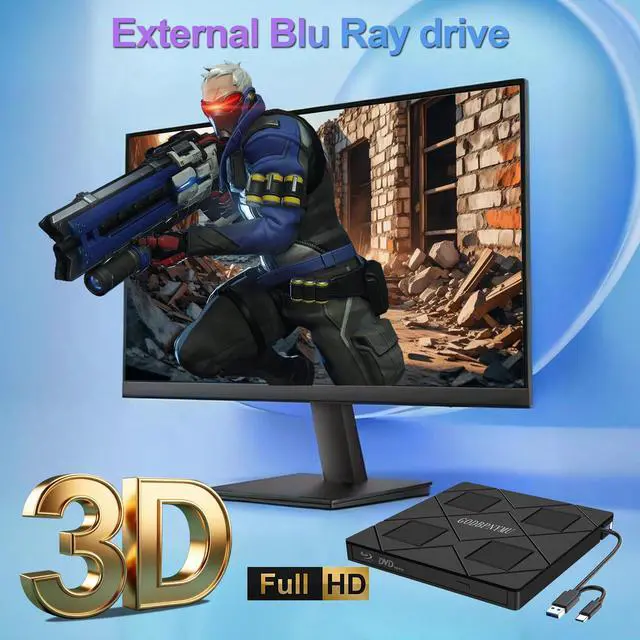
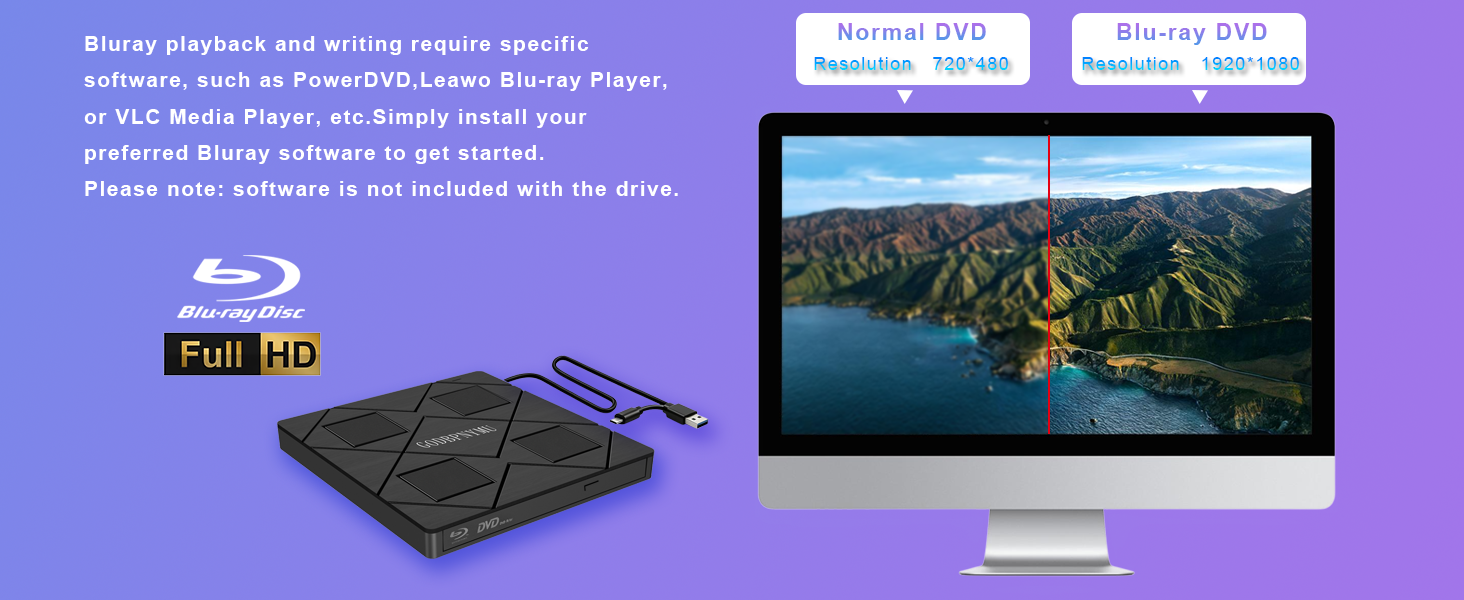
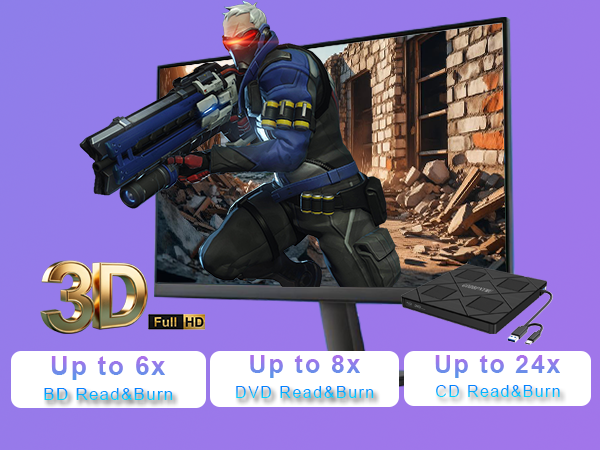
Yes, it supports 3D Blu-ray playback. However, you need third-party software like PowerDVD, Leawo, or AnyDVD to enable this feature. Your display must also support 3D output. Note: 4K Blu-ray is not supported.
Can I write data to SD/TF cards with this drive?
Yes, it supports writing to SD and TF cards via the built-in card slot. You can transfer photos, videos, or documents from your computer to memory cards. However, TF and SD cards cannot be read simultaneously.
Is it compatible with Mac and Windows?
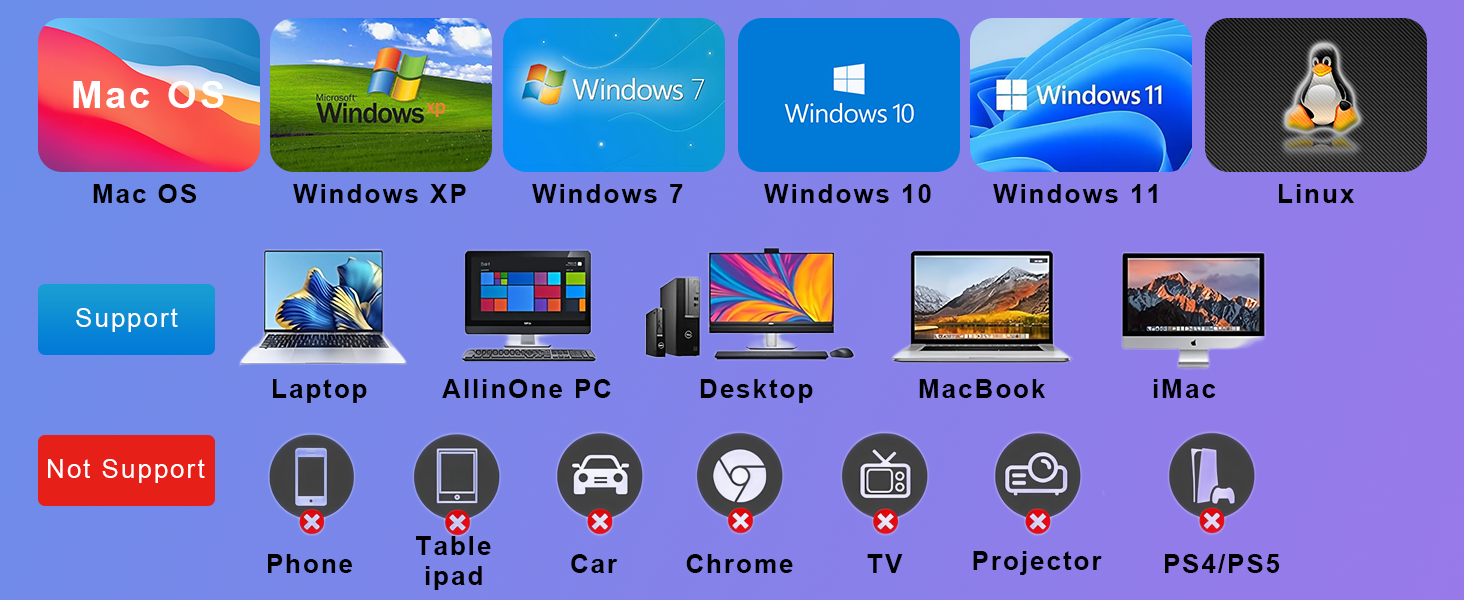
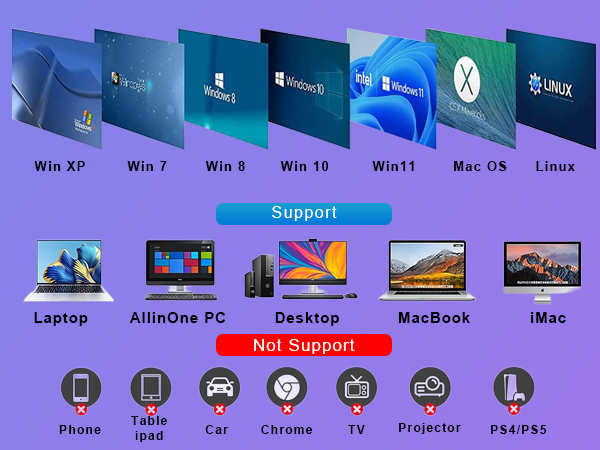
Yes, supports Windows 11/10/8.1/7/XP/ME/2000 and macOS 10.6+. Works with laptops, desktops, mini PCs, MacBook Pro/Air. Not compatible with TVs, tablets, phones, or car devices.
Can this drive be used for system recovery or booting?
Yes, it supports DOS boot and system recovery. You can boot from a system disc to reinstall Windows, run recovery tools, or diagnose your PC. Works with both Windows and Mac systems for emergency startup.
What's included in the package?
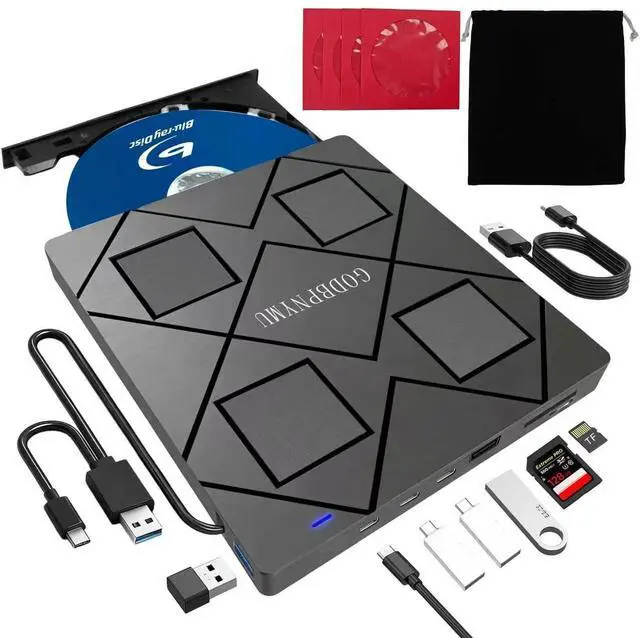
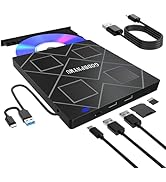
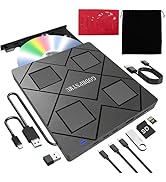
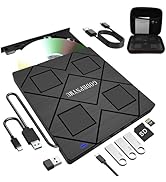
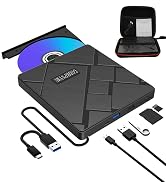
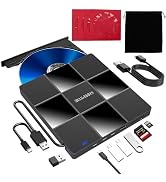
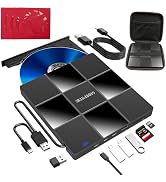
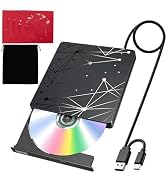
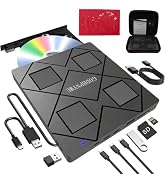
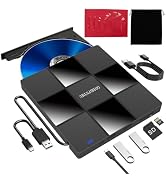
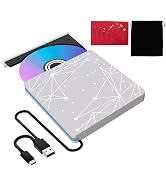
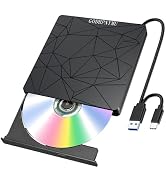
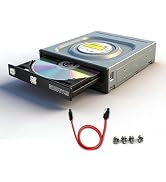
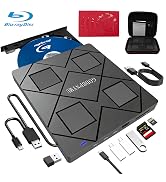
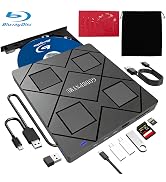
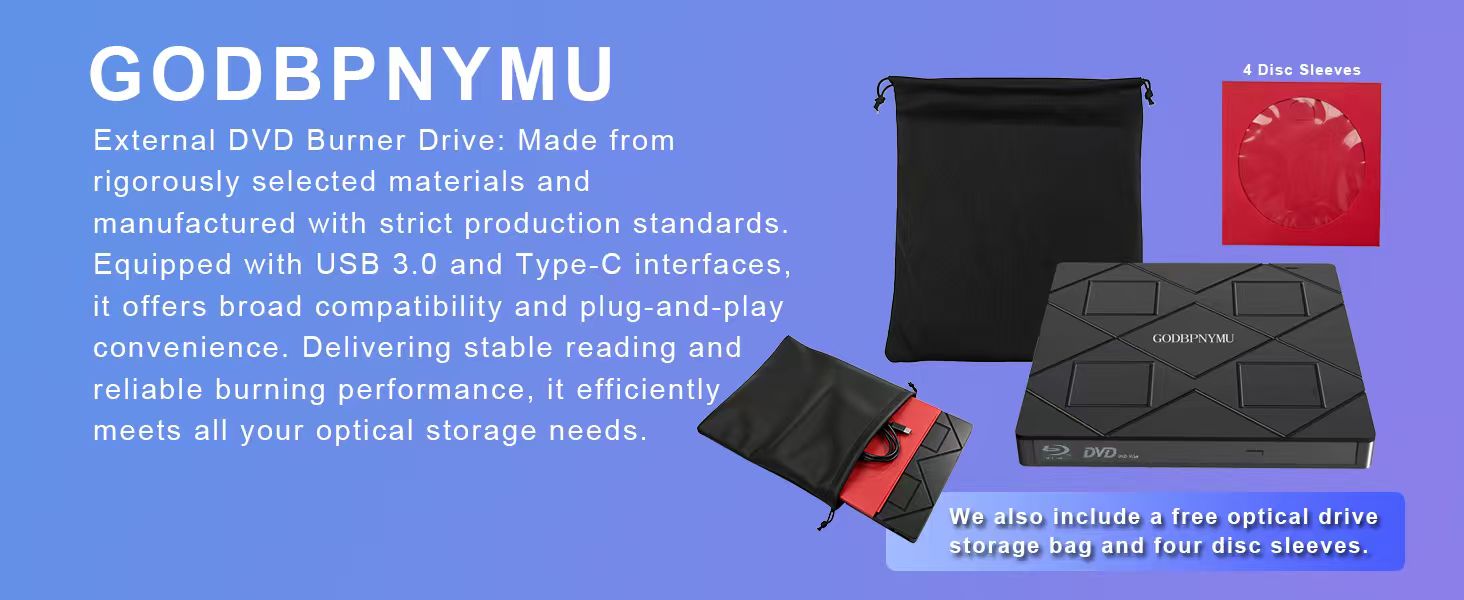
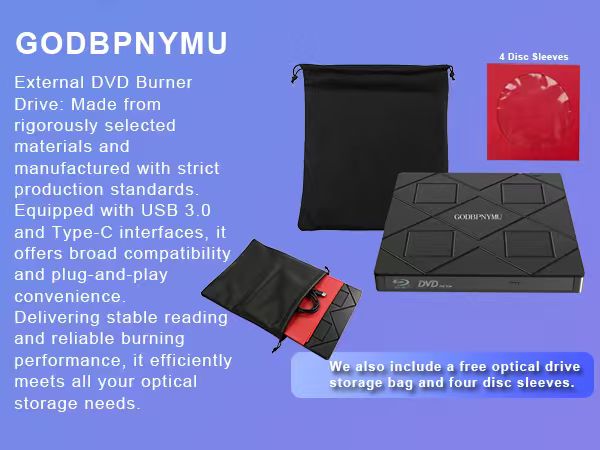
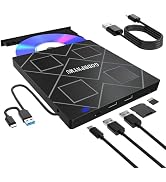
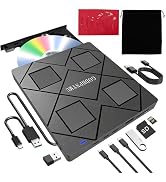
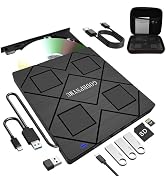
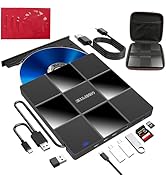
8-in-1 Blu-ray drive, carrying pouch, 4 disc sleeves, USB-A to DC 5V power cable, user manual. Contact seller via order for troubleshooting help if drive is not recognized or has disc errors.
External Blu-ray Drive User Guide
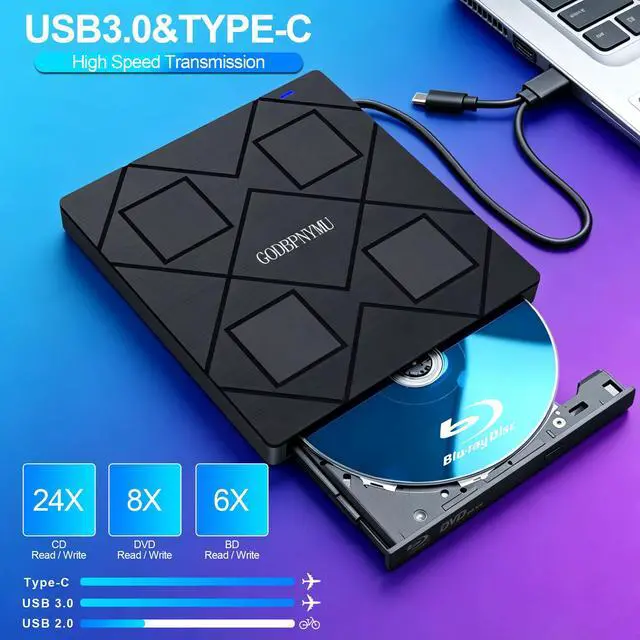
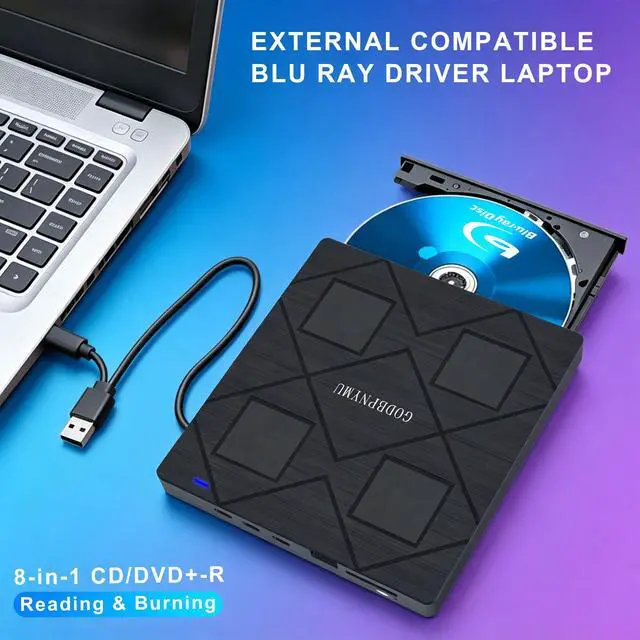
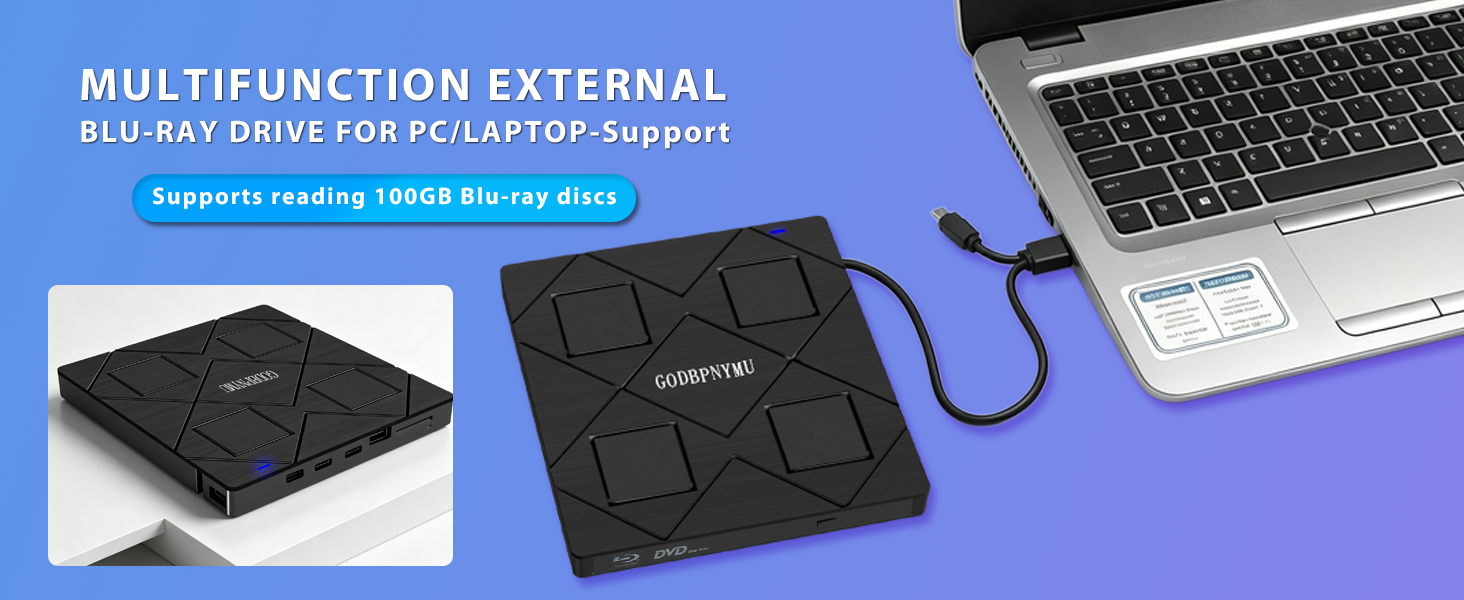
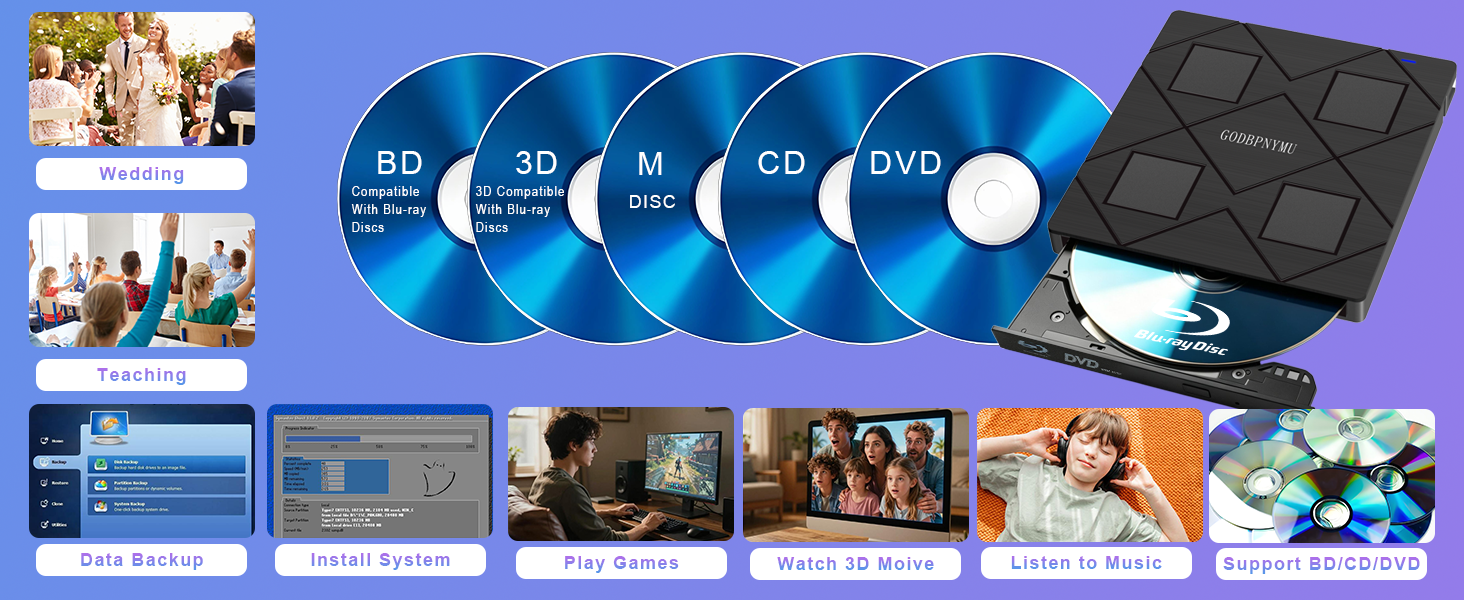
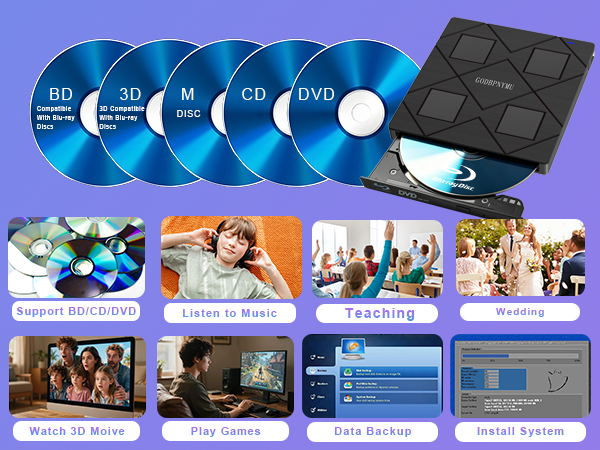
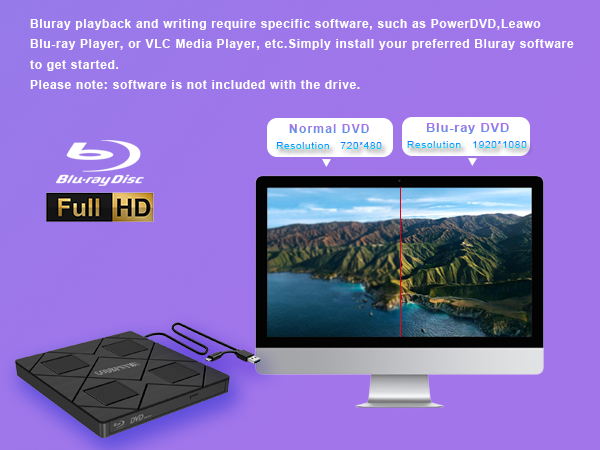
This drive supports reading and burning Blu-ray, DVD, and CD discs. Playback Function: Experience 1080p HD Blu-ray quality with Blu-ray 3D playback support (requires third-party software like PowerDVD or Leawo). Replay home videos, classic movies, music albums, game discs, and important documents stored on DVDs and CDs.
Burning Function: Burn music, photos, videos, and data onto BD, DVD, or CD discs for long-term preservation and multi-device sharing.
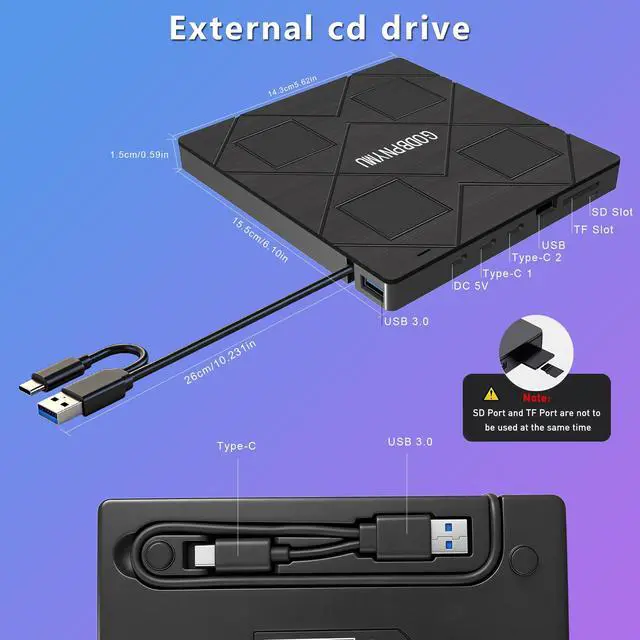
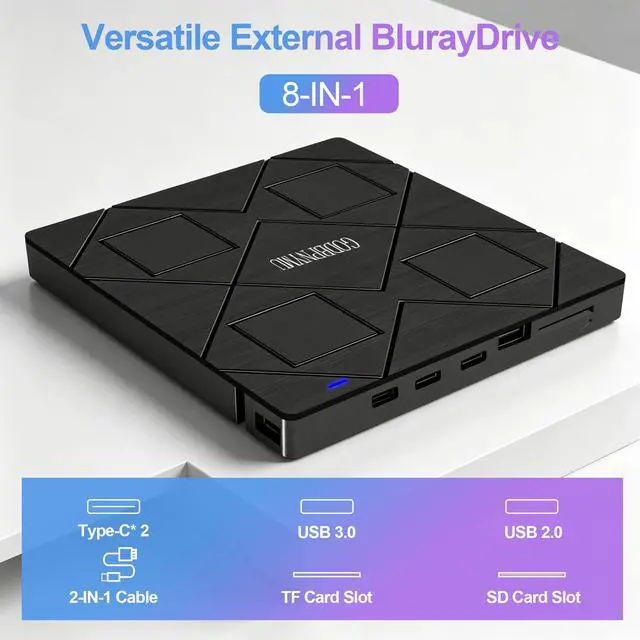
USB Hub Function: Built-in 4-port USB hub (2 USB-C, 1 USB 3.0, 1 USB 2.0) plus TF/SD card slot. Connect mouse, keyboard, USB drive, and other peripherals while using the drive, or transfer photos/videos directly from camera or phone memory cards.
Software Preparation: Most operating systems do not include Blu-ray/DVD playback components. Install playback software in advance (recommended: PowerDVD, Leawo, or VLC). For burning, optional software includes BurnAware, Nero, or CDBurnerXP.
Region Code Notice: First-time playback of commercial Blu-ray/DVD discs requires region code setup. Region code changes are limited (typically =5 times). Choose carefully. Self-burned discs usually do not require region code settings. Power Supply Note: Includes a USB-A to DC 5V power cable. If power is insufficient, connect to a computer USB port or 5V/2A power adapter (power cable does not support data transfer).
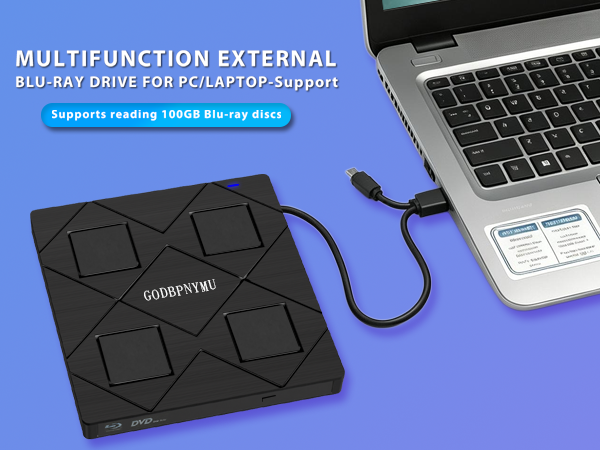
Compatibility: Supports Windows 11/10/8.1/7/XP/ME/2000 and macOS 10.6 and above. Works with laptops, desktops, mini PCs, MacBooks, and other mainstream devices.
!!!Notice: Not compatible with TVs, tablets, phones, or in-vehicle devices.
Operation Flow: Install software ? Connect drive via USB-A or USB-C ? Insert disc ? Launch software to play or burn.
Package Contents: External Blu-ray drive ×1, power cable ×1, carrying case ×1, CD/DVD protective sleeves ×4, user manual ×1.
Best For: Watching Blu-ray/DVD movies, burning data backups, expanding USB ports, portable disc solution for travel, archiving photos, videos, and documents.
Can this drive play 3D Blu-ray movies?
Yes, it supports 3D Blu-ray playback. However, you need third-party software like PowerDVD, Leawo, or AnyDVD to enable this feature. Your display must also support 3D output. Note: 4K Blu-ray is not supported.
Can I write data to SD/TF cards with this drive?
Yes, it supports writing to SD and TF cards via the built-in card slot. You can transfer photos, videos, or documents from your computer to memory cards. However, TF and SD cards cannot be read simultaneously.
Is it compatible with Mac and Windows?
Yes, supports Windows 11/10/8.1/7/XP/ME/2000 and macOS 10.6+. Works with laptops, desktops, mini PCs, MacBook Pro/Air. Not compatible with TVs, tablets, phones, or car devices.
Can this drive be used for system recovery or booting?
Yes, it supports DOS boot and system recovery. You can boot from a system disc to reinstall Windows, run recovery tools, or diagnose your PC. Works with both Windows and Mac systems for emergency startup.
What's included in the package?
8-in-1 Blu-ray drive, carrying pouch, 4 disc sleeves, USB-A to DC 5V power cable, user manual. Contact seller via order for troubleshooting help if drive is not recognized or has disc errors.
External Blu-ray Drive User Guide
This drive supports reading and burning Blu-ray, DVD, and CD discs. Playback Function: Experience 1080p HD Blu-ray quality with Blu-ray 3D playback support (requires third-party software like PowerDVD or Leawo). Replay home videos, classic movies, music albums, game discs, and important documents stored on DVDs and CDs.
Burning Function: Burn music, photos, videos, and data onto BD, DVD, or CD discs for long-term preservation and multi-device sharing.
USB Hub Function: Built-in 4-port USB hub (2 USB-C, 1 USB 3.0, 1 USB 2.0) plus TF/SD card slot. Connect mouse, keyboard, USB drive, and other peripherals while using the drive, or transfer photos/videos directly from camera or phone memory cards.
Software Preparation: Most operating systems do not include Blu-ray/DVD playback components. Install playback software in advance (recommended: PowerDVD, Leawo, or VLC). For burning, optional software includes BurnAware, Nero, or CDBurnerXP.
Region Code Notice: First-time playback of commercial Blu-ray/DVD discs requires region code setup. Region code changes are limited (typically =5 times). Choose carefully. Self-burned discs usually do not require region code settings. Power Supply Note: Includes a USB-A to DC 5V power cable. If power is insufficient, connect to a computer USB port or 5V/2A power adapter (power cable does not support data transfer).
Compatibility: Supports Windows 11/10/8.1/7/XP/ME/2000 and macOS 10.6 and above. Works with laptops, desktops, mini PCs, MacBooks, and other mainstream devices.
!!!Notice: Not compatible with TVs, tablets, phones, or in-vehicle devices.
Operation Flow: Install software ? Connect drive via USB-A or USB-C ? Insert disc ? Launch software to play or burn.
Package Contents: External Blu-ray drive ×1, power cable ×1, carrying case ×1, CD/DVD protective sleeves ×4, user manual ×1.
Best For: Watching Blu-ray/DVD movies, burning data backups, expanding USB ports, portable disc solution for travel, archiving photos, videos, and documents.
cd burner for laptop
dvd player for laptop
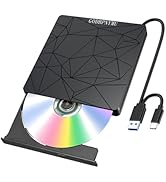
cd burner / usb floppy drive
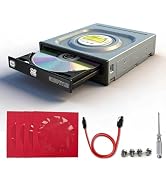
dvd burner/bluray drive
