
Your Browsing History




Any questions? Our AI beta will help you find out quickly.
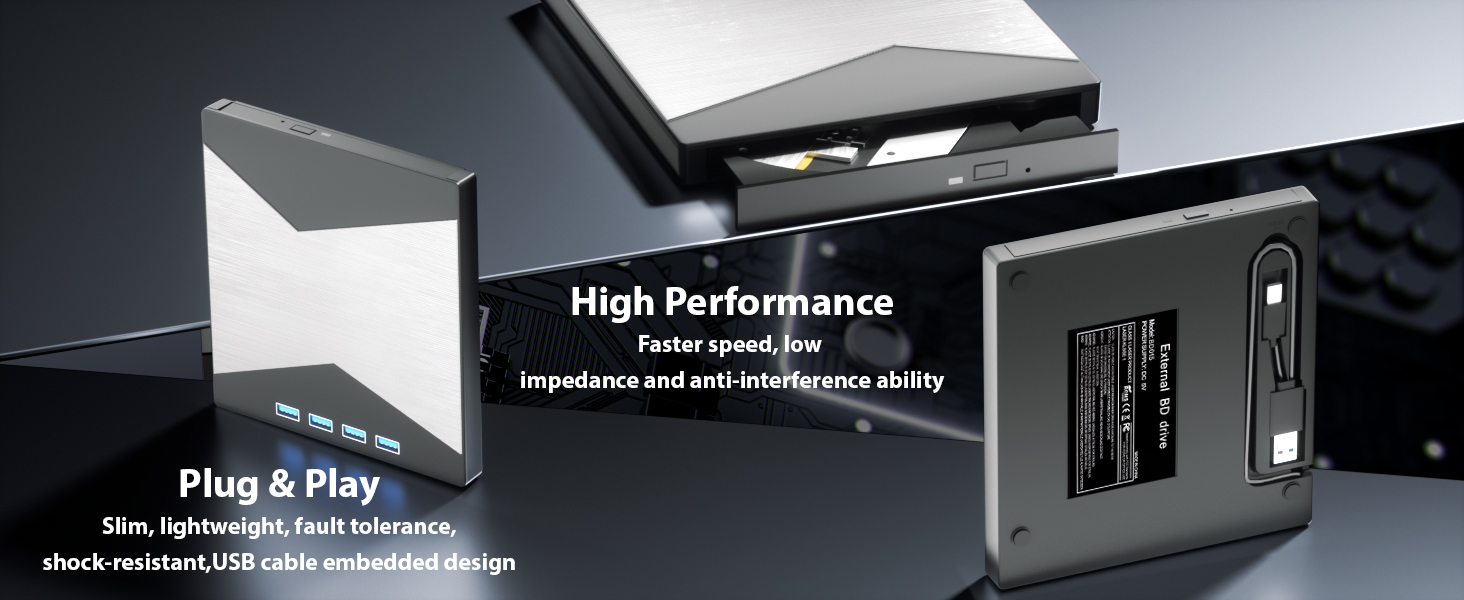
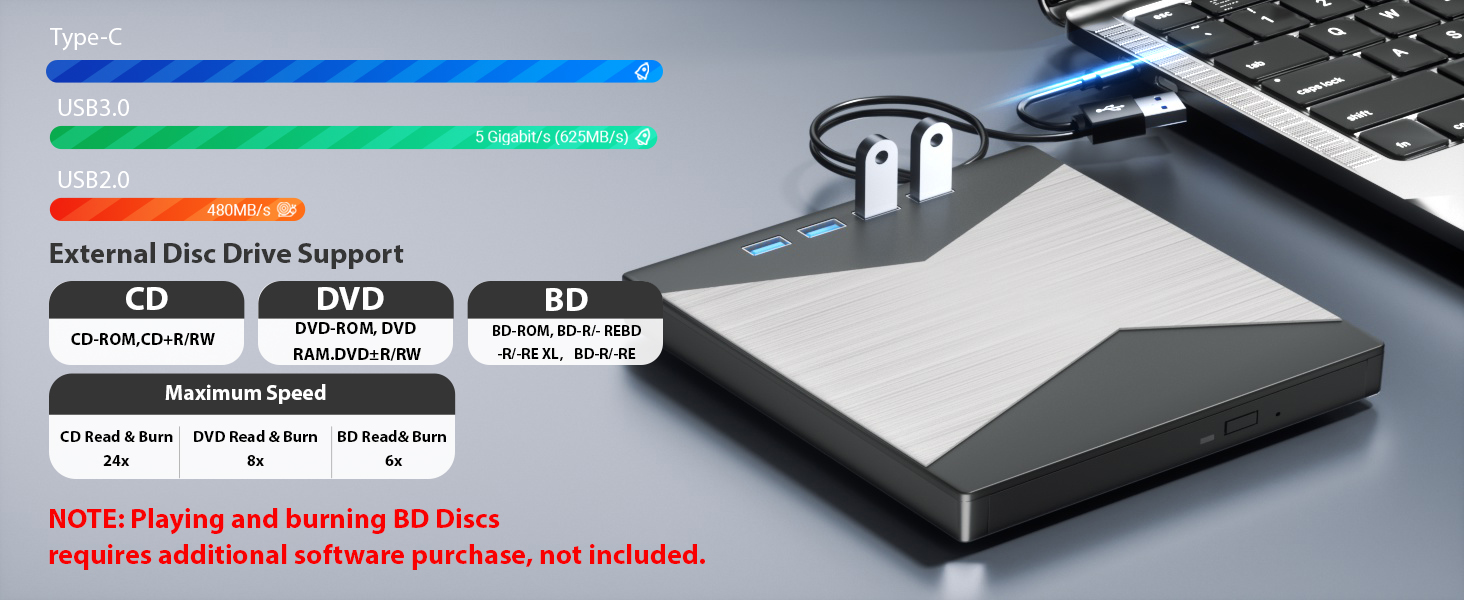
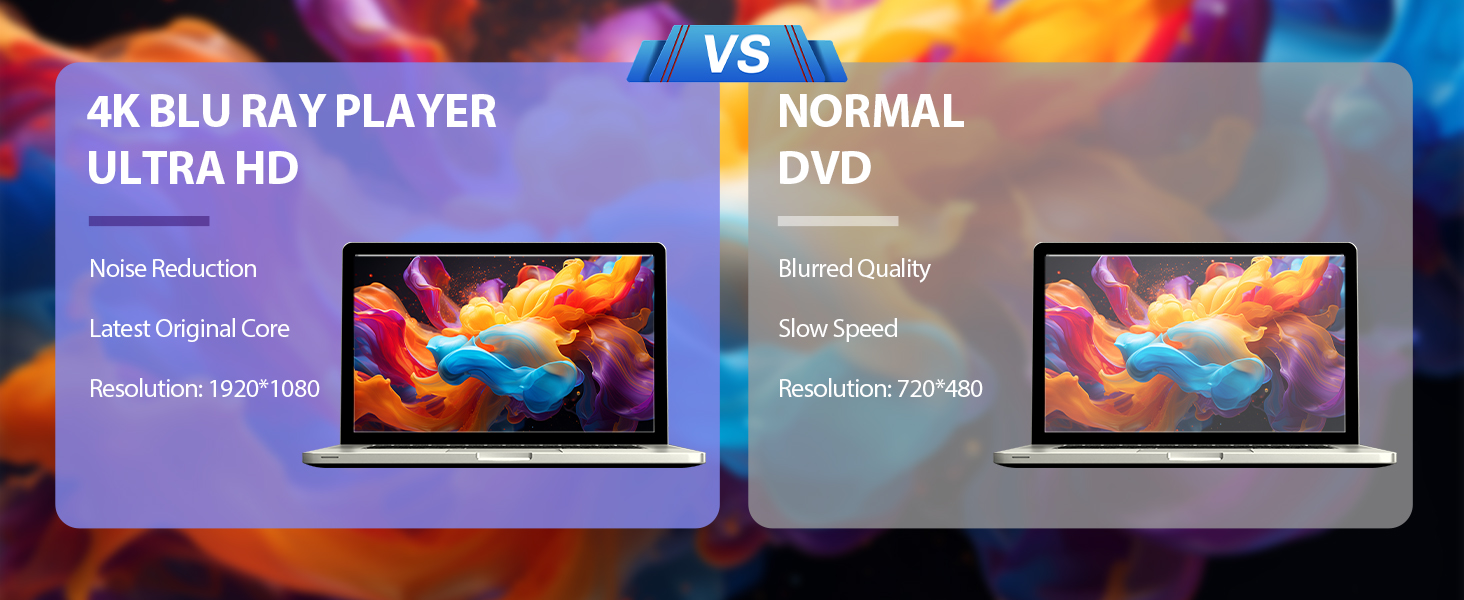

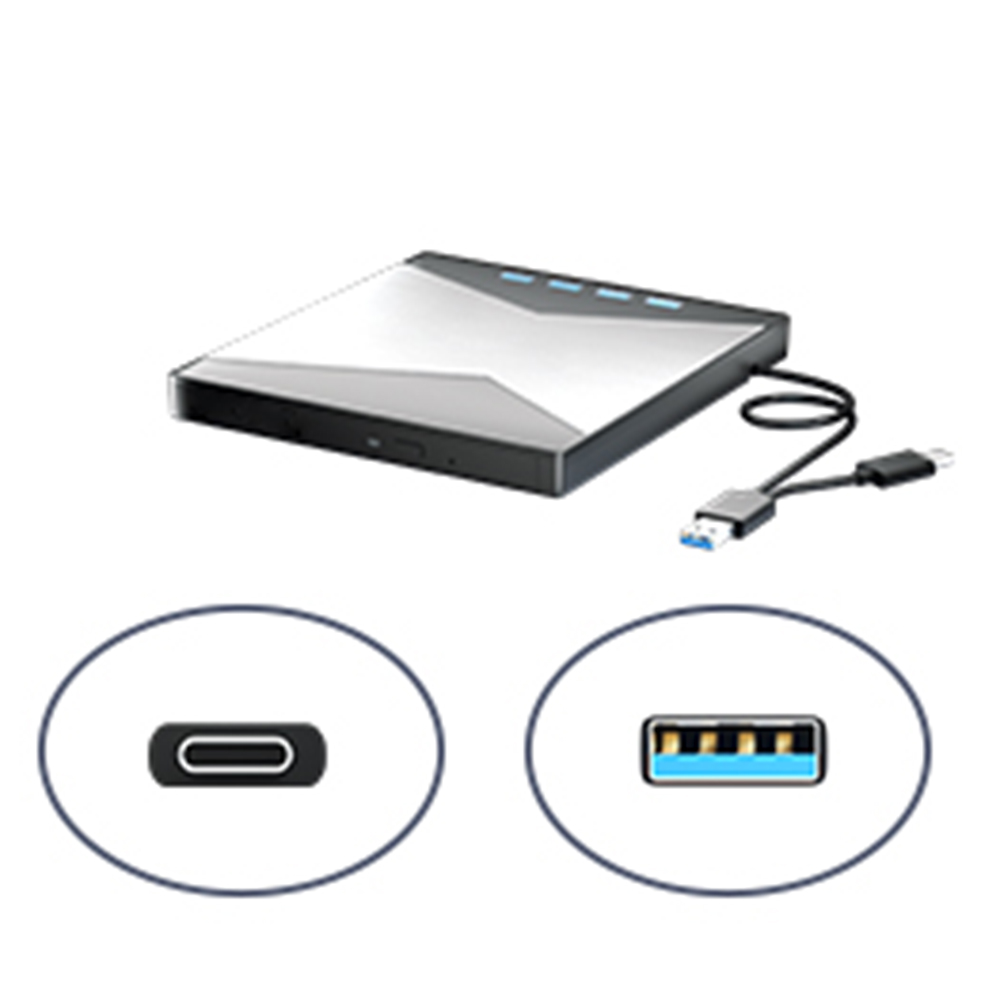
2-in-1 TYPE-C & USB 3.0 Cable
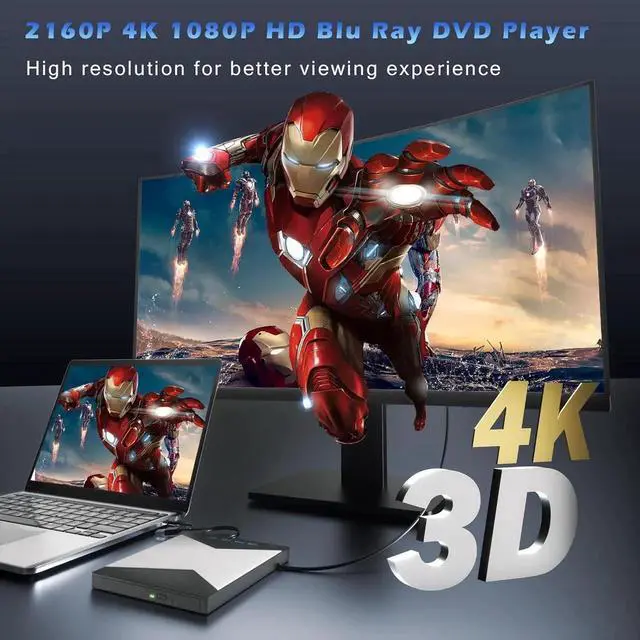
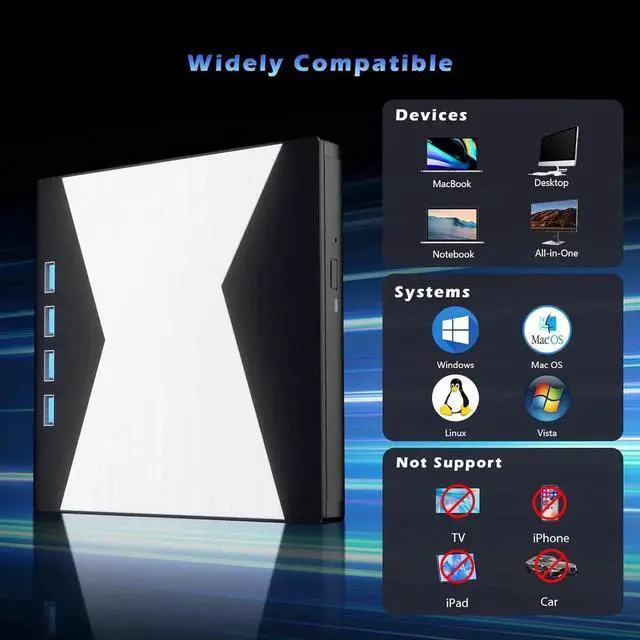
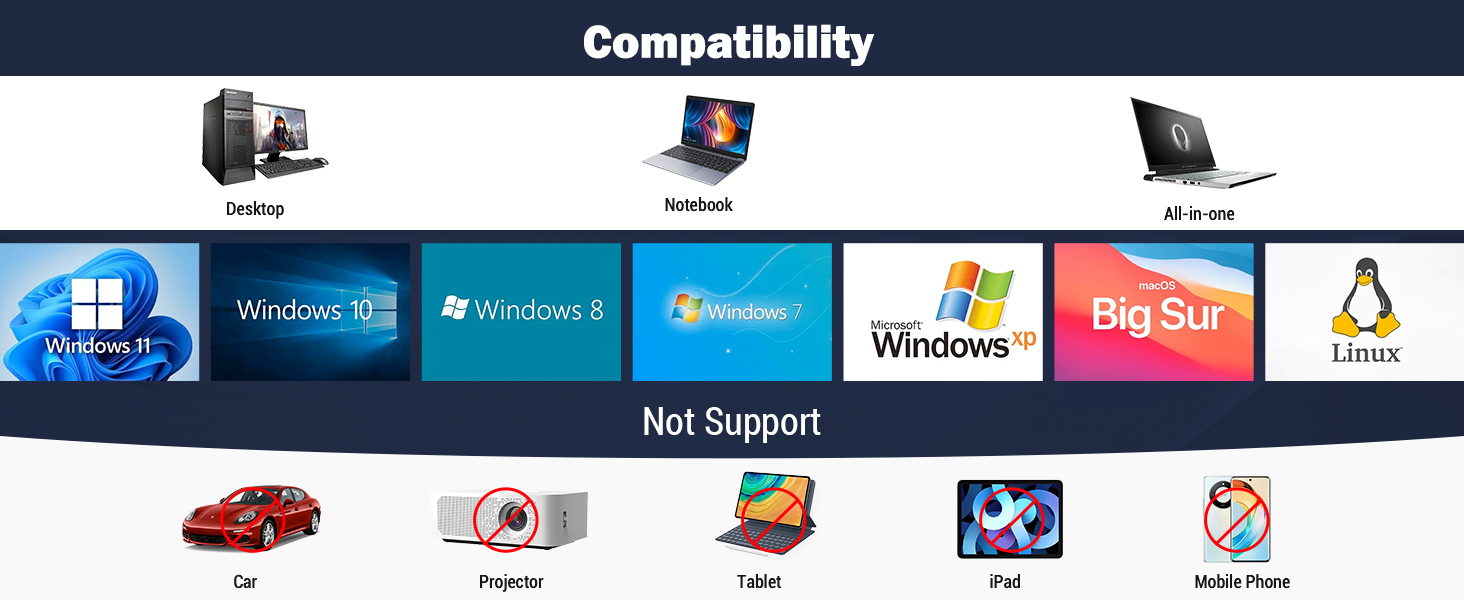
The 4k Bluray player is exclusively compatible with laptop or desktop computers running Windows, Macintosh, and Linux operating systems
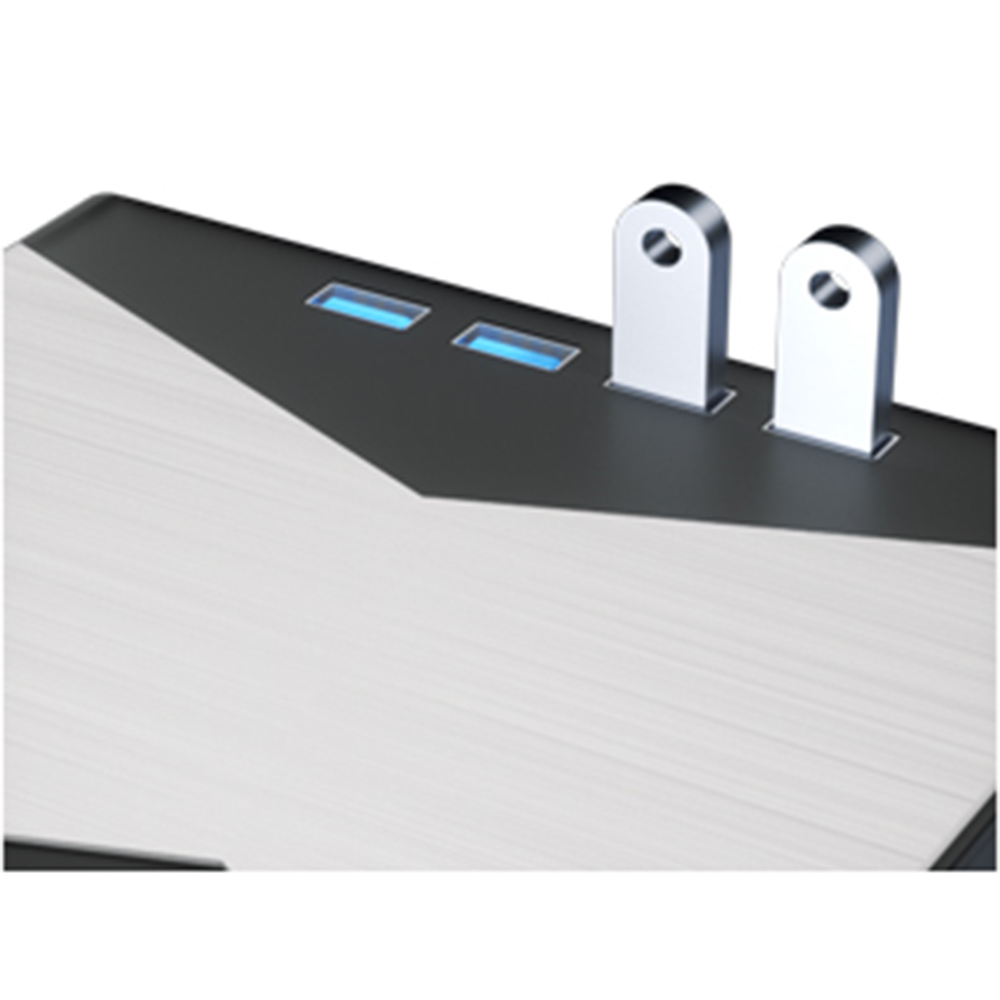
Rich Extension Interfaces
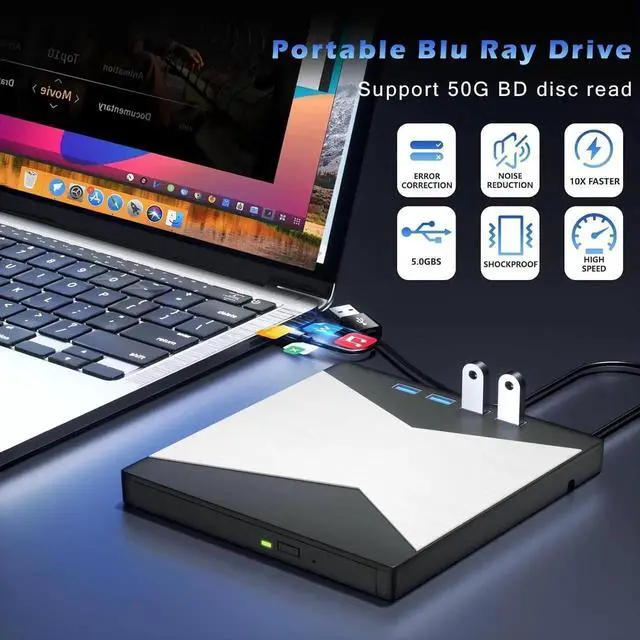
Bluray player 4K with 1*USB 3.0 port and 3*USB 2.0 ports to connect your other external devices, alleviating your computer's interface woes
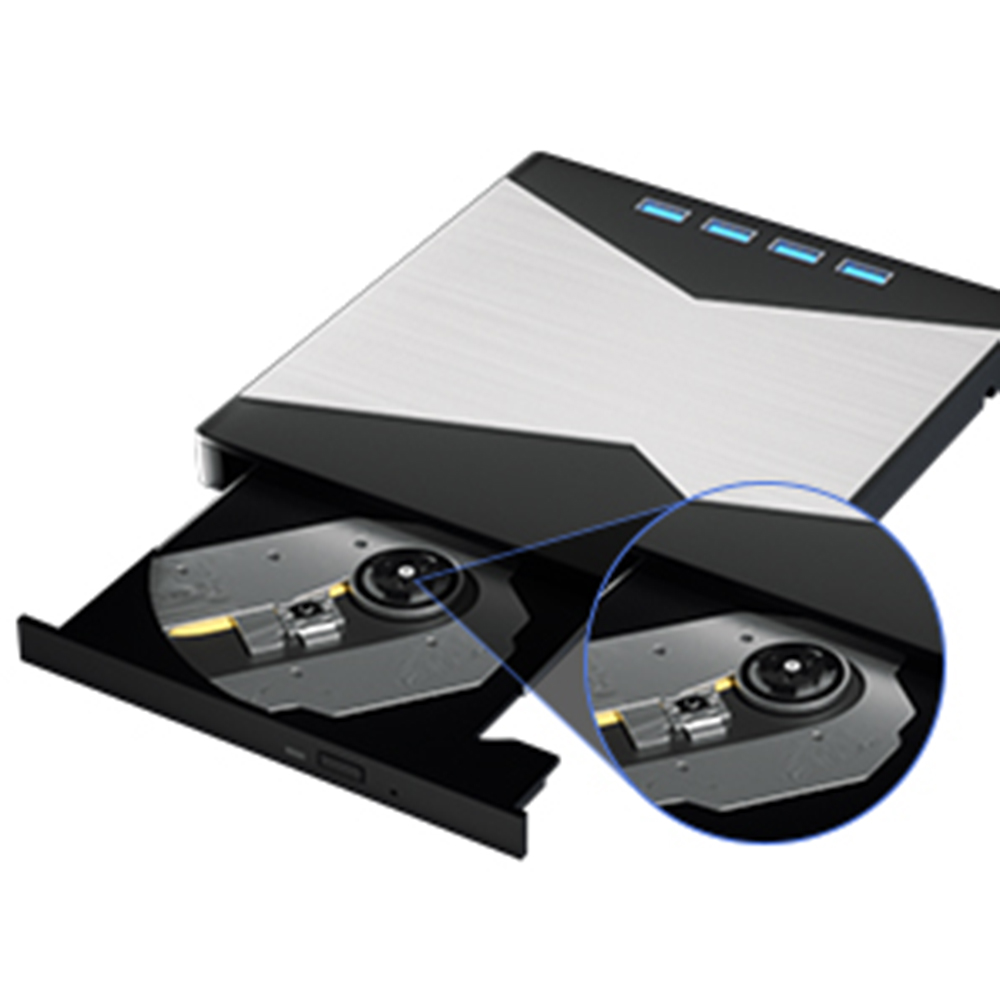
100% Latest Original Core
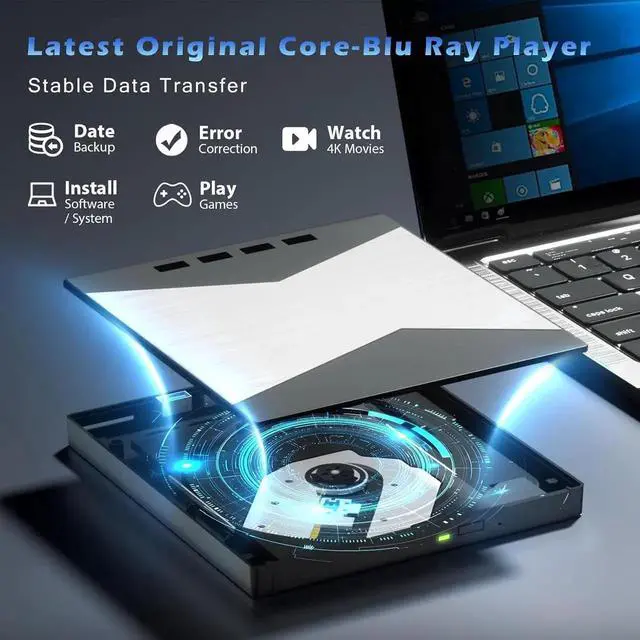
The 4k player is equipped with brand new original core, highly error-correcting, shockproof, smoothness and low power consumption
Anti-slip Rubber Feet
The Bluray drive is also fitted with non-slip rubber feet for added stability and to reduce the risk of accidental slips or falls.
Why computer doesn't recognize optical drive?
If your computer doesn't recognize your optical drive, it could be due to a hardware, driver, or operating system issue.
Here are some common solutions:
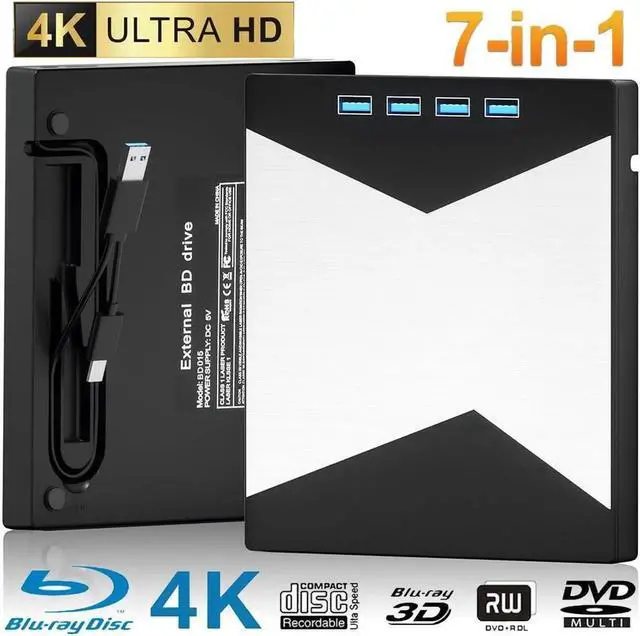
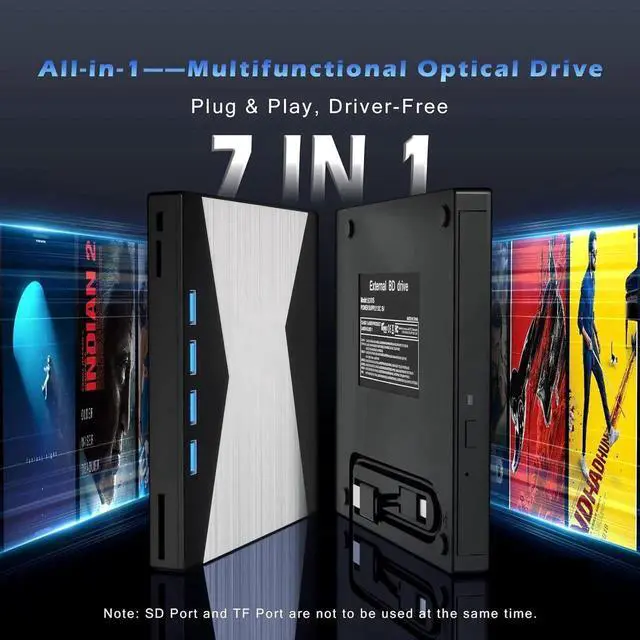
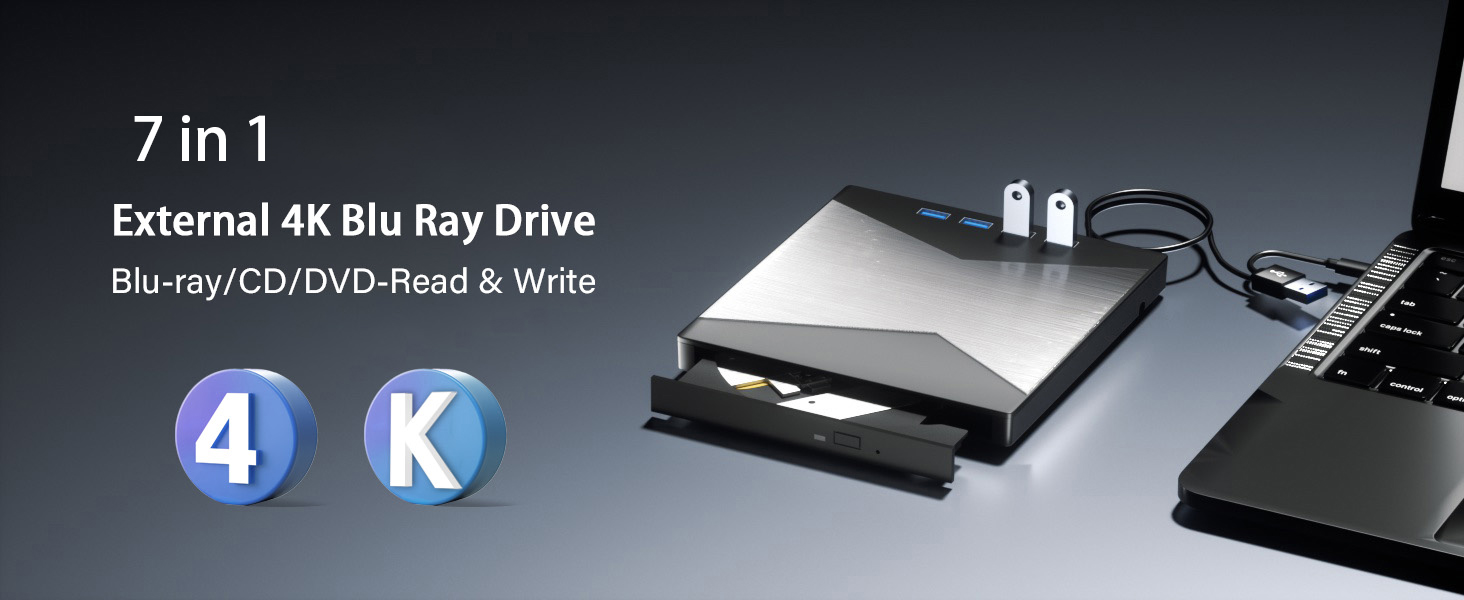
New 7 in 1
DVD Drive:
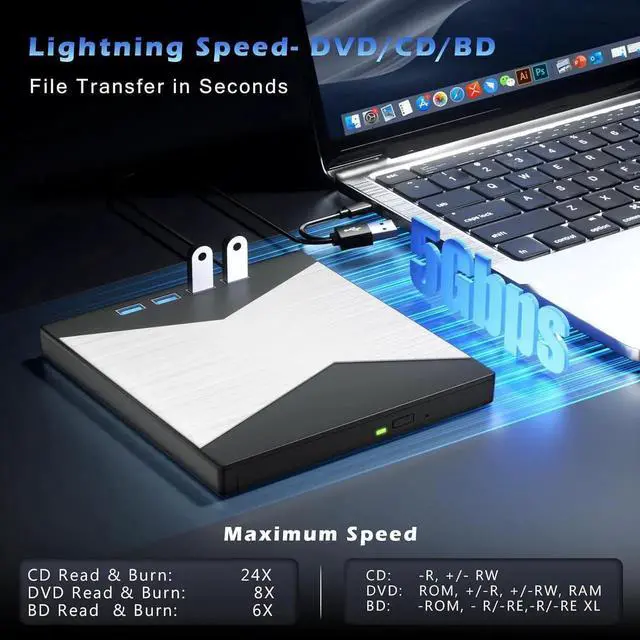
Our blu ray drive external can not only burn and read CD/DVD/BD but also can be used as an external laptop USB hub, including 1 USB 3.0 port, 3 USB 2.0 ports, 1 TF slot, 1 SD card slot, compatible with USB hard drive, limited/wireless mouse & keyboard, computer cooler and other USB computer accessories, The card slot for transferring photo and video files from your camera from cards to computer.
Note: (1) Check whether your computer is compatible with the Blu ray to play and burn by downloading the software 'Cyberlink BD & 3D Advisor. (2) Make sure you have the appropriate software installed before playing or burning a CD/DVD on your laptop with this BD player. To burn CDs/DVDs, download software such as Nero. When playing BDs, it is recommended to use the professional BD player 'PowerDVD10-19' (For Mac OS, Macgo Bluray Player is recommended). (3) Playing a disc with a different region code to that of the drive may cause an error. Note that including the initial setting, the region code can only be changed 5 times.