Take a tax holiday. Take advantage of limited-time, tax-free savings on select products in certain states. Learn More>
Out of stock
  • $97.99
  • Free 30-day Returns
Price alert
Shop it at NeweggBusiness.

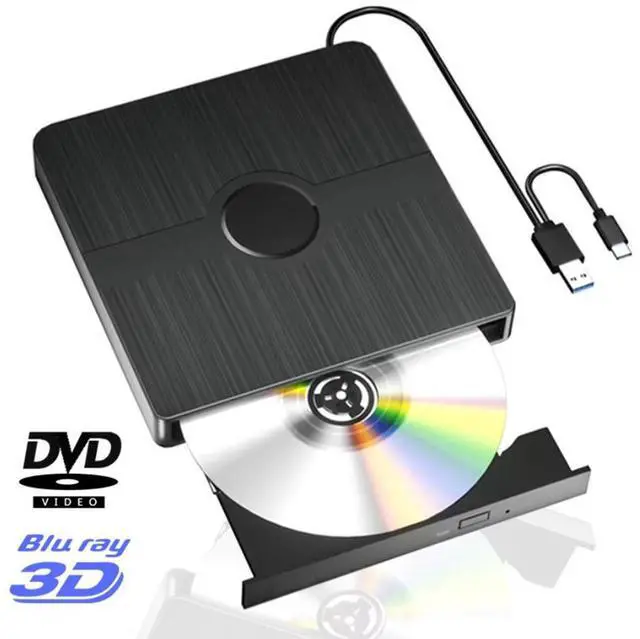
External Blu Ray Drive, BD Player with Read/Write Capability Portable Blu-ray Player with USB 3.0 and Type-C CD/DVD Burner 3D Blu-ray Drive Compatible with Win10 and Mac OS,Drive Blu Ray Player

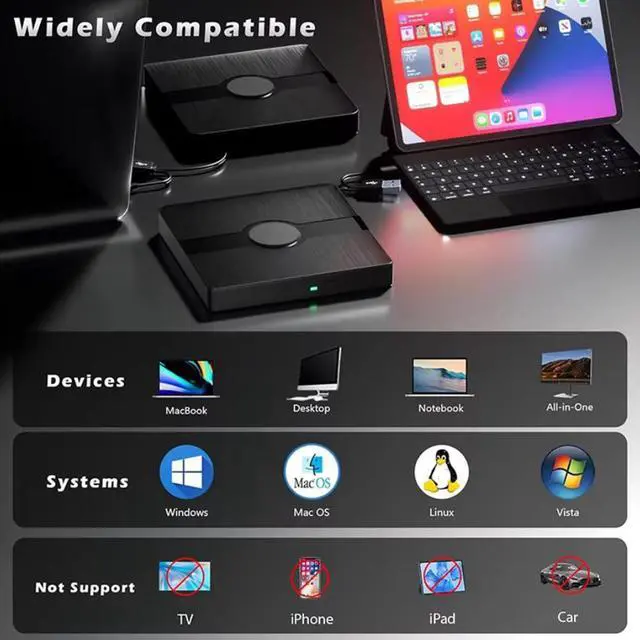
  • Wide Compatibility: Compatible with Windows 7, 8, 10, Vista, ME, SE, XP, 98, and 2000, Linux and MAC OS 10 or below. However, in order to utilize the Blu-ray functionality of the drive, it is necessary to install specific software on your computer.
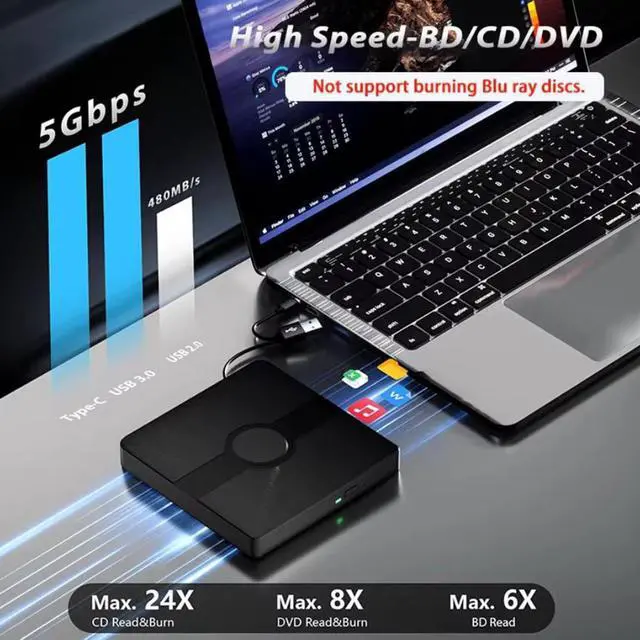
  • High Performance: with the ability to read CD at speeds of up to 24x, DVD at up to 8x, and BDs at up to 6x. In addition, it also supports burning of normal CD and DVD discs in sizes of 8.5GB, 4.7GB, and 700MB, as well as 3D discs.
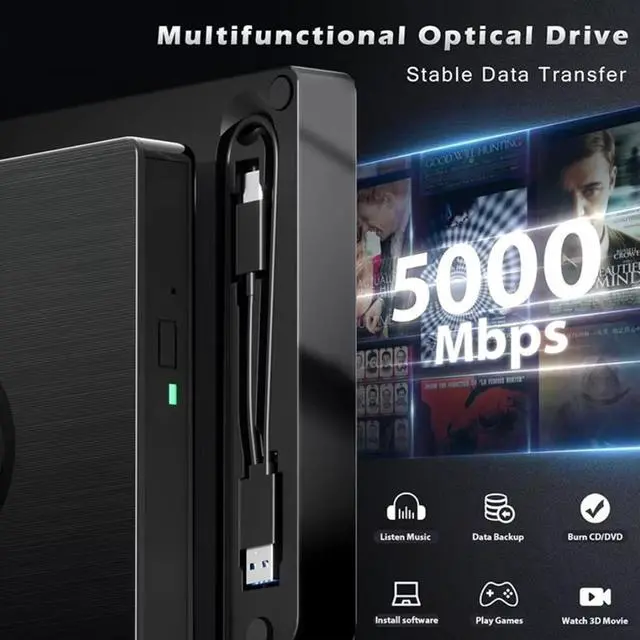
  • Easy to Carry: The unique design of our Blu-ray drive combines both the drive and two different USB cables in one, making it highly convenient and practical.
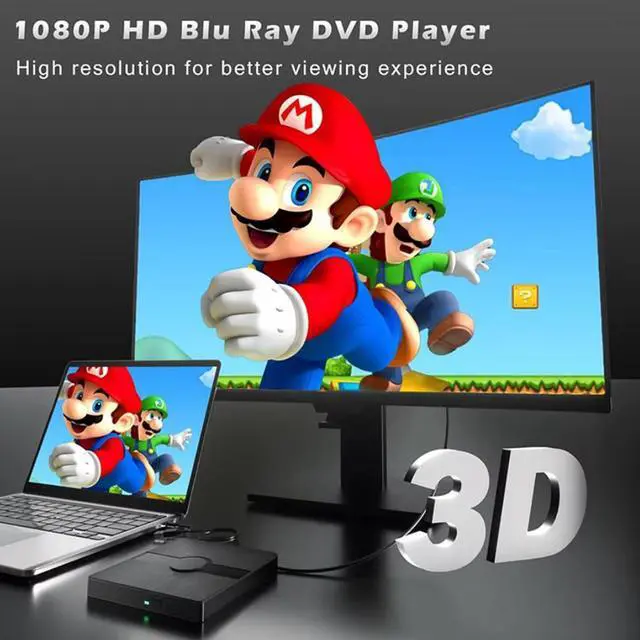
  • 3D Ultra HD: Support for 3D playback and delivers high nearly to 4K. However,Does not support the playback of 4K discs. It is essential to have playback software on the computer that supports the Blu-ray format.decode the zone bit code.
+
+
Overview
Specs
Reviews
avatar

Any questions? Our AI beta will help you find out quickly.

Warm Tips :

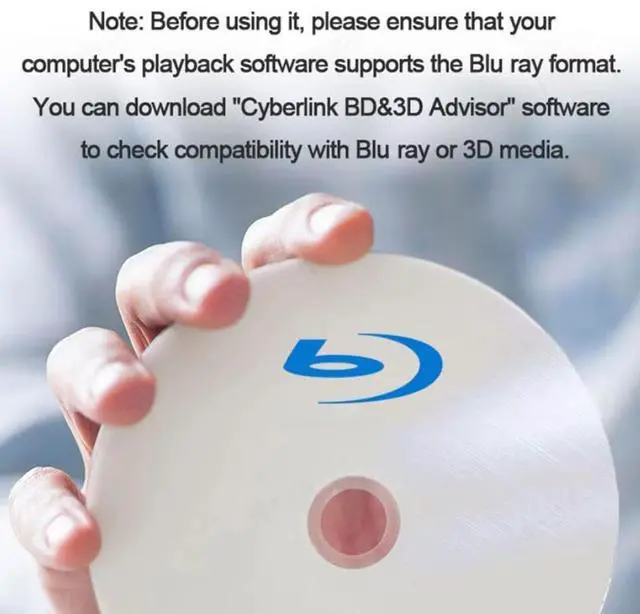
1. This external Blu ray DVD reader needs to download the Blu ray player software itself before it can read Blu ray DVD. Some software Windows and MAC OS are not compatible,please make sure Blu-ray playback software is compatible with your computer system.
(Recommendations are as follows:
*Macgo Blu-ray Player for MAC OS.
*PowerDVD for Windows.
*Blu-ray Master is free one for all system.)
This optical drive can read BD discs, but cannot burn BD discs.
2. Due to the low voltage conditions of some tablets, this recorder cannot be used on tablets, such as the Surface series.
3. Please connect the device to the direct USB port of your computer. For desktop computers,to the drive work properly, please make sure to connect the device to the USB port on the motherboard for the drive to work properly. If you connect it to a USB hub or extension cable, you may not be able to recognize the drive or read the BD, CD/DVD.
4. Player software is NOT included.
5. The Blu ray DVD drive does not play 4K Ultra HD discs.
6. For better performance, we recommend you to connect the power cable during use.
7.Block the region code. If the copyright protected Blu ray dvd with a region code cannot be used, you can encode the region code by downloading the "Any DVD" blocking software.

Wide Compatibility --- The USB 3.0 & Type-C Blu ray drive supports a wide range of operating systems, such as Windows XP/2003/Vista/7/8/10/11, Linux, and all versions of the Mac OS system. It is an ideal choice for laptops, desktops, and MacBooks that do not have a built-in optical drive. Please note that it is not compatible with BD recorders, tablet iPads, Surface tablets, TVs, projectors, smartphones, or cars.
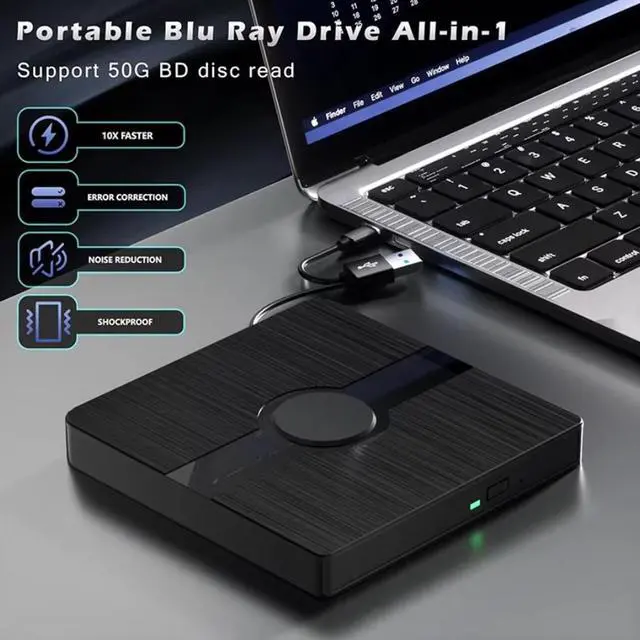
Burning Technology --- The external Blu ray burner features expanded storage capacity and accelerated read & write speeds. It facilitates burning functions for CDs and DVDs with capacities of 8.5G, 4.7G, and 700M. The burner's cutting-edge high-speed 3.0 interface & Type-C interface exhibit exceptional error correction capabilities, impact resistance, minimal noise, and low power consumption.
Portable -- This sleek and compact Blu ray drive is designed for effortless portability and storage convenience. Its innovative dual-interface design integrates two distinct USB cables into one, enabling seamless connections to computers with either Type-C or USB 3.0 interfaces. With its portable design, it's incredibly simple to carry and use wherever you go.
Note --- This external Blu ray drive supports 3D playback, providing you with life like clarity that comes close to 4K qu

Warranty & Returns

Warranty, Returns, And Additional Information

Warranty

  • Please contact the Seller directly for warranty information. Warranty information may also be found on the Manufacturer's website.
  • CONTACT

Return Policies

Manufacturer Contact Info

LOADING...