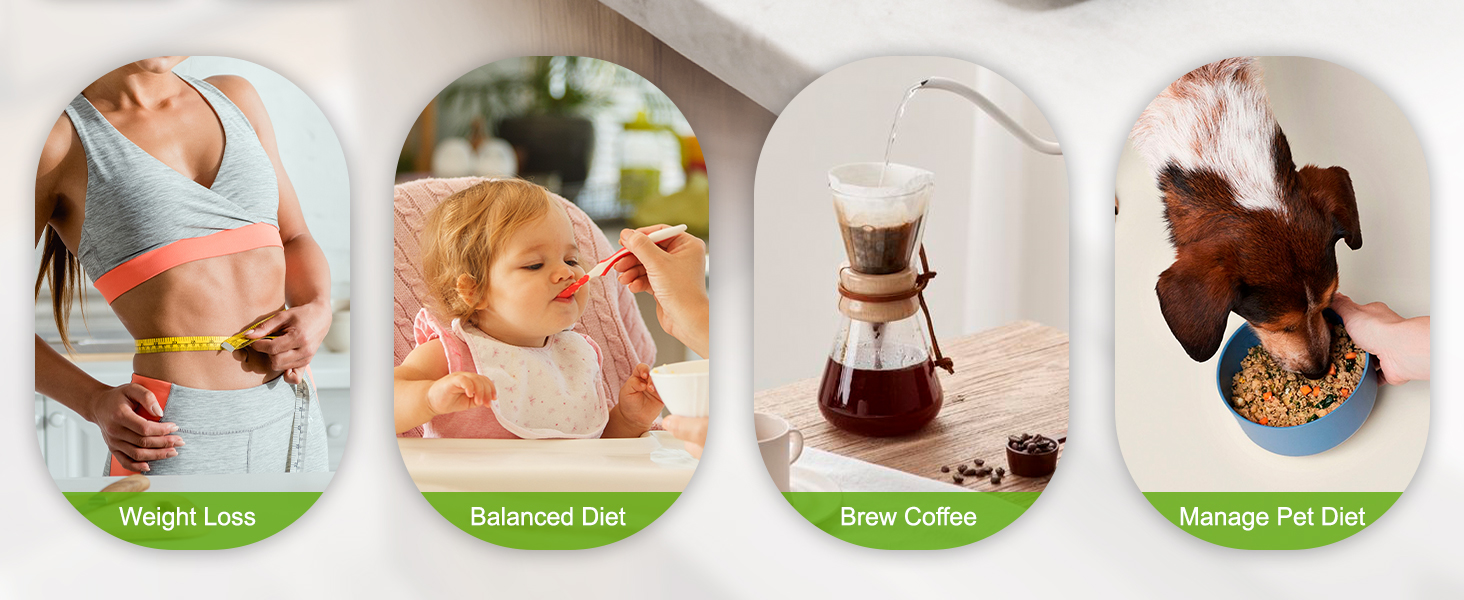
here!
here!
I’m your shopping assistant for PC builds, upgrades, and everything tech.
Got questions? Ask away!
Start a conversation
here!
I’m your shopping assistant for PC builds, upgrades, and everything tech.
Got questions? Ask away!
Start a conversation
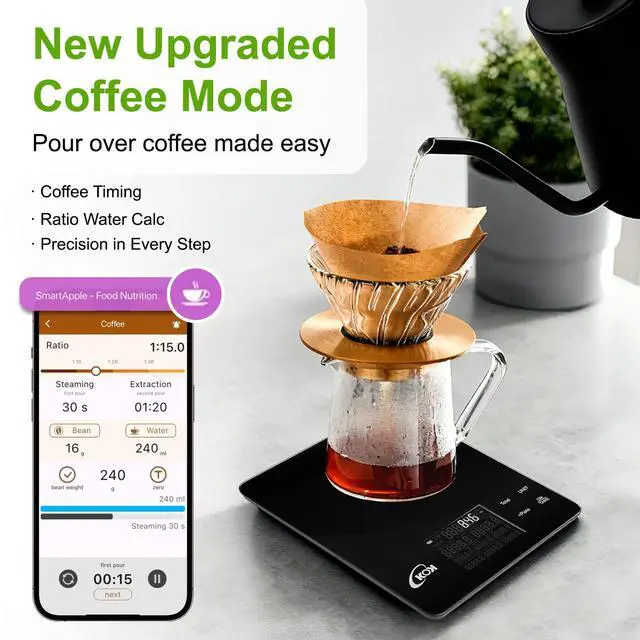
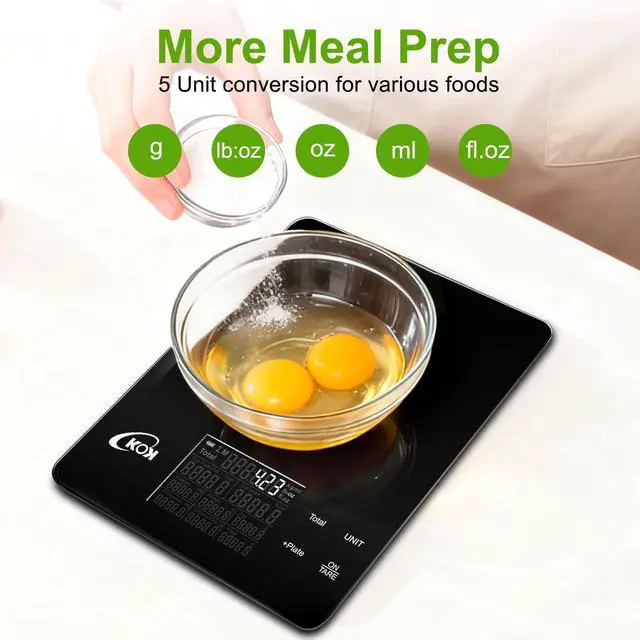
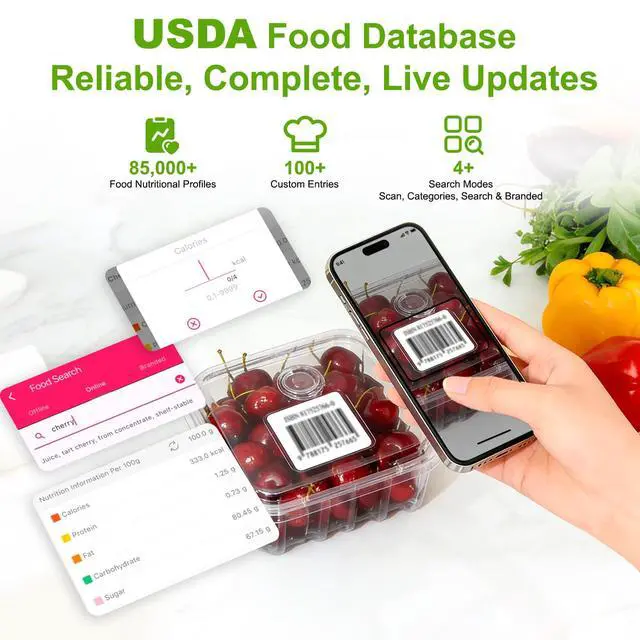
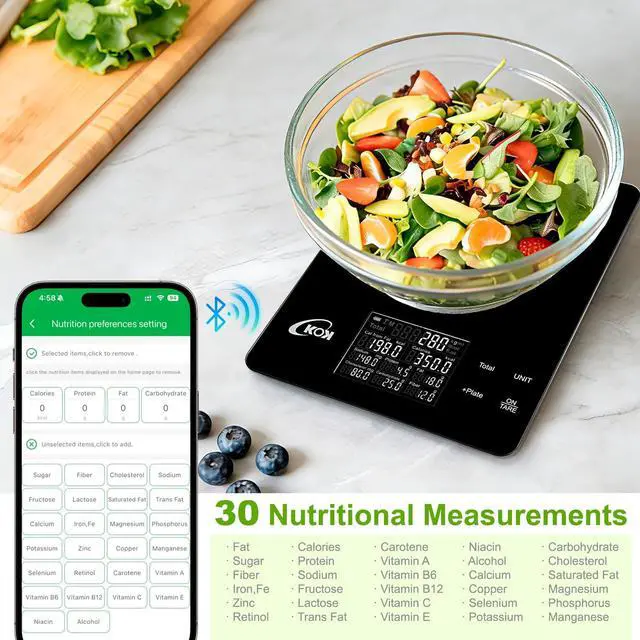



Any questions? Ask CelesteSM will help you find out quickly.
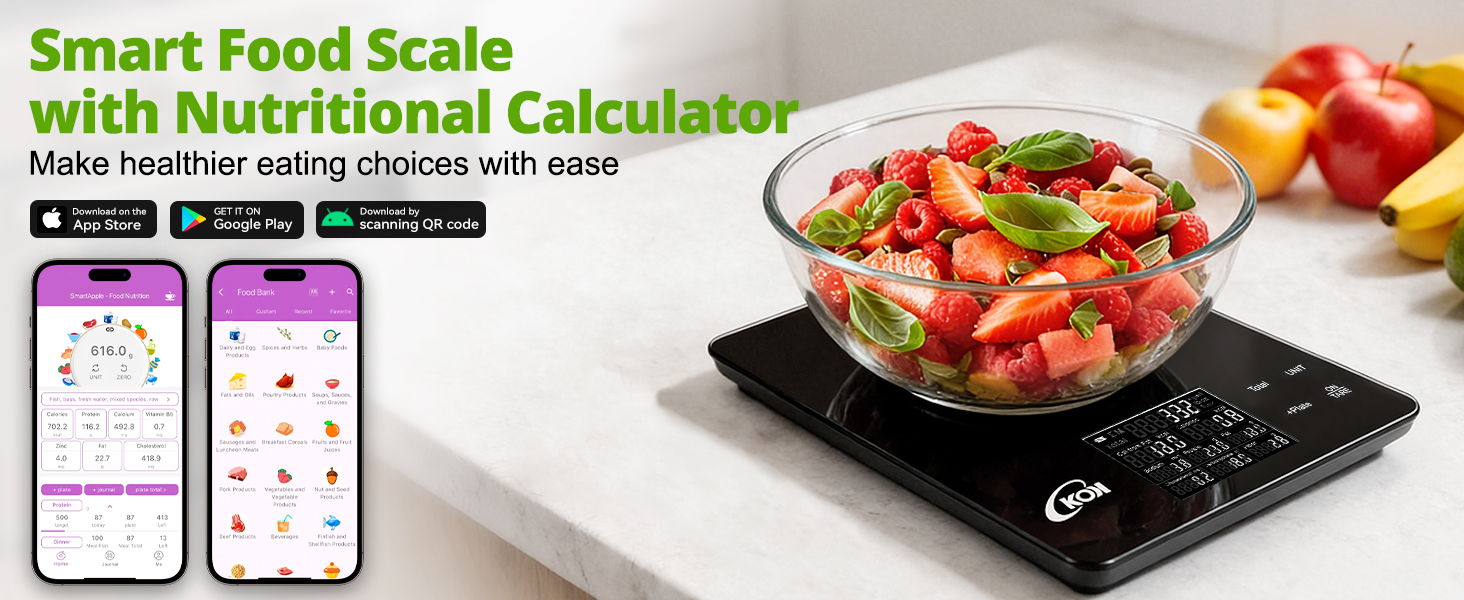
Q1: How to Download the APP & Connect the Smart Food Scale?
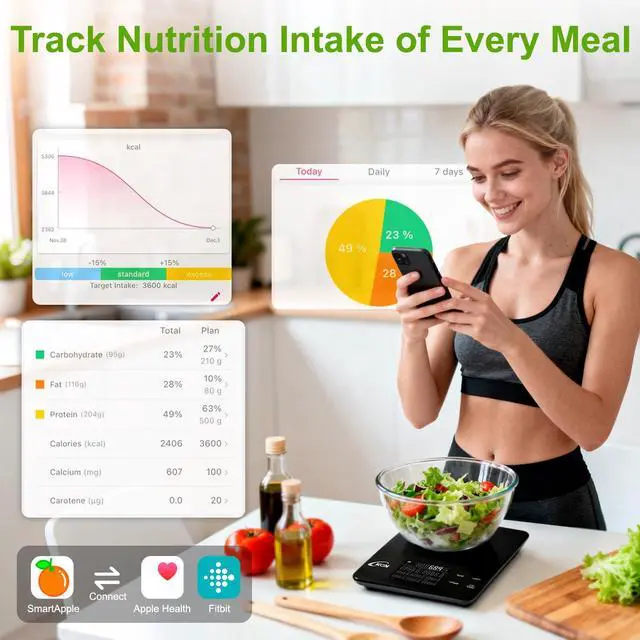
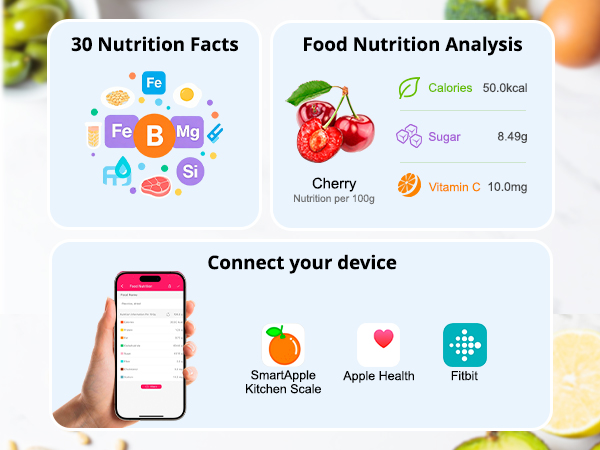
Download: Android users scan the code (in the manual or on the scale back) for the APP; iOS users scan the code or search "SmartApple" in the App Store. After turning on the food scale, open the app and enable Bluetooth to connect
Q2: How to Get Food Nutrition & Calorie Data with the Smart Food Scale?
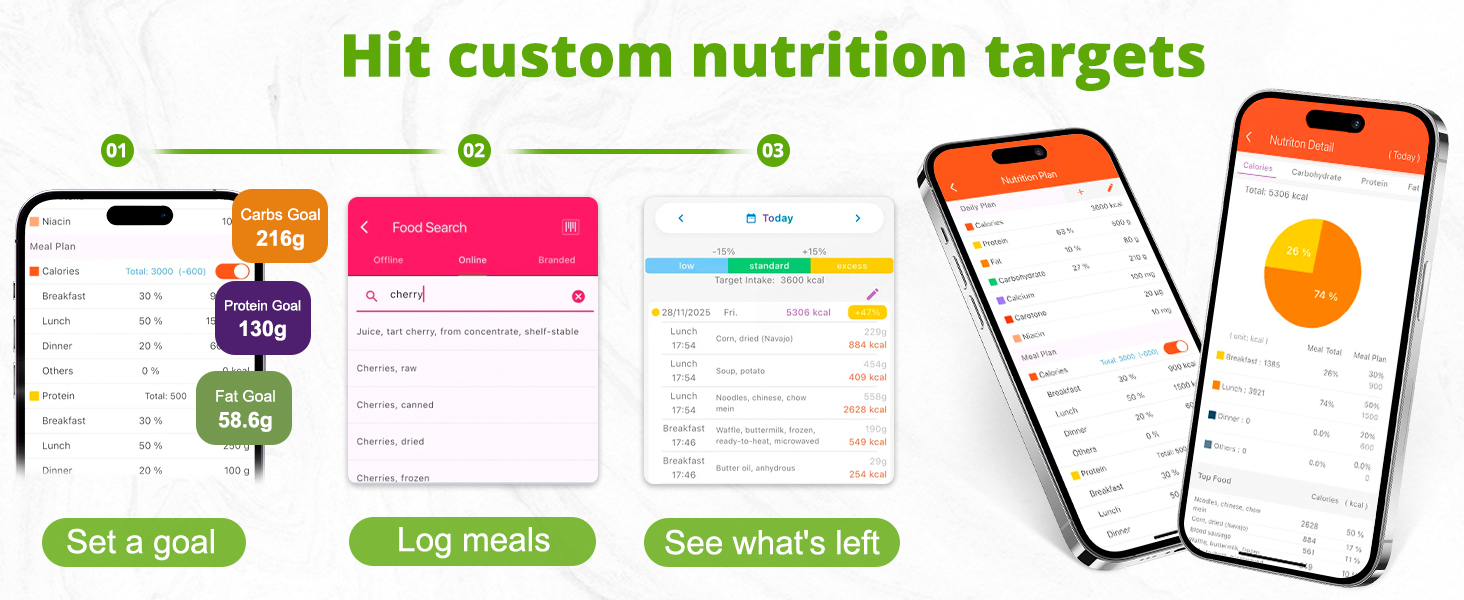
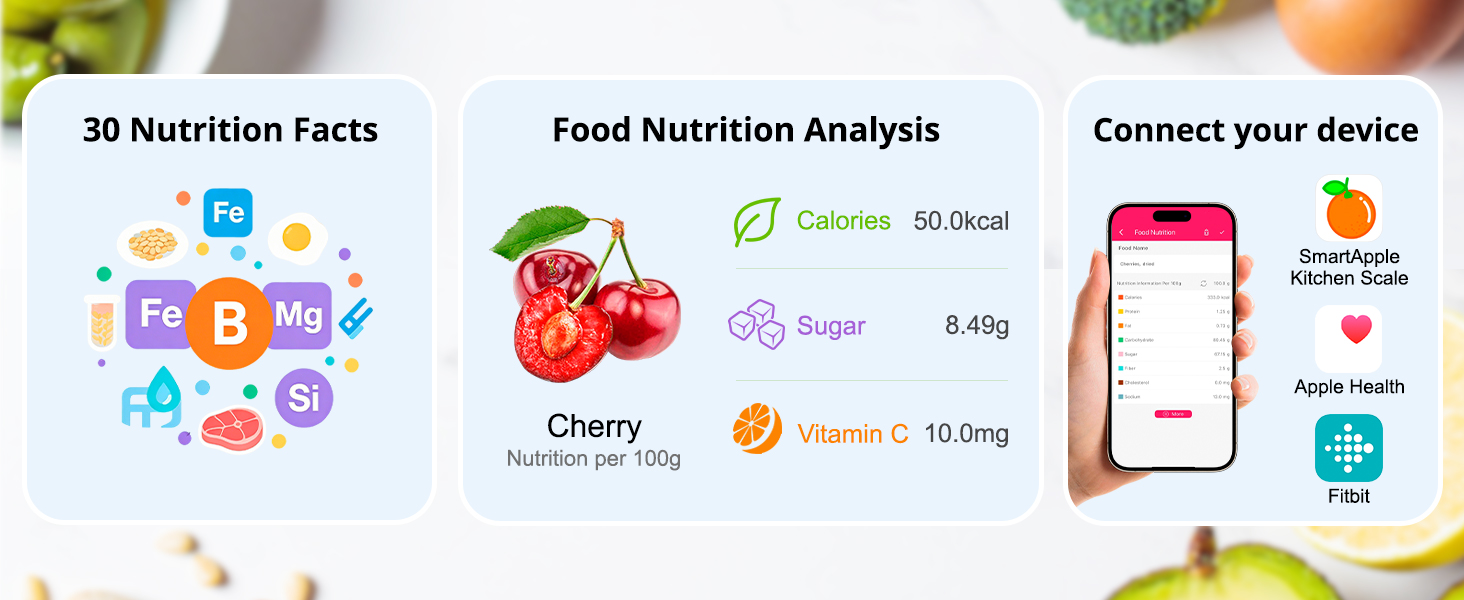
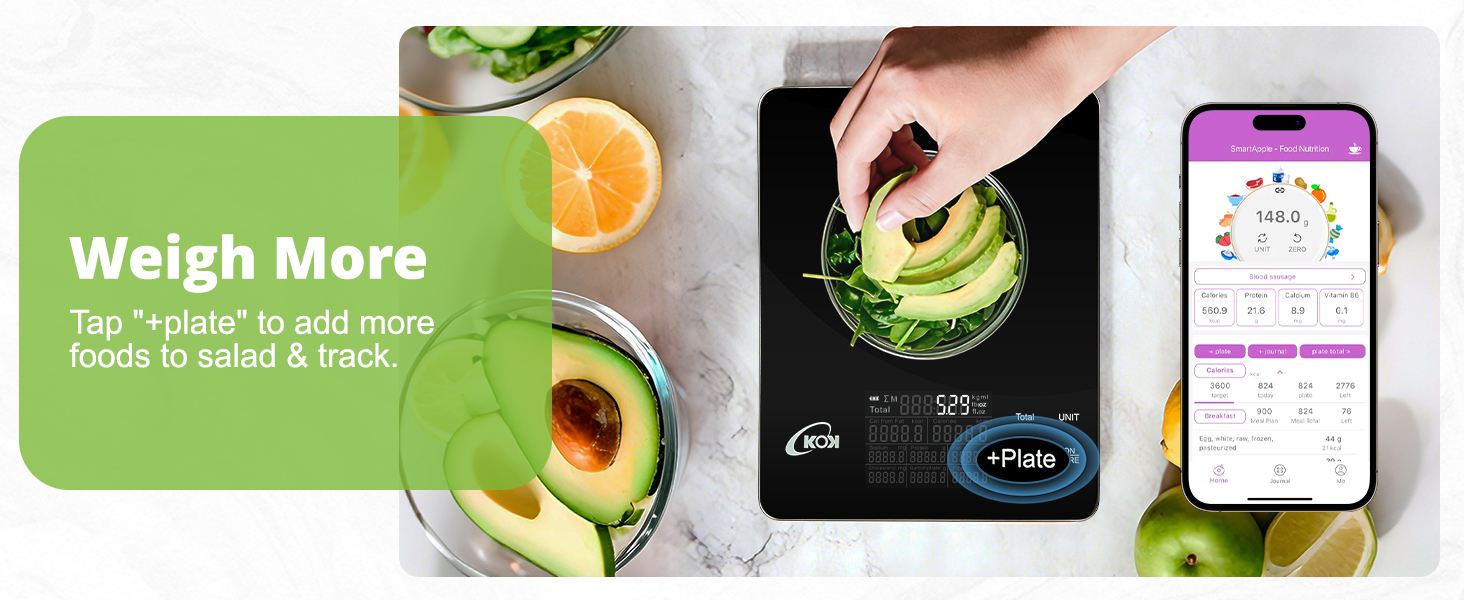
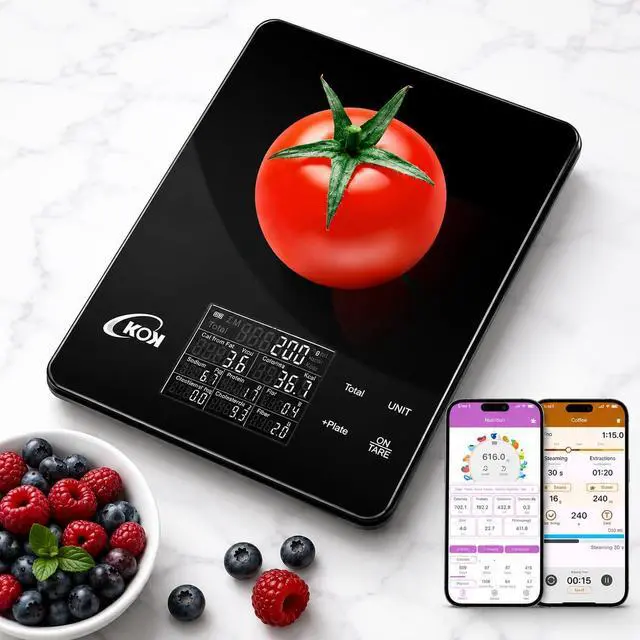
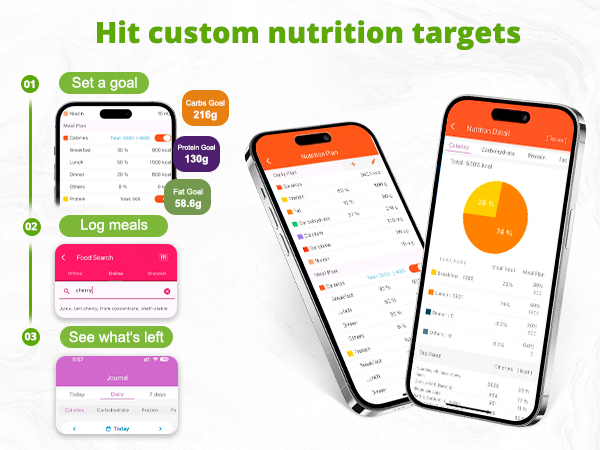
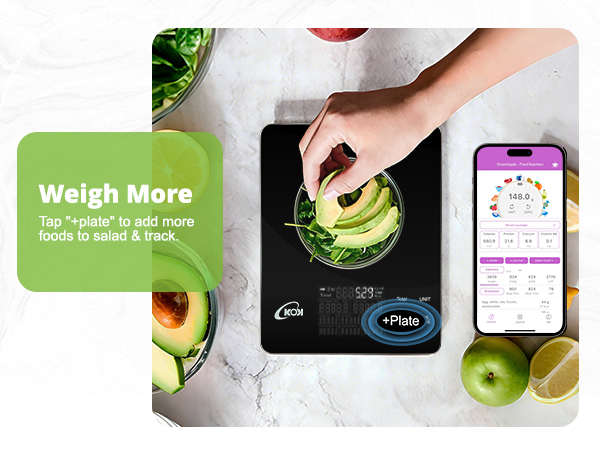
Press "ON TARE" to reset the kitchen digital scale. Switch 'units' then add food. Select the food in the SmartApple APP to view Calories, sodium, protein, fat, etc– all from this food scale with nutritional calculator.
Q3: How to Turn Off the Digital Food Scale?
It shuts off automatically after 180s of inactivity. Or press and hold "ON/TARE" for 2s to turn off manually. This smart food scale saves energy and has long battery life.
Q1: How to Download the APP & Connect the Smart Food Scale?
Download: Android users scan the code (in the manual or on the scale back) for the APP; iOS users scan the code or search "SmartApple" in the App Store. After turning on the food scale, open the app and enable Bluetooth to connect
Q2: How to Get Food Nutrition & Calorie Data with the Smart Food Scale?
Press "ON TARE" to reset the kitchen digital scale. Switch 'units' then add food. Select the food in the SmartApple APP to view Calories, sodium, protein, fat, etc– all from this food scale with nutritional calculator.
Q3: How to Turn Off the Digital Food Scale?
It shuts off automatically after 180s of inactivity. Or press and hold "ON/TARE" for 2s to turn off manually. This smart food scale saves energy and has long battery life.