




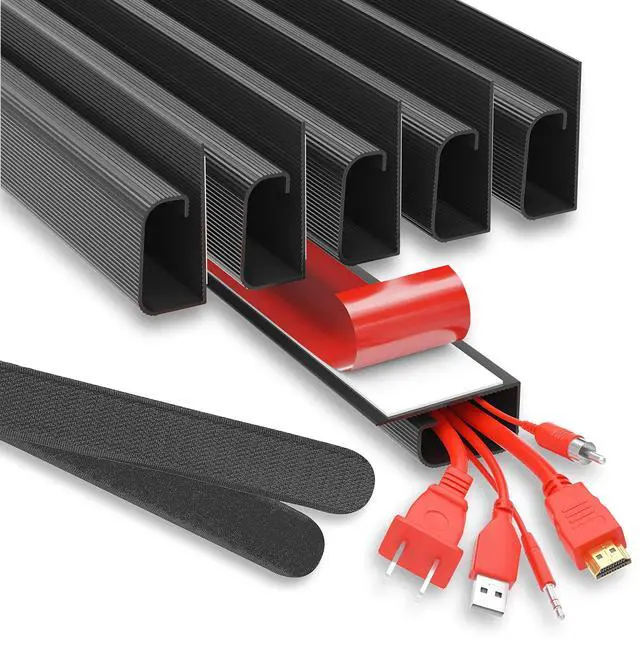




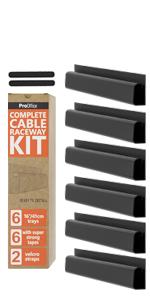
 96" Black Set Of 6 | 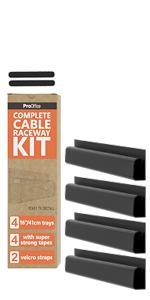 64" Black Set Of 4 | 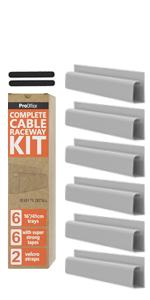 96" White Set Of 6 | 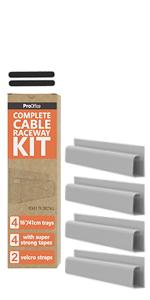 64" White Set Of 4 | |
|---|---|---|---|---|
| Customer Reviews | — | — | — | — |
| Price | — | — no data | — no data | — no data |
| Straps included | Yes | Yes | Yes | Yes |
| Screw free installation | Yes | Yes | Yes | Yes |
| Tape included | Yes | Yes | Yes | Yes |
| Time to install | 5-10 minutes | 5-10 minutes | 5-10 minutes | 5-10 minutes |
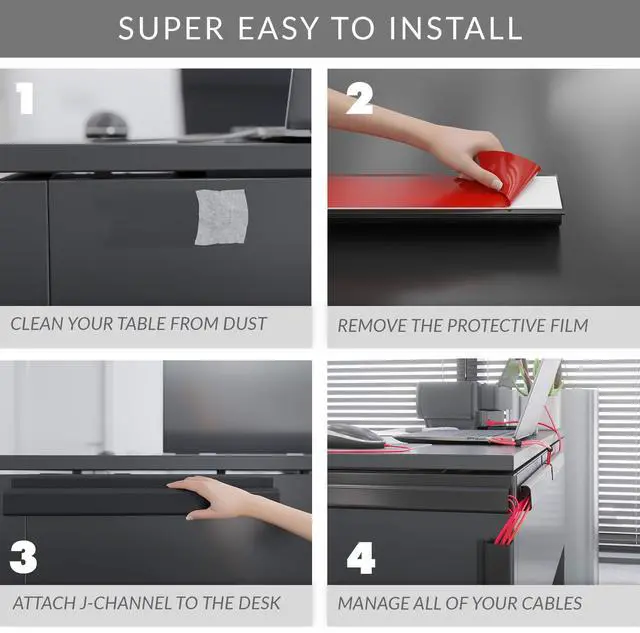
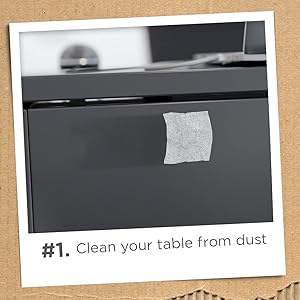
1. Clean your table from dust
Use wet wipes or a wet towel to clean your desk from dust to ensure the maximum grip of the provided tape.
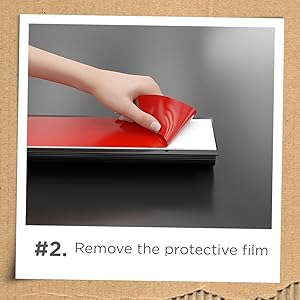
2. Remove the protective film
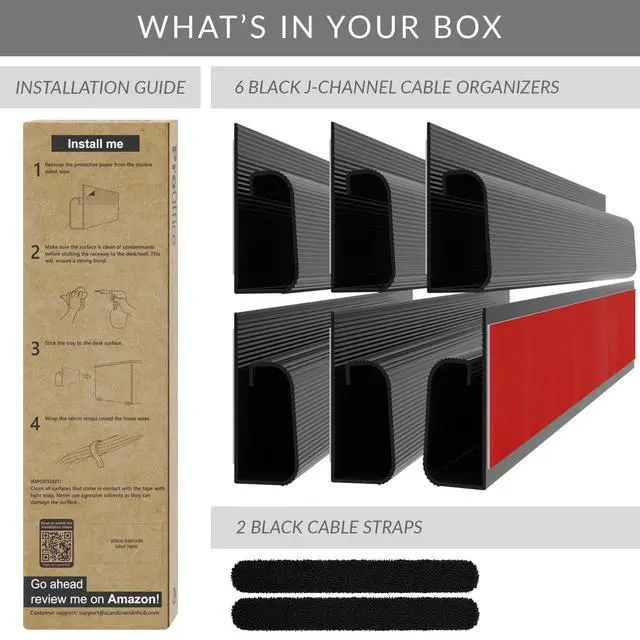
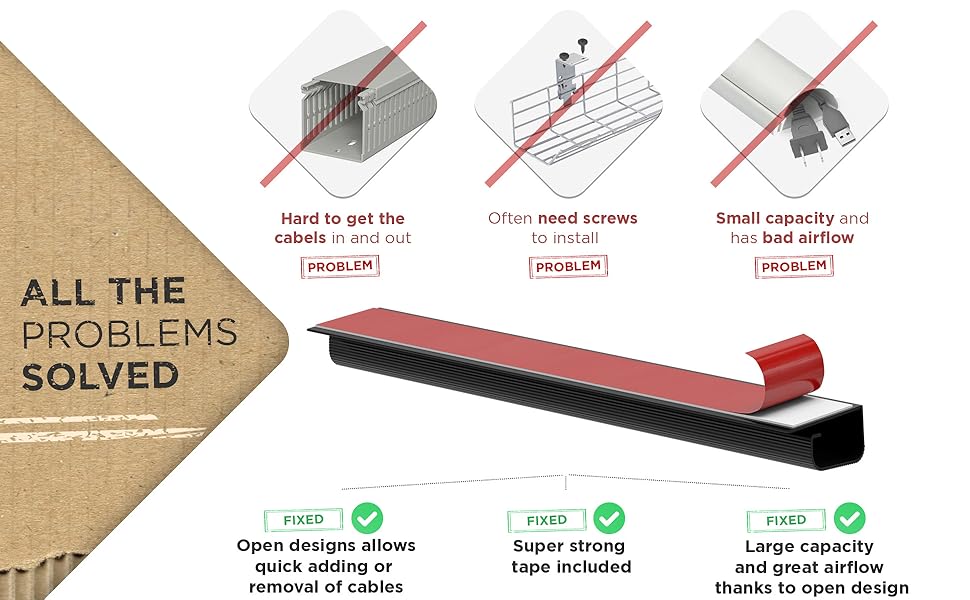
Peel off the protective red film to expose the super strong tape.
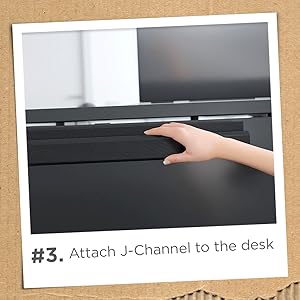
3. Attach J-Channel to desk
Install the J-Channel to the desired location. Double-check the alignment as the tape is super strong and is may be hard to remove later. Please see user manual on the package for easy tape removal tips.
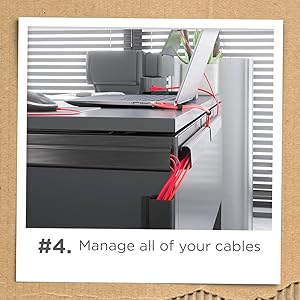
4. Manage all your cables
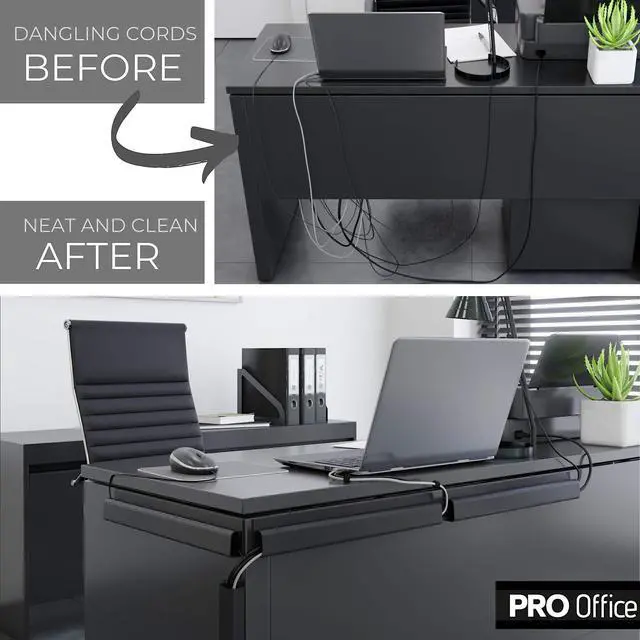
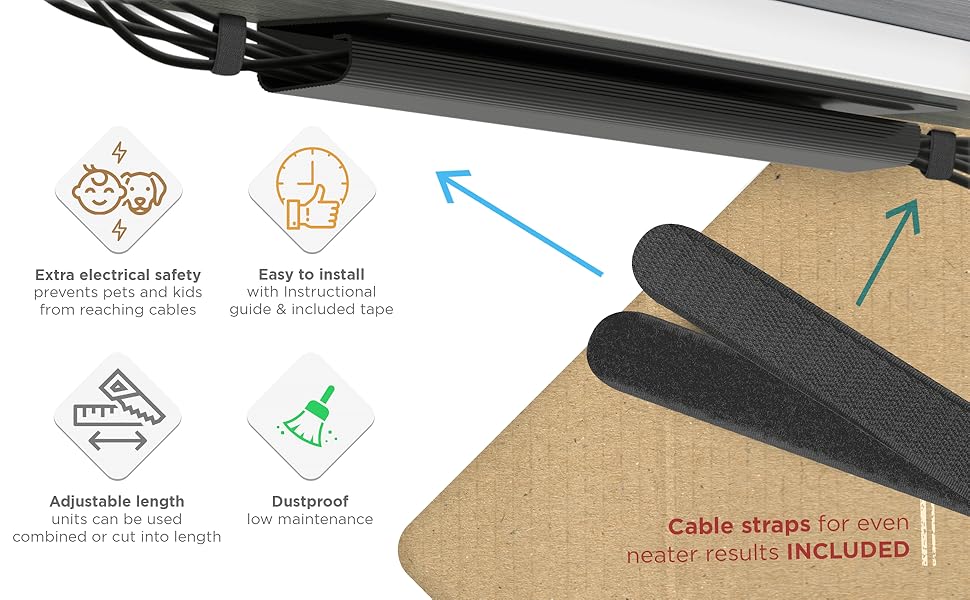
Tidy, clean and no more cable mess. Be more productive and enjoy your new-clean-desk.
96" Black Set Of 6 | 64" Black Set Of 4 | 96" White Set Of 6 | 64" White Set Of 4 | |
|---|---|---|---|---|
| Customer Reviews | — | — | — | — |
| Price | — | — no data | — no data | — no data |
| Straps included | Yes | Yes | Yes | Yes |
| Screw free installation | Yes | Yes | Yes | Yes |
| Tape included | Yes | Yes | Yes | Yes |
| Time to install | 5-10 minutes | 5-10 minutes | 5-10 minutes | 5-10 minutes |