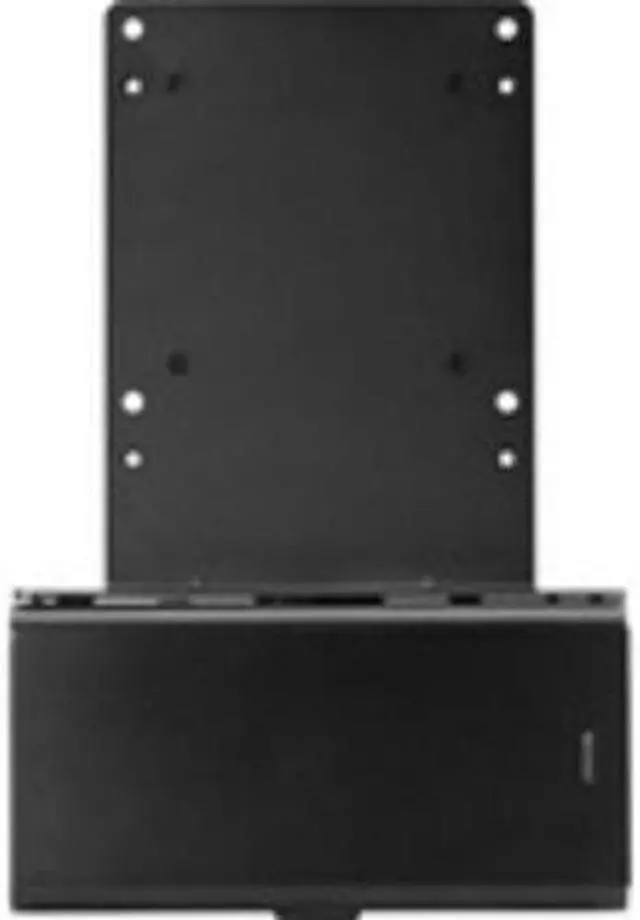
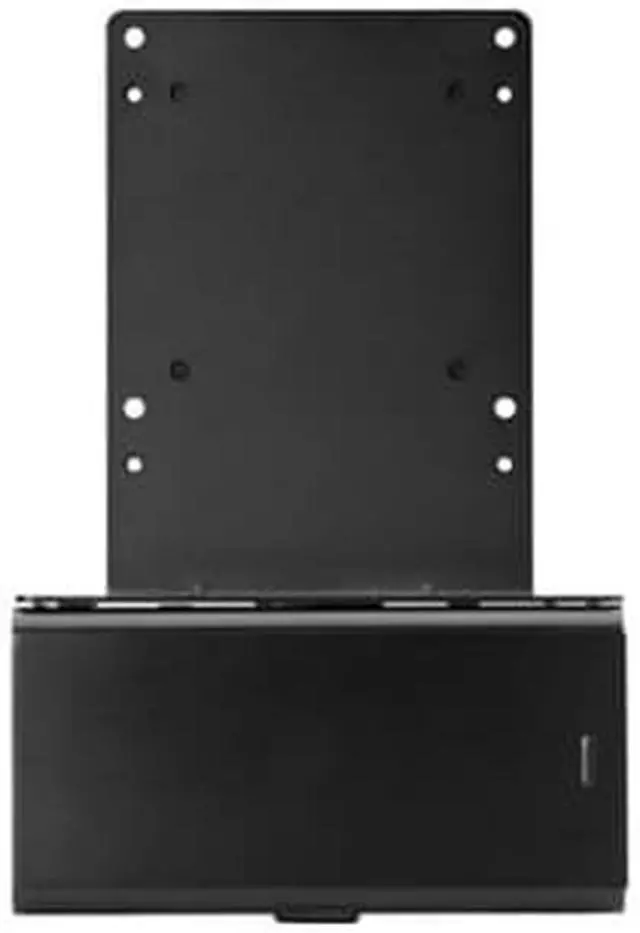
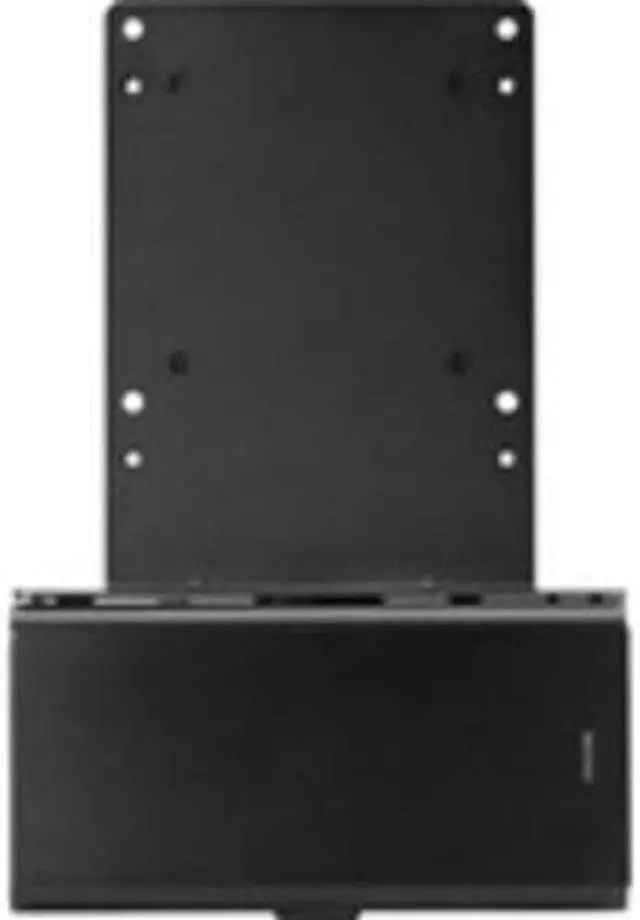
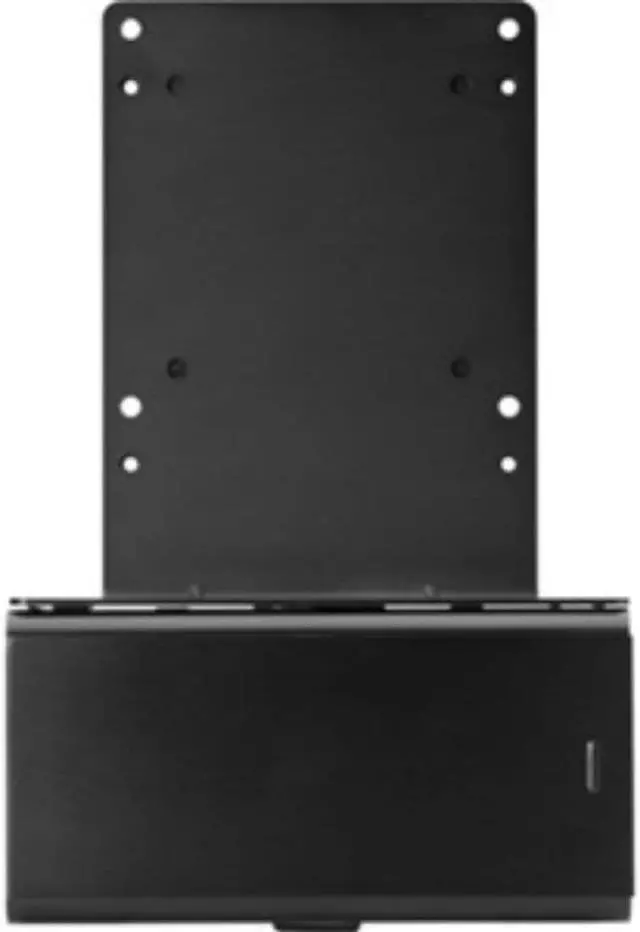
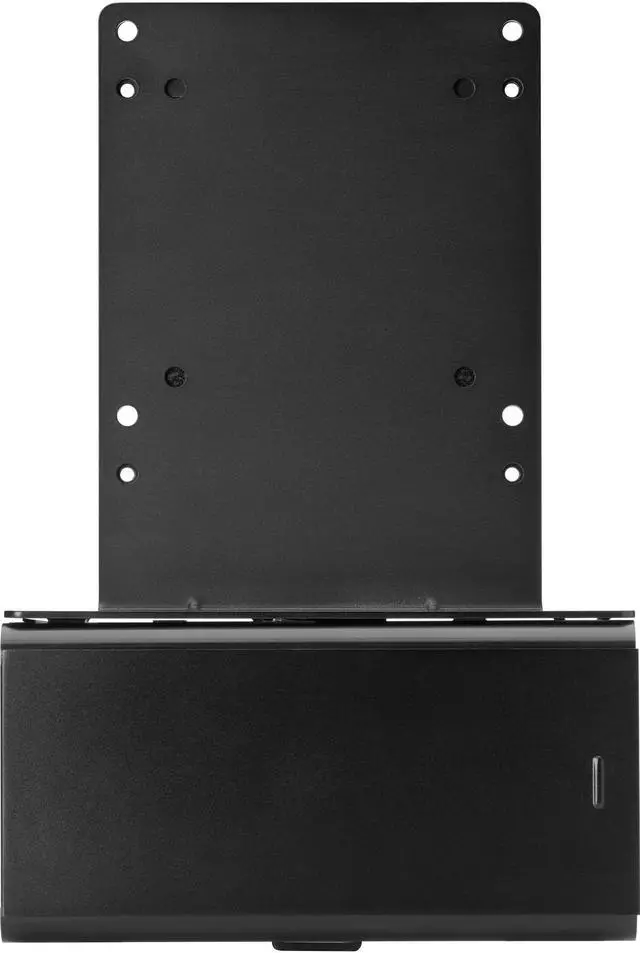
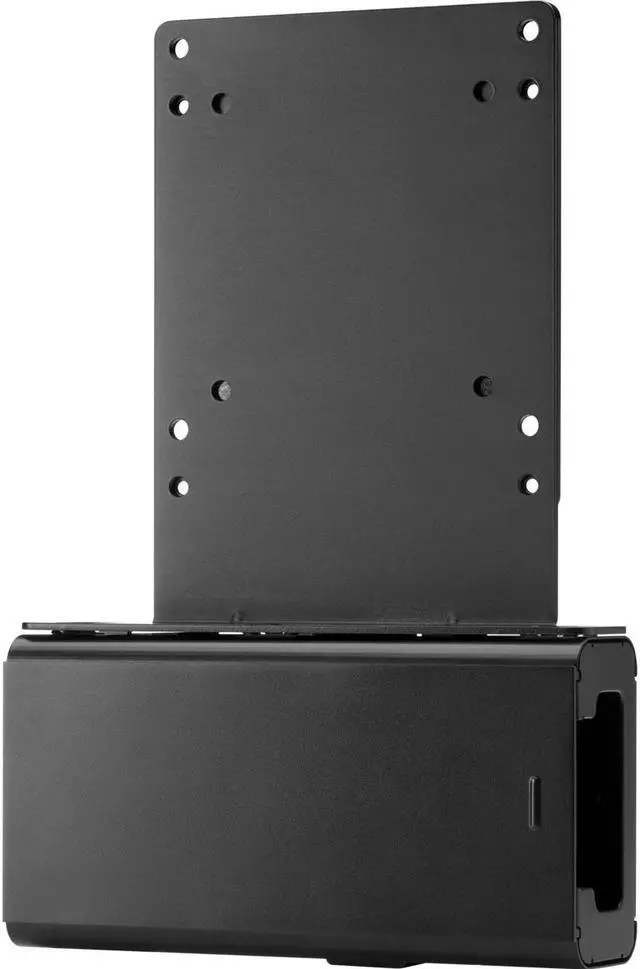
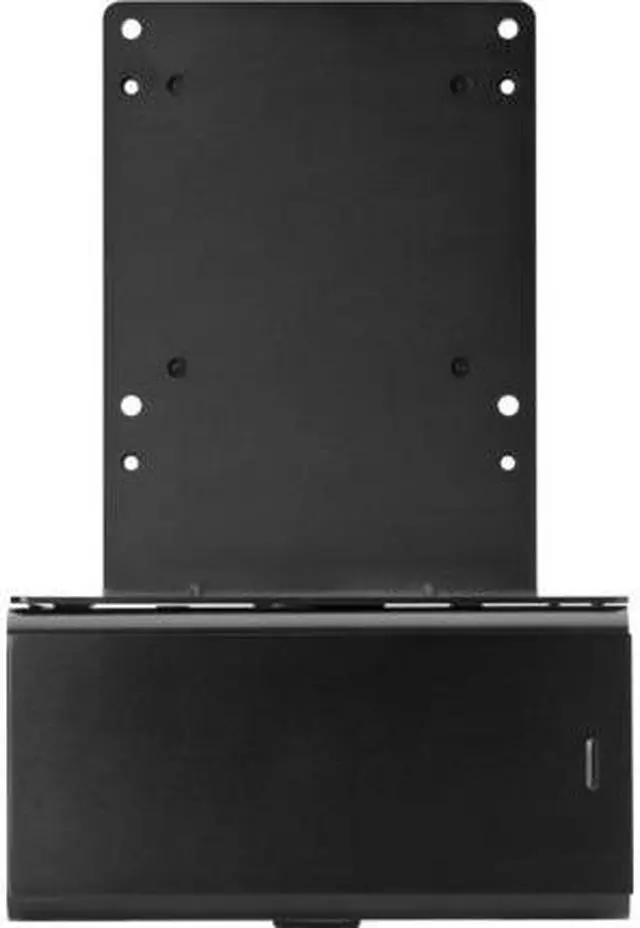
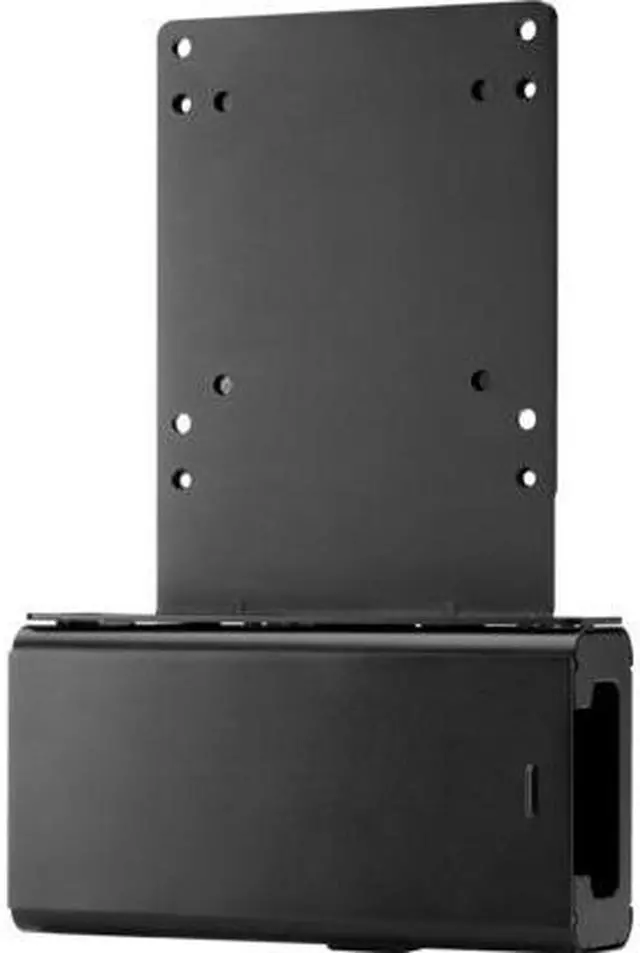
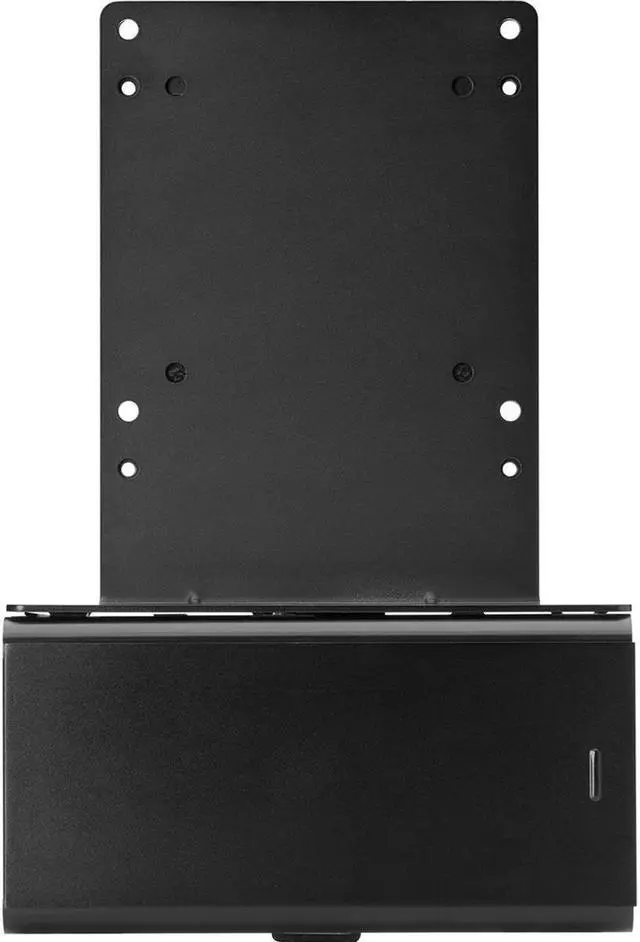
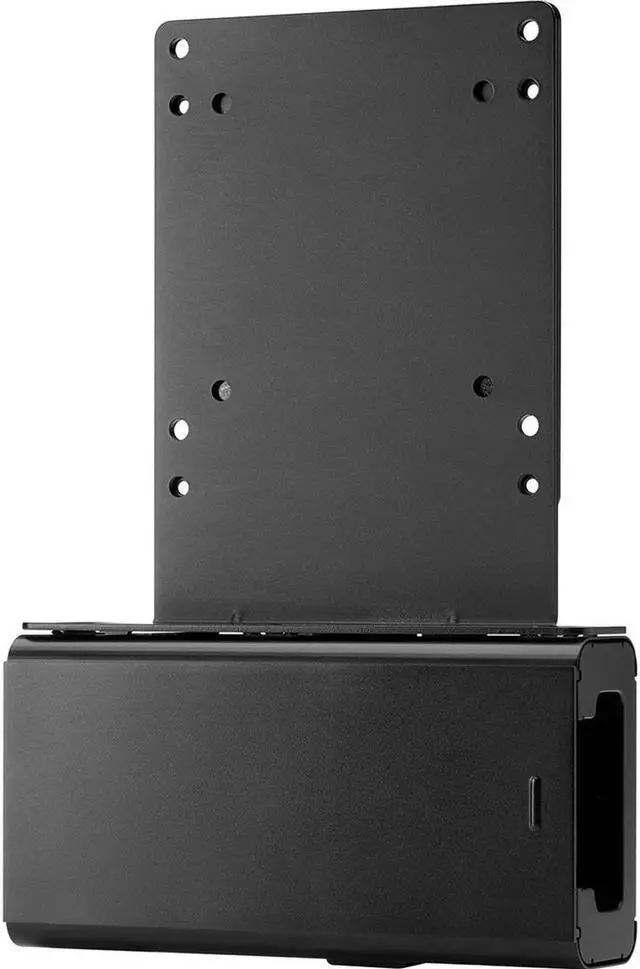
If you're seeking a streamlined, space-saving solution for your workspace, consider the HP B300 Mounting Bracket with Power Supply Holder v2. This innovative product is designed to securely attach your HP Workstation, HP Desktop Mini, HP Chromebox, or select HP Thin Client directly behind select HP EliteDisplays and HP Z Displays.
This single-footprint solution is perfect for those looking to maximize their workspace and maintain an organized, clutter-free environment. The B300 bracket attaches effortlessly to the back of your display's stand, allowing your PC to be securely mounted to the bracket. This design not only saves space but also significantly reduces cable clutter, thanks to the inclusion of short USB A-to-B and DisplayPort cables.
Additionally, the B300 Mounting Bracket features an integrated power supply holder, further enhancing its space-saving capabilities. Despite its compact design, this bracket does not compromise on the comfort features of your HP Elite Display or HP Z Display. It is meticulously designed to not interfere with the display's height adjustment, tilt, swivel, or pivot settings, ensuring a comfortable and ergonomic workspace.
Please note, it's essential to record your computer's serial number before installation, as the bracket design may obscure it. This detail-oriented, user-friendly, and space-efficient solution is a testament to HP's commitment to creating products that enhance productivity and workspace efficiency.





 here!
here!









![AOACE Gaming PC AMD Ryzen 7 5700X [8-Core 4.6GHz], RTX 5060 8GB GDDR7, DLSS 4, VR Ready, WiFi 6E, 32GB DDR4, 1TB PCIe4 NVMe, 6 ARGB, Win11 Home](https://c1.neweggimages.com/ProductImageCompressAll60/C545S2607150J6GDT09.jpg "AOACE Gaming PC AMD Ryzen 7 5700X [8-Core 4.6GHz], RTX 5060 8GB GDDR7, DLSS 4, VR Ready, WiFi 6E, 32GB DDR4, 1TB PCIe4 NVMe, 6 ARGB, Win11 Home")


