




Light up your smart life
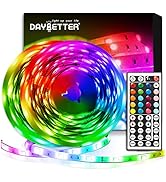
Dynamic flashing mode provide better visual experience, bring your a colorful home theater.
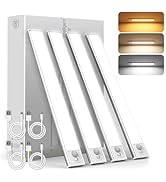
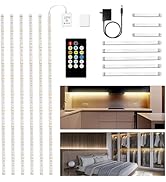
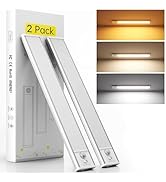
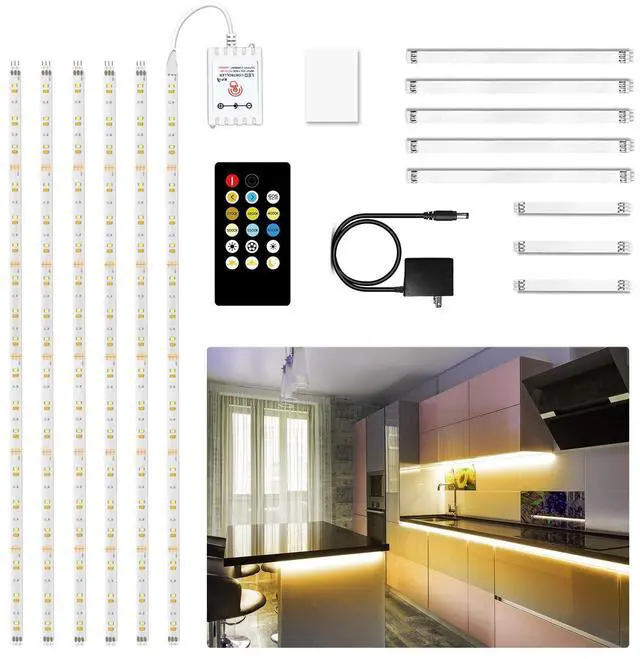
Under Cabinet Lighting
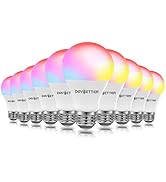
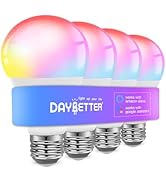
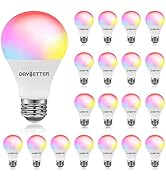
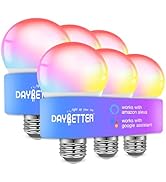
Smart Light Bulbs
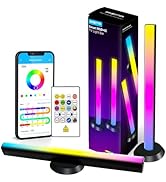
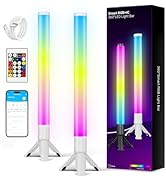
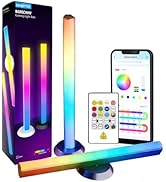
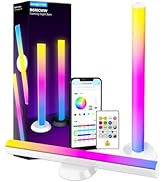
Smart LED Light Bars
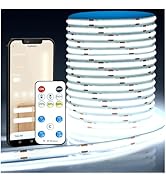
COB LED Strip Light
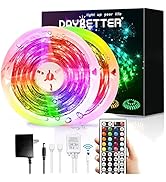
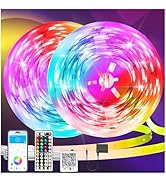
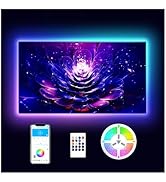
LED Lights
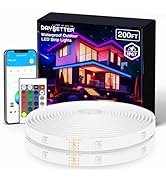
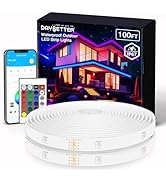
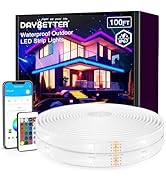
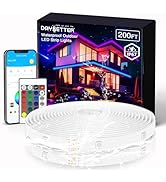
Waterproof LED Light Strips
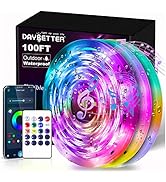
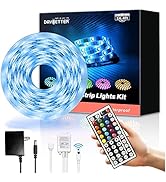
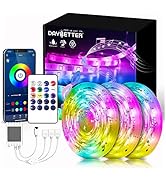
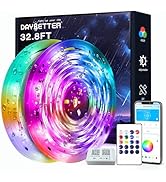
Outdoor Led Lights
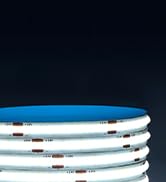
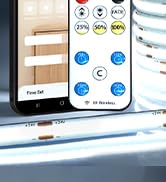
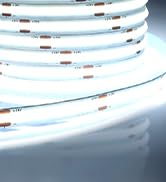
Smart COB LED Strip
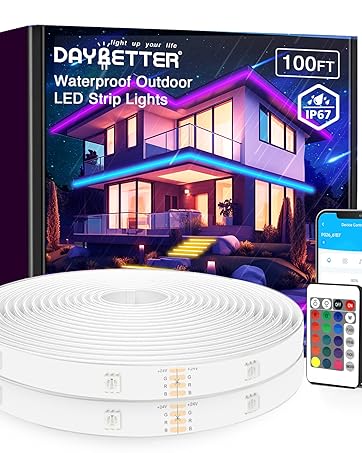
Waterproof Led Light Strips
Enliven your balconies, rooftops, gardens and pools and brighten up your outdoor and party decorations.
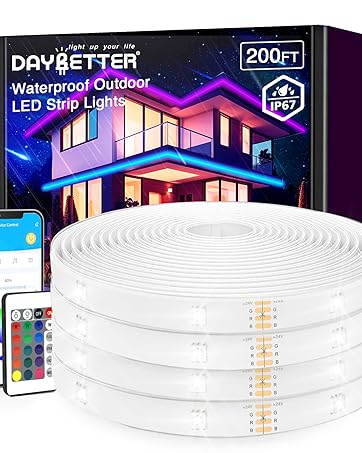
Outdoor LED Strip Lights
Enliven your balconies, rooftops, gardens and pools and brighten up your outdoor and party decorations.
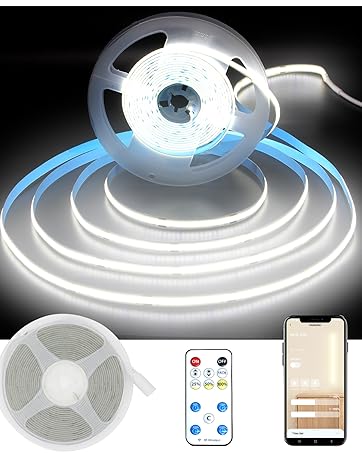
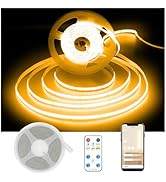
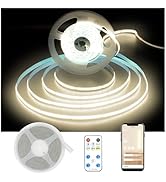
Smart COB LED Strip Light
Dynamic flashing mode provide better visual experience
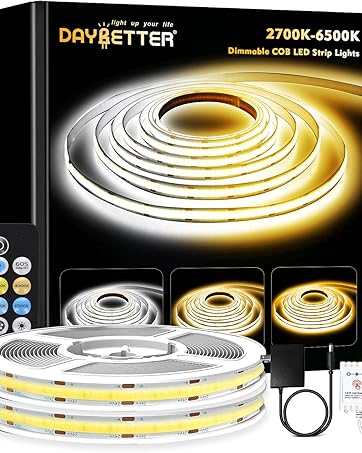
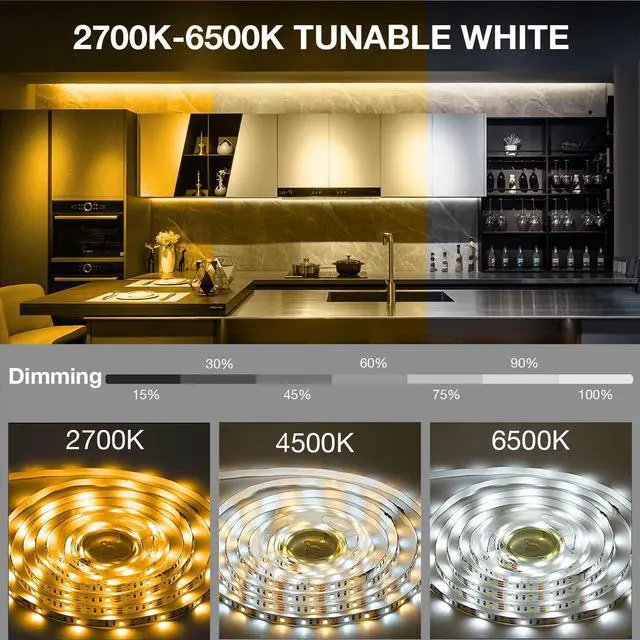
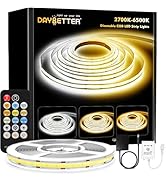
Tunable White COB LED Strip
Dimmable white LED strip lights from warm white to cool white (2700K-6500K)
 Smart Light Bulbs,mart Bulbs that Work with Alexa & Google Assistant |  LED Lights for TV 65-75 Inch |  DAYBETTER Smart LED Light Bars, RGB Light Bar, 14 Inches TV Backlights with S... |  Smart COB LED Strip Light, 16.4ft White LED Lights, 6500K |  DAYBETTER Led Strip Lights Waterproof, 32.8ft(2 Rolls of 16.4ft) Led Tape Lig... |  Under Cabinet Lighting Wireless, 4 Pack Under Cabinet Lights Rechargeable, Mo... | |
|---|---|---|---|---|---|---|
| Customer Reviews | — | — | — | — | — | — |
| Price | — | — | — | — | — | — |
| APP Control | ? | ? | ? | ? | × | ? |
| Length | 10 Pack | 15ft | 14 inch | 16.4ft | 32.8ft | 12 inch |
Under Cabinet Lights

LED Strip Lights

Under Cabinet Lighting

Under Counter Lighting

Led Strip Lighting

Under Shelf Lighting

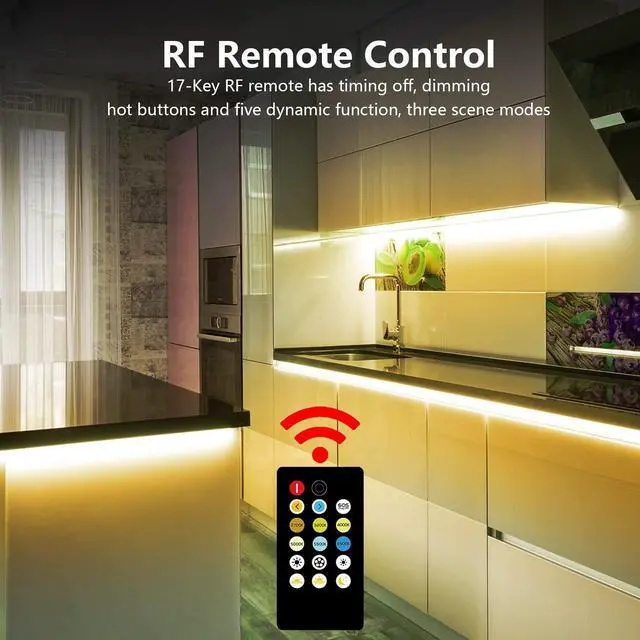
RF Wireless remote control
1.Signal can go through the obstacles( Cabinet, Door, Wall...).
2.After re-match, 1 remote can control many matched lights.
3.Remote can be perfect to adjust the brightness or setting a timing off this cabinet light kit."

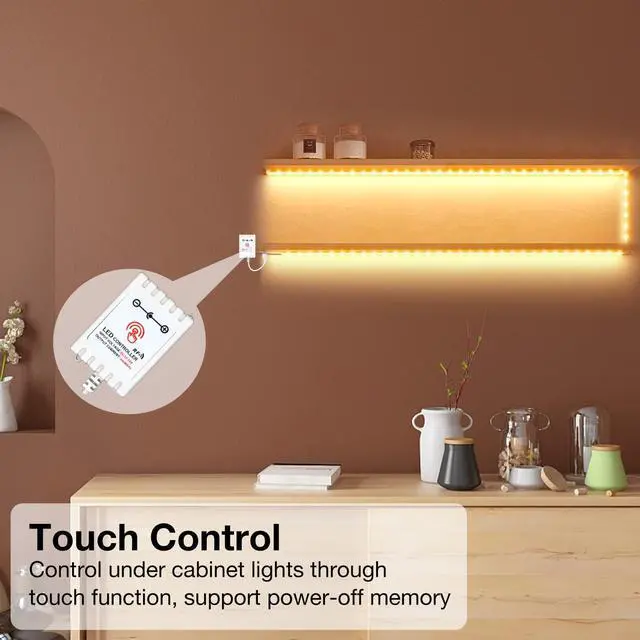
Touch Control
1. Turn on and turn off light. ---Just short touch once.
2. Switch color temprature. ---When touch to turn on, if within 2 seconds you touch again, the color temprature will switch.
3. Adjust brightness smoothly. ---Long touch. The brightness will smoothly changes between max and min value. Always starts with decline first."

"How to re-match"?
1.After plug in the power, turn on the light bar(to make sure all the connection is right).turn off the light(just click the button on the dimmer, all the connection is still fine),
2.RF Wireless remote control, then press the on/off button on the remote.
3.The touch function is turned on by default and can be turned off by remote control: press the OFF key five times continuously to turn off the touch function.Press the ON key five times in a row to turn on the touch function.
Smart Light Bulbs,mart Bulbs that Work with Alexa & Google Assistant | LED Lights for TV 65-75 Inch | DAYBETTER Smart LED Light Bars, RGB Light Bar, 14 Inches TV Backlights with S... | Smart COB LED Strip Light, 16.4ft White LED Lights, 6500K | DAYBETTER Led Strip Lights Waterproof, 32.8ft(2 Rolls of 16.4ft) Led Tape Lig... | Under Cabinet Lighting Wireless, 4 Pack Under Cabinet Lights Rechargeable, Mo... | |
|---|---|---|---|---|---|---|
| Customer Reviews | — | — | — | — | — | — |
| Price | — | — | — | — | — | — |
| APP Control | ? | ? | ? | ? | × | ? |
| Length | 10 Pack | 15ft | 14 inch | 16.4ft | 32.8ft | 12 inch |
Under Cabinet Lights
LED Strip Lights
Under Cabinet Lighting
Under Counter Lighting
Led Strip Lighting
Under Shelf Lighting
RF Wireless remote control
1.Signal can go through the obstacles( Cabinet, Door, Wall...).
2.After re-match, 1 remote can control many matched lights.
3.Remote can be perfect to adjust the brightness or setting a timing off this cabinet light kit."
Touch Control
1. Turn on and turn off light. ---Just short touch once.
2. Switch color temprature. ---When touch to turn on, if within 2 seconds you touch again, the color temprature will switch.
3. Adjust brightness smoothly. ---Long touch. The brightness will smoothly changes between max and min value. Always starts with decline first."
"How to re-match"?
1.After plug in the power, turn on the light bar(to make sure all the connection is right).turn off the light(just click the button on the dimmer, all the connection is still fine),
2.RF Wireless remote control, then press the on/off button on the remote.
3.The touch function is turned on by default and can be turned off by remote control: press the OFF key five times continuously to turn off the touch function.Press the ON key five times in a row to turn on the touch function.
Light up your smart life
Dynamic flashing mode provide better visual experience, bring your a colorful home theater.
Under Cabinet Lighting
Smart Light Bulbs
Smart LED Light Bars
COB LED Strip Light
LED Lights
Waterproof LED Light Strips
Outdoor Led Lights
Smart COB LED Strip
Waterproof Led Light Strips
Enliven your balconies, rooftops, gardens and pools and brighten up your outdoor and party decorations.
Outdoor LED Strip Lights
Enliven your balconies, rooftops, gardens and pools and brighten up your outdoor and party decorations.
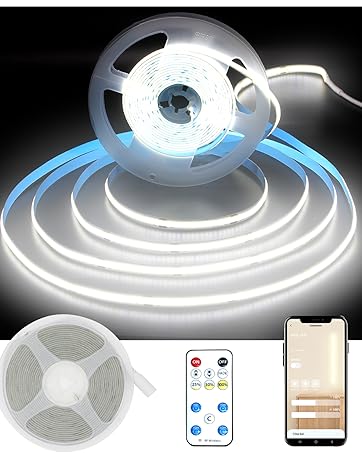
Smart COB LED Strip Light
Dynamic flashing mode provide better visual experience
Tunable White COB LED Strip
Dimmable white LED strip lights from warm white to cool white (2700K-6500K)
