


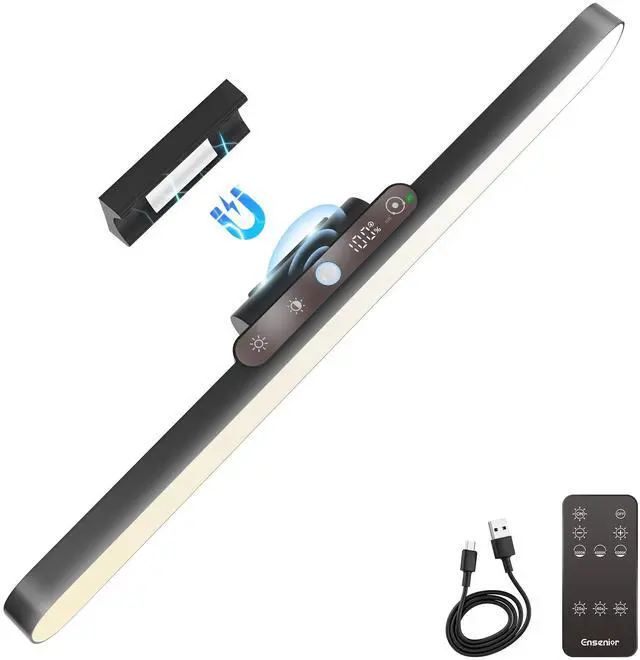
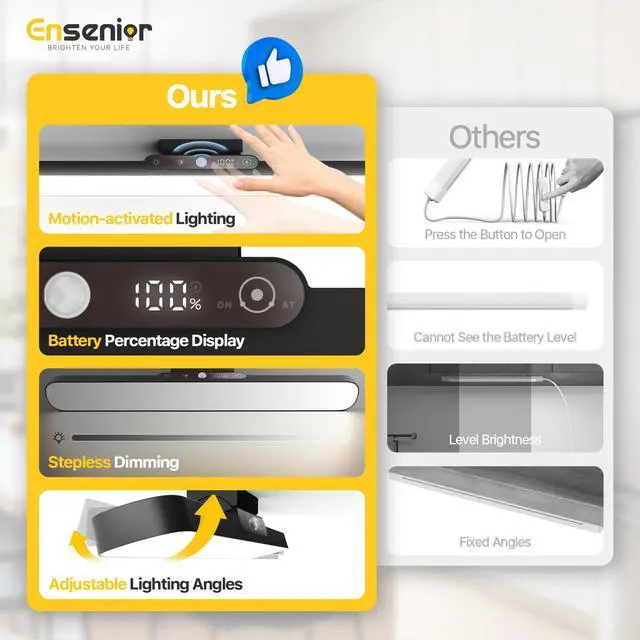


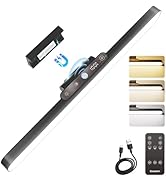
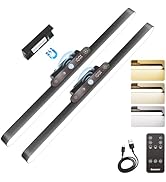
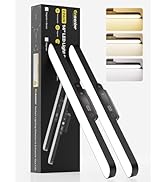
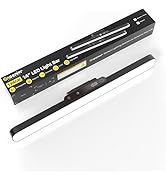
Battery-powered Cabinet Light
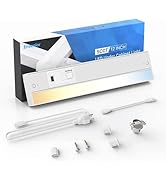
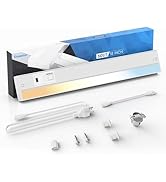
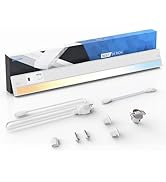
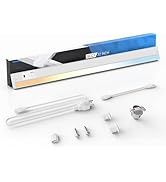
Hand Wave Cabinet Light
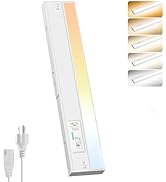
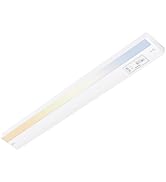
Plug-in Cabinet Light
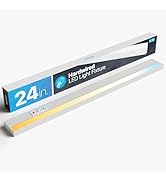
Hardwired Cabinet Light

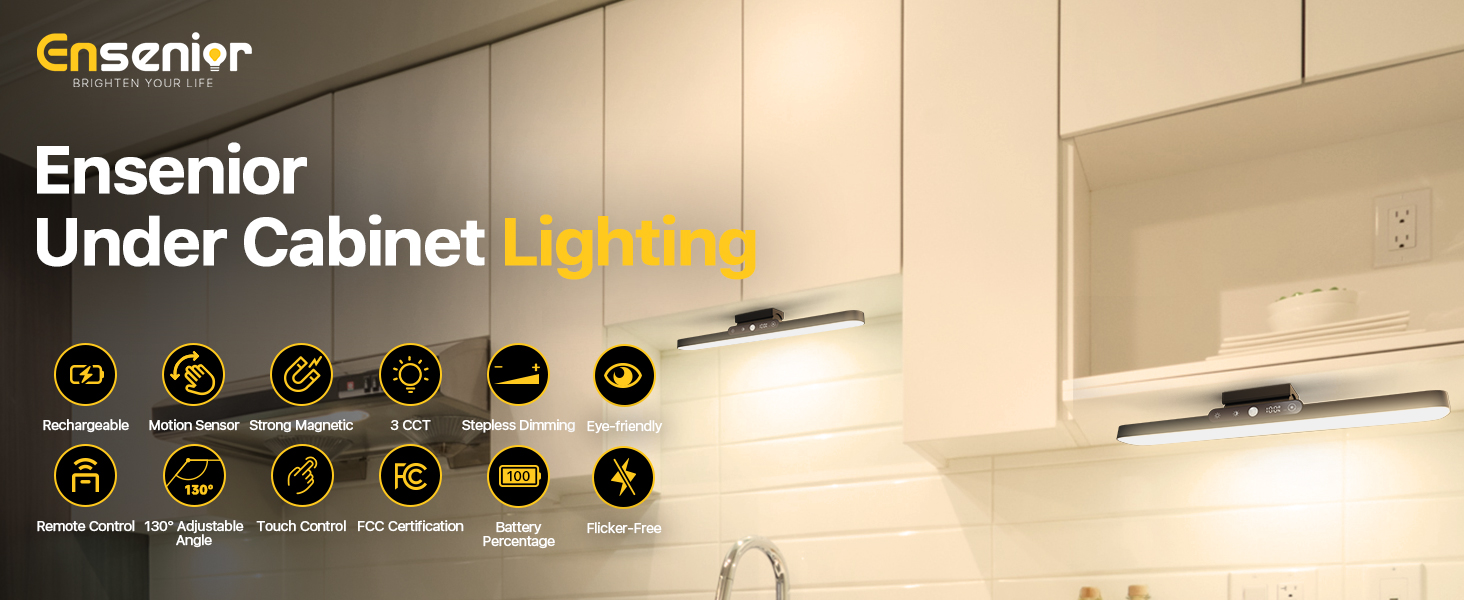
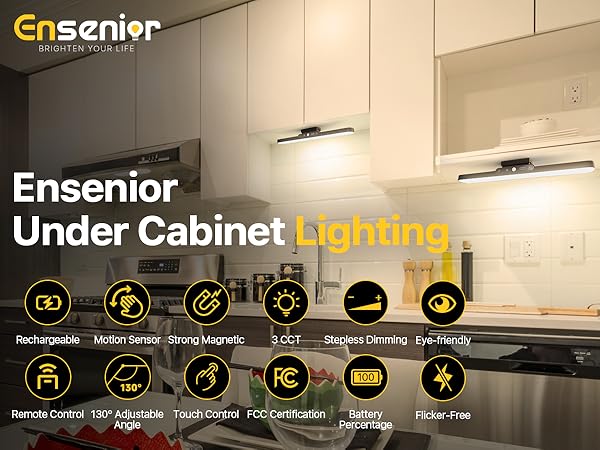
Founded in 2019, Ensenior specializes in innovative LED under-cabinet lighting. Over the past five years, we’ve sold over 20 million LED lights across the United States, earning the trust of homeowners nationwide. Today, our simple, stylish, and smart lights come in hardwired, plug-in, and battery-powered models, with touch, hand wave, motion, and remote control options — designed to brighten your kitchen or others and elevate your daily life!
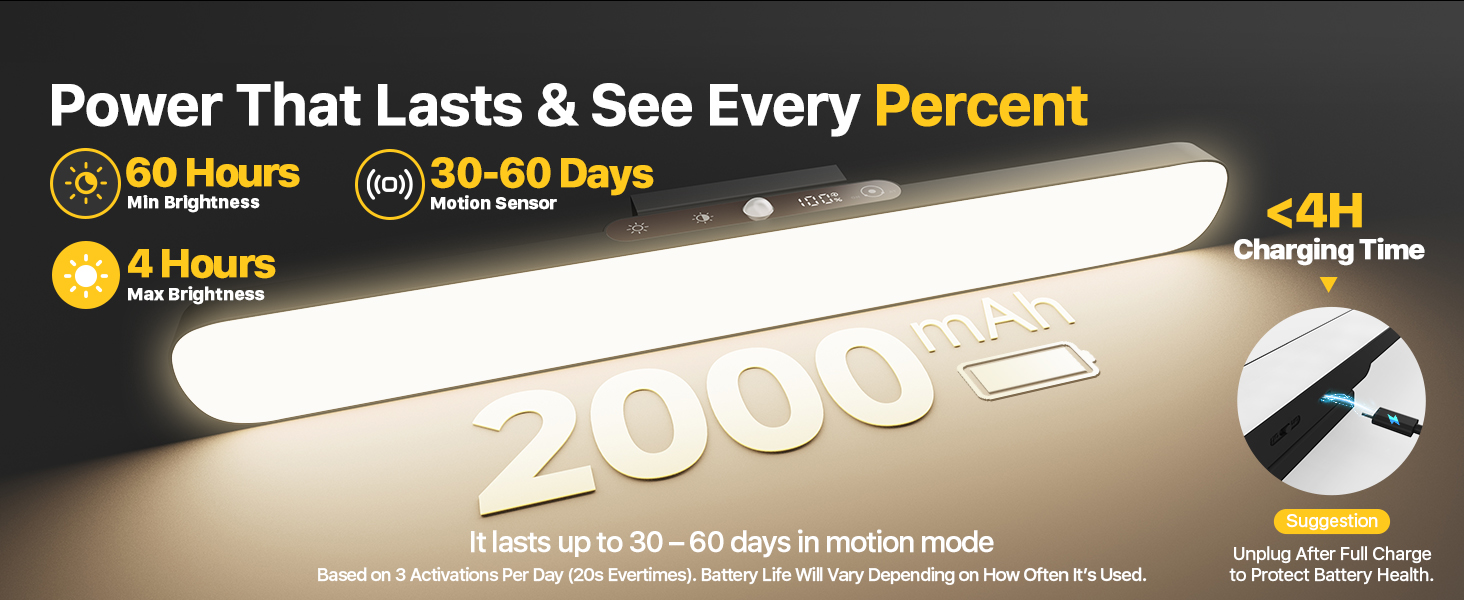
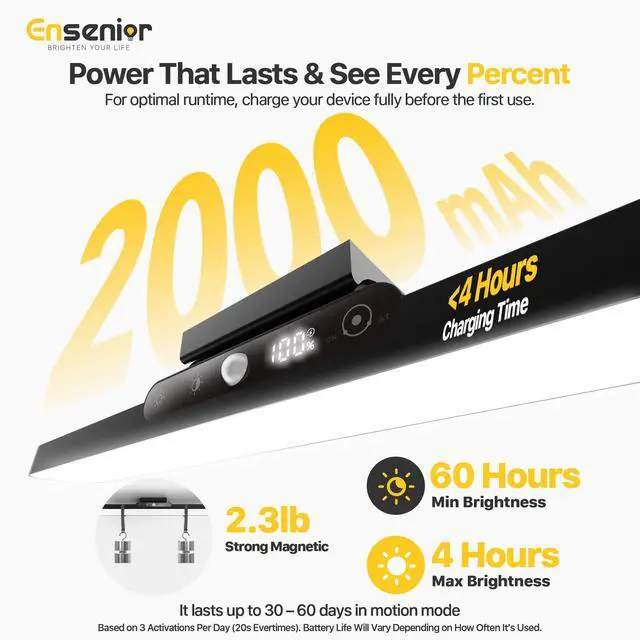
For optimal runtime, charge your device fully before the first use!
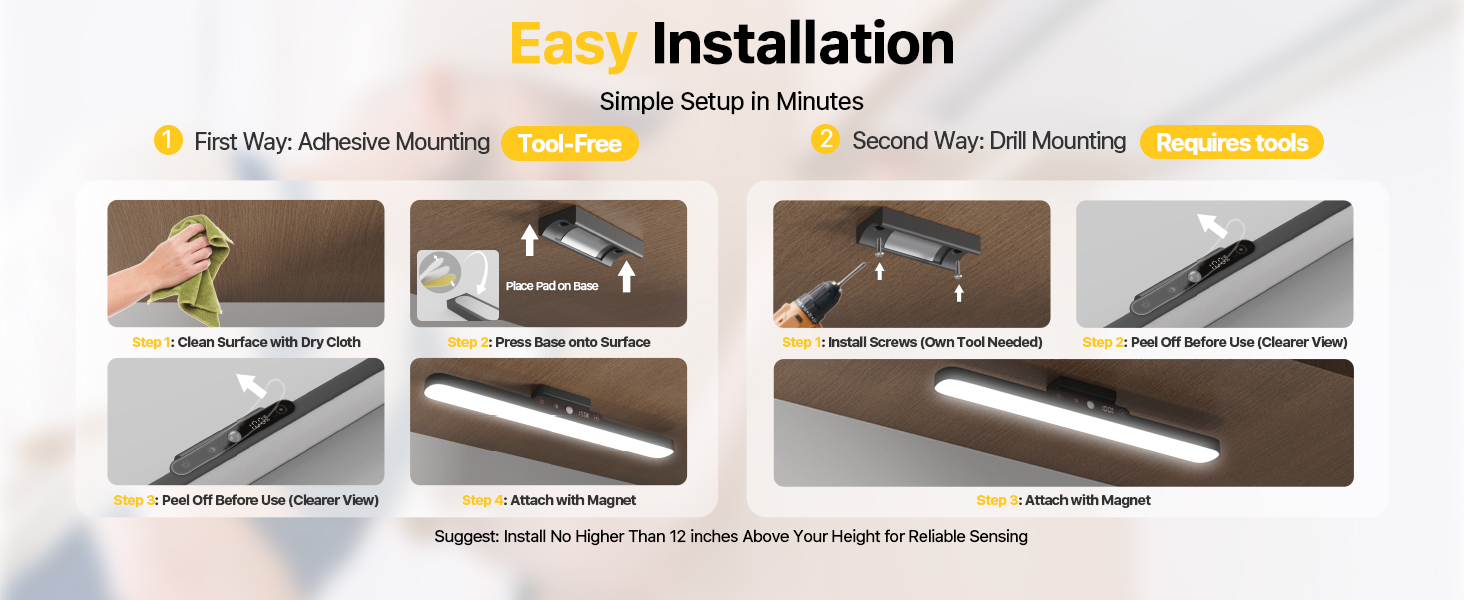
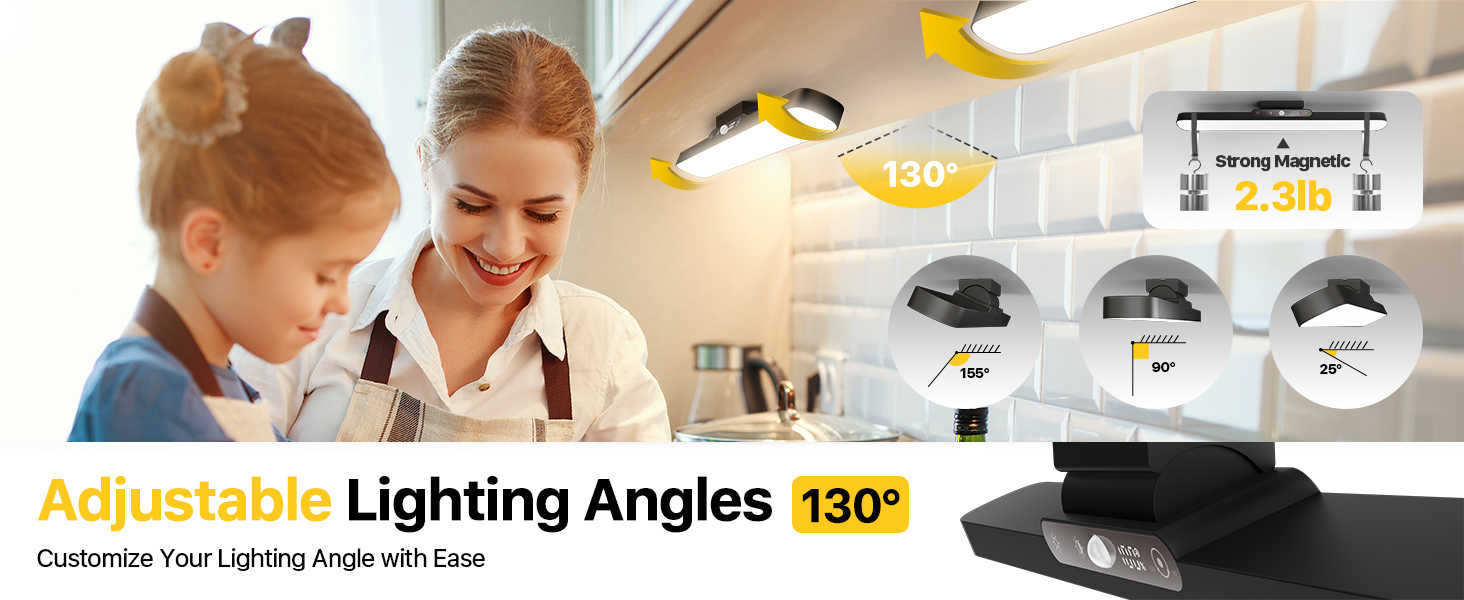
Double-sided adhesive tape: Not suitable for rough, porous, or uneven surfaces—including unprimed plaster, raw concrete, fabric walls, or flaking/old paint. Sticks securely to smooth, non-porous surfaces like latex-painted walls, tiles, glass, mirrors, wood, metal, and plastic.


How bright is this light?
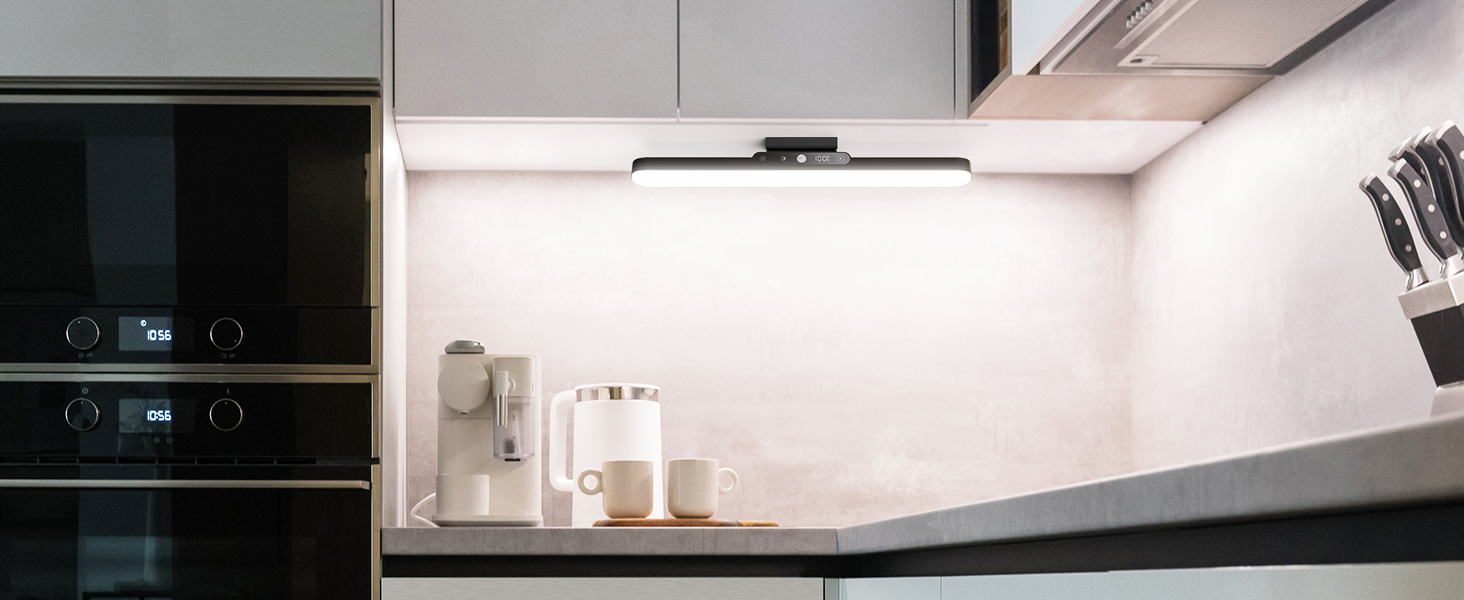
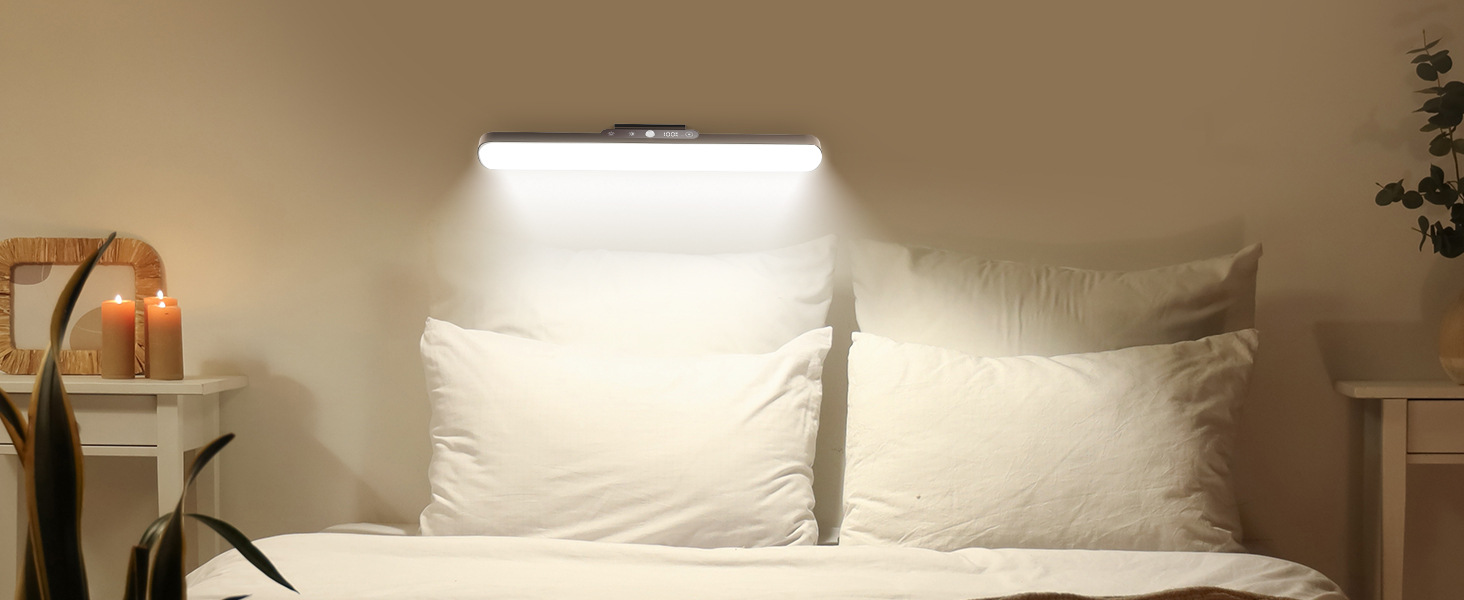
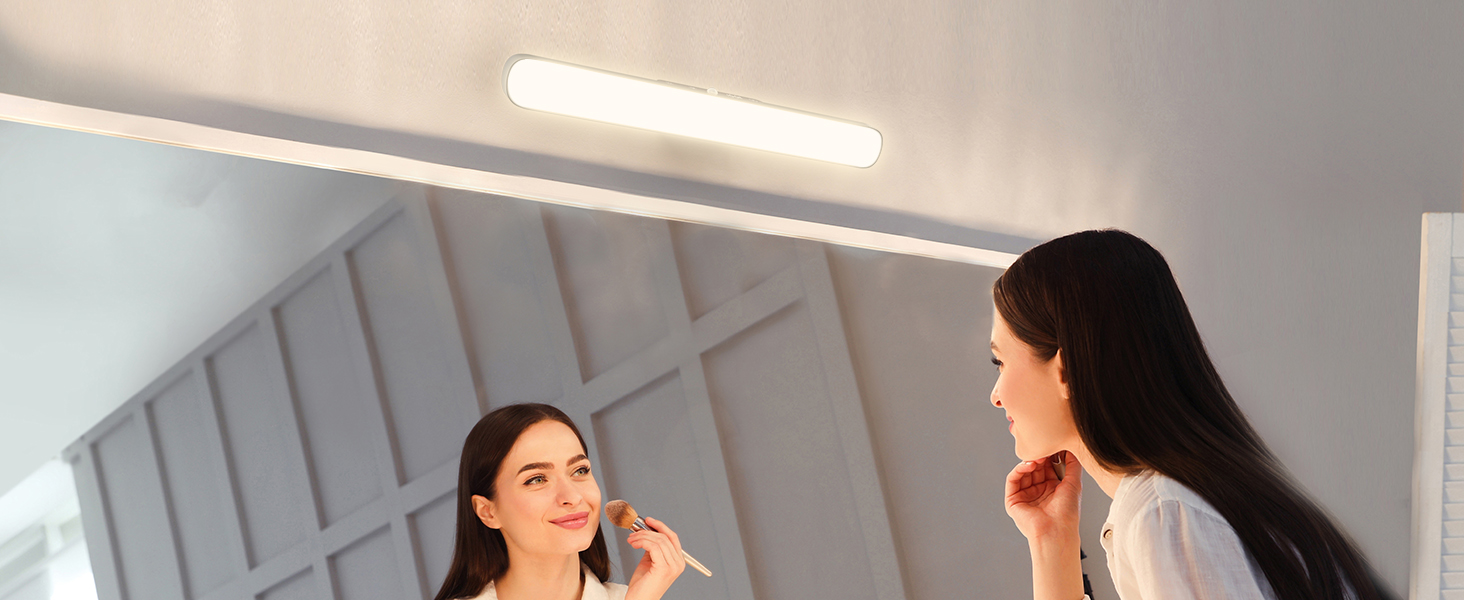
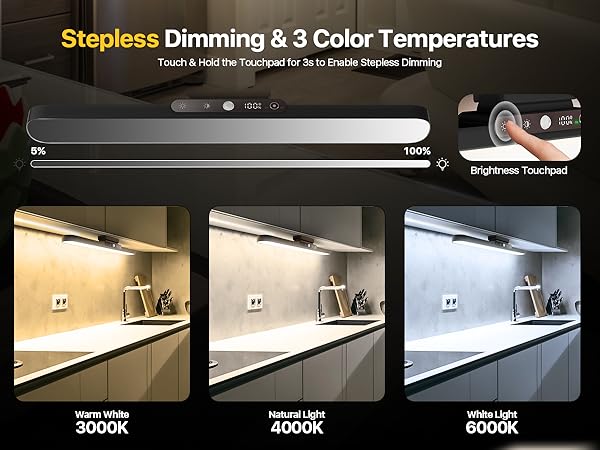
Brightness: 150 Lumens (~3x phone flash). Best Use: Wireless Task Lighting for cabinets & closets to find items clearly. Note: Provides focused glow, NOT whole-room light like wired lamps.
Battery drains too fast?
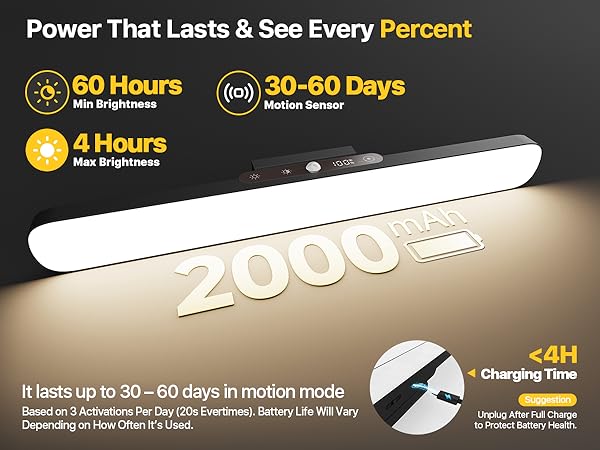
Tip: Charge for 4 HOURS, even if display '100%'. Why: 'Trickle Charge' fully saturates the battery cells. Result: Guarantees maximum runtime per charge.
How do I switch modes or turn it on?
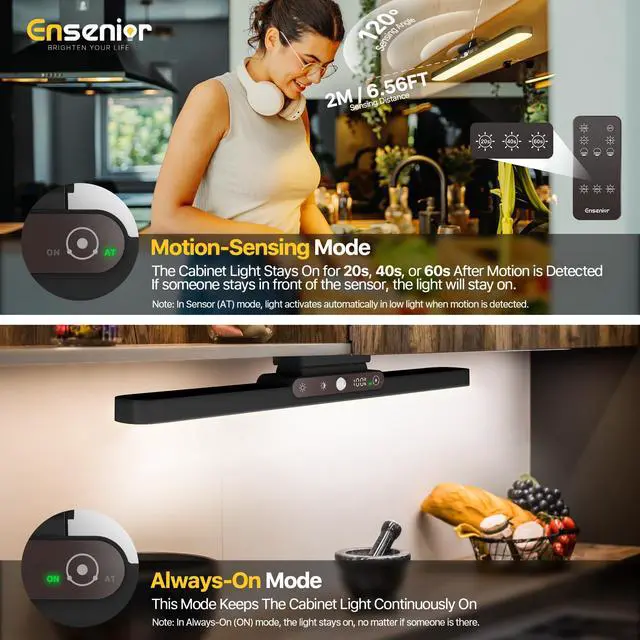
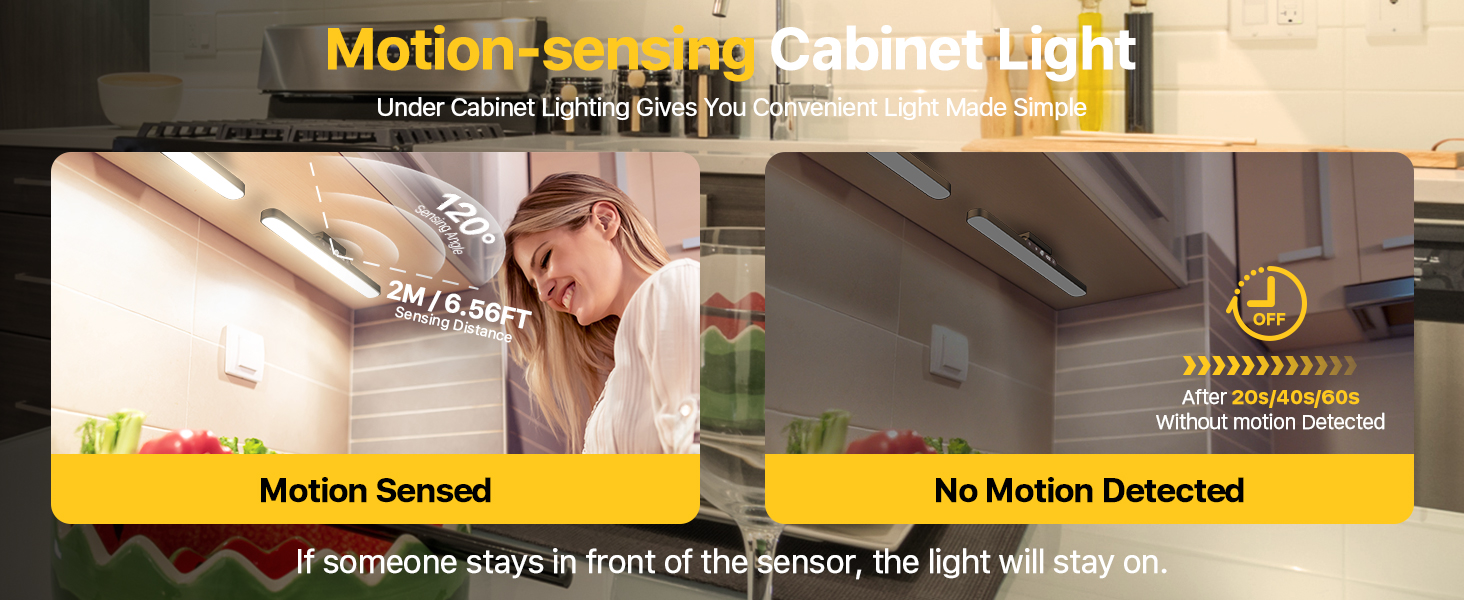
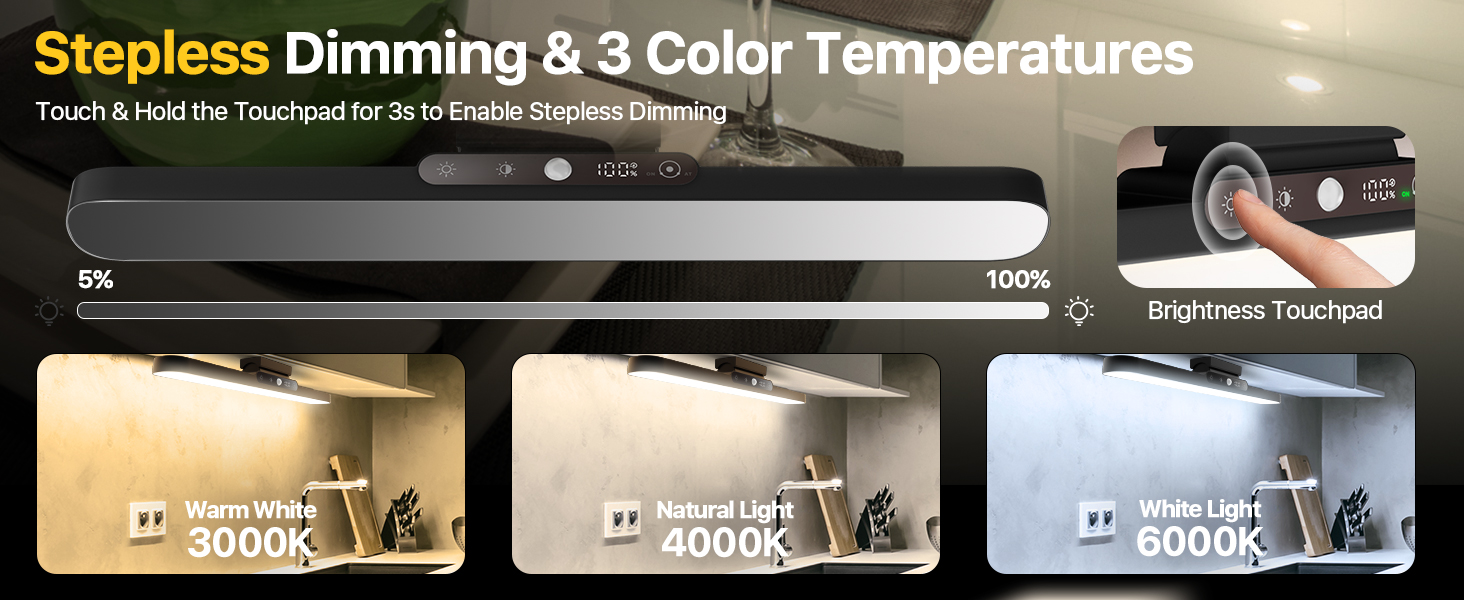
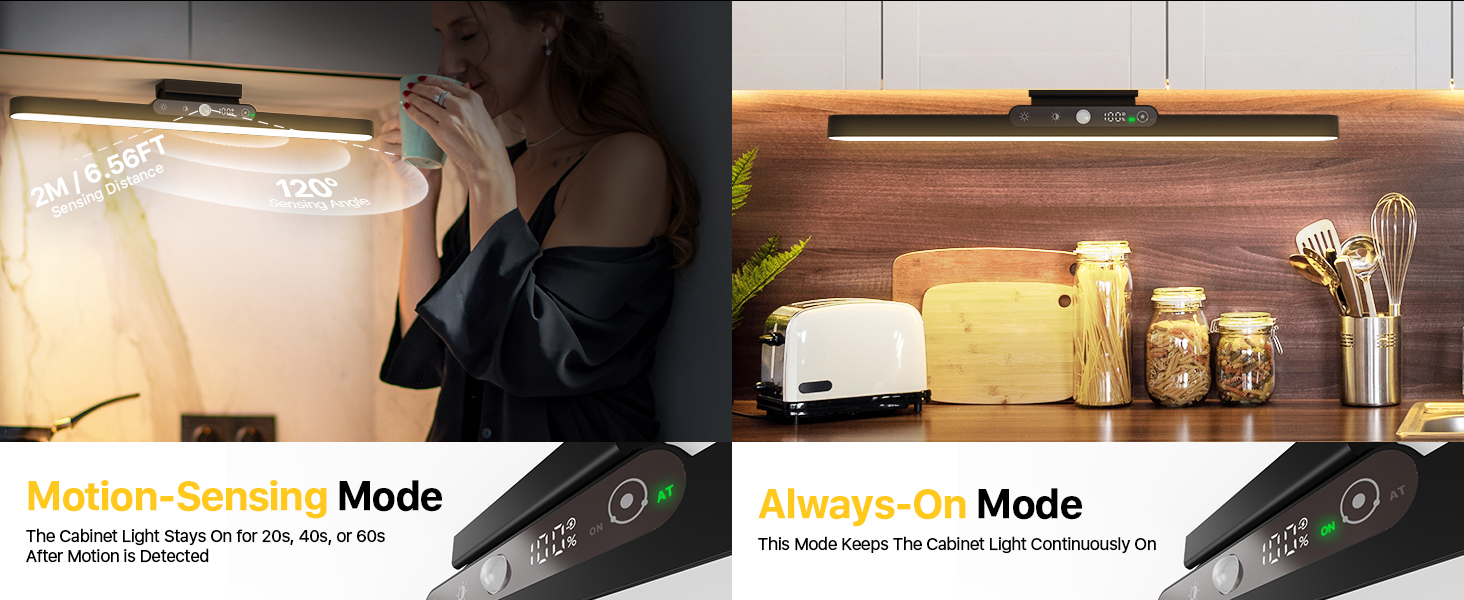
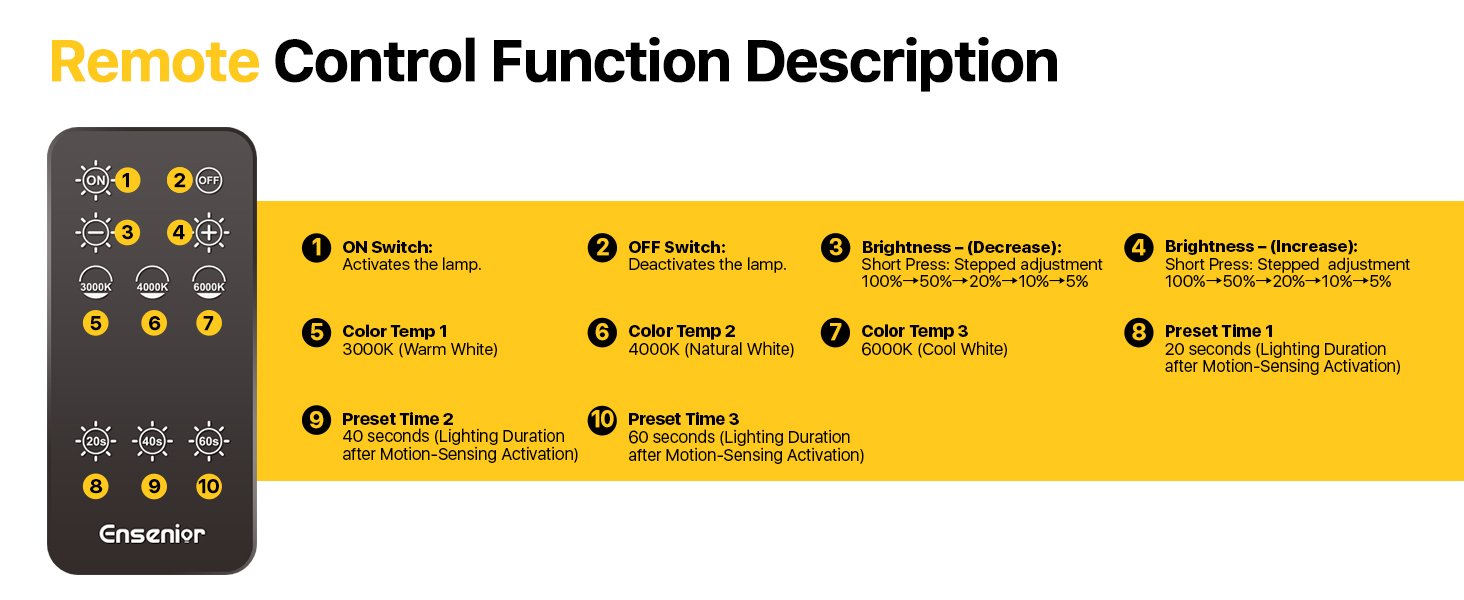
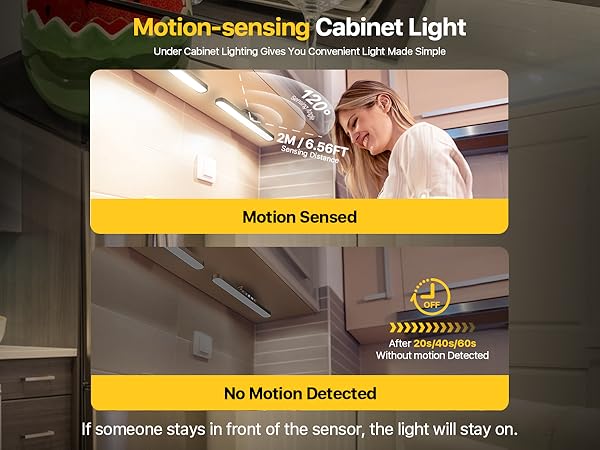
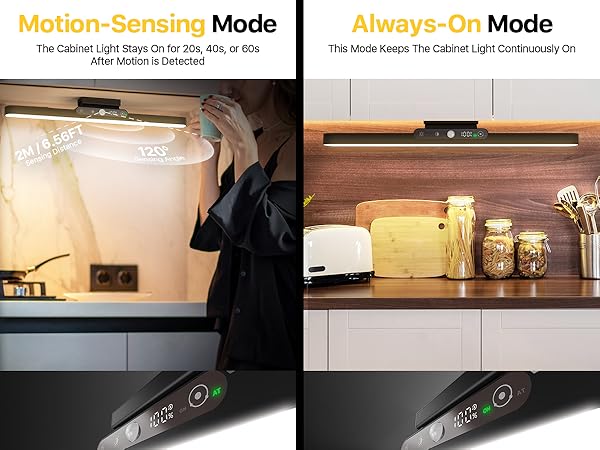
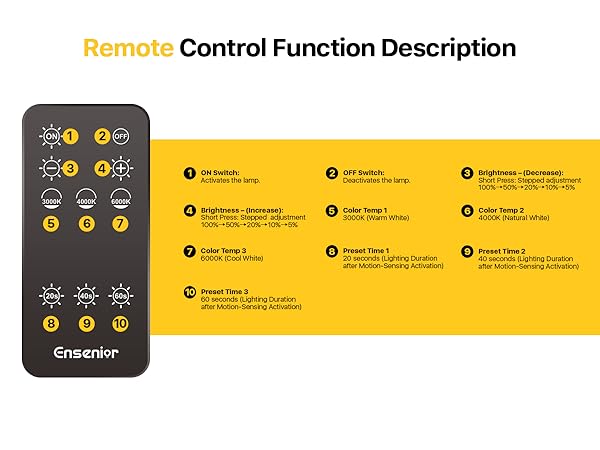
Control (Touch Right Dot): • Sensor Version: 1st Tap = ON (Constant); 2nd Tap = AT (Motion Sensor Mode). • Standard Version: Tap = Simple ON/OFF. Note: If the 2nd tap turns it off, you have the Standard (Non-Sensor) model.
What are the exact dimensions? Will it fit my cabinet?
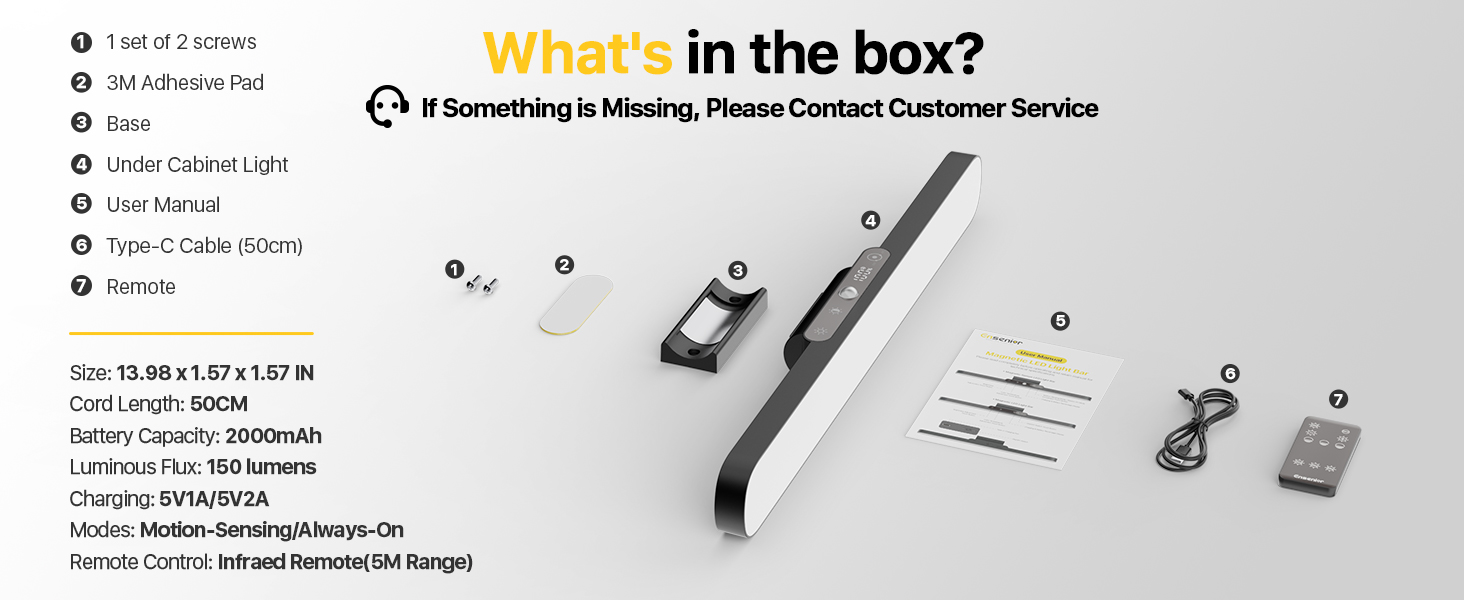
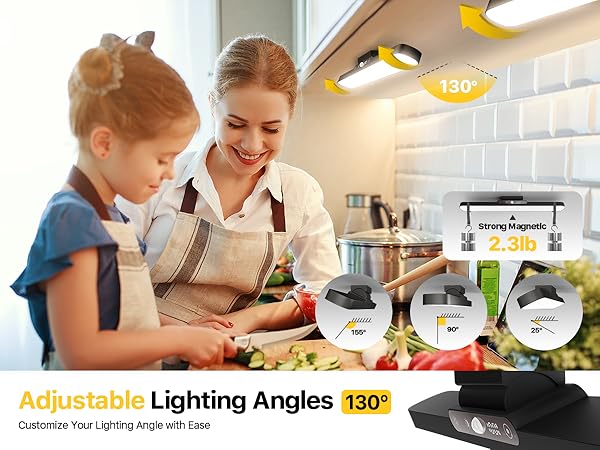
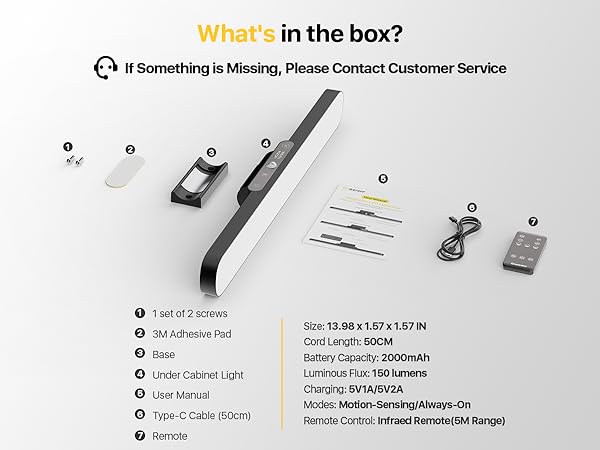
Size: 14"L x 1.6"W. Visual Reference: About the width of a 14" Laptop or legal-size paper. Perfect Fit: Designed for standard single-door cabinets (15"-18" wide). Tip: Please measure your cabinet width > 14 inches to ensure it fits inside.
Sensor mode won't turn on? Is it broken?
To save battery, the sensor stays OFF if the room is already bright. Trigger: Only activates in Dim or Low-Light environments (e.g., shadows/evenings). Test: If it doesn't light up, the ambient light is likely too strong. Cover the sensor to verify.
For optimal runtime, charge your device fully before the first use!
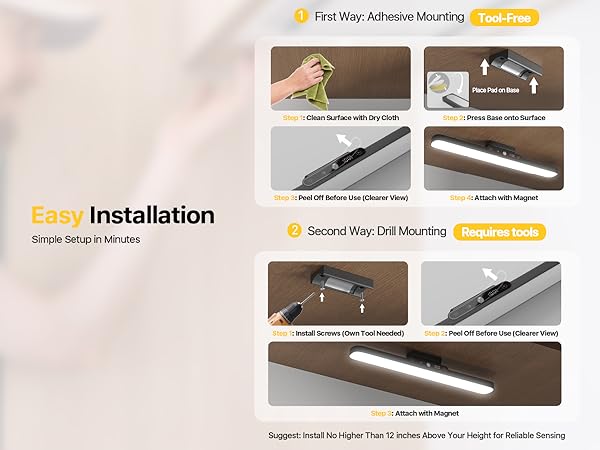
Double-sided adhesive tape: Not suitable for rough, porous, or uneven surfaces—including unprimed plaster, raw concrete, fabric walls, or flaking/old paint. Sticks securely to smooth, non-porous surfaces like latex-painted walls, tiles, glass, mirrors, wood, metal, and plastic.
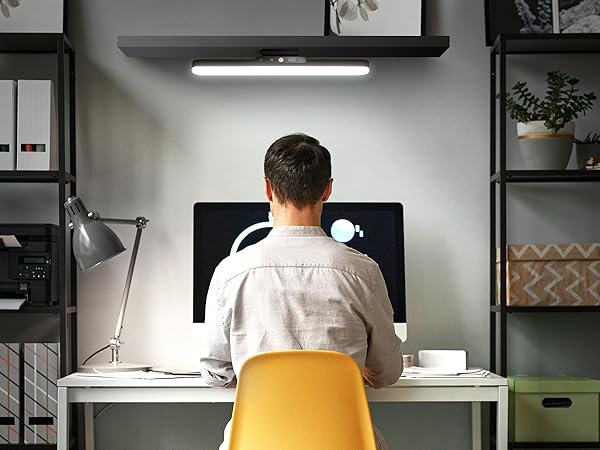

How bright is this light?
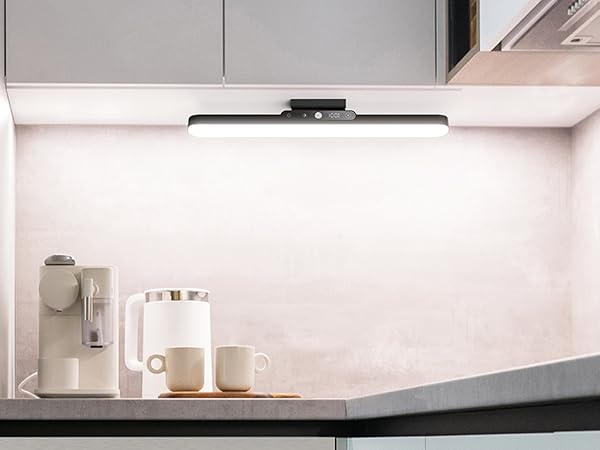
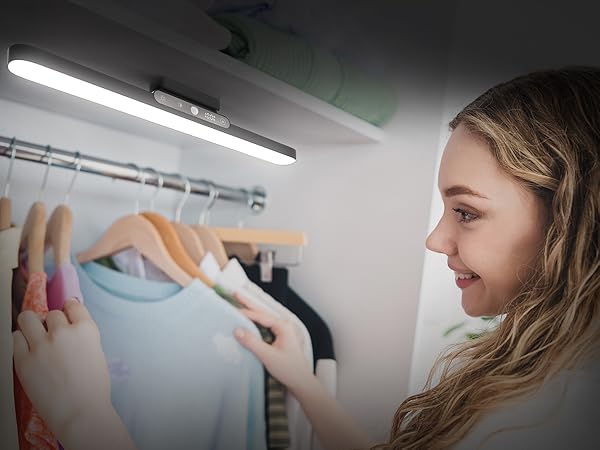
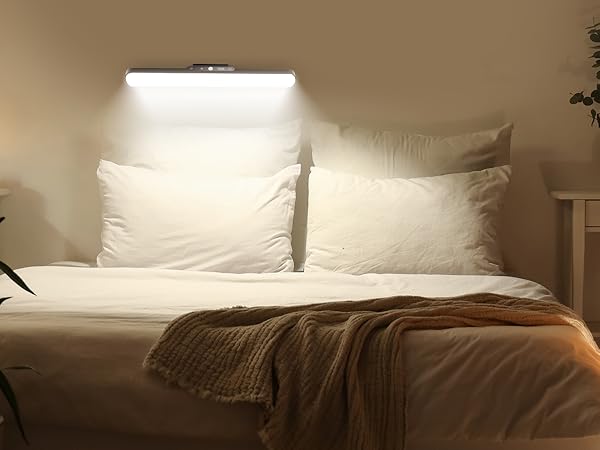
Brightness: 150 Lumens (~3x phone flash). Best Use: Wireless Task Lighting for cabinets & closets to find items clearly. Note: Provides focused glow, NOT whole-room light like wired lamps.
Battery drains too fast?
Tip: Charge for 4 HOURS, even if display '100%'. Why: 'Trickle Charge' fully saturates the battery cells. Result: Guarantees maximum runtime per charge.
How do I switch modes or turn it on?
Control (Touch Right Dot): • Sensor Version: 1st Tap = ON (Constant); 2nd Tap = AT (Motion Sensor Mode). • Standard Version: Tap = Simple ON/OFF. Note: If the 2nd tap turns it off, you have the Standard (Non-Sensor) model.
What are the exact dimensions? Will it fit my cabinet?
Size: 14"L x 1.6"W. Visual Reference: About the width of a 14" Laptop or legal-size paper. Perfect Fit: Designed for standard single-door cabinets (15"-18" wide). Tip: Please measure your cabinet width > 14 inches to ensure it fits inside.
Sensor mode won't turn on? Is it broken?
To save battery, the sensor stays OFF if the room is already bright. Trigger: Only activates in Dim or Low-Light environments (e.g., shadows/evenings). Test: If it doesn't light up, the ambient light is likely too strong. Cover the sensor to verify.
Battery-powered Cabinet Light
Hand Wave Cabinet Light
Plug-in Cabinet Light
Hardwired Cabinet Light
Founded in 2019, Ensenior specializes in innovative LED under-cabinet lighting. Over the past five years, we’ve sold over 20 million LED lights across the United States, earning the trust of homeowners nationwide. Today, our simple, stylish, and smart lights come in hardwired, plug-in, and battery-powered models, with touch, hand wave, motion, and remote control options — designed to brighten your kitchen or others and elevate your daily life!