





How to Enable Passage Mode?
Enable Passage Mode in the TUYA app, then turn the door handle to enter—no password needed. (When your fingerprint is on the scanner, the lock lights up pink, meaning Passage Mode is activated successfully.)
Why can anyone unlock my lock ?
You may have enabled Passage Mode (indicator light is pink).You can choose to disable the passage mode in the app.
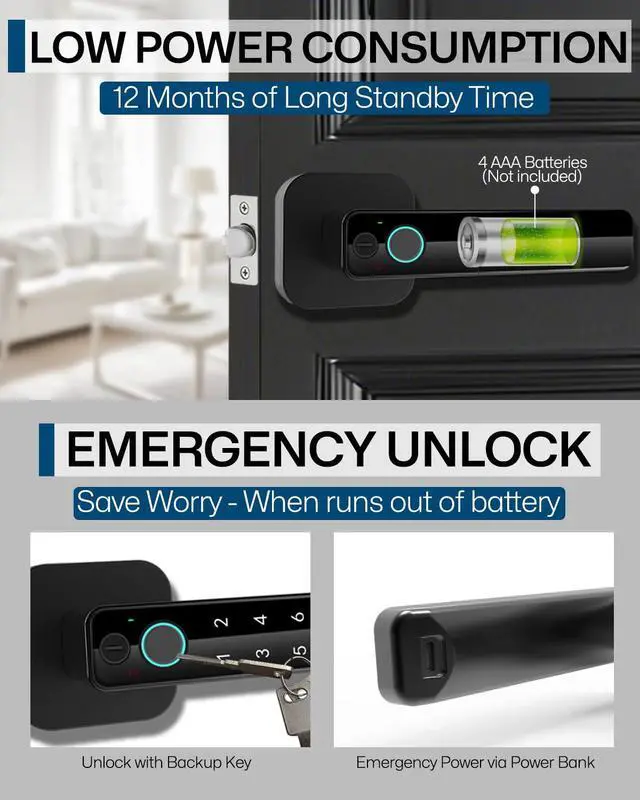
Can the Type-C port charge the lock?
The Type-C port is for emergency unlocking of the fingerprint lock in urgent situations, and is not suitable for charging the battery.
How many passwords and fingerprints can this lock create?
The fingerprint door lock can store a total of 200 users, including fingerprints, passwords, and cards, with a maximum of 100 fingerprints. (NOTE: The first three users added are the lock Administrators)
What should I do if I can't install the lock?
If you have any questions, you can watch the installation video on our homepage.


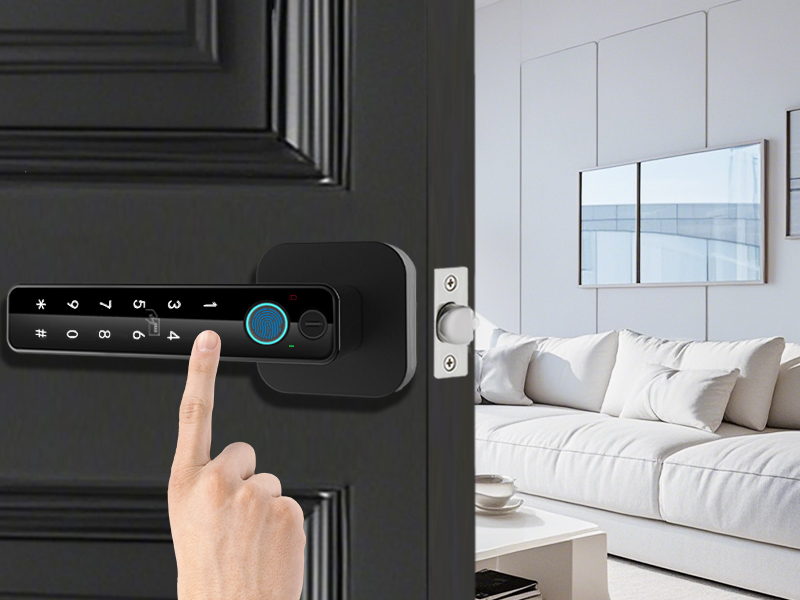
5-IN-1 Smart Fingerprint Door Lock
Password Unlock
100 passwords can be added.
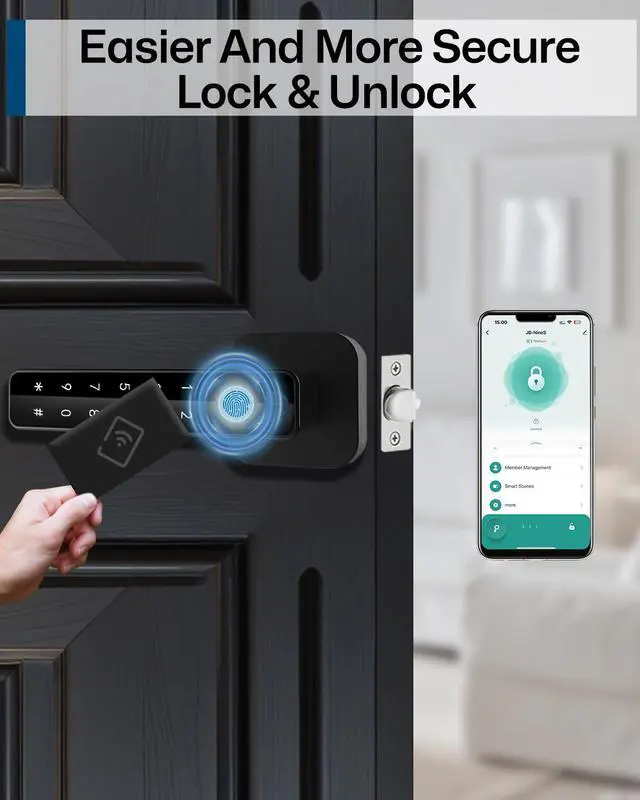
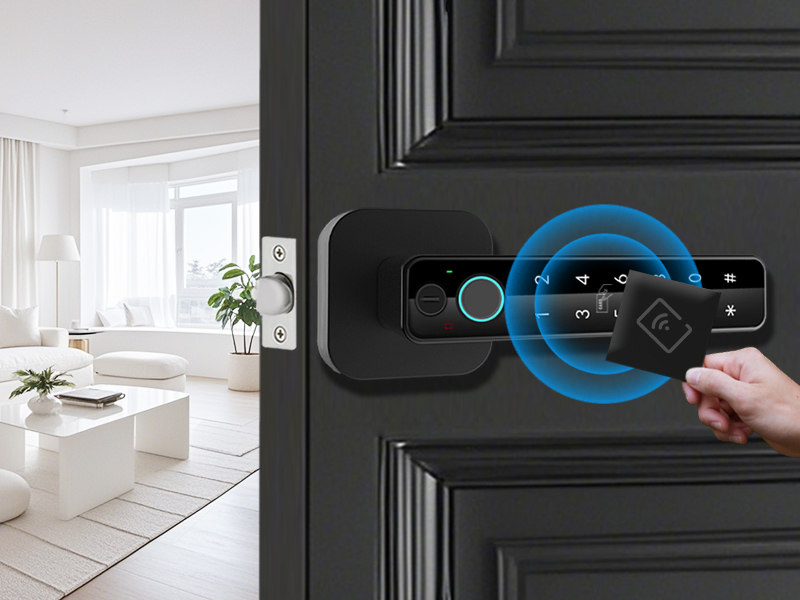
NFC Card Unlock
2 spare nfc cards
No need to remember codes or carry keys.
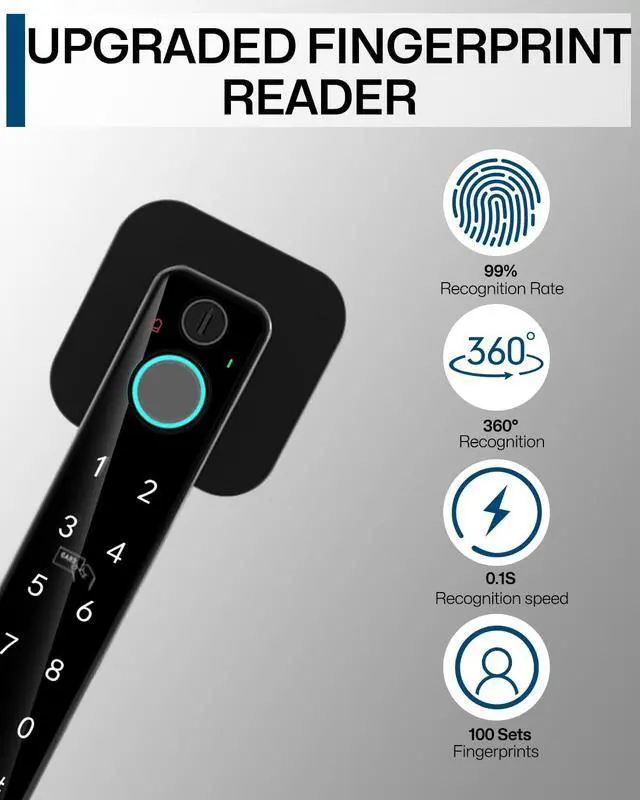
Fingerprint Unlock
Upgrade 160*160 fingerprint sensors
Tap to access with in 1s
Unlock in 3 s
100 fingerprints can be added

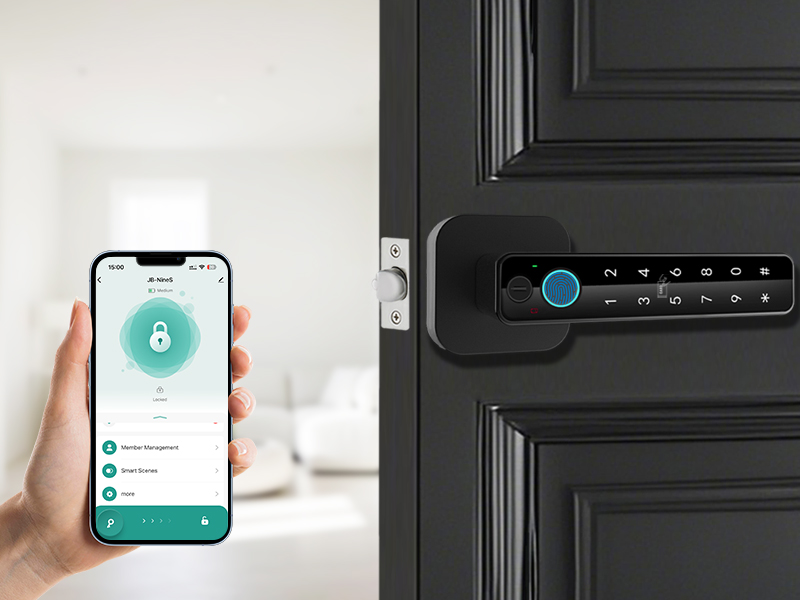
App Control Unlock
Manage password fingerprinting
Check battery usage
Adjusting the volume of the door lock
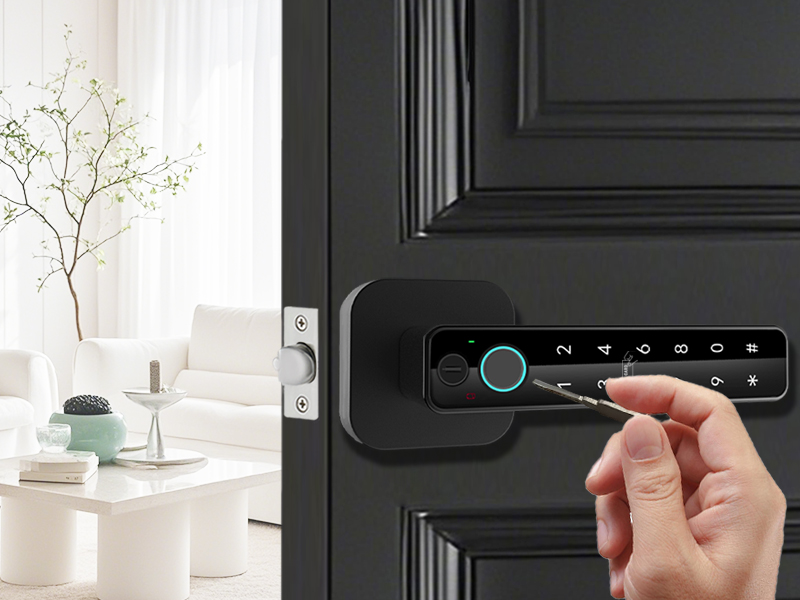
Keys Unlock
2 spare keys
Reliable backup solution for emergencies


How to Enable Passage Mode?
Enable Passage Mode in the TUYA app, then turn the door handle to enter—no password needed. (When your fingerprint is on the scanner, the lock lights up pink, meaning Passage Mode is activated successfully.)
Why can anyone unlock my lock ?
You may have enabled Passage Mode (indicator light is pink).You can choose to disable the passage mode in the app.
Can the Type-C port charge the lock?
The Type-C port is for emergency unlocking of the fingerprint lock in urgent situations, and is not suitable for charging the battery.
How many passwords and fingerprints can this lock create?
The fingerprint door lock can store a total of 200 users, including fingerprints, passwords, and cards, with a maximum of 100 fingerprints. (NOTE: The first three users added are the lock Administrators)
What should I do if I can't install the lock?
If you have any questions, you can watch the installation video on our homepage.


5-IN-1 Smart Fingerprint Door Lock


Password Unlock
100 passwords can be added.
NFC Card Unlock
2 spare nfc cards
No need to remember codes or carry keys.
Fingerprint Unlock
Upgrade 160*160 fingerprint sensors
Tap to access with in 1s
Unlock in 3 s
100 fingerprints can be added
App Control Unlock
Manage password fingerprinting
Check battery usage
Adjusting the volume of the door lock
Keys Unlock
2 spare keys
Reliable backup solution for emergencies


