




Gavdhe Fingerprint Door Lock
Your Intelligent Security Solution!

Gavdhe is a trusted leader in smart door locks for American homeowners. Our commitment to quality has earned the trust of countless satisfied customers.
We know home security is vital, and our technology meets your everyday needs. Choosing Gavdhe means choosing peace of mind for your family. Experience reliable, user-friendly design that fits into your lifestyle. Trust Gavdhe to keep your home safe.
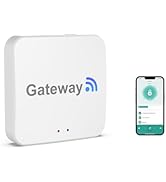
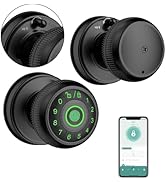
Gavdhe Fingerprint Door Knob
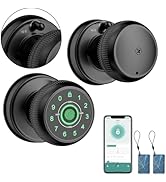
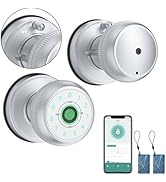
Gavdhe Smart Door Knob
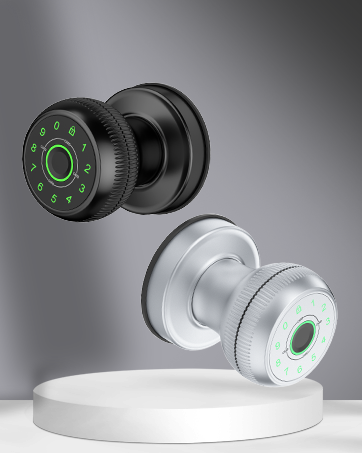
GEC07 Fingerprint Door Knob
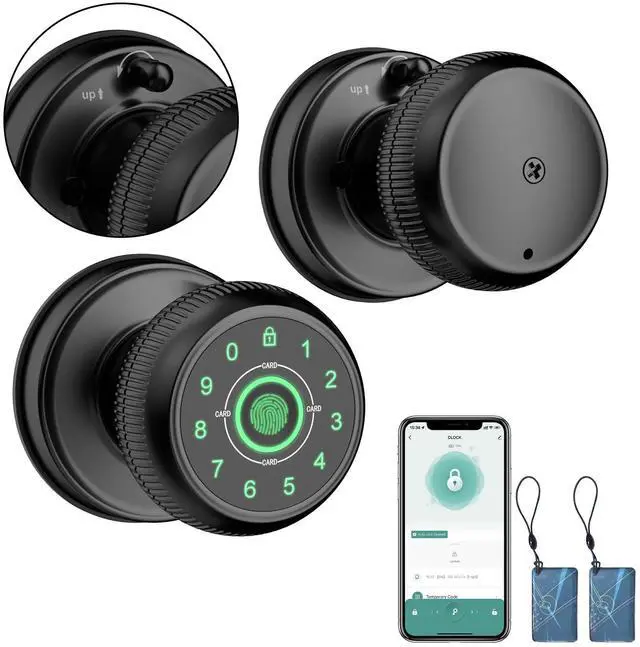
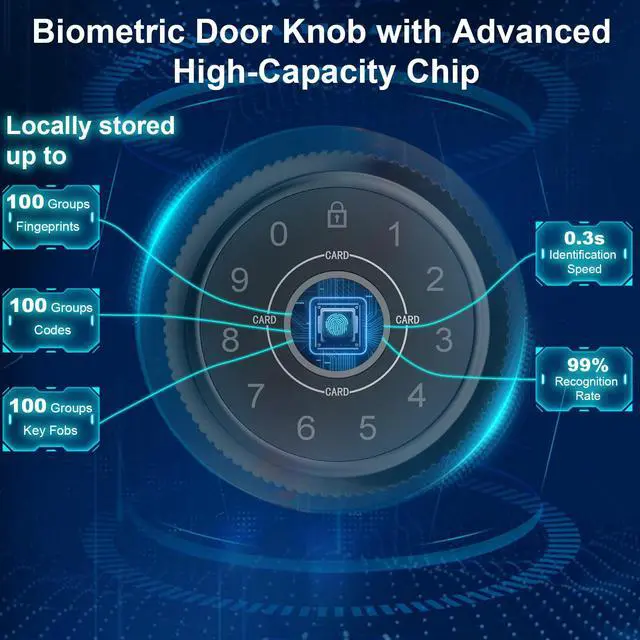
5 in 1 Fingerprint Door Knob
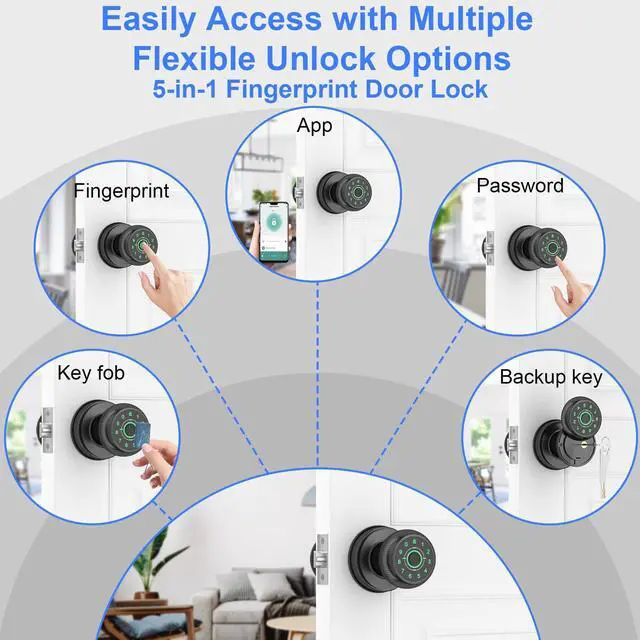
Smar App Unlock / Fingerprint Unlock/Key Fob Unlock/Password Unlock/Key Unlock
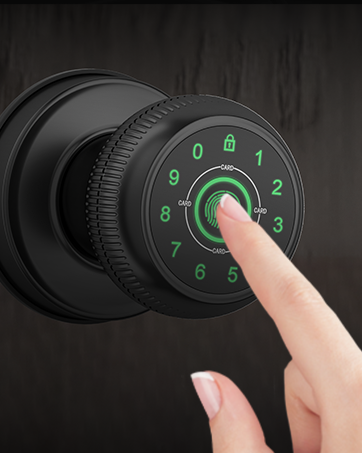
Open with a Simple Touch
Smarter, Safer and More Convenient
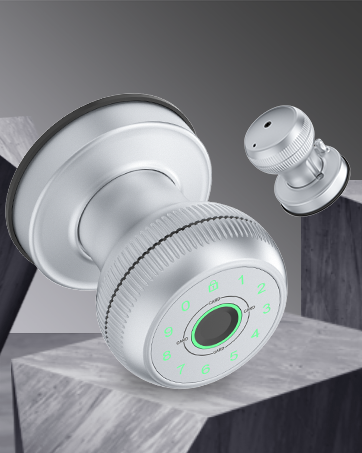
Innovative Tradition
A fusion of modern and classic, merging smart technology with tradition
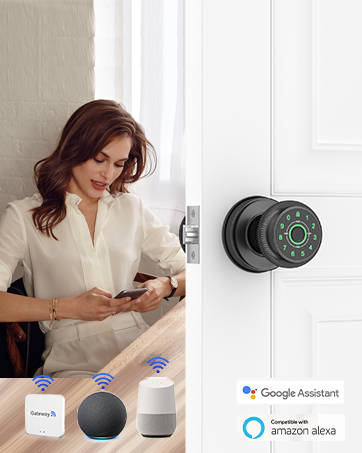
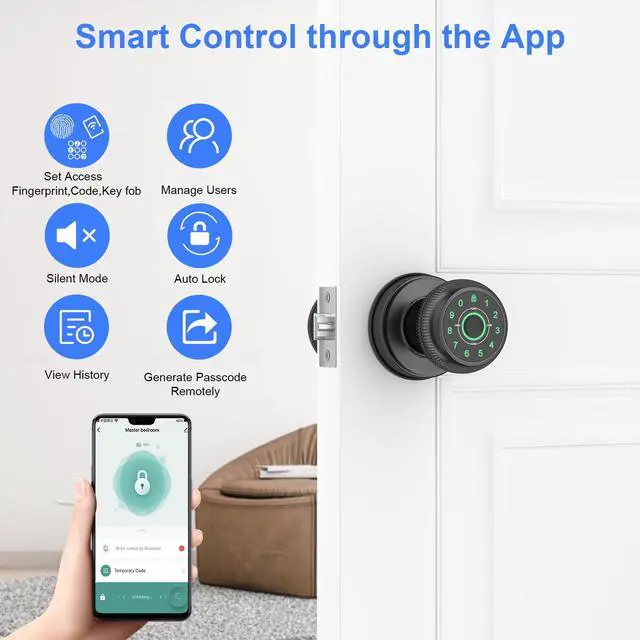
Remote Control
When Paired with the Gavdhe Gateway (Sold Separately)
- Remote Control Anytime, Anywhere
- Compatible with Alexa and Google Assistant
Gavade Fingerprint Door Knob---Smarter,Safer,More Convenient!
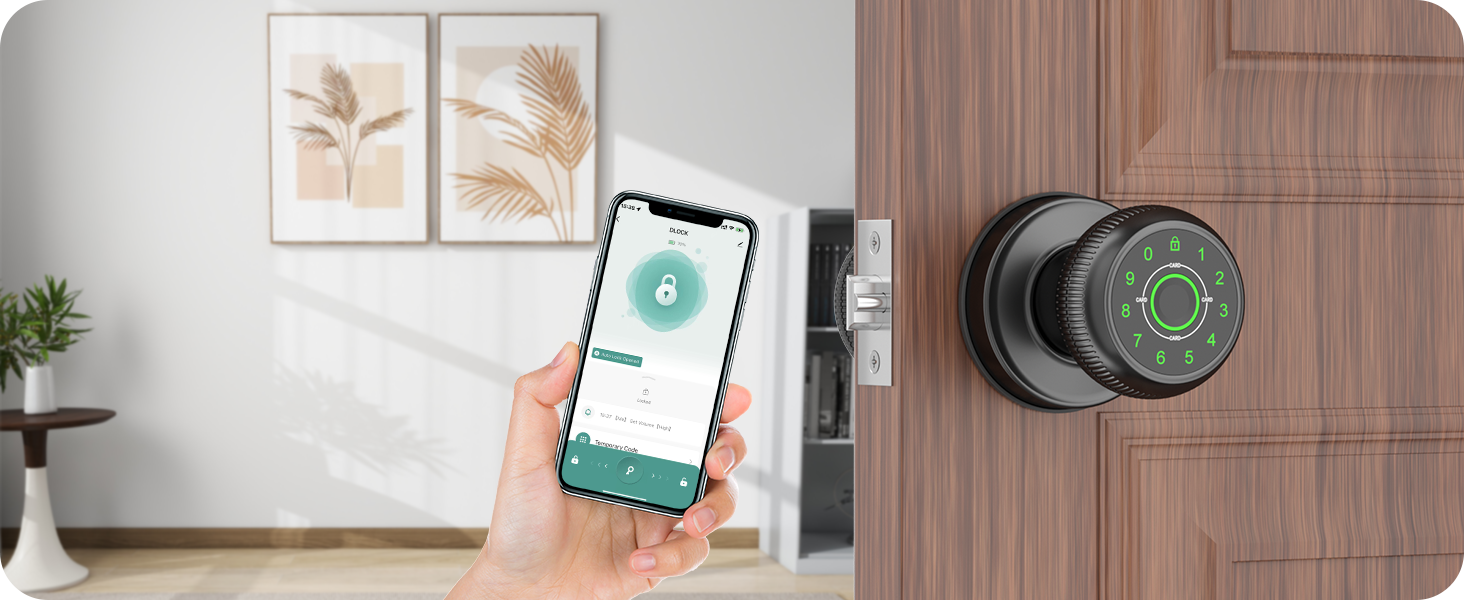
Secure Access Anytime
Unlock with Your Phone
Unlock your door with the app. Enjoy secure access without keys—just a tap on your phone!
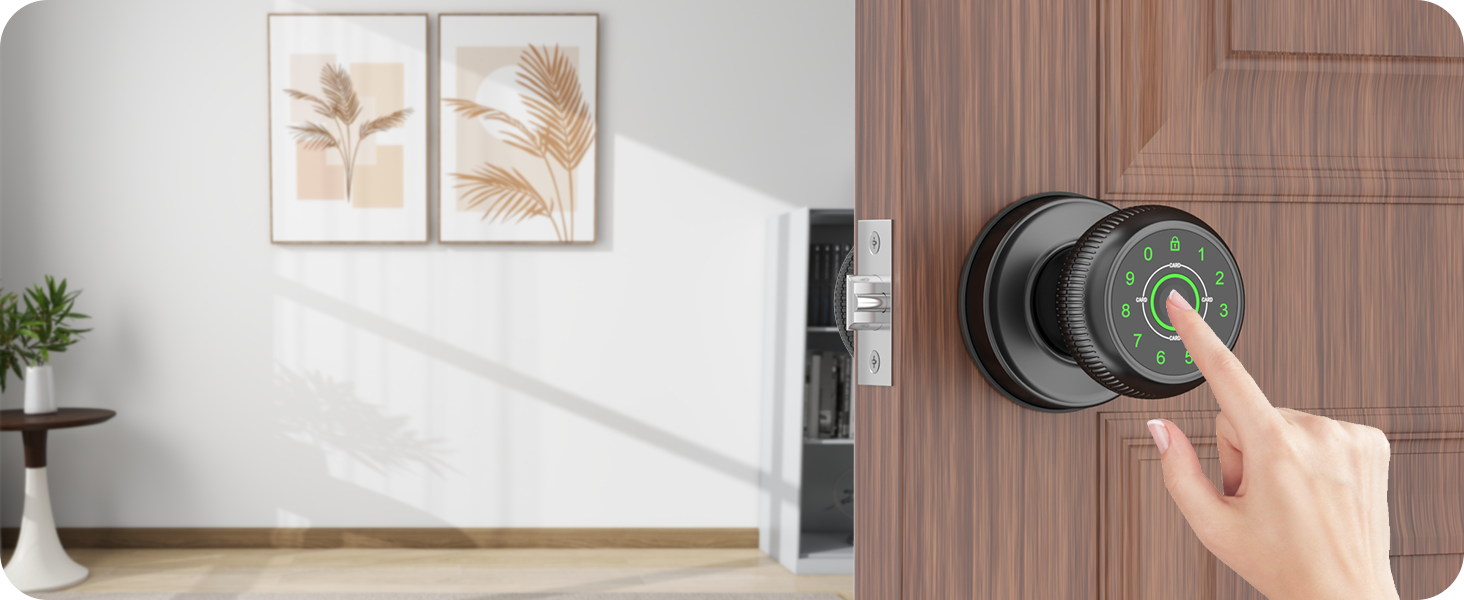
Fast and Secure Access
Unlock with a Touch
Enjoy quick access with your fingers. Securely enter your door—just touch and go, no keys needed!
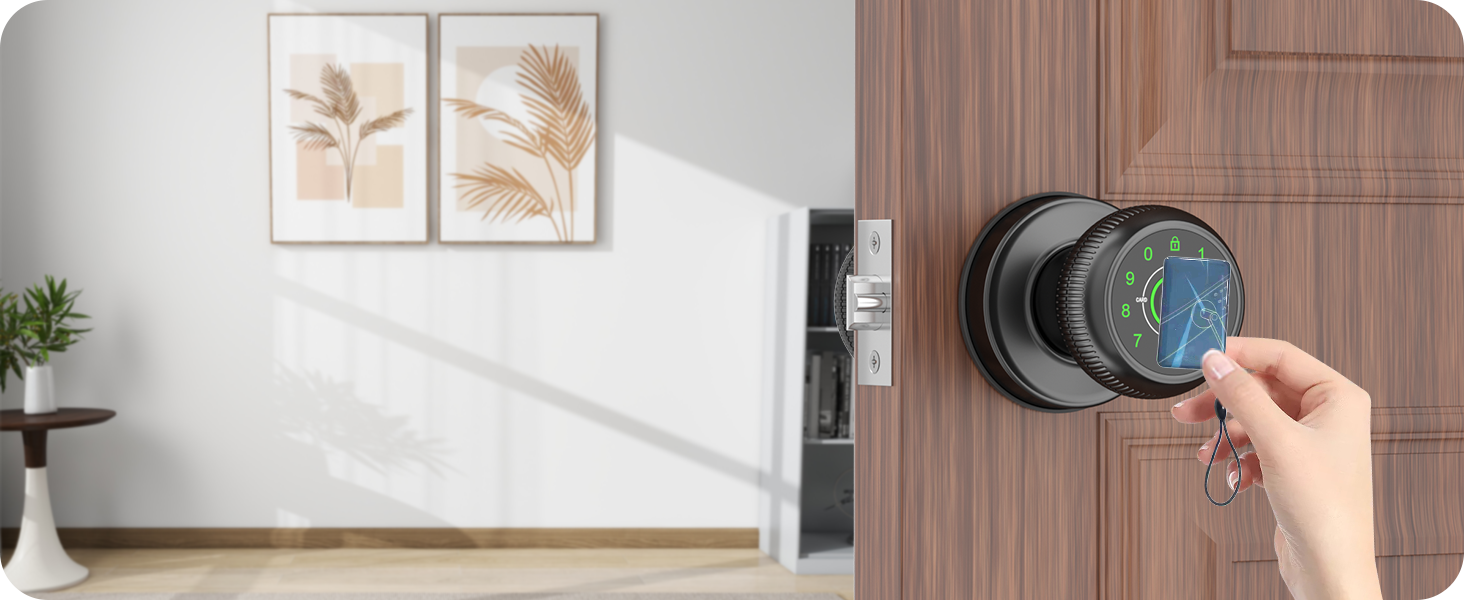
Easy and Secure Entry
Unlock with a Fob
Experience effortless access with your key fob. Simply press to enter—no keys required!
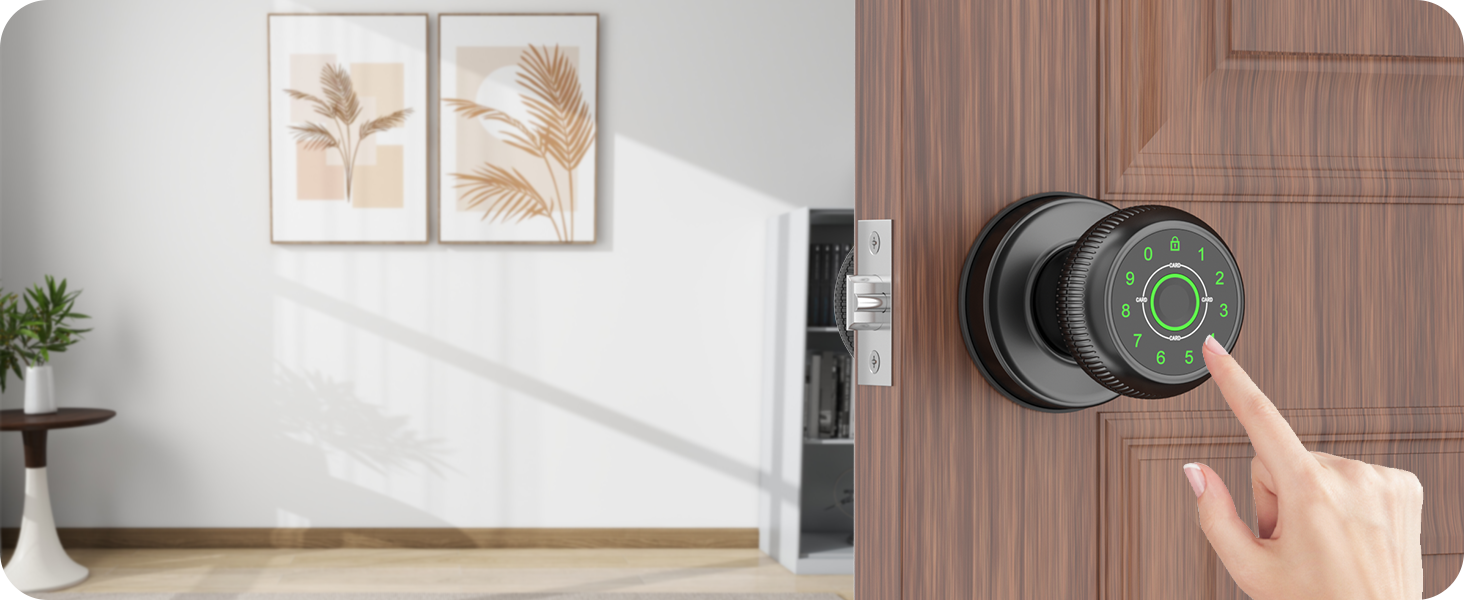
Safe and Easy Entry
Unlock with a Code
Gain instant access using your password. Just enter your code to unlock—enjoy keyless entry!
Trusted and Secure Access
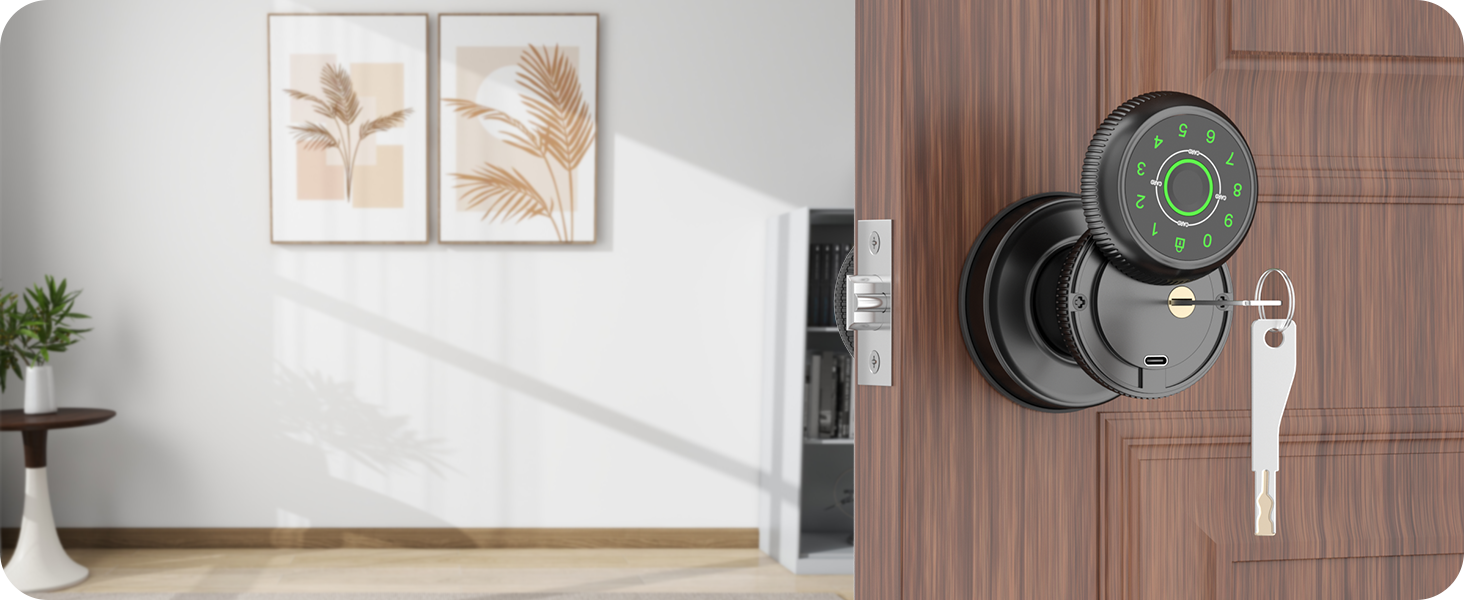
Unlock with a Backup Key
Access your home with your backup key when needed. Always have a secure way in—no worries!

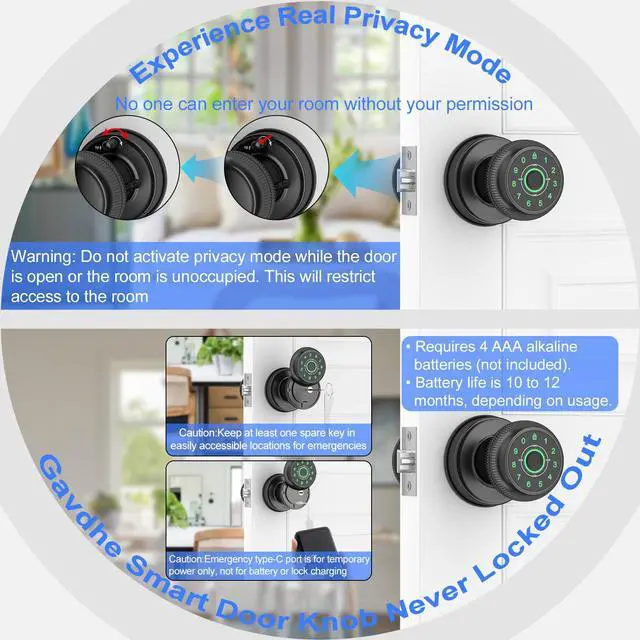
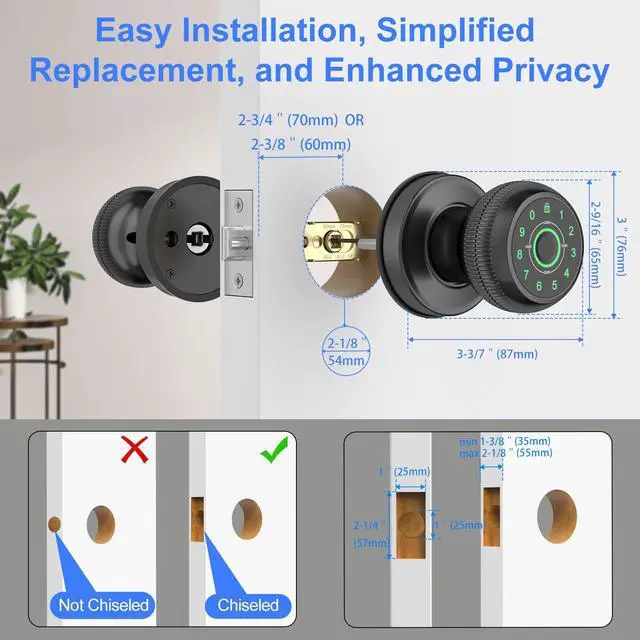
Real Privacy Mode
Real Privacy Mode locks the door from the inside, providing enhanced security and total privacy, ensuring that only authorized individuals can access your space; however, do not activate this mode when no one is in the room.

Passage Mode
Passage Mode allows the door to remain unlocked for convenient access, making it ideal for high-traffic areas and gatherings while providing flexibility to switch back to secure mode as needed.
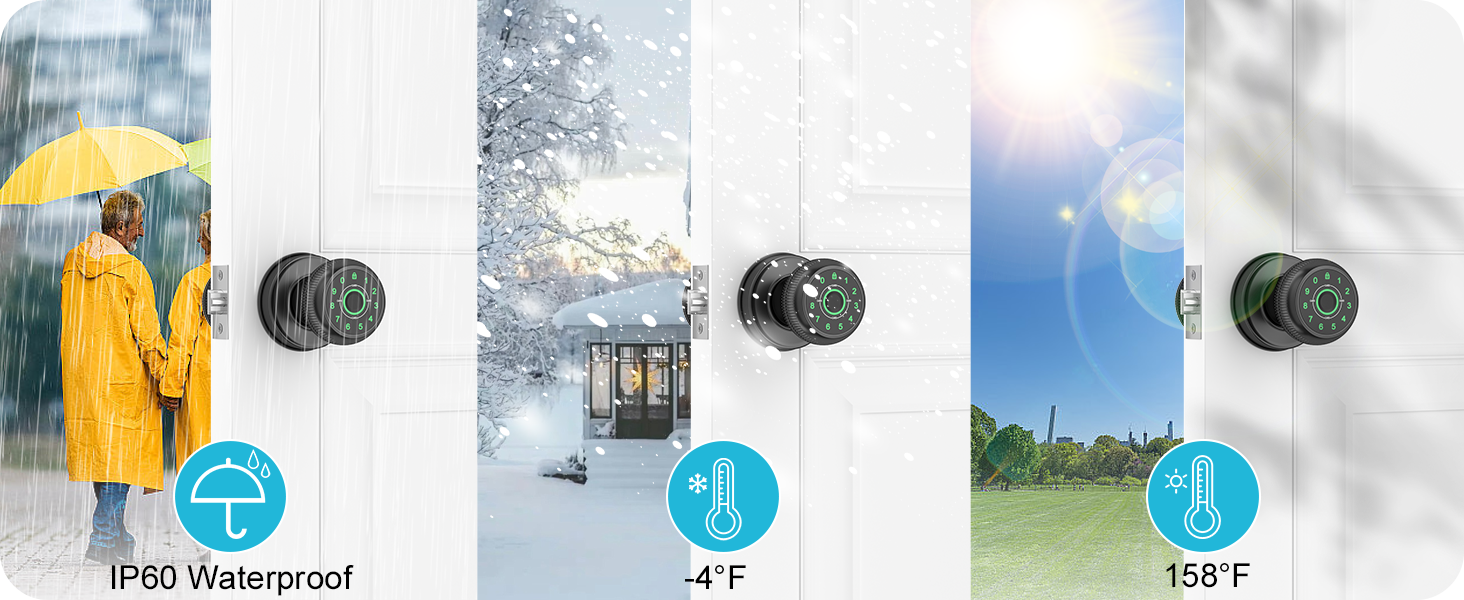
Built for Any Environment
Our smart fingerprint door lock is built to resist moisture, extreme temperatures, and harsh weather conditions, ensuring reliable performance and security in any environment.
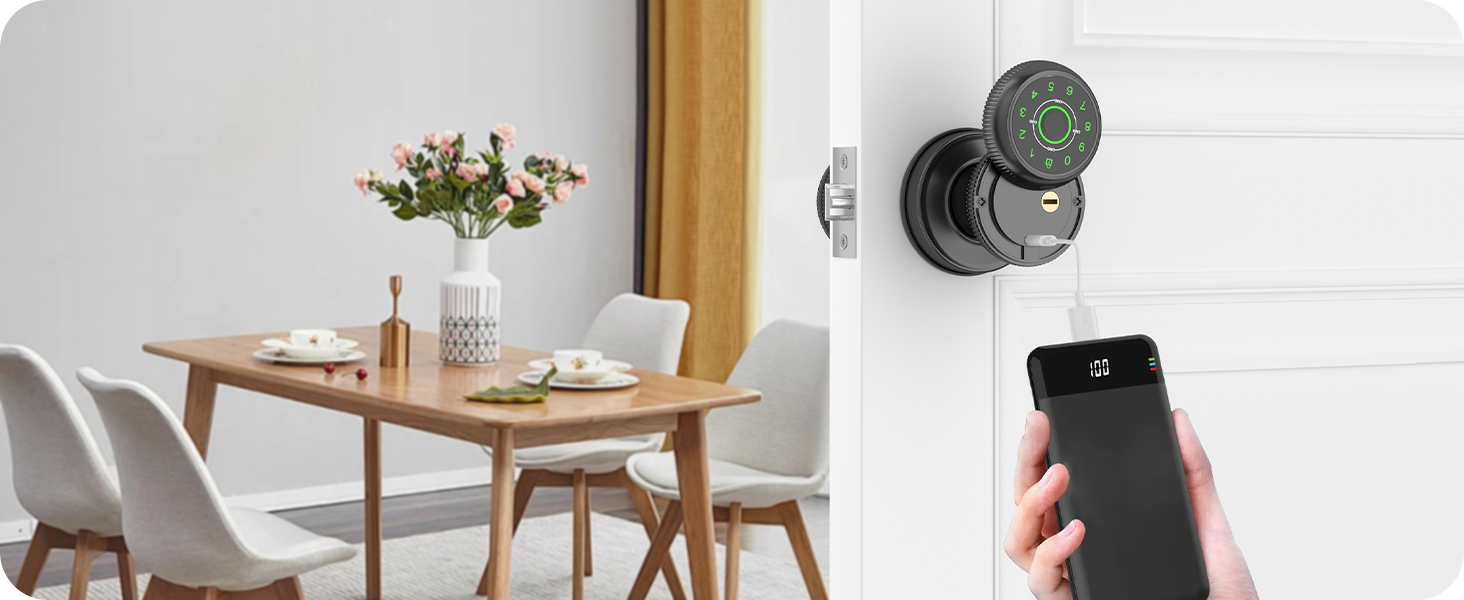
Temporary Unlock via Type-C Port
The fingerprint door knob has a Type C port to connect a power bank for temporary unlocking. Note: DO NOT CHARGE THE LOCK OR BATTERY VIA THE TYPE-C PORT, OTHERWISE IT WILL DAMAGE THE CIRCUIT BOARD.
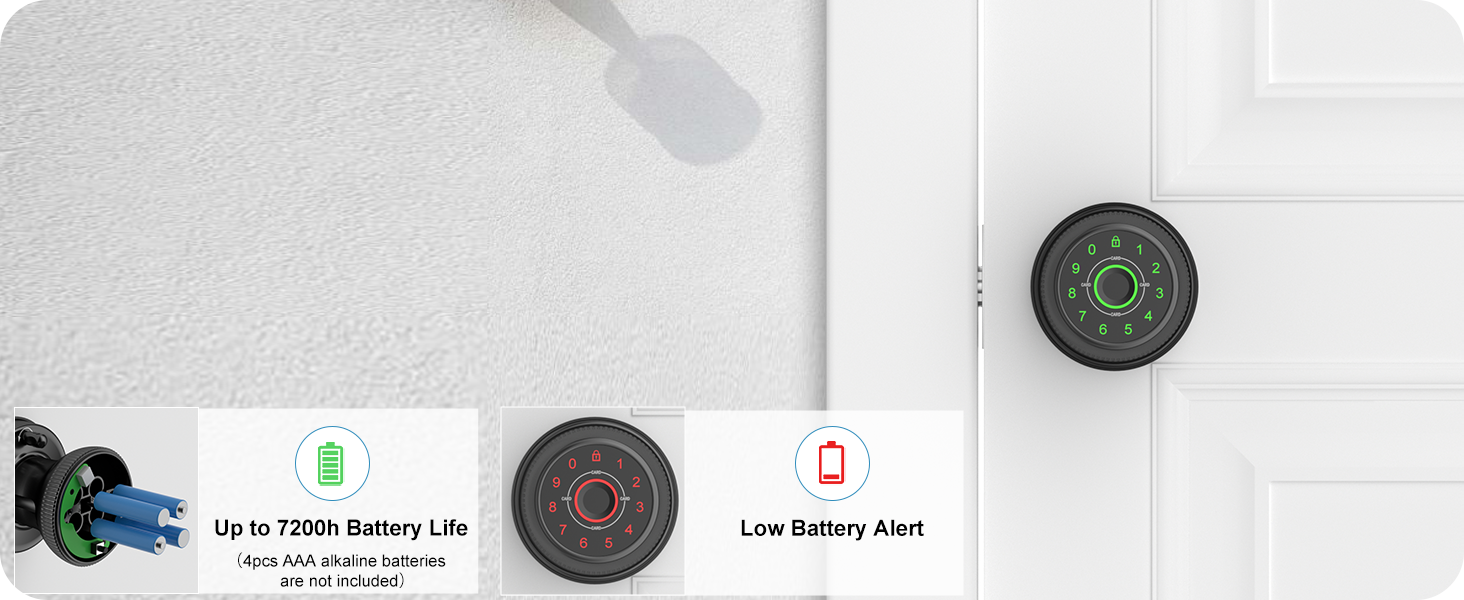
Low Battery Alert
The smart bedroom door lock uses 4 AAA alkaline batteries (not included) that last 9-12 months. It features a low battery alert to notify you when low, helping you change it in time to avoid lockouts.
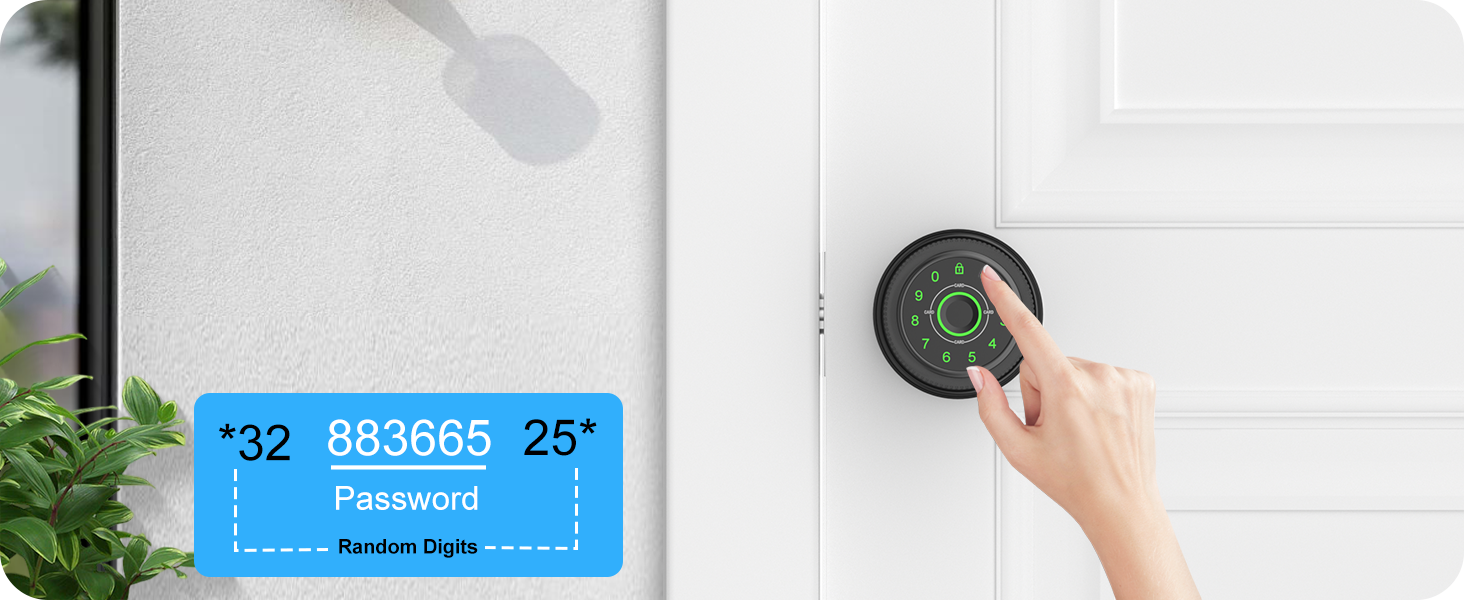
Anti-Peeping Code
The fingerprint door lever includes an anti-peeping code feature that lets users enter random numbers before or after the actual password, enhancing security against guessing.
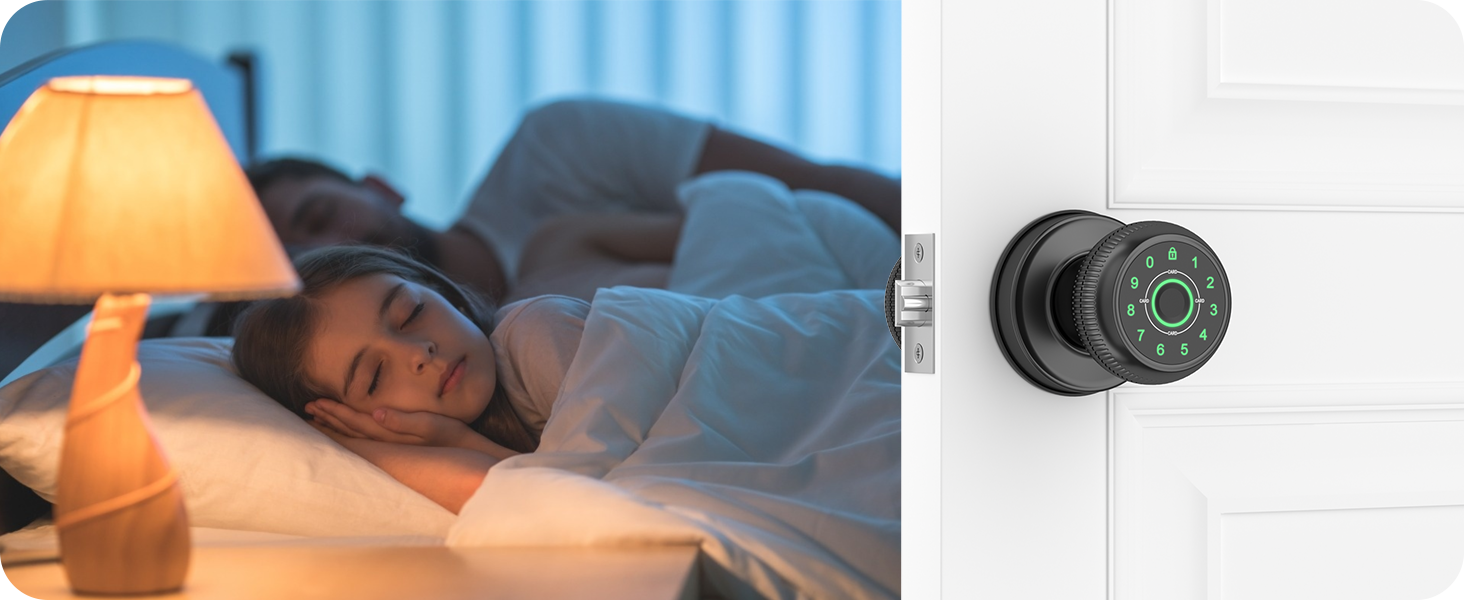
Silent Mode
The smart door lock features a silent mode to disable the beeping sound. This is ideal for maintaining peace and quiet during meetings or nighttime hours while ensuring security remains intact.
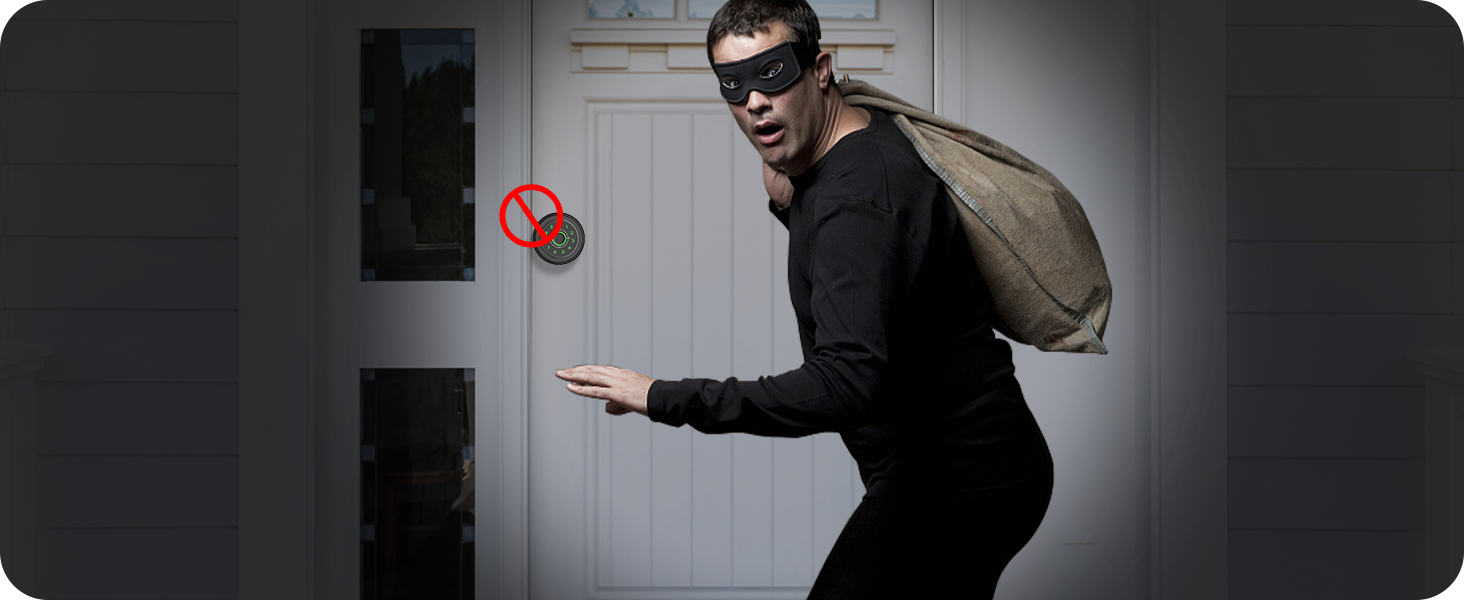
Auto lockout feature
The smart lock includes an auto lockout feature that activates after multiple incorrect password attempts. This enhances security by preventing unauthorized access and helps protect your home.
Gavdhe Smart Door Knob: Versatile Security for Every Space!

Bedroom Door Knob

Office Door Knob

Home Office Door Lock

Closet Door Lock
Smart Access Features with Gavdhe Gateway (Sold Separately)
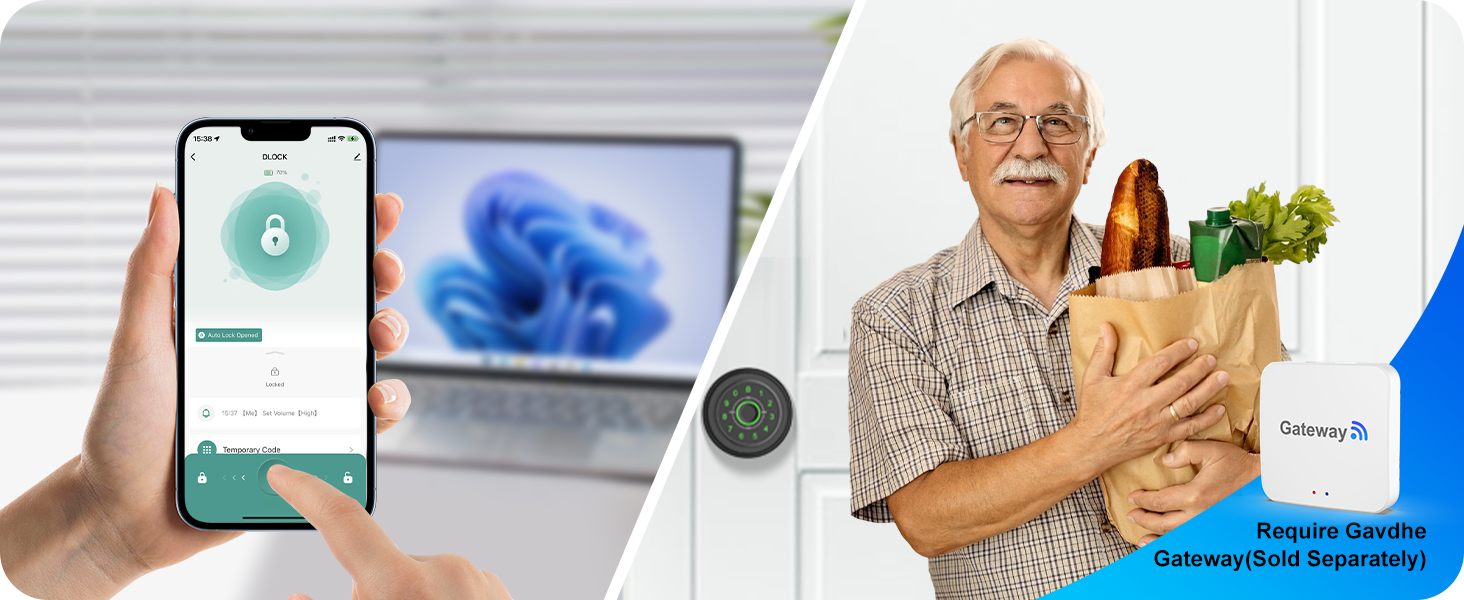
Remote Unlock via Gavdhe Gateway (Sold Separately)
Enjoy remote unlock convenience with the Gavdhe Gateway. Control access to your home or office from anywhere using your smartphone. Perfect for guest entry!
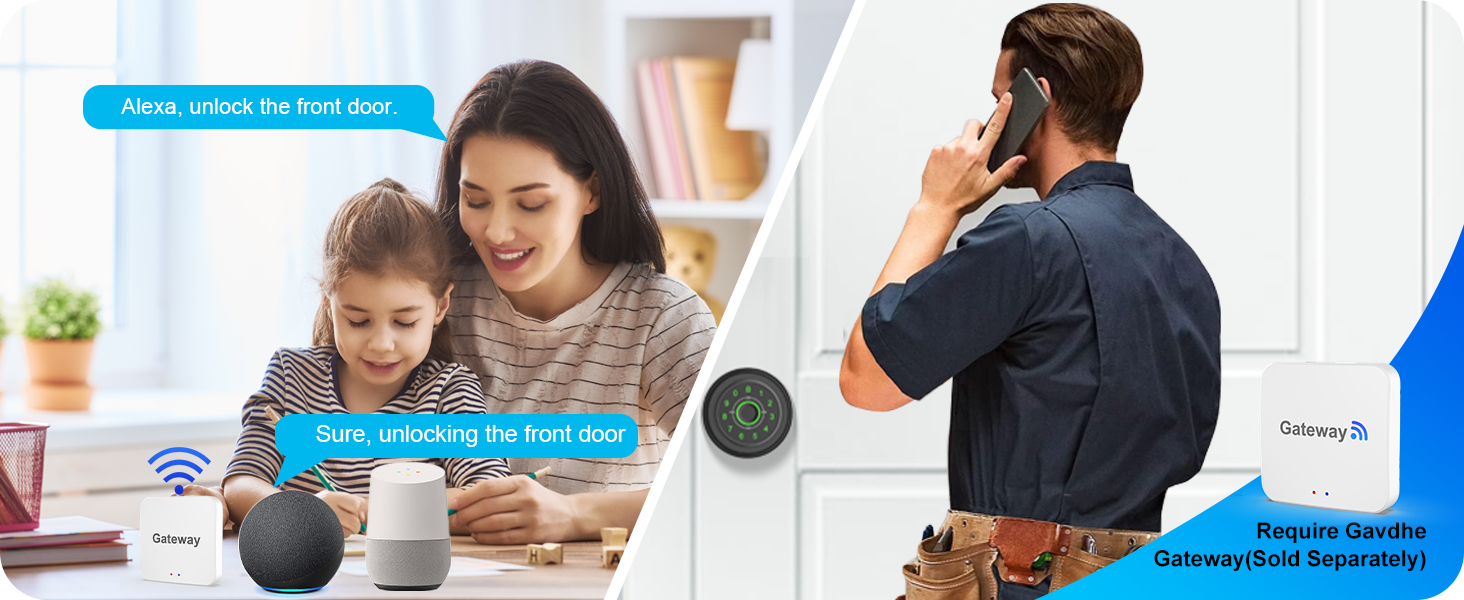
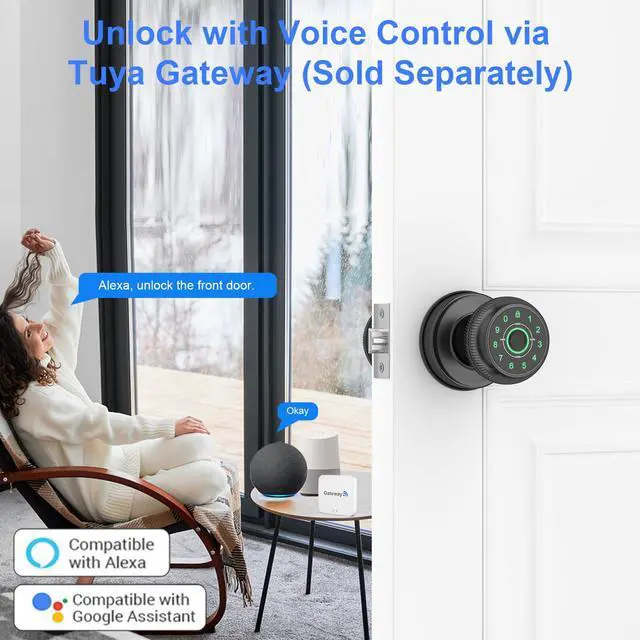
Voice Unlock with Gavdhe Gateway (Sold Separately)
Enjoy hands-free convenience with voice unlock using the Gavdhe Gateway. Access your home or office with voice commands compatible with Alexa and Google Assistant. Easily allow entry for visitors!
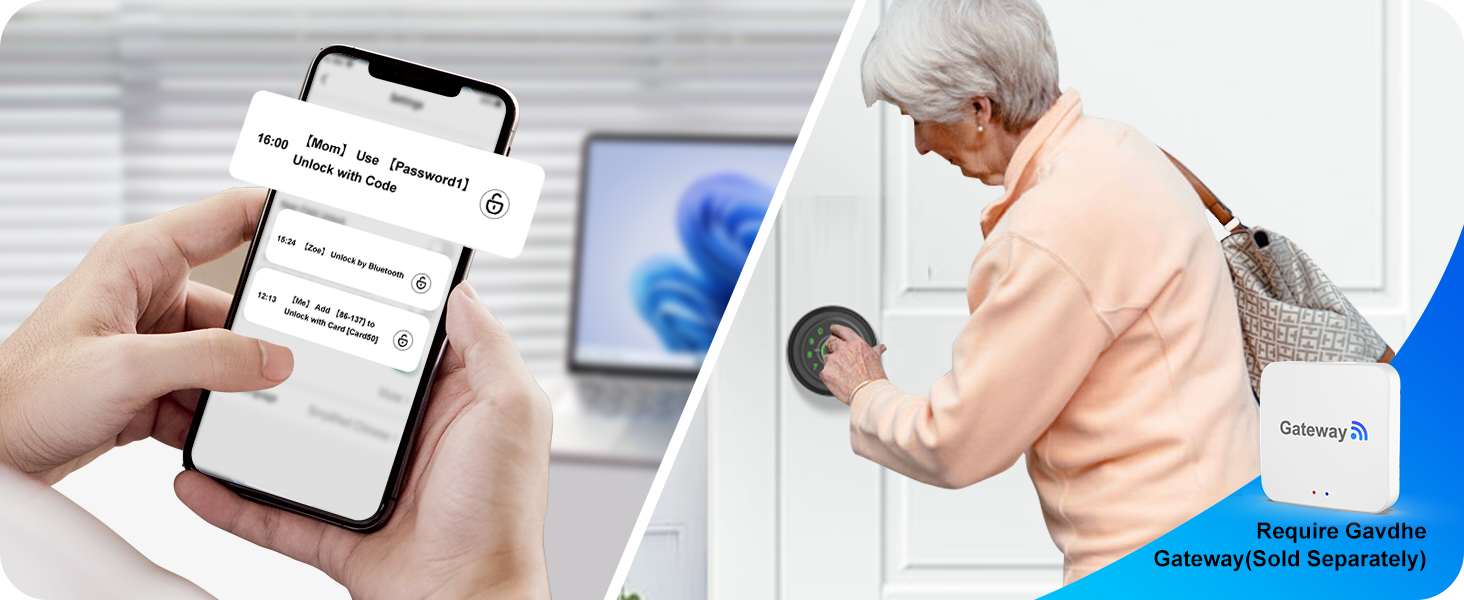
Unlock Logs with Gavdhe Gateway (Sold Separately)
View access events with the Gavdhe Gateway. Check unlock records to see who entered your home or office and when. Stay informed and enhance security—perfect for managing guests and service providers!
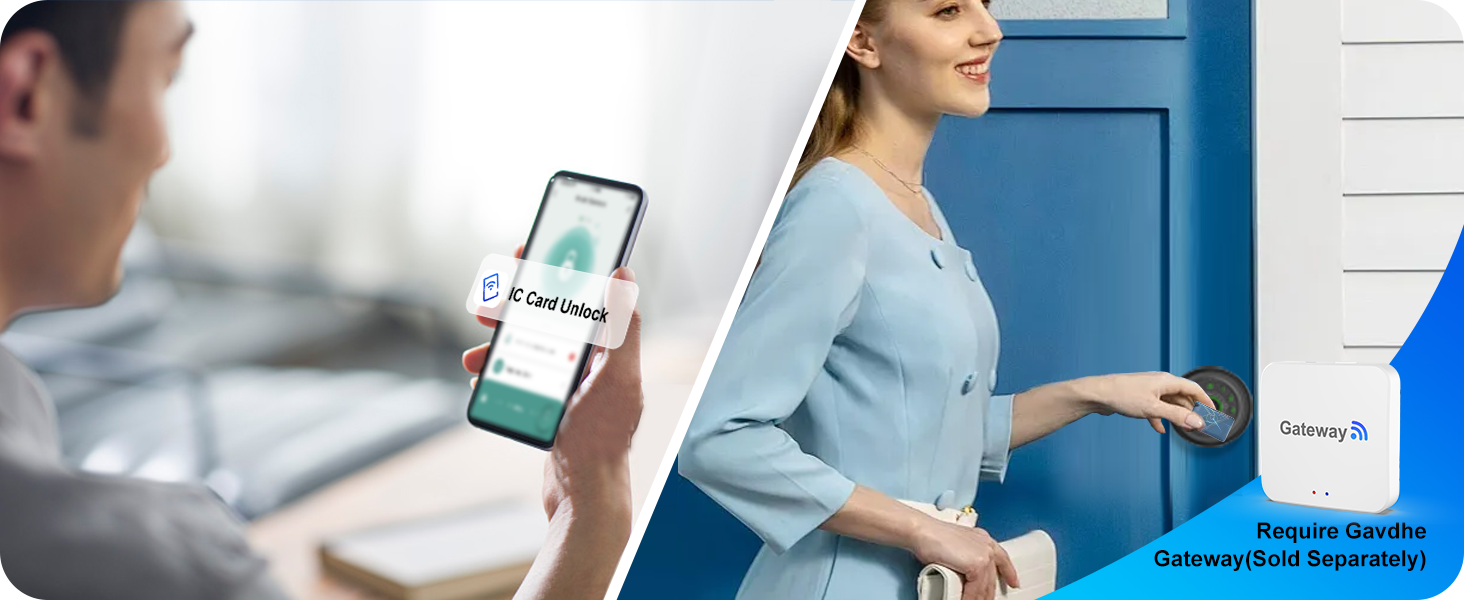
Alerts with Gavdhe Gateway (Sold Separately)
Stay updated with real-time notifications using the Gavdhe Gateway. Receive alerts for every unlock event at your home or office. Ensure security and manage access easily!
Can the fingerprint door lock be locked from the inside?
Yes, the finger print door lock can be locked from the inside, but it's recommended not to activate it when no one is in the room for safety reasons.
How do I use the Type-C port on the thumb print door knob?
The Type-C port is designated for emergency power when the batteries are depleted. You can connect a power bank (not included), but do not use it for charging or connecting to a wall outlet, as this may harm the lock's internal parts.
How can I improve fingerprint recognition accuracy on the lock?
To enhance fingerprint recognition accuracy, register the same fingerprint several times from different angles. Repeat the process 2 or 3 times to further improve the lock's ability to identify your fingerprint, ensuring smoother access.
What type of batteries does the fingerprint door lock use?
The lock operates on four AAA alkaline batteries (not included) for best performance. You can use rechargeable batteries (not included), but do not charge them via the Type-C port, as this may harm the lock's internal components.
Why can anyone unlock the fingerprint door lock?
If anyone can unlock the door, it may be due to the admin fingerprint not being registered or successfully registered after installation. Properly setting up the admin fingerprint is crucial for securing the lock and preventing unauthorized access.
Gavdhe Fingerprint Door Lock
Your Intelligent Security Solution!
Gavdhe is a trusted leader in smart door locks for American homeowners. Our commitment to quality has earned the trust of countless satisfied customers.
We know home security is vital, and our technology meets your everyday needs. Choosing Gavdhe means choosing peace of mind for your family. Experience reliable, user-friendly design that fits into your lifestyle. Trust Gavdhe to keep your home safe.
Gavdhe Fingerprint Door Knob
Gavdhe Smart Door Knob
GEC07 Fingerprint Door Knob
5 in 1 Fingerprint Door Knob
Smar App Unlock / Fingerprint Unlock/Key Fob Unlock/Password Unlock/Key Unlock
Open with a Simple Touch
Smarter, Safer and More Convenient
Innovative Tradition
A fusion of modern and classic, merging smart technology with tradition
Remote Control
When Paired with the Gavdhe Gateway (Sold Separately)
- Remote Control Anytime, Anywhere
- Compatible with Alexa and Google Assistant
Gavade Fingerprint Door Knob---Smarter,Safer,More Convenient!
Secure Access Anytime
Unlock with Your Phone
Unlock your door with the app. Enjoy secure access without keys—just a tap on your phone!
Fast and Secure Access
Unlock with a Touch
Enjoy quick access with your fingers. Securely enter your door—just touch and go, no keys needed!
Easy and Secure Entry
Unlock with a Fob
Experience effortless access with your key fob. Simply press to enter—no keys required!
Safe and Easy Entry
Unlock with a Code
Gain instant access using your password. Just enter your code to unlock—enjoy keyless entry!
Trusted and Secure Access
Unlock with a Backup Key
Access your home with your backup key when needed. Always have a secure way in—no worries!


Real Privacy Mode
Real Privacy Mode locks the door from the inside, providing enhanced security and total privacy, ensuring that only authorized individuals can access your space; however, do not activate this mode when no one is in the room.
Passage Mode
Passage Mode allows the door to remain unlocked for convenient access, making it ideal for high-traffic areas and gatherings while providing flexibility to switch back to secure mode as needed.
Built for Any Environment
Temporary Unlock via Type-C Port
Low Battery Alert
Anti-Peeping Code
Silent Mode
Auto lockout feature


Our smart fingerprint door lock is built to resist moisture, extreme temperatures, and harsh weather conditions, ensuring reliable performance and security in any environment.
The fingerprint door knob has a Type C port to connect a power bank for temporary unlocking. Note: DO NOT CHARGE THE LOCK OR BATTERY VIA THE TYPE-C PORT, OTHERWISE IT WILL DAMAGE THE CIRCUIT BOARD.
The smart bedroom door lock uses 4 AAA alkaline batteries (not included) that last 9-12 months. It features a low battery alert to notify you when low, helping you change it in time to avoid lockouts.
The fingerprint door lever includes an anti-peeping code feature that lets users enter random numbers before or after the actual password, enhancing security against guessing.
The smart door lock features a silent mode to disable the beeping sound. This is ideal for maintaining peace and quiet during meetings or nighttime hours while ensuring security remains intact.
The smart lock includes an auto lockout feature that activates after multiple incorrect password attempts. This enhances security by preventing unauthorized access and helps protect your home.
Gavdhe Smart Door Knob: Versatile Security for Every Space!
Bedroom Door Knob
Office Door Knob
Home Office Door Lock
Closet Door Lock
Smart Access Features with Gavdhe Gateway (Sold Separately)
Remote Unlock via Gavdhe Gateway (Sold Separately)
Voice Unlock with Gavdhe Gateway (Sold Separately)
Unlock Logs with Gavdhe Gateway (Sold Separately)
Alerts with Gavdhe Gateway (Sold Separately)


Enjoy remote unlock convenience with the Gavdhe Gateway. Control access to your home or office from anywhere using your smartphone. Perfect for guest entry!
Enjoy hands-free convenience with voice unlock using the Gavdhe Gateway. Access your home or office with voice commands compatible with Alexa and Google Assistant. Easily allow entry for visitors!
View access events with the Gavdhe Gateway. Check unlock records to see who entered your home or office and when. Stay informed and enhance security—perfect for managing guests and service providers!
Stay updated with real-time notifications using the Gavdhe Gateway. Receive alerts for every unlock event at your home or office. Ensure security and manage access easily!
Can the fingerprint door lock be locked from the inside?
Yes, the finger print door lock can be locked from the inside, but it's recommended not to activate it when no one is in the room for safety reasons.
How do I use the Type-C port on the thumb print door knob?
The Type-C port is designated for emergency power when the batteries are depleted. You can connect a power bank (not included), but do not use it for charging or connecting to a wall outlet, as this may harm the lock's internal parts.
How can I improve fingerprint recognition accuracy on the lock?
To enhance fingerprint recognition accuracy, register the same fingerprint several times from different angles. Repeat the process 2 or 3 times to further improve the lock's ability to identify your fingerprint, ensuring smoother access.
What type of batteries does the fingerprint door lock use?
The lock operates on four AAA alkaline batteries (not included) for best performance. You can use rechargeable batteries (not included), but do not charge them via the Type-C port, as this may harm the lock's internal components.
Why can anyone unlock the fingerprint door lock?
If anyone can unlock the door, it may be due to the admin fingerprint not being registered or successfully registered after installation. Properly setting up the admin fingerprint is crucial for securing the lock and preventing unauthorized access.