





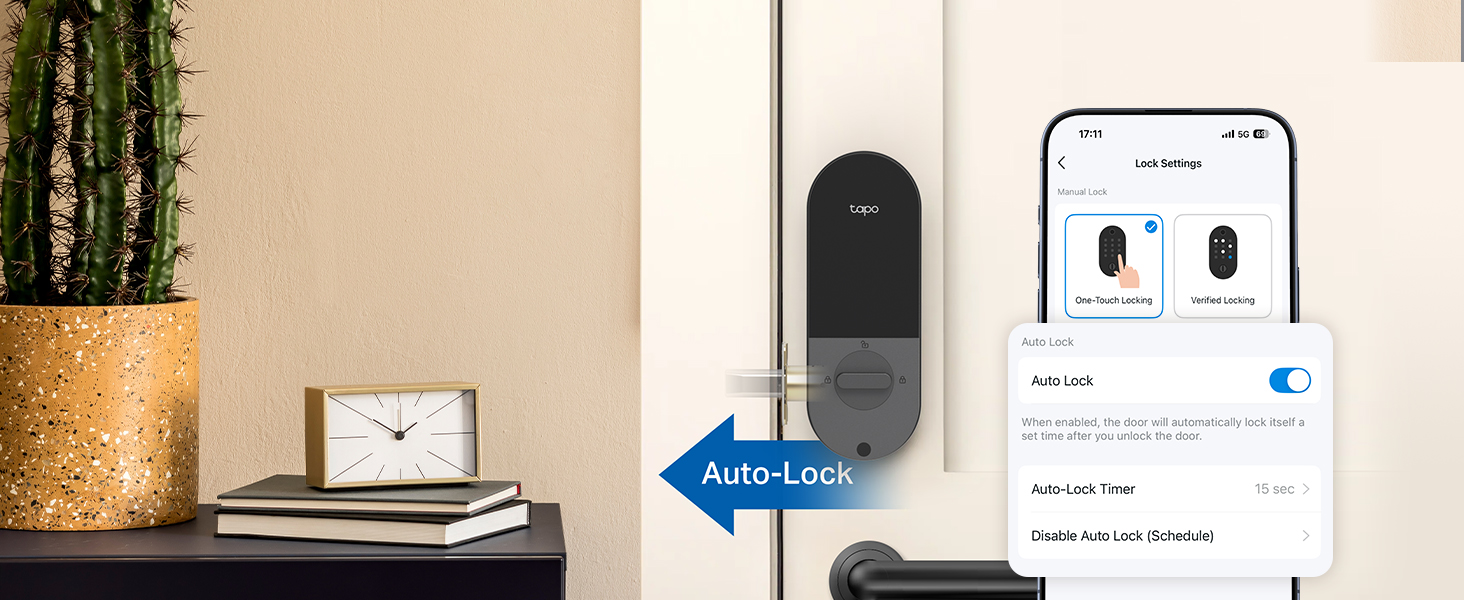
Auto-Lock Features & Smart Routines
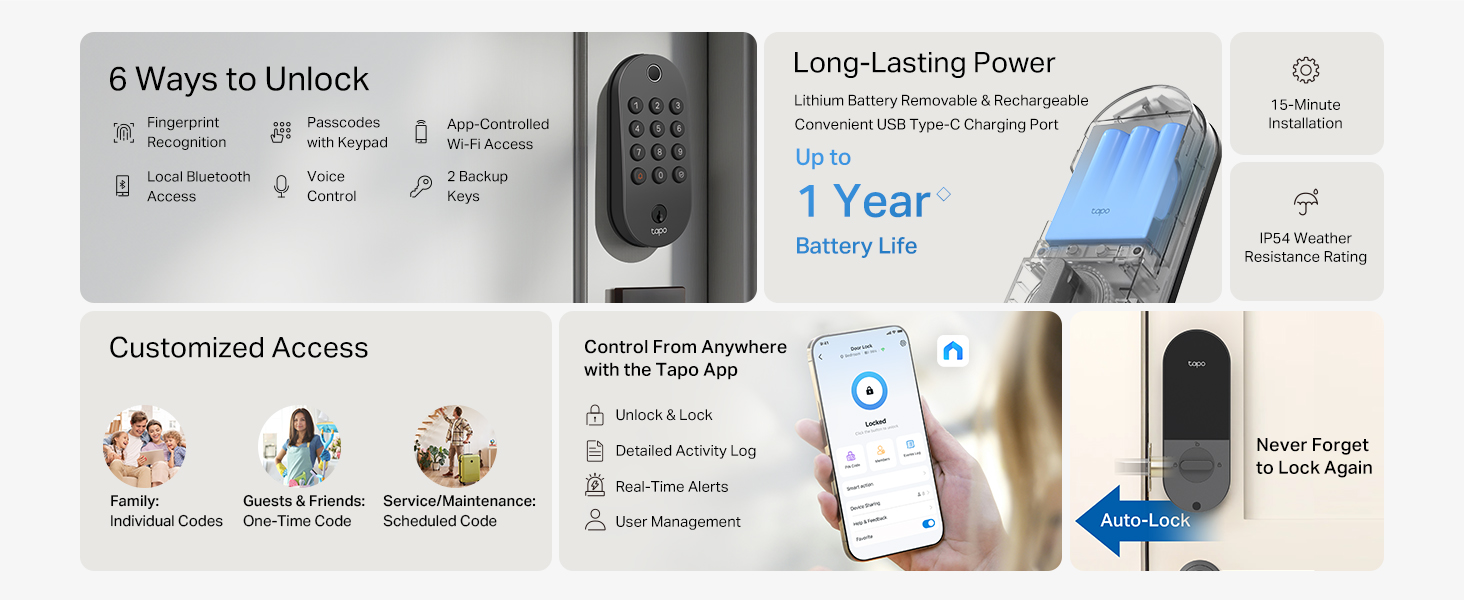
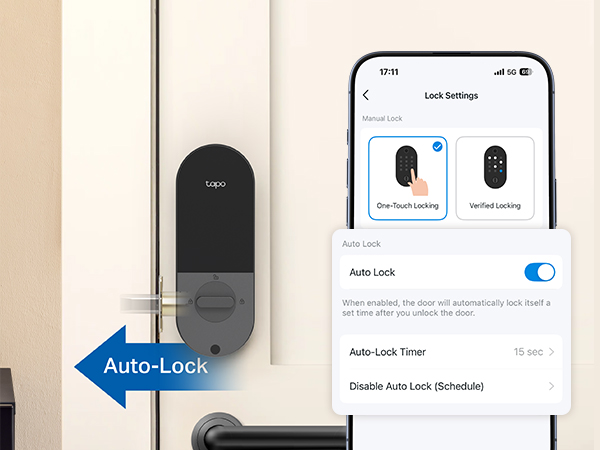
Automatically locks after use with customizable time intervals for easy security and convenience.
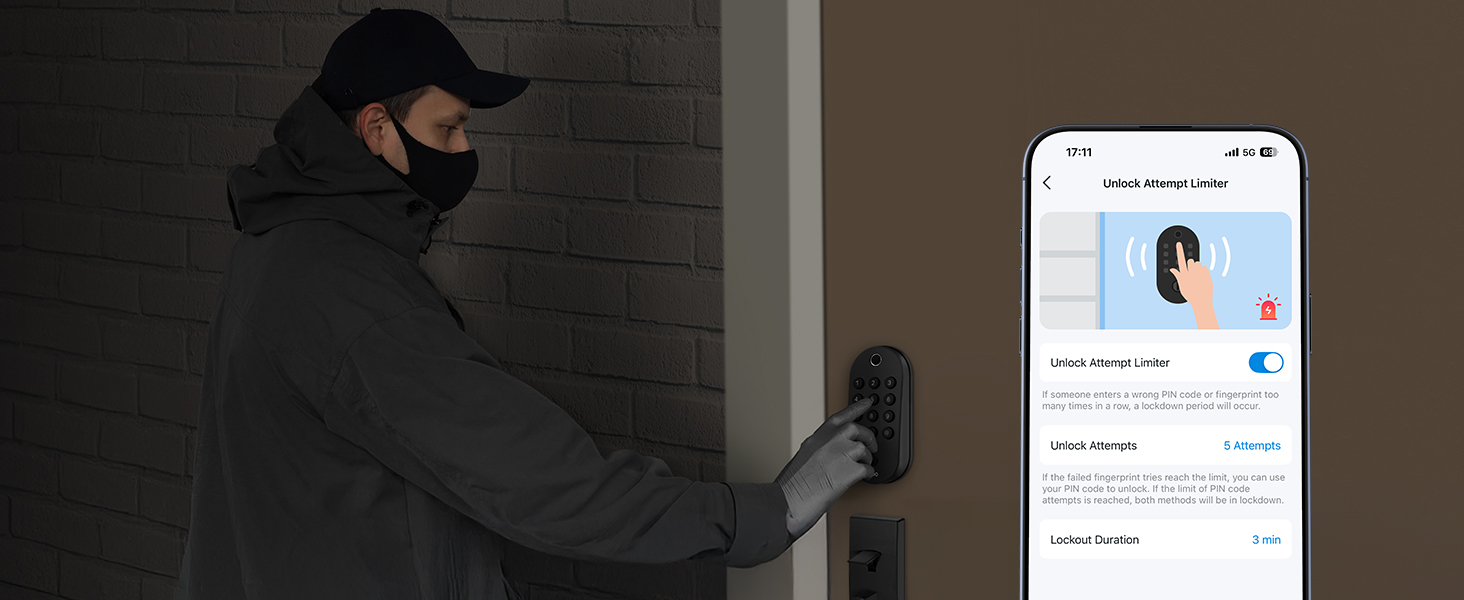
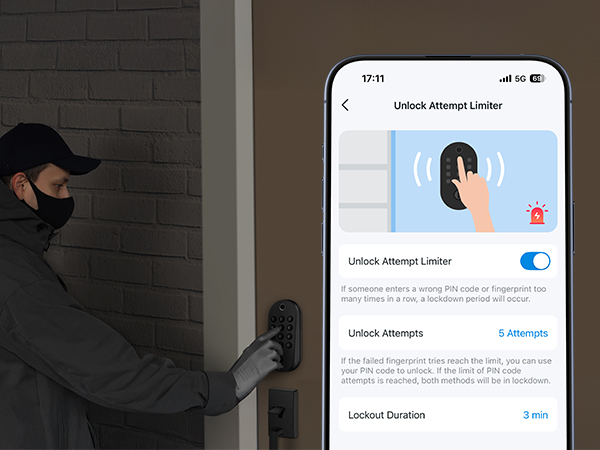
Unlock Attempt Limiter
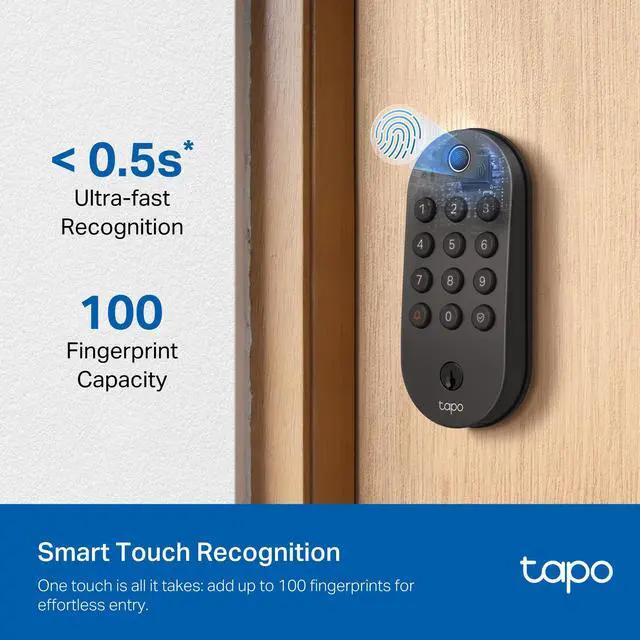
Auto-locks after a set number of failed unlock attempts and remains active for a set duration.
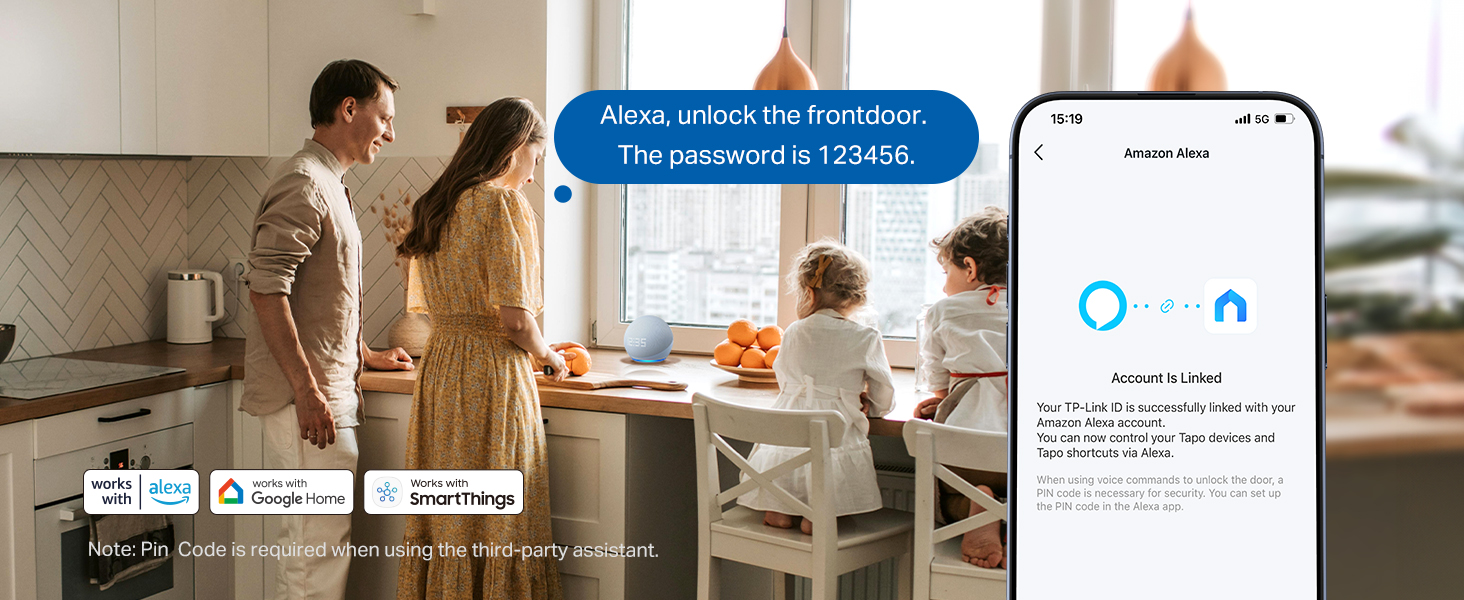
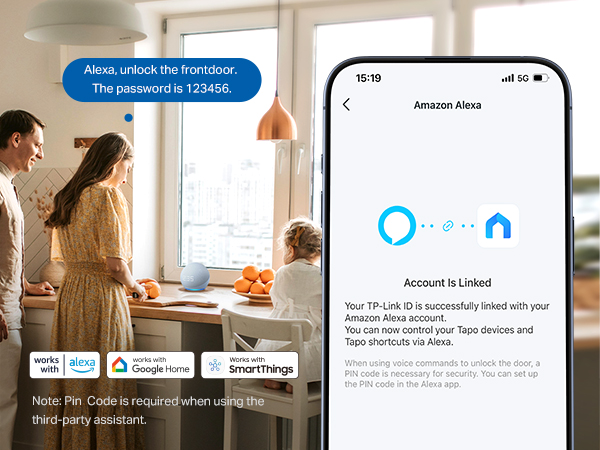
Smart Home Integration
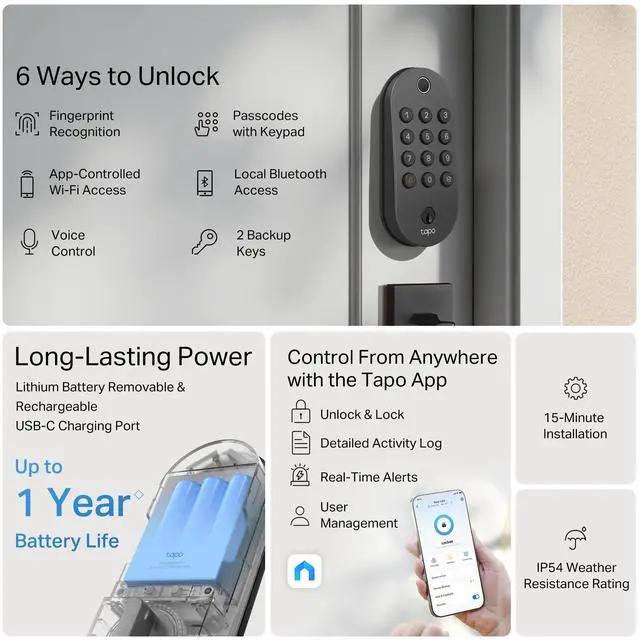
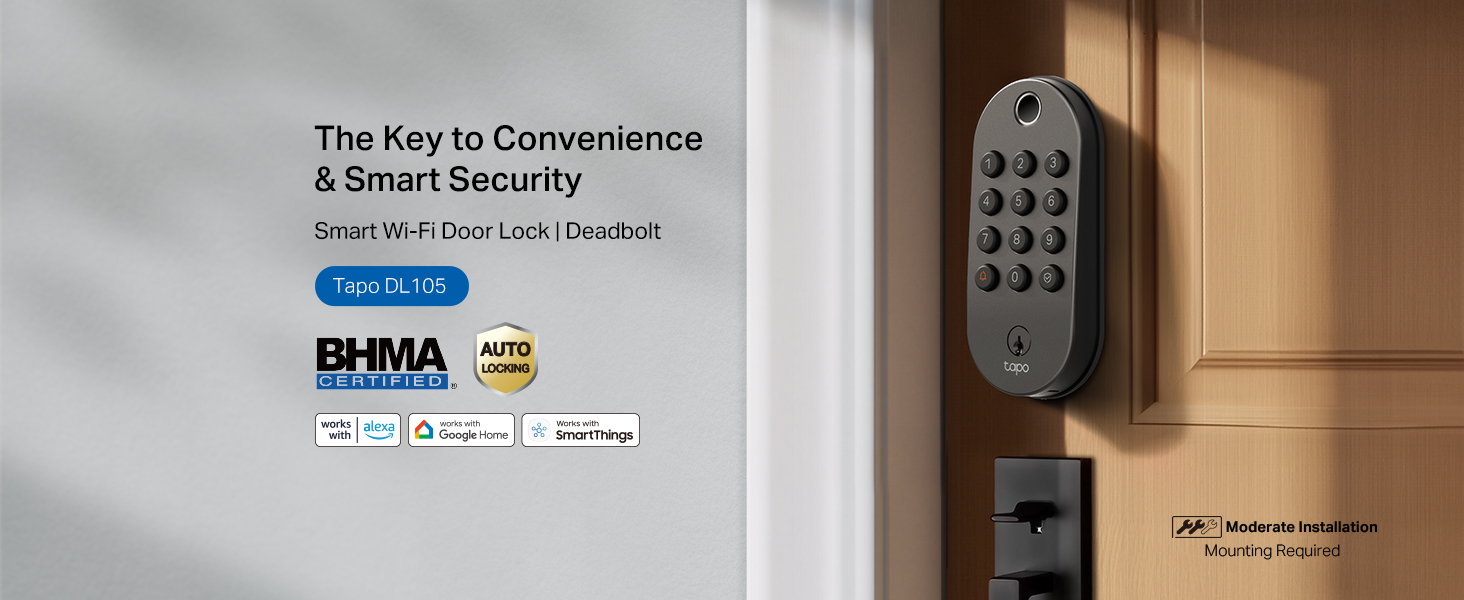
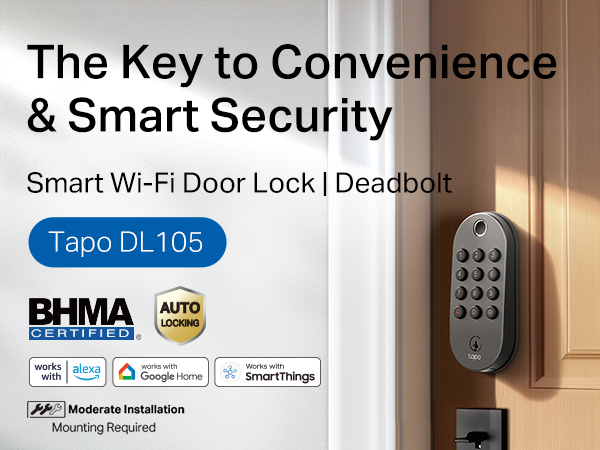
Works with Alexa, Google Home, & SmartThings for one-app manage. Lock/unlock by voice with a PIN.
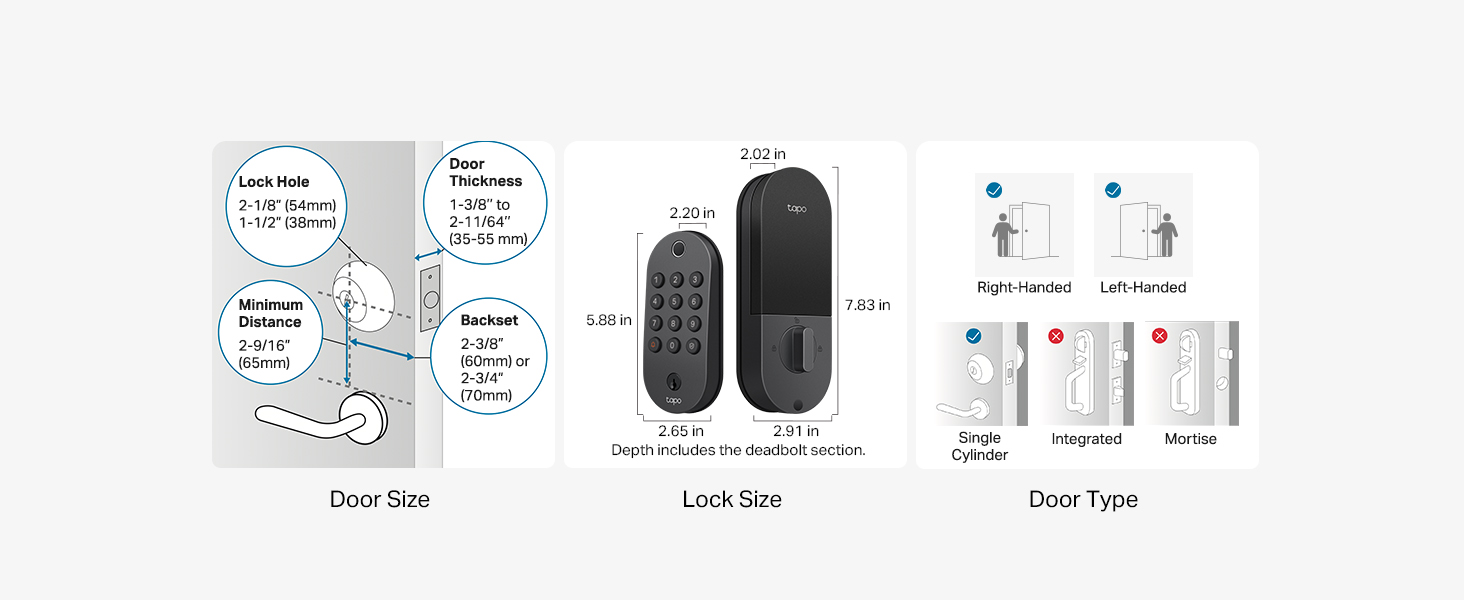
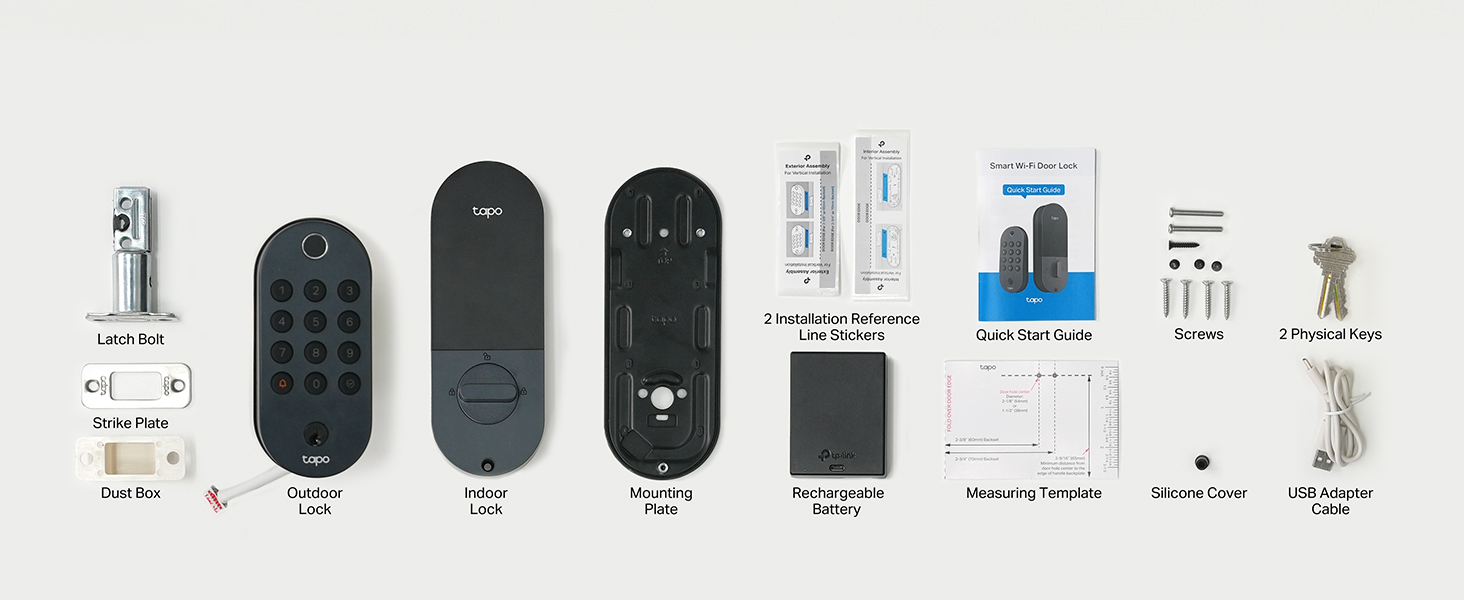
How do I know if my door is compatible?
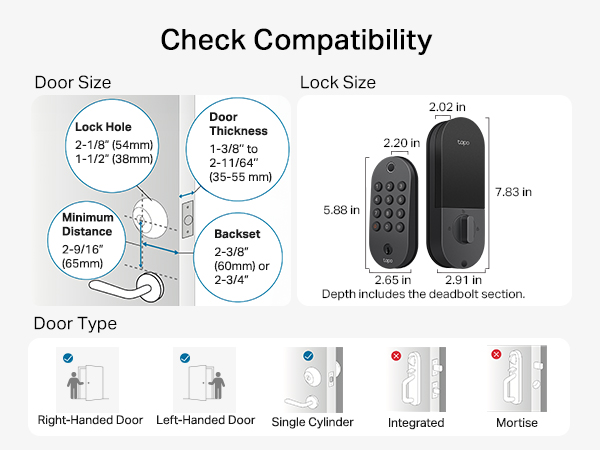
Works with single-cylinder deadbolts, not with integrated or mortise locks.
Door thickness: Between 1-3/8’’ – 2-11/64’’
Lock borehole size: Between 1-1/2’’ – 2-1/8’’
Backset: 2-3/8’’ or 2-3/4’’
Between handle & deadbolt hole: At least 2-9/16’’
Can I set personalized access passcodes for different users, and will I be notified when someone uses the lock?
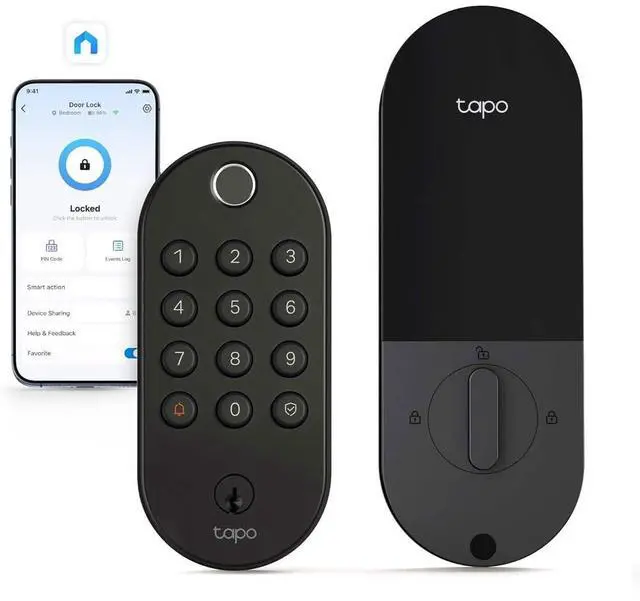
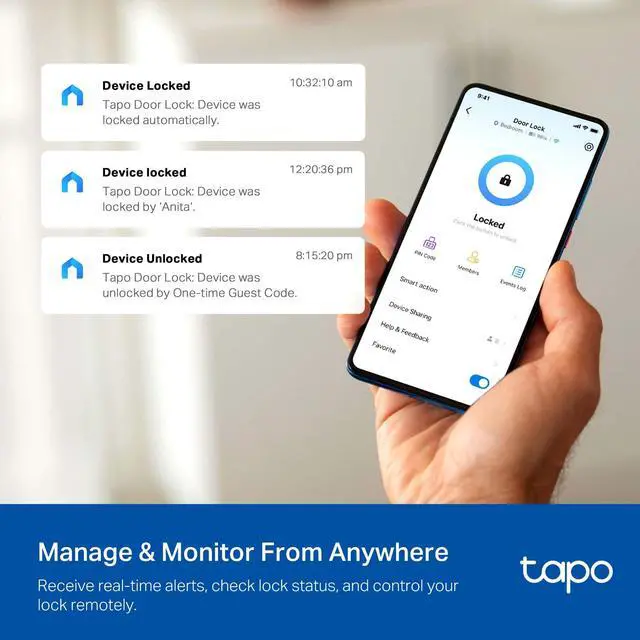
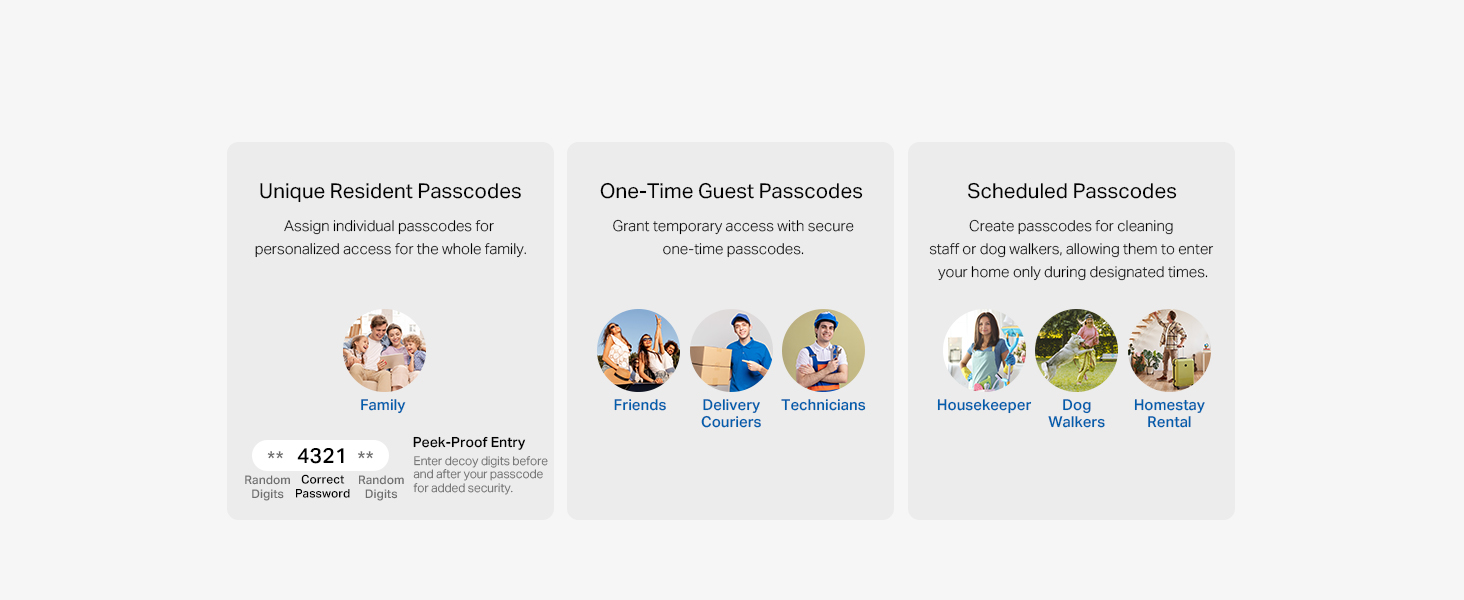
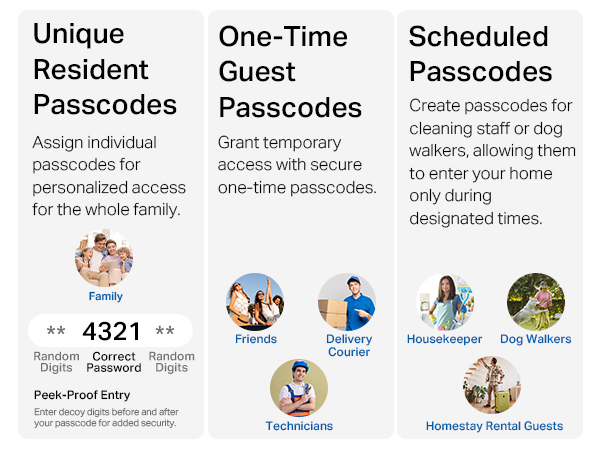
Yes, you can set personalized codes for each user with options for personalized (family), one-time (guests), or scheduled codes (service/maintenance). You'll also receive notifications via the Tapo app, letting you know who used their code and when.
What should I do if the door lock battery dies while I'm locked out??
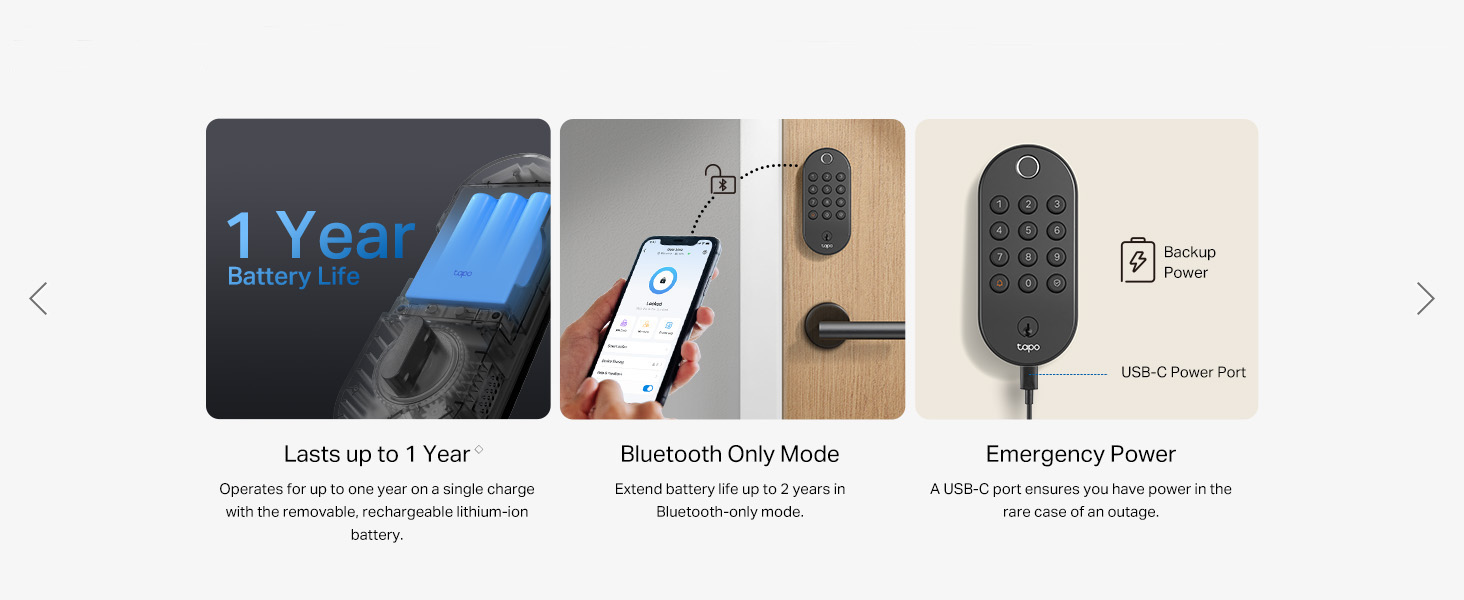
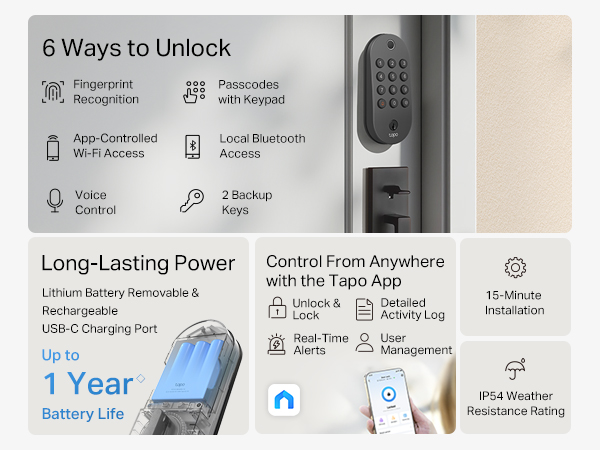
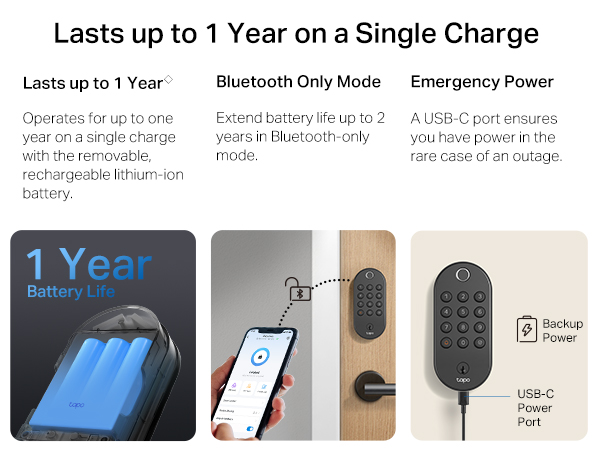
You can temporarily power the lock using your phone or a power bank via the USB-C port. Or, simply use one of the physical keys at any time.
What should I do if I forget the access code while I'm locked out??
Just open the Tapo App to unlock the door, or use one of the physical keys. It’s always easy to get in.
What should I do if the internet is down or there's a power outage while I'm locked out?
The lock has the option to use Bluetooth to connect to your app, so you can still open your door without internet or power with the App when you’re nearby. You can also use one of the physical keys at any time.
Auto-Lock Features & Smart Routines
Automatically locks after use with customizable time intervals for easy security and convenience.
Unlock Attempt Limiter
Auto-locks after a set number of failed unlock attempts and remains active for a set duration.
Smart Home Integration
Works with Alexa, Google Home, & SmartThings for one-app manage. Lock/unlock by voice with a PIN.
How do I know if my door is compatible?
Works with single-cylinder deadbolts, not with integrated or mortise locks.
Door thickness: Between 1-3/8’’ – 2-11/64’’
Lock borehole size: Between 1-1/2’’ – 2-1/8’’
Backset: 2-3/8’’ or 2-3/4’’
Between handle & deadbolt hole: At least 2-9/16’’
Can I set personalized access passcodes for different users, and will I be notified when someone uses the lock?
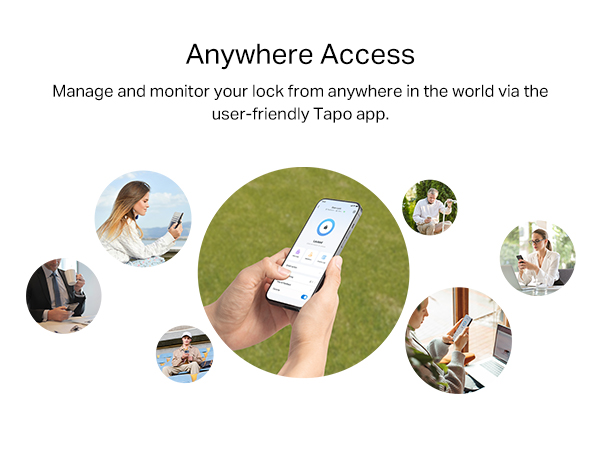
Yes, you can set personalized codes for each user with options for personalized (family), one-time (guests), or scheduled codes (service/maintenance). You'll also receive notifications via the Tapo app, letting you know who used their code and when.
What should I do if the door lock battery dies while I'm locked out??
You can temporarily power the lock using your phone or a power bank via the USB-C port. Or, simply use one of the physical keys at any time.
What should I do if I forget the access code while I'm locked out??
Just open the Tapo App to unlock the door, or use one of the physical keys. It’s always easy to get in.
What should I do if the internet is down or there's a power outage while I'm locked out?
The lock has the option to use Bluetooth to connect to your app, so you can still open your door without internet or power with the App when you’re nearby. You can also use one of the physical keys at any time.