




 here!
here!
I’m your shopping assistant for PC builds, upgrades, and everything tech.
Got questions? Ask away!
Start a conversation
here!
I’m your shopping assistant for PC builds, upgrades, and everything tech.
Got questions? Ask away!
Start a conversation



Any questions? Ask CelesteSM will help you find out quickly.
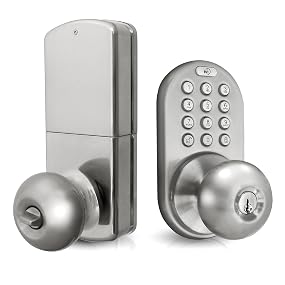
Satin Nickel

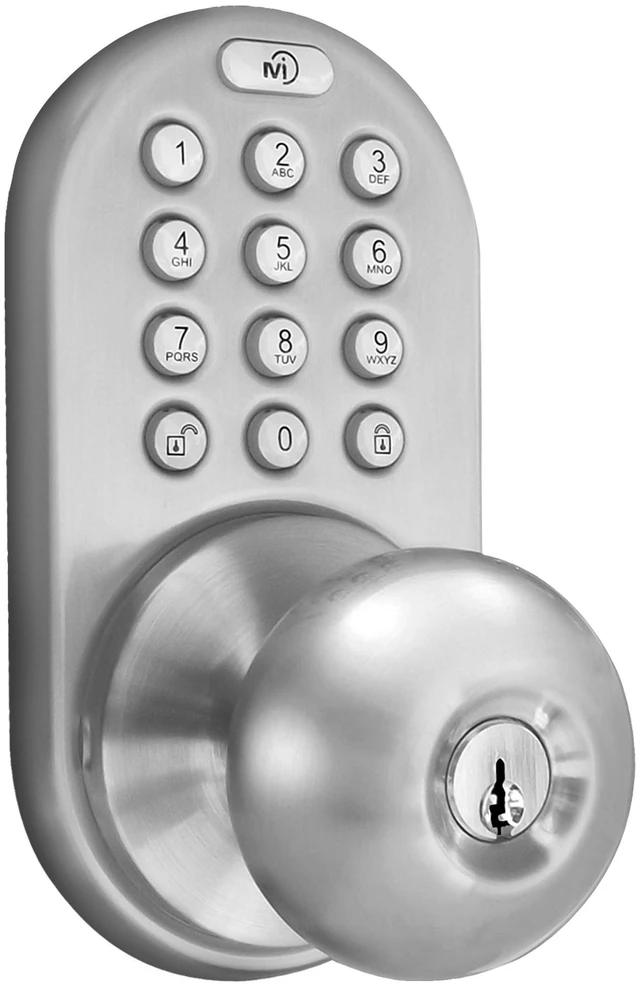
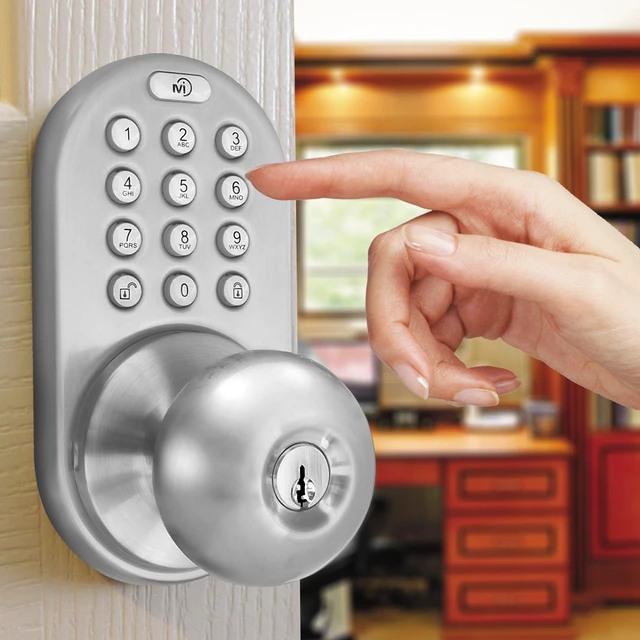
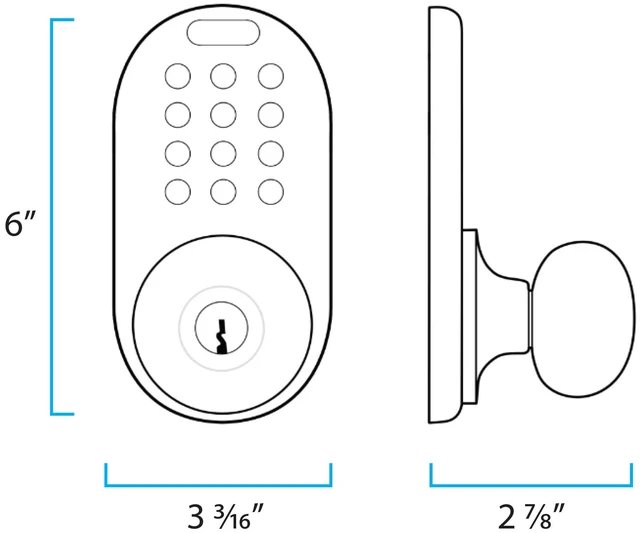
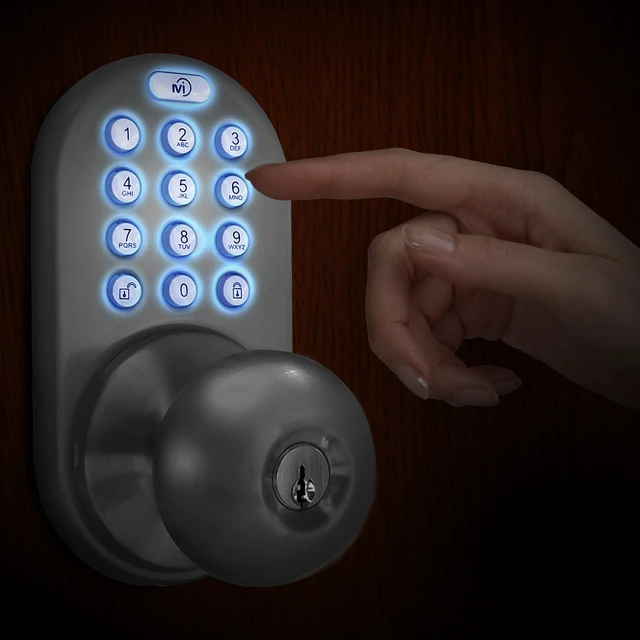
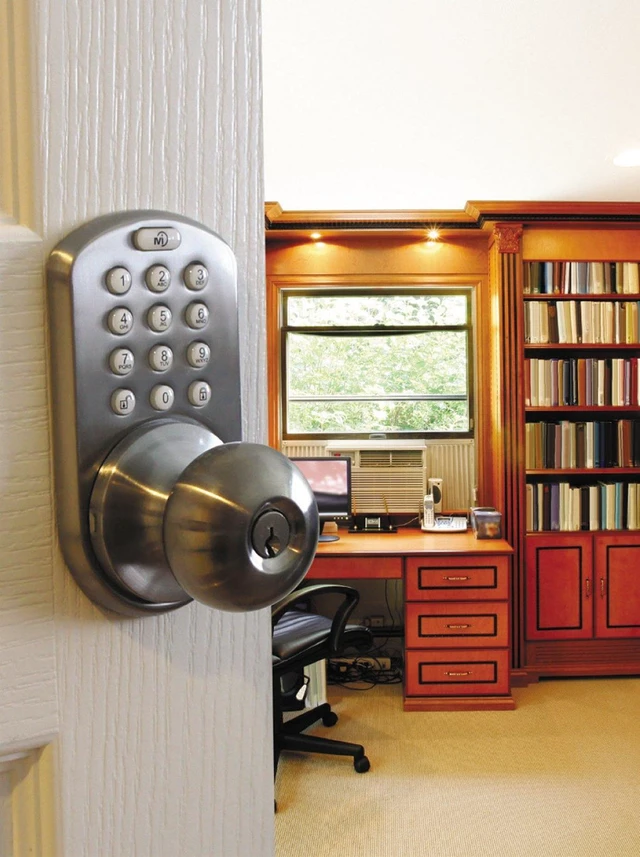
Bring new excitement and convenience to your home with this keypad entry door knob lock by MiLocks. This keyless entry door knob lock is a direct replacement for your traditional door knob and installs very easily on your existing door cutouts and holes.
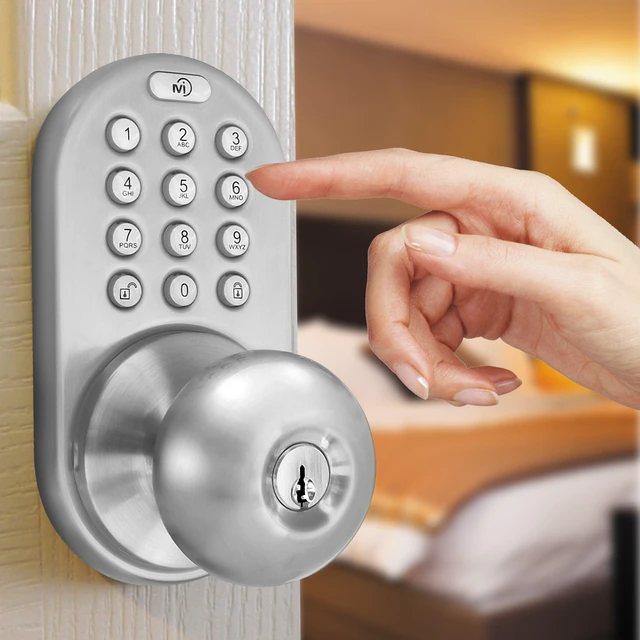
Keyless entry with keypad. Easy programming and auto lock option.

Give your most trusted family and friends with their own code. Add up to 6 codes.
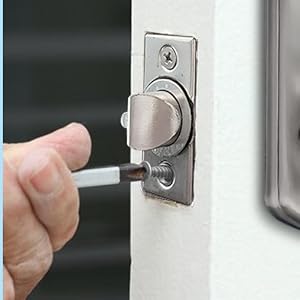
All you need is a Phillip's Screwdriver!
Satin Nickel
Bring new excitement and convenience to your home with this keypad entry door knob lock by MiLocks. This keyless entry door knob lock is a direct replacement for your traditional door knob and installs very easily on your existing door cutouts and holes.
Keyless entry with keypad. Easy programming and auto lock option.
Give your most trusted family and friends with their own code. Add up to 6 codes.
All you need is a Phillip's Screwdriver!
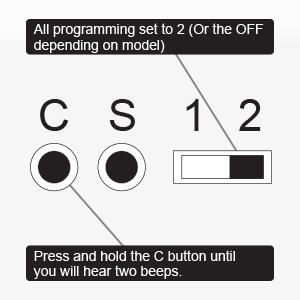
Remove cover from back module to have access to programming keys. On the switch marked 'On' and 'Off', move the switch to the 'Off' position. Now press and hold the 'C' button until you hear two beeps. All codes are now cleared off.
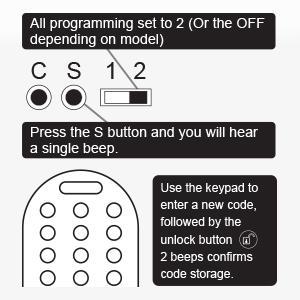
Remove cover from back module to have access to programming keys. On the switch marked 'On' and 'Off', move the switch to the 'Off' position. Press and release the 'S' button, you will hear a beep. Use the Keypad on the front module to set up your desired code. Follow by the Unlock button. 2 beeps will confirm code storage, three beeps will indicate an error. Repeat to add more codes.
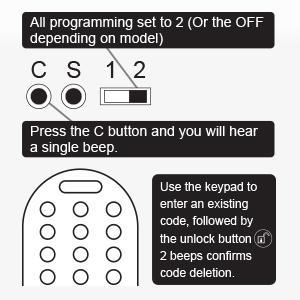
Remove cover from back module to have access to programming keys. On the switch marked 'On' and 'Off', move the switch to the 'Off' position. Press and release the 'C' button, you will hear a beep. Use the Keypad on the front module to enter an existing code that you want removed. Follow by pressing the Unlock button. 2 beeps will confirm code deletion, three beeps will indicate an error. Repeat to remove more existing codes.


