

Your Browsing History
- Free 30-day Returns
$51.99
Sold by The VC electronic accessories
Shipped by The VC electronic accessories

Meet Your Seller

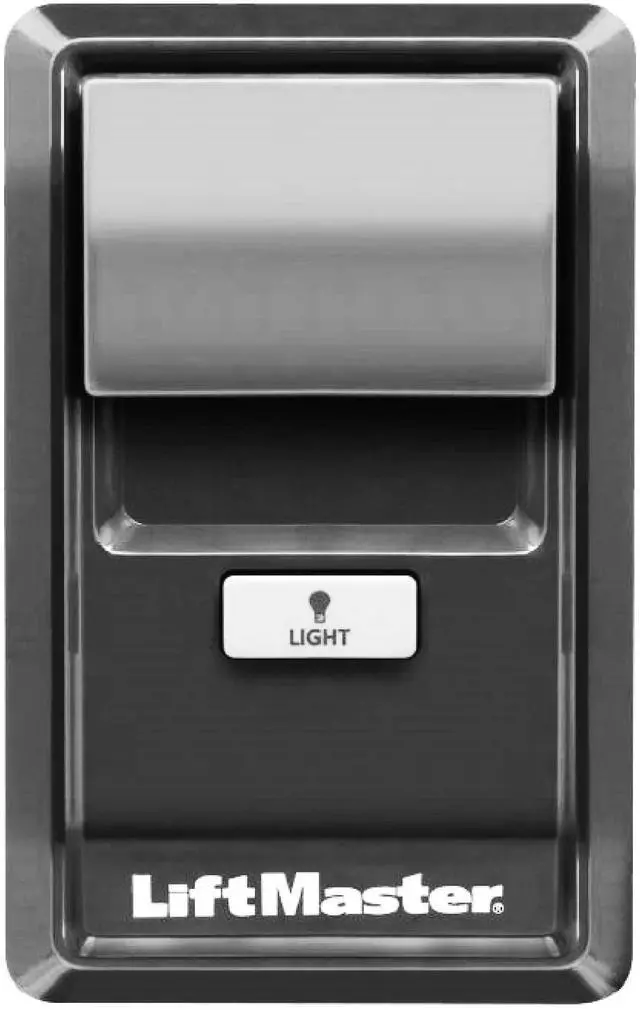
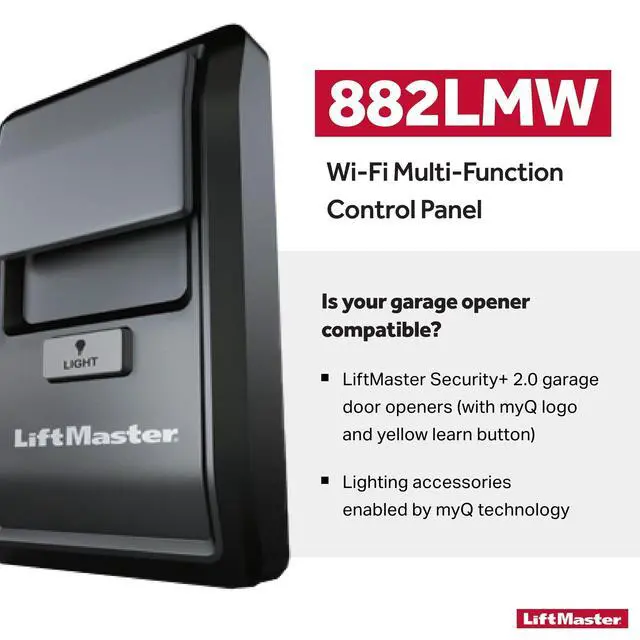
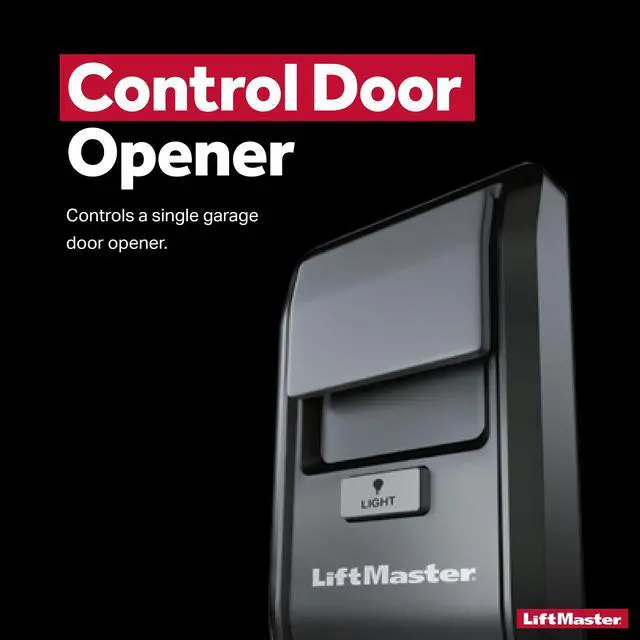
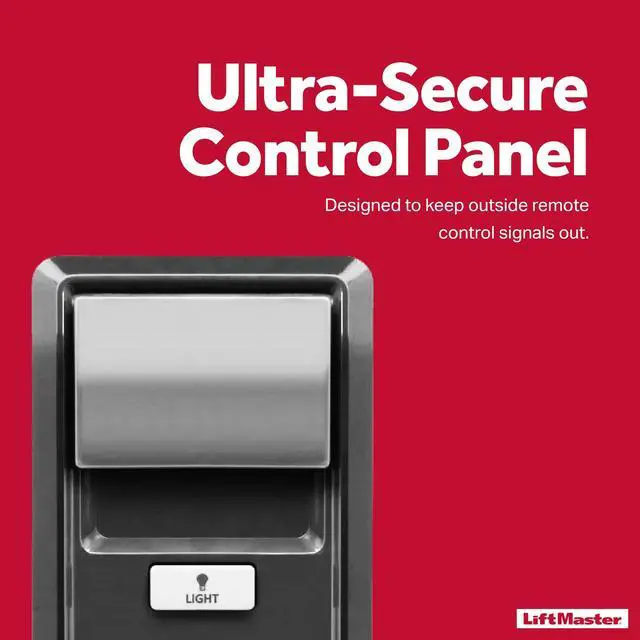


882LMW - ONLY Compatible with Security+ 2.0 Garage Door Openers - WiFi Supported Garage Door Control Panel -Wired Connection Required for Power Source
- [ { "text": "Compatibility: ONLY Compatible with Security+ 2.0 garage door openers that are enabled by myQ technology and have a round yellow learn button and two yellow antennas.\nInstallation: A wired connection is required during installation for the power source.\nConnect these wires to the back of the door control and the garage door opener.\nPlease note that this product is not battery powered.\nConfirm Correct Installation: Plug in the garage door opener and reconnect the battery.\nThe command LED on the door control will blink if installed correctly.\nTo synchronize the garage door opener and the door control, press the push bar up to 3 times, until the garage door opener activates.\nProgram Remote Control:\n1.\nPress the LEARN button on the door control twice.\nThe Command LED will blink.\n2.\nPress and release the button on the remote control that you to operate your garage door.\nThe garage door opener lights will flash (or two clicks will be heard) and the Command LED will stop blinking when the code has been programmed correctly.\nProgramming Guideline:\n1.\nLift the push bar on the door control.\nPress and release the LEARN button.\nThe garage door opener will beep once and the command LED on the door control will blink to indicate Wi-Fi learn mode.\n2.\nOn your mobile device, go to Settings > Wi-Fi and select the network with the MyQ- prefix.\n3.\nLaunch the web browser on your smartphone or tablet.\nEnter ", "type": "text" }, { "cellPosition": null, "link":
+
+
Overview
Specs
Reviews

Any questions? Our AI mode will help you find out quickly.
Try me now
[ { "text": "Compatibility: ONLY Compatible with Security+ 2.0 garage door openers that are enabled by myQ technology and have a round yellow learn button and two yellow antennas.\nInstallation: A wired connection is required during installation for the power source.\nConnect these wires to the back of the door control and the garage door opener.\nPlease note that this product is not battery powered.\nConfirm Correct Installation: Plug in the garage door opener and reconnect the battery.\nThe command LED on the door control will blink if installed correctly.\nTo synchronize the garage door opener and the door control, press the push bar up to 3 times, until the garage door opener activates.\nProgram Remote Control:\n1.\nPress the LEARN button on the door control twice.\nThe Command LED will blink.\n2.\nPress and release the button on the remote control that you to operate your garage door.\nThe garage door opener lights will flash (or two clicks will be heard) and the Command LED will stop blinking when the code has been programmed correctly.\nProgramming Guideline:\n1.\nLift the push bar on the door control.\nPress and release the LEARN button.\nThe garage door opener will beep once and the command LED on the door control will blink to indicate Wi-Fi learn mode.\n2.\nOn your mobile device, go to Settings > Wi-Fi and select the network with the MyQ- prefix.\n3.\nLaunch the web browser on your smartphone or tablet.\nEnter ", "type": "text" }, { "cellPosition": null, "link": "//setup.myqdevice.com", "text": "setup.myqdevice.com", "type": "url" }, { "text": " into the browser address bar.\nThe MyQ serial number will display on screen.\nWrite the serial number in the space below.\n4.\nSign up for your MyQ account and add the MyQ serial number to your account.\nIf you are unsuccessful adding your device, try an alternate web browser", "type": "text" } ]
Warranty & Returns
Warranty, Returns, And Additional Information
Warranty
- Please contact the Seller directly for warranty information. Warranty information may also be found on the Manufacturer's website.
- CONTACT
Return Policies
- Return for refund within: 30 days
- Return for replacement within: 30 days
- This item is covered by The VC electronic accessories Return Policy
Manufacturer Contact Info
- For a directory of all our manufacturers, please click below.
- Manufacturers Directory
LOADING...