

Your Browsing History

Meet Your Seller

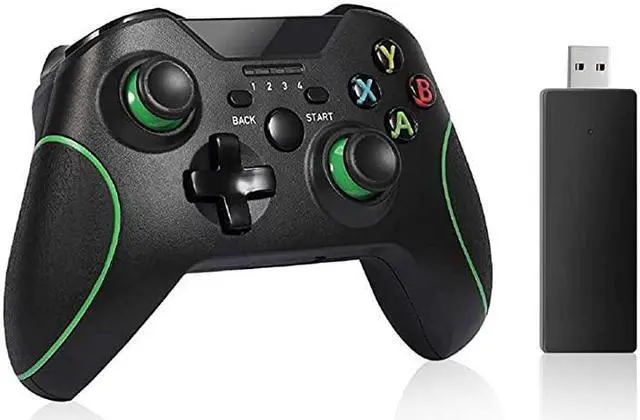
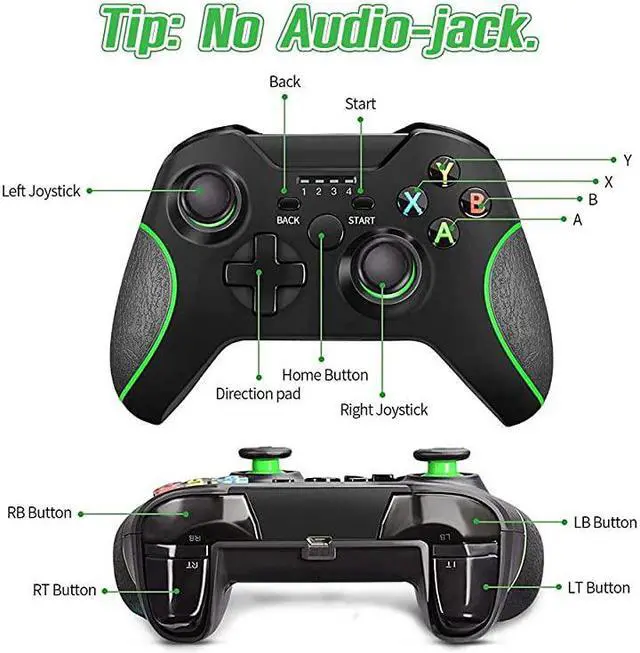


Xbox One Controller Game Controller for Xbox oneXbox one SXbox one X Controller PC Controller Pro Game Controller for Xbox and PC with No Audio Jack
- *****
- **********
- ***** *****
- *****Best Quality Guranteed.*****
- *****[THIRD-PARTY CONTROLLER] Brand new third-party high-performance Xbox game controller. Use the same latest controller chip core technology as the official one, with a newly designed controller shape, to bring you a first-class gaming experience and performance comparable to the official product.*****
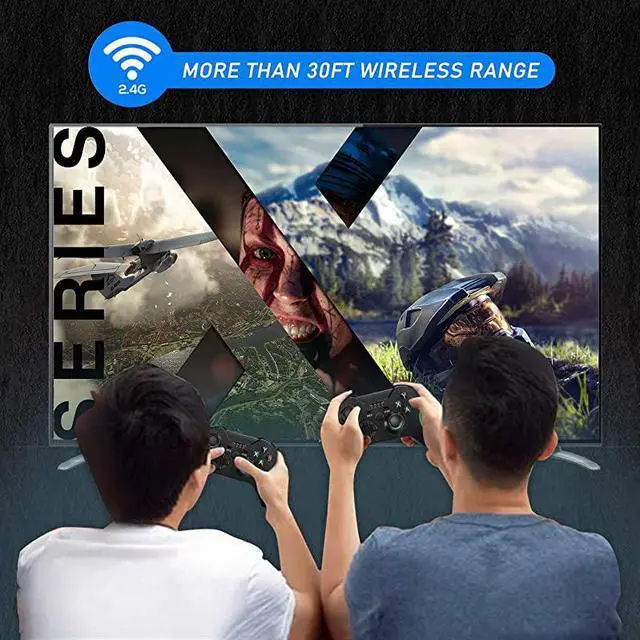
- *****[LONG-RANGE WIRELESS] The brand new 2.4GHZ connection function provide you more than 30ft range, let you enjoy your game time anywhere you want. Controller comes with USB receiver.*****
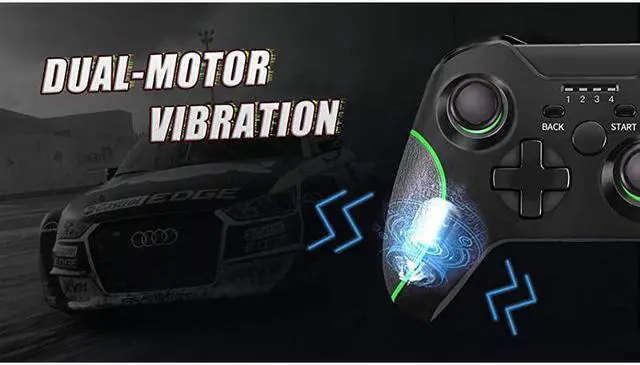
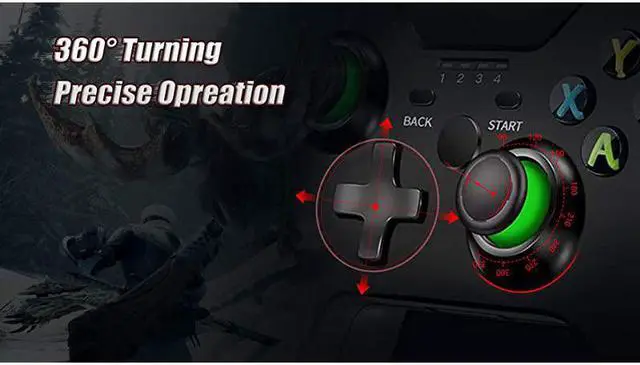
- *****[PRECISE OPERATION] The built-in dual motor and 256-level precision 3D joystick bring you the most realistic gaming experience. Sensitive joystick and button give you high accurate operation. Notes: press left joystick,back and start button at the same time to turn off the controller.*****
- *****[ANTI-SLIP DESIGN] The non-slip design on both sides ensures that it can still be used after a long period of use. Egronomic designed bri
+
+
Overview
Specs
Reviews

Any questions? Our AI beta will help you find out quickly.
Try me now
How to connect with
PC or laptop: 1. Plug the receiver into the USB port. 2. Press and hold the HOME button for 5 seconds to switch to the X-INPU and D-INPU modes. How to connect with
Xbox: 1. Plug the receiver into the USB port. 2. Press the controller's HOME button when the receiver's indicator flashes. And the controller's indicator will begin to flash. 3. When the controller and indicator and receiver indicators remain lit, the connection is successful.
Specifications: 1.
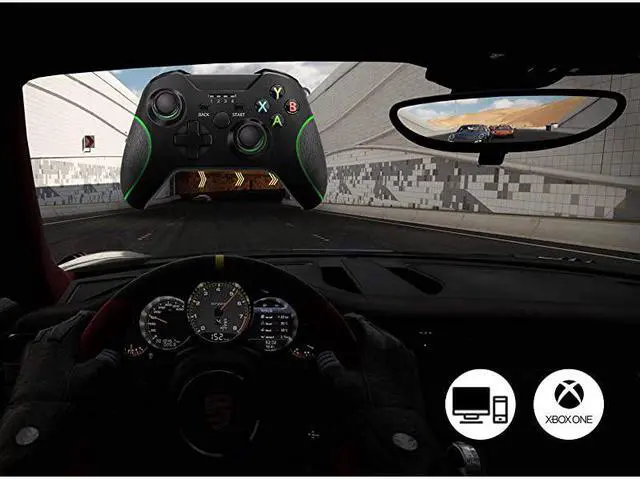
Platform: Xbox one/ Xbox one S/ Xbox one X/ Xbox One Elite/ PC (Windows 7/8/10)
2.
Connection: 2.4GHZ 3.
range: in 10 meters
4.
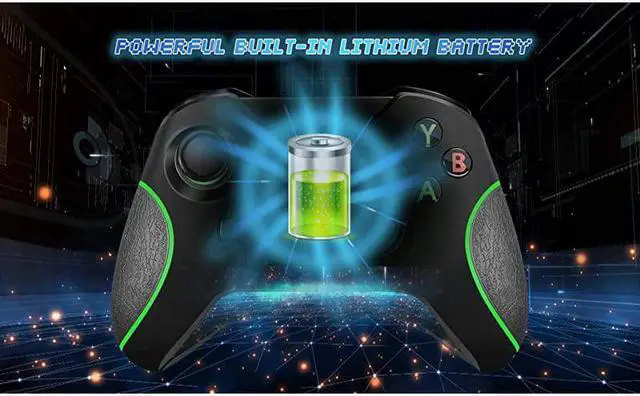
Battery range: 500mAH and more than 5 hours workingPackage include: 1. 1 Xbox one controller 2. 1 USB receiver 3. 1 USB charging cable
PC or laptop: 1. Plug the receiver into the USB port. 2. Press and hold the HOME button for 5 seconds to switch to the X-INPU and D-INPU modes. How to connect with
Xbox: 1. Plug the receiver into the USB port. 2. Press the controller's HOME button when the receiver's indicator flashes. And the controller's indicator will begin to flash. 3. When the controller and indicator and receiver indicators remain lit, the connection is successful.
Specifications: 1.
Platform: Xbox one/ Xbox one S/ Xbox one X/ Xbox One Elite/ PC (Windows 7/8/10)
2.
Connection: 2.4GHZ 3.
range: in 10 meters
4.
Battery range: 500mAH and more than 5 hours workingPackage include: 1. 1 Xbox one controller 2. 1 USB receiver 3. 1 USB charging cable
Warranty & Returns
Warranty, Returns, And Additional Information
Warranty
- Please contact the Seller directly for warranty information. Warranty information may also be found on the Manufacturer's website.
- CONTACT
Return Policies
- Return for refund within: 30 days
- Return for replacement within: non-replaceable
- This item is covered by Byteful Return Policy
Manufacturer Contact Info
- For a directory of all our manufacturers, please click below.
- Manufacturers Directory
LOADING...
LOADING...