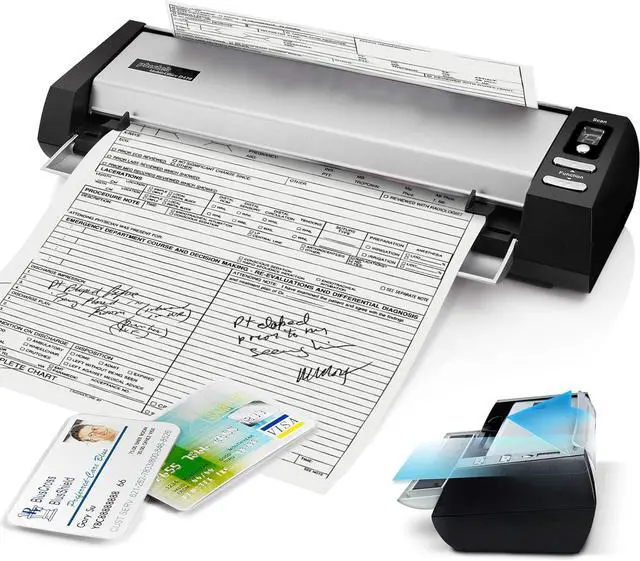
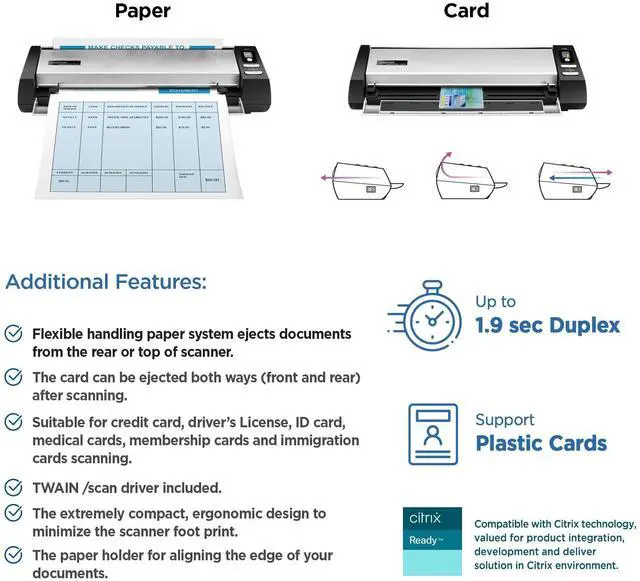
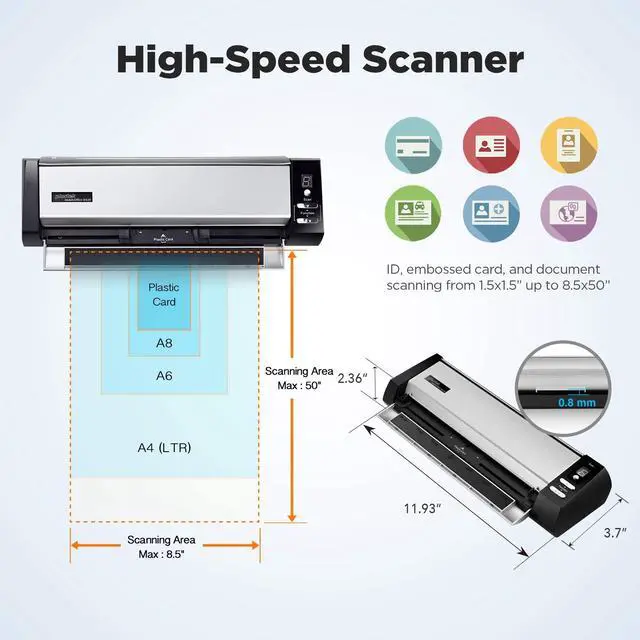
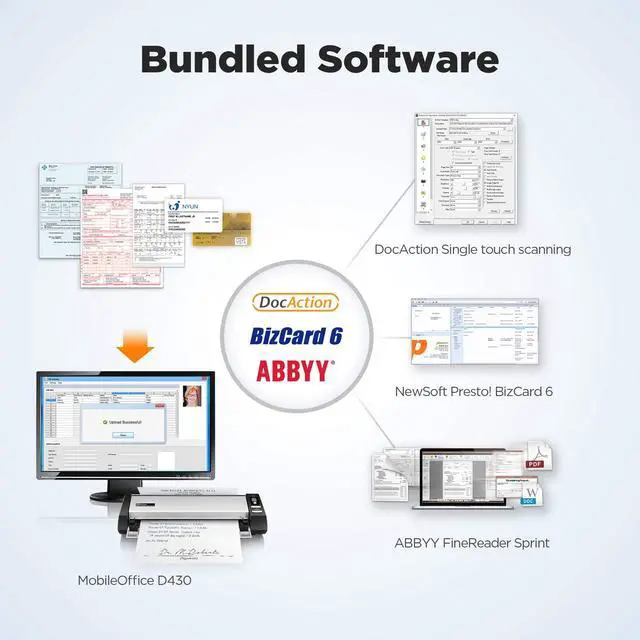
The Plustek D430 Plus is a compact desktop document and ID card scanner for pharmacies and front desks that need to send scans directly to supported Rx software. Its TWAIN compliance supports software integration, and the product is described as Citrix Ready.
Recommended For
- Pharmacy counter staff who need to scan prescriptions, insurance cards, and patient documents into a Windows-based Rx workflow from a crowded workstation.
- Clinic or medical-office reception teams that scan patient IDs and paperwork during check-in and need a compact scanner that fits on the front desk.
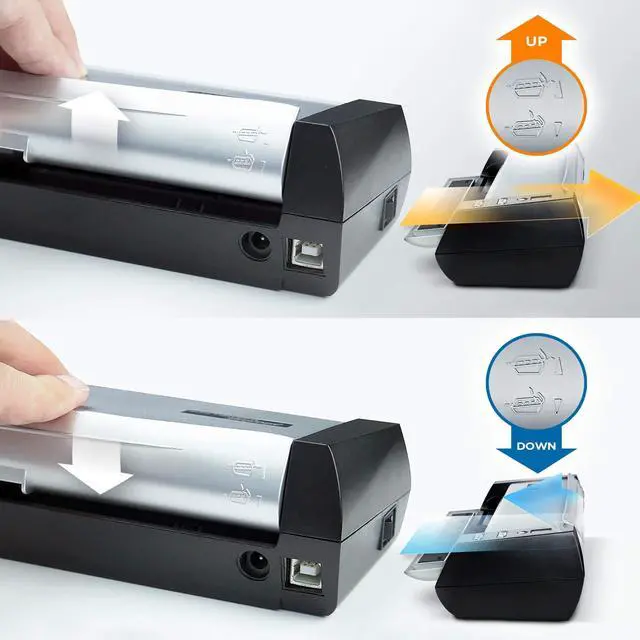
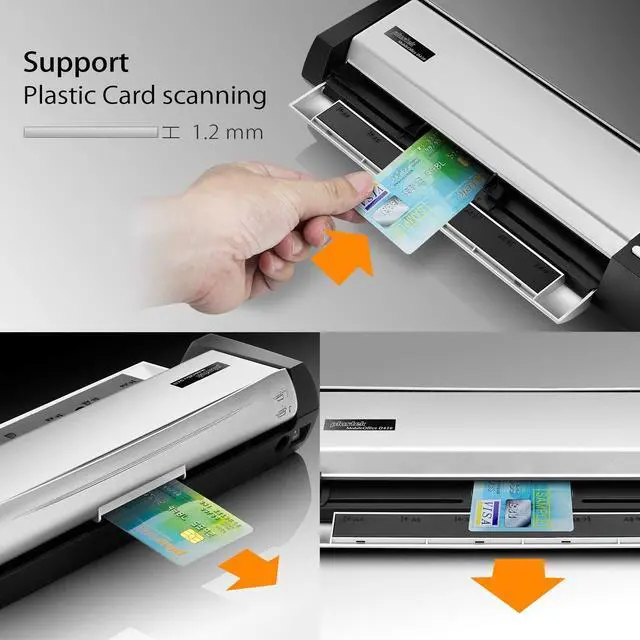
- Service-counter staff who regularly digitize plastic ID, insurance, or membership cards along with paper forms and want scanned items to exit from the front or rear to suit a tight desk layout.
- Windows office users who need to digitize individual documents, cards, or long paper forms and route scans through TWAIN-compatible software.
Real-World Use Scenarios
- At a pharmacy counter, staff can scan a prescription or insurance card into a pharmacy application that supports TWAIN, helping attach the scanned item to the customer’s record without switching to a separate flatbed scanner.
- During patient check-in, reception staff can capture an ID or insurance card along with registration paperwork, creating digital images for the clinic’s intake workflow while keeping the scanner on a crowded front desk.
- At a reception or service counter with limited room, staff can scan a card or page and choose an exit path that better fits the desk layout, reducing the need to leave extra space behind the scanner.
- When intake forms or other paperwork have information on both sides, staff can scan them in duplex mode so both sides are captured in the same pass, then send the files to a configured folder or application.
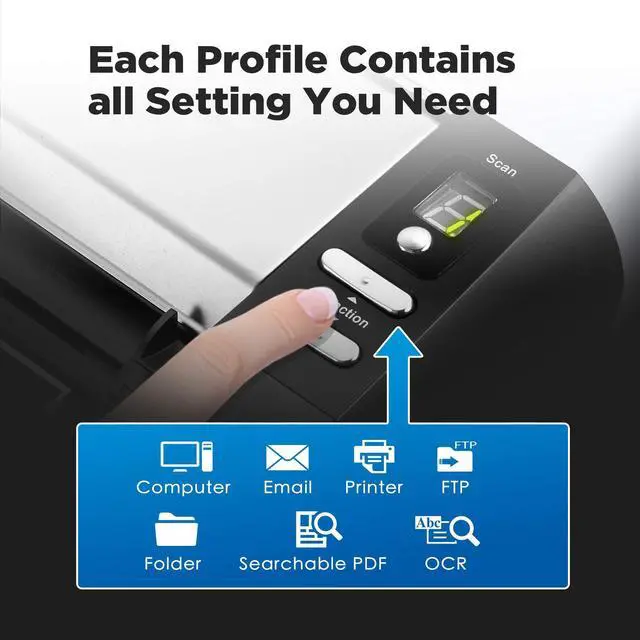
- In a small office, a user can scan loose paper documents to a preset file or OCR destination, making them easier to store, search, or reuse without manually choosing the same scan settings each time.
Spec Summary
| Attribute | Value |
|---|
| Best For | Compact desktop scanning of documents and ID cards, including pharmacy workflows that use compatible Rx software |
|---|





 here!
here!