Your Browsing History
- Free 30-day Returns
$929.99
Meet Your Seller
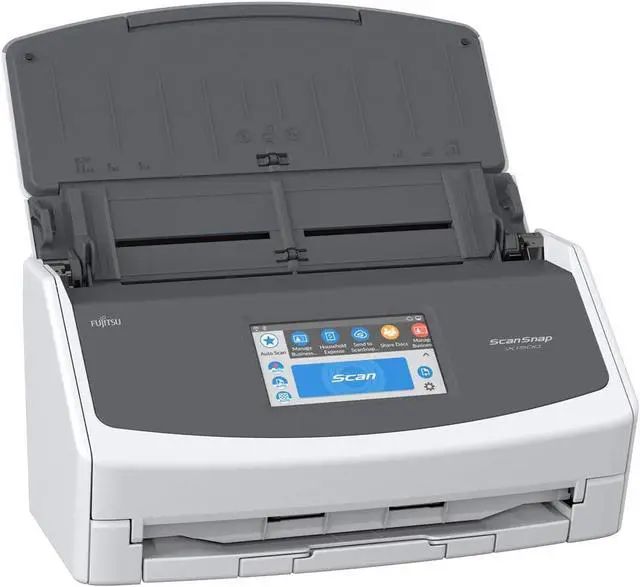
Fujitsu ScanSnap iX1500 Wireless Color Duplex Document Scanner with Touch Screen for Mac and PC (White Model)
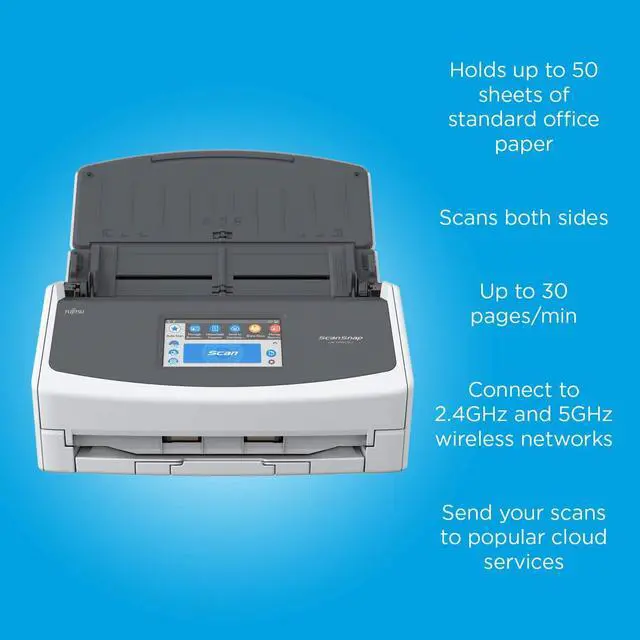
- Large, intuitive 4.3-inch touch screen for easy one-touch scanning
- PC less scanning Easily scan to your preferred destination, popular cloud services such as Google Drive and Dropbox, your desktop folders, mobile devices and more
- Sharing capabilities with multiple users via one scanner: Create unique user profiles and save information to user-specific folders
- All in one solution to optimize your productivity. Includes ScanSnap Home to capture, organize, manage your business, home, or classroom
- The LCD Panel, WI-FI, and USB connections makes it easy to setup and start scanning
+
+
Overview
Specs
Reviews
Any questions? Our AI beta will help you find out quickly.
Try me now
The ScanSnap iX1500 offers you a better way to get organized. With a large, easy-to-use touch screen and powerful software, the ScanSnap iX1500 offers improvements in design and function over its predecessors.
Create unique user profiles and save information to user-specific folders
Scan via Wi-Fi to popular cloud services such as Google Drive and Dropbox*
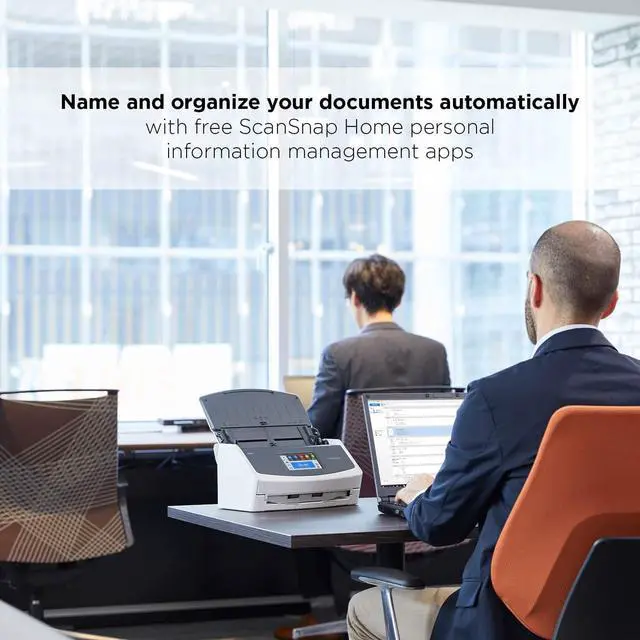
ScanSnap Home software organizes documents using tags and search. ScanSnap Manager is also available
Clean and elegant design
One-Touch Scanning with Quick Menu
For the ultimate legacy ScanSnap experience, the Quick Menu feature is back. Start scanning with one touch, then decide how to process and organize your scans right on your computer.
With just one touch complete processes from scanning to data utilization
Basic tasks such as setup and Wi-Fi configuration
Simplistic icon allows you to check scanning statuses and choose save-to destinations easily
Up to 30 pre-configured profiles can be made, optimizing scan workflow
Save your favorite settings to your profile and select with a touch
Wireless Scanning Right From Your Touch Screen
Scan to your preferred destination right from your touch screen. Scan to Google Drive, Dropbox, your desktop folder, and more!
Stay Organized with ScanSnap Home*
The ScanSnap Home software helps you stay organized. Optical character recognition (OCR) capabilities allow you to easily find your documents by searching for relevant keywords.
* ScanSnap Manager is also available.
Automatic Image Cleanup
Intelligent scan correction performs a quick quality check on your documents by optimizing contrast, automatically rotating upside-down documents, removing blank pages, and cropping images to the correct size.
Create unique user profiles and save information to user-specific folders
Scan via Wi-Fi to popular cloud services such as Google Drive and Dropbox*
ScanSnap Home software organizes documents using tags and search. ScanSnap Manager is also available
Clean and elegant design
One-Touch Scanning with Quick Menu
For the ultimate legacy ScanSnap experience, the Quick Menu feature is back. Start scanning with one touch, then decide how to process and organize your scans right on your computer.
With just one touch complete processes from scanning to data utilization
Basic tasks such as setup and Wi-Fi configuration
Simplistic icon allows you to check scanning statuses and choose save-to destinations easily
Up to 30 pre-configured profiles can be made, optimizing scan workflow
Save your favorite settings to your profile and select with a touch
Wireless Scanning Right From Your Touch Screen
Scan to your preferred destination right from your touch screen. Scan to Google Drive, Dropbox, your desktop folder, and more!
Stay Organized with ScanSnap Home*
The ScanSnap Home software helps you stay organized. Optical character recognition (OCR) capabilities allow you to easily find your documents by searching for relevant keywords.
* ScanSnap Manager is also available.
Automatic Image Cleanup
Intelligent scan correction performs a quick quality check on your documents by optimizing contrast, automatically rotating upside-down documents, removing blank pages, and cropping images to the correct size.
Warranty & Returns
Warranty, Returns, And Additional Information
Warranty
- Please contact the Seller directly for warranty information. Warranty information may also be found on the Manufacturer's website.
- CONTACT
Return Policies
- Return for refund within: 30 days
- Return for replacement within: 30 days
- This item is covered by B-IN Electronics Return Policy
Manufacturer Contact Info
- For a directory of all our manufacturers, please click below.
- Manufacturers Directory
LOADING...