

Your Browsing History
Best Sellers
 Top Rated
- $2,082.88
Top Rated- $2,289.97


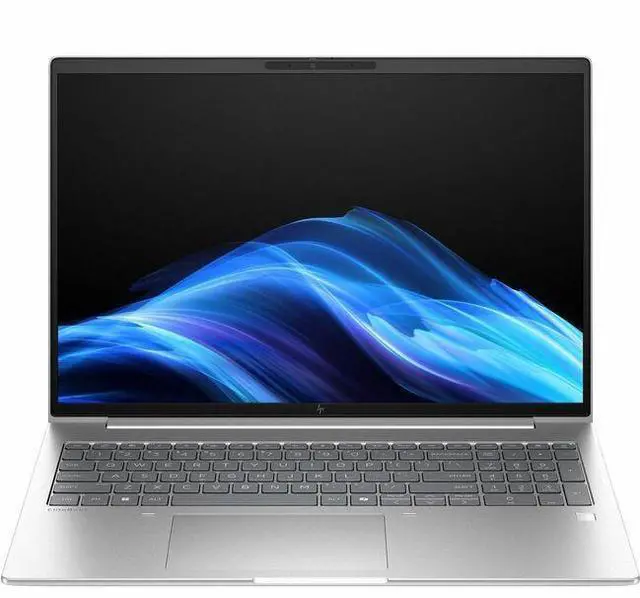
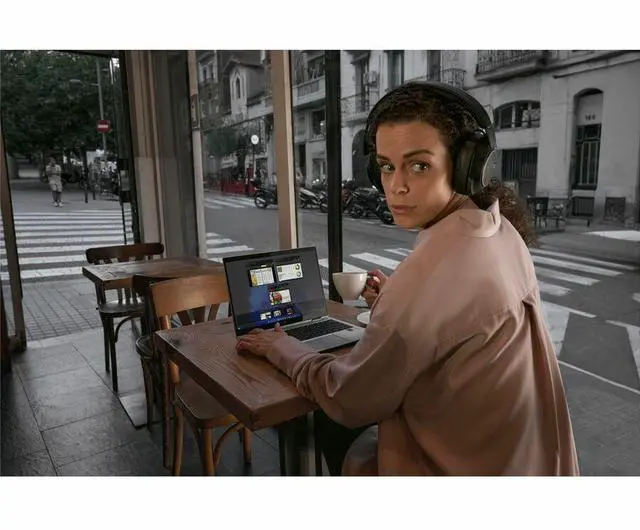
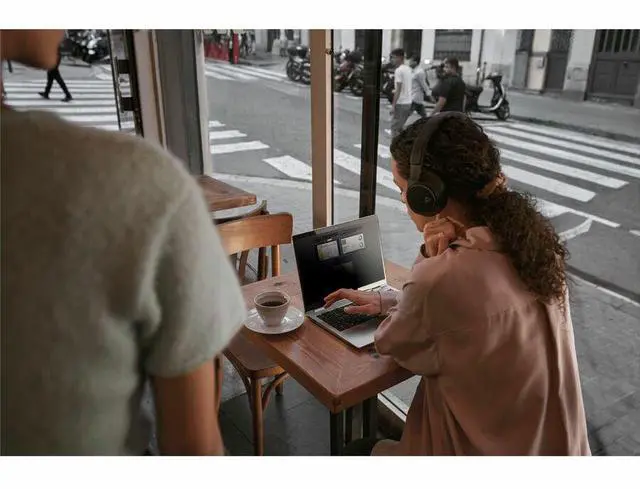
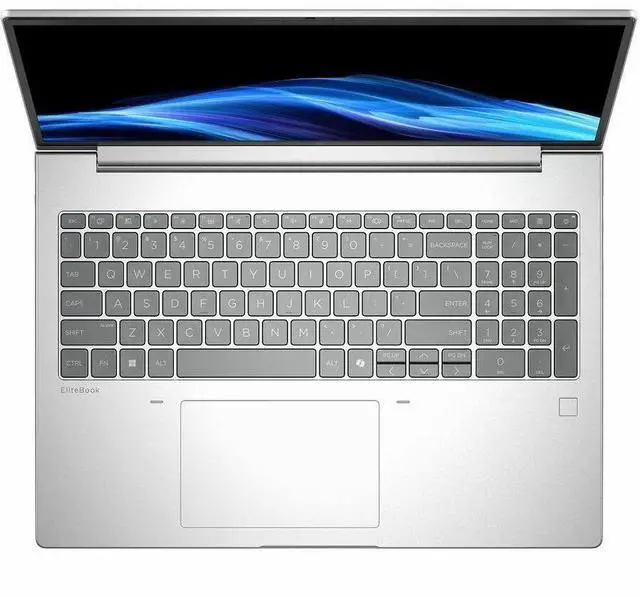
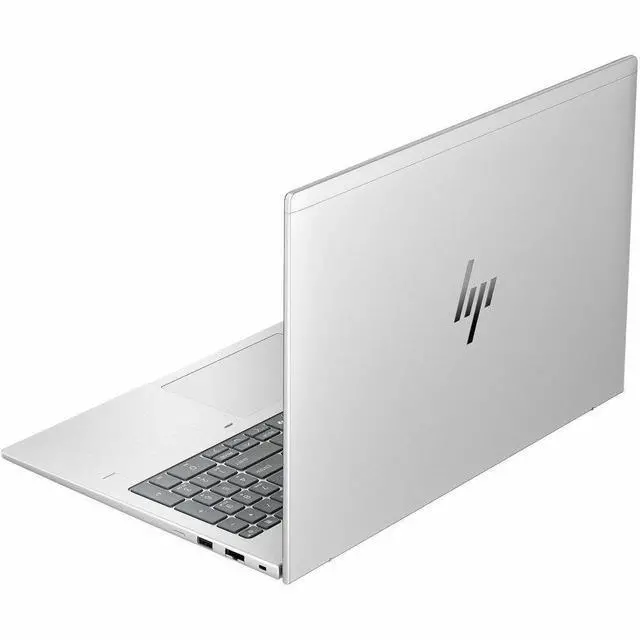
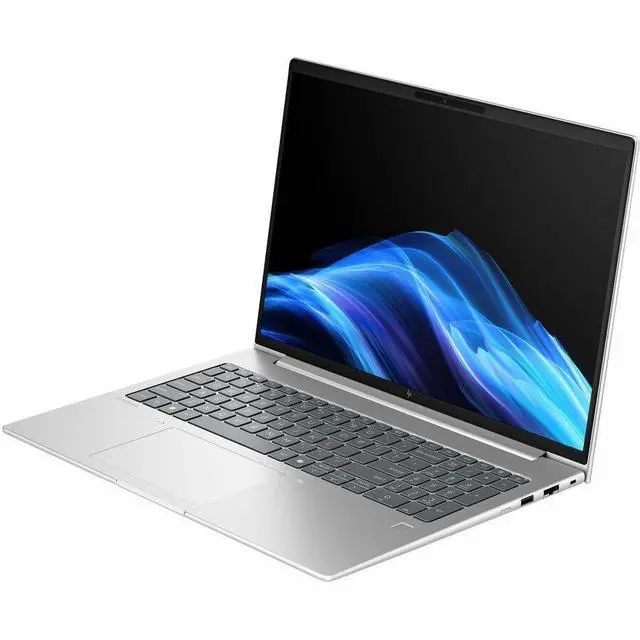
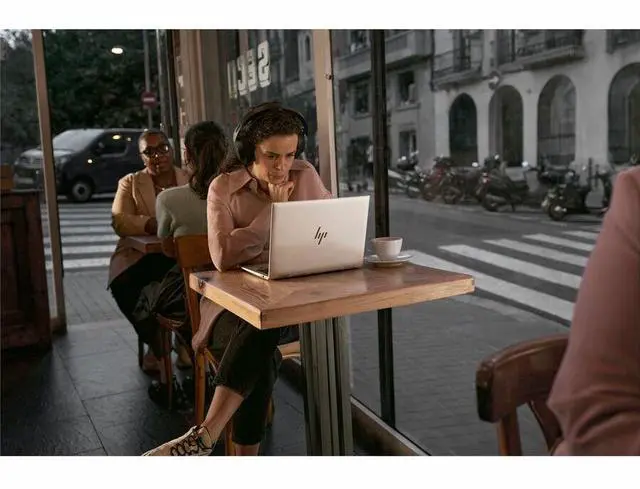
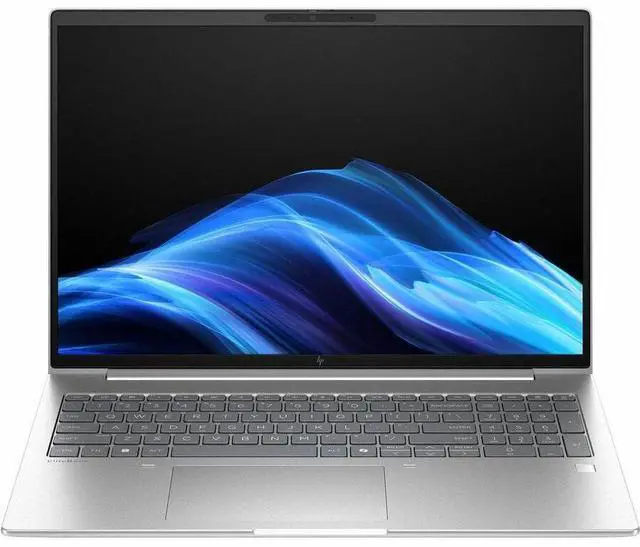
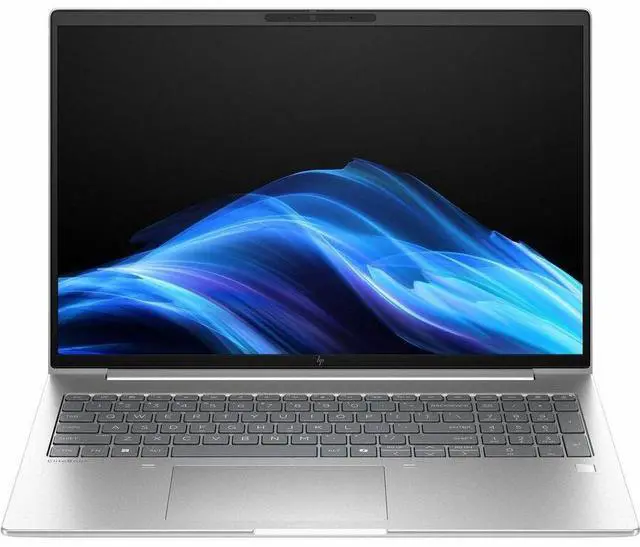
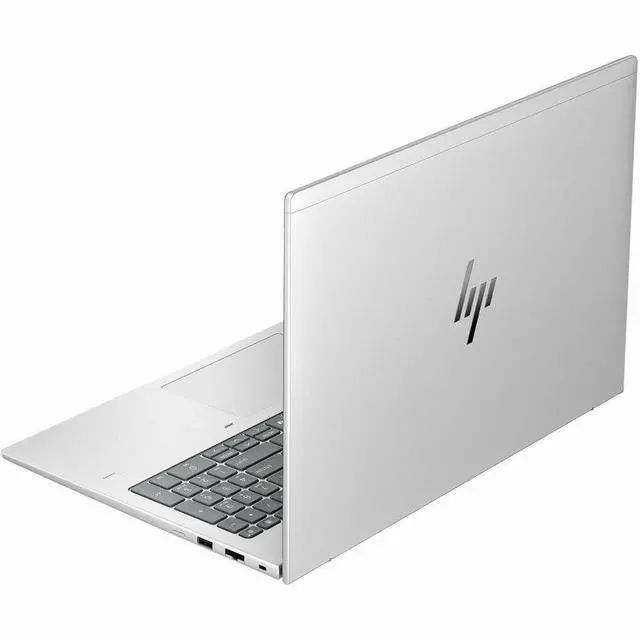
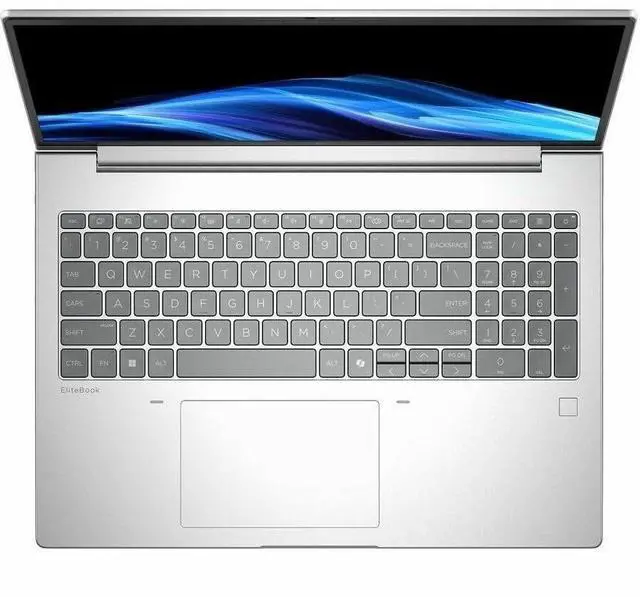
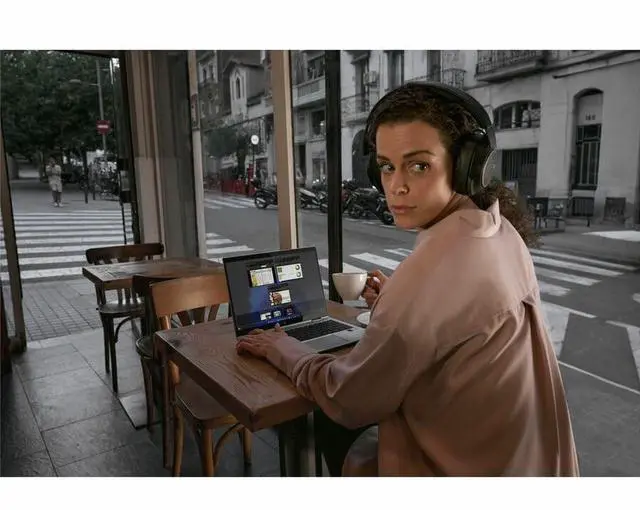
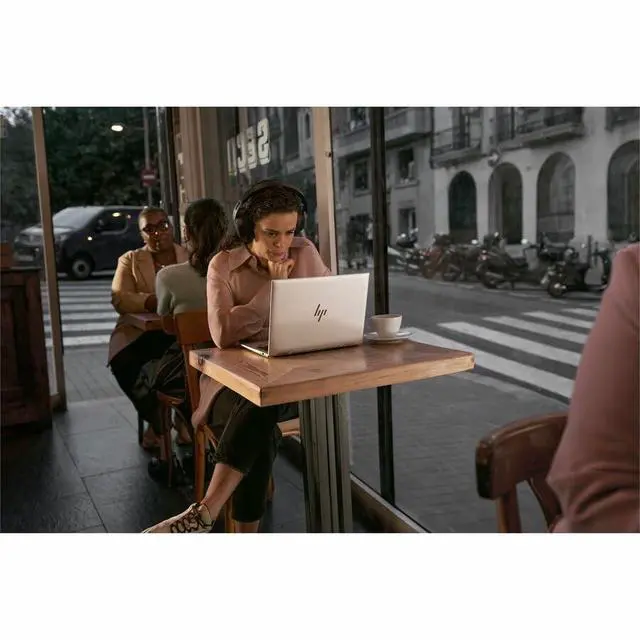
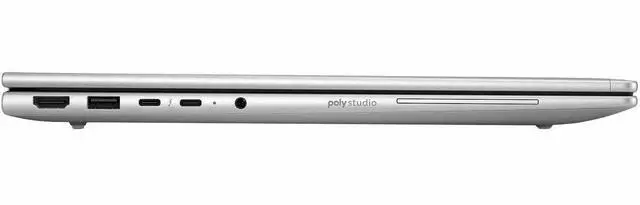


HP EliteBook 6 G1i 16" Notebook - Intel Core Ultra 7 255U - 32GB - 512GB SSD - Pike Silver Aluminum - Windows 11 Pro - Webcam - IEEE 802.11be Wireless BD5M3UT#ABA
- WUXGA
- Intel Core Ultra 7 255U
- 32 GB
- 512 GB SSD
- English Keyboard
- Pike Silver Aluminum
- Intel Chip
- 1920 x 1200
- Windows 11 Pro
- Intel
- In-plane Switching (IPS) Technology, Sure View
- Webcam
- IEEE 802.11be Wireless LAN Standard
+
+
Overview
Specs
Reviews
See all Q & A 
Any questions? Our AI mode will help you find out quickly.
Try me now
SMART BUY ELITEBOOK 6 G1I 16 U7 255U 16 32GB/512 PC
Warranty & Returns
Warranty, Returns, And Additional Information
Warranty
- Limited Warranty period (parts): 1 year
- Limited Warranty period (labor): 1 year
- Read full details
Return Policies
- Return for refund within: 15 days
- Return for replacement within: 15 days
- This item is covered by Newegg.com's 15-Day Return Policy.
- Read full return policy for details.
Manufacturer Contact Info
- Manufacturer Website
- Support Phone: 1-800-474-6836
- Support Website
- View other products from HP
LOADING...
LOADING...
Learn about this product
The HP EliteBook 6 G1i is a 16-inch Windows 11 Pro laptop with an Intel Core Ultra 5 225U, 32GB RAM, and a 512GB SSD, making it a strong fit for professionals, students, and home users who need a roomy display, modern wireless connectivity, and dependable everyday productivity.
Recommended For
- Hybrid office workers who want a 16-inch screen for spreadsheets, documents, and multitasking, but still need a business laptop that is meant for managed Windows environments rather than a desktop replacement.
- IT-managed business users who need Windows 11 Pro, enterprise connectivity, and standard corporate features like Thunderbolt, HDMI, RJ45, webcam, and modern Wi‑Fi for office docks, conference rooms, and secure fleet deployment.
- Professionals whose workload is mostly browser tabs, Office apps, video meetings, and light business tools, and who value 32GB RAM headroom more than dedicated graphics.
- Users who regularly work in shared spaces or around clients and specifically want an integrated privacy-screen setup, since HP positions Sure View as an option for side-angle privacy on business systems.
Real-World Use Scenarios
- Working in large spreadsheets, browser tabs, email, and Teams at the same time is a typical fit; the 32GB memory headroom should help keep multitasking smooth without frequent slowdowns from tab reloads or background apps.
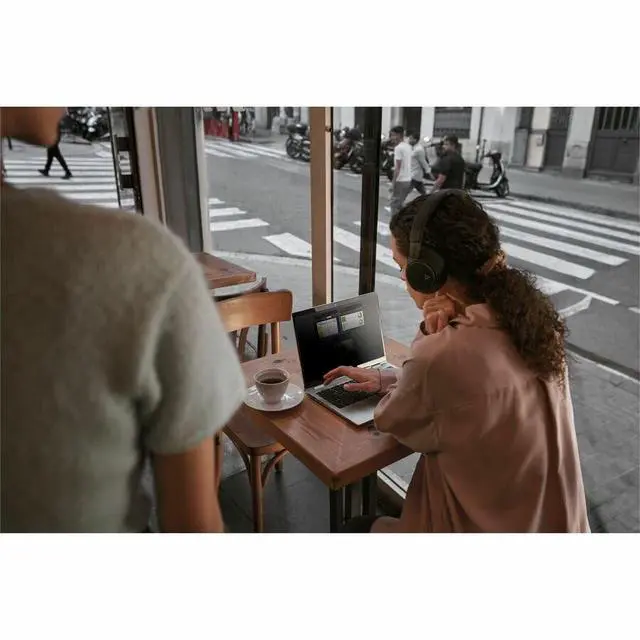
- For hybrid work, it is well suited to video meetings, shared documents, and travel between desks or conference rooms; the likely experience is a business-focused setup with a 5MP IR webcam, dual mics, fingerprint login, and built-in wired plus wireless networking.
- Using it as a primary office laptop at home or in the office makes sense if you connect to monitors, docks, Ethernet, and USB accessories; the likely outcome is easy desk setup with fewer dongles than ultraportables because it includes Thunderbolt 4, HDMI, USB-A, and RJ-45.
- For long writing, reporting, coding, or admin sessions, the 16-inch 16:10 screen and full keyboard with numpad are better matched to productivity than cramped mobile-first laptops; users should expect more workspace for documents and spreadsheets, but not a color-accurate creator display.
- It can handle light photo edits, presentations, web apps, and media playback comfortably, but it is not the right pick for GPU-heavy creative work or modern gaming; the expected result is solid everyday responsiveness with clear limits once graphics workloads get demanding.
Spec Summary
| Attribute | Value |
|---|---|
| Best For | Business and student users who need a 16.0-inch Windows 11 Pro notebook with an Intel Core Ultra 5 CPU, 32 GB RAM, 512 GB SSD, integrated Intel graphics, and modern wireless plus Thunderbolt connectivity |
| Processor And Core Count | Intel Core Ultra 5 225U (5th Gen) single processor, up to 4.8 GHz turbo, 12 MB L3 cache |
| GPU And VRAM | Integrated Intel graphics; graphics RAM type DDR5 SDRAM |
| Display Spec | 16.0-inch WUXGA 1920 x 1200 IPS display with Sure View privacy option, up to 800 nit brightness and 100% sRGB color gamut |
| Memory Configuration | 32 GB DDR5 SDRAM installed (RAM type DDR5), maximum supported 32 GB across up to 2 memory slots |
| Storage And Expansion | 512 GB SSD (digital storage capacity 512 GB) |
| High Speed I O | Includes 1 HDMI port, 2 Thunderbolt ports, 2 USB ports (6 ports total) and supports HDMI, USB, Thunderbolt and Ethernet connectivity |
| Wired And Wireless Networking | Wi‑Fi (802.11be) and Bluetooth wireless; wired Ethernet available |
| Webcam And Privacy | Built-in webcam plus Sure View integrated privacy screen |
| Keyboard And Control | English keyboard with touch pad; non-touch display |
| Battery And Power | Includes power adapter; batteries not included and not required (no battery capacity specified) |
| Dimensions And Portability | Dimensions 20 x 12 x 2.5 inches; weight 5.64 pounds; form factor: Notebook |
| Operating System And Security | Windows 11 Pro; includes Wolf Pro Security Edition / internet security software included |
| Compatibility | Compatible with external displays, mice, keyboards, storage devices, printers and other accessories via USB, HDMI, Thunderbolt and wireless connectivity |
| Color And Finish | Pike Silver Aluminum finish |
| Model Identifiers | HP EliteBook 6 G1i, Model BD5M3UT#ABA (Manufacturer: Hewlett Packard) |
Reference Q&A
Q: Should I choose the HP EliteBook 6 G1i 16 or a typical Core Ultra 5 225U consumer laptop?
A: Choose the HP EliteBook 6 G1i 16 if your priority is business deployment, security, and long-term office use. HP positions the EliteBook 6 as an enterprise-focused platform with HP Wolf Security, remote manageability, and a serviceable chassis, which are advantages over most consumer 16-inch laptops built around the same Core Ultra 5 225U. Performance for everyday productivity should be similar to other 225U systems, because this processor class is generally considered sufficient for office work, web apps, and multitasking. A consumer laptop is the better fit only if you care more about lower upfront cost than enterprise features.
Q: Is the HP EliteBook 6 G1i 16 a better fit than a Core Ultra 7 or H-series 16-inch laptop?
A: The EliteBook 6 G1i 16 is the better choice when battery-conscious office work, manageability, and stable business features matter more than graphics speed. The Core Ultra 5 225U is aimed at thin-and-light productivity systems, while review coverage of comparable 225U and 255H laptops shows that H-series options bring much stronger integrated graphics and higher performance headroom. If your workload includes heavier photo work, frequent local AI tasks, or light gaming, a higher-tier H-series configuration makes more sense. For email, spreadsheets, browser-heavy work, meetings, and large-document multitasking, this EliteBook configuration is the more practical match.
Q: Should I buy this 32GB EliteBook 6 G1i 16 or a 16GB version?
A: Buy the 32GB version if you keep many browser tabs open, work in large spreadsheets, run Teams or Zoom all day, or use multiple business apps at once. The processor is still tuned for productivity rather than workstation-class compute, so the main upgrade here is smoother multitasking and more headroom over the life of the system. A 16GB version is still reasonable for lighter office use, but 32GB is the safer choice for longer deployment cycles and heavier multitasking.
Q: How does the HP EliteBook 6 G1i 16 compare with the HP ProBook 4 16 for office work?
A: Choose the EliteBook 6 G1i 16 if you want HP's more enterprise-oriented positioning. HP markets the EliteBook 6 around enterprise-grade security, manageability, and IT deployment, while the ProBook 4 line is generally the step-down business tier. For day-to-day office performance, similarly configured models can feel close, especially when they use the same processor family and similar memory. The EliteBook is the better choice when centralized management, security tooling, and broader fleet consistency matter more than minimizing purchase cost.
Q: Is the HP EliteBook 6 G1i 16 better for portability or for performance-first buying?
A: This model is better aligned with portability-efficient business use than with performance-first buying. Its 16-inch screen and 1920 x 1200 layout are useful for spreadsheets and side-by-side documents, but the Core Ultra 5 225U belongs to Intel's efficiency-focused U series, not the higher-performance H tier. Reviews of comparable 225U laptops consistently frame it as strong enough for office workloads, with limited graphics performance. If your priority is a large-screen work machine that stays practical for meetings, browsing, and productivity, this HP fits well. If your priority is creation work or faster integrated graphics, a higher-tier H-series or workstation-class model is the better direction.
Q: Is this a good laptop for meetings, Office work, and everyday business tasks?
A: Yes. This configuration is well suited to productivity work such as web apps, Microsoft Office, video meetings, spreadsheets, multitasking, and general business use. The strongest signs are its 32GB RAM, 512GB SSD, Windows 11 Pro, integrated webcam, and 16-inch 1920 x 1200 IPS display. It is a better fit for office and professional workflows than for GPU-heavy creative work or gaming.
Q: Is it worth buying as a travel work device?
A: It can work well for travel if your priority is a larger screen and business features, but it is not the most portability-focused option. The 16-inch display gives more workspace for documents and multitasking, while the webcam, Windows 11 Pro, and Wi‑Fi 7 support help with remote work. The trade-off is size: compared with 13- or 14-inch business laptops, a 16-inch model is usually less convenient for frequent flying or tight bag space.
Q: Who is this laptop most suitable for?
A: It is best suited to professionals, remote workers, and students who mainly need a dependable Windows business laptop for productivity, research, meetings, browser-heavy work, and light multitasking. It is less suitable for buyers who need a touchscreen, dedicated graphics for gaming or 3D work, or unusually large local storage out of the box.
Q: What are the main trade-offs versus a 14-inch business laptop?
A: The main advantage of this 16-inch EliteBook is workspace: the larger 1920 x 1200 screen is better for side-by-side documents, spreadsheets, and long work sessions. The main trade-off is mobility, because a 14-inch business laptop is typically easier to carry and better for frequent travel. If you work mostly at desks, home offices, or conference rooms, the 16-inch format makes more sense; if portability is your top priority, a 14-inch model is usually the better choice.
Q: Is this a good choice for gaming or graphics-heavy creative work?
A: No, not as a primary use case. This model uses integrated graphics, which is fine for office apps, streaming, web work, and standard productivity, but it is not the right fit for modern gaming, 3D rendering, or other graphics-intensive workloads. Buyers who need those tasks should look for a laptop with dedicated graphics.
Q: Is the HP EliteBook 6 G1i 16 a good fit for work, school, and everyday productivity?
A: Yes for productivity-focused use. Based on the listed configuration, it is best suited to office work, web apps, video calls, documents, spreadsheets, and study use. The 32GB RAM and 512GB SSD are strong for multitasking, while the 16-inch 1920x1200 display gives more workspace than a typical 14-inch laptop. The main trade-off is that this model uses integrated graphics, so it is not the right choice if your priority is gaming or heavy GPU-based creative work.
Q: Is this worth buying if I want a large-screen business laptop rather than a gaming laptop?
A: It can be worth buying if your priority is a business-oriented 16-inch laptop with a larger display, Windows 11 Pro, modern wireless support, and enough memory for long-term productivity use. It is a weaker value if you mainly care about graphics performance, touchscreen input, or lower cost, because this configuration has integrated graphics, no touchscreen, and business-laptop features that may matter more to work users than to casual buyers.
Q: Who is this laptop most suitable for?
A: This model is most suitable for professionals, remote workers, students who want a larger screen, and buyers replacing an older business laptop. Its configuration points to reliability and productivity rather than entertainment-first use: 32GB RAM, a 512GB SSD, Windows 11 Pro, webcam, HDMI, Bluetooth, Wi‑Fi 7, and a non-touch IPS display. It is less suitable for buyers who want a very light travel laptop or a machine focused on gaming, pen input, or creator-class graphics.
Q: What are the main trade-offs of choosing the HP EliteBook 6 G1i 16?
A: The main trade-offs are portability, graphics capability, and consumer-friendly extras. A 16-inch chassis is usually better for desk work than frequent travel, integrated graphics limit demanding visual workloads, and this specific model does not include a touchscreen. Community discussion around the EliteBook 6 G1i line also shows that it is still a relatively lightly reviewed model, so buyers who want a heavily documented laptop may find fewer firsthand reports than with more common consumer models.
Q: Should I avoid this model if I need the smoothest IT deployment or preboot setup experience?
A: Possibly, if your buying decision depends on enterprise imaging or preboot input support. Reddit discussion about the EliteBook 14/16 G1i line reports touchpad issues in WinPE unless additional drivers are injected, which suggests that setup may require more IT attention than a simple out-of-box deployment. For most normal end users this is not a daily-use problem, but it can matter for managed fleet rollouts or advanced reinstall workflows.