




 here!
here!
I’m your shopping assistant for PC builds, upgrades, and everything tech.
Got questions? Ask away!
Start a conversation
here!
I’m your shopping assistant for PC builds, upgrades, and everything tech.
Got questions? Ask away!
Start a conversation

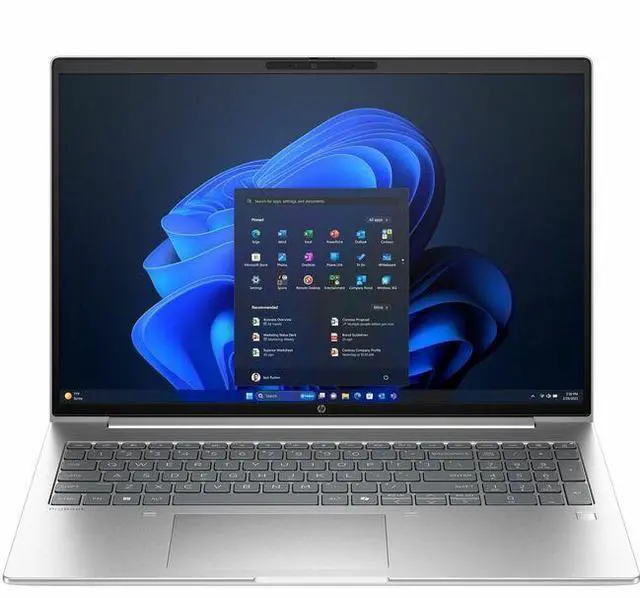
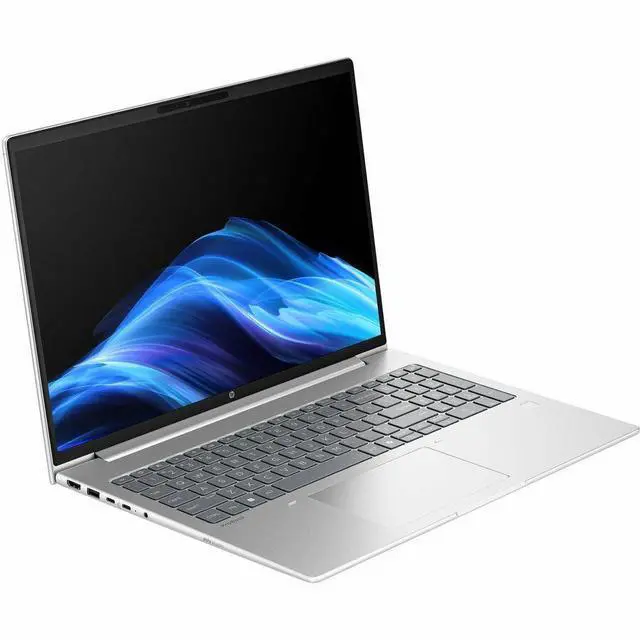
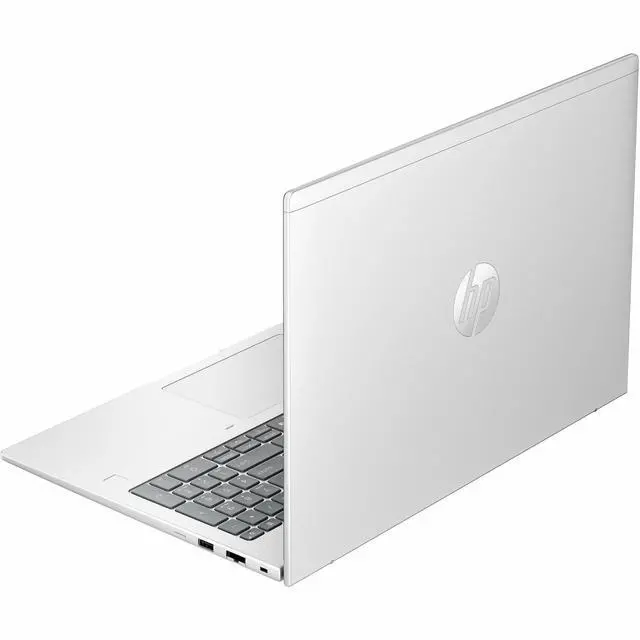






Any questions? Ask CelesteSM will help you find out quickly.
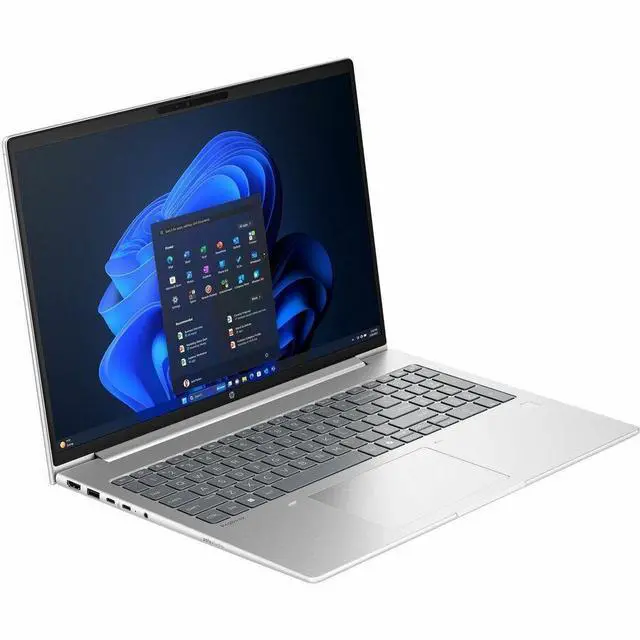
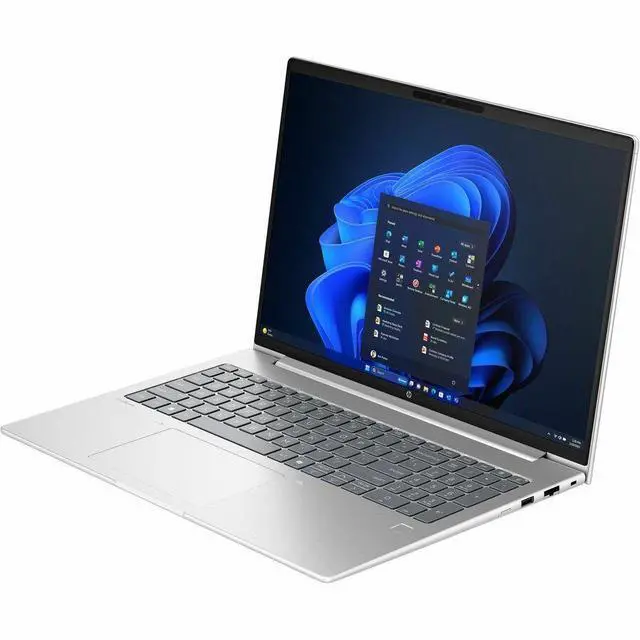
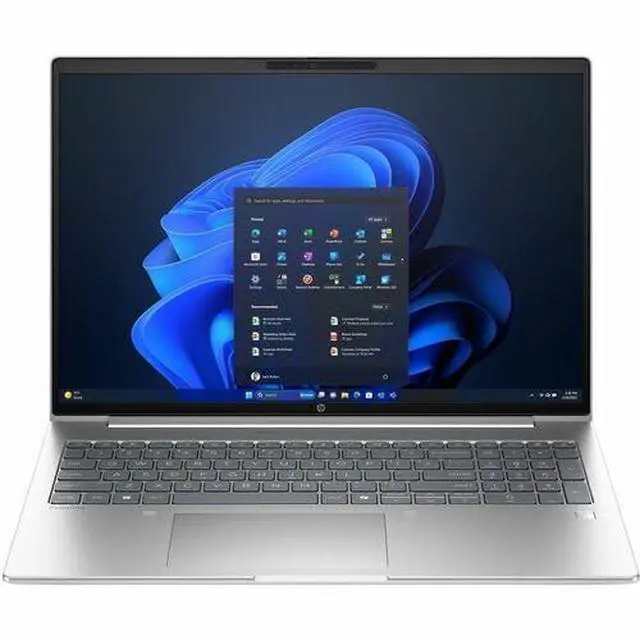
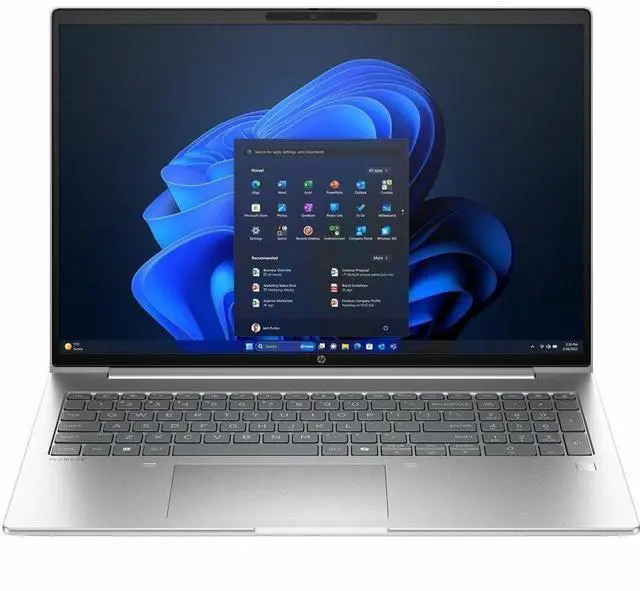
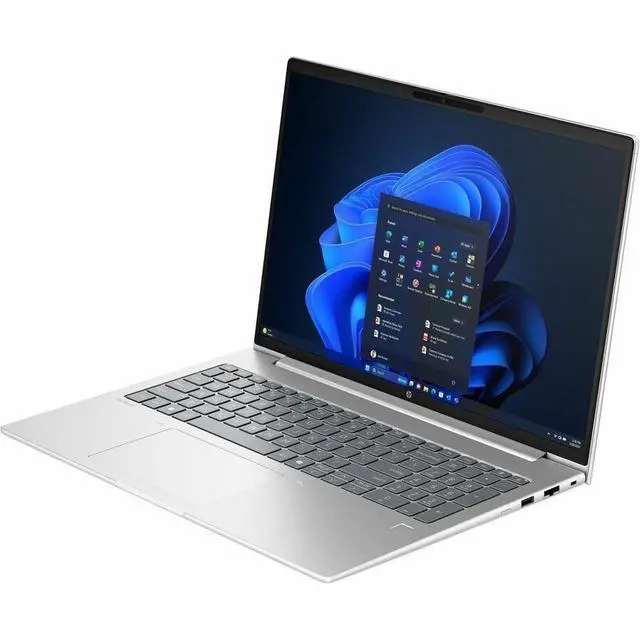
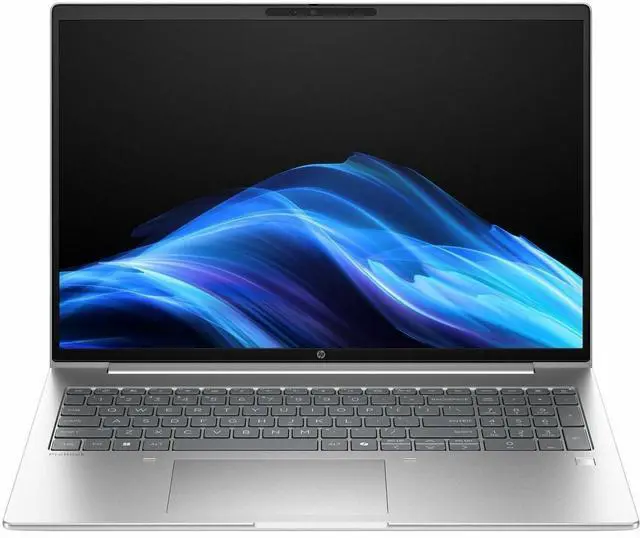
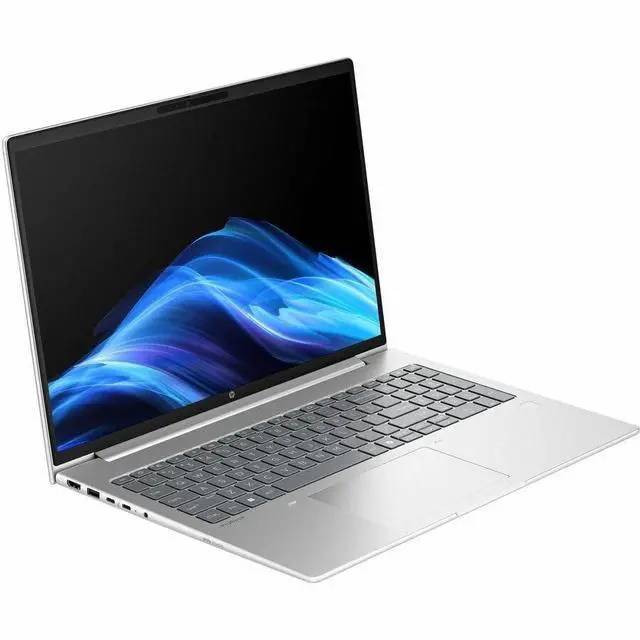
The HP ProBook 4 G1i is a 16-inch touchscreen laptop with a WUXGA IPS display, Intel Core Ultra 7 255U, 24GB memory, and a 1TB SSD, making it a strong fit for professionals, students, and home users who want a roomy screen and responsive everyday productivity in a business-ready Windows 11 Pro system.
| Attribute | Value |
|---|---|
| Best For | Business and student users who need a 16-inch Windows 11 Pro notebook with an Intel Core Ultra 7 processor, 24 GB of RAM and a 1 TB SSD for general productivity and multitasking; touchscreen noted in product context |
| Processor And Core Count | Intel Core Ultra 7 255U processor (Intel brand) with 2 GHz listed base speed and up to 5.2 GHz maximum, 12 MB L3 cache, single processor configuration; chipset listed as 255U |
| GPU And VRAM | Integrated Intel graphics with 4 GB of DDR5 graphics memory reported and integrated graphics interface |
| Display Spec | 16.0 inch LCD with IPS (In-plane Switching) technology, native WUXGA 1920 x 1200 resolution and up to 300 nits maximum brightness |
| Memory Configuration | 24 GB of DDR5 RAM installed, two RAM slots reported, supports up to 48 GB maximum |
| Storage And Expansion | 1 TB solid-state drive (M.2 SSD form factor, solid-state interface) providing 1 TB of digital storage |
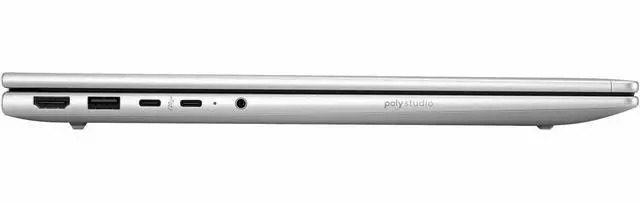
| High Speed I O | One HDMI port and four USB ports reported (external attributes list USB 2.0: 4, Total USB 3.0 Ports: 4, Total Usb Ports: 4) |
| Wired And Wireless Networking | Wi‑Fi and Bluetooth wireless connectivity plus wired Ethernet listed in connectivity options |
| Webcam And Privacy | Built-in front webcam capability reported |
| Audio Setup | Stereo audio |
| Battery And Power | Sources indicate a battery is present (contains battery/cell, 1 battery reported) with a nonstandard battery type and lithium-battery packaging listed as 'batteries contained in equipment'; some fields report batteries not included or not required |
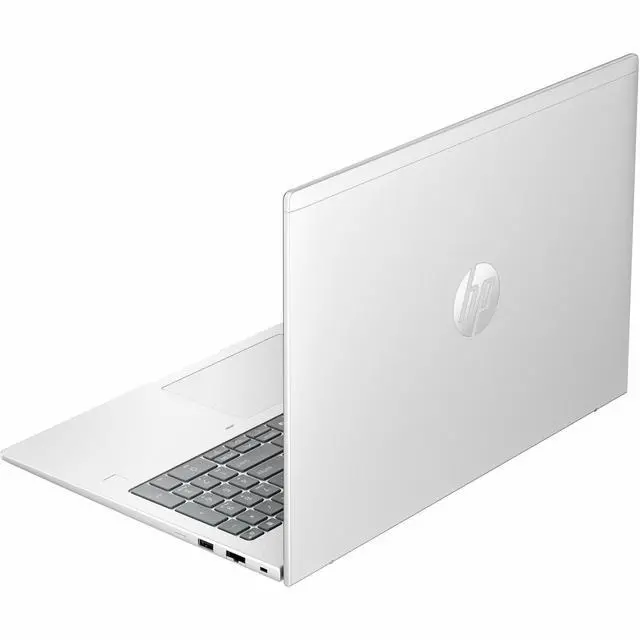
| Portability | Item weight about 4.6 pounds with item dimensions 19 x 12.1 x 2.8 inches and package weight 5.6 pounds; color Pike Silver and notebook form factor |
| Operating System And Software | Windows 11 Pro operating system; built-in media entry lists 'ProBook 4 G1i 16 inch Notebook AI PC Wolf Pro Security Edition' and includes AC adapter and power cord |
| External Display And Docking Fit | External displays supported via the single HDMI port with output driven by integrated Intel graphics |
| Model Identifiers | Model D4EC7UT#ABA (Model Name D4EC7UT#ABA), Manufacturer Hewlett Packard, edition ProBook 4 G1i, target region US and version for country listed as United States |
Q: Should I choose this HP ProBook 4 G1i 16 or a Core Ultra 5 version of the same laptop?
A: Choose this Core Ultra 7 255U configuration if you want more headroom for heavier multitasking, larger spreadsheets, more browser tabs, or a longer useful life with 24GB RAM and a 1TB SSD already included. A Core Ultra 5 225U version is usually the better fit when price matters more than the small step up in CPU speed, because Intel lists both chips as 15W U-series parts with the same 12-core / 14-thread layout and similar integrated graphics. In practice, this model makes more sense for business users who want a stronger out-of-box configuration rather than a fundamentally different class of performance.
Q: Is the HP ProBook 4 G1i 16 a better buy than a laptop with a Core Ultra 7 255H?
A: Choose the ProBook 4 G1i 16 with Core Ultra 7 255U if battery life, lower heat, and everyday office productivity matter more than peak sustained performance. Choose a 255H-based laptop if your workload regularly includes code builds, heavier content creation, data analysis, or other CPU-intensive tasks. Intel positions the 255U as a 15W efficiency-focused chip, while the 255H is a 28W higher-performance option with more cores, more cache, and stronger integrated graphics, so the difference is about platform intent, not just model number.
Q: How does this HP ProBook 4 G1i 16 compare with the previous ProBook 460 generation?
A: This ProBook 4 G1i 16 is the better pick if you want HP's newer AI PC generation, a newer Intel Core Ultra platform, and a configuration aimed at longer-term business use. A ProBook 460 G11 can still make sense when found at a lower price, especially for standard office work, but the newer G1i platform is the more forward-looking choice for buyers who care about updated CPU architecture and current product positioning. The practical decision usually comes down to whether the price gap is large enough to outweigh the newer platform.
Q: Should I buy this HP ProBook 4 G1i 16 or step up to an HP EliteBook?
A: Choose this ProBook 4 G1i 16 if you want a large-screen business laptop with modern specs and Windows 11 Pro without moving into a more premium tier. Step up to an EliteBook if your priorities are the features that typically come with a higher-end business line, such as a more premium chassis, stronger enterprise-focused options, or broader premium configuration choices. The ProBook is the more practical fit for mainstream business productivity, while EliteBook usually makes more sense when build refinement and higher-tier business features justify the extra spend.
Q: Is this a good laptop for office work, meetings, and multitasking?
A: Yes. This configuration is well suited for office productivity, web work, video meetings, and typical business multitasking. The 24GB memory and 1TB SSD are stronger than many mainstream business-laptop configs, and the 16-inch 1920x1200 screen gives more vertical workspace than standard 1080p laptops. The main limitation is graphics: with integrated graphics and a 60Hz display, it is better for productivity than for gaming or heavy creative workloads.
Q: Is it worth buying as a travel work laptop?
A: It can work well for travel if you want a larger screen for spreadsheets, documents, and side-by-side apps, but it is not the most travel-friendly form factor. A 16-inch business laptop is typically less convenient than a 13- or 14-inch model for frequent commuting or flying. It makes more sense for users who travel occasionally and value screen space more than maximum portability.
Q: Who is this HP ProBook best suited for?
A: It is best suited for professionals, remote workers, and students who want a business-style Windows laptop for documents, browser-heavy work, meetings, and general productivity. It is a stronger fit for buyers who need Windows 11 Pro, a webcam, Bluetooth, HDMI, and a roomy 16-inch IPS display. It is a weaker fit for users prioritizing gaming, advanced 3D work, or high-end color-accurate creative production.
Q: How does it compare with a thinner consumer laptop or 2-in-1?
A: Choose this ProBook if you want a more traditional business laptop with more memory, more storage, and a larger 16-inch work screen. Choose a thinner consumer laptop or 2-in-1 if you care more about lower weight, tablet-style use, pen input, or a more premium media display. The ProBook's trade-off is practical business value over portability and entertainment-oriented features.
Q: Is this better than a similar lower-spec ProBook alternative?
A: Yes, if your workflow benefits from more memory, more storage, and touch support. Compared with common ProBook alternatives that ship with 16GB RAM and 512GB SSD, this model's 24GB RAM and 1TB SSD give more headroom for heavy browser use, larger files, and longer-term ownership. If your work is mostly email, Office, and light web use, a lower-spec ProBook can still be the better value.
Q: Is the HP ProBook 4 G1i 16 a good fit for office work, remote work, and general productivity?
A: Yes. Based on the listed configuration, it is well suited to office work, multitasking, video calls, browser-heavy use, and large documents. The 24GB RAM, 1TB SSD, 16-inch 1920x1200 display, webcam, HDMI, Bluetooth, and Windows 11 Pro align with the main use cases discussed in Reddit threads about the ProBook 4 G1i, where buyers compared it for office, remote desktop, presentations, and everyday professional use. The main limitation is that it is a business laptop with integrated graphics, so it is a better fit for productivity than for graphics-heavy creative work or gaming.
Q: Who is the HP ProBook 4 G1i 16 best suited for?
A: It is best suited for buyers who want a large-screen business laptop for work, study, web apps, note-taking, meetings, and general everyday computing. Reddit discussions around this model focus on business-oriented needs such as coding, office tasks, studying, remote work, and durability. This specific configuration is strongest for users who value memory, storage, and screen size more than high-end graphics performance.
Q: What are the main trade-offs of buying this ProBook instead of a higher-end laptop?
A: The main trade-off is that you get a practical business configuration rather than premium or workstation-class features. This model offers a 16-inch WUXGA IPS touchscreen, 24GB RAM, 1TB SSD, and Windows 11 Pro, which are useful for daily work, but it has integrated graphics and a 60Hz display. Reddit discussions around the ProBook 4 G1i repeatedly frame it as a sensible corporate or productivity choice, not a power-user, gaming, or specialized creative machine.
Q: Is the HP ProBook 4 G1i 16 worth considering if durability matters?
A: Yes, but with the usual caution that durability can vary by generation and usage. In Reddit discussion, some buyers were wary because of older ProBook chassis experiences, while others specifically said newer ProBook generations improved chassis construction and reported good real-world toughness. For a buyer choosing this model, the practical takeaway is that it is positioned as a business laptop and is more appropriate for regular work use than for buyers seeking the lightest or most premium-feeling option.
Q: Are there any reliability concerns to consider before buying?
A: Possibly. Reddit discussion does include at least one report of random freezing on HP ProBook 4 G1i systems with the same Core Ultra 7 255U family, so buyers who prioritize stability should check return policy, warranty coverage, and BIOS or driver update support before purchase. That said, one support thread is not enough to treat the issue as universal. It is best read as a caution point rather than a definitive verdict on the model.


