




 here!
I’m your shopping assistant for PC builds, upgrades, and everything tech.
Got questions? Ask away!
Start a conversation
here!
I’m your shopping assistant for PC builds, upgrades, and everything tech.
Got questions? Ask away!
Start a conversation Top Rated
 Hot Seller






Any questions? Ask CelesteSM will help you find out quickly.
We want to ensure your holiday shopping this year is hassle-free. That’s why we’re automatically extending our return policies on almost every product! For purchases placed between November 1st, 2026 and December 31, 2026 you will have until January 31, 2027 to return your product.
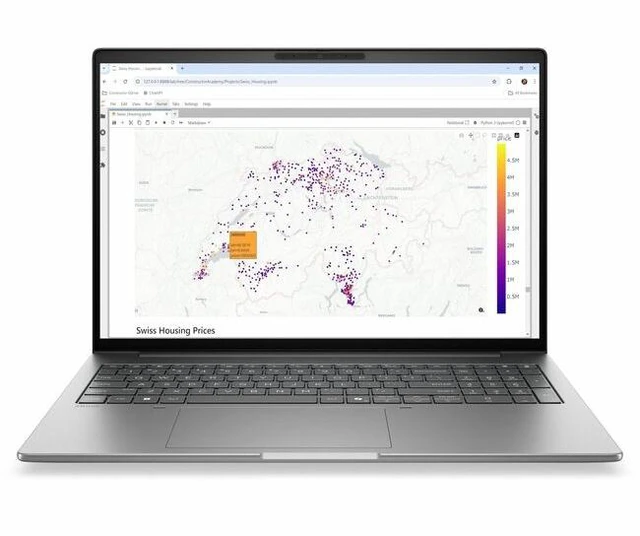
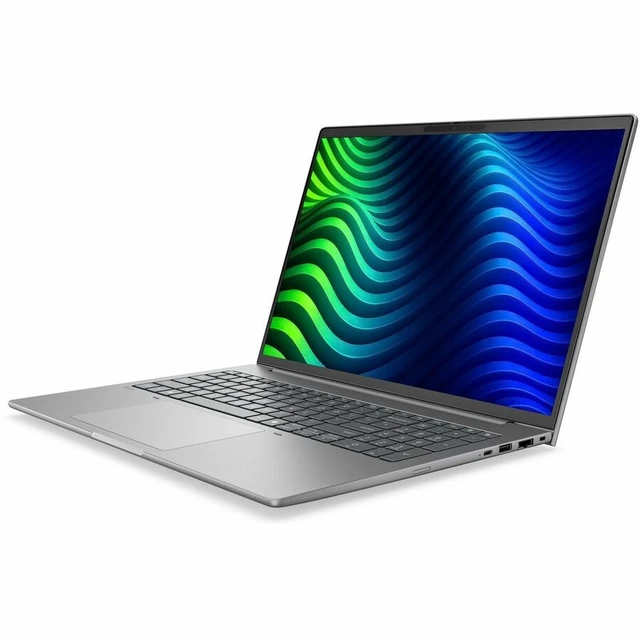
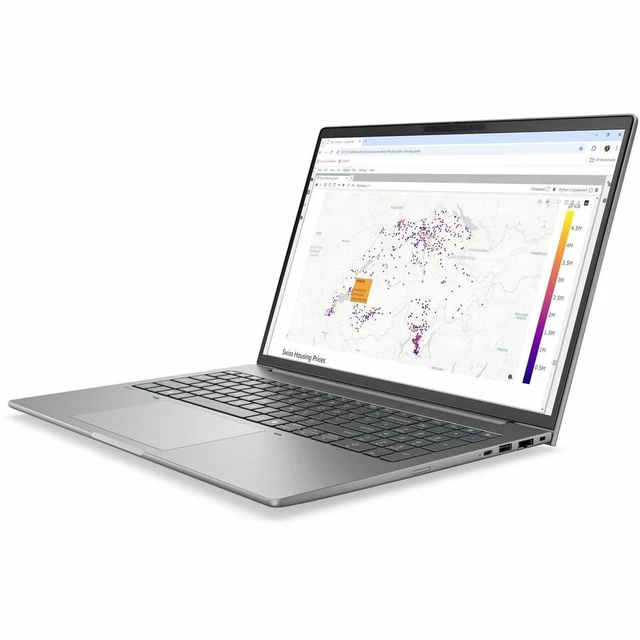
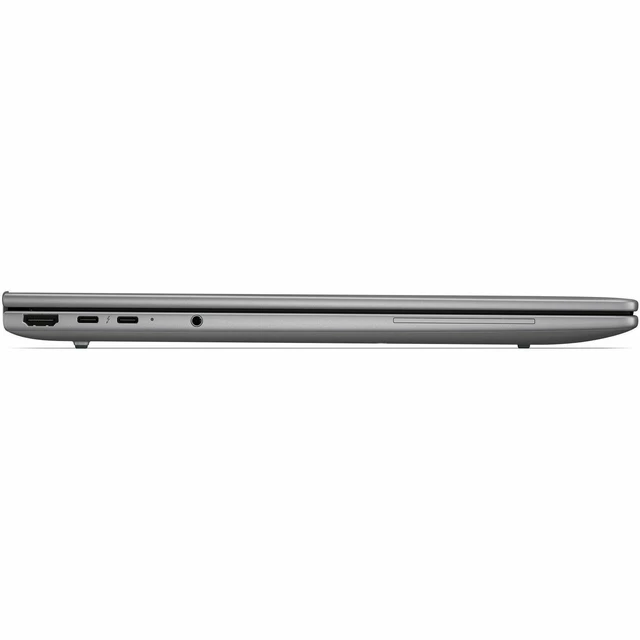
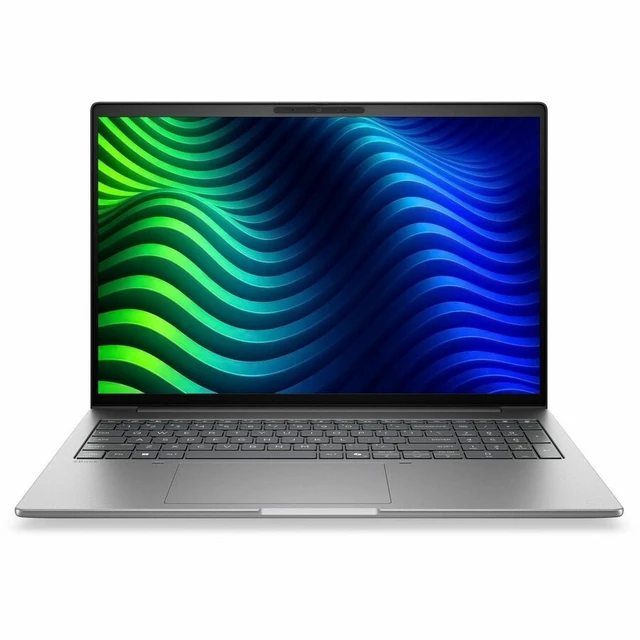
The HP ZBook 8 G2i is a 14-inch touchscreen mobile workstation with an Intel Core Ultra 5 338H, 32GB of memory, a 1TB SSD, and Windows 11 Pro. It suits professionals who want a compact Windows workstation for business, multitasking, and everyday productivity.
| Attribute | Value |
|---|---|
| Best For | Mobile workstation use with integrated Intel Arc graphics, 32 GB of memory, and 1 TB of SSD storage |
| Processor And Core Count | Intel Core Ultra 5 338H processor with up to 4.7 GHz speed and 18 MB L3 cache |
| GPU And VRAM | Integrated Intel Arc Graphics B370; VRAM capacity not specified |
| Display Spec | 14-inch LCD with IPS technology, 1920 × 1200 resolution, 400-nit maximum brightness, and 100% sRGB gamut |
| Memory Configuration | 32 GB LPDDR5X installed, supports up to 64 GB, with 2 memory slots |
| Storage And Expansion | 1 TB M.2 SSD |
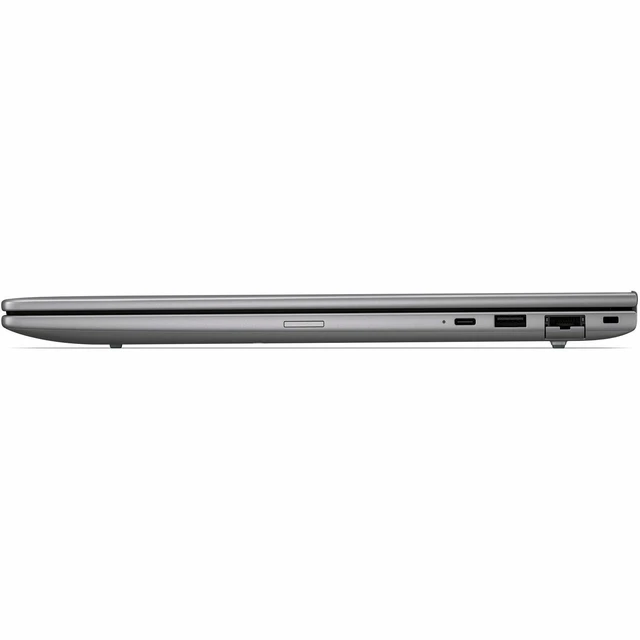
| High Speed I O | 2 Thunderbolt ports, 2 USB ports, and USB Type-C connectivity |
| Wired And Wireless Networking | Wi-Fi and Bluetooth connectivity |
| Webcam And Privacy | Built-in webcam; privacy features not specified |
| Audio Setup | Stereo audio |
| Operating System | Windows 11 Pro |
| Included Accessories | Includes a power cord and power adapter |
| Model Identifiers | ZBook 8 G2i 14-inch Mobile Workstation PC, model DR5K1UT#ABA |
| Color And Design | Meteor Silver Aluminum |
Q: HP ZBook 8 G2i vs. ZBook 8 G1i: which should I choose?
A: Choose this ZBook 8 G2i if you want the newer Core Ultra Series 3 platform and Copilot+ PC features in a 14-inch workstation. This configuration pairs the Core Ultra 5 338H with 32 GB memory, a 1 TB SSD, and a 1920 × 1200 touchscreen. The ZBook 8 G1i is the previous generation, with Core Ultra Series 2 processor options.
Q: Should I get the ZBook 8 G2i with Core Ultra 5 338H or a lower-tier G2i processor?
A: Choose this 338H configuration for its 12-core processor and Intel Arc B370 integrated graphics, alongside 32 GB memory and a 1 TB SSD. Lower-tier G2i Core Ultra 5 options include 8-core processors, making them an alternative for buyers comparing processor tiers within the same workstation family.
Q: ZBook 8 G2i Core Ultra 5 338H vs. a higher-tier G2i: which fits more demanding work?
A: Choose a higher-tier ZBook 8 G2i configuration if your workflow calls for a Core Ultra 7 or Ultra 9 processor, up to 64 GB of memory, or the optional NVIDIA RTX PRO 500 Blackwell GPU. This Core Ultra 5 338H model provides a 12-core CPU, Intel Arc B370 integrated graphics, 32 GB memory, and a 1 TB SSD for mobile productivity and workstation tasks.
Q: ZBook 8 G2i 14-inch vs. 16-inch: which size should I choose?
A: Choose this 14-inch ZBook 8 G2i for a more compact workstation with a 1920 × 1200 touchscreen. Choose the 16-inch ZBook 8 G2i if a larger display area is your priority. HP offers both sizes in the G2i family, with processor and display options varying by configuration.


