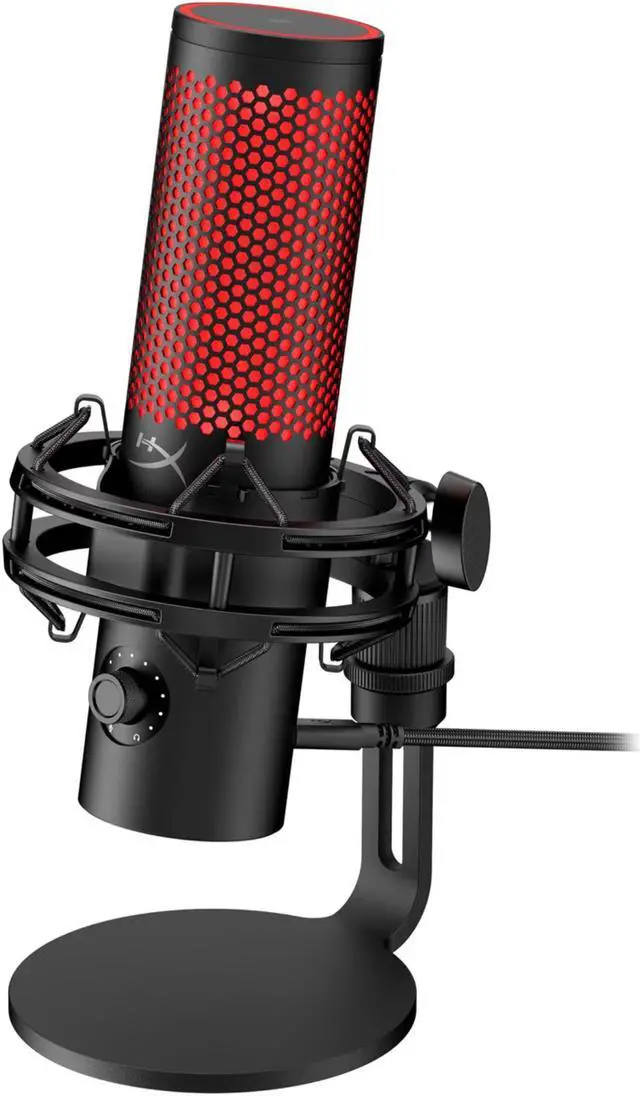
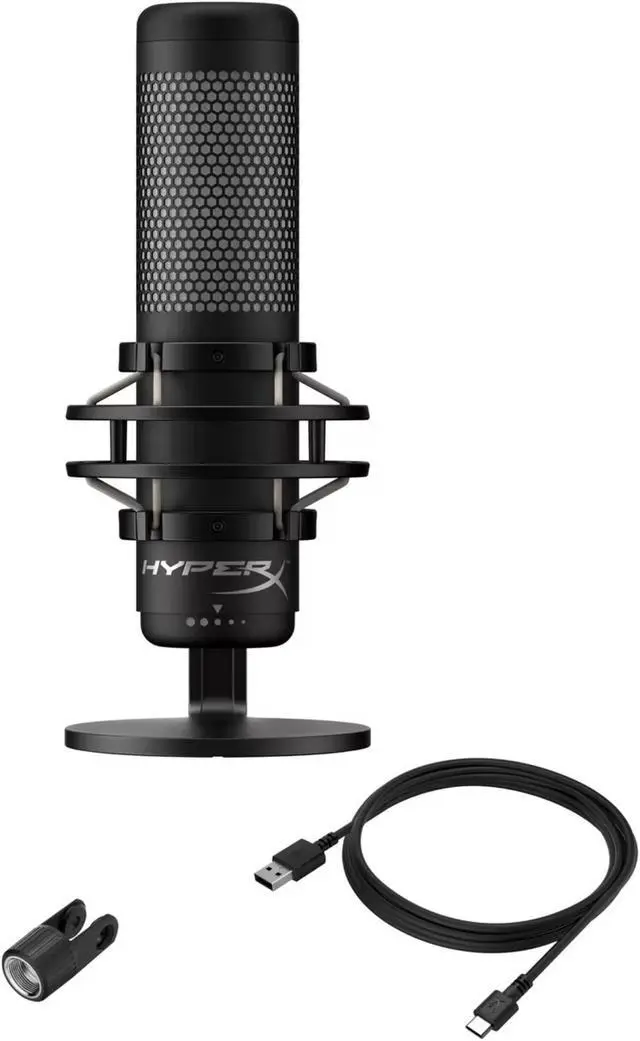
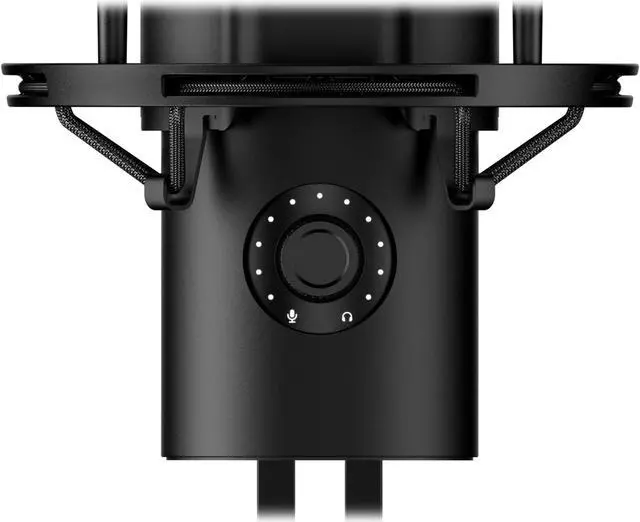
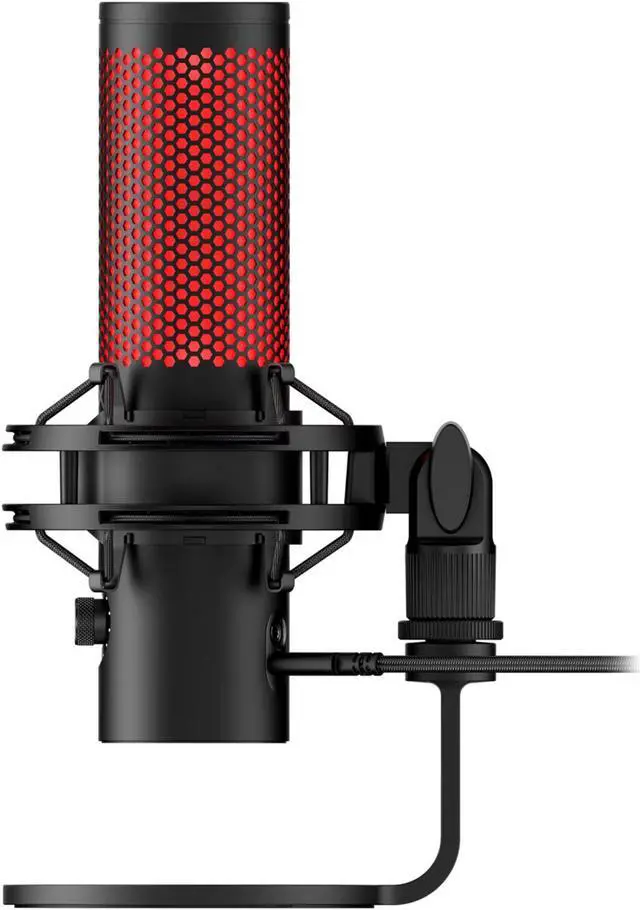
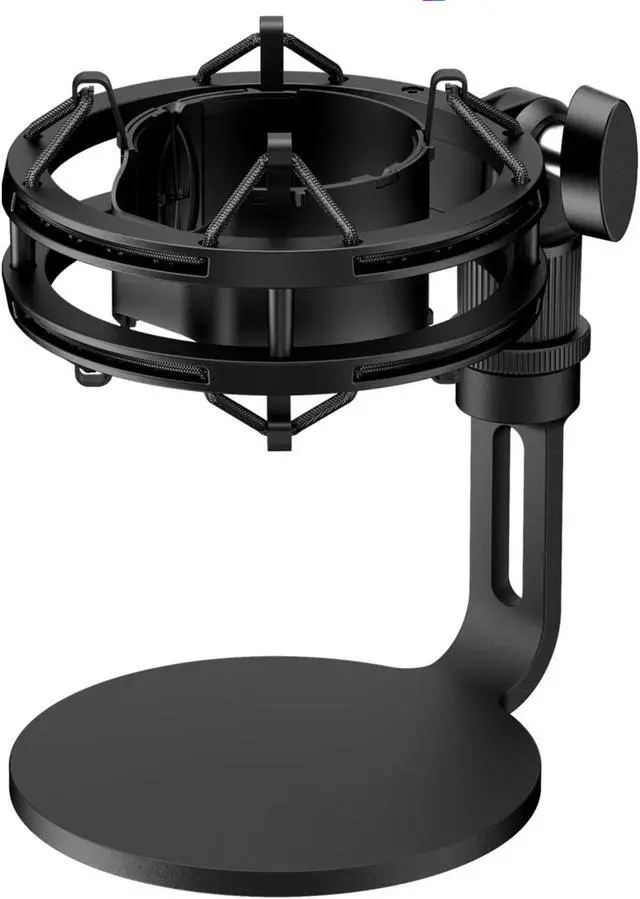
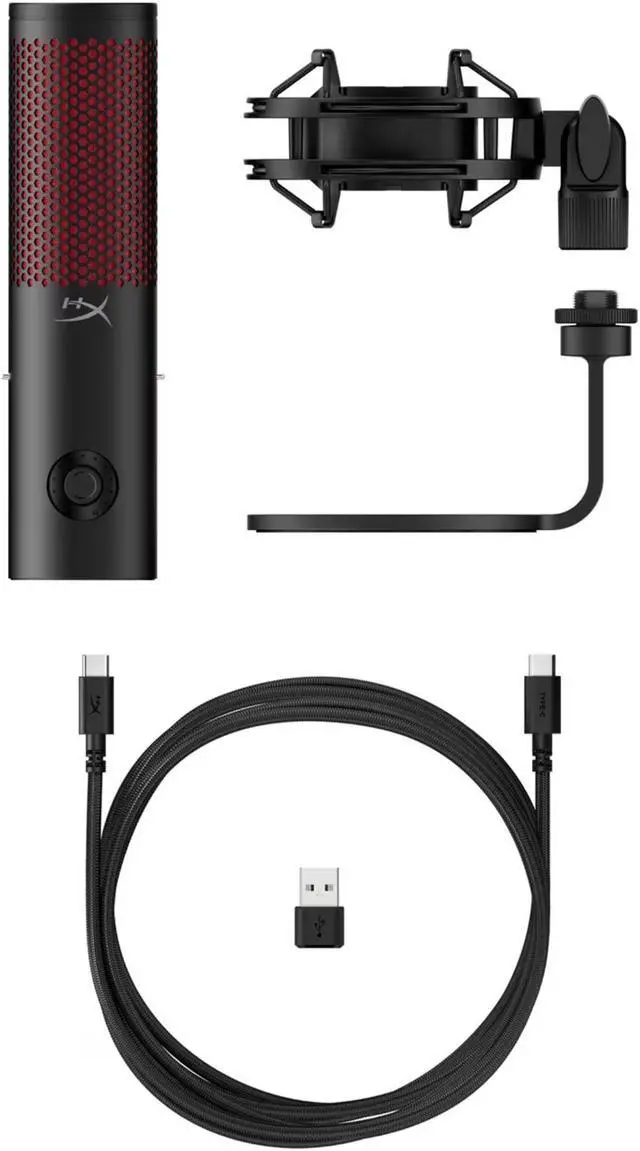
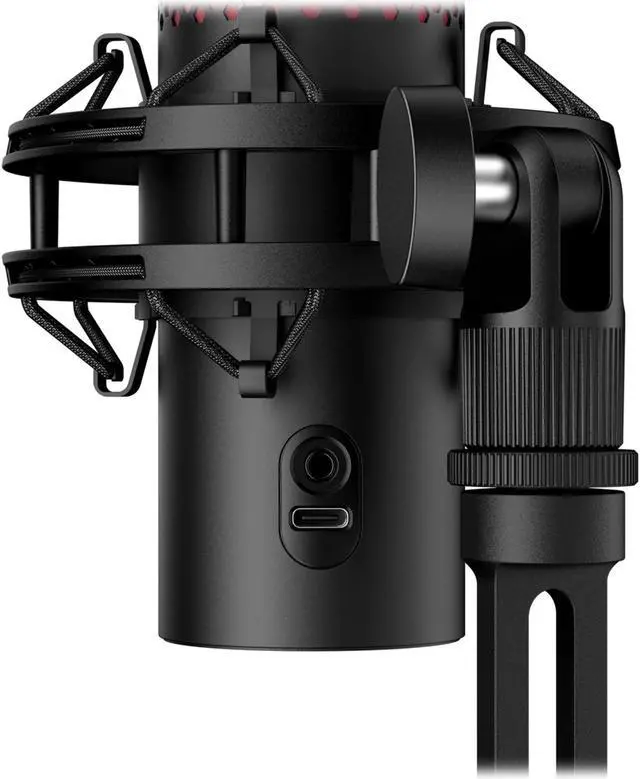
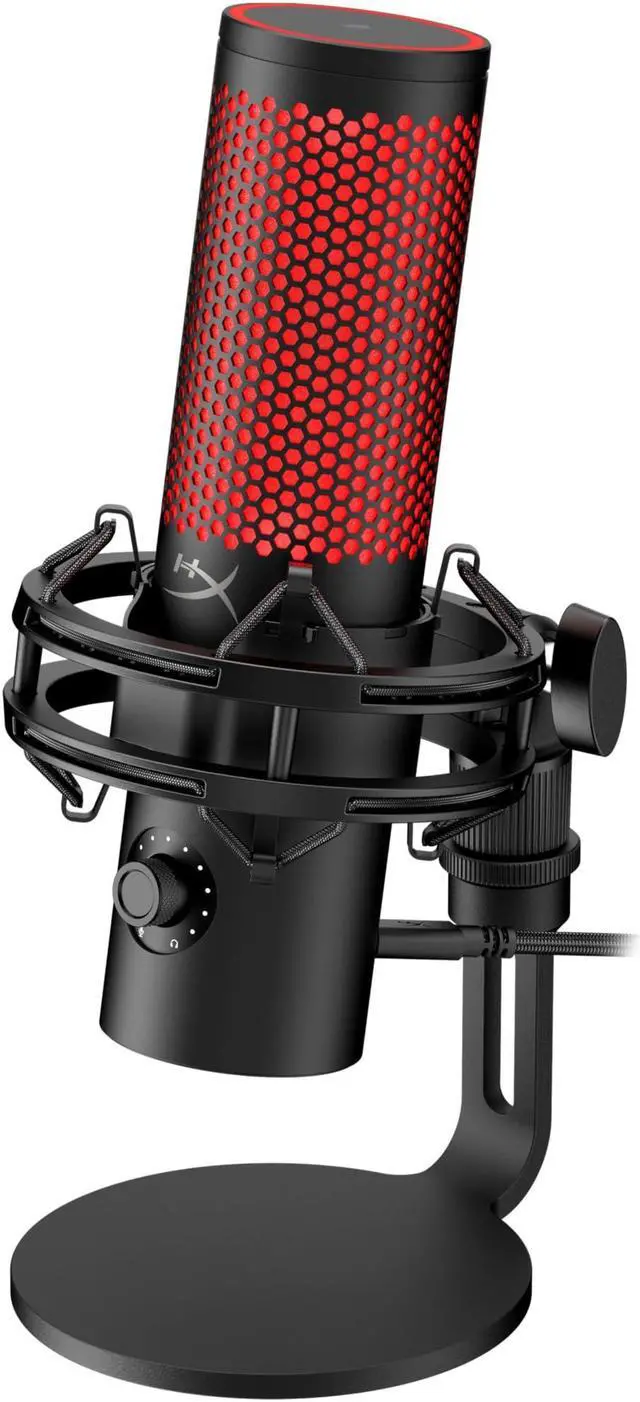
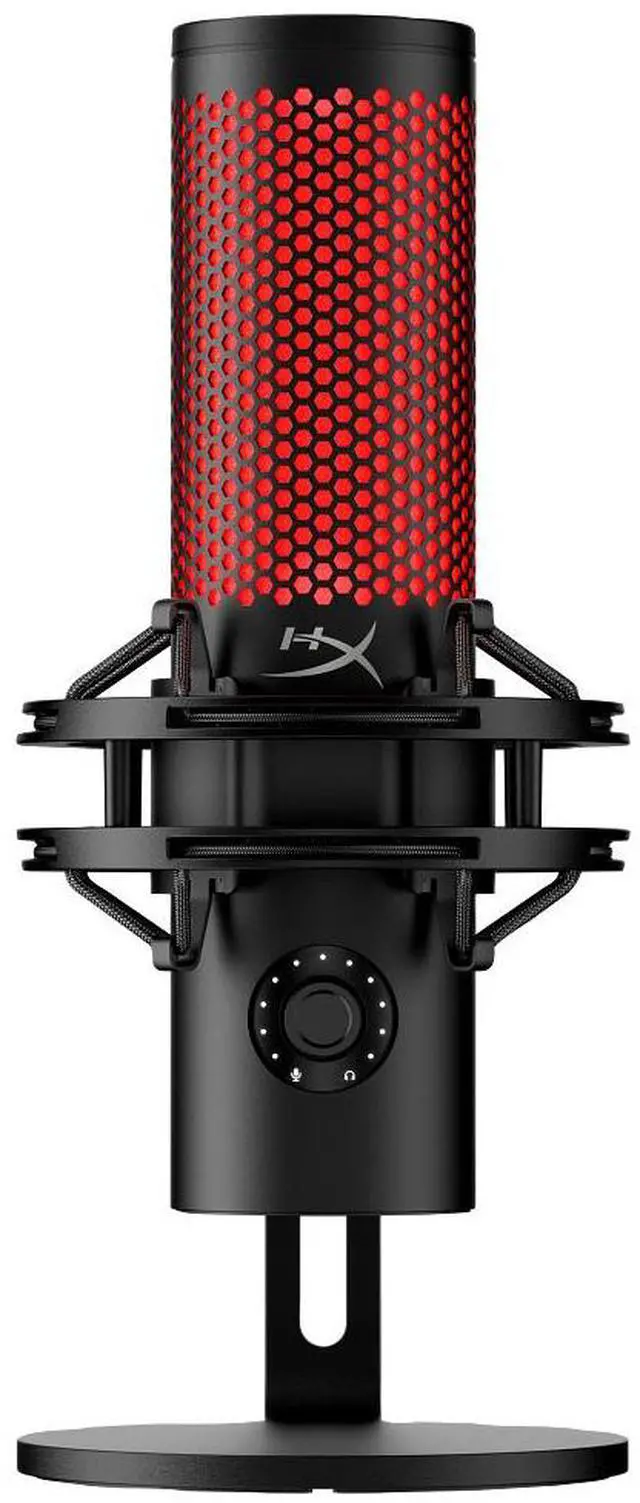
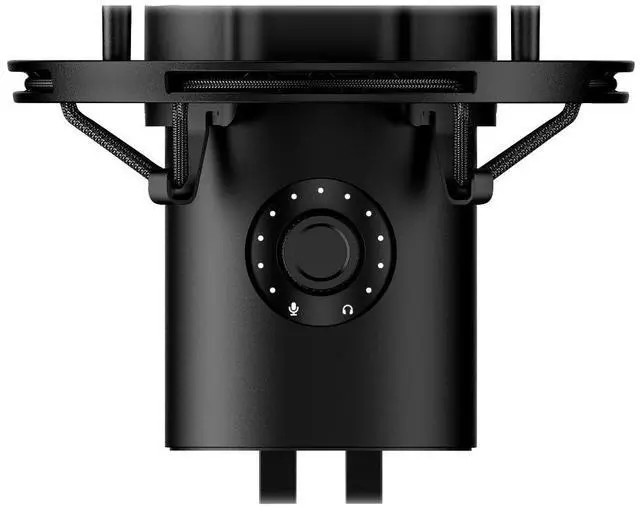
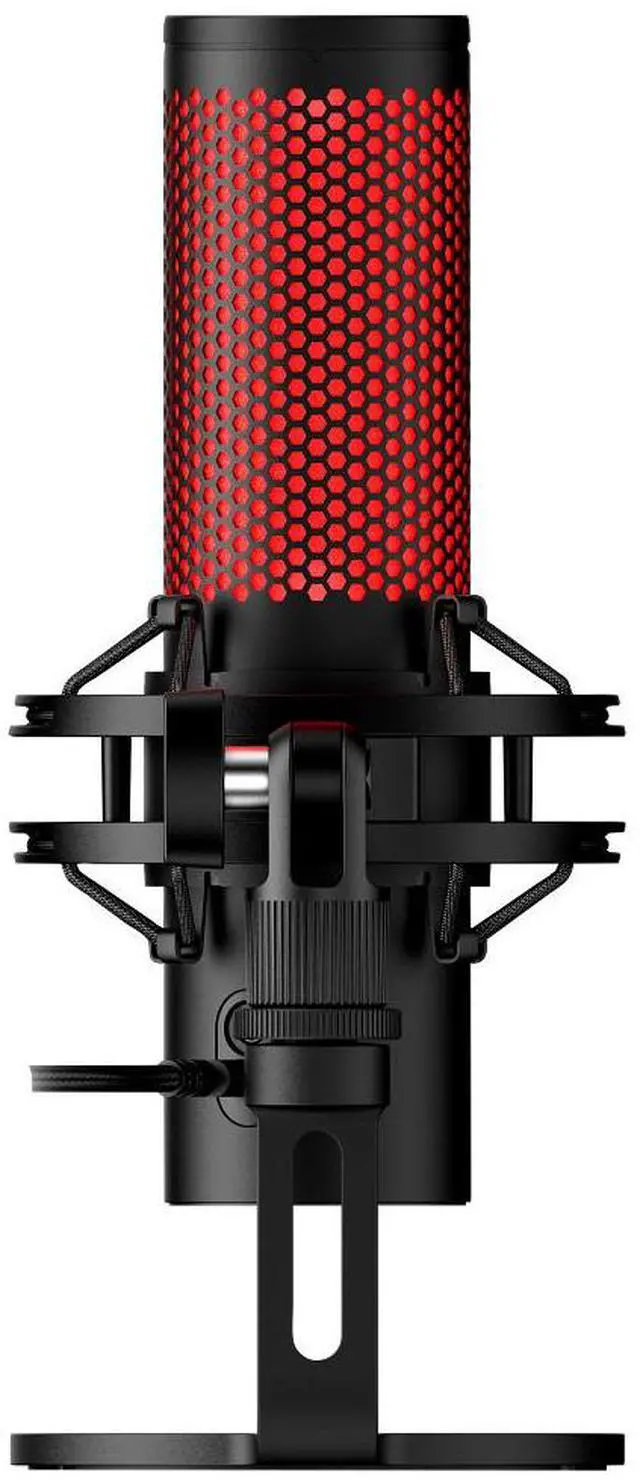
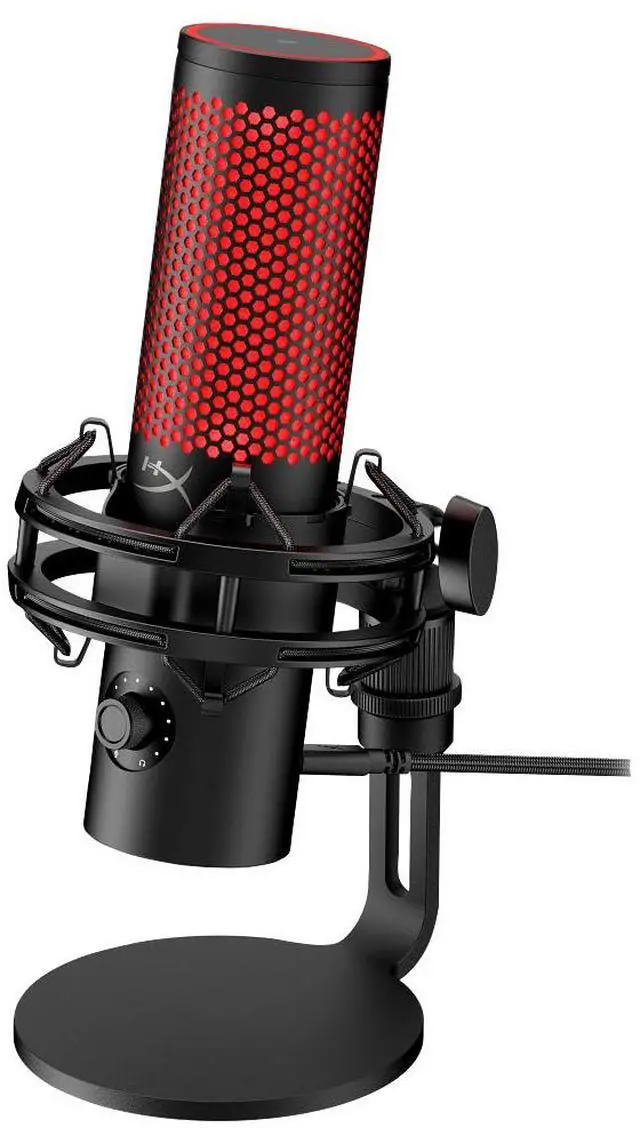
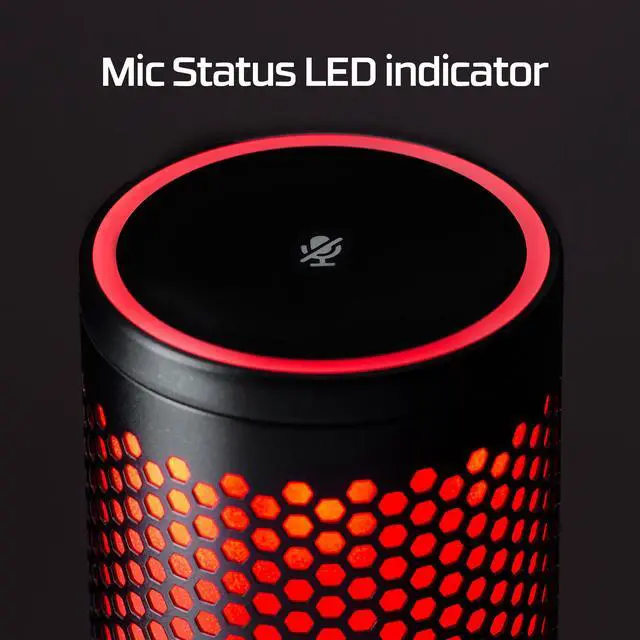
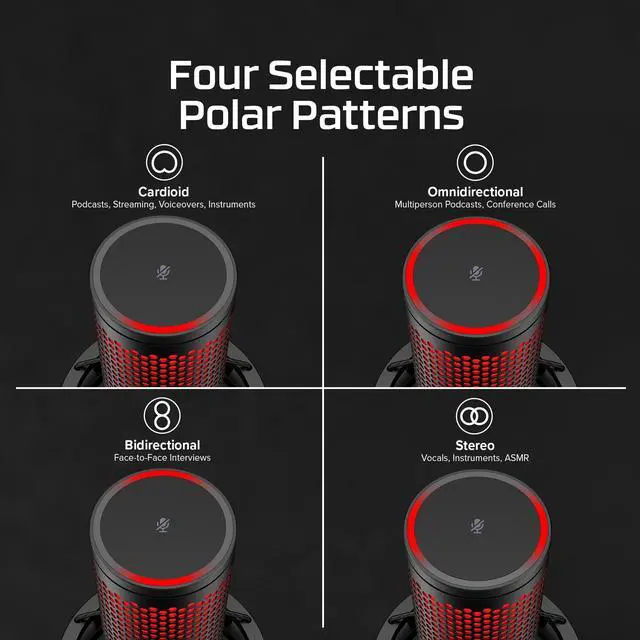
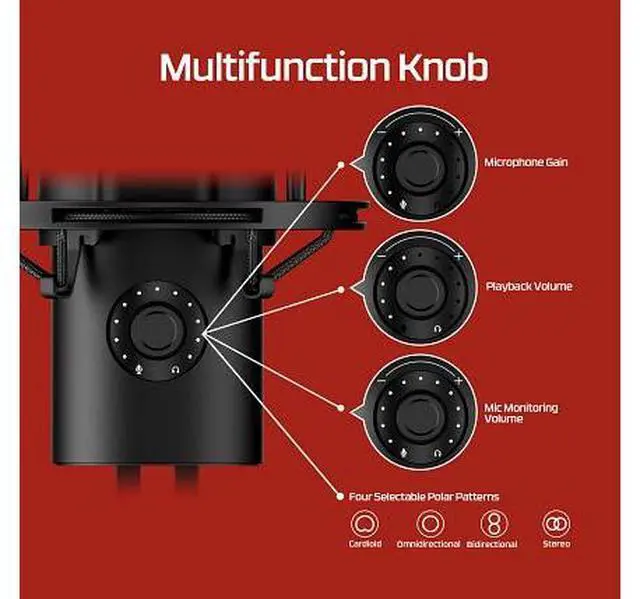
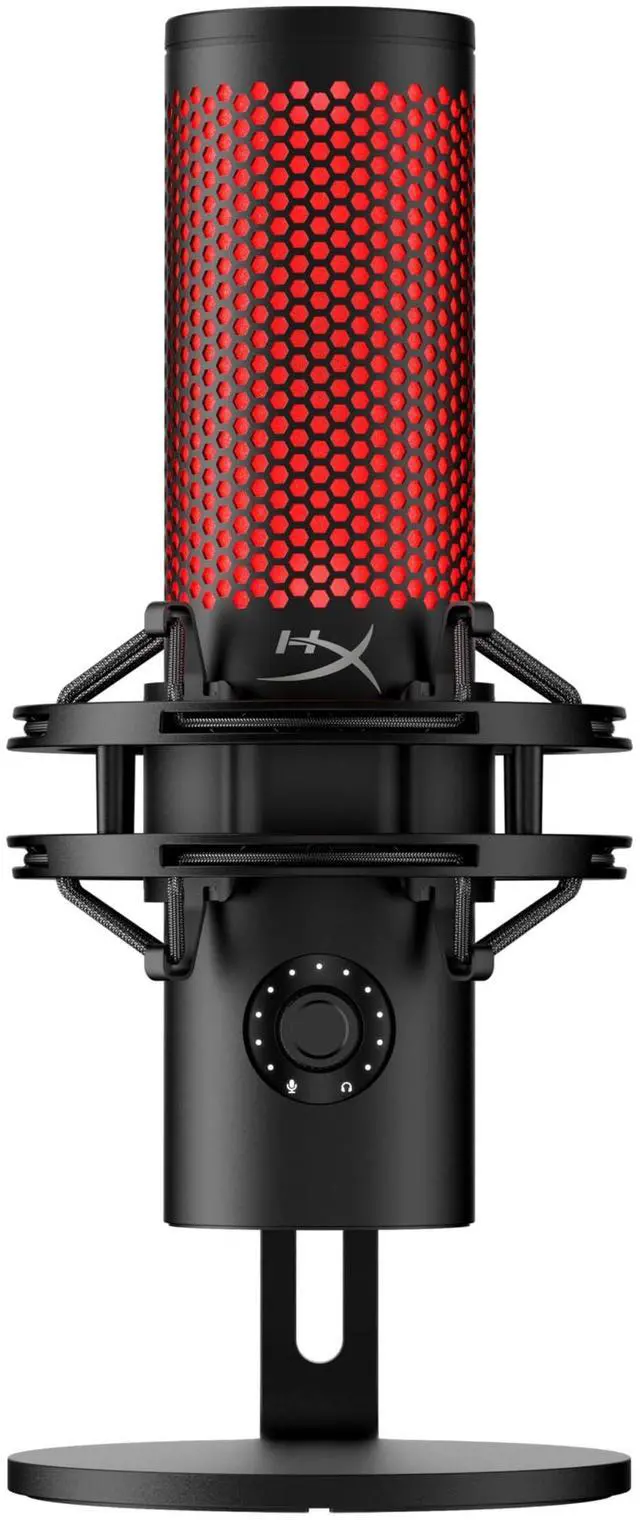
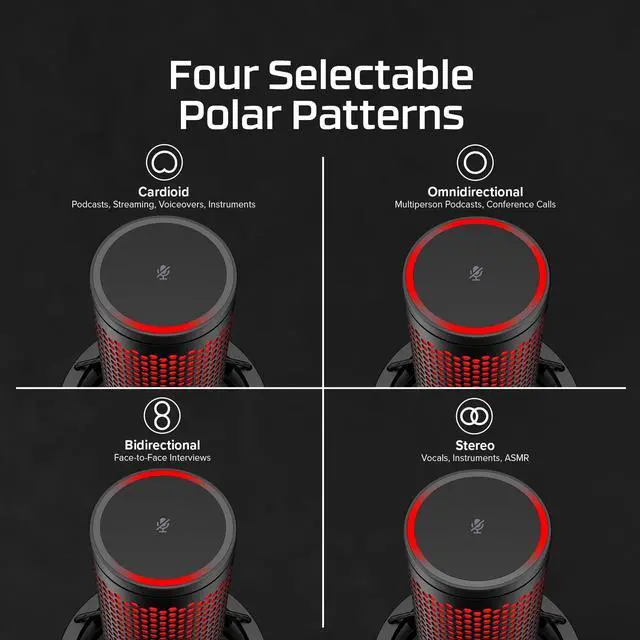
The HyperX QuadCast 2 (872V1AA) is a black USB-C microphone for streamers, podcasters, and other creators who want flexible voice capture, with four selectable pickup patterns, tap-to-mute, and a 3.5 mm headphone output.
Recommended For
- Desk-based streamers and gamers who want a USB mic that is quick to set up, captures a single speaker clearly in cardioid mode, and has an on-mic mute control.
- Home content creators recording voiceovers, videos, or solo podcasts who want clear voice capture without building an XLR-based setup.
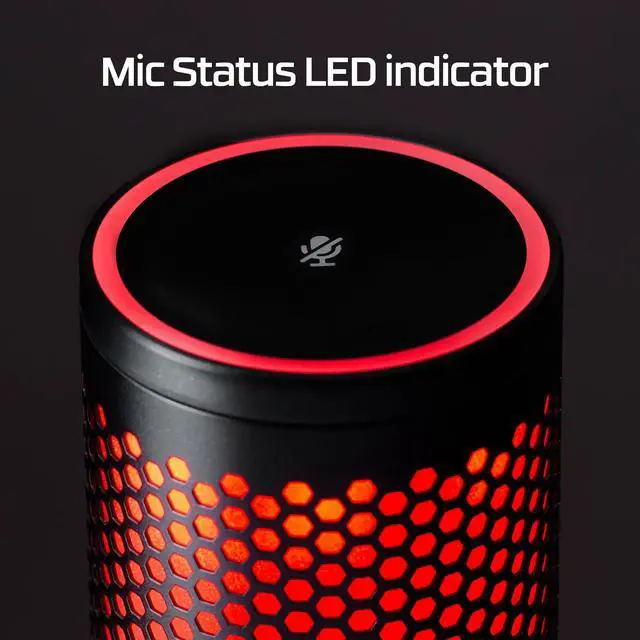
- Remote workers who spend much of the day at a computer and want a dedicated USB microphone with a visible live-or-muted indicator for calls.
- Creators who sometimes record a second speaker or want stereo or omnidirectional pickup options, and are willing to choose the pattern that fits each recording.
Real-World Use Scenarios
- When streaming a game or chatting on Discord, use cardioid mode and tap the top to mute between comments; your voice is captured from the front, with a visible light indicating when the mic is live.
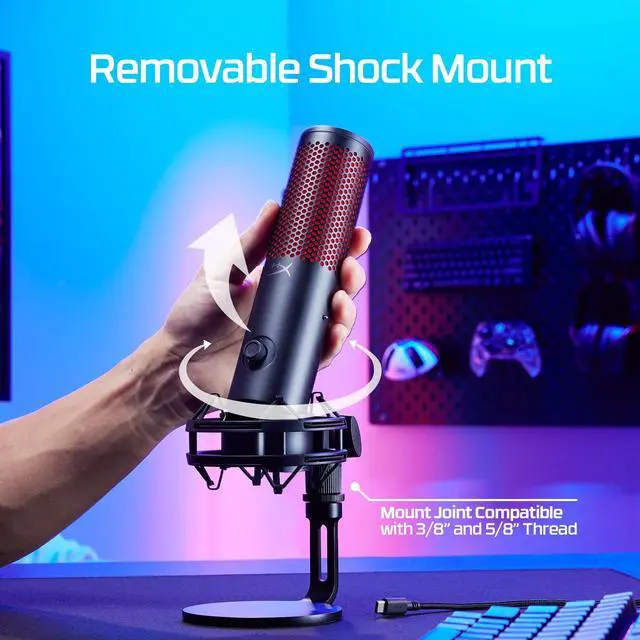
- For a solo podcast or voiceover at a computer, cardioid mode gives you a straightforward setup for recording speech; the included shock mount helps reduce vibrations from desk bumps.
- In a video meeting, use the mic for clearer spoken audio than a typical built-in computer microphone, and tap-to-mute with the status light to help avoid transmitting a private aside.
- For a face-to-face interview recorded at one desk, try bidirectional mode so the mic can pick up speakers on opposite sides; keep the room relatively quiet because this pattern also captures sound from behind the mic.
- For a home demo of vocals or an instrument, connect over USB and record directly to a computer; the mic offers a simple way to capture a performance, though it is not a substitute for a more configurable studio recording setup.




 here!