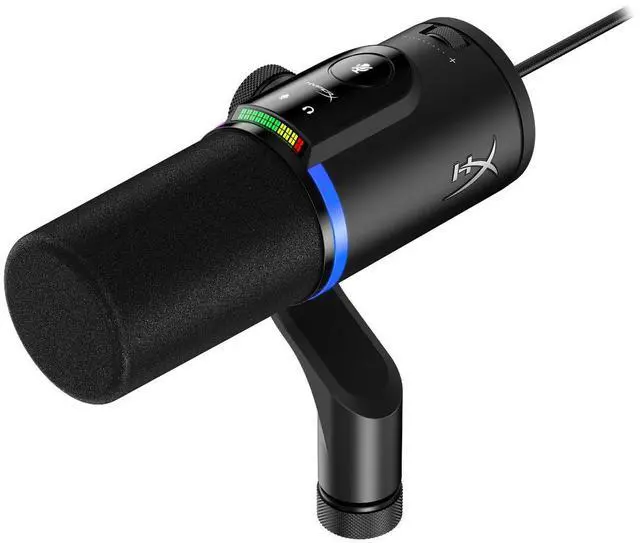
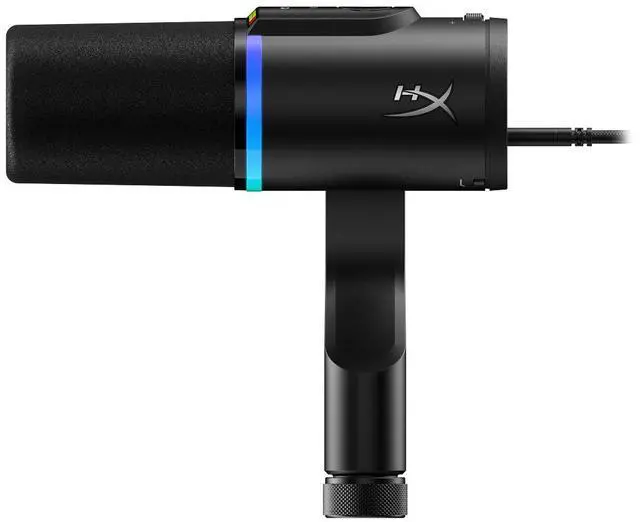
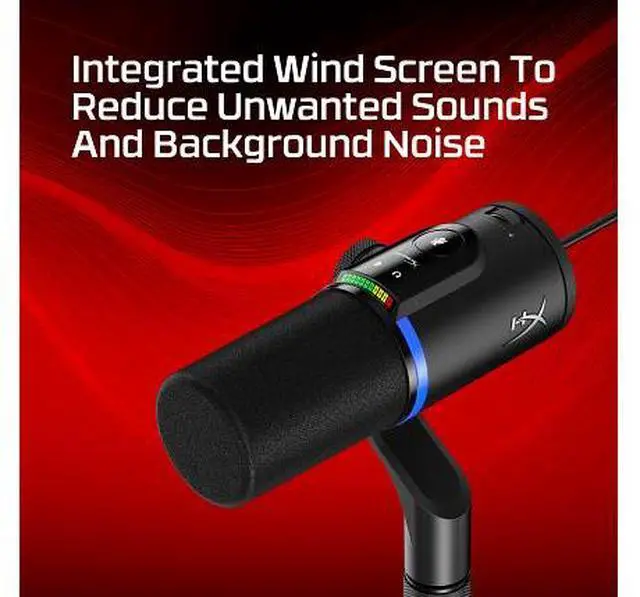
The HyperX FlipCast is a black USB-C/XLR dynamic microphone for streamers, podcasters, and other voice creators who want to connect directly to a computer or use XLR audio equipment.
Recommended For
- Windows streamers who want to connect by USB now, use onboard mute and level controls during live sessions, and keep the option to move to an XLR interface later.
- Solo podcasters and voice creators who record one speaker at a time and want USB convenience alongside the option to use an audio interface in a more developed setup.
- Creators planning a gradual setup upgrade who value keeping the same microphone when moving from direct USB recording to an XLR interface.
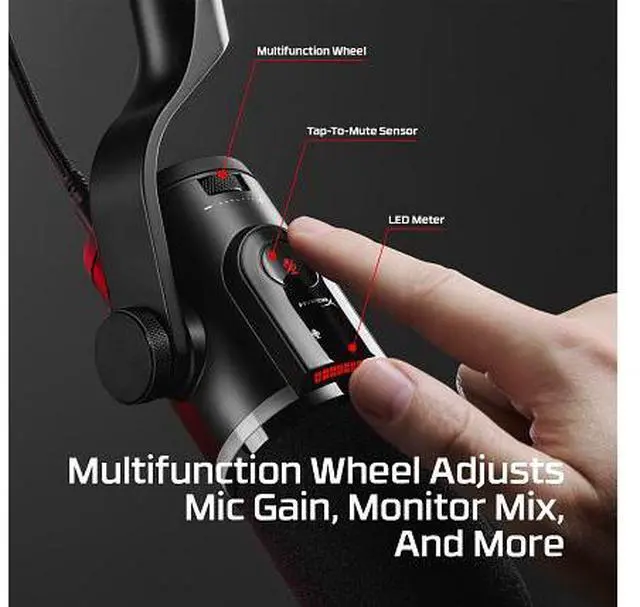
- Live creators who want quick access to tap-to-mute and an at-a-glance input-level meter without reaching for separate controls during a stream or recording.
Real-World Use Scenarios
- For PC game streaming or voice chat, connect over USB and speak close to the mic; reviewers found its focused vocal sound helps speech stand out, while noise-reduction options can help manage background sounds.
- When starting a podcast or recording solo commentary, plug the mic into a computer by USB to get started without an audio interface; reviewers describe the voice as warm and full, though a pop screen can help reduce plosive sounds.
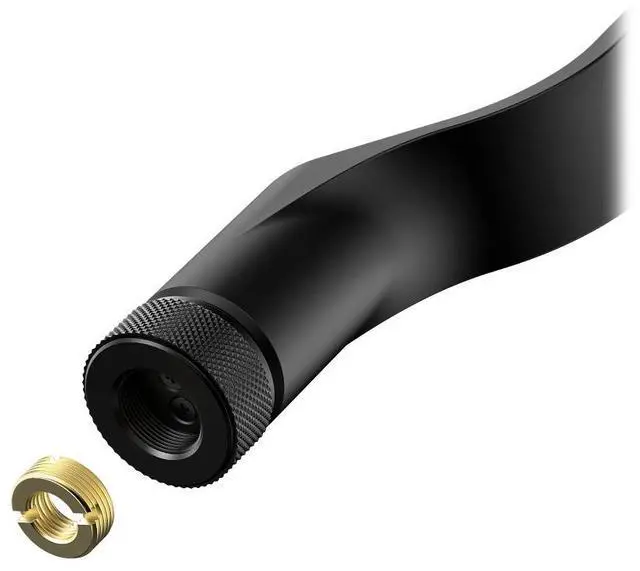
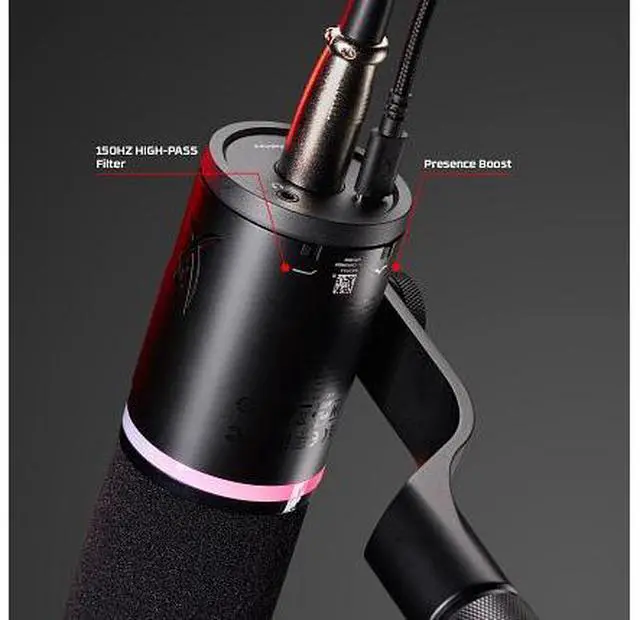
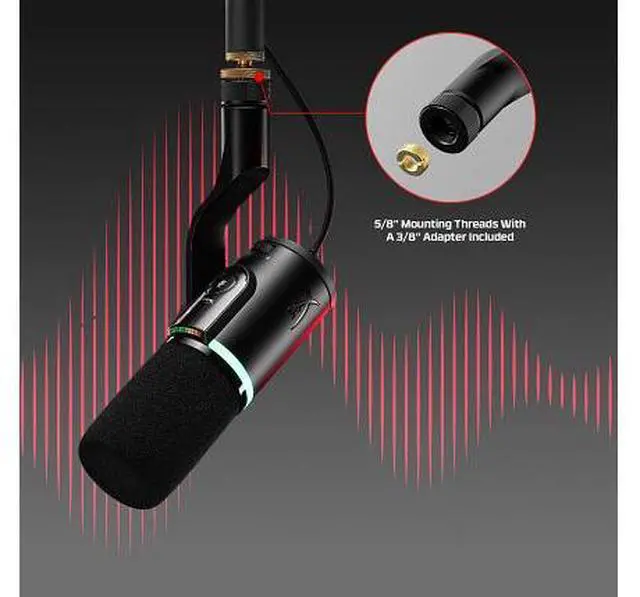
- For a creator upgrading their recording setup over time, use USB for a simple computer connection now and switch to XLR later with an audio interface or mixer; the mic supports both connection paths.
- For YouTube narration or voiceover, record directly to a computer over USB and adjust the mic’s sound as needed; testing found the untreated voice usable, while reviewers note that sound preferences may call for EQ or other processing.
- During a live stream or recording session, use the on-mic mute control to silence the mic without reaching for computer settings; reviewers found the tap-to-mute control handy for quick changes.




 here!