






hero-video
Merchant VideoCompatible Devices:
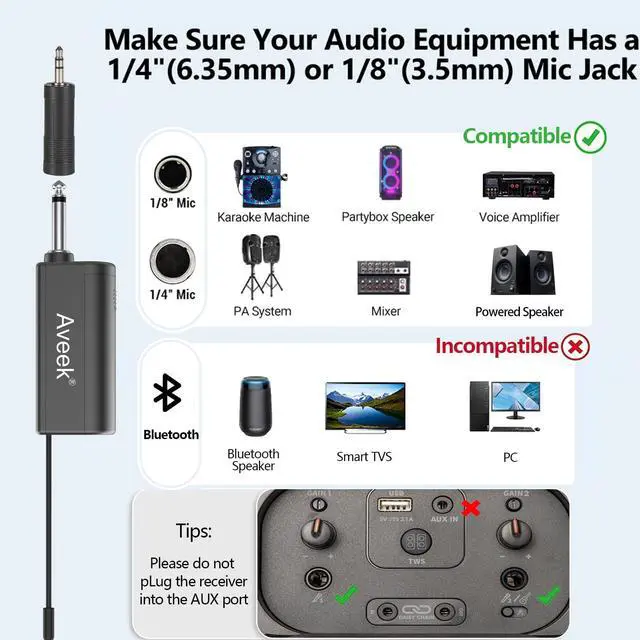
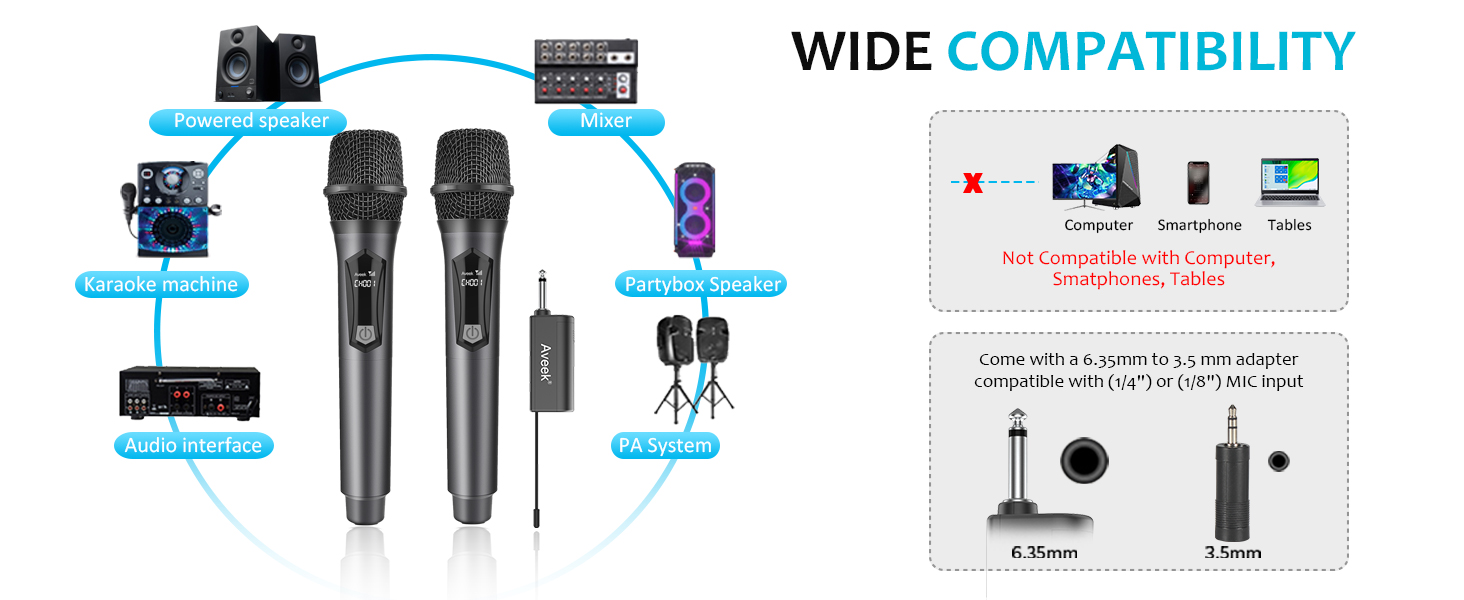
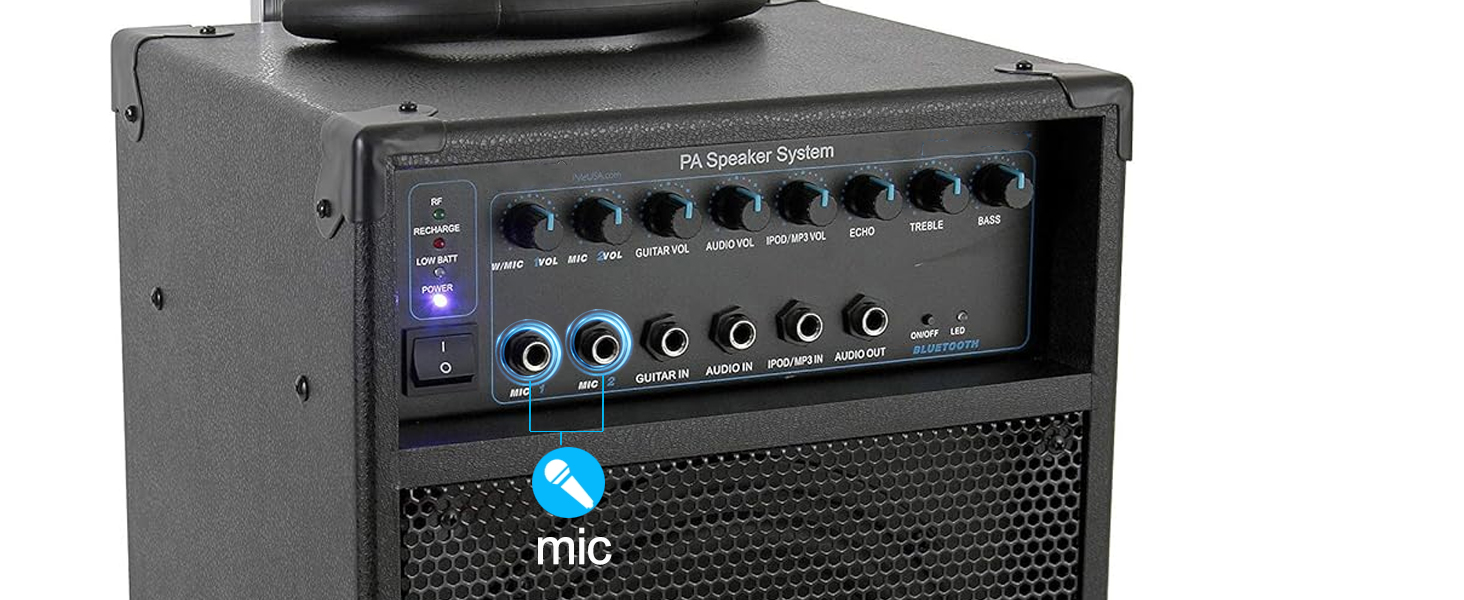
? Home speakers, KTV speakers, PA systems, and stage speakers with a MIC input port
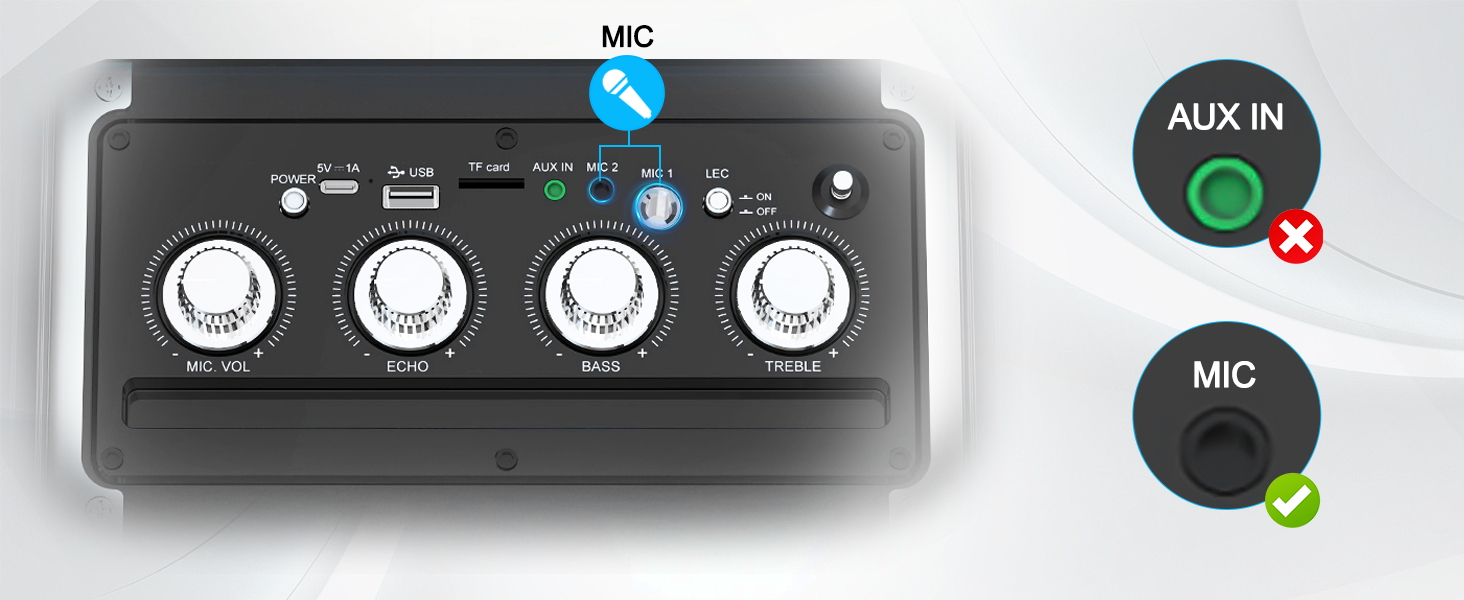
? Devices with a 6.35mm (1/4") or 3.5mm (1/8") MIC input port
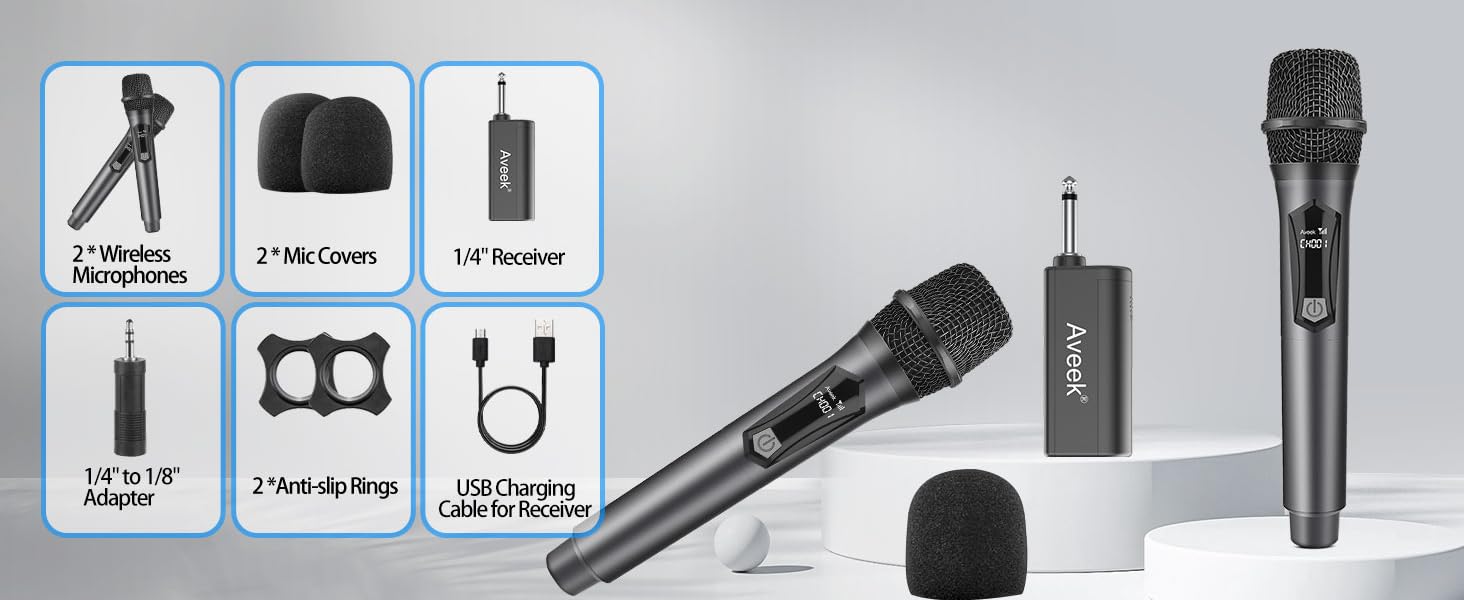
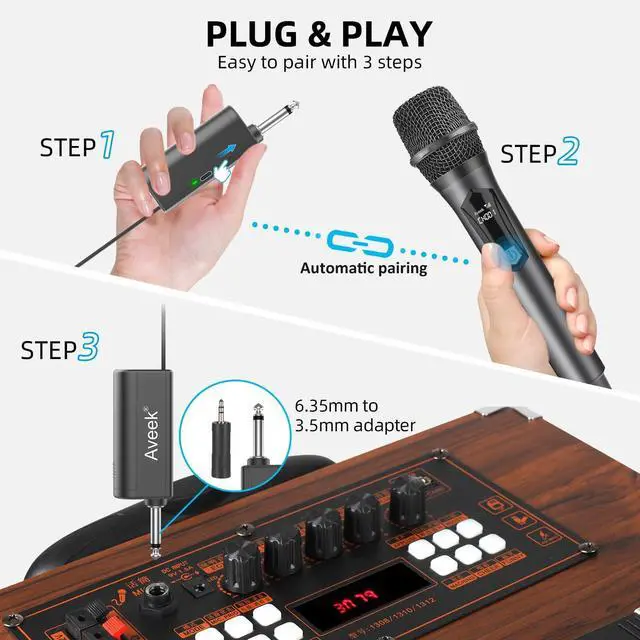
PLUG AND PLAY
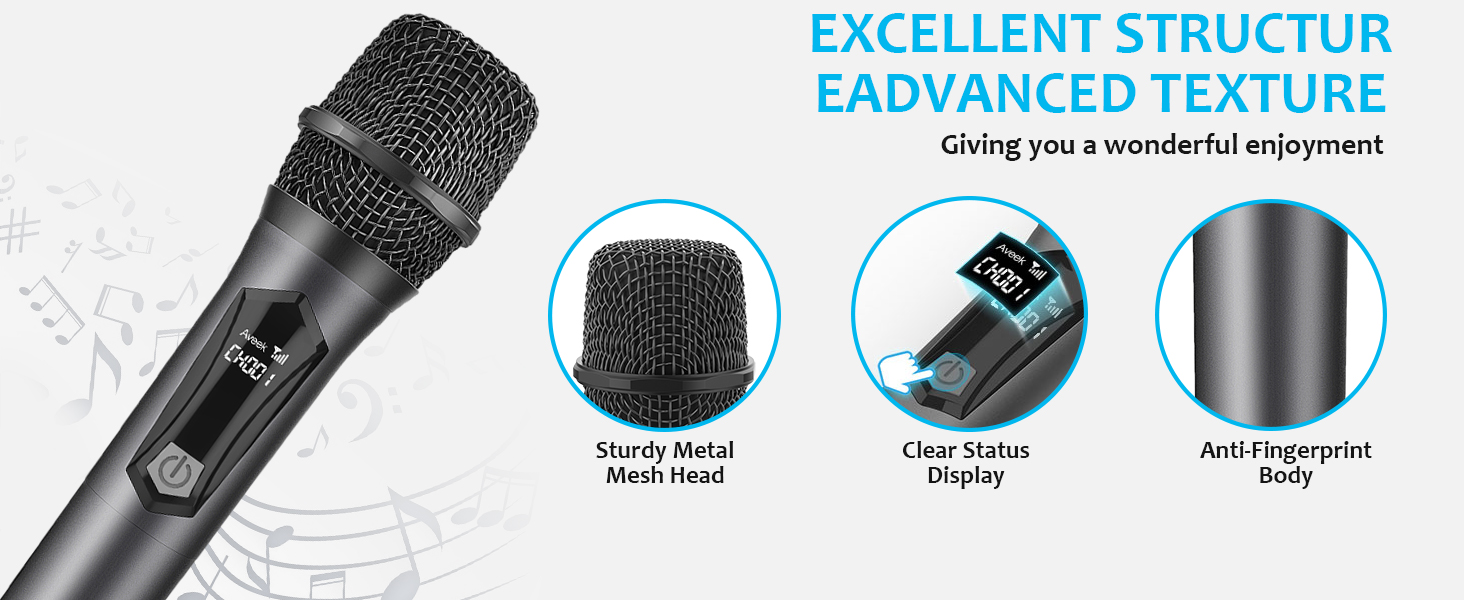
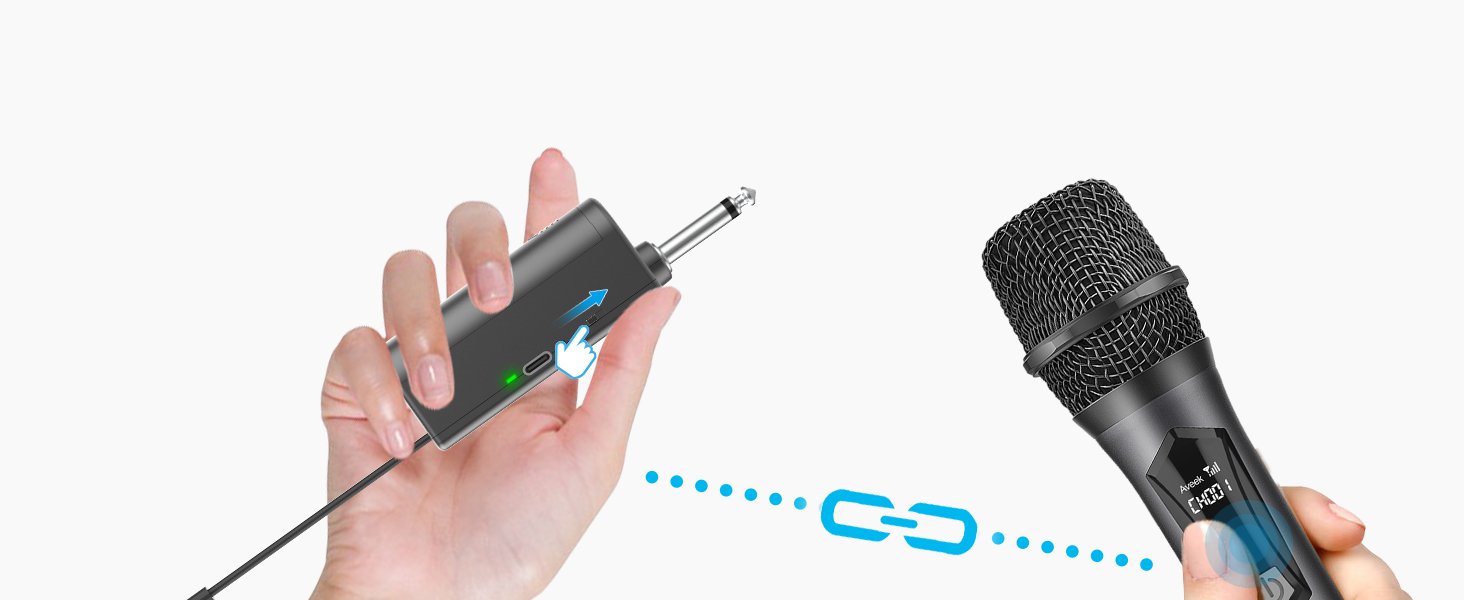
1. Connect the receiver to the speaker’s MIC input port.
2. Turn on the receiver and microphone, then wait for pairing.
3. Adjust the volume on the speaker if the sound is low or silent.
4. Avoid feedback by keeping the microphone away from the speaker.
Perfect for Family Karaoke, Stages, Speech

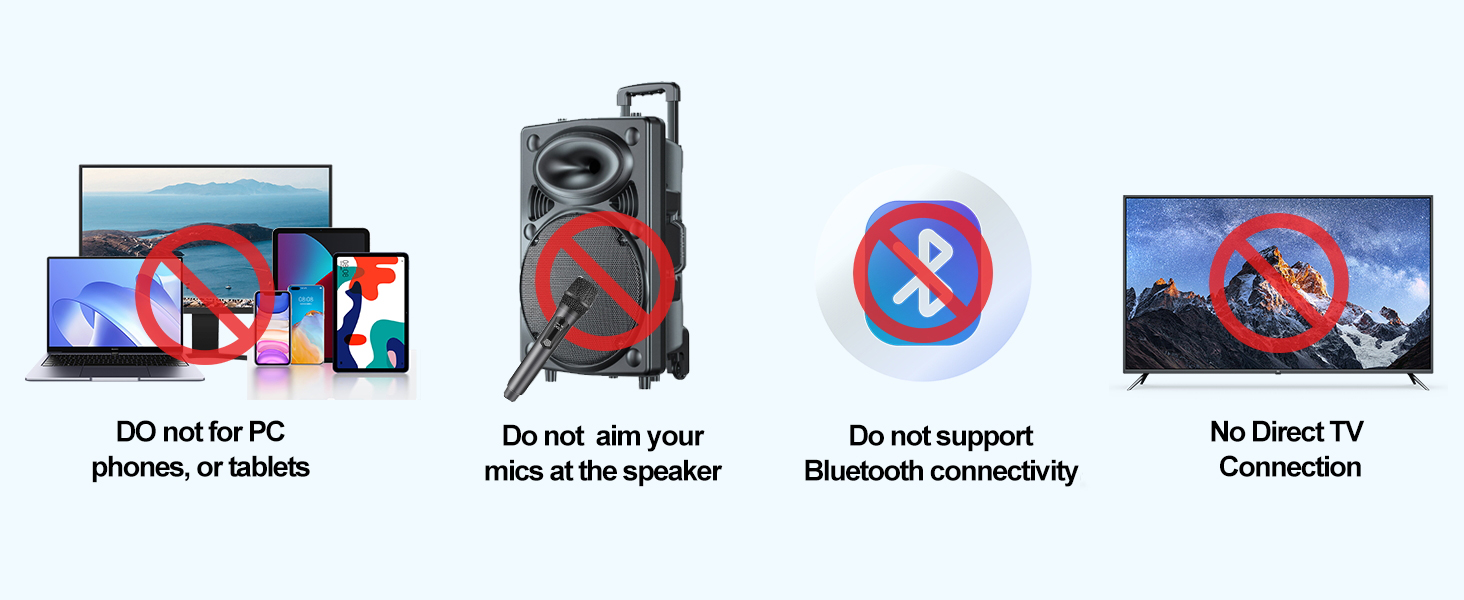
Why can’t the product connect to my phone or TV via Bluetooth?
This product does not support direct Bluetooth connection to phones or TVs. If you need to connect, please ensure your sound system has a MIC input port and supports wired microphone input.
Why is my microphone not working?
Ensure the microphone is properly connected to the MIC input port, adjust the mic and speaker volume, and make sure your sound system supports MIC input
What types of sound systems are compatible with this product?
This product is compatible with sound systems that have a dedicated MIC input port, such as:
Karaoke machines with a MIC input, Speakers with a built-in microphone port,Professional audio systems that support wired microphones
What should I do if the receiver doesn’t work?
Please ensure the receiver is properly plugged in and try using a different port. If the issue persists, feel free to contact our customer support.
Why can’t I hear my own voice, or why is it drowned out by the music?
This may be due to your sound system’s mic processing. Try adjusting the mic volume, checking for echo/music priority settings, and ensuring real-time mic monitoring is supported.

Aveek
A good partner for your sound

We are Aveek, specializing in the design and manufacture of audio equipment. We are committed to providing high quality products, we offer a wide range of microphones, mixers, microphone stands at affordable prices.
Our products: clear sound quality, durable, cost-effective.
Our service: adhere to customer experience first, provide efficient service.
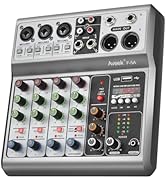
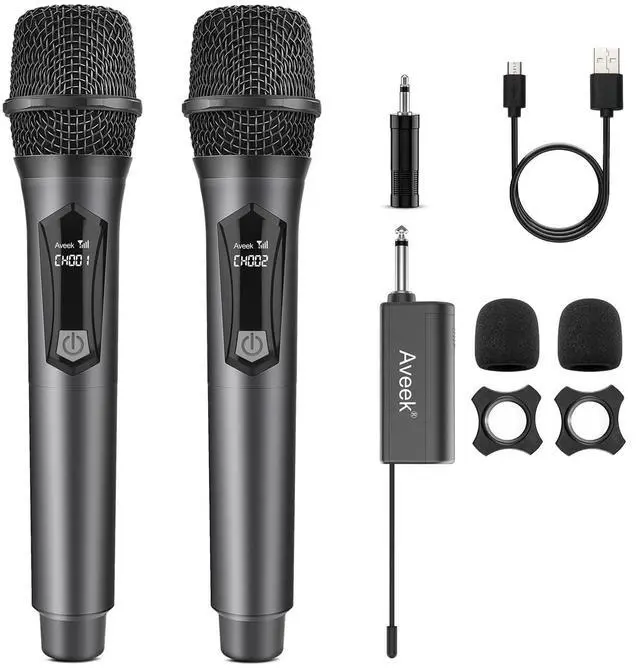
Aveek Microphone equipment
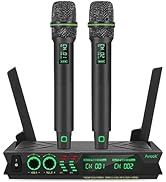
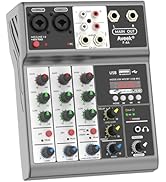
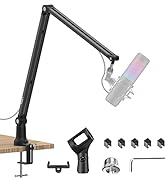
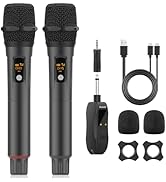
Aveek Microphone equipment
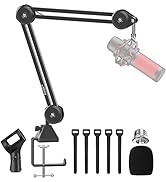
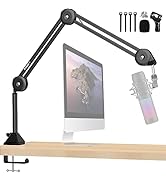
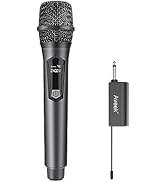
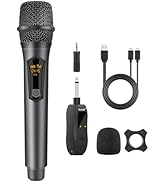
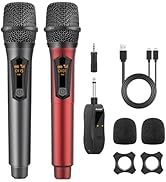
Aveek Microphone equipment
hero-video
Merchant VideoCompatible Devices:
? Home speakers, KTV speakers, PA systems, and stage speakers with a MIC input port
? Devices with a 6.35mm (1/4") or 3.5mm (1/8") MIC input port
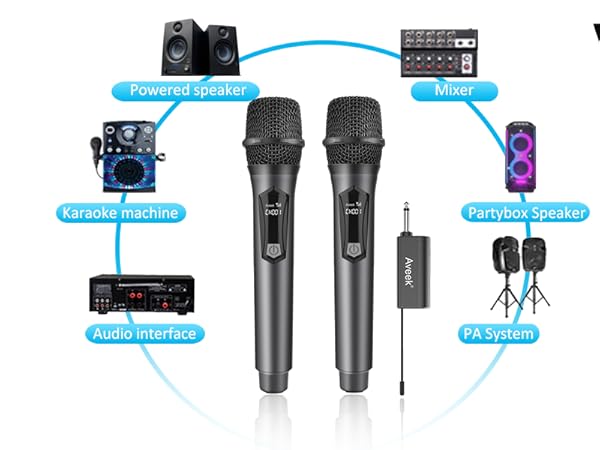
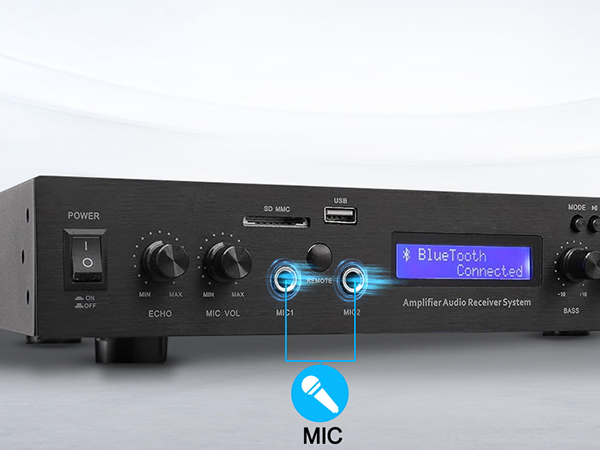
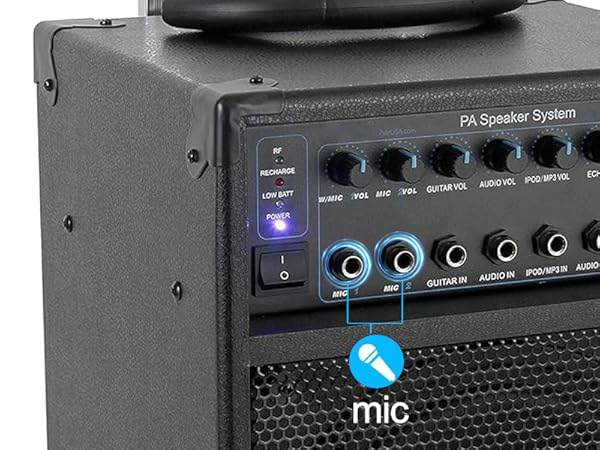
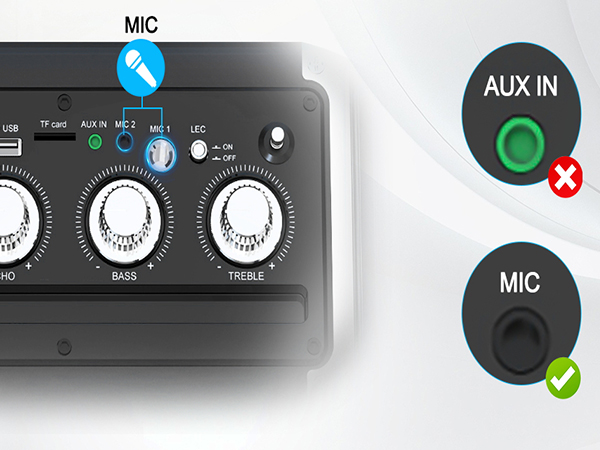
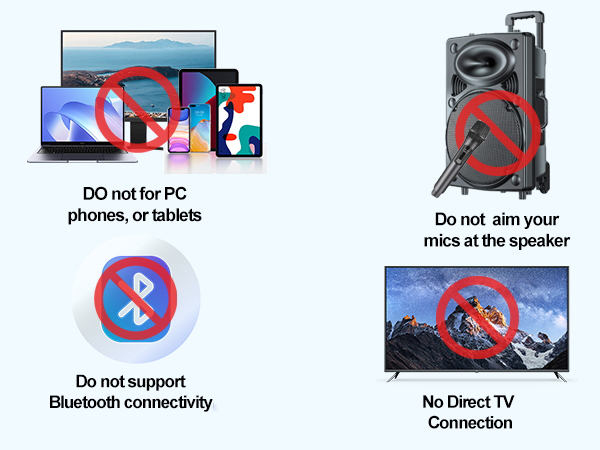
Not Compatible:
Does not work with JBL, Bose, or other Bluetooth speakers
Incompatible with speakers that only support AUX/LINE IN
Not designed for TVs, mobile phones, tablets, or devices without a MIC input port
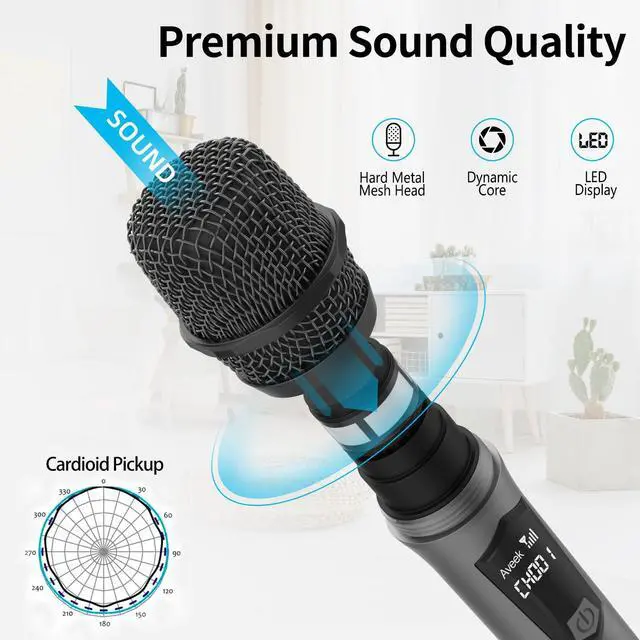
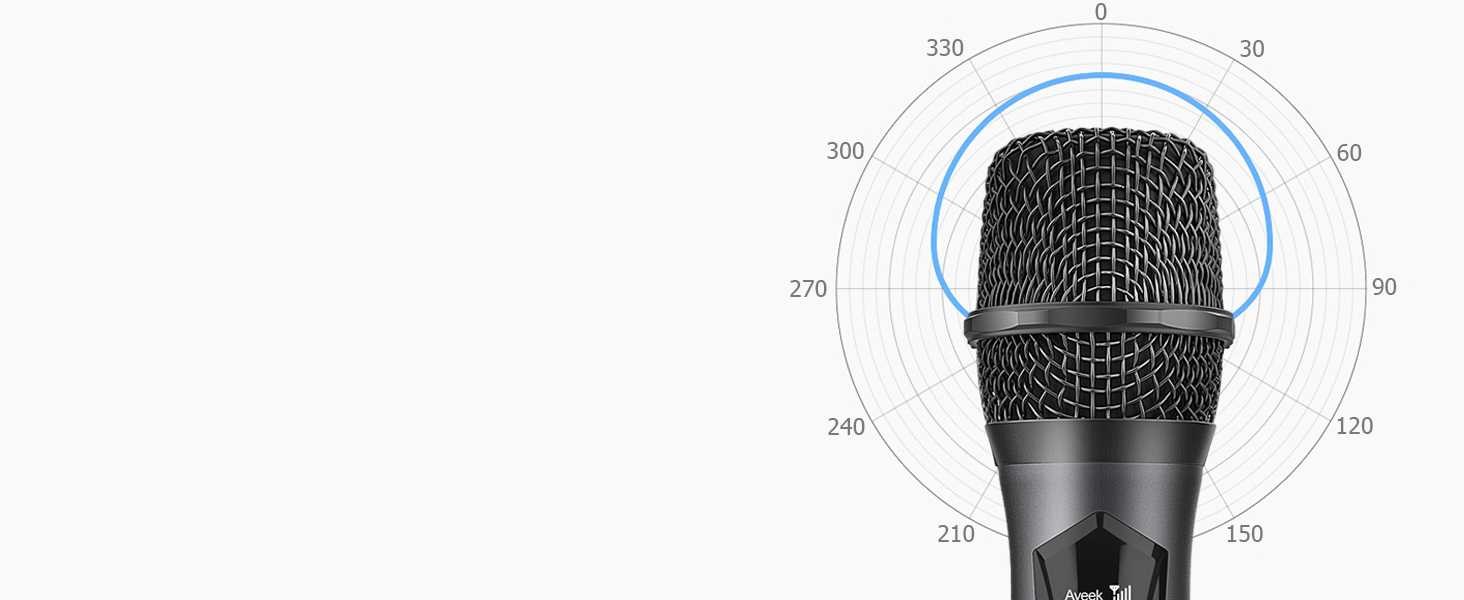
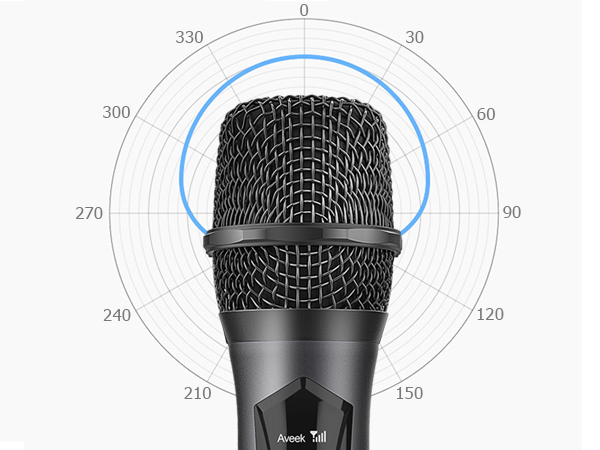
Cardioid Pickup
Its dynamic mic with a cardioid pickup pattern to ensure superior audio performance.
Plug & Play
Turn on the receiver for automatic mic pairing and connect easily to your playback device for use.
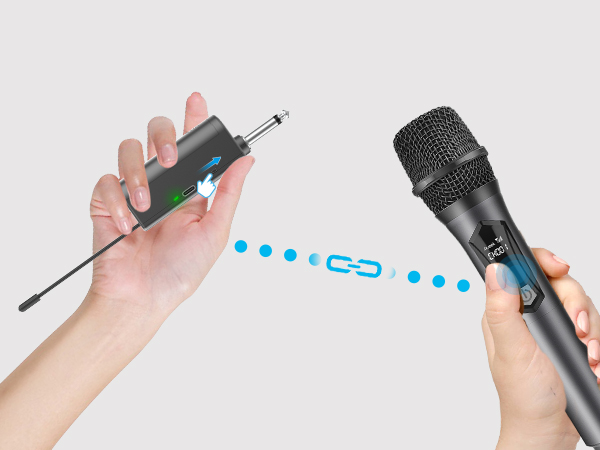
PLUG AND PLAY
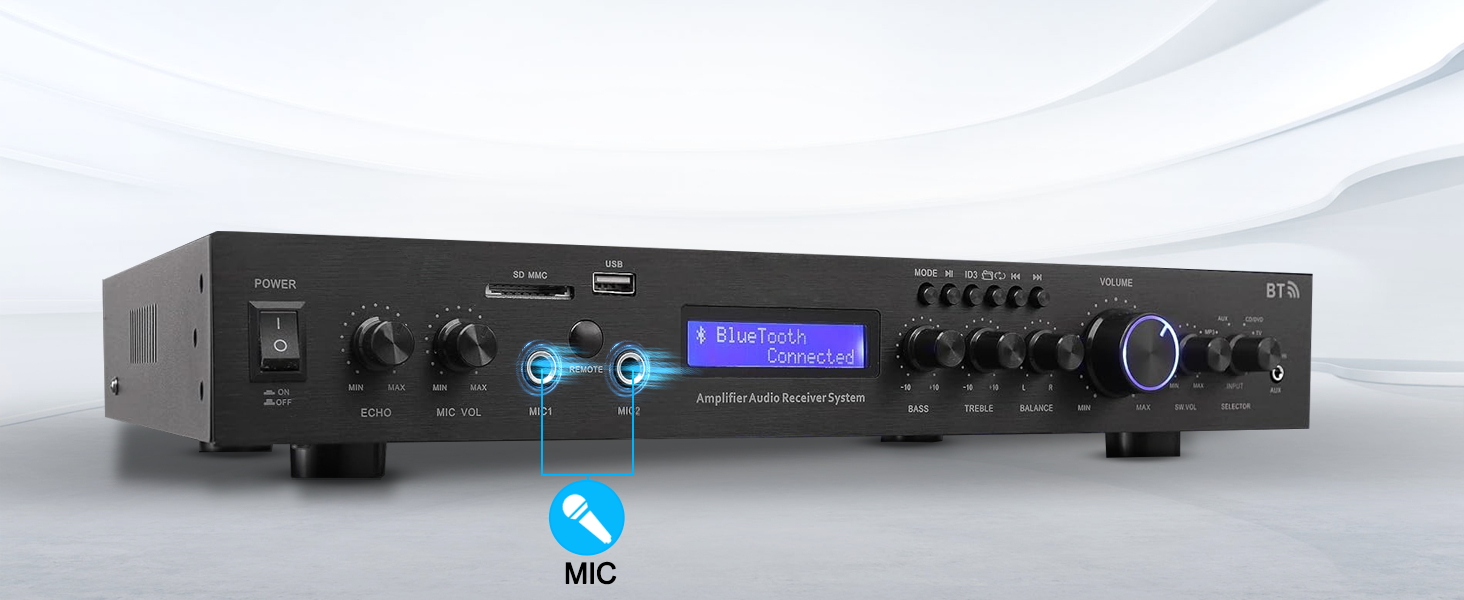
1. Connect the receiver to the speaker’s MIC input port.
2. Turn on the receiver and microphone, then wait for pairing.
3. Adjust the volume on the speaker if the sound is low or silent.
4. Avoid feedback by keeping the microphone away from the speaker.
Check the microphone is compatible with your device
1.Please check if your device has a 6.35mm or 3.5mm MIC input port.
2.This microphone does not support Bluetooth connection.
3.This wireless microphone does not support smart TVs ,PC ,Laptops .
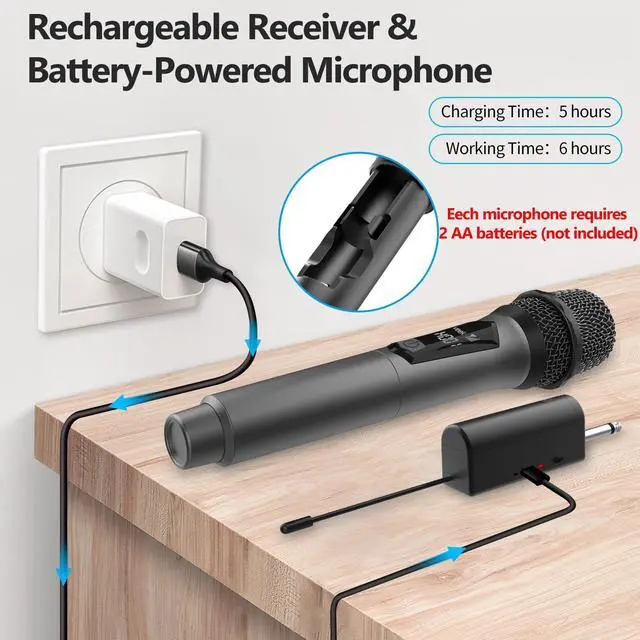
HOW TO PAIR?
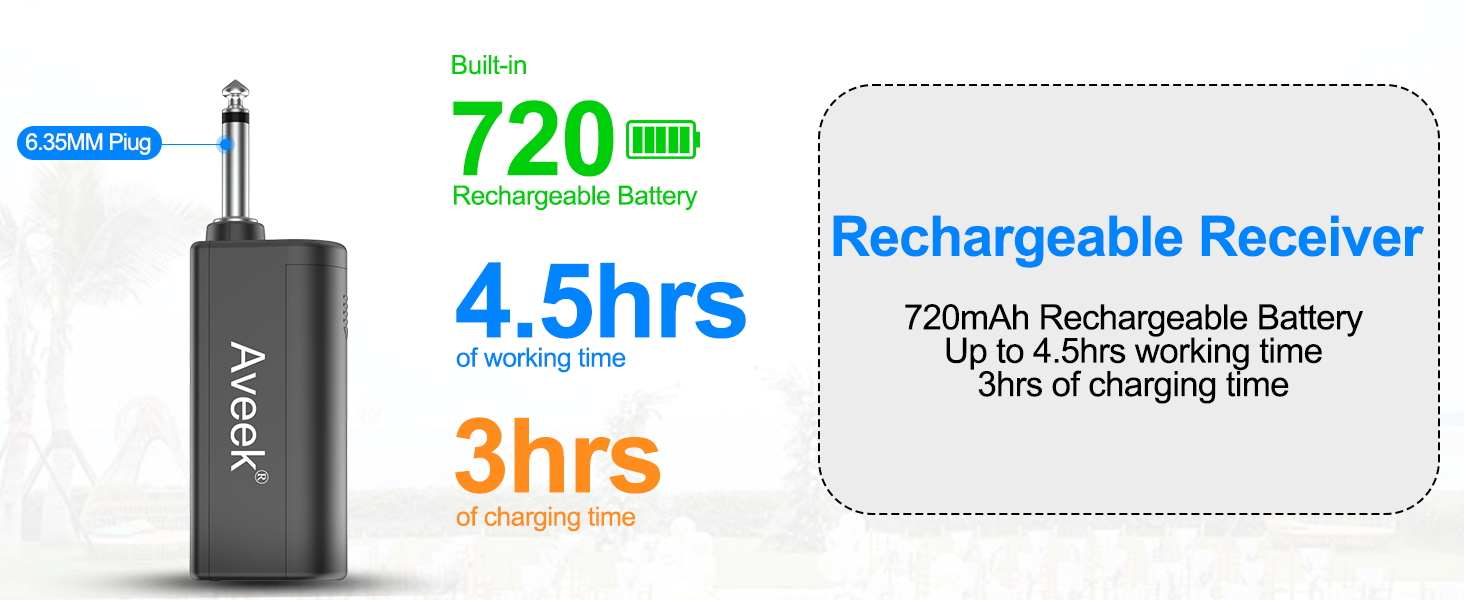
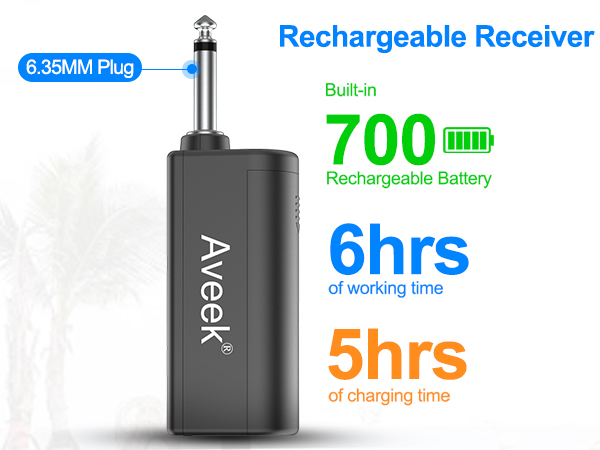
1.Install the included rechargeable battery into the receiver, ensuring the correct polarity.
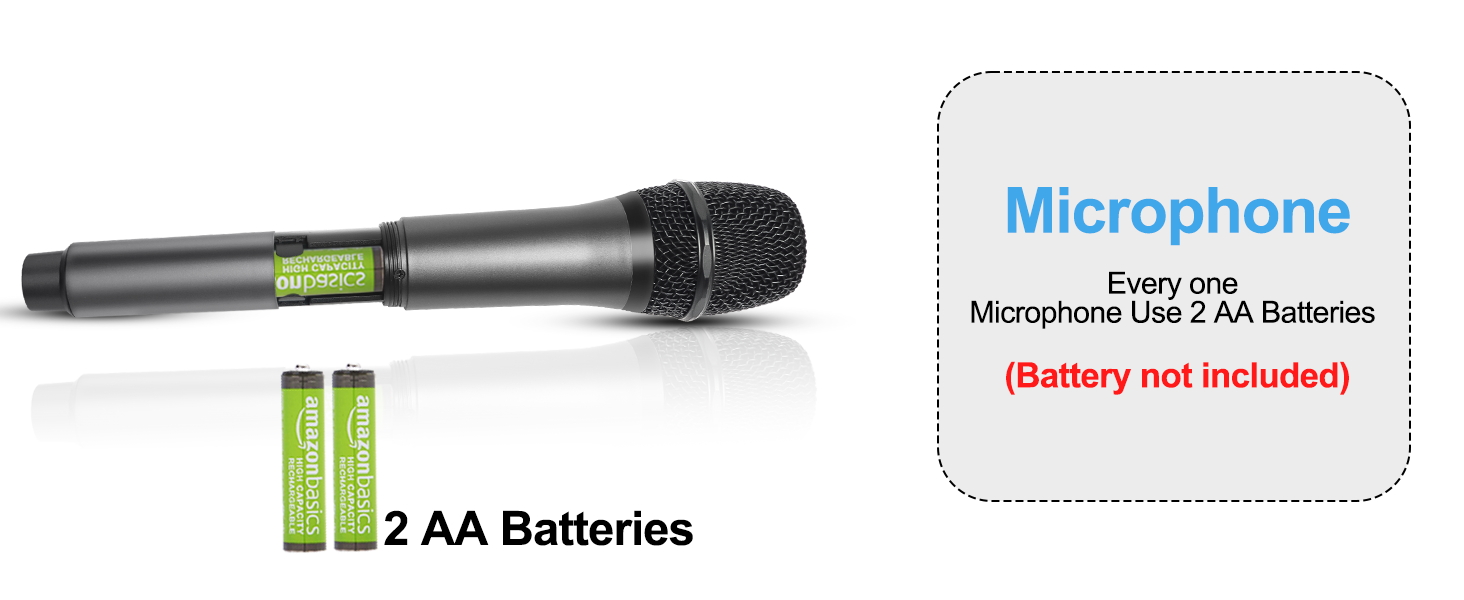
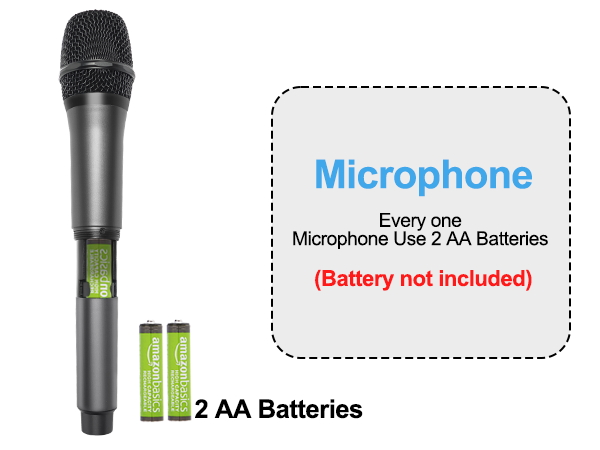
2.Insert the battery(2 AA battery not including)correctly into the wireless microphone.
3.Turn on the receiver switch, the orange power indicator will light up,plug the receiver into the MIC input port of the sound system.
4.Turn on the microphone, and it will automatically pair with the receiver.
Perfect for Family Karaoke, Stages, Speech

Why can’t the product connect to my phone or TV via Bluetooth?
This product does not support direct Bluetooth connection to phones or TVs. If you need to connect, please ensure your sound system has a MIC input port and supports wired microphone input.
Why is my microphone not working?
Ensure the microphone is properly connected to the MIC input port, adjust the mic and speaker volume, and make sure your sound system supports MIC input
What types of sound systems are compatible with this product?
This product is compatible with sound systems that have a dedicated MIC input port, such as:
Karaoke machines with a MIC input, Speakers with a built-in microphone port,Professional audio systems that support wired microphones
What should I do if the receiver doesn’t work?
Please ensure the receiver is properly plugged in and try using a different port. If the issue persists, feel free to contact our customer support.
Why can’t I hear my own voice, or why is it drowned out by the music?
This may be due to your sound system’s mic processing. Try adjusting the mic volume, checking for echo/music priority settings, and ensuring real-time mic monitoring is supported.
Aveek
A good partner for your sound
We are Aveek, specializing in the design and manufacture of audio equipment. We are committed to providing high quality products, we offer a wide range of microphones, mixers, microphone stands at affordable prices.
Our products: clear sound quality, durable, cost-effective.
Our service: adhere to customer experience first, provide efficient service.
Aveek Microphone equipment
Aveek Microphone equipment
Aveek Microphone equipment