Instrument Microphone for Singing, Podcasting, Voice Video Recording, Plug & Play USB Desktop Microphone for PC with Mute Button & LED Indicator, Compatible with Windows/Mac
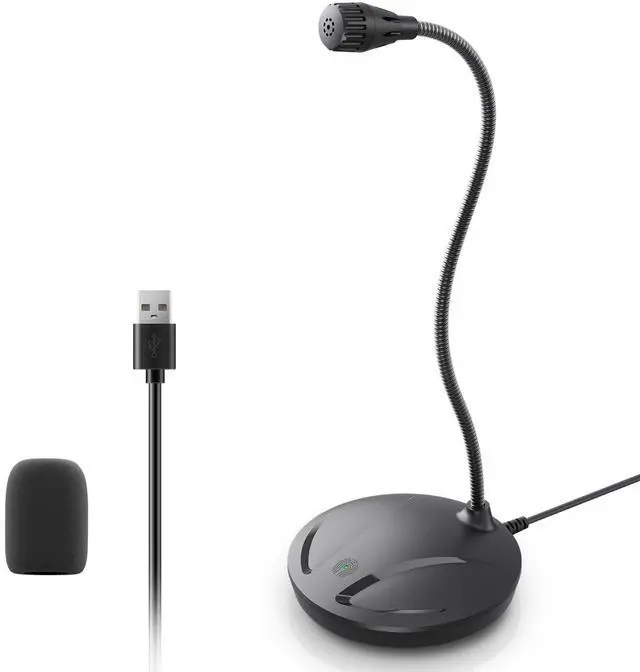
Smooth Recording & Clear Pickup: This computer microphone for desktop features an omnidirectional pickup pattern focused on your voice, capturing every detail for loud, powerful audio. Included windshield reduces ambient noise, enhancing vocal clarity, filter reduces ambient noise and significantly improves voice clarity. Experience superior sound quality with this essential computer microphone.
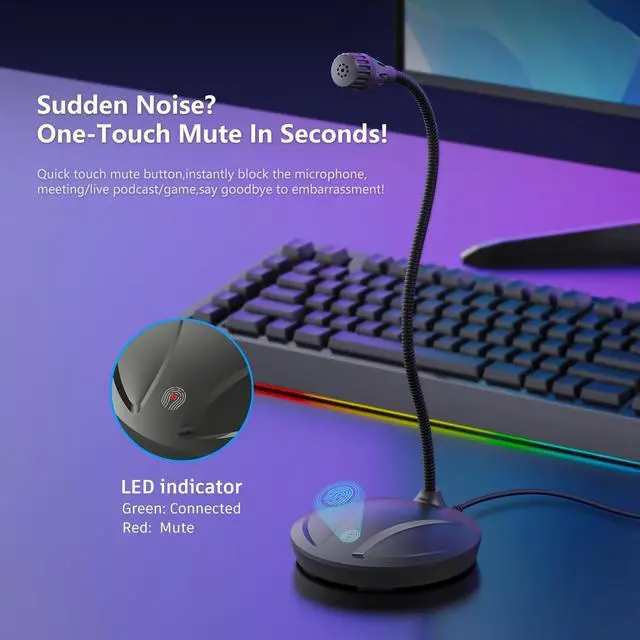
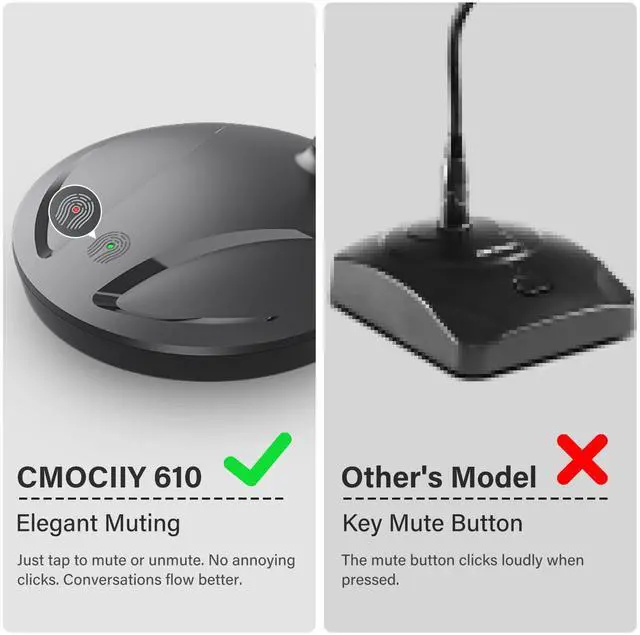
Mute Button with LED Indicator: One-touch control to turn the USB PC microphone on/off and mute status switch. Built-in LED indicator shows the gaming microphone status in real time, (Green Light: Connected/Working; Red Light: Mute Mode), so you can always keep track of the podcast microphone's working status.
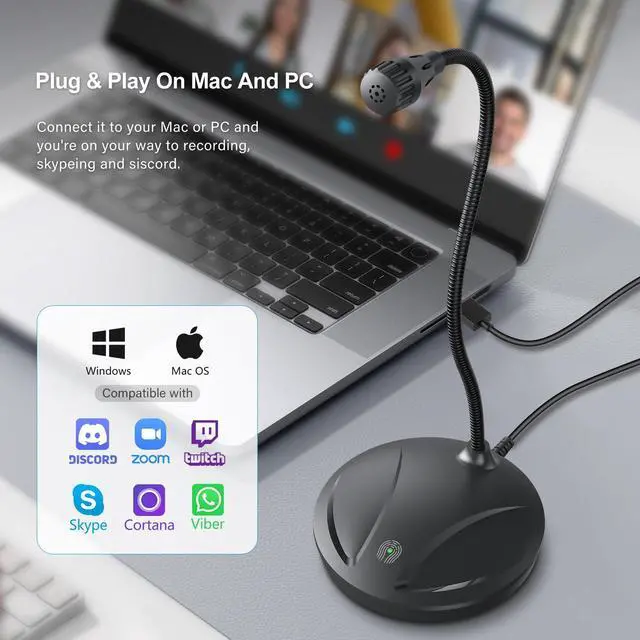
Plug & Play USB Microphone: No driver installation required, just plug it into your laptop/desktop and start using it. The microphone for computer desktop is compatible with PC, Windows, Mac.
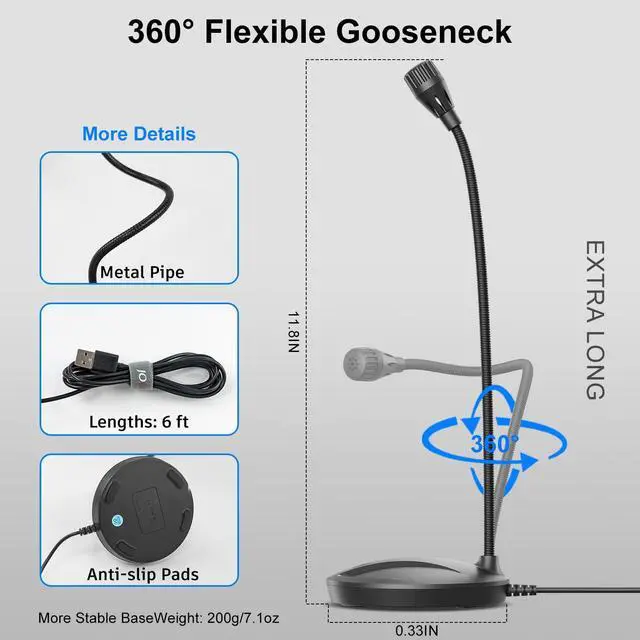
Adjustable Gooseneck Desktop Wired Microphone: 360° omni-directional adjustable metal gooseneck tube design allows you to easily adjust to the optimal pickup position. 5.7-inch flexible gooseneck stand allows any angle adjustment, both horizontal steering and vertical height can be accurately positioned to ensure the most comfortable conversation position, perfect for web conferencing and live recording.
+
+
Overview
Specs
Reviews
Any questions? Our AI beta will help you find out quickly.
Try me now
Instrument Microphone for Singing, Podcasting, Voice Video Recording, Plug & Play USB Desktop Microphone for PC with Mute Button & LED Indicator, Compatible with Windows/Mac
Learn more about the Detailed Specifications
Model
Brand
CMOCIIY
Part Number
610
Details
Color
Black
Connector
USB Type-A
Microphone Sensitivity
38 decibels
Microphone Signal to Noise Ratio(SNR)
93 decibels
Additional Information
First Listed on Newegg
April 07, 2026
There are no reviews yet.
Do you own this product?
Warranty & Returns
Warranty, Returns, And Additional Information
Warranty
Please contact the Seller directly for warranty information. Warranty information may also be found on the Manufacturer's website.