





Blapsuro
We hope to provide the best products and services to our customers.Blapsuro is committed to meeting the end users real needs better.

- After several years of continuous development,more than a few million users are using our products.We are working very hard for developing a new product with the vast combined experience and the excellent abilities of electrical engineering, industrial design,software engineering in house.
- Blapsuro is committed to meeting the end users real needs better.
Blapsuro Prime


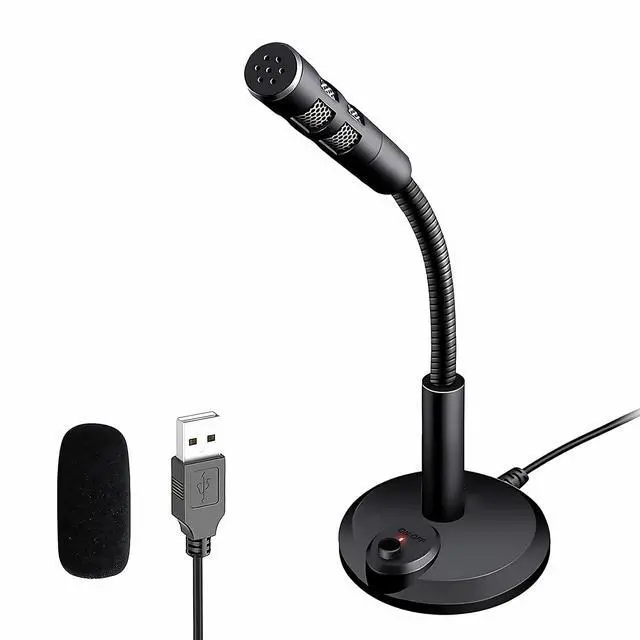
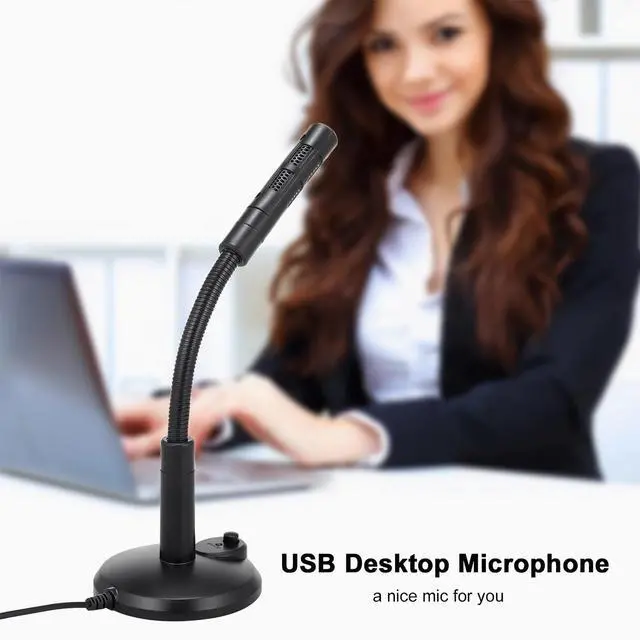
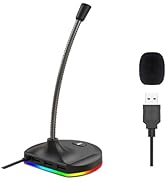
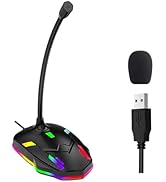
An Perfect USB Microphone for Computer.Ideal for Remote Education,Online Chatting,Class Lecture,Recording Songs,Meeting,Karaoke.
Main Features:
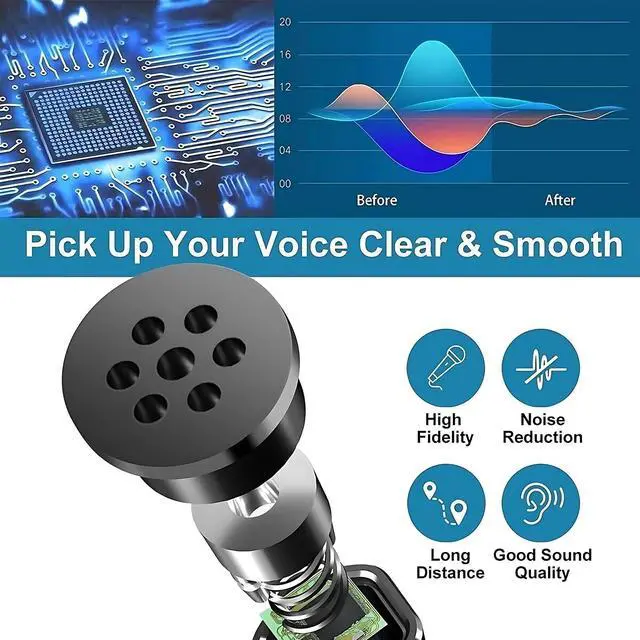
- Built-in Crystal Sound Card:Built-in high performance CCS 2.0 Smart Chip for echo cancellation and noise reduction.Create Crystal Clear Sound.
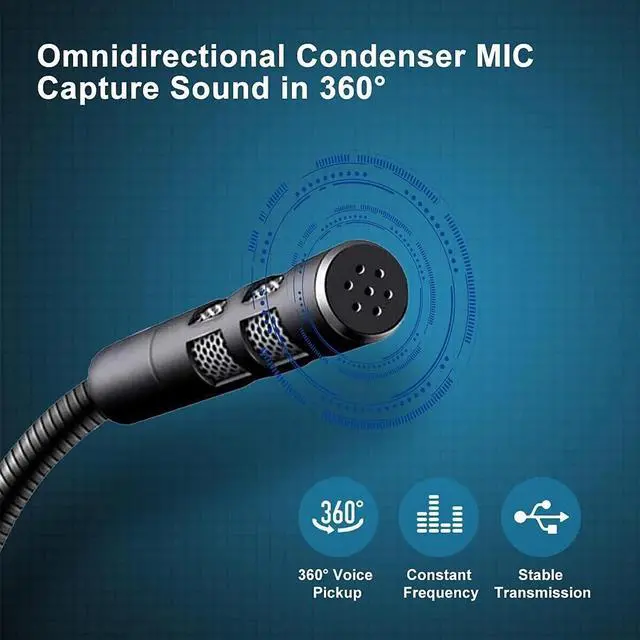
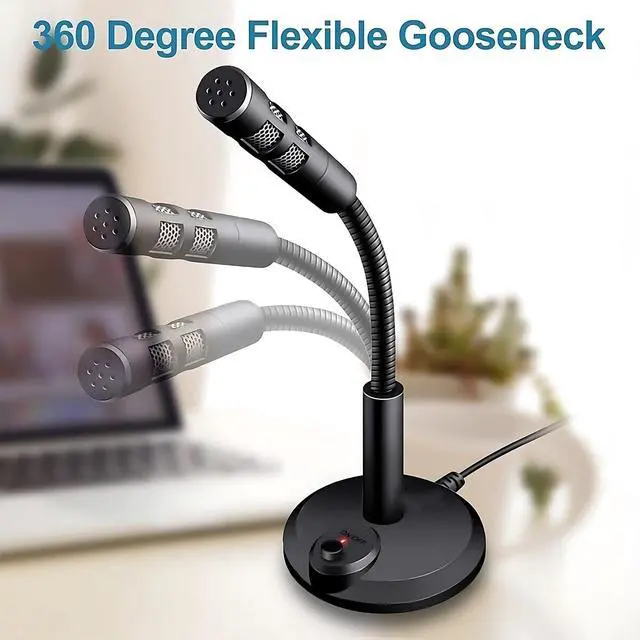
- Flexible and Durable Metal Gooseneck:360°Adjustable,Your angle,You decide.
- Omnidirectional Polar Pattern:Easy to capture the sound from 360°angles.
- Plug and Play:Easy operation, No need extra drivers,just plug and play.
- Widely Compatible with Win XP/7/8/10/11,Mac and PS4.
Whats's in the box:
- 1x Anti-spray Sponges
- 1x5ft length USB cable
- 1x Computer Microphone
Blapsuro M-309 USB Microphone with Flexible Gooseneck & Built-in Sound Card

Mute button with LED light
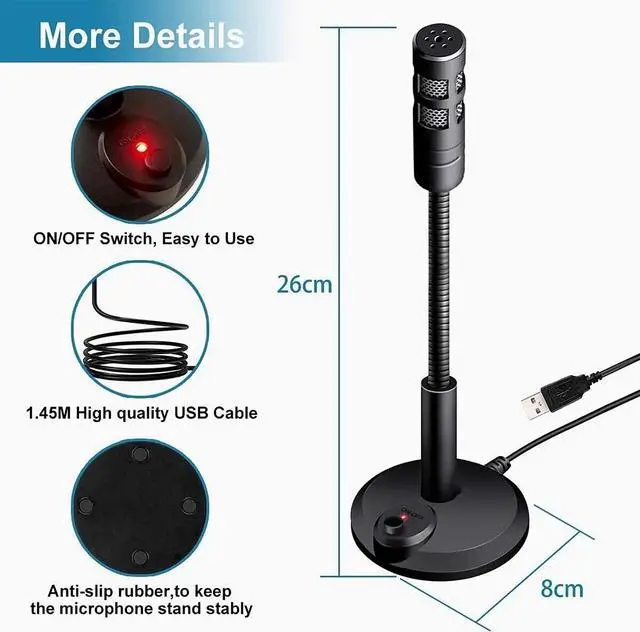
Mute button with LED indicator Gently touch,feel free to turn it ON or OFF.

Nice Anti-Slip Design
4Pcs Anti-skid pad,Aggravated bas is not easy to fall.

long USB Cord Safe and Reliable
USB cord is long enough to reach the back of your PC, and plug and play for quickly use.

Advanced Noise-canceling
Built-in high performance CCS 2.0 Smart Chip for echo cancellation and noise reduction.

Flexible and Bendable Gooseneck
The flexible gooseneck allows you to adjust the angle for a better voice recording effect.

Plug&Play,Widely compatible
No drivers required,Nicely Compatible with Windows(7,8,10,11),Mac,and PS4
Widely compatible with a Variety of Apps on the Market:WhatsAPP,Skype,Youtube,Cortana,Discord,Cortana,Zoom,etc

 USB Microphone-M309 |  Mini USB Microphone-M306 |  RGB USB Microphone-M9 |  RGB USB Microphone-M8 |  RGB USB Microphone-M7 | |
|---|---|---|---|---|---|
| Customer Reviews | — | — | — | — | — |
| Price | — | — | — | — | — |
| Plug&Play - No Drivers Required | ? | ? | ? | ? | ? |
| Microphone Dimension(LXWXH) | 3.1X0.78X11inch | 2.1X0.7X5.31inch | 5.12x3.36x10.86inch | 3.86"x3.23"x9.45 inches | 3.86"x3.23"x9.45 inches |
| With Mute button&LED indicator | ? | X | ? | ? | ? |
| With 3-Port Hub | X | X | X | ? | X |
| Connect Plug Type | USB | USB | USB | USB | USB |
| Polar Pattern Type | Omnidirectional | Omnidirectional | Omnidirectional | Omnidirectional | Omnidirectional |
| Cable Line Length | 1.5m/5ft | 1.06m/3.5ft | 1.5m/5ft | 1.5m/5ft | 1.5m/5ft |
| Suitable for | Gaming/Meeting/Podcasting/Streaming/Recording/Skype/Zoom/Youtube | Online Meeting/Class/Zoom Call/Skype Chatting/Vocal Recording/Youtube | Gaming/Streaming/Recording/Streaming/Recording/Skype/Zoom/Youtube | Gaming/Meeting/Podcasting/Streaming/Recording/Skype/Zoom/Youtube | Online Meeting/Class/Zoom Call/Skype Chatting/Vocal Recording/Youtube |
An Perfect USB Microphone for Computer.Ideal for Remote Education,Online Chatting,Class Lecture,Recording Songs,Meeting,Karaoke.
Main Features:
- Built-in Crystal Sound Card:Built-in high performance CCS 2.0 Smart Chip for echo cancellation and noise reduction.Create Crystal Clear Sound.
- Flexible and Durable Metal Gooseneck:360°Adjustable,Your angle,You decide.
- Omnidirectional Polar Pattern:Easy to capture the sound from 360°angles.
- Plug and Play:Easy operation, No need extra drivers,just plug and play.
- Widely Compatible with Win XP/7/8/10/11,Mac and PS4.
Whats's in the box:
- 1x Anti-spray Sponges
- 1x5ft length USB cable
- 1x Computer Microphone
Blapsuro M-309 USB Microphone with Flexible Gooseneck & Built-in Sound Card
Mute button with LED light
Mute button with LED indicator Gently touch,feel free to turn it ON or OFF.
Nice Anti-Slip Design
4Pcs Anti-skid pad,Aggravated bas is not easy to fall.
long USB Cord Safe and Reliable
USB cord is long enough to reach the back of your PC, and plug and play for quickly use.
Advanced Noise-canceling
Built-in high performance CCS 2.0 Smart Chip for echo cancellation and noise reduction.
Flexible and Bendable Gooseneck
The flexible gooseneck allows you to adjust the angle for a better voice recording effect.
Plug&Play,Widely compatible
No drivers required,Nicely Compatible with Windows(7,8,10,11),Mac,and PS4
| Color | Black |
| Materia | ABS+Metal |
| Sensitivity | -47±4dB |
| Impedance | =2.2KO |
| Working voltage | 4.5V |
| SNR | More than-67dB |
| USB Cable Length | 1.5M/5ft |
| Frequency Response | 100-16KHZ |
| Type | Omni Directional Capacitance |
| OS Support | Win7/8/10/11/MAC/LINUX |
Widely compatible with a Variety of Apps on the Market:WhatsAPP,Skype,Youtube,Cortana,Discord,Cortana,Zoom,etc
USB Microphone-M309 | Mini USB Microphone-M306 | RGB USB Microphone-M9 | RGB USB Microphone-M8 | RGB USB Microphone-M7 | |
|---|---|---|---|---|---|
| Customer Reviews | — | — | — | — | — |
| Price | — | — | — | — | — |
| Plug&Play - No Drivers Required | ? | ? | ? | ? | ? |
| Microphone Dimension(LXWXH) | 3.1X0.78X11inch | 2.1X0.7X5.31inch | 5.12x3.36x10.86inch | 3.86"x3.23"x9.45 inches | 3.86"x3.23"x9.45 inches |
| With Mute button&LED indicator | ? | X | ? | ? | ? |
| With 3-Port Hub | X | X | X | ? | X |
| Connect Plug Type | USB | USB | USB | USB | USB |
| Polar Pattern Type | Omnidirectional | Omnidirectional | Omnidirectional | Omnidirectional | Omnidirectional |
| Cable Line Length | 1.5m/5ft | 1.06m/3.5ft | 1.5m/5ft | 1.5m/5ft | 1.5m/5ft |
| Suitable for | Gaming/Meeting/Podcasting/Streaming/Recording/Skype/Zoom/Youtube | Online Meeting/Class/Zoom Call/Skype Chatting/Vocal Recording/Youtube | Gaming/Streaming/Recording/Streaming/Recording/Skype/Zoom/Youtube | Gaming/Meeting/Podcasting/Streaming/Recording/Skype/Zoom/Youtube | Online Meeting/Class/Zoom Call/Skype Chatting/Vocal Recording/Youtube |
Blapsuro
We hope to provide the best products and services to our customers.Blapsuro is committed to meeting the end users real needs better.
- After several years of continuous development,more than a few million users are using our products.We are working very hard for developing a new product with the vast combined experience and the excellent abilities of electrical engineering, industrial design,software engineering in house.
- Blapsuro is committed to meeting the end users real needs better.
Blapsuro Prime