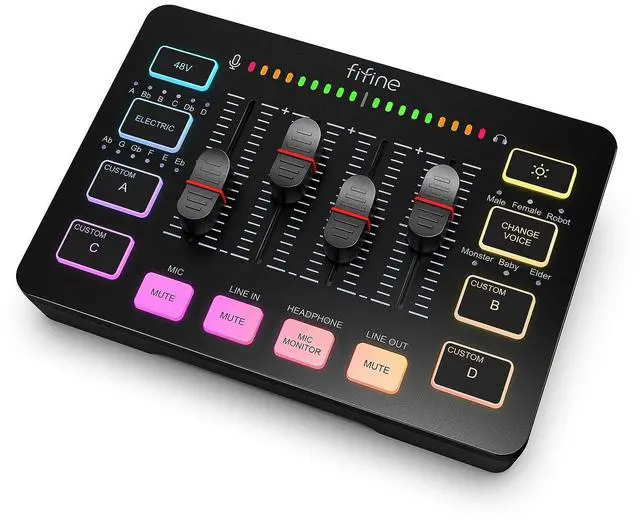
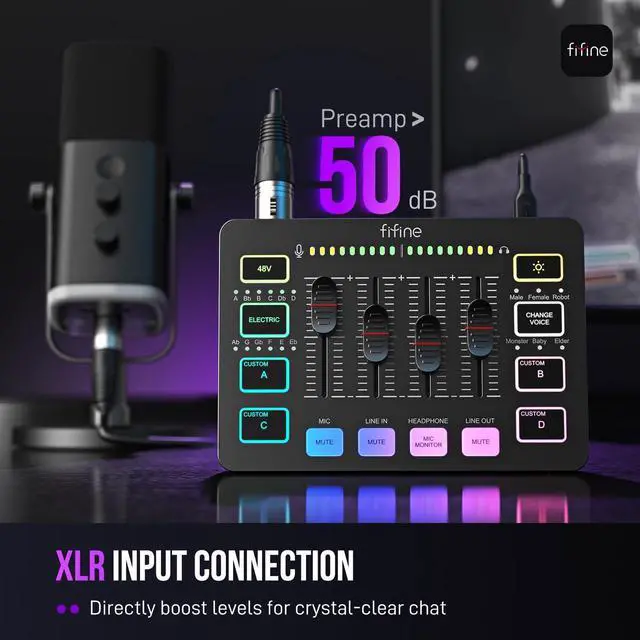
1. [XLR Mic Input] One XLR microphone input interface is set on the gaming audio mixer, which is great to up your audio quality with your XLR setup. The XLR mixer is a stepping stone to upgrade your live
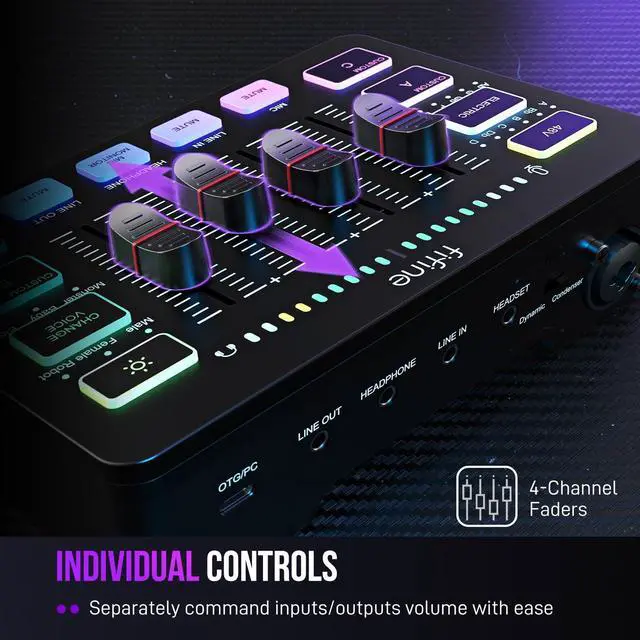
2. [Individual Channel Control] Gaming audio mixer for one mic recording with smooth volume slider fader take your streaming recording to a whole new level with full pleasure. Four independent channels set on the
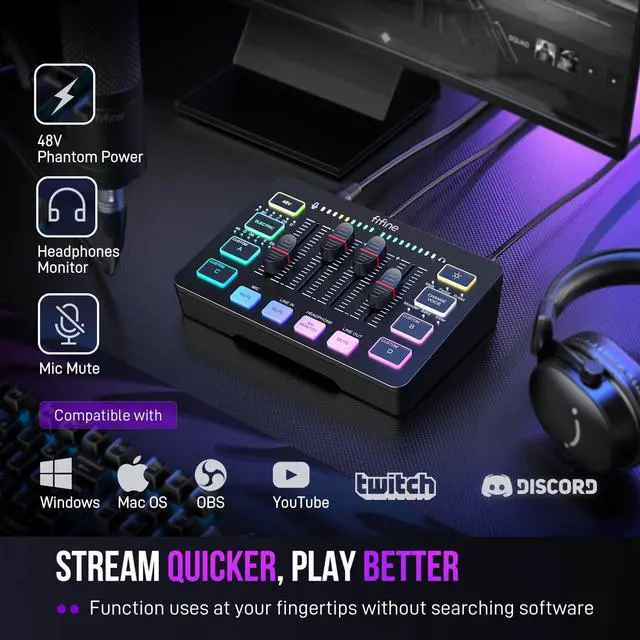
3. [Mute and Monitor] The front mute and monitor buttons but not at the back, make it easier to get the audio interface use. Ability to mute audio, the audio mixer for streaming prevents background noise from
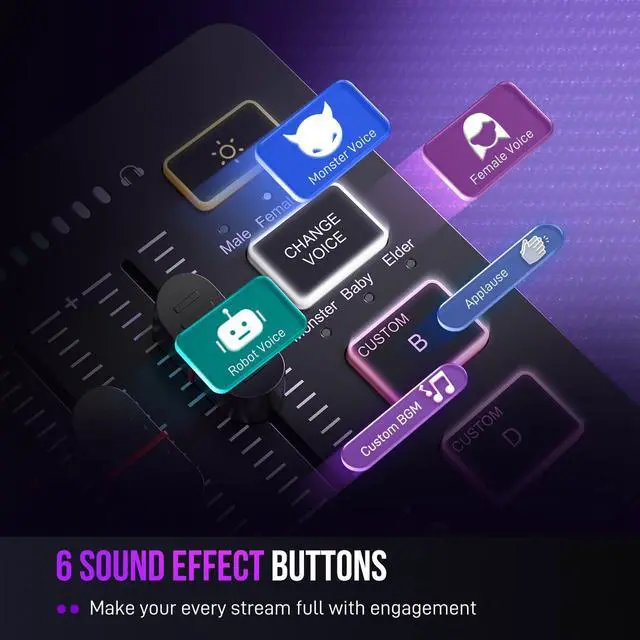
4. [Sound Effects] The computer sound mixer supports four pre-recorded customized button that can be recorded and activated at the press of button to post production. 6 kinds of voice changing modes change your
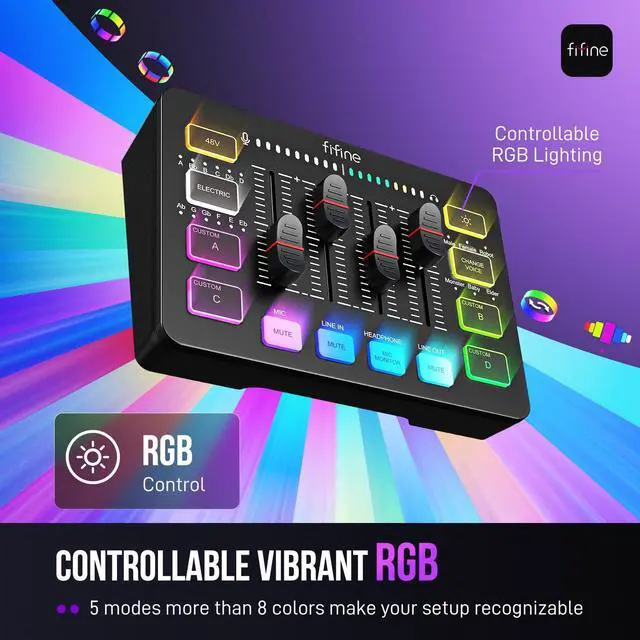
5. [Controllable Vibrant RGB] RGB button on the audio mixer DJ meets different live streaming themes. Lights on the video mixer is vibrant but not harsh on your eyes. Flowing or frozen RGB color rotation in a
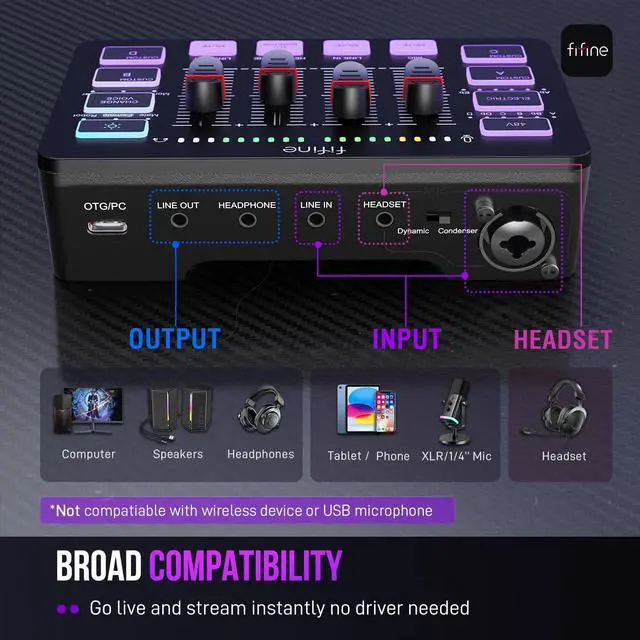
6. [Easy Use for More Scenes] The streamer setup mixer features easy and intuitive audio port to support two PC settings or audio mixing, able to physically balance music, game or audio settings. Plug 'n play
7.
Tips: 1. ) USB-C to USB-A/C cable used to connect mixer and computer via Type-C interface on the mixer. 3.5 mm to 3.5 mm audio cable used to connect mixer and 3.5 mm audio device (like phone or tablet) via LINE IN





 here!
here!