• $99.99
  • Free 30-day Returns
  • Price alert
    Shop it at NeweggBusiness.

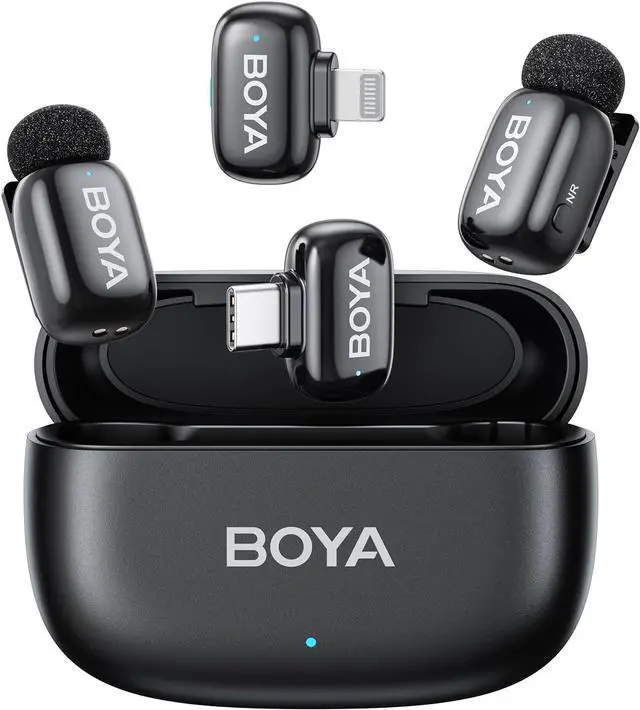
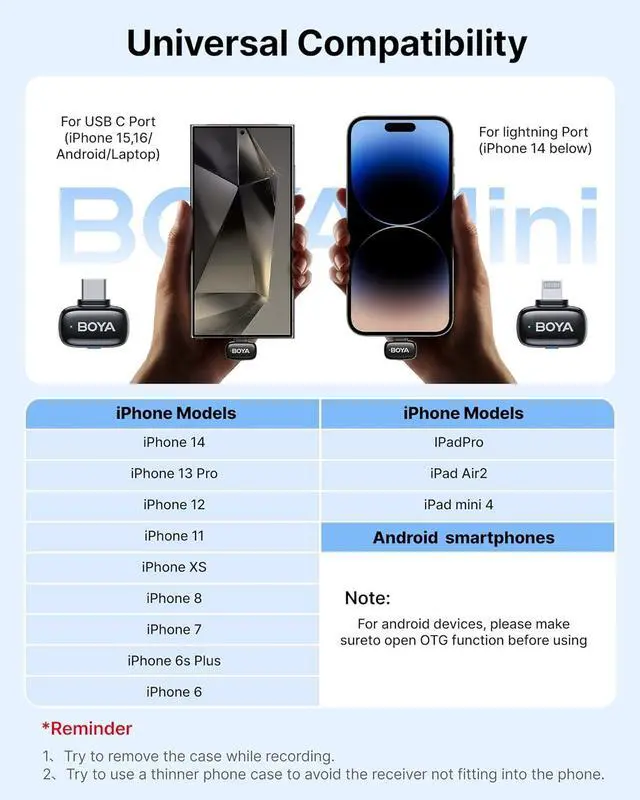
    BOYA mini Wireless Microphone for iPhone/Android/PC/Tablets with USB C/Lightning Plug, MFi Certified, Noise Reduction, AI Voice Changer, 30H Battery Life with Charging Case for Video Recording Podcast

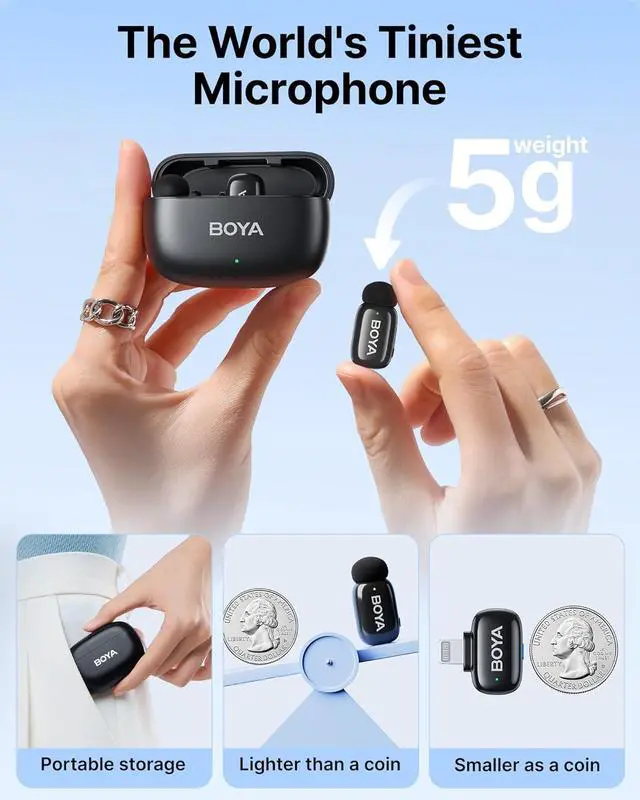
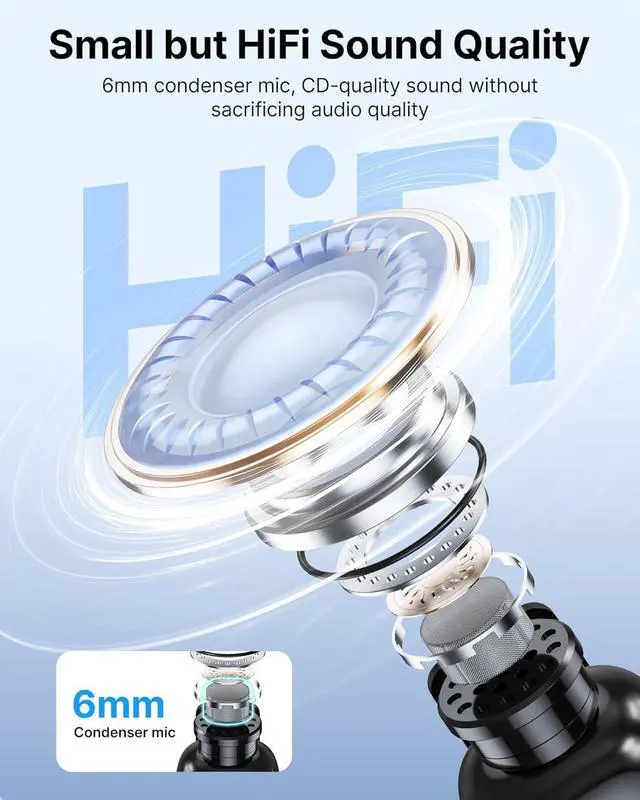
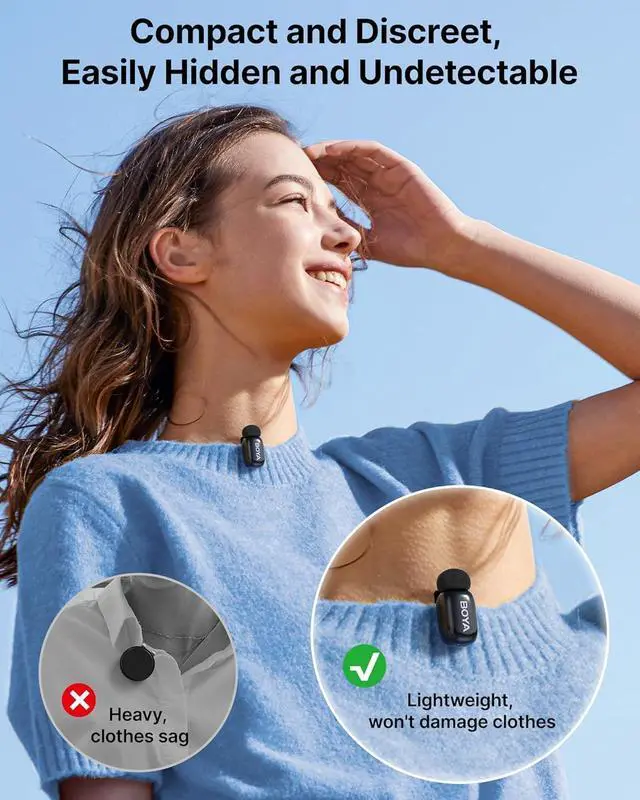
    • MINI BUT POWERFUL: BOYA mini wireless lavalier microphone weighs ONLY 5 grams like a pod making it a good partner on the go. BOYA small lapel microphone is a portable wireless microphone that can be stored in a camera bag, pocket, backpack, small handbag, etc. Lossless CD-quality sound provides a professional recording device.
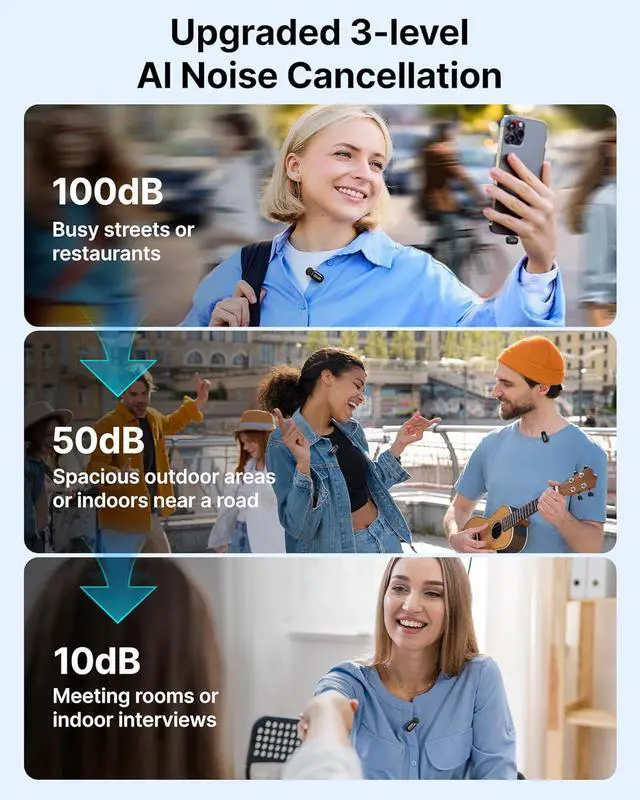
    • Upgraded 3-level AI Noise Cancellation: BOYA mini wireless microphone with a one-click button for adjusting noise reduction levels helps to cut off noise interference. With DSP noise cancellation technology ensures your voice clear in any scenario. The microphone maintains clarity at a maximum sound pressure level of 120dB, making it ideal for recording in high-pitched environments.
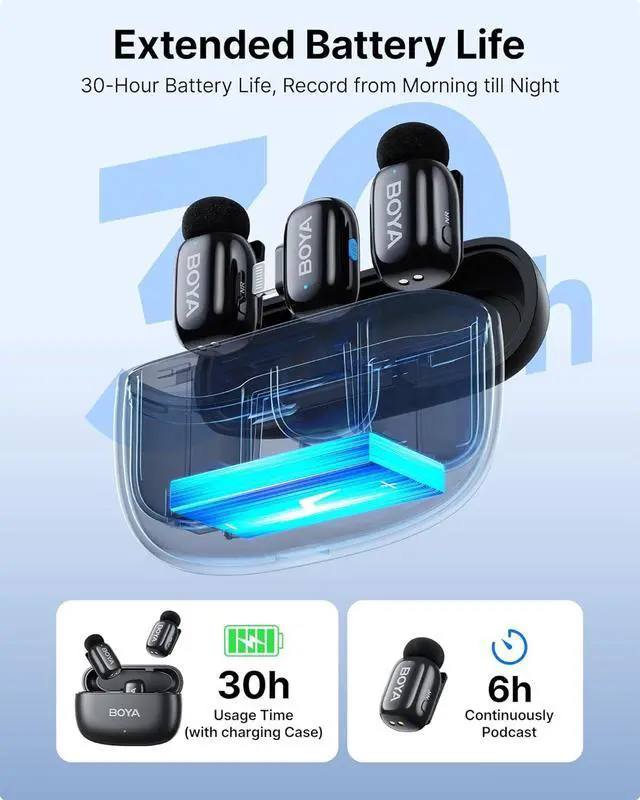
    • 30 Hours Battery Life: The clip on microphone offers up to 6 hours of continuous operation. The compact charging case can recharge the entire set 1.5 times. With the charging case, the total battery life extends to 30 hours, No worry about running out of power by usage.
    • Automatic
    +
    +
    Overview
    Specs
    Reviews
    avatar

    Any questions? Our AI beta will help you find out quickly.

    13-Level Noise Reduction2Small but powerful3Power All Day43 Modes Voice Changer1328ft Transmission2Easy to control3One step connection4Stylish Recording What should I do if the microphone becomes unpaired?
    Plug in the receiver and hold the NR button for 5s until the blue light flashes. While the transmitter is off, hold its power button for 5s until it also flashes blue. When paired successfully, both lights will turn solid blue.
    What should I do if there is no sound from the microphone?
    Check if the product is properly connected and ensure the connector is not loose.
    1 What should I do if the microphone stops recording at short distance?
    What should I do if the microphone becomes unpaired?
    What should I do if there is no sound from the microphone?

    Warranty & Returns

    Warranty, Returns, And Additional Information

    Warranty

    • Please contact the Seller directly for warranty information. Warranty information may also be found on the Manufacturer's website.
    • CONTACT

    Return Policies

    Manufacturer Contact Info

    LOADING...