• $153.99
  • Free 30-day Returns
  • Price alert
    Shop it at NeweggBusiness.

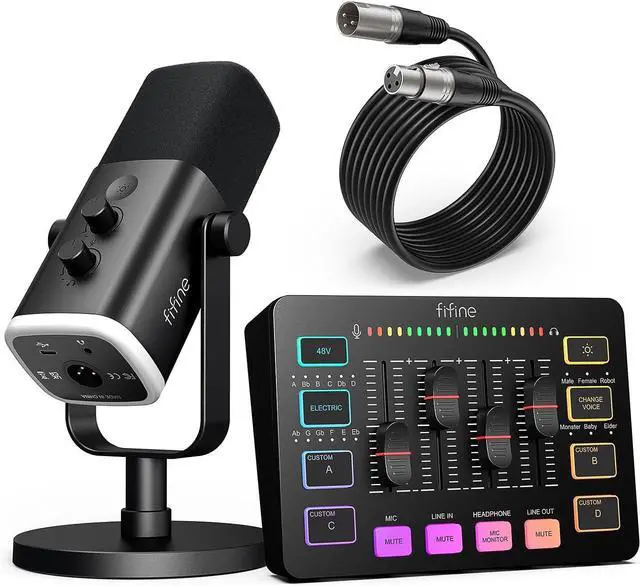
    FIFINE Gaming Equipment Bundle, Dynamic XLR/USB Gaming Microphone Set with Streaming Audio Mixer for Podcast Recording Video Vocal, RGB Gamer Set with Volume Fader/XLR Interface for PC-AmpliGame KS5

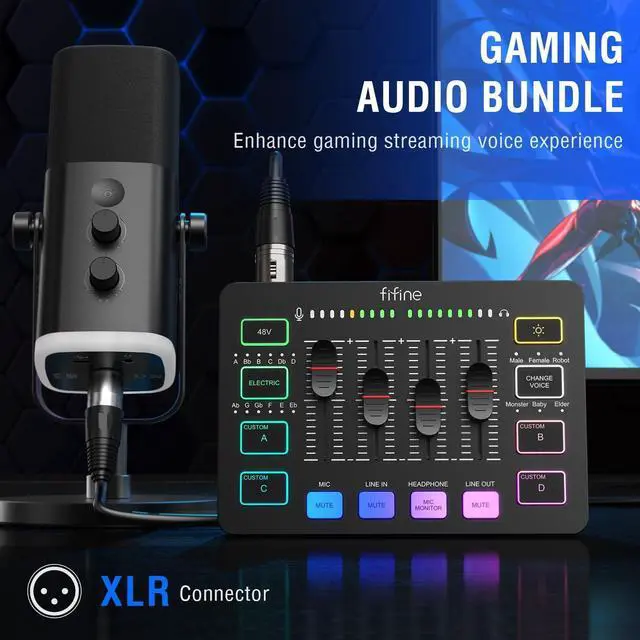
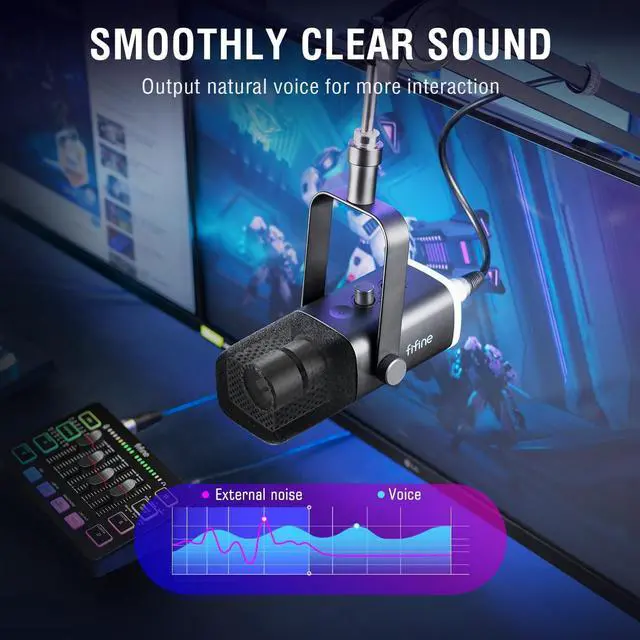
    • [Complete Gaming Duty] Using the gaming equipment bundle with XLR dynamic microphone and gaming audio mixer together enhances your gaming voice experience. The stability of the XLR streaming microphone allows you to output natural conversations interaction. Intuitive function keys on the PC audio mixer give you a quick way to to control audio. The gaming equipment bundle can not only improve the quality of audio, but also bring a more experiential game streaming process.
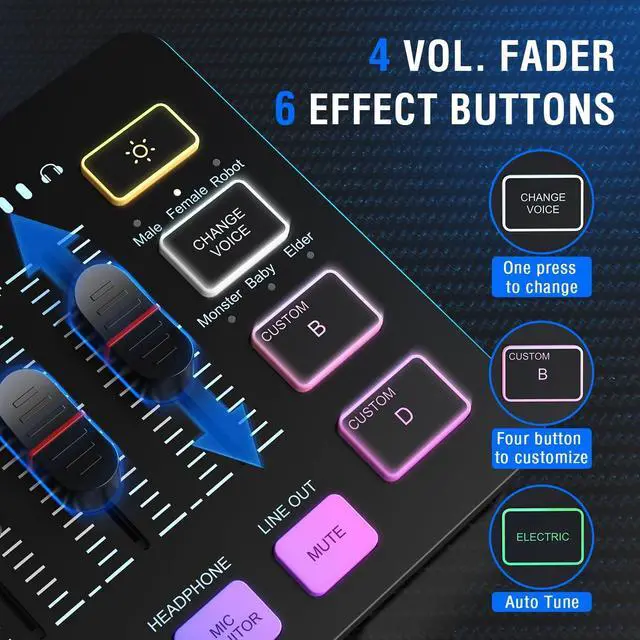
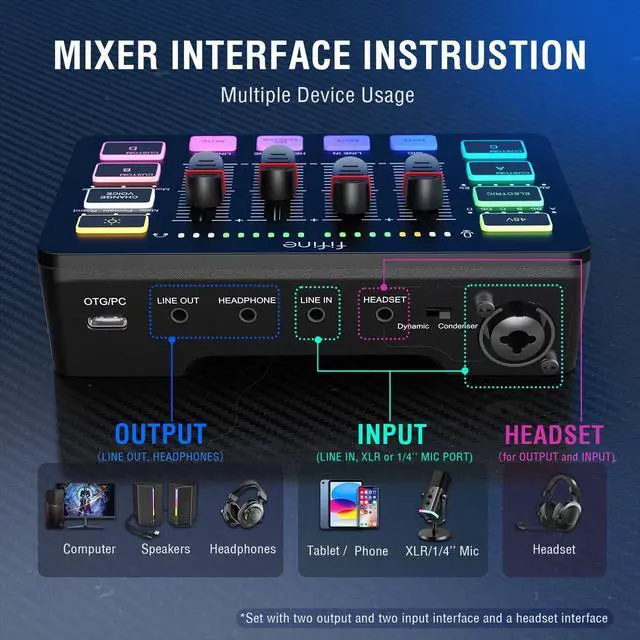
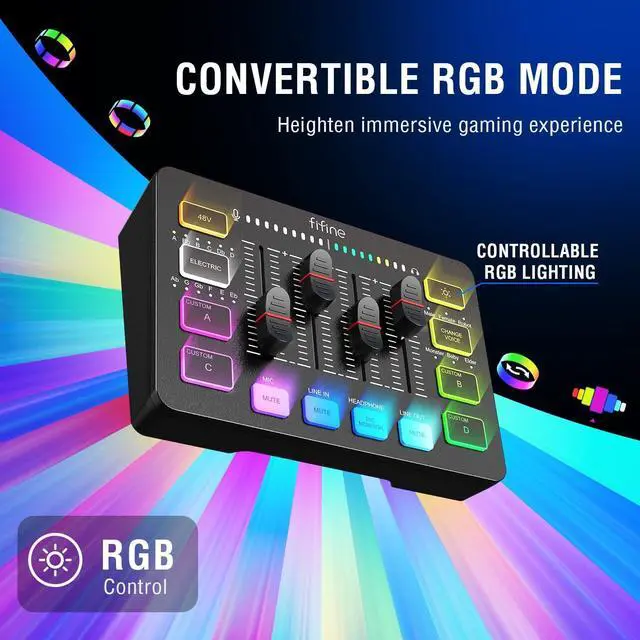
    • [Gaming Audio Mixer] Podcast equipment bundle gaming mixer with individual mute control, headphones monitoring and volume fader achieve audio control for a certain output and input channel. You can achieve a faster experience with fewer steps. Multiple entertainment modes allow you to create more fun when team work or streaming. RGB lights on the gaming audio mixer sound effects machine enhance visual atmosphere, further matching the theme aura of gaming streaming.
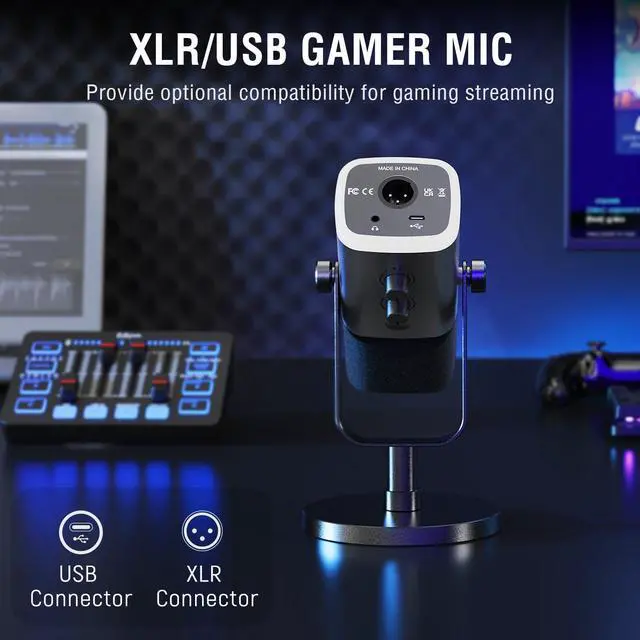
    • [XLR/USB Gaming Mic] Connect the XLR dynamic microp
    +
    +
    Overview
    Specs
    Reviews
    avatar

    Any questions? Our AI beta will help you find out quickly.

    Does the mixer work with wireless headphones?
    No. It is suggested to use 3.5mm wired headphones with an impedance of 32 or 64 ohms, like Fifine H8 (ASIN: B0B6BPVS3Z). Please note that the MIC MONITOR button should be turned on, and the HEADPHONE channel volume not to zero during monitoring.
    How can I monitor my voice when recording on a computer?
    Please set the mixer as the default input and output device on the computer. Then turn on the MIC MONITOR button and adjust the Mic slider to monitor the mic audio through headphones or speakers. (MIC MONITOR button in white means it is on)
    Are the RGB and mute button of the microphone available when using it with the mixer?
    No. All the function keys of the mic including the RGB key and mute button, are not available when it is connected to a mixer via XLR only.
    You can control the mic on mixer or audio interface when connected via XLR.
    How do I use the Custom buttons?
    The Custom buttons have functions for recording and playback. You can long press and hold the button for recording, then short press the button to play back the recorded audio. The Custom buttons cannot be set to other functions by any programs.
    Is this gaming bundle compatible with Xbox?
    No, we do not recommend use this bundle with Xbox.
    Does the mixer work with wireless headphones?
    How can I monitor my voice when recording on a computer?
    Are the RGB and mute button of the microphone available when using it with the mixer?
    How do I use the Custom buttons?
    Is this gaming bundle compatible with Xbox?

    Warranty & Returns

    Warranty, Returns, And Additional Information

    Warranty

    • Please contact the Seller directly for warranty information. Warranty information may also be found on the Manufacturer's website.
    • CONTACT

    Return Policies

    Manufacturer Contact Info

    LOADING...